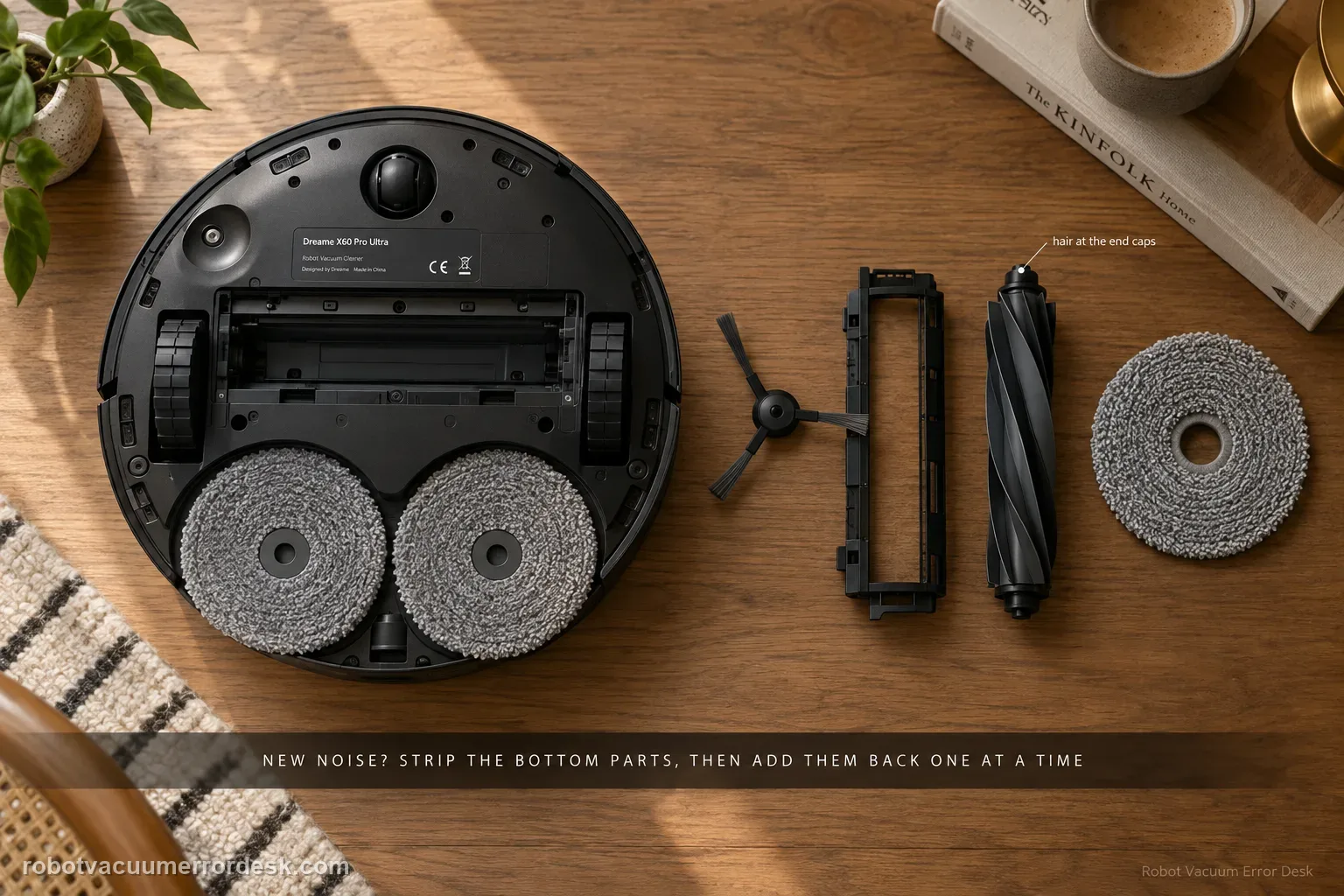
Treat a new X60 noise as an isolation problem, not a reason to replace the main brush immediately. Dreame’s exact-model procedure starts by removing the user-serviceable bottom components — side brush, roller-brush cover, roller brush and/or mop pad — and running a very short safe test. If the sound changes, reinstall one component at a time. A deformed side brush, hair around roller end caps, debris in the roller groove or a brush cover that is not secured on both sides can all create noise. If the sound remains with those parts removed, move to the drive wheels, caster and filter state. Dreame also notes that soft crawling mats can produce contact noise because the robot sinks slightly and the lowered roller reaches deeper. The useful endpoint is a repeatable source, not a long sequence of resets.
Confirm the exact model and exact code, light pattern or symptom.
Run the lowest-risk physical or software check first.
Use each pass condition to decide what the result actually narrows down.
Does this match your problem?
- The X60 develops a new grinding, rubbing, rattling or cyclic knocking sound during floor cleaning.
- The sound changes after the side brush, main brush, brush cover or mop pads are fitted or removed.
- Noise is strongest on a soft crawling mat or another compressible surface but is less obvious on hard floor.
- A noise remains even after the brush assembly is removed, suggesting the wheels, caster or airflow path need to be separated from the brush path.
Most likely causes
A deformed side brush is striking the chassis or floor as it rotates.
Hair or thread is wrapped around the roller end caps and loads the brush unevenly.
A small foreign object is trapped in the roller groove or under the brush cover.
One side of the roller-brush cover is not fully secured after maintenance.
A soft crawling mat lets the robot sink enough for normal deep roller contact to sound louder than it does on hard floor.
The drive wheel or caster is dirty or not returning/rotating smoothly after the removable brush parts have been ruled out.
A washed dust-box filter is still damp, changing airflow sound and making a brush diagnosis misleading.
What your test result means
| What you observe | What it narrows down | Next move |
|---|---|---|
| Noise disappears with all removable bottom parts out | The source is likely one of the user-serviceable brush/mop components. | Reinstall one component at a time and stop when the sound returns. |
| Noise returns as soon as the side brush is fitted | Side-brush shape/contact is the leading cause. | Inspect for deformation and replace a damaged brush rather than opening its motor. |
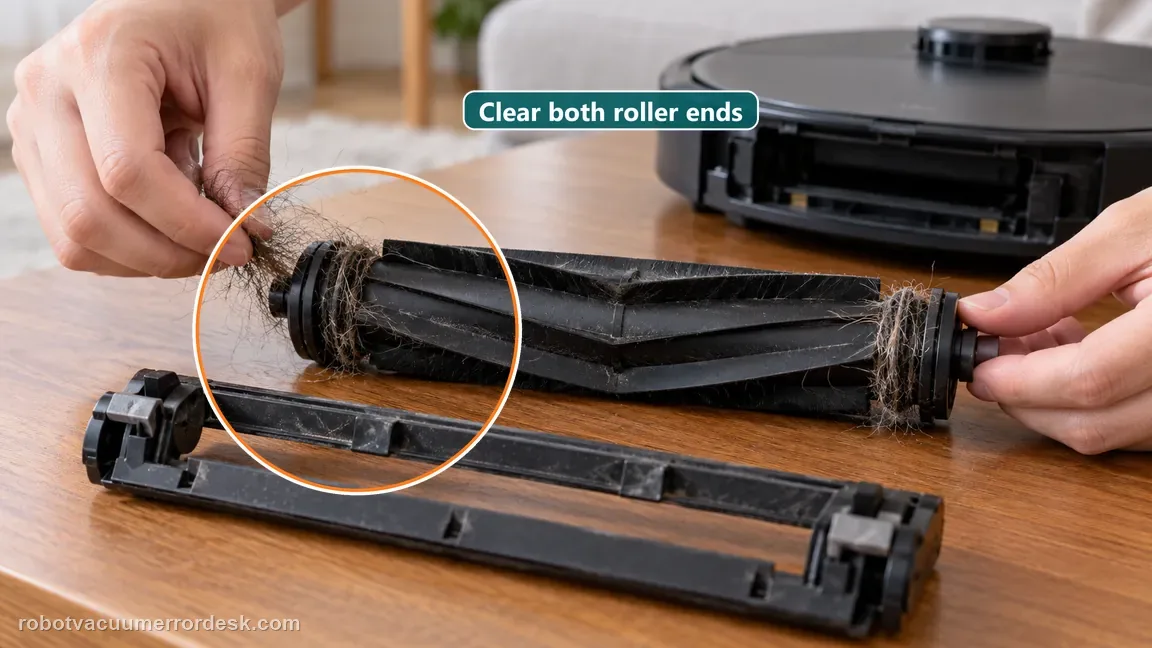
| Noise returns with the main roller/cover fitted | Roller end-cap tangle, groove debris or cover seating is most likely. | Clean both roller ends/groove and secure both cover sides before one retest. |
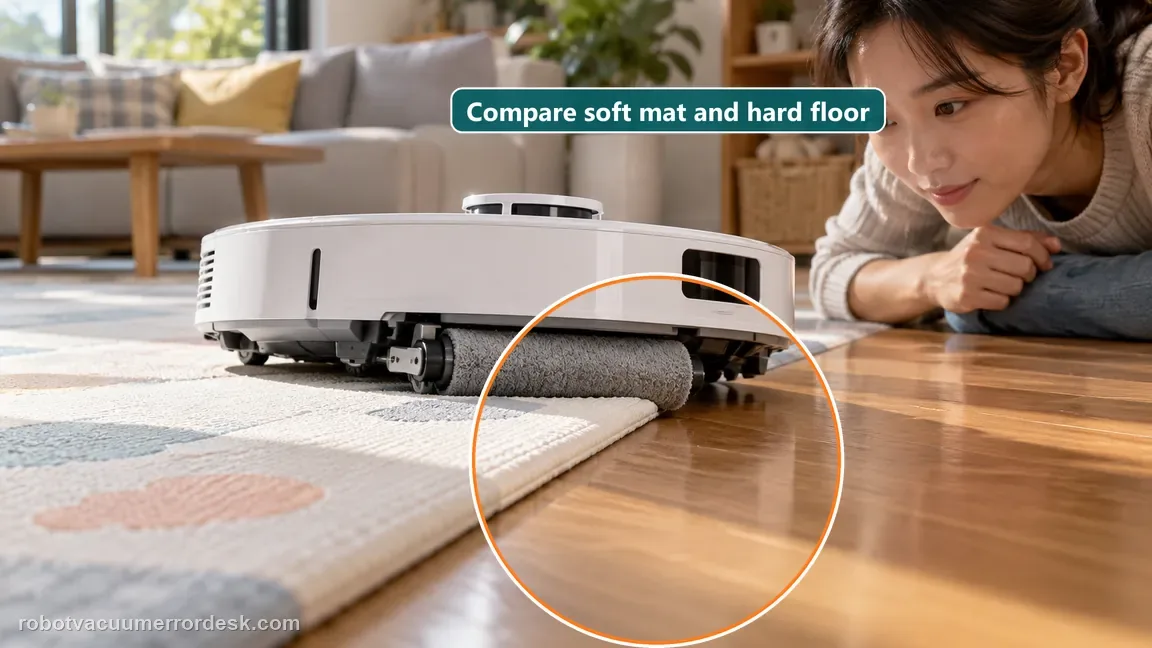
| Sound occurs only on a soft crawling mat | Dreame documents deeper roller contact on compressible mats as a possible normal sound. | Compare hard floor before treating it as hardware failure. |
| Sharp noise persists with brushes isolated and wheels/caster/filter checked | The owner-serviceable branches are exhausted. | Stop repeated tests and send Dreame the matched baseline/isolation video. |
Do not factory-reset by default. Use the exact model’s reboot/network-reset procedure only when the manufacturer path calls for it.
Run these checks in order
Record the floor, mode and exact rhythm before removing parts
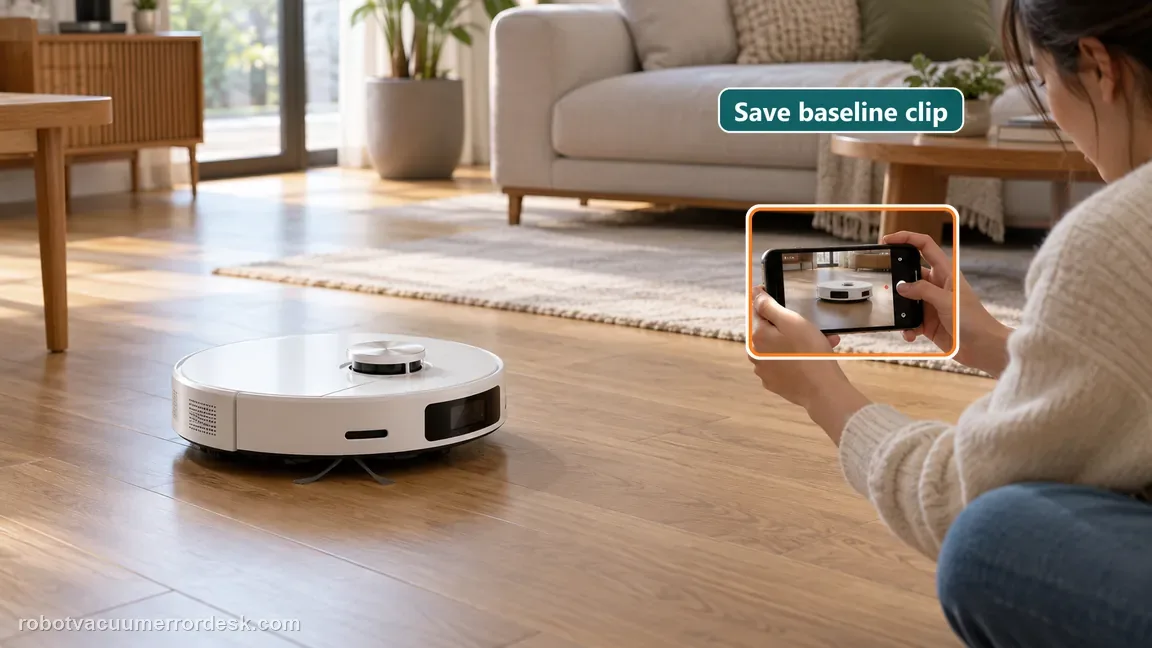
Run the robot only long enough to identify when the sound starts. Note the floor type, cleaning mode and whether the noise follows wheel speed, brush speed or a particular turn. A short phone video from the side and underside area is useful because the sound may disappear after you remove a tangled strand. Do not start by lubricating the brush or opening the drive. Dreame’s published path is based on isolating user-removable components first, so preserve a baseline that you can compare with each reinstallation step.
Remove the user-serviceable bottom components for one short isolation test
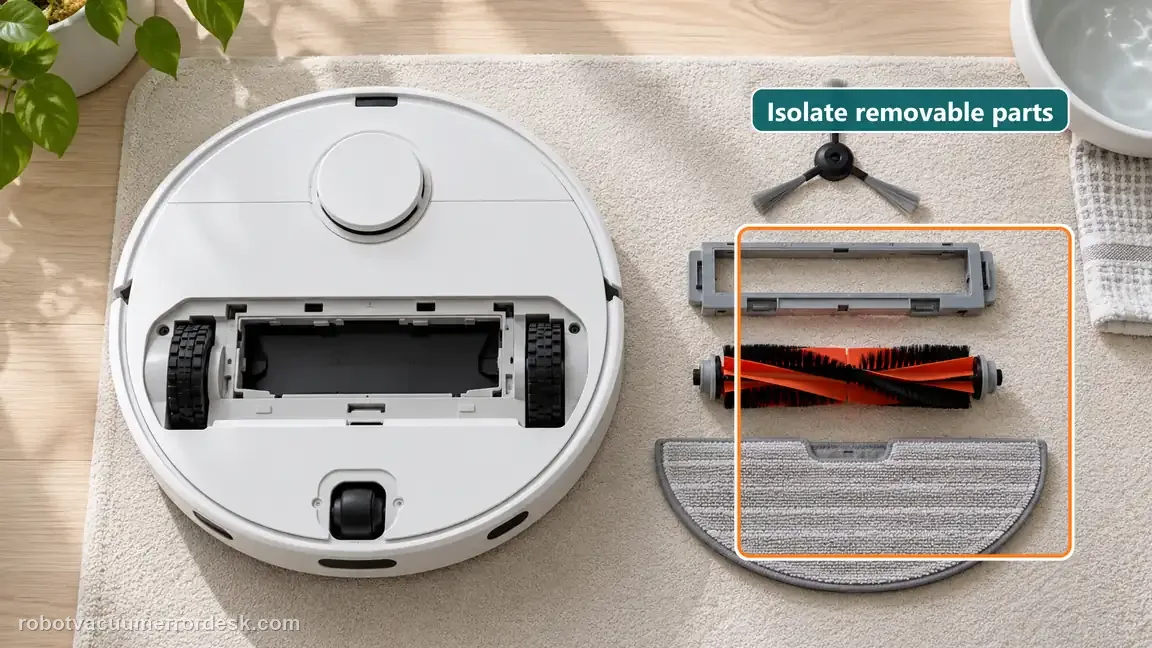
Power the robot down before removing the side brush, roller-brush cover and roller brush; remove the mop pad if it is part of the contact area being tested. Then use only the brief, safe observation Dreame calls for. The purpose is not to clean the house without its normal parts. It is to learn whether the abnormal sound disappears when the removable brush/mop hardware is absent. Stop immediately if the robot behaves unexpectedly on the test surface.
Reinstall the side brush first and inspect its shape
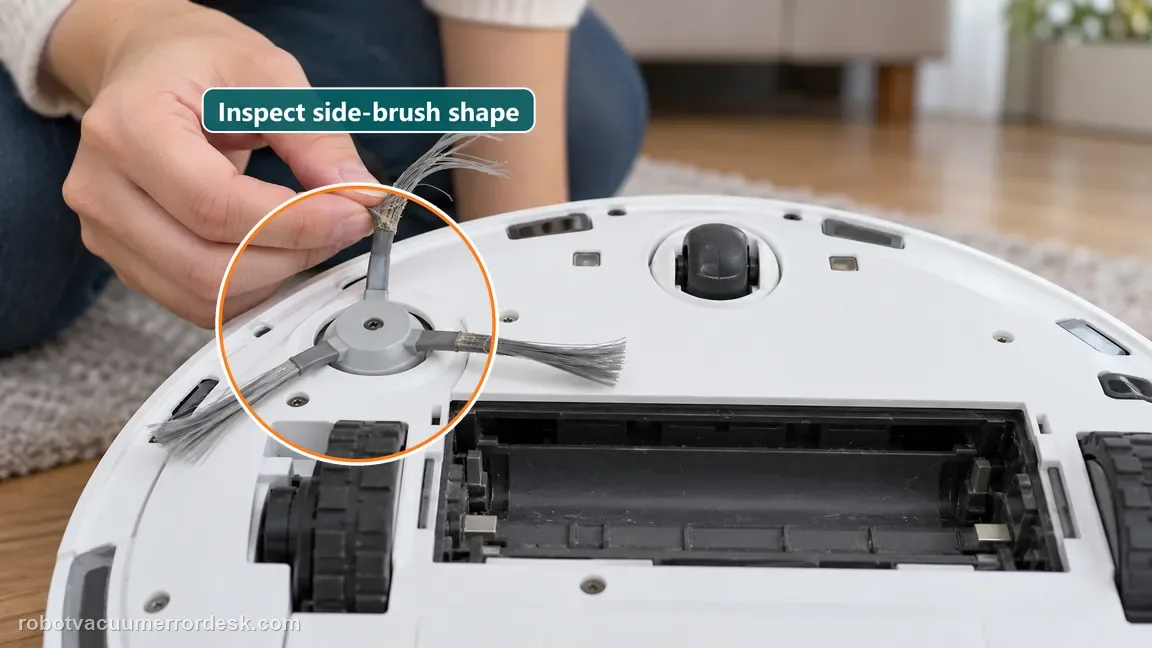
If the stripped-down test is quieter, reinstall only the side brush first. Dreame specifically tells owners to check whether a side brush is deformed when abnormal noise returns at this stage. Look for a bent hub, badly curled bristles or tips that sweep the body instead of the floor. A brush that is visibly deformed should be handled as a brush-condition problem rather than by repeatedly restarting the robot. Keep the main roller out until the side-brush result is clear.
Inspect the main roller end caps, groove and cover seating
Reinstall the roller assembly only after the side brush branch is understood. Remove hair from both accessible roller ends/end caps and check the groove for grit or a hard fragment. When the roller-brush cover goes back on, confirm both sides are properly secured; an uneven cover can rub even if the roller itself is clean. Rotate the removable roller by hand while the robot is off to make sure there is no obvious jam before you run the next short test.
Separate soft-mat contact noise from a fault
If the sound happens mainly on a soft crawling mat, compare the same robot configuration on nearby hard floor. Dreame explains that a soft mat can compress under the robot and the roller can descend farther, making contact noise that is considered normal for that specific surface interaction. Do not use this explanation for grinding on hard floor or for a new sound that occurs everywhere. The comparison should change only the surface, not several app settings at once.
If noise persists without the brush parts, check wheels, caster and filter
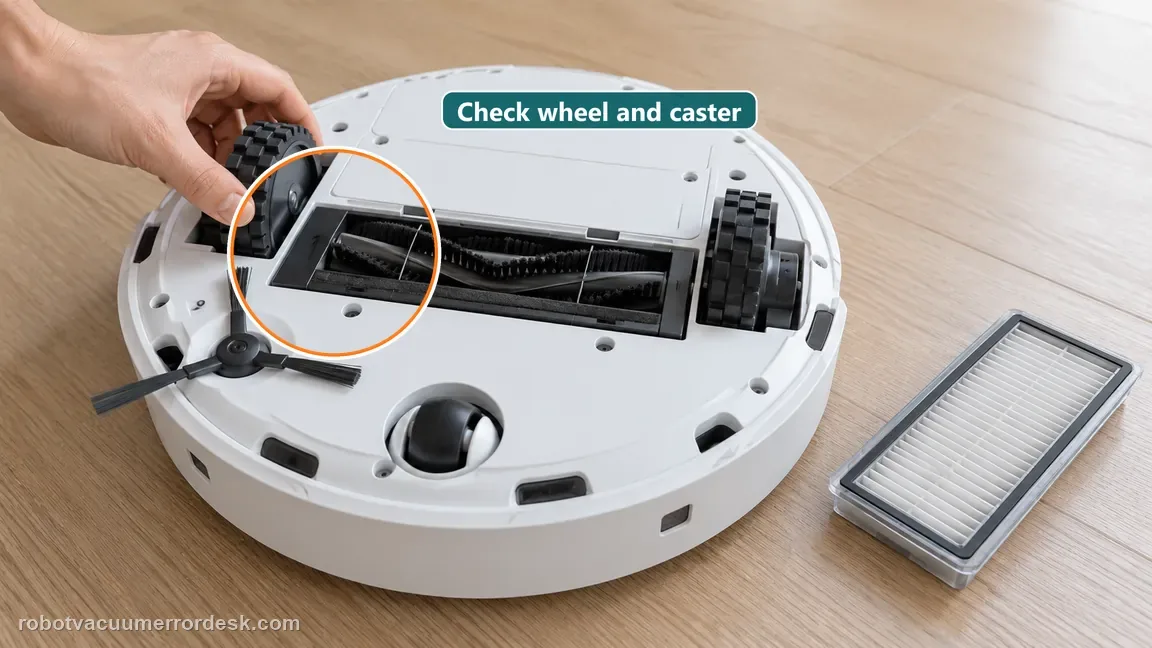
Power the robot off. Press and release the drive wheels as Dreame describes, checking that they rotate and spring back normally, and spin the caster to confirm it moves freely. Clean accessible debris without opening the drive module. Also check the dust-box filter: if it has been washed, it must be completely dry before use. A damp filter can change airflow sound, so using it during a noise test can send the diagnosis toward the wrong component.
Run one final matched retest and escalate only the unresolved branch
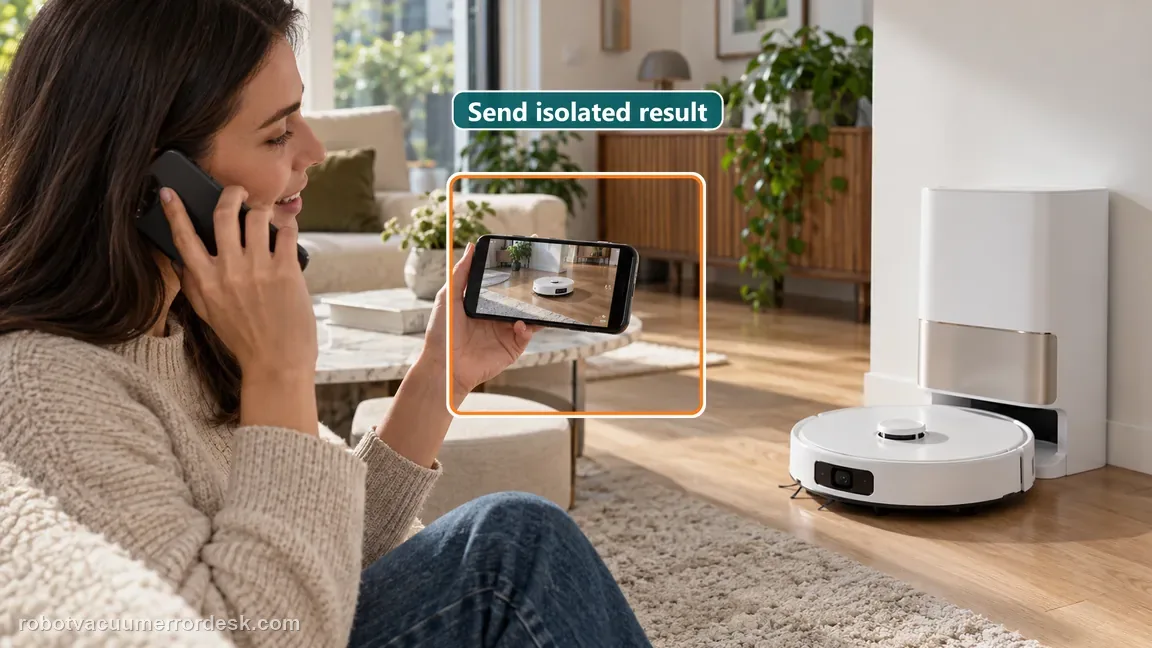
Reassemble the robot correctly and repeat the original floor/mode from the baseline clip. If the sound is gone, the isolation sequence has identified and corrected a user-serviceable cause. If the same sharp or abnormal noise remains after clean, correctly seated removable parts, free-moving wheels/caster and a dry filter, stop cycling parts. Send Dreame the before/after video and state which stripped-down configuration still produced the noise. That evidence is more useful than saying only that the main brush is loud.
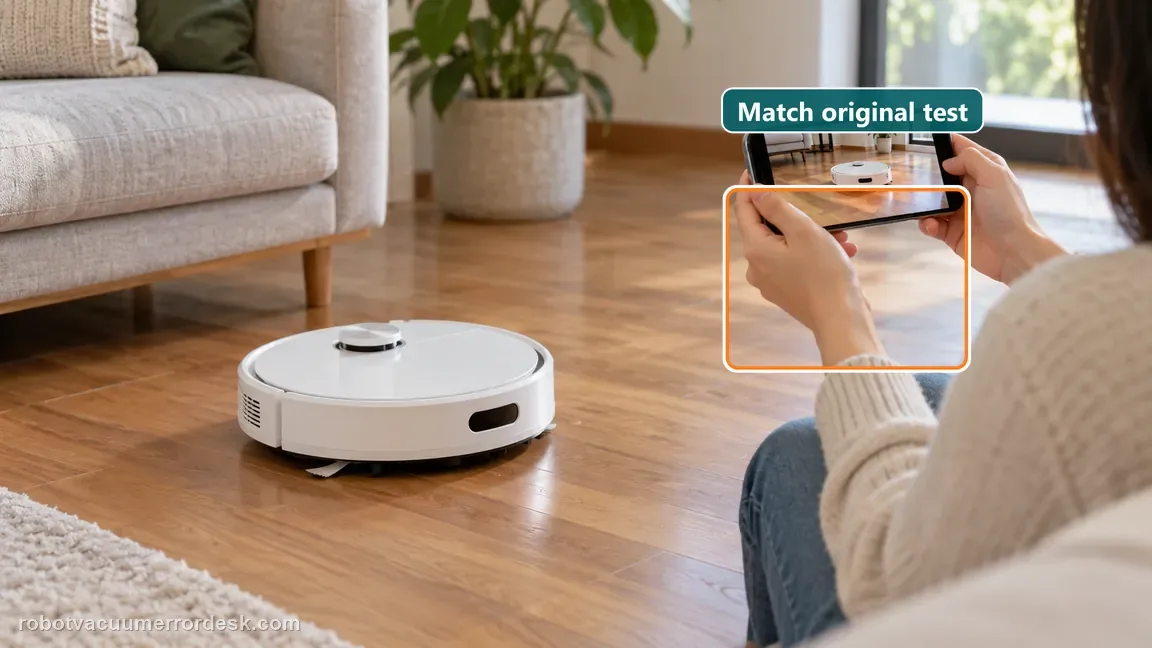
If the abnormal sound persists after the removable parts, wheels and filter are isolated, contact Dreame with a short video showing the exact mode and floor type. Avoid opening the drive or fan modules as a first step.
What to collect before contacting support
Give support a reproducible case instead of “it doesn’t work.” That reduces repeated basic troubleshooting and preserves the clues from your tests.
- Exact model name and the error code / voice prompt exactly as shown
- A photo or screenshot of the app error and the time it occurred
- A short list of the checks already completed and what happened after each one
- Short video showing the failed docking, mapping or base-station behavior
- Firmware version shown in Dreamehome
Manufacturer evidence
Dreame X60 Pro Ultra — Unusual Noise from Main Brush
Dreame’s exact X60 support article uses a component-isolation sequence: remove the bottom brush/mop parts, reinstall the side brush and roller assembly separately, then check drive wheels, caster and a washed filter if the sound persists. It also identifies soft crawling-mat contact as a possible normal noise. The companion maintenance guide supports the owner-serviceable component boundaries used here.
Additional official source: Dreame X60 Pro Ultra Complete — Robot and Base Parts Maintenance ↗Last editorial review: September 5, 2026Regional note: manufacturer help centers, model suffixes, mains-power requirements and warranty procedures can differ by country. If the source redirects to a local support site, confirm that the model/hardware scope still matches before following a region-sensitive step.
This guide is rated Official model support. See what each evidence label means →
FAQ
Why is my Dreame X60 main brush suddenly making a grinding noise?
Start by isolating the removable bottom parts instead of assuming the roller motor failed. Dreame’s X60 procedure removes the side brush, roller cover, roller brush and/or mop pad for a short test, then reinstalls them one at a time. Hair at the roller ends, groove debris, a deformed side brush or an unevenly secured cover can all reproduce a grinding or rubbing sound.
Can a soft mat make the X60 roller sound louder even when nothing is broken?
Yes. Dreame says soft crawling mats can compress under the robot, allowing the roller brush to descend farther and contact the mat more strongly. That surface-specific noise can be normal. Confirm it by comparing the same robot setup on hard floor. A sharp noise that continues on hard floor should not be dismissed as normal mat contact.
What should I check on the X60 roller before replacing the main brush?
Check both accessible roller end caps for wrapped hair, inspect the roller groove for a hard fragment and make sure both sides of the roller-brush cover are properly secured. Then rotate the removable roller by hand while the robot is powered off. If those checks pass, use a short reinstallation test to prove whether the roller assembly actually brings the noise back.
Why does Dreame include the wheels and caster in a main-brush noise guide?
Because a sound heard from the underside can be mislocalized. If the noise remains after the user-removable brush parts are taken out, Dreame moves the diagnosis to drive-wheel movement, caster rotation and filter state. That sequence prevents unnecessary brush replacement when the real sound comes from a wheel/caster or from changed airflow through a damp filter.
What should I send Dreame support if the X60 still makes abnormal noise?
Send a short baseline video with the floor and cleaning mode, then state whether the noise persisted when the removable brush/mop parts were isolated. Add photos of the cleaned roller ends and correctly seated cover, and note whether the wheels/caster moved freely and the filter was dry. A reproducible isolation result is more useful than repeated restarts or an unlabeled sound clip.
Did this diagnostic narrow the fault?
Use this as an editorial signal, not a popularity counter. If a feedback address is configured you can email the note; otherwise you can copy it for your own support record.