Dreame X60 Pro Ultra Complete troubleshooting
Current X60 diagnostics for mop installation, brush noise, low-clearance navigation, thresholds, stains, water behavior and extension arms. We route by the exact error or symptom rather than assuming a generic robot-vacuum fix applies.
For model-specific controls, maintenance and published issue guidance, start with Dreame's X60 support collection and the exact-model user manual. Individual diagnostics below link to the source used for that issue.
Dreame X60 Pro Ultra Complete support →
X60 Pro Ultra Complete user manual →
Dreame’s X60 cleaning guidance explicitly includes automatic firmware updating for some mopping behavior, but this site does not hard-code a current version without a release-note source.
Dreame X60 Pro Ultra Complete issue index
9 guides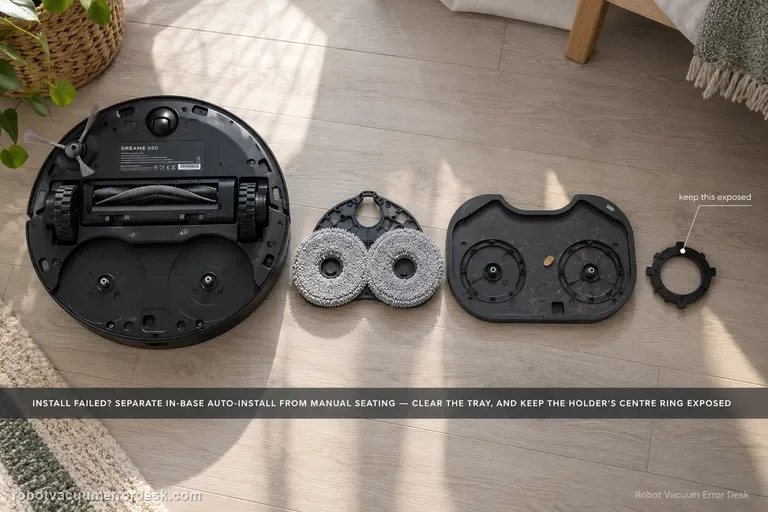
Mop installation failed
First classify where the error occurs. Dreame’s exact X60 article separates an in-base automatic installation failure from an outside-base case where the mop pad holder must be installed manually. A second X60 support article adds two high-value checks: foreign objects on the cleaning tray and whether the mop is fitted so the holder’s central ring remains fully exposed. If a clean, correctly fitted holder still fails after one restart/reinstall, document whether the same side fails and escalate instead of repeatedly cycling the installation mechanism.
Unusual main-brush noise
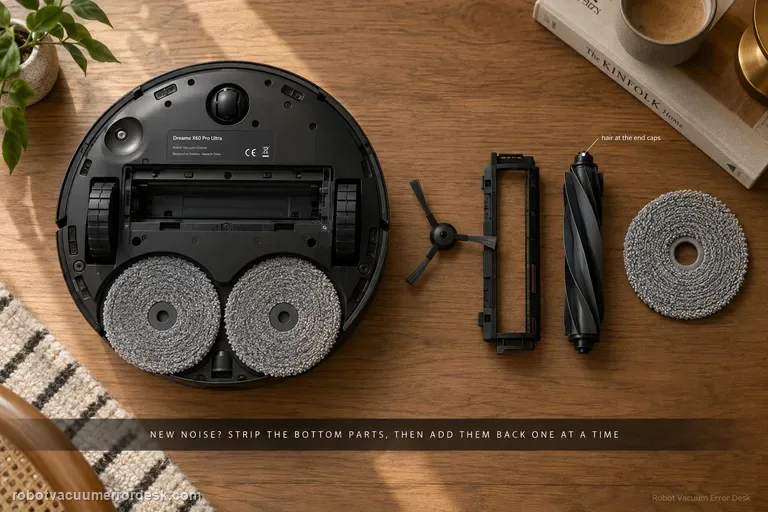
Treat a new X60 noise as an isolation problem, not a reason to replace the main brush immediately. Dreame’s exact-model procedure starts by removing the user-serviceable bottom components — side brush, roller-brush cover, roller brush and/or mop pad — and running a very short safe test. If the sound changes, reinstall one component at a time. A deformed side brush, hair around roller end caps, debris in the roller groove or a brush cover that is not secured on both sides can all create noise. If the sound remains with those parts removed, move to the drive wheels, caster and filter state. Dreame also notes that soft crawling mats can produce contact noise because the robot sinks slightly and the lowered roller reaches deeper. The useful endpoint is a repeatable source, not a long sequence of resets.
Cannot cross threshold
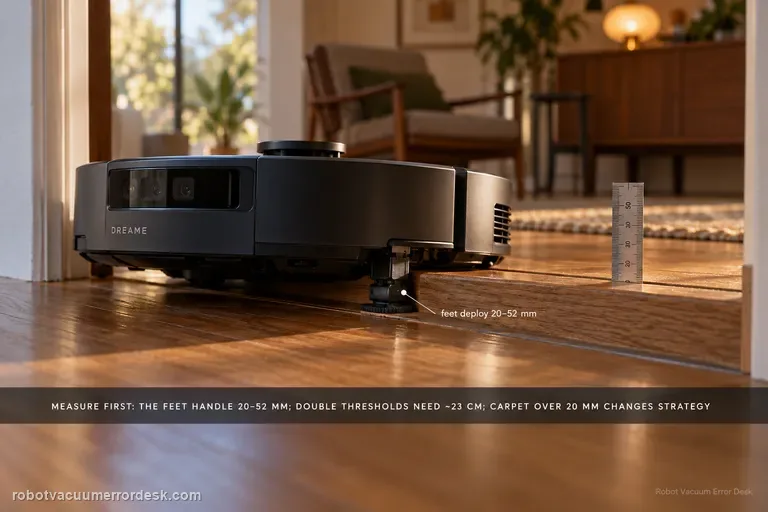
Measure the obstacle before calling the X60’s behavior a navigation fault. Dreame’s current X60 support page distinguishes obstacle height, double-layer width/geometry, dark surfaces, mechanical-foot behavior, chassis lifting and carpet strategy. The robot’s mechanical feet are used when a threshold is greater than 20 mm but less than 52 mm; if those feet do not reset in time, a tangling warning can appear. Double-layer obstacles add a width constraint of about 23 cm, and carpets thicker than 20 mm use a different chassis-lift strategy. Treat 52 mm as a conditional capability boundary, not a promise that every 52 mm doorway will be crossed regardless of shape, approach or surface.
Cannot enter low furniture
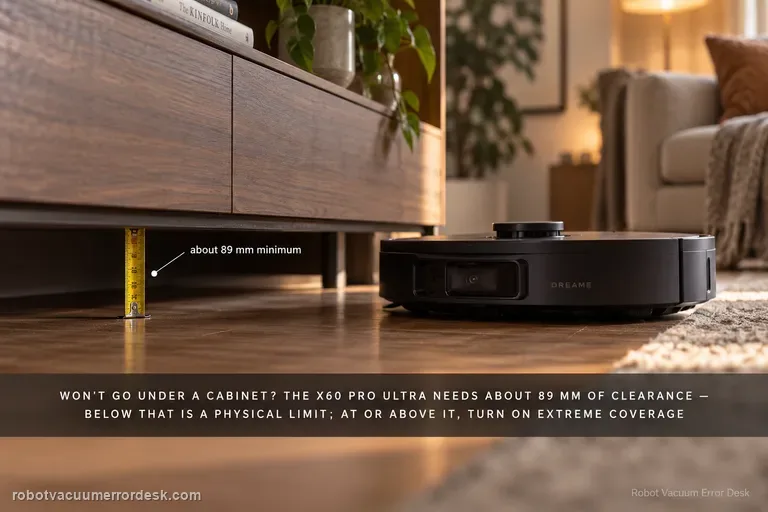
Measure before changing settings. Dreame states that the X60 Pro Ultra Complete needs approximately 89 mm of furniture clearance; an opening below that is a physical limit, not a mapping fault. If the lowest usable opening is at or above that figure, check Settings → Ground Cleaning Settings → Extreme Coverage and, where useful, mark a Low-Height Area in map editing. Because Extreme Coverage lowers the robot’s profile, Dreame also warns you to inspect the floor and underside of furniture for protrusions such as loose nails or hidden cable channels before enabling the behavior.
Stain detection wrong
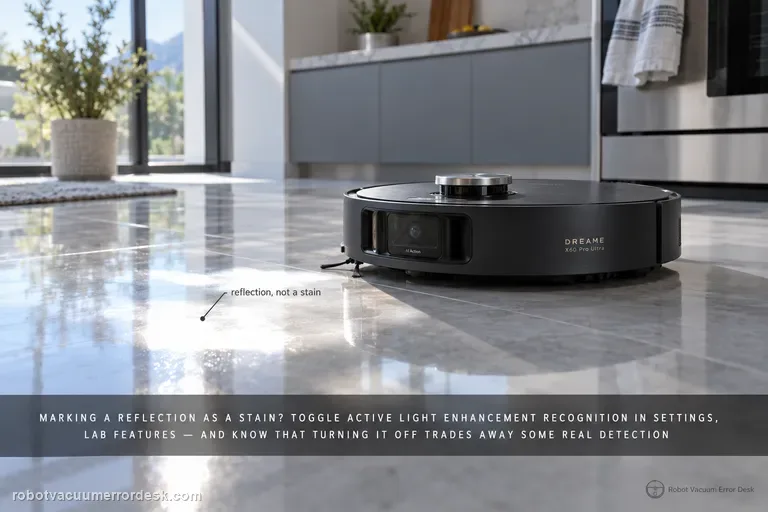
First name the recognition error: reflection marked as a stain, dense pet hair not recognized, pet hair avoided instead of cleaned, blue active-light annoyance, a supported stain still missed, or a repeatable false positive. Dreame gives a different X60 action for each. Reflection false positives point to Active Light Enhancement Recognition in Settings → Lab Features. Dense pet-hair clumps need both Large Particle Boost and Active Light Enhancement Recognition; sparse low-profile hair may simply be handled by normal suction. You can disable the blue active light, but Dreame warns that stain-recognition ability will decrease. If a supported target is still missed or misidentified, update firmware, verify Stain Recognition/Large Particle Boost and use Report an Error with a controlled example rather than changing unrelated navigation settings.
Water stains or dripping
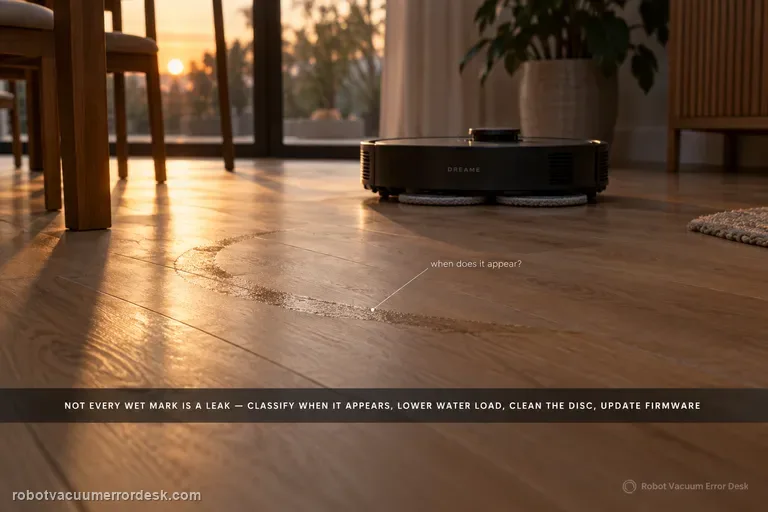
Not every wet mark under an X60 is a leak. Dreame distinguishes ordinary post-mop moisture, a few initial-use droplets left from factory water-circuit testing, and small droplets created when the robot rehydrates or spins the mop from persistent/excessive dripping that should go to service. Classify when the water appears, lower avoidable water load, clean the disc, update firmware, and use Dreame's 1–2-use observation window only for minor early-use droplets.
Extension arm stuck
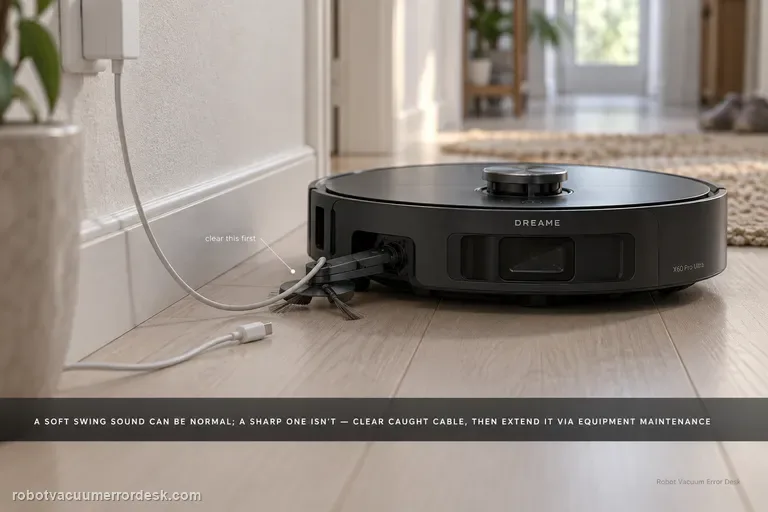
First decide whether the X60 arm is actually stuck. Dreame says a slight outward-swinging sound from the dual motors/gearboxes can be normal; a sharp abnormal sound is not. If a wire or rag is caught, stop the robot, clear loose floor hazards, then use Settings → Auxiliary Functions → Equipment Maintenance to extend the module far enough to remove the obstruction safely. If the arm remains extended after the obstruction is gone, Dreame provides App Settings → More Functions → Device Maintenance → Reset Mop → Retract. Do not force the linkage by hand when the app can command the mechanism.
Missed cleaning areas
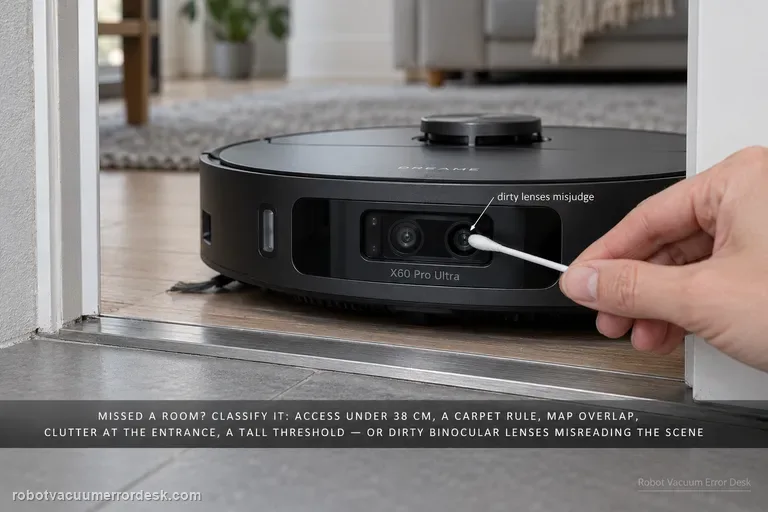
When the X60 misses a room or patch, do not delete the map first. Dreame’s X60 cleaning-function support page lists several distinct causes: access narrower than about 38 cm, carpet-avoidance rules, map overlap/positioning error, objects at entrances, thresholds beyond what the robot can cross, obstacle-avoidance behavior that leaves small margins, and dirty binocular lenses that can misjudge the scene. The fastest diagnosis is to classify the miss as physical access, intentional software avoidance, bad map position or perception. Preserve the map, measure the doorway, inspect carpet/threshold rules, clear only the entrance, clean the binocular lens, then run one targeted retest.
Cooling fan loud while charging
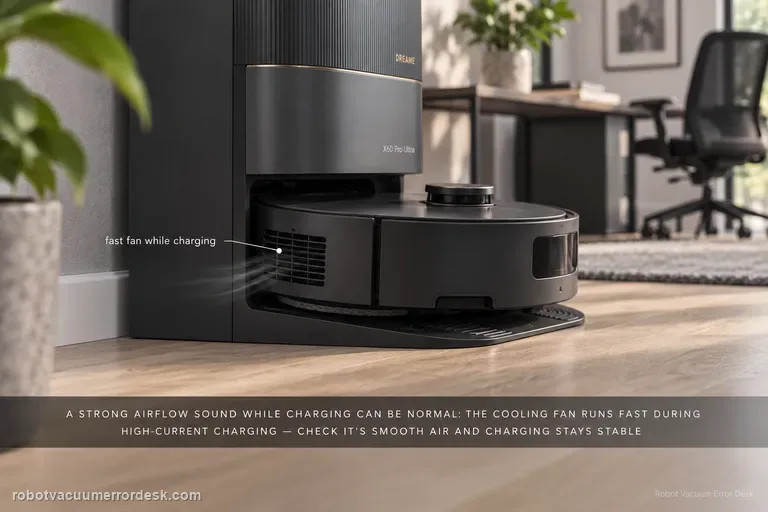
A strong airflow/fan sound from the X60 during charging can be normal. Dreame’s exact X60 article says the cooling fan may run at high speed when battery-pack temperature rises in scenarios such as “unlimited battery life” and 11A charging. A second X60 battery article explains that the fast charger monitors battery temperature with an NTC sensor and can reduce charging speed if overheating is detected. Confirm that the sound is smooth airflow tied to charging and that charging remains stable. Grinding, scraping, burning odor, repeated shutdowns or a charge fault belong to a different branch and should not be normalized as ‘just the fan.’