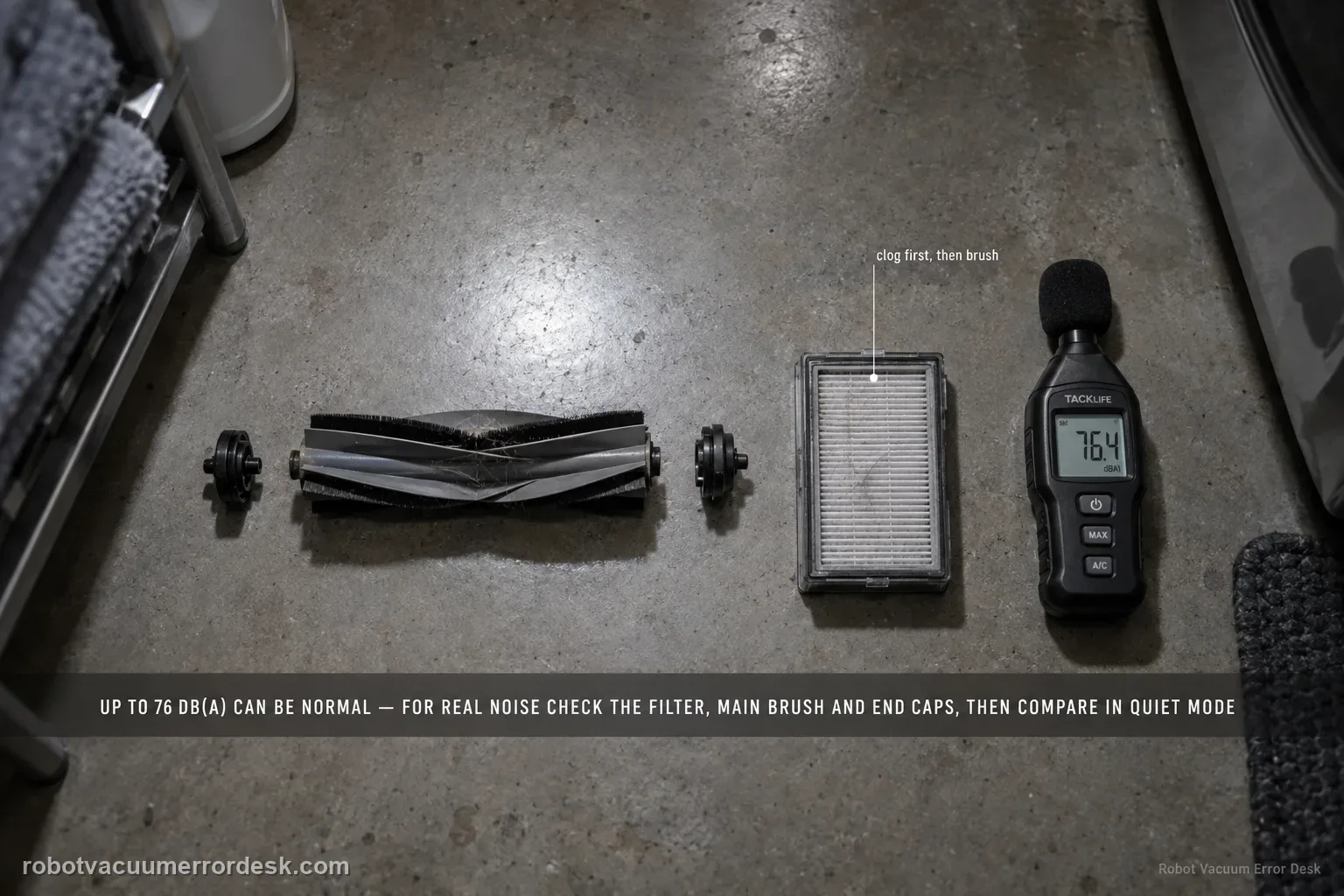
Dreame’s exact L50 Ultra AE noise article gives a useful boundary: normal operating noise is up to 76 dB(A), depending on function, and noise within that level can be normal. For noise that seems abnormal, the manufacturer points first to a clogged filter, hard objects in the main brush or dustbin, and foreign material tangled in the side/main brush. Clean those parts and compare the sound in Standard or Quiet suction. A second L50 article adds a stronger main-brush proof test: remove the brush cover and roller, clear hair/debris including the removable end cap, reinstall the roller, rotate it smoothly by hand, and make sure the cover plate is fully fastened.
Confirm the exact model and exact code, light pattern or symptom.
Run the lowest-risk physical or software check first.
Use each pass condition to decide what the result actually narrows down.
Is this the problem you’re seeing?
- The L50 Ultra AE suddenly sounds louder, rougher or more rattly during cleaning.
- Noise changes with suction mode, suggesting airflow rather than a fixed mechanical fault.
- The main brush, side brush, dustbin or filter may contain hair, wire or hard debris.
- You hear a repeating brush-area sound and want to verify roller installation/rotation.
- The robot is loud but otherwise cleans normally and you need to distinguish expected operating sound from an abnormal mechanical noise.
Likely root causes, ranked
Normal operating sound for the selected cleaning function; Dreame cites up to 76 dB(A)
Clogged filter increasing airflow noise or restricting suction
Hard debris trapped in the main brush or dustbin
Hair/string/foreign material tangled around the main or side brush
Main brush/end cap not turning freely or brush cover not seated correctly
Persistent wheel, motor, fan or other hardware noise after the documented cleaning/isolation checks
What the result narrows down
| What you observe | What it narrows down | Next move |
|---|---|---|
| Noise falls substantially in Standard/Quiet mode | Suction/airflow load is influencing the sound and Dreame treats mode reduction as a valid test. | Clean the filter/dustbin and compare the same area before assuming a motor fault. |
| Rattle/click follows main-brush rotation | Hard debris, hair, removable-end-cap binding or cover fit is stronger than normal fan noise. | Remove the cover/roller, clear debris and verify smooth hand rotation before another run. |
| Side brush is visibly tangled and the sound occurs at that corner | Dreame lists side-brush entanglement as a cause of increased operating noise. | Clear the side brush and repeat the same short route before changing suction settings. |
| Sound is steady and changes predictably with suction mode | The character is more consistent with airflow than a fixed mechanical scrape. | Use the manufacturer’s ≤76 dB(A) figure only as a reference; judge repeatability and mode response rather than a phone meter alone. |
| Distinct grind/scrape remains after filter, dustbin and both brushes are clean | The common owner-serviceable causes are exhausted. | Record clips in the original mode and Standard/Quiet and contact Dreame without opening internal motors. |
Do not factory-reset by default. Use the exact model’s reboot/network-reset procedure only when the manufacturer path calls for it.
Checks to run, in sequence
Classify the sound before opening anything
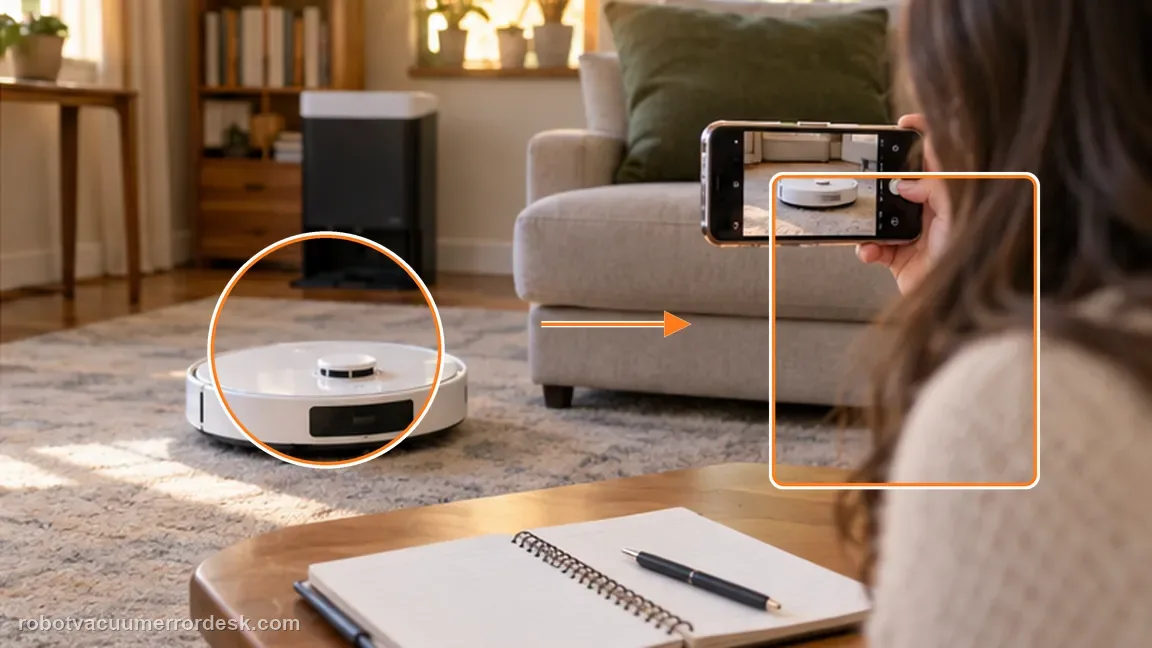
Listen for the character of the noise and note the cleaning mode. Dreame’s L50 Ultra AE article states that maximum operating noise is up to 76 dB(A) and noise within that level can be considered normal. Treat that figure as a manufacturer reference, not a requirement to trust an uncalibrated phone microphone as a laboratory meter. A steady airflow roar that tracks suction mode is different from a new metallic rattle, repeating click or scrape. Record a short clip before maintenance so you can compare the same sound after each check instead of relying on memory.
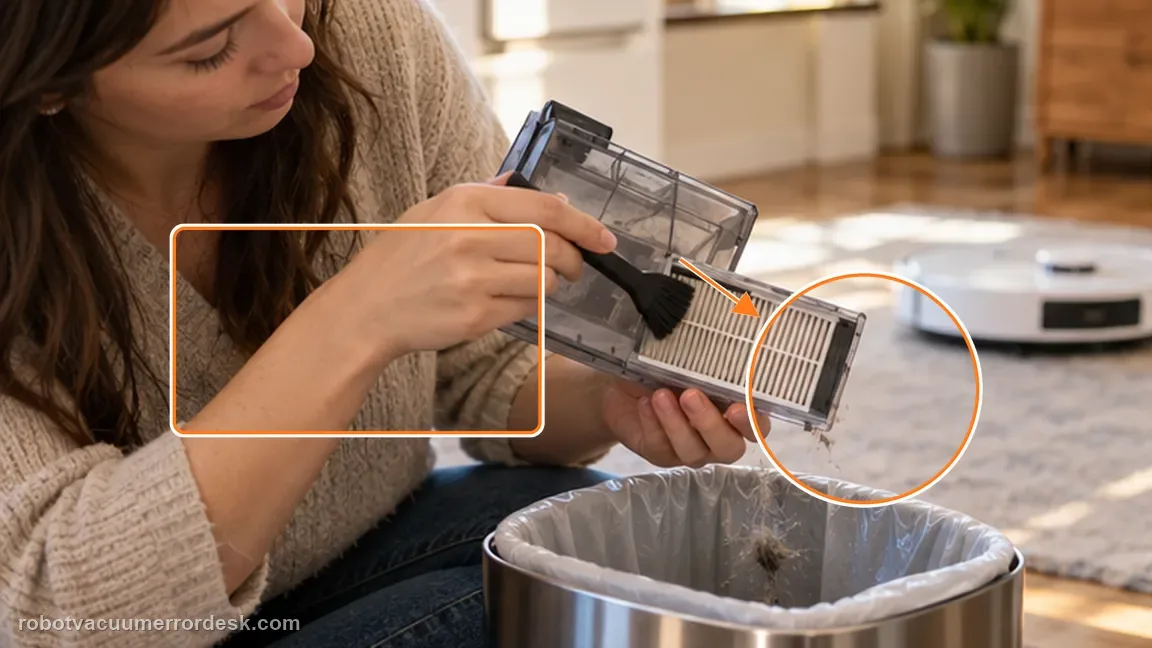
Clean the filter and dustbin to remove the airflow branch
Dreame lists a clogged filter and hard objects in the dustbin among the common causes of unusual L50 noise. Remove the dustbin, empty solid debris and inspect the airflow path. Clean the filter according to normal maintenance instructions and make sure it is fit to reinstall before testing. Do not run the robot with a wet filter if the model guidance requires it to be dry. This step is diagnostic as well as maintenance: if the sound drops after airflow is restored, the noise was being amplified by restriction rather than a failing drive component.
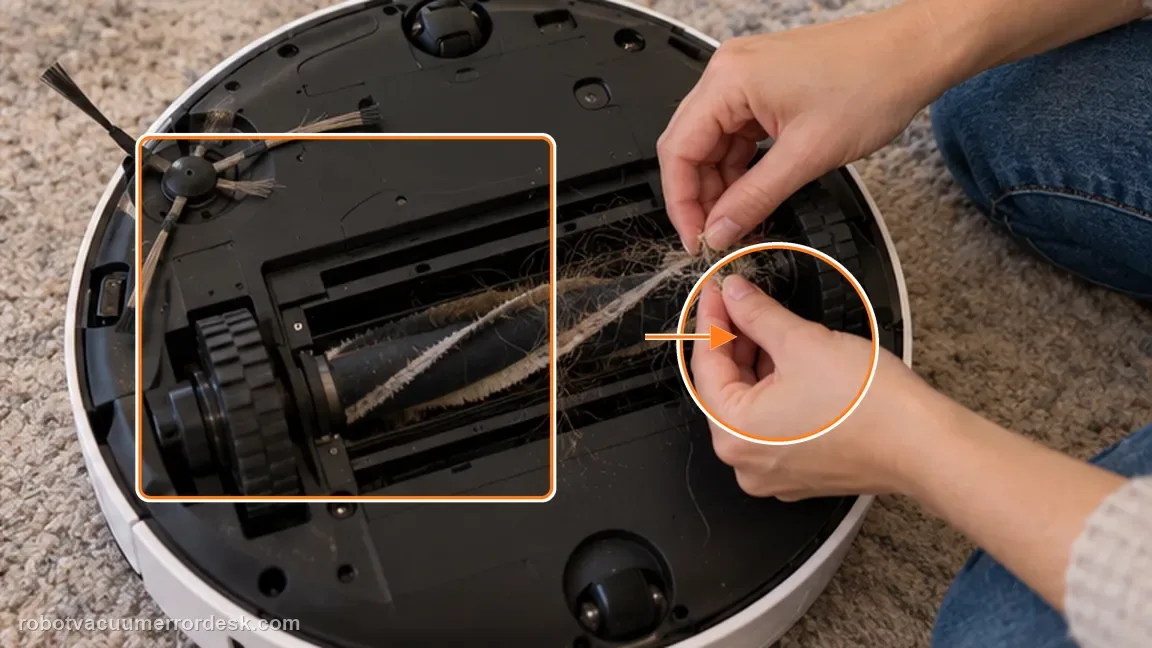
Inspect the main and side brushes for hard debris and tangles
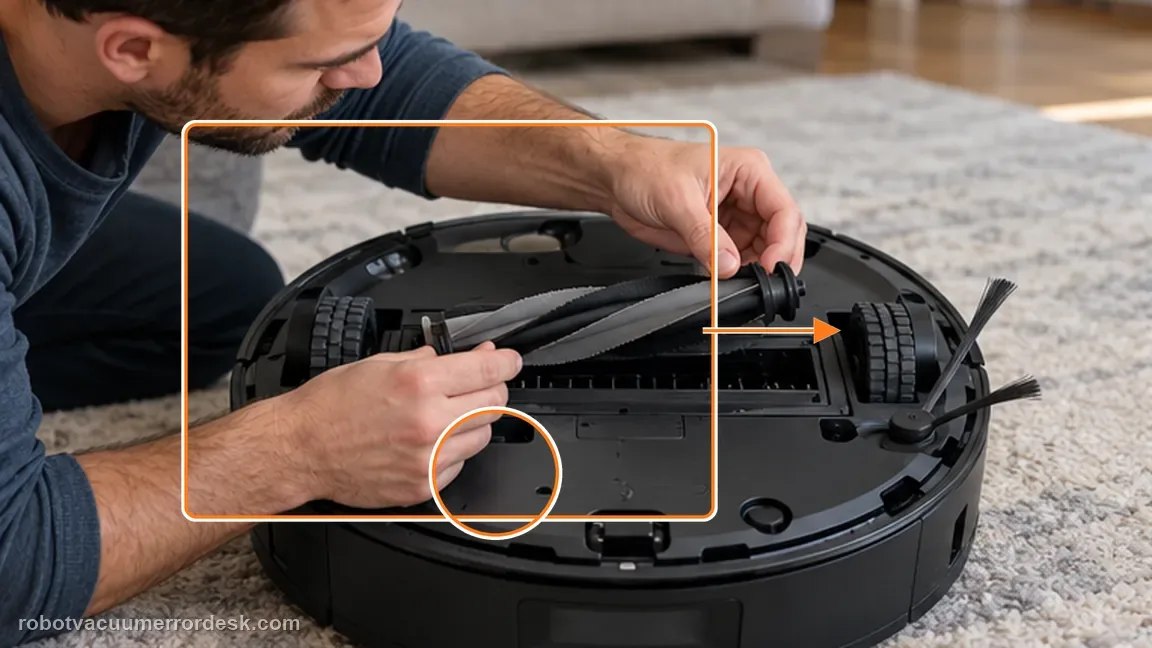
Check both brushes for hair, string, wire or hard debris. Dreame specifically names hard objects caught in the main brush or dustbin and foreign material tangled around the side/main brushes. If the main brush is involved, the L50 support article for a jammed brush says to remove the brush cover, take out the roller and clear entanglement. The cap at one end can be pulled out so wrapped hair can be removed. Avoid cutting into the bristles or forcing a brush against resistance; the goal is to restore free rotation and remove the source of impact noise.
Reinstall the main brush and prove smooth hand rotation
After cleaning, reinstall the roller and turn it by hand as Dreame directs in the L50 main-brush article. It should rotate smoothly without a hard stop or repeated scrape. Refit the brush cover/cover plate and make sure it is securely fastened around the roller. This is a useful discriminator because a loose cover or binding roller can create a repeating mechanical sound that will not disappear merely by lowering suction. If the roller binds even while the robot is powered off, stop the test and document the mechanical resistance rather than running the motor against it.
Compare Standard or Quiet mode and escalate persistent abnormal noise
Run a brief, controlled cleaning test in the same area. Dreame explicitly suggests reducing suction to Standard or Quiet when the robot is unusually loud. If the sound falls in proportion to suction and the robot now operates smoothly, airflow load was a major part of the symptom. If a distinctive rattle, grinding, scraping or other abnormal sound remains after the filter, dustbin and brush checks, do not open internal fans or drive motors. Capture the sound in the original mode and Standard/Quiet mode and send those clips to Dreame so support can distinguish fan, wheel and brush-drive hardware.
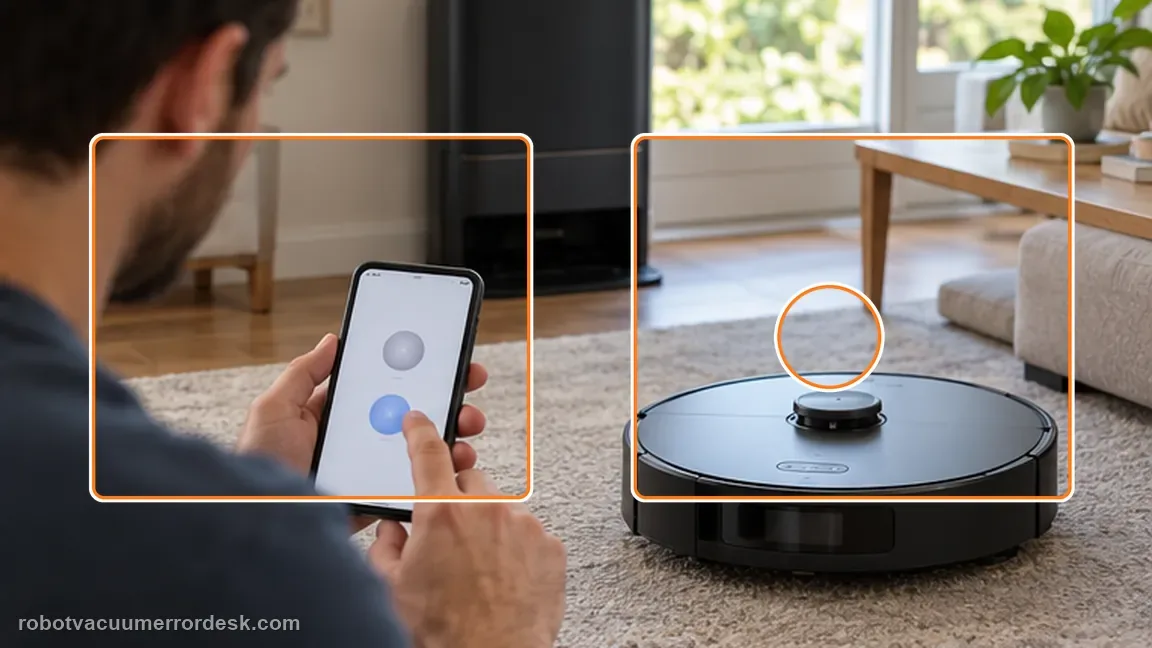
Escalate if a grinding, scraping, repeating impact or other abnormal sound remains after cleaning the filter/dustbin, clearing both brushes, confirming smooth main-brush rotation and comparing Standard/Quiet mode. Send Dreame a short before/after clip, the active suction mode, where the sound seems loudest and whether the roller turns freely by hand. Do not dismantle internal fans or motors for a noise that the external checks cannot explain.
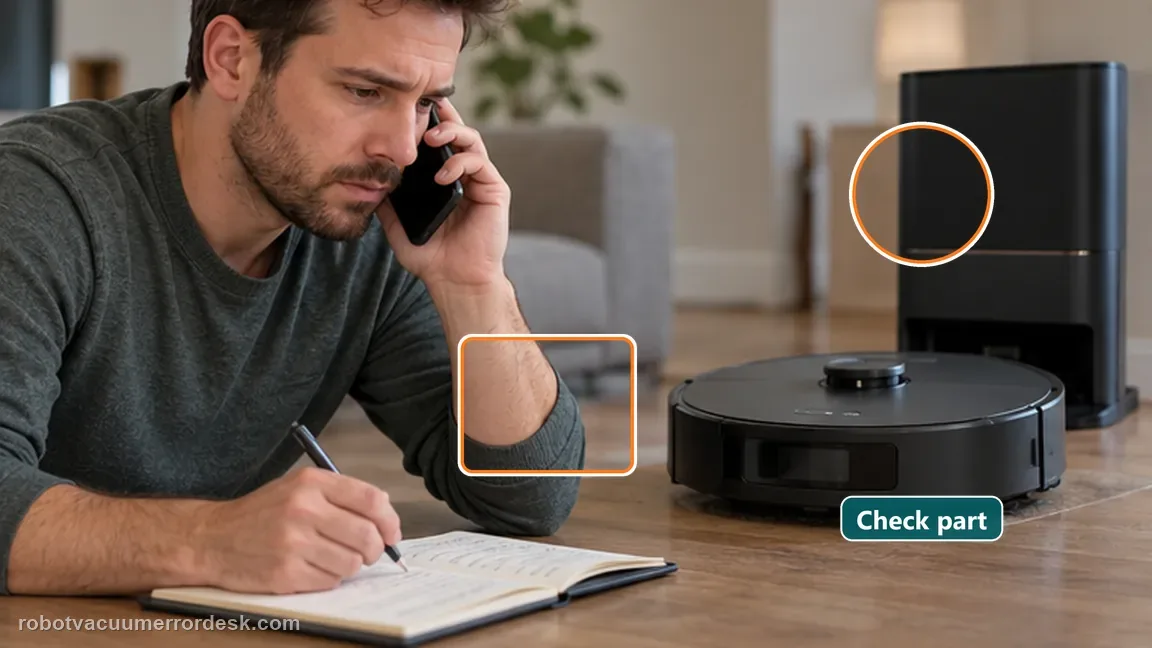
Information to have ready for support
Support can skip the basic troubleshooting script when you provide a reproducible case. That keeps the results of your checks from getting lost.
- Exact model name and the error code / voice prompt exactly as shown
- A photo or screenshot of the app error and the time it occurred
- A short list of the checks already completed and what happened after each one
- Short video showing the failed docking, mapping or base-station behavior
- Firmware version shown in Dreamehome
Source and evidence level
Dreame L50 Ultra AE — robot noisy during operation
Dreame’s exact L50 noise article states maximum operating noise is ≤76 dB(A), lists clogged filter, hard objects in the main brush/dustbin and brush tangles, and suggests Standard/Quiet mode. The exact manual repeats the same troubleshooting set, while the exact main-brush article adds removable-end-cap cleaning, smooth hand rotation and secure cover-plate installation.
Additional official source: Dreame L50 Ultra AE — Main Brush Is Jammed by a Foreign Object ↗Additional official source: Dreame L50 Ultra AE User Manual ↗Last editorial review: September 5, 2026Regional note: manufacturer help centers, model suffixes, mains-power requirements and warranty procedures can differ by country. If the source redirects to a local support site, confirm that the model/hardware scope still matches before following a region-sensitive step.
This guide is rated Official model support. See what each evidence label means →
Common questions
Is 76 dB(A) normal for the L50 Ultra AE?
Dreame states that the L50 Ultra AE can produce operating noise up to 76 dB(A) and treats noise within that manufacturer reference as normal. Do not use an uncalibrated phone app as the only verdict. A new repeating click, grind or scrape still deserves inspection, especially if it is localized to a brush and does not change normally with suction mode.
Why test Standard or Quiet suction when the L50 Ultra AE sounds loud?
Dreame specifically recommends switching to Standard or Quiet when operating noise seems abnormal. The comparison helps separate airflow load from a fixed mechanical sound: a steady roar that falls with suction suggests airflow contribution, while a click, scrape or grind that persists at the same rhythm points more toward a brush, wheel or other mechanical path that needs evidence and service.
What should I inspect on the L50 Ultra AE main brush when it is noisy?
Remove the brush cover and roller, clear hard debris and entanglement, and pull out the removable end cap to remove hidden hair as Dreame describes. Reinstall the roller, confirm it turns smoothly by hand and secure the cover plate. A brush that binds or scrapes by hand is stronger evidence than simply hearing a loud robot while the fan is running.
Can the side brush cause abnormal noise on the Dreame L50 Ultra AE?
Yes. Dreame lists foreign material tangled around either the side brush or main brush as a cause of increased operating noise. If the sound is strongest at the side-brush corner, stop the robot, remove visible hair/string and repeat the same short route. If the noise remains unchanged with a clean side brush, continue to the main-brush, dustbin/filter and suction-mode branches.
When should I stop troubleshooting L50 Ultra AE noise myself?
Stop when the filter and dustbin are clear, both brushes are free of debris, the main roller turns smoothly by hand with its cover secure, and a distinctive grind, scrape or repeated impact still remains through a controlled Standard/Quiet comparison. Record the sound in both modes and where it is loudest, then send that evidence to Dreame rather than opening internal fan or drive housings.
Did this diagnostic narrow the fault?
Use this as an editorial signal, not a popularity counter. If a feedback address is configured you can email the note; otherwise you can copy it for your own support record.