Dreame L50 Ultra AE troubleshooting
Recharge, resume-cleaning, main-brush and abnormal-noise diagnostics from Dreame support. We route by the exact error or symptom rather than assuming a generic robot-vacuum fix applies.
No public L50 Ultra AE version history was verified. Preserve the version shown in Dreamehome when recharge/resume behavior changes so support can compare the state.
Dreame L50 Ultra AE issue index
4 guides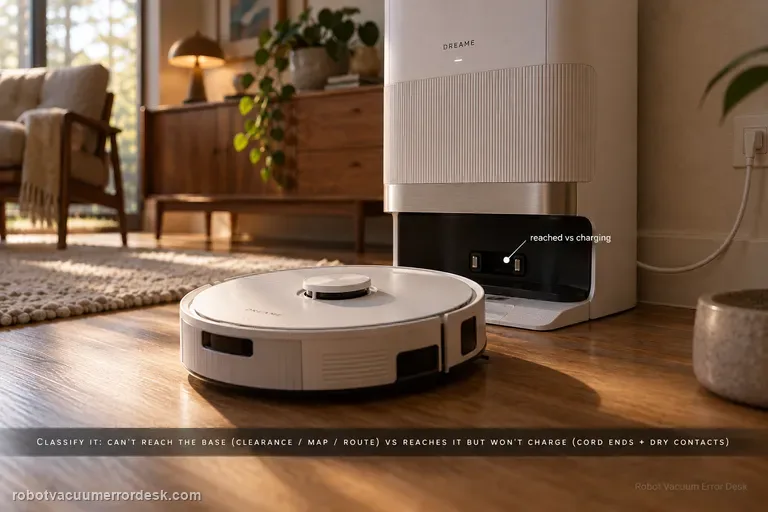
Recharge / return fails
First classify where the L50 Ultra AE fails. If it cannot find or approach the base, Dreame’s exact recharge article points to dock clearance, distance, starting from the base and an abnormal saved map; the exact manual adds blocked return routes, a moved or unpowered station and a dirty signaling area. If the robot reaches the base correctly but charging never begins, stop remapping: the manual moves the diagnosis to both ends of the station power cord, dry charging contacts and foreign objects at the robot connectors.
Resume cleaning not working
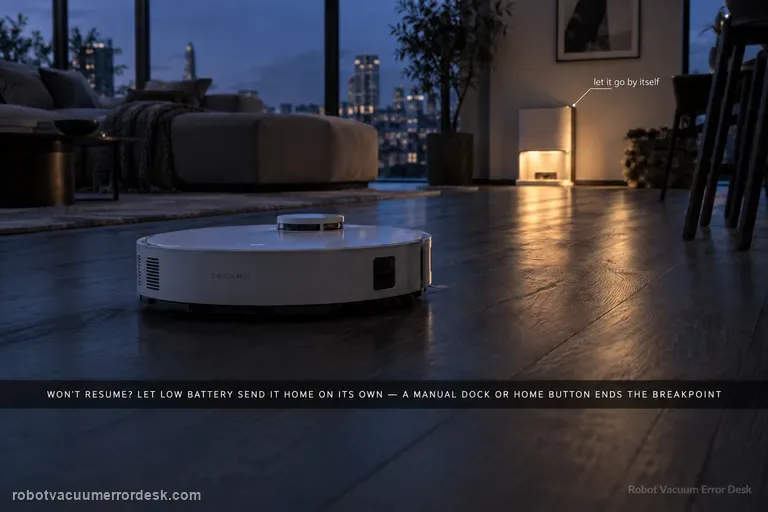
A valid L50 Ultra AE resume test must create a real low-battery breakpoint. Dreame says Resume Cleaning must be enabled, the job must use Automatic Working Mode, DND must not suppress the departure, charging must remain fault-free, and restart/reset can disrupt the breakpoint. The exact manual adds a critical discriminator: the robot will not resume an unfinished job if you manually place it on the base or send it home with the app or Dock button. Let low battery trigger the return automatically.
Abnormal noise
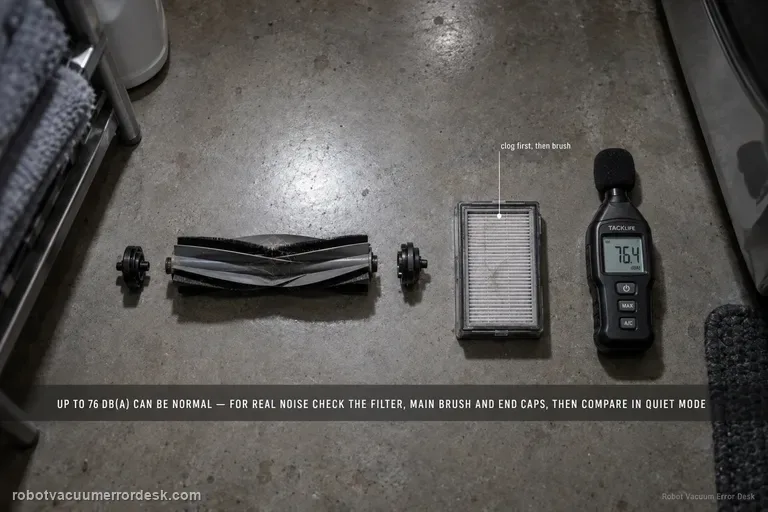
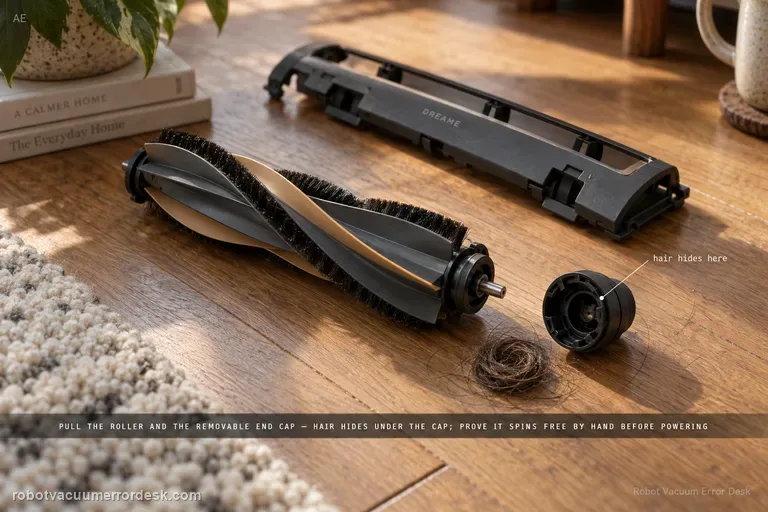
Dreame’s exact L50 Ultra AE noise article gives a useful boundary: normal operating noise is up to 76 dB(A), depending on function, and noise within that level can be normal. For noise that seems abnormal, the manufacturer points first to a clogged filter, hard objects in the main brush or dustbin, and foreign material tangled in the side/main brush. Clean those parts and compare the sound in Standard or Quiet suction. A second L50 article adds a stronger main-brush proof test: remove the brush cover and roller, clear hair/debris including the removable end cap, reinstall the roller, rotate it smoothly by hand, and make sure the cover plate is fully fastened.
Main brush jammed
Treat an L50 Ultra AE main-brush jam as a mechanical-path problem first. Dreame says large/hard debris, wires and wrapped hair can stop the conical roller, including hair hidden under the removable end cap. Remove the cover and roller, clean the full user-serviceable path, reinstall it and prove smooth hand rotation before powering the brush. The exact manual separately advises clearing hard/sharp floor objects before cleaning, which helps prevent an immediate repeat jam.