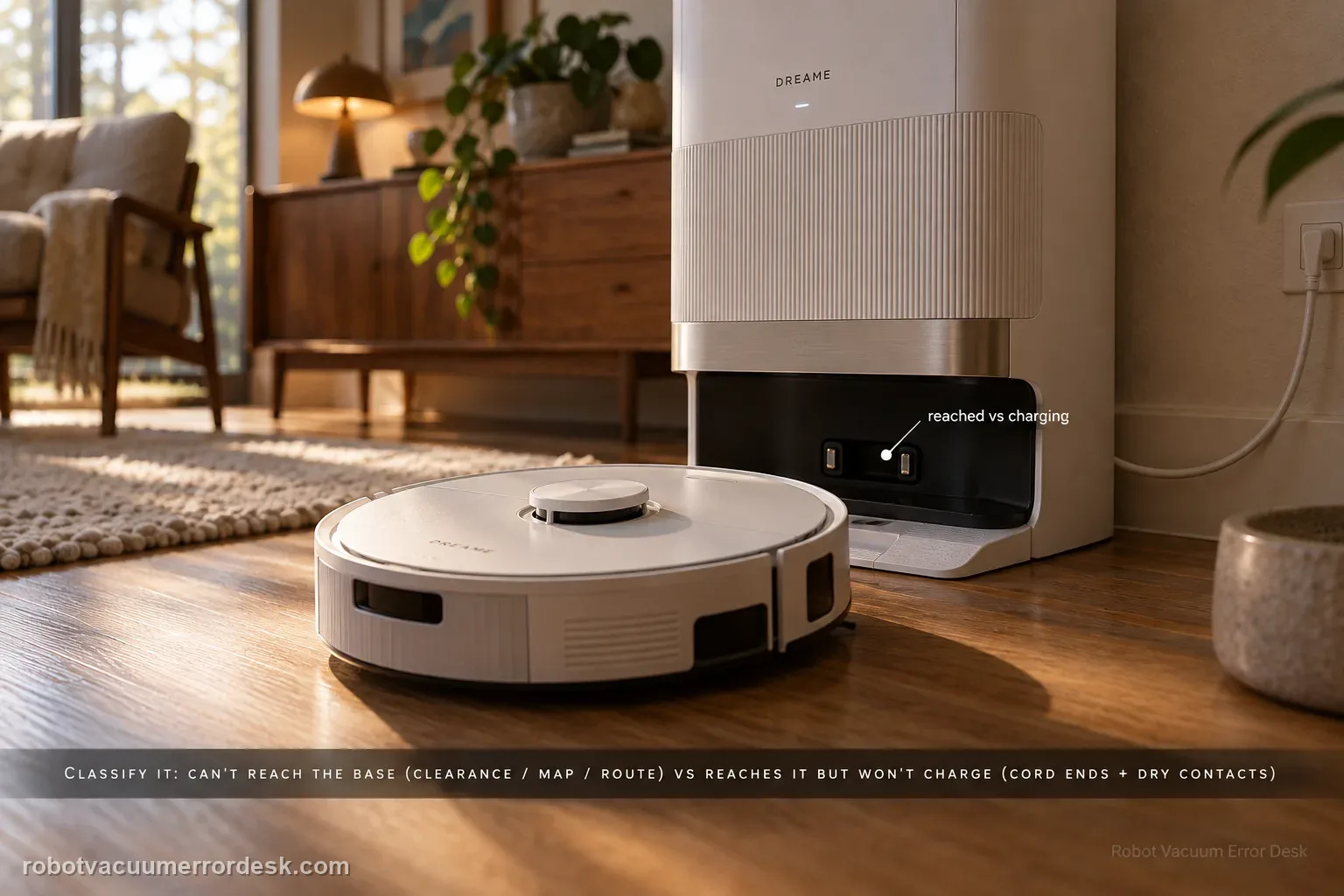
First classify where the L50 Ultra AE fails. If it cannot find or approach the base, Dreame’s exact recharge article points to dock clearance, distance, starting from the base and an abnormal saved map; the exact manual adds blocked return routes, a moved or unpowered station and a dirty signaling area. If the robot reaches the base correctly but charging never begins, stop remapping: the manual moves the diagnosis to both ends of the station power cord, dry charging contacts and foreign objects at the robot connectors.
Can L50 recharge when started close to the base?
Confirm the exact model and exact code, light pattern or symptom.
Run the lowest-risk physical or software check first.
Use each pass condition to decide what the result actually narrows down.
Confirm this is the right issue
- The L50 Ultra AE ends a cleaning run away from the base or cannot find the station.
- The robot returns only from a short distance, or the saved map is distorted or overlapping.
- The robot reaches the station but charging does not start after physical docking.
- The dock was moved, lost power or has a blocked/dirty signaling area.
What’s most likely causing this
Blocked or crowded final approach, or a dirty base-station signaling area
Robot too far from the current dock/map reference or daily cleaning not starting from the base
Base station moved or lost power while the robot was away
Distorted, overlapping or abnormal map state affecting docking accuracy
Poor charging contact, loose station power connection or foreign material at the robot connectors after arrival
Reading your test result
| What you observe | What it narrows down | Next move |
|---|---|---|
| Robot cannot find or approach the base | The failure is still in return/localization rather than charging acceptance. | Check fixed dock power/placement, signaling area, route, distance and map state. |
| Robot returns from nearby but not after a full job | The dock can be found locally; whole-home reference, route or map state is stronger. | Verify start-from-base behavior, blocked doors/routes and map distortion before remapping. |
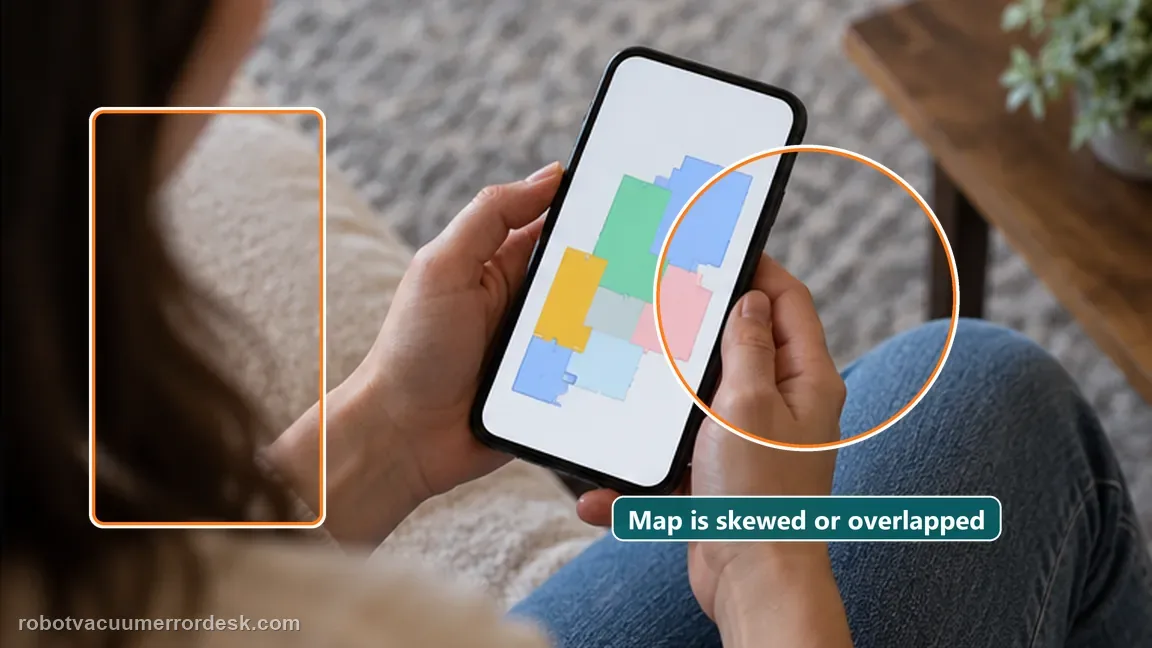
| Map is distorted or overlapping | Dreame says abnormal map state can reduce docking accuracy. | Save a screenshot and rebuild from the fixed powered base after physical checks. |
| Robot reaches and seats on the dock but does not charge | Return navigation succeeded; the remaining branch is station power/contact/connectors. | Check both cord ends, dry charging contacts and visible connector debris. |
| Open powered dock + coherent map + clean contacts still fail | Owner-level return and post-arrival charging checks are exhausted. | Contact Dreame with map, approach video and the exact point where the sequence fails. |
Reset can erase maps/settings on this path. Use lower-risk checks first and document the current state before resetting.
Work through these checks in order
Classify the failure before changing the map
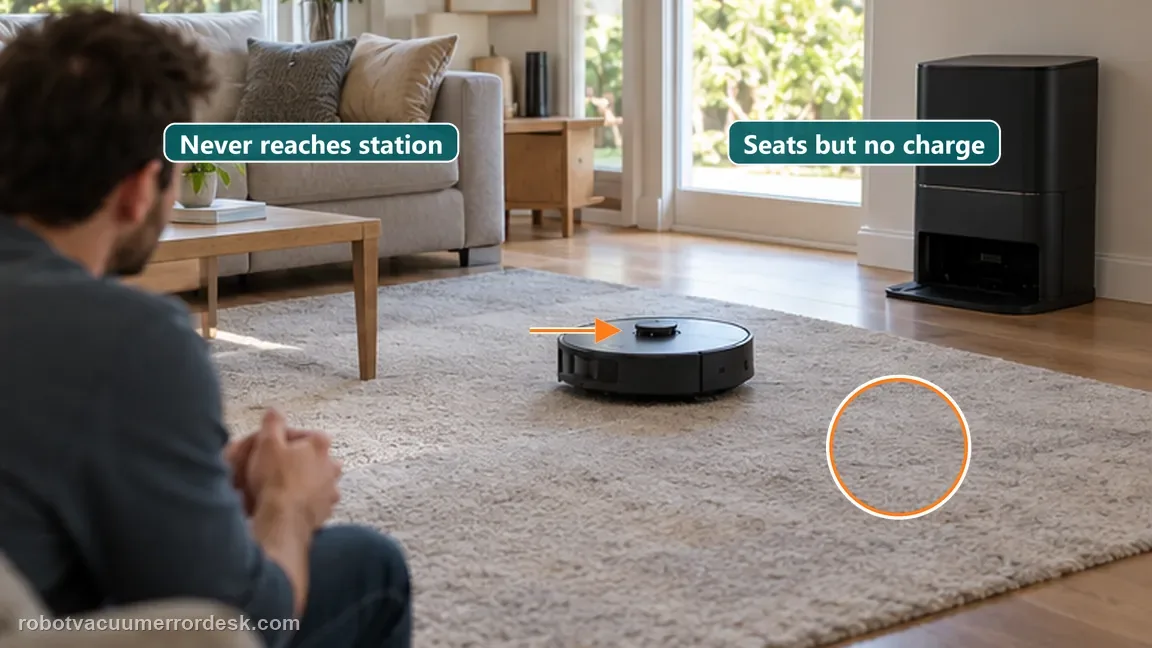
Command a normal return and watch where the sequence fails. If the L50 cannot locate or approach the station, stay on the return/localization branch. If it reaches the washboard/ramp and physically docks but no charging state appears, the station has already been found and the problem is now the power/contact interface. This first split prevents repeated remaps from masking a simple no-charge fault and prevents contact cleaning from being used as a cure for a robot that never reaches the base.
Prove station power, clearance and the signaling area
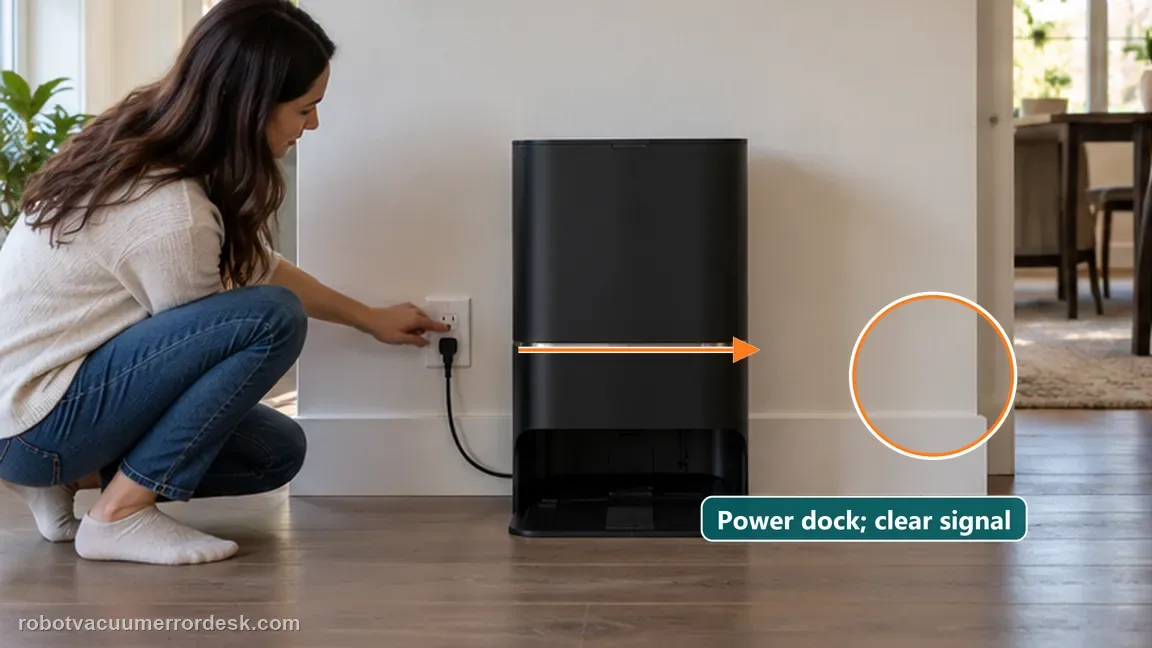
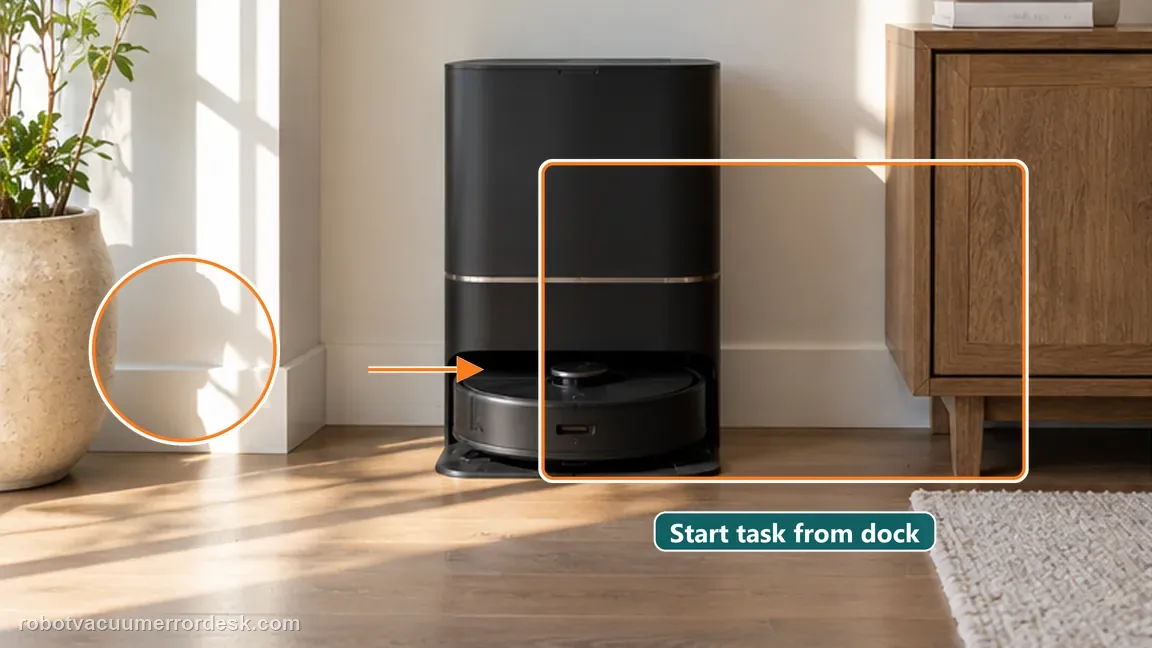
Confirm the base station is powered and keep it in one fixed location for the entire test. Clear the approach and make sure no object blocks the signaling area. The L50 manual also says a station that is disconnected from power or moved while the robot is away can break the return reference, and it specifically tells owners to wipe the station signaling area if dusty. Do not relocate the dock between tests, because that changes the reference you are trying to prove.
Run a short-distance return test from the same dock position
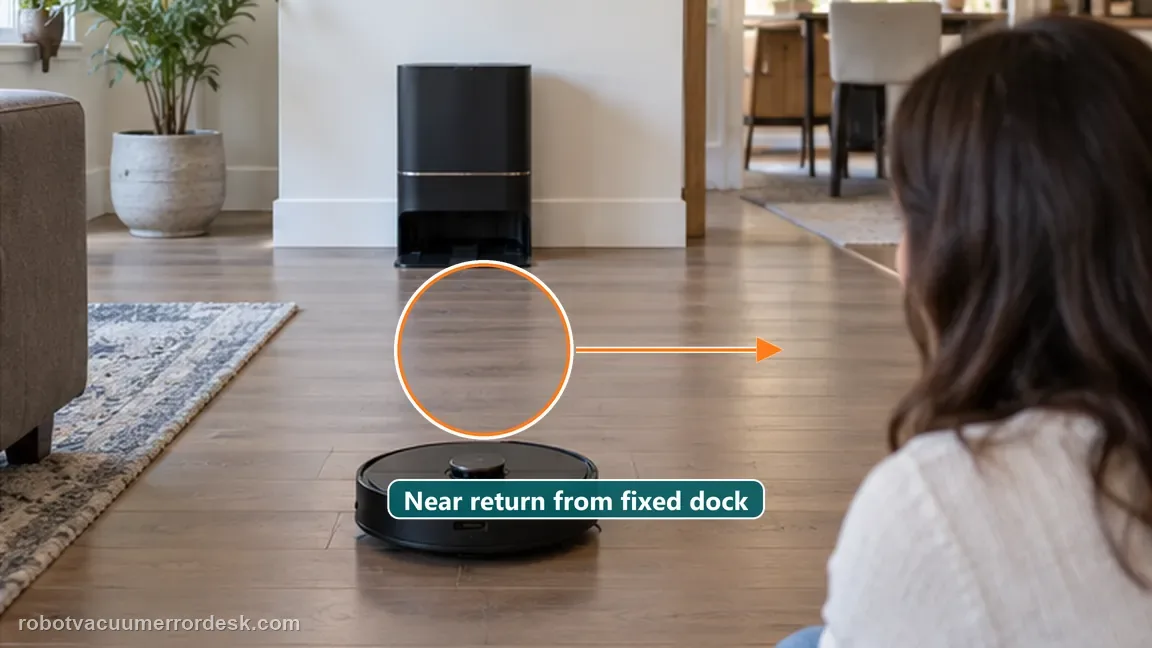
Place the robot a short distance from the powered, fixed base and command a normal return. Dreame’s exact recharge article explicitly recommends trying from closer range when the robot is too far away. A successful close return proves the station can be found under a strong local reference and shifts attention toward whole-home localization, map state or a blocked route. A close-range failure despite clear space is stronger evidence for station-reference or return hardware support.
Check the normal start point and return route
For daily cleaning, Dreame recommends starting from the base so the map correctly locates the charging position. Confirm the job normally begins there and check the path home for a closed door or other obstruction. Avoid carrying the robot to arbitrary starting points during the proof run. The manual warns that moving the robot can force repositioning and, if that fails, a new map; that makes a carried-robot test weaker evidence than a job launched from the fixed base.
Inspect the saved map and remap only when it is visibly abnormal
Open the map and look for the specific states Dreame names: distortion, overlap or an abnormal layout. Save a screenshot before changing anything. If the map is coherent, do not rebuild it merely because one distant return failed. If it is visibly abnormal after station power, clearance and a close return have been checked, create a fresh map from the fixed base and repeat the same return path. This makes remapping a targeted response to evidence rather than a generic reset.
If the robot docks but will not charge, switch to the contact/power branch
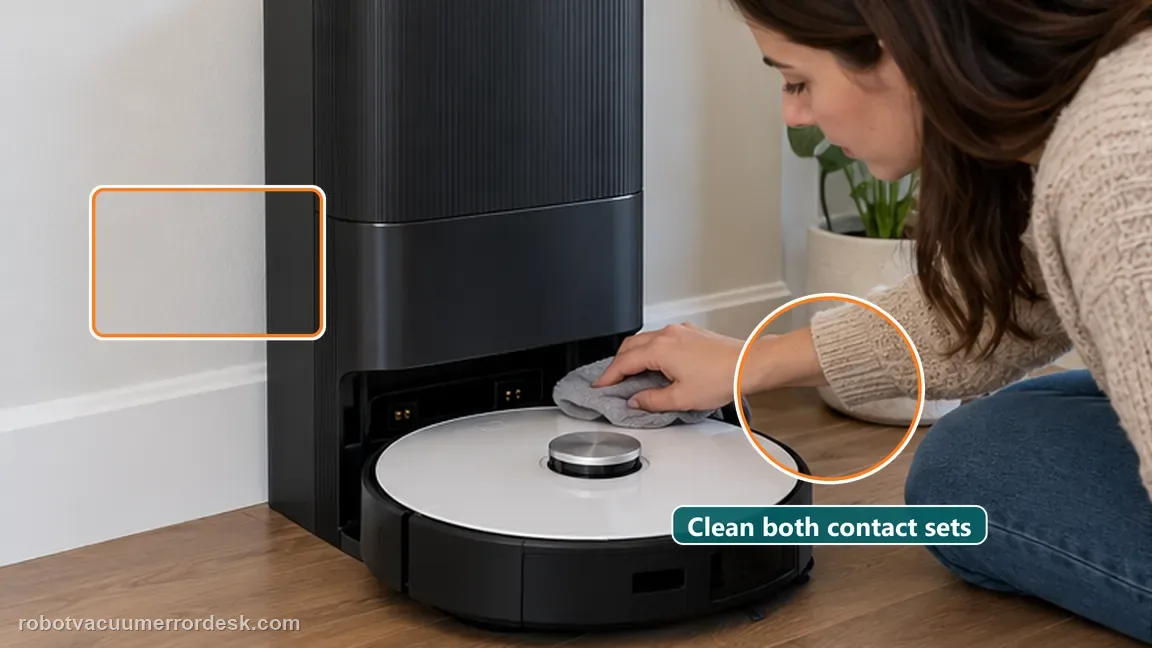
Once the L50 reaches the station, use the exact manual’s no-charge checks instead of continuing navigation work. Make sure both ends of the base power cord are fully connected, wipe the robot and station charging contacts with a dry cloth, and inspect the robot connectors for visible foreign material. Do not use a wet cloth on charging contacts and do not open the base. A robot that reliably finds and seats on the dock but still shows no charging state has passed the return test.
Capture one comparable near-return and full-mission result for support
Keep the dock in the same position and save the map screenshot plus a short approach video. Note whether the near test works, whether the full job began from the base, whether the robot physically docks, and whether charging begins after seating. These four observations tell Dreame whether the failure lives in long-distance return/localization, station reference, final approach or electrical charging. They are more useful than repeated factory resets because each result corresponds to a documented branch.
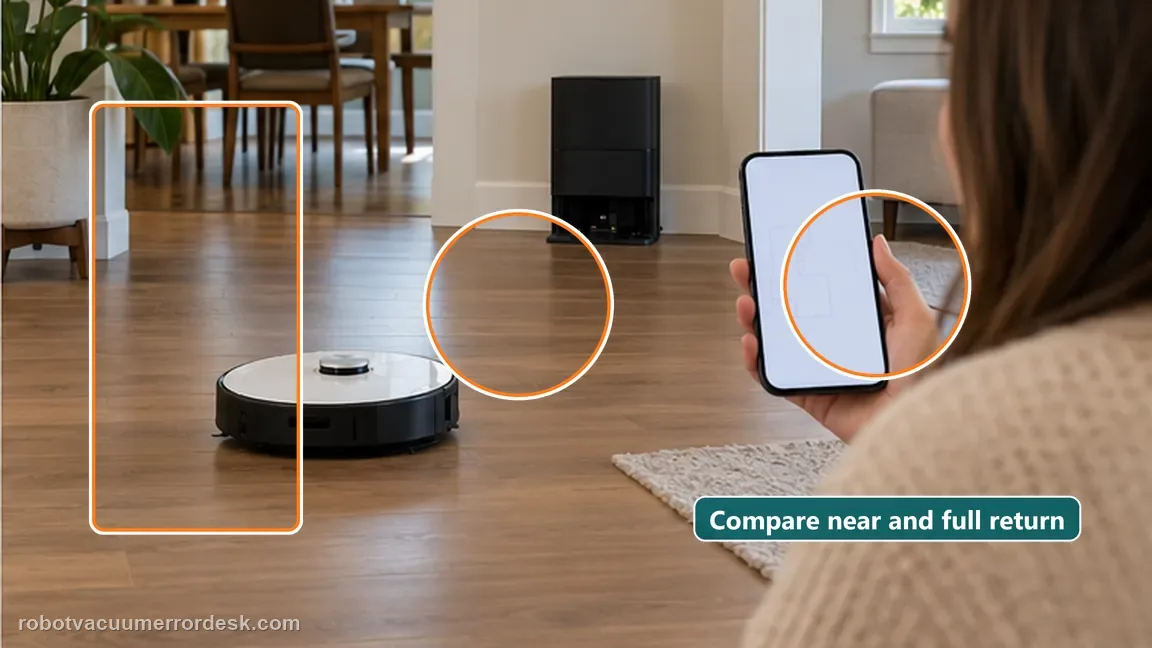
Contact Dreame if the L50 cannot return to a powered, fixed and open base even from nearby, or if it reaches/seats on the dock but still will not charge after both power-cord ends, dry contacts and visible connector debris have been checked. Send the map screenshot, near-return/full-return comparison and a video that shows whether charging begins after physical docking; do not open the base or battery pack.
Before you contact support, gather this
A reproducible case moves a support call past the basic troubleshooting script faster than “it doesn’t work” does, and it keeps the clues from your own tests on record.
- Exact model name and the error code / voice prompt exactly as shown
- A photo or screenshot of the app error and the time it occurred
- A short list of the checks already completed and what happened after each one
- Short video showing the failed docking, mapping or base-station behavior
- Firmware version shown in Dreamehome
Where this comes from
Dreame L50 Ultra AE — robot recharge always fails
Dreame’s April 2026 L50 Ultra AE recharge article covers obstacles, distance, start-from-base behavior, dock power and abnormal maps. The exact L50 manual adds blocked return routes, moved/unpowered station behavior, signaling-area cleaning and the separate post-arrival no-charge checks for both cord ends, charging contacts and robot connectors.
Additional official source: Dreame L50 Ultra AE support section and manual ↗Additional official source: Dreame L50 Ultra AE user manual ↗Last editorial review: September 5, 2026Regional note: manufacturer help centers, model suffixes, mains-power requirements and warranty procedures can differ by country. If the source redirects to a local support site, confirm that the model/hardware scope still matches before following a region-sensitive step.
This guide is rated Official model support. See what each evidence label means →
Questions people ask
Why does my Dreame L50 Ultra AE keep failing to recharge?
Start by identifying whether it fails before or after physical docking. Dreame’s exact recharge article focuses on dock clearance, distance, start-from-base behavior, station power and abnormal maps. If the robot reaches and seats on the station but no charge begins, the exact manual shifts the diagnosis to both power-cord ends, dry charging contacts and visible debris at the robot connectors.
Should L50 Ultra AE cleaning normally start from the base station?
Yes for this diagnostic. Dreame recommends starting daily cleaning from the base so the saved map has a stable charging-position reference. Launch the proof job from the fixed station and keep the route home open. Carrying the robot to a different start point can trigger repositioning and makes the return result harder to interpret, especially if a close-range return already works.
When should I remap the Dreame L50 Ultra AE for recharge failures?
Remap when the app actually shows distortion, overlap or an abnormal layout after you have proved station power, clearance and a close-range return. Save a screenshot first, then rebuild from the fixed base and repeat the same test. Do not delete a coherent map simply because one long return failed; distance, route blockage or a moved station may explain that result.
What if my L50 Ultra AE reaches the station but still does not charge?
Then the robot has already passed the return-navigation portion. Follow the exact manual’s charging branch: confirm both ends of the station power cord are connected, clean robot/base charging contacts with a dry cloth and remove visible foreign material from the robot connectors. Continuing to remap a robot that reliably finds and seats on the station adds little useful evidence.
When should I contact Dreame about repeated L50 Ultra AE recharge failure?
Escalate when the base is powered, fixed and open, the near-return and full-return outcomes are documented, the saved map is coherent or has been rebuilt only because it was visibly abnormal, and post-arrival contact checks are complete if the robot reaches the dock. Send Dreame the map screenshot and approach video so support can see exactly where the return/charging sequence breaks.
Did this diagnostic narrow the fault?
Use this as an editorial signal, not a popularity counter. If a feedback address is configured you can email the note; otherwise you can copy it for your own support record.