Narwal robot vacuum error codes and alerts
Use this Narwal error-code index to match the exact model, full code, and app alert. Freo numbers can have different steps across models, so follow only the guide that names your robot. If it is not listed, check Narwal’s full index and save the message for support.
This index only routes to codes that have a full guide. The complete Narwal code table covers every code in the manufacturer's index with what it means and the first fix to try.
Narwal Freo Z Ultra
6 code / alert pathsHow to read a Narwal robot vacuum error
A code is a routing clue, not a complete diagnosis. Narwal’s support index groups several numbers under shared fault labels, then gives model-specific instructions. The label and the affected model matter as much as the digits. Start with the model shown in the Freo app or on the product label, then copy the full code and message exactly as displayed.
This page links to detailed diagnostics already checked against Narwal support. It does not reproduce every entry in the manufacturer’s full index. If your exact code or model is not listed below, use the complete code table or send Narwal support a screenshot rather than guessing from a nearby number.
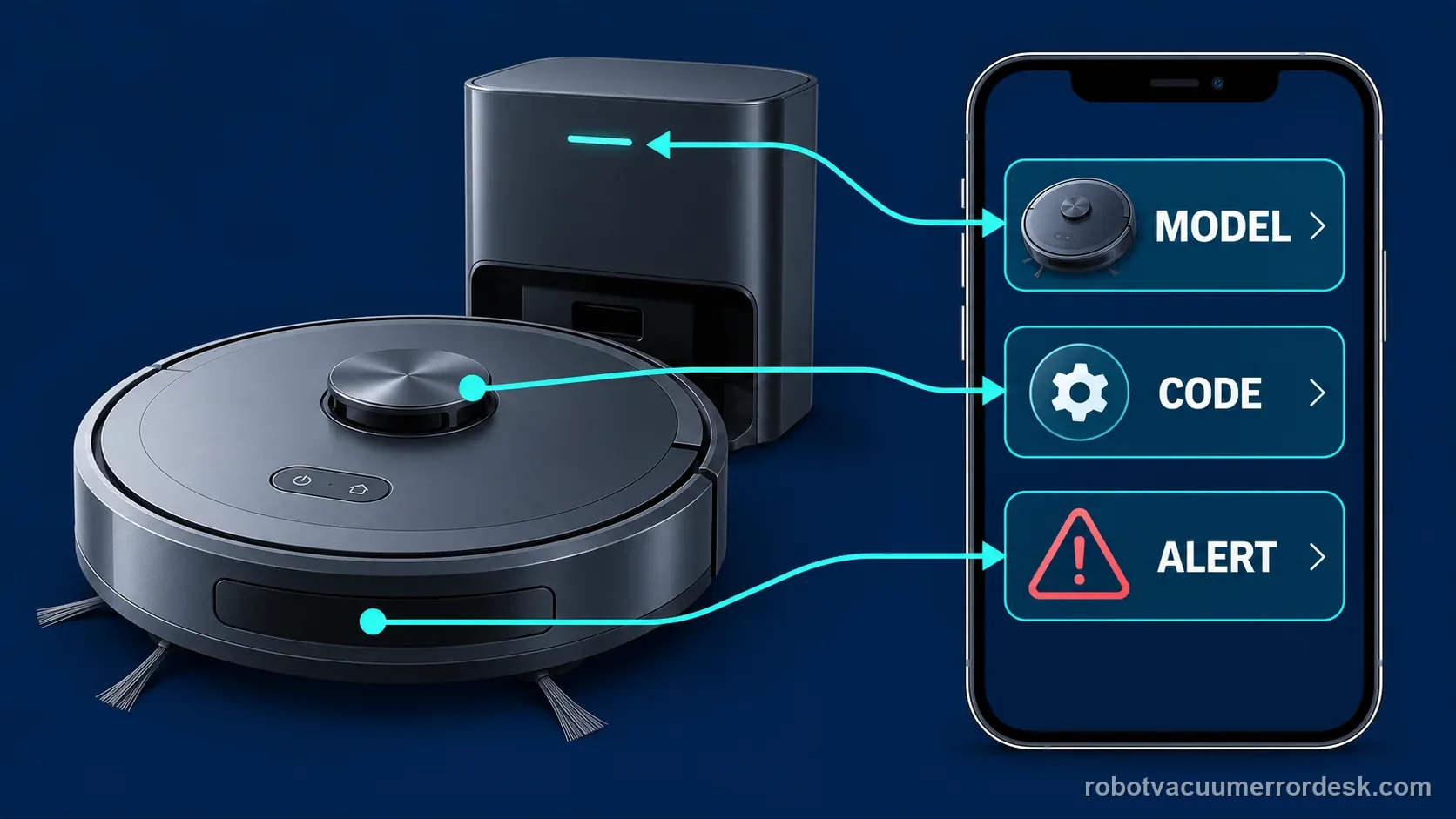
Start with the exact model and the full alert
Before opening a diagnostic, write down the product name, the complete number, and the words beside it. Note whether the app reports the fault on the robot or base station. A base-station water alert, a localization error, and a robot connection message can all stop a cleaning run, but they point to different parts and different first checks.
Then compare the app’s spelling and number with the guide title. A two-number group such as 1009 / 1010 is not interchangeable with every other model that displays those digits. Do not drop a leading digit, translate a short voice message from memory, or treat a light pattern as the same thing as an app code. If the message changes after restart, save both versions and the order in which they appeared.
The Narwal list below currently routes to a small set of full model-specific guides. Freo Z Ultra entries include localization, trapped-robot, restricted-zone, mop-module, base overflow, and base-not-found paths. The Narwal Flow entry is an abnormal-noise diagnostic rather than a numbered error. The separate Narwal brand desk covers a broader set of symptoms and manufacturer-index entries.
| Model shown | Guide paths here | Useful first discriminator | If the match is missing |
|---|---|---|---|
| Freo Z Ultra | 1009 / 1010, 1011, 1012, 1013, 1022 / 1023, 2003 | Use the exact alert and where the robot or base was when it appeared. | Open the full Narwal code table and confirm the applicable model group. |
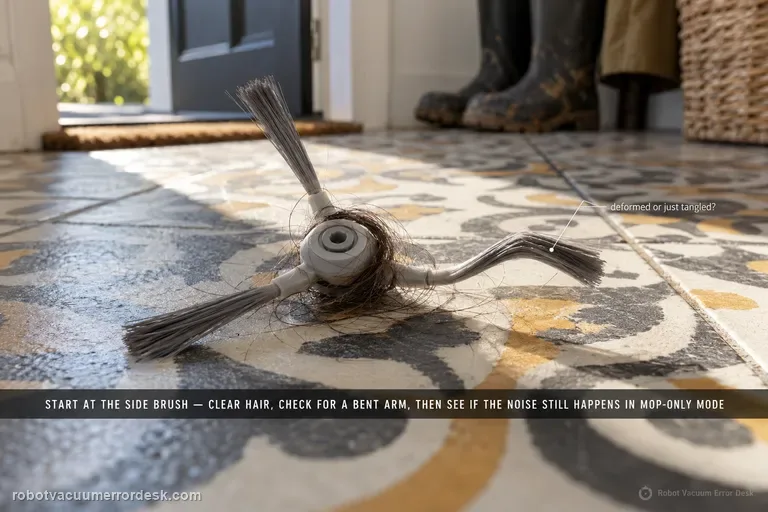
| Narwal Flow | Abnormal noise alert | Record whether the sound comes from the robot, brush, or base during a named mode. | Use the Flow model desk or contact Narwal with a short video. |
The manufacturer’s support index includes many additional codes and model groups beyond the full guides linked here. A number appearing in that index does not mean this page has a tested step-by-step guide for every model. Check the matching model notes before removing a component, changing a map, or resetting the robot.
Separate a map or return issue from a hardware fault
For a location message, note where the robot was and whether the base moved. Narwal defines Freo Z Ultra Error 1011 as a localization error. Its published first checks include whether the station moved and whether a temporary map is active. That is different from Error 1012, which Narwal describes as a trapped-robot condition. On the 1012 path, its code index directs owners to clear surrounding obstacles and check the bumper, return behavior, and LiDAR status.
Error 1013 has another boundary: Narwal labels it as entry into a No-Go Zone. Record the map, restricted-zone boundary, robot location, and exact error screen if it repeats. Those details help support tell whether the map boundary or the robot’s location report is involved. Avoid deleting saved maps as a first reaction to every location-related code. The exact guide tells you which map evidence is relevant before you change anything.
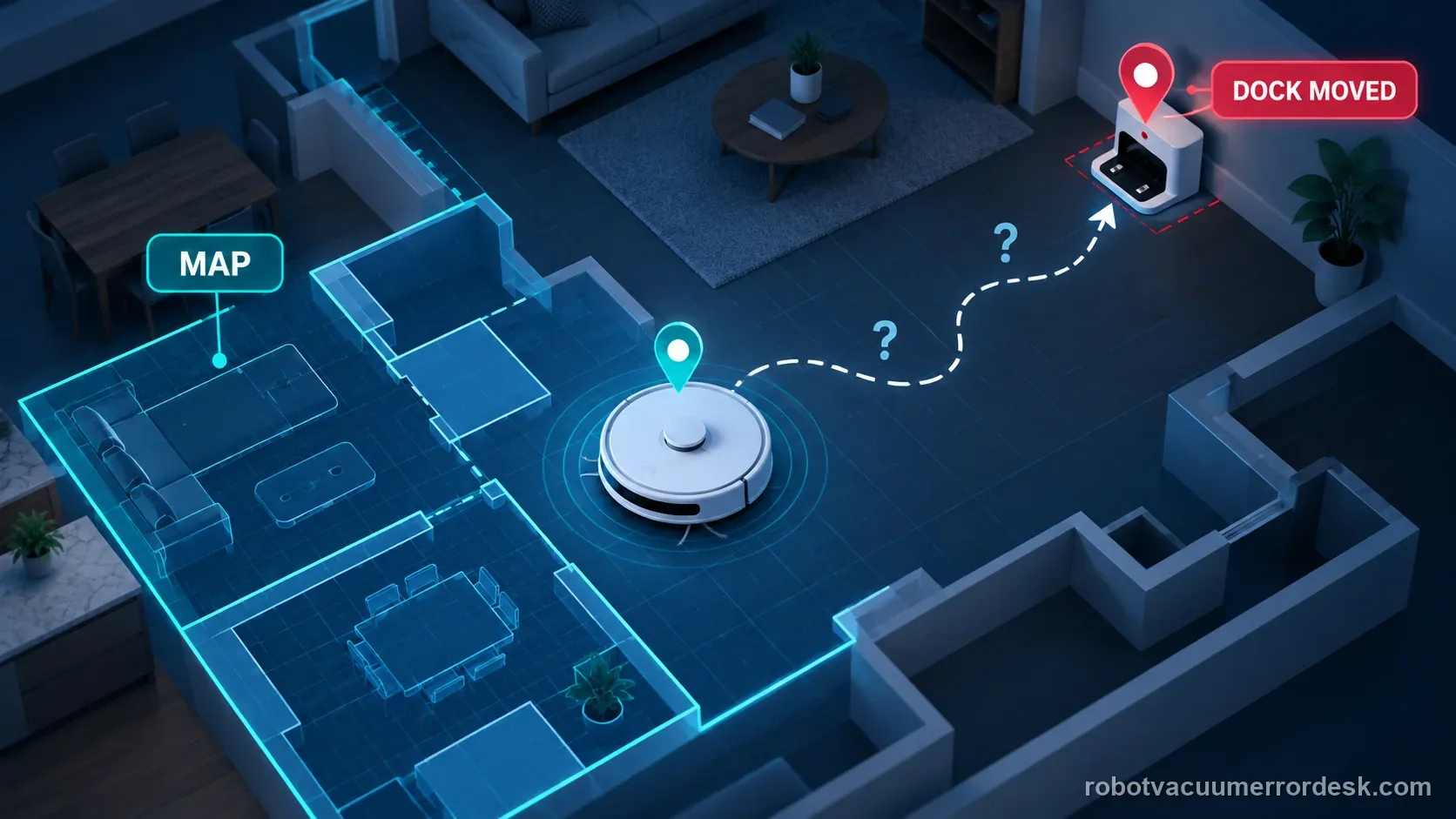
Worked example 1, illustrative: A Freo Z Ultra displays 1011 after the owner relocates the base. The owner records the move, checks whether the app has a temporary map selected, and opens the 1011 guide. The result points to map and localization checks before any parts diagnosis. If the same robot instead shows 1012 in a clear hallway, that is a different listed path; do not apply the 1011 map steps by number similarity alone.
Codes 1009 and 1010 depend on the Freo model
The clearest reason to keep model names beside the codes is Narwal’s own 1009 / 1010 entry. The manufacturer lists different applicable model groups under the same numbers. For Freo Z10 and Z10 Ultra, it describes a sealing-plate check for models with mop extension capability. For Freo Pro, Freo X Ultra, and Freo Z Ultra, it instead directs owners to clean the mopping module and restart the robot, then contact support if the issue persists.
That difference changes the first action. Do not turn over one model or inspect a sealing plate simply because another Freo model has the same number. Confirm the model suffix, compare the current official instructions, and use only the parts identified for that machine. If your model is not stated in the support article, ask Narwal to confirm the right path before disassembly.
| Applicable group in Narwal’s index | Published first path | What not to assume |
|---|---|---|
| Freo Z10 Ultra / Freo Z10 | For mop-extension models, inspect the sealing plate; clean and restart if it is intact. | Do not use this branch for another Freo model without matching the support page. |
| Freo Pro / Freo X Ultra / Freo Z Ultra | Clean the mopping module and restart; contact support if the error remains. | Do not import the Z10 sealing-plate inspection into this branch. |
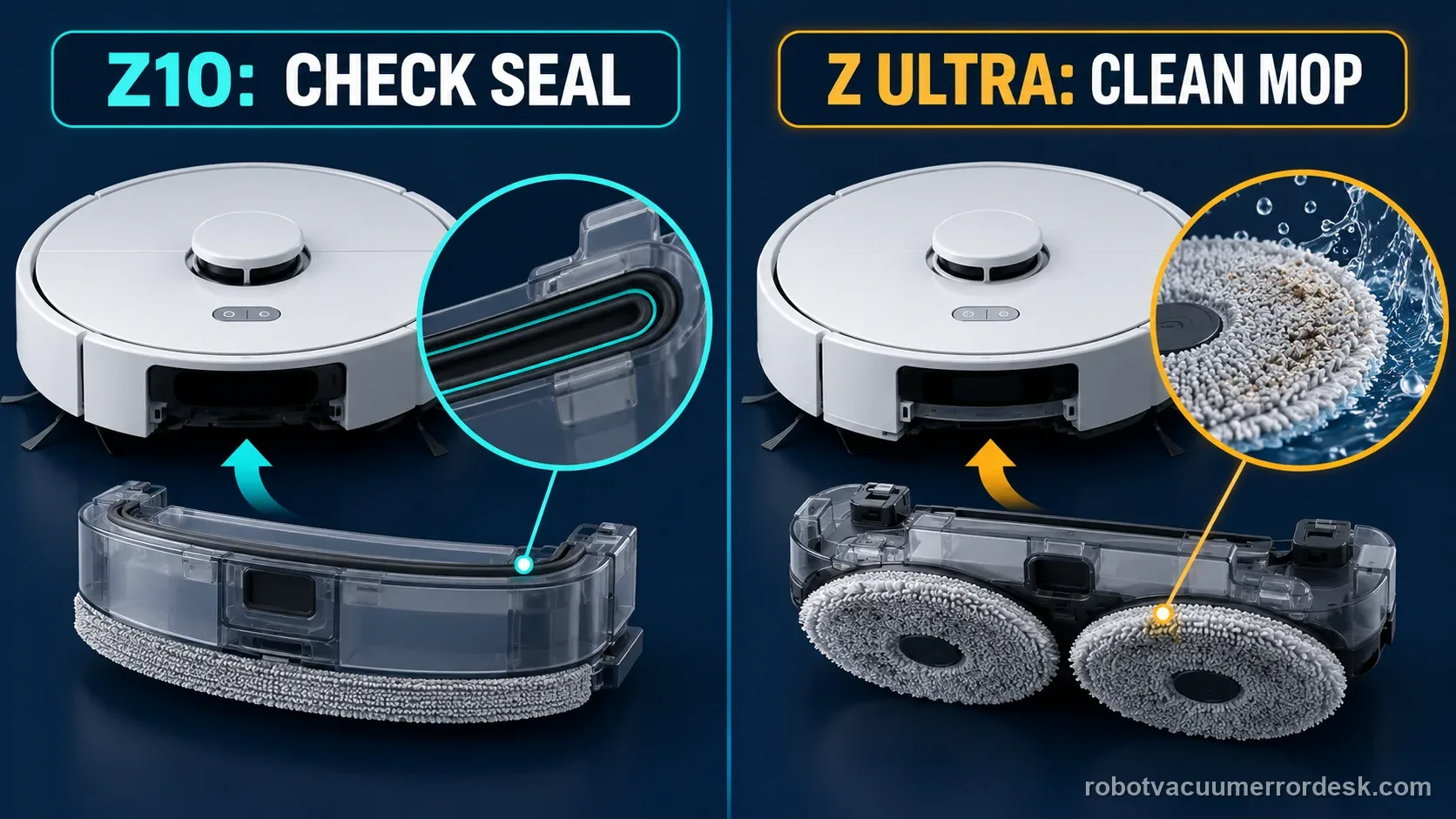
Worked example 2, illustrative: The app shows 1010 on a Freo Z Ultra. The owner confirms the suffix, opens the Z Ultra guide, cleans and reinstalls the user-removable mopping module as the manufacturer describes, then restarts. If 1010 returns, the next step is support with the exact model and app screenshot. The owner does not borrow the Z10 sealing-plate step or pry into the lift mechanism.
Use a narrow owner check for Error 2003
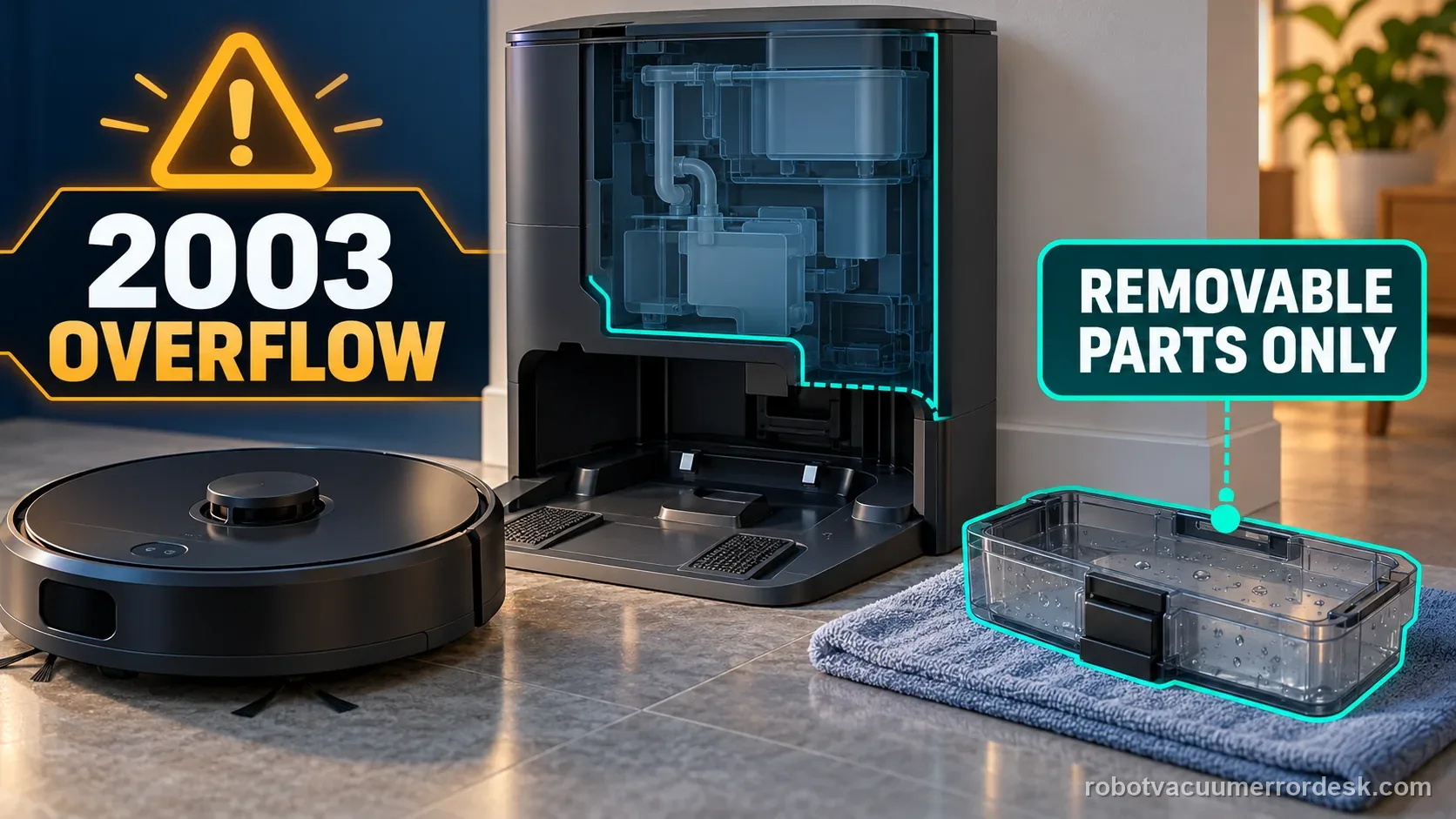
Narwal’s Error 2003 spotlight is a base-station overflow procedure. Its illustrated example uses a Freo X Ultra, so treat model-specific pictures and component names cautiously when the alert is on a different Freo. The published guide starts with removable parts such as the cleaning tray and slope pad, drying visible residual water, checking tank seating and seals, and using Narwal-approved cleaning solution. The detailed Freo Z Ultra article on this site notes the limits of applying examples from other Freo models.
Work only on parts that the matching model’s instructions identify as removable. Keep liquid away from electrical openings, unplug the base before an owner service step when the manual directs it, and do not open the sealed station. If overflow returns after the documented removable-part checks, stop and contact Narwal. Repeating a wash cycle or adding an unapproved detergent can obscure the symptom without identifying the cause.
Follow this order before you reset or replace anything
- Copy the complete code, wording, time, and task state from the Freo app.
- Confirm the exact model and suffix on the robot or in device settings.
- Identify whether the message refers to the robot, map, mop module, or base.
- Open the guide whose title and model match; check its official source link.
- Try only the listed owner-level action and record the result once.
- If the fault returns or the model is not covered, send the evidence to Narwal support.
Common code-lookup mistakes
- Searching by the digits alone and copying a different brand’s repair steps.
- Ignoring model suffixes such as Z, Z10, or Ultra when a code is grouped.
- Assuming this guide index lists every Narwal code because it has an error-code URL.
- Factory-resetting a map or app before checking whether the code is a map, dock, or module alert.
- Opening a base station or forcing a sealed part to reach a sensor or pump.
- Repeating a wash, restart, or docking test without recording the exact result.
Stop owner checks when the exact guide’s listed step fails, the same code returns, a part is cracked or loose, water reaches an electrical area, or the support page does not include your model. Send the exact model, full code and message, screenshot, time, and a short video when the behavior is visible. A clear record is more useful than a guessed replacement part.
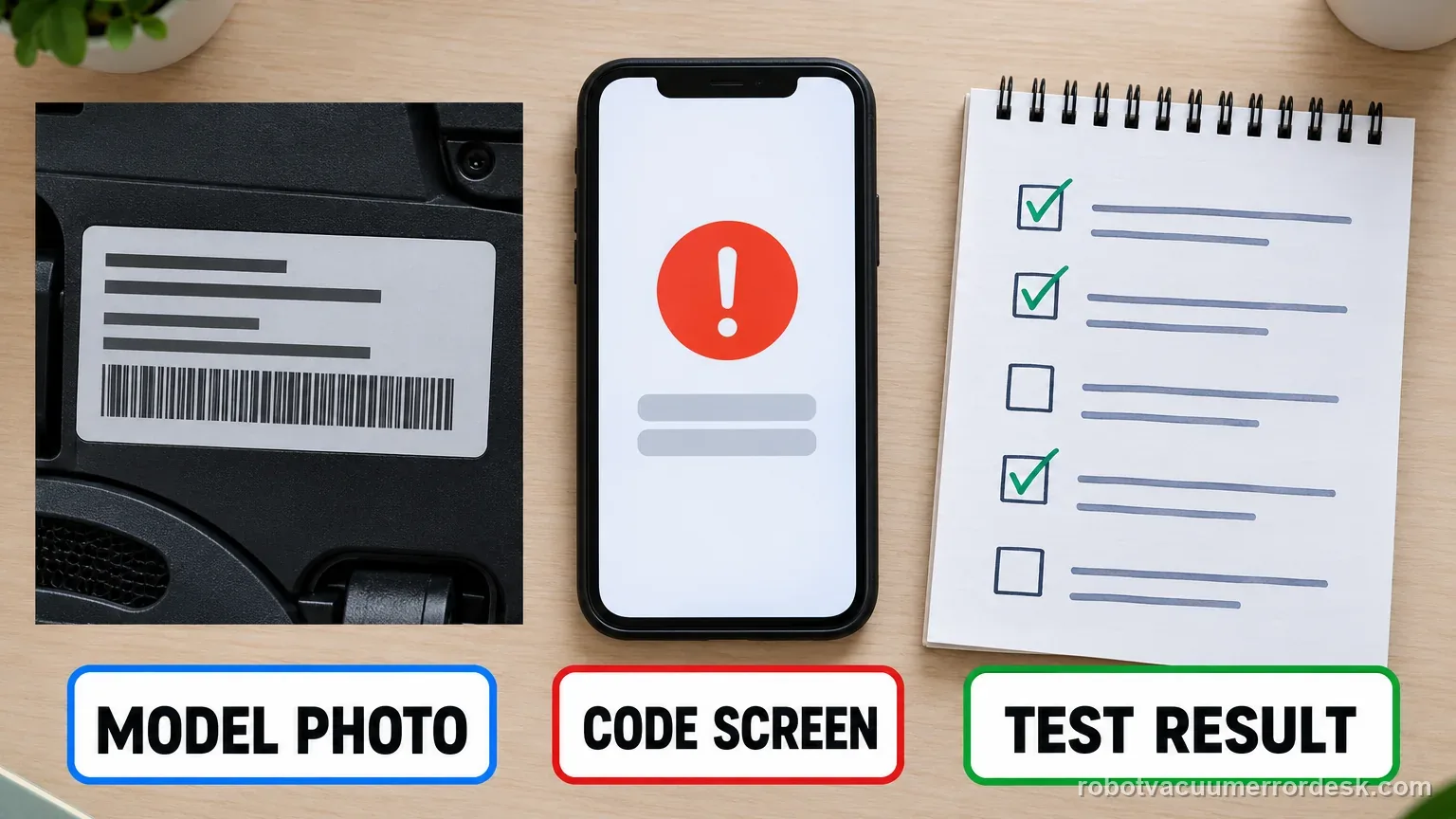
For a code outside this index, use the complete Narwal code table and open the manufacturer’s own entry for your model. Narwal’s robot-vacuum index directs US and Canadian owners to provide the error code when contacting support. If the official page and in-app wording disagree, save both and let support identify the current regional/model path.
Manufacturer sources: Narwal robot-vacuum error code index ↗ · Narwal Error 2003 spotlight ↗
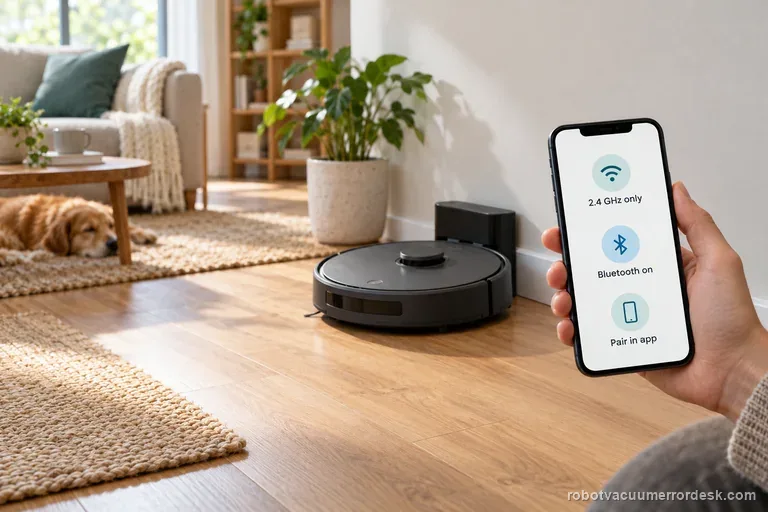
Wi-Fi / app connection failure
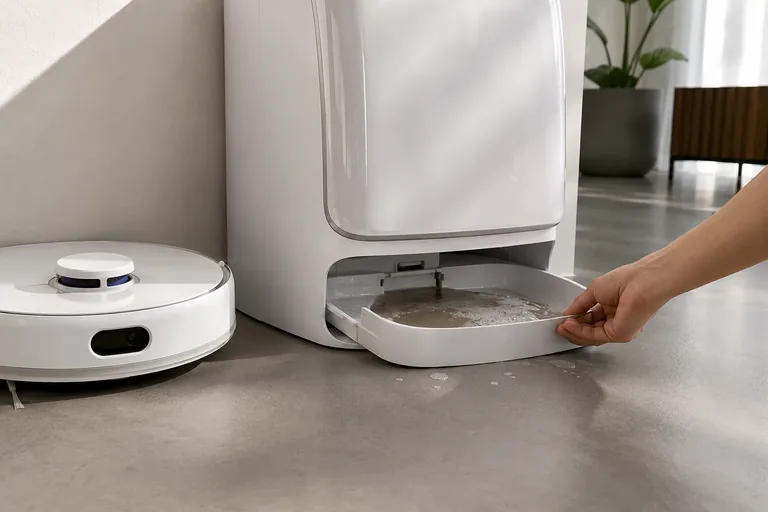
Error 2003
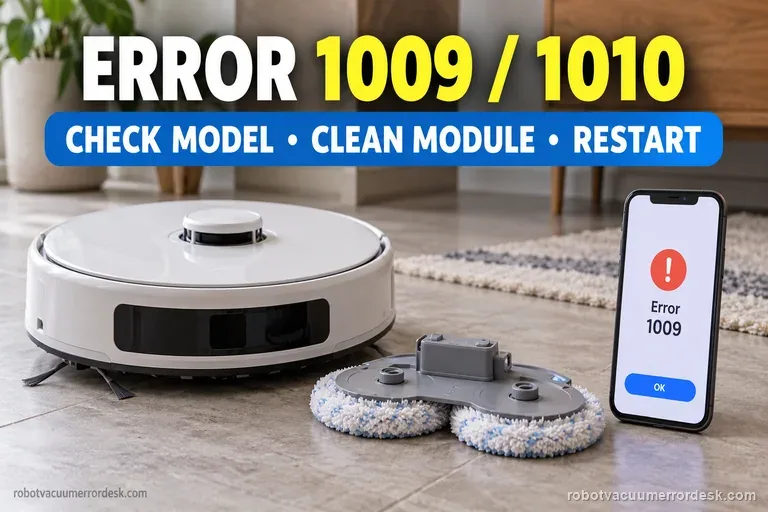
Errors 1009 / 1010
Abnormal noise
Broad “complete code” tables can collapse multiple generations into one meaning. This index only links to existing source-backed diagnostics and keeps model scope visible so a code number is never treated as universal.