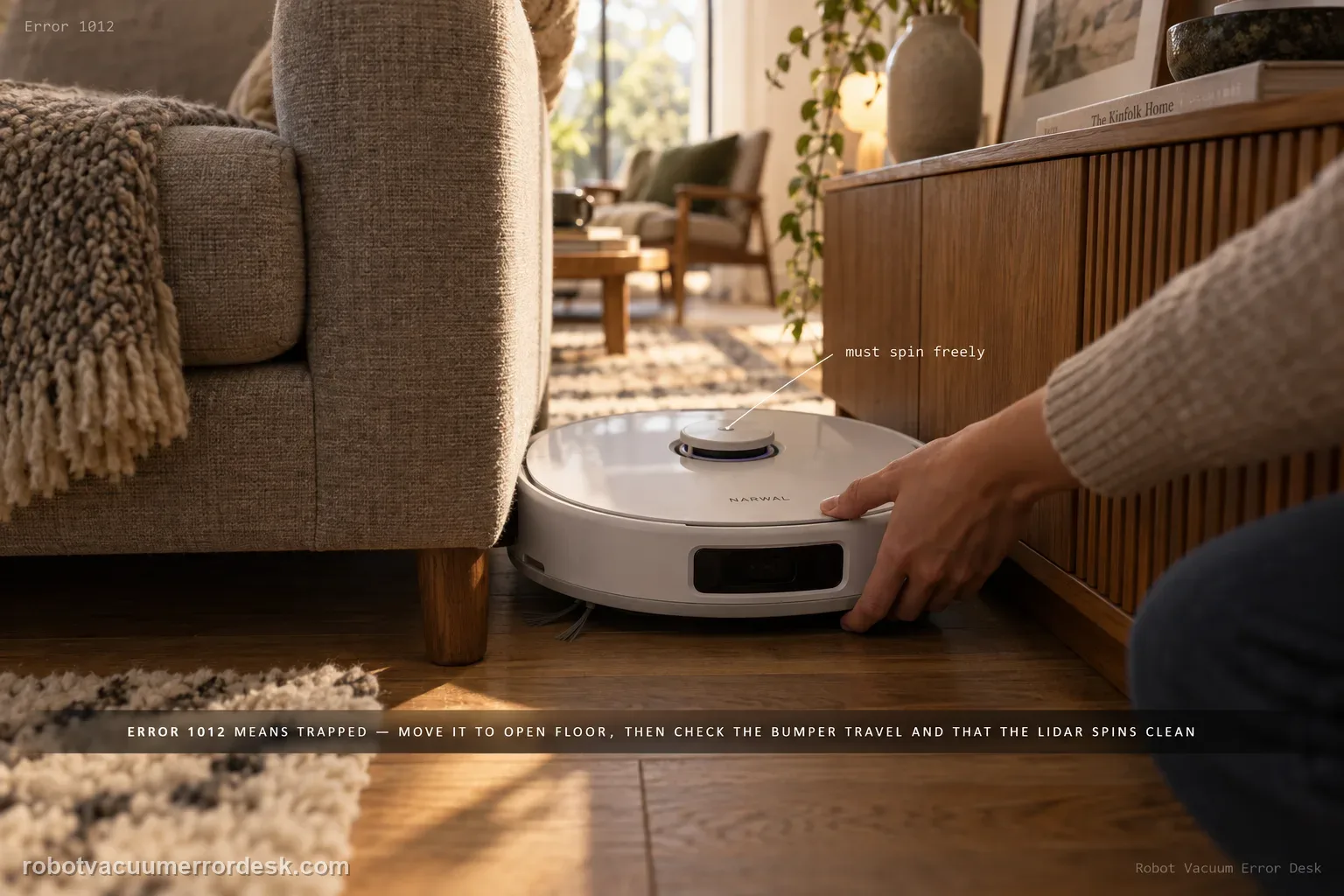
Error 1012 means the robot is trapped. Move the Freo Z Ultra into an open area and remove surrounding obstacles, then check the bumper, whether it can return to base, and whether the LiDAR rotates normally without a red warning.
Confirm the exact model and exact code, light pattern or symptom.
Run the lowest-risk physical or software check first.
Use each pass condition to decide what the result actually narrows down.
Does this match your problem?
- The app reports Error 1012.
- The robot stopped near furniture, cords, thresholds or a tight clearance.
- The robot may move again after being relocated but the error repeats in the same area.
Most likely causes
A physical obstacle or tight clearance has trapped the robot
The bumper is not retracting normally
Return-to-base navigation is abnormal
The LiDAR is not rotating normally or shows a red warning
What your test result means
| What you observe | What it narrows down | Next move |
|---|---|---|
| Robot is physically wedged by furniture/cables | The code matches a real trapped condition. | Clear the area, move to open floor and restart. |
| 1012 clears on open floor | Environment caused the trap. | Remove/restrict the problematic obstacle before normal cleaning. |
| Bumper does not spring back freely | Narwal asks owners to verify bumper return. | Clear accessible obstruction and retest. |
| LiDAR does not rotate or shows red warning | Narwal flags this as a diagnostic clue within the 1012 path. | Stop repeated runs and contact support with video. |
| Open floor, free bumper, normal LiDAR but code returns | Simple trapped checks are exhausted. | Send Narwal error screenshot and video of the open-floor repeat. |
Do not factory-reset by default. Use the exact model’s reboot/network-reset procedure only when the manufacturer path calls for it.
Run these checks in order
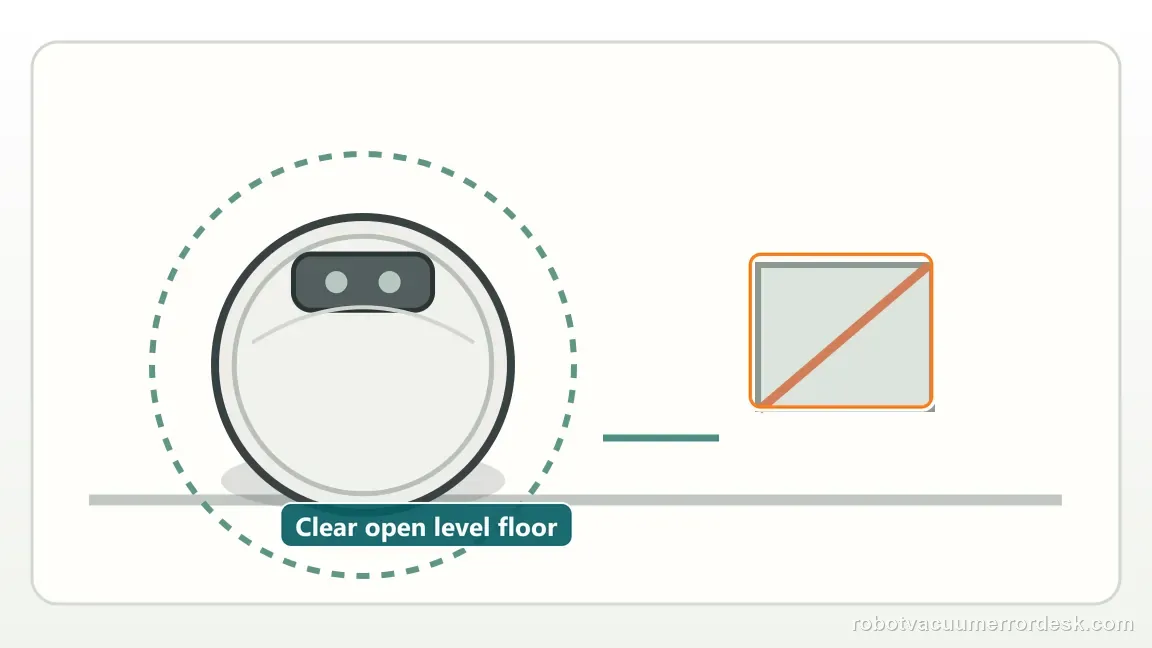
Clear the trap and move to open floor
Remove cords, fabric, small objects and tight obstacles around the robot. Move it to an open level area and restart the task as Narwal directs. Use a plain, level area for this test and keep cords, rug edges, chair bases and thresholds outside the first short run. The purpose is to remove the environment as a variable before blaming a sensor. If Error 1012 clears in open space but returns only beside one obstacle, document that obstacle and clearance. If the code repeats on open floor, the later bumper, base-return and LiDAR checks become much more informative because a genuine trap is no longer the obvious explanation.
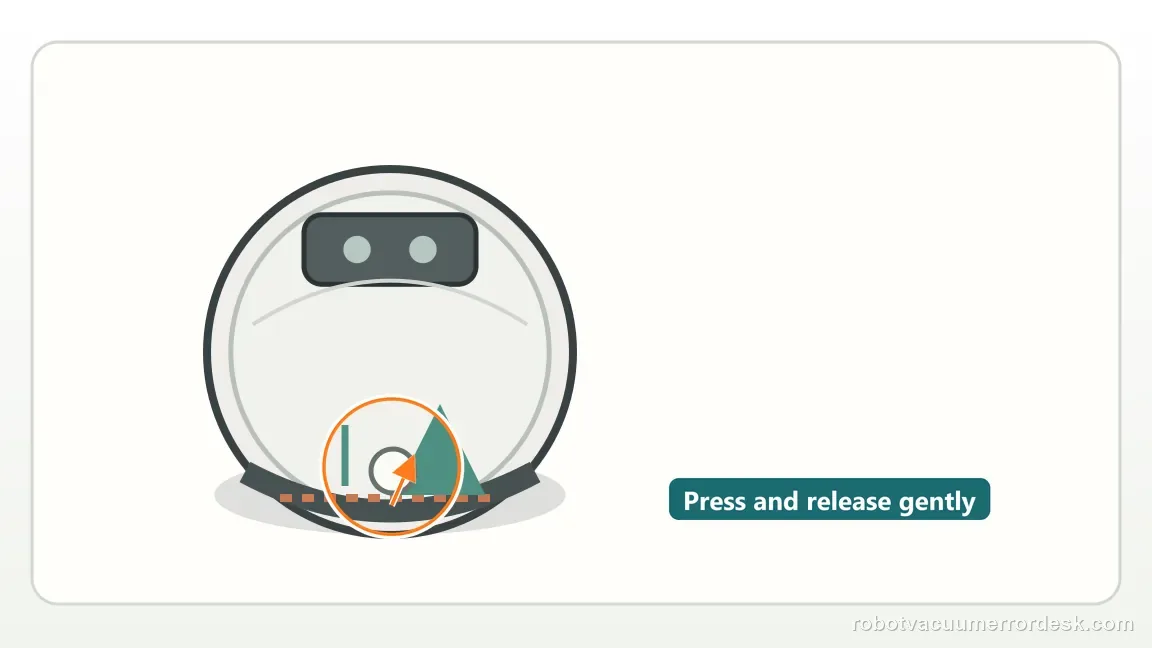
Check bumper return
Press and release the bumper gently across its travel. Narwal specifically asks whether it retracts properly, so do not stop at a visual debris check.
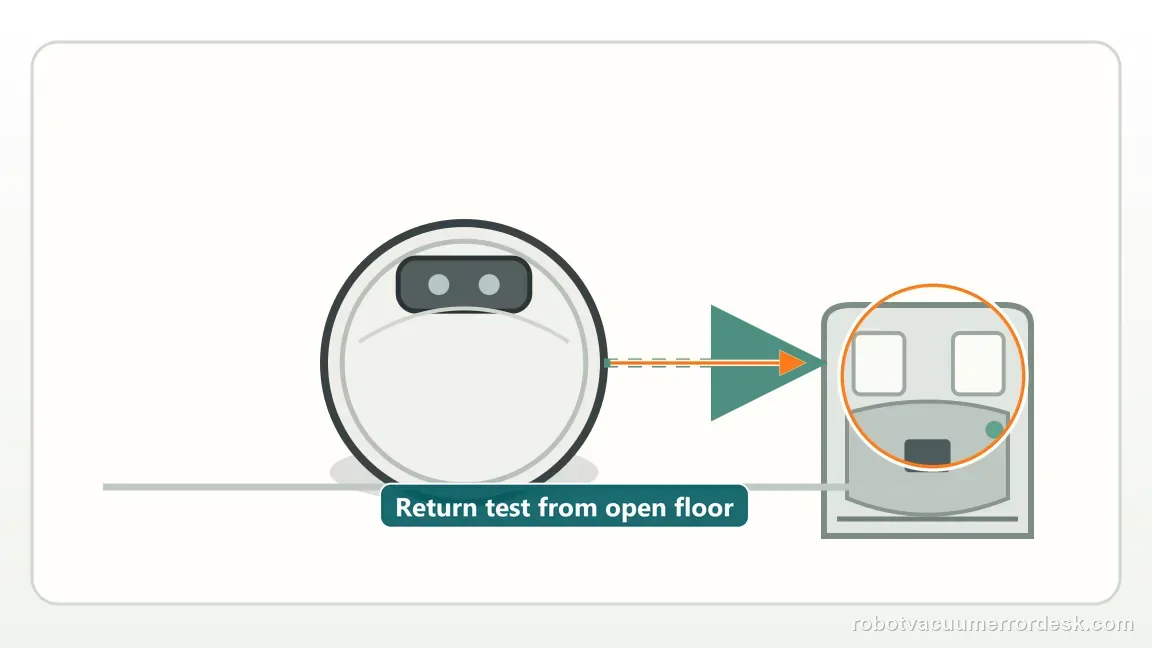
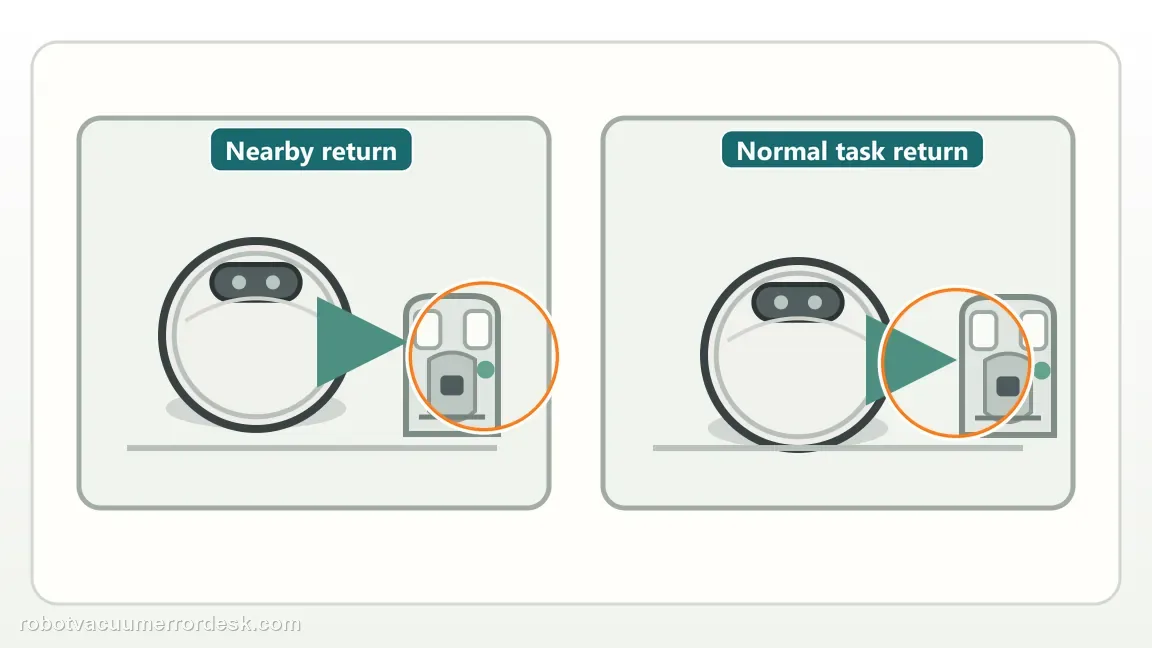
Run a short return-to-base test
From the open area, ask the robot to return to the base. This separates a simple furniture trap from a continuing localization or mobility fault.
Observe LiDAR rotation
Watch the LiDAR during startup/navigation and confirm it rotates rather than remaining stalled. Watch the turret during a short controlled movement rather than trying to turn it by hand. Narwal pairs this observation with the trapped-code path because navigation can fail when localization hardware is not behaving normally. A rotating LiDAR does not by itself prove every navigation function is healthy, but a visibly non-rotating state gives support a concrete symptom. Record video if the state is intermittent instead of repeatedly restarting until the evidence disappears.
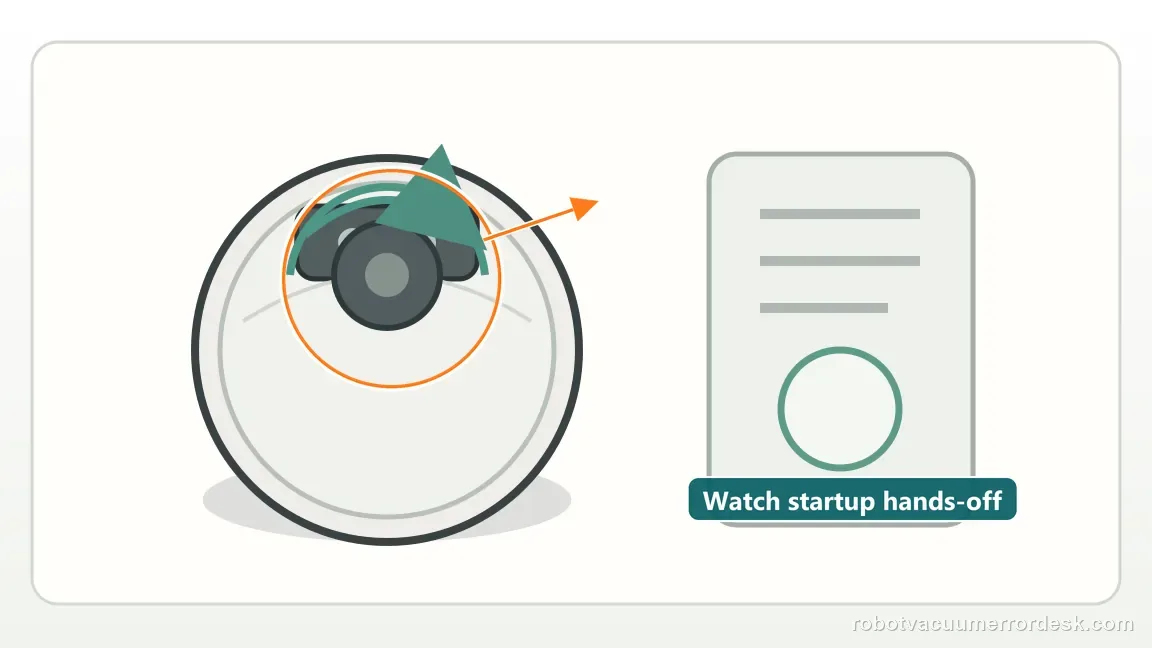
Check for the documented red LiDAR warning
Narwal also tells owners to note whether a red blinking light appears on the LiDAR. Record the behavior if the error repeats.
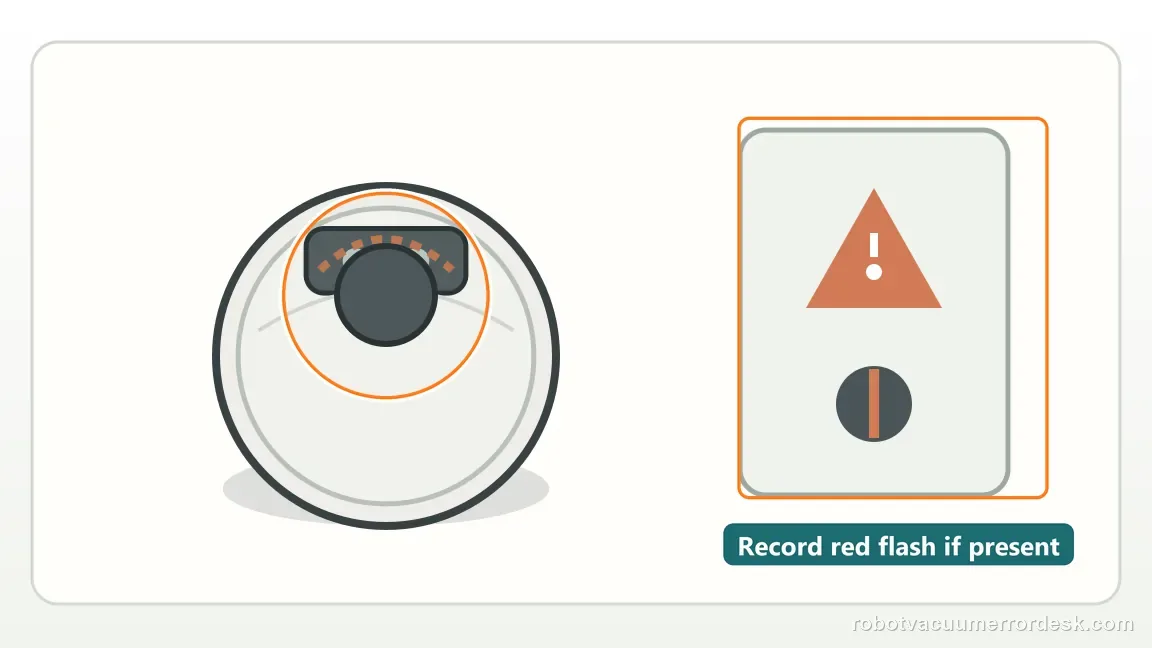
Use the open-floor restart to distinguish a real trap from a sensor/mechanical repeat
Move the Freo Z Ultra to a flat open area, clear obstacles and restart the task as Narwal instructs. If Error 1012 immediately returns with nothing around the robot, the original physical trap has been removed and the bumper, return behavior or LiDAR checks become more important.
Observe LiDAR rotation and the red-warning clue together
Narwal asks owners to check whether the LiDAR rotates normally and whether any red light is blinking on the LiDAR. Watch the top sensor without touching it while the robot starts. Combine that observation with bumper return and a short base-return test rather than treating “trapped” as only a floor-obstacle message.
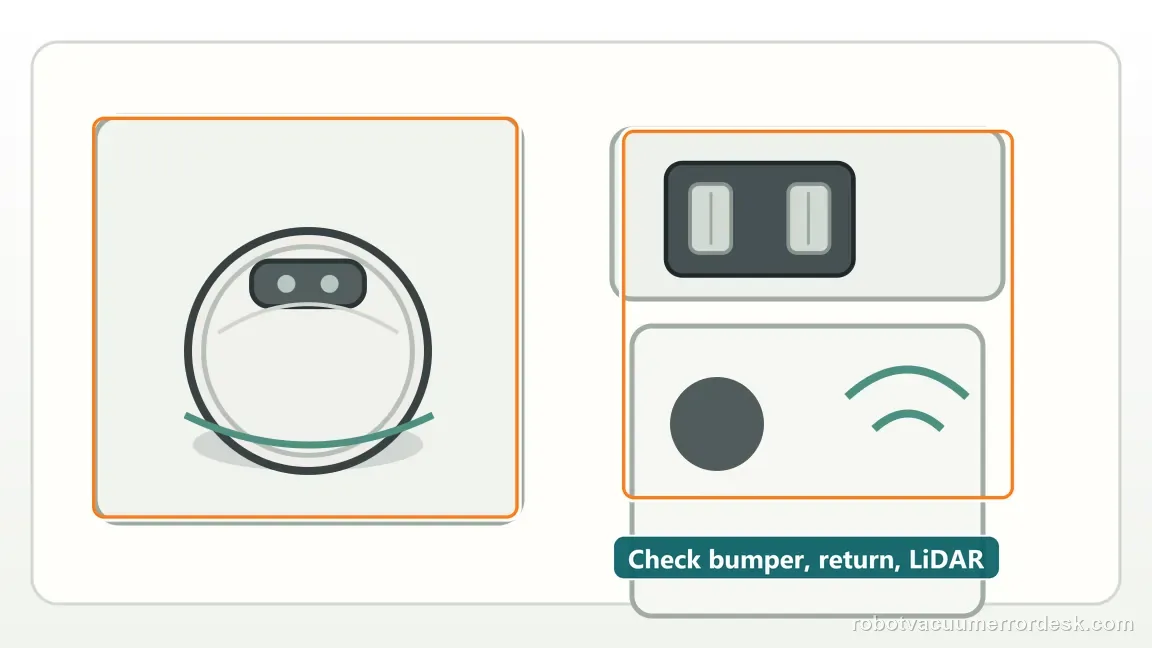
Use return-to-base as a separate movement check
After the open-floor restart, command a short return to the base as Narwal recommends checking. A robot that can drive, turn and reach the station has demonstrated more normal movement than a robot that remains trapped in place. If return fails together with a stiff bumper or abnormal LiDAR, record all three observations in one support video rather than testing them in isolation.
If Error 1012 repeats on open level flooring with a free bumper, normal base return and normal-looking LiDAR, send Narwal a short video showing the open-space failure and LiDAR state.
What to collect before contacting support
Give support a reproducible case instead of “it doesn’t work.” That reduces repeated basic troubleshooting and preserves the clues from your tests.
- Exact model name and the error code / voice prompt exactly as shown
- A photo or screenshot of the app error and the time it occurred
- A short list of the checks already completed and what happened after each one
- Map screenshots and robot location when the problem involves localization, zones or docking
Manufacturer evidence
Narwal Robot Vacuum Error Code Index
Narwal defines 1012 as Robot Trapped and calls for obstacle removal plus bumper, base-return and LiDAR checks.
Additional official source: Narwal Freo Z Ultra User Manual ↗Additional official source: Narwal Freo Z Ultra support section ↗Last editorial review: September 5, 2026Regional note: manufacturer help centers, model suffixes, mains-power requirements and warranty procedures can differ by country. If the source redirects to a local support site, confirm that the model/hardware scope still matches before following a region-sensitive step.
This guide is rated Manufacturer-general. See what each evidence label means →
FAQ
What does Narwal Freo Z Ultra Error 1012 mean?
Narwal defines Error 1012 as “Robot Trapped.” The official path is broader than simply moving a chair: clear obstacles, move the robot to an open area and restart, then check that the bumper retracts, the robot can return to base, the LiDAR rotates normally and there is no red blinking LiDAR warning. Use those observations before service.
What if Error 1012 returns when my Freo Z Ultra is already in open space?
That is important evidence because the obvious physical trap has been removed. Check whether the bumper springs back normally, whether the robot can perform a short return to base and whether the LiDAR rotates without a red warning. If those owner-visible checks are abnormal or the code immediately repeats on open floor, record video and contact Narwal.
Can a stuck bumper contribute to Narwal Error 1012?
Yes. Narwal specifically tells owners to check whether the bumper retracts properly in the Error 1012 troubleshooting path. With the robot stopped, inspect for accessible debris or an object holding the bumper in. Do not force or dismantle the bumper. If it does not return freely after simple cleaning, include that behavior in your support video.
Why does Narwal mention LiDAR for a “robot trapped” error?
Because Error 1012 can persist even after surrounding obstacles are cleared, and Narwal asks owners to verify LiDAR rotation and any red blinking warning as additional clues. Watch the sensor during startup without forcing it. A non-rotating or red-warning LiDAR alongside repeated 1012 on open floor is stronger evidence for support than repeated obstacle clearing.
When should I contact Narwal for Freo Z Ultra Error 1012?
Contact support when Error 1012 repeats on a flat open floor after nearby obstacles are removed, especially if the bumper does not retract, the robot cannot return to base, or the LiDAR fails to rotate normally or shows a red warning. Send the error screenshot and a video that shows the open surroundings and the robot’s startup behavior.
Did this diagnostic narrow the fault?
Use this as an editorial signal, not a popularity counter. If a feedback address is configured you can email the note; otherwise you can copy it for your own support record.