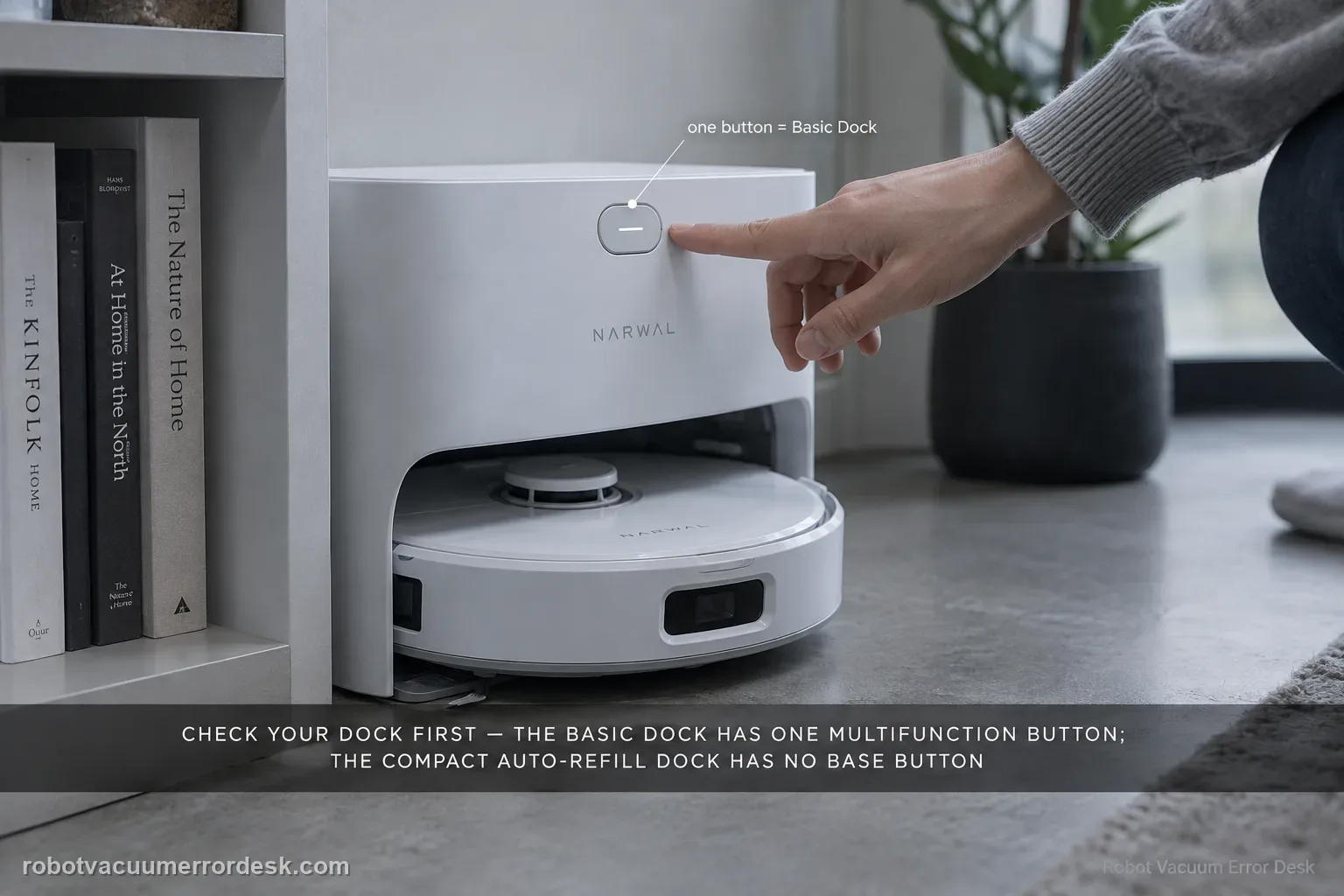
First identify which Narwal Flow dock you own. Narwal documents two versions: the Basic Dock has one multifunction button, while the compact Auto Refill & Drainage dock intentionally has no base-station button. On the Basic Dock, a short press starts/pauses/resumes, a double press starts or cancels mop-pad cleaning, a two-second hold ends a task, and a five-second hold enters or exits pairing mode. If you have the compact dock, use the Freo App or robot controls instead of diagnosing a missing switch. If a powered Basic Dock ignores every documented gesture, capture the response on video for Narwal.
Confirm the exact model and exact code, light pattern or symptom.
Run the lowest-risk physical or software check first.
Use each pass condition to decide what the result actually narrows down.
Confirm this is the right issue
- You cannot find a control button on the Narwal Flow compact dock.
- A Basic Dock button does not trigger the expected short/double/hold action.
- You may be following instructions for the wrong Flow dock version.
What’s most likely causing this
Normal design difference between Basic and compact docks
Wrong press pattern for the Basic Dock button
Actual Basic Dock button fault after the version and press pattern are confirmed
Reading your test result
| What you observe | What it narrows down | Next move |
|---|---|---|
| Compact Auto Refill & Drainage dock has no button | Narwal says that version intentionally has no base control. | Use the Freo App or robot buttons; do not troubleshoot nonexistent hardware. |
| Basic Dock short press works | The physical button is registering input. | Use the exact documented gesture for the other intended command. |
| Five-second hold enters pairing mode | Button hardware is proven even if another command failed. | Record which gesture/state fails rather than replacing the switch. |
| Base is unpowered or not communicating by any control path | The symptom is broader than a single button input. | Restore/diagnose station power or robot-base communication before judging the button. |
| Powered Basic Dock ignores every documented gesture | A real control-input fault becomes plausible. | Capture video, robot SN and task state for Narwal support. |
Do not factory-reset by default. Use the exact model’s reboot/network-reset procedure only when the manufacturer path calls for it.
Work through these checks in order
Identify the Flow dock version before testing a button
Narwal says Flow is sold with two different station designs. The Basic Dock has removable clean/dirty-water tanks and one multifunction base button. The compact dock is the Auto Refill & Drainage version and intentionally has no base-station button. Compare the physical station with Narwal’s version guide before following any control instructions. This single distinction prevents a normal compact-dock design from being misdiagnosed as missing or broken hardware.
On Basic Dock, test the exact Narwal press patterns one at a time
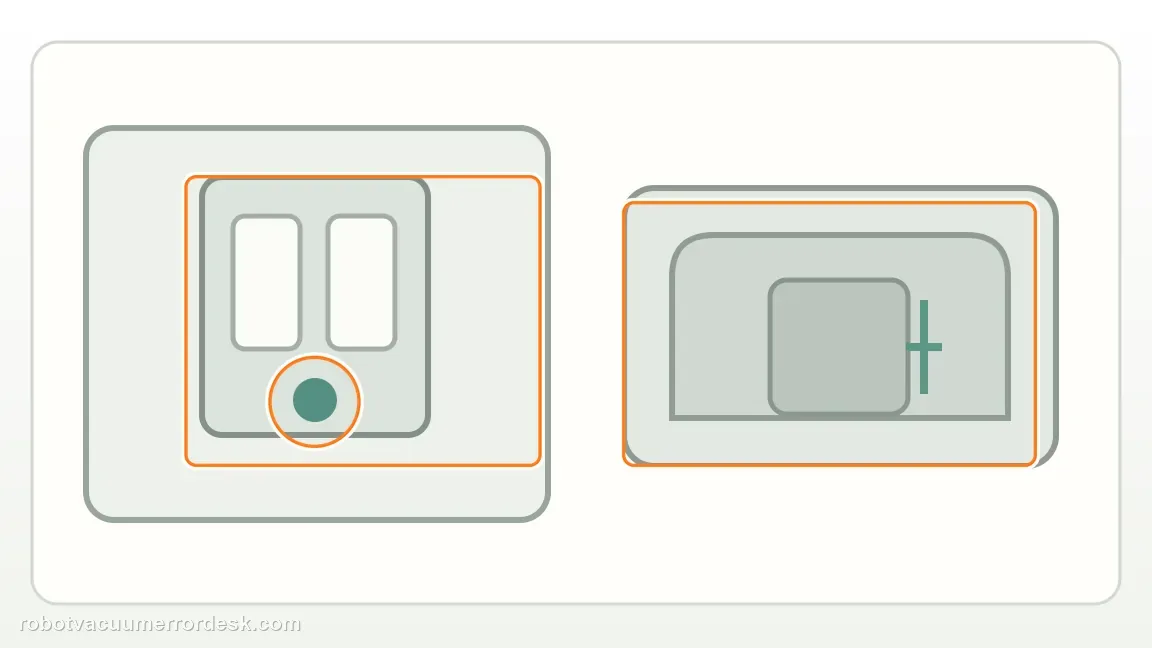
Narwal maps several commands to the same button: short press for Start/Pause/Resume, double press for Start/Cancel mop-pad cleaning, hold two seconds to end the task, and hold five seconds to enter or exit pairing mode. Test one intended command at a time from a stable state rather than using an arbitrary long press. If one gesture works while another does not, the switch itself is not completely dead and the problem is command/state specific.
On compact dock, use the app or robot controls instead
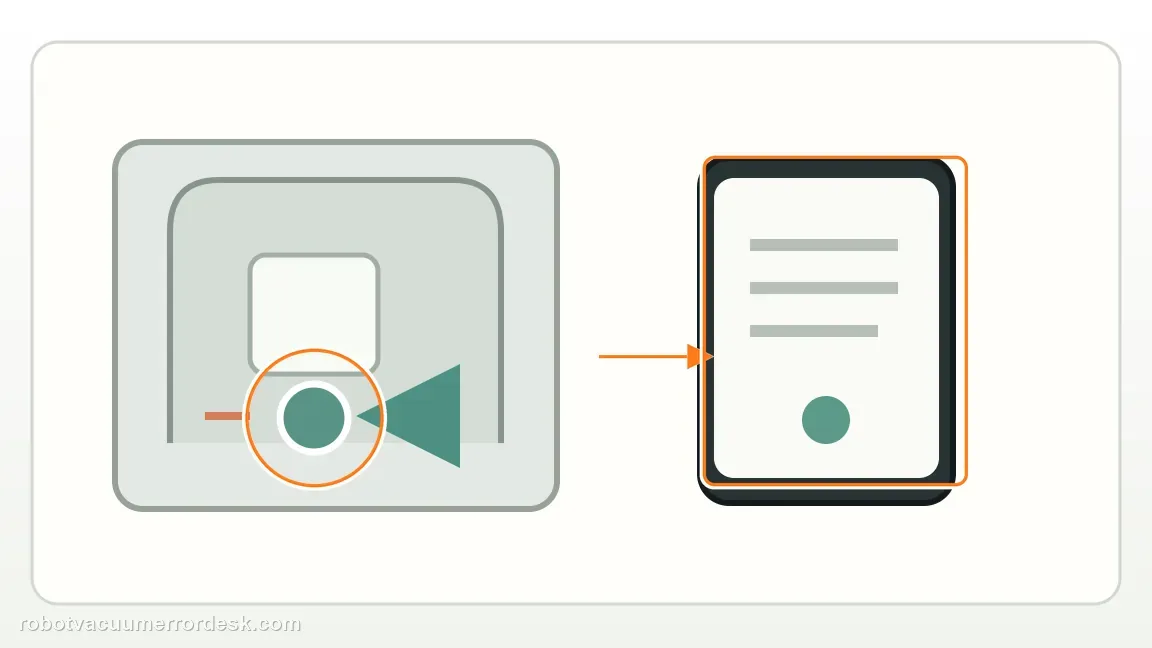
Narwal explicitly says the compact Auto Refill & Drainage Flow dock has no base control button. Use the Narwal Freo App or the buttons on the robot for cleaning control. Do not remove panels or search for a hidden switch. The absence of a base button on this version is intentional hardware design, just like its different water/detergent system, and cannot be fixed by a reset or replacement button sequence.
Verify the Basic Dock is otherwise powered and communicating
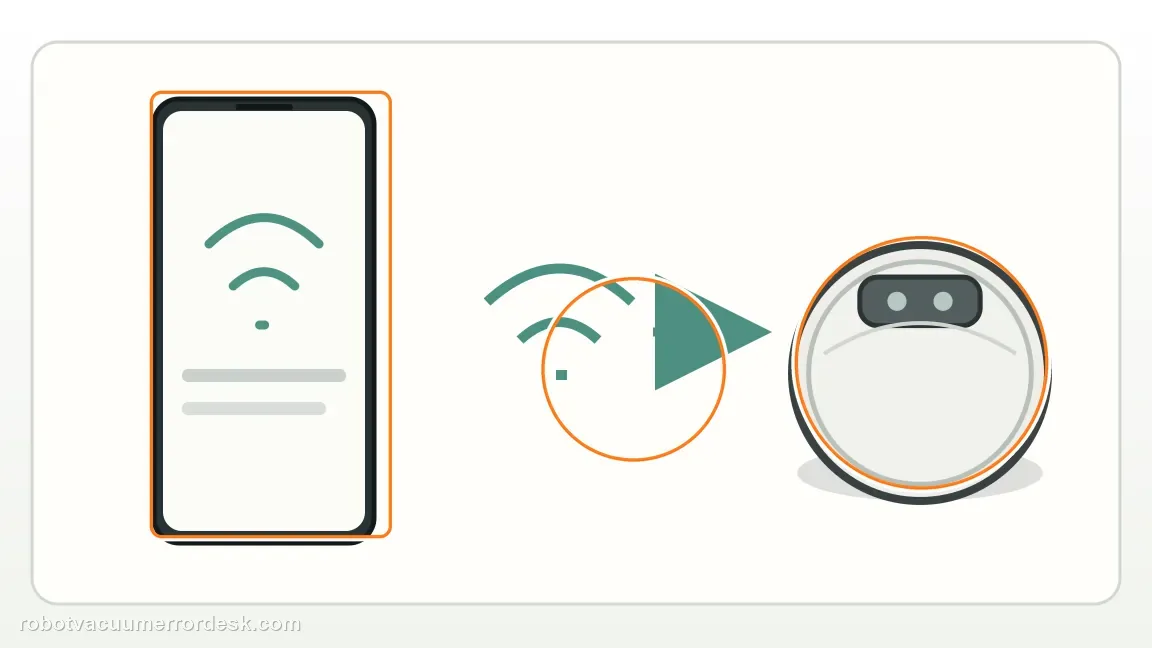
If you have the Basic Dock and the button appears dead, confirm the station has power and that the robot/base relationship is otherwise functional. Use the Freo App or robot control to start or end a simple task, then retry the exact button gesture. This separates a switch-input problem from a station that has lost power or is not communicating at all. Do not infer a button fault from one command while the base itself is offline.
Use a working gesture to distinguish a dead switch from a command-specific problem
If a short press works but a double press does not, or the five-second hold enters pairing mode while a cleaning command fails, the physical button is proven to register input. Record which gesture succeeds and which does not, along with the task state. That is more useful than repeatedly pressing the button faster or harder, and it prevents replacing a working switch when the issue is actually command timing or current robot/base state.
Escalate only a powered Basic Dock that ignores every documented gesture
If the station is the Basic Dock, has power and communication, and none of Narwal’s short/double/two-second/five-second inputs register, record a close video showing the dock version and at least two documented gestures. Include the robot serial number and current task state. Do not escalate the compact dock for having no button; that version is functioning as designed and should be controlled from the app or robot instead.
Escalate only after confirming you own the powered Basic Dock and every documented button gesture fails. Record the dock version, a short press and a five-second hold, and include the robot serial number. If any gesture works, report the exact command/state that fails. The compact Auto Refill & Drainage dock has no base button by design and should not be treated as defective.
Before you contact support, gather this
A reproducible case moves a support call past the basic troubleshooting script faster than “it doesn’t work” does, and it keeps the clues from your own tests on record.
- Exact model name and the error code / voice prompt exactly as shown
- A photo or screenshot of the app error and the time it occurred
- A short list of the checks already completed and what happened after each one
- Map screenshots and robot location when the problem involves localization, zones or docking
Where this comes from
Narwal Flow — base-station controls by version
Narwal explicitly documents that the Basic Dock has one multifunction button while the compact Auto Refill & Drainage dock has no base-station button. The dock-version distinction is decisive: the compact Auto Refill & Drainage station intentionally has no base button, while the Basic Dock maps multiple functions to press duration.
Additional official source: Narwal Flow — two dock versions ↗Additional official source: Narwal Flow support section ↗Last editorial review: September 5, 2026Regional note: manufacturer help centers, model suffixes, mains-power requirements and warranty procedures can differ by country. If the source redirects to a local support site, confirm that the model/hardware scope still matches before following a region-sensitive step.
This guide is rated Official model support. See what each evidence label means →
Questions people ask
Does every Narwal Flow base station have a button?
No. Narwal documents two Flow dock versions. The Basic Dock has one multifunction button, while the compact Auto Refill & Drainage dock intentionally has no base-station button. Compact-dock owners should use the Narwal Freo App or controls on the robot. The absence of a button on that version is normal product design, not a missing part.
What does a short press on the Narwal Flow Basic Dock do?
Narwal says a short press starts, pauses or resumes the task. The same physical button uses different timing for other functions, so do not judge it from one random press. A double press controls mop-pad cleaning, a two-second hold ends a task, and a five-second hold enters or exits pairing mode. Test the intended gesture exactly.
How do I start mop-pad washing from the Narwal Flow Basic Dock?
Use a double press on the Basic Dock’s single button. First confirm you really have the Basic Dock, because the compact Auto Refill & Drainage station has no base button. If short press works but double press does not, record that difference and the current task state; it proves the switch is not completely dead and narrows the issue.
How do I enter pairing mode from the Narwal Flow base?
On the Basic Dock, Narwal says to hold the base button for about five seconds to enter or exit pairing mode. The compact Auto Refill & Drainage dock has no base button, so do not search for that gesture there. If the five-second hold works, the button hardware is registering even if another cleaning command is misunderstood.
When is a Narwal Flow base button probably actually faulty?
A real button fault becomes plausible when you have confirmed a powered Basic Dock, the base otherwise communicates through the app/robot, and none of the documented short, double, two-second or five-second gestures register. Record a video and provide the robot serial number. If even one gesture works, describe the command-specific failure instead of calling the entire switch dead.
Did this diagnostic narrow the fault?
Use this as an editorial signal, not a popularity counter. If a feedback address is configured you can email the note; otherwise you can copy it for your own support record.