Narwal Flow troubleshooting
Flow-specific Wi-Fi, docking, dock-version, detergent and noise diagnostics. We route by the exact error or symptom rather than assuming a generic robot-vacuum fix applies.
Narwal publishes model-specific Flow setup and behavior guidance but no public firmware-version history was verified for this release. Record the app version/robot firmware before changing settings.
Narwal Flow issue index
7 guides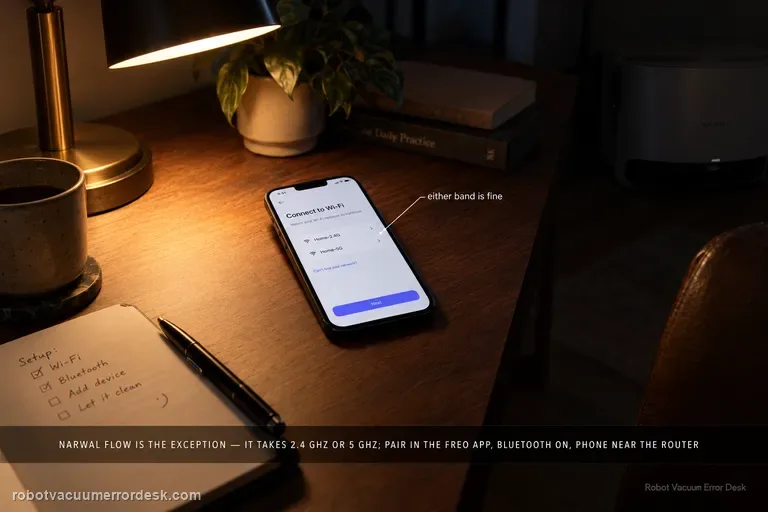
Wi-Fi / app connection failure
Narwal Flow is an exception to the older Narwal “2.4 GHz only” rule: Narwal’s Flow-specific FAQ says this model supports both 2.4 GHz and 5 GHz Wi-Fi. Start with the Flow pairing path in the Freo App, confirm the robot and base are powered, enable Bluetooth and the phone permissions Narwal requires, and keep the robot near a strong signal. If setup fails, compare the two supported bands or a simple phone hotspot without changing several variables at once. Narwal’s general network guide is still useful for permissions, hotspot and router isolation, but its 2.4-GHz-only sentence is not the correct compatibility rule for Flow. If the failure persists, send Narwal the robot SN, App ID and a screen recording or clear record of the failed setup stage.
Won't return to base
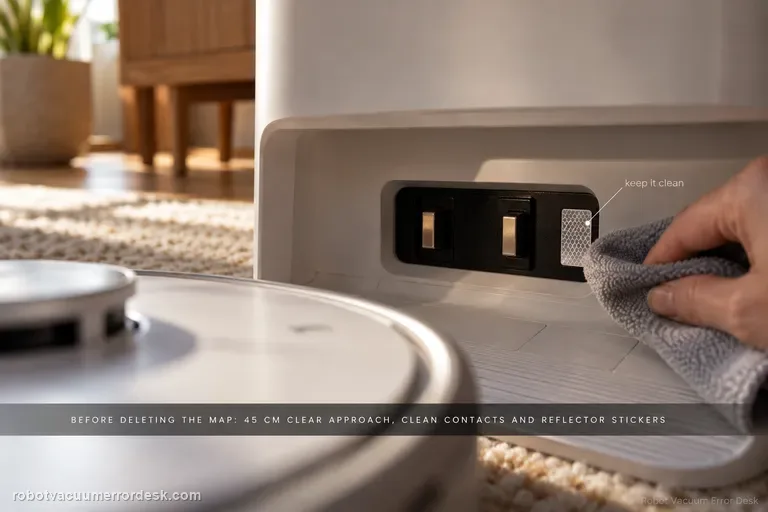
Do not start by deleting the map. First give Narwal Flow a compliant base area: hard and level, away from direct sunlight, with about 45 cm / 1.5 ft of clear approach space. Narwal’s current return-to-base troubleshooting then calls for cleaning the robot/base charging contacts and reflector stickers, checking the drive and caster wheels for oil or debris, confirming the cleaning tray and roller-brush cover are seated correctly, and remapping only if the base station was moved. A short return from near the dock can then separate final-entry trouble from whole-home localization. If Flow still cannot return, record the final approach for support instead of repeatedly remapping.
Base button not working / missing
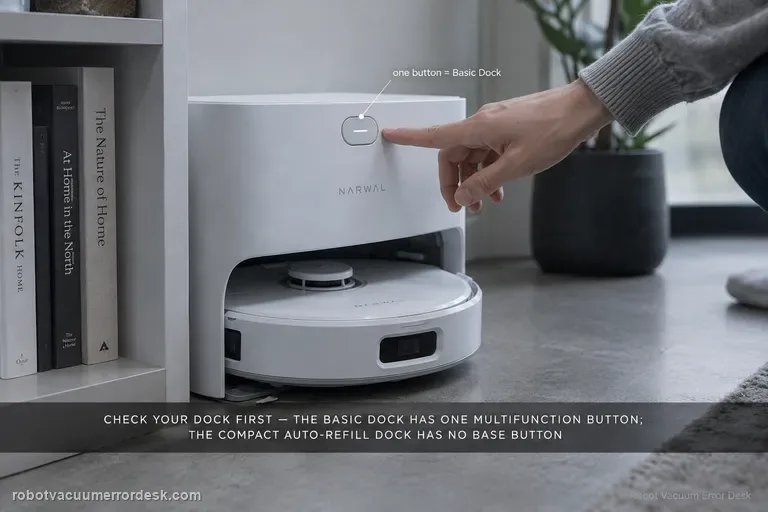
First identify which Narwal Flow dock you own. Narwal documents two versions: the Basic Dock has one multifunction button, while the compact Auto Refill & Drainage dock intentionally has no base-station button. On the Basic Dock, a short press starts/pauses/resumes, a double press starts or cancels mop-pad cleaning, a two-second hold ends a task, and a five-second hold enters or exits pairing mode. If you have the compact dock, use the Freo App or robot controls instead of diagnosing a missing switch. If a powered Basic Dock ignores every documented gesture, capture the response on video for Narwal.
Abnormal noise
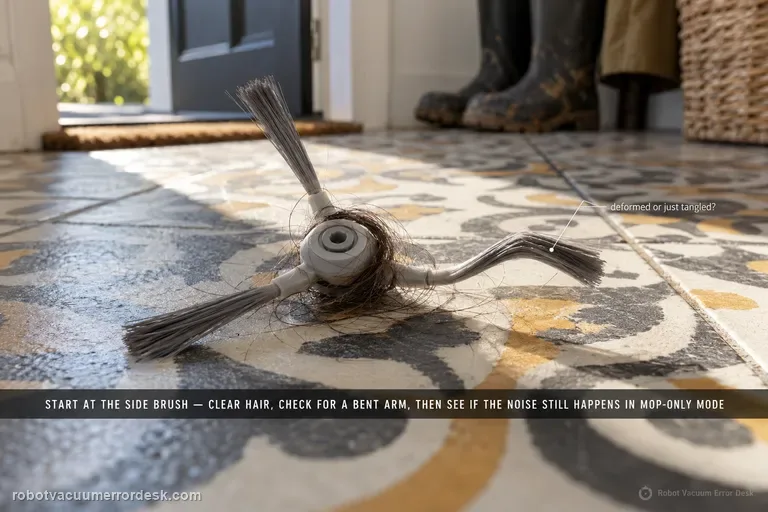
Narwal’s Flow-specific noise article starts with the side brush: clean away hair or foreign objects and check for deformation. Then compare whether the sound still occurs in mopping-only mode. Narwal’s broader robot-noise guide adds owner-safe checks for the roller brush and wheels when the source is unclear, and notes that the mopping module can make a normal motor feedback sound when fully lifted. If a clean robot still makes unfamiliar grinding, clicking or impact noise, stop speculative disassembly and record a close video showing the operating mode and moving part when the sound begins.
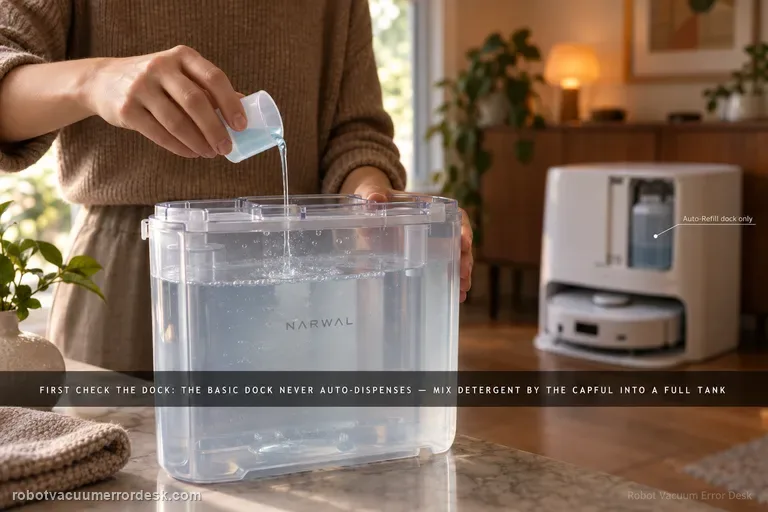
Detergent not auto-dispensing
The first test is not the detergent bottle; it is the dock version. Narwal says Flow’s Basic Dock does not auto-dispense detergent at all. With that dock, detergent is mixed manually into a full clean-water tank using Narwal’s specified capful guidance. The compact/Auto Refill & Drainage version has a built-in main detergent reservoir and can auto-dispense after the cartridge is filled and reinstalled horizontally. Narwal also documents an app switch under Device Homepage → Settings → Base Station → Automatically add detergent for Flow with Auto Refill & Drainage. If you diagnose the wrong dock as if it had the other dock’s dosing system, a normal design difference looks like a failure.
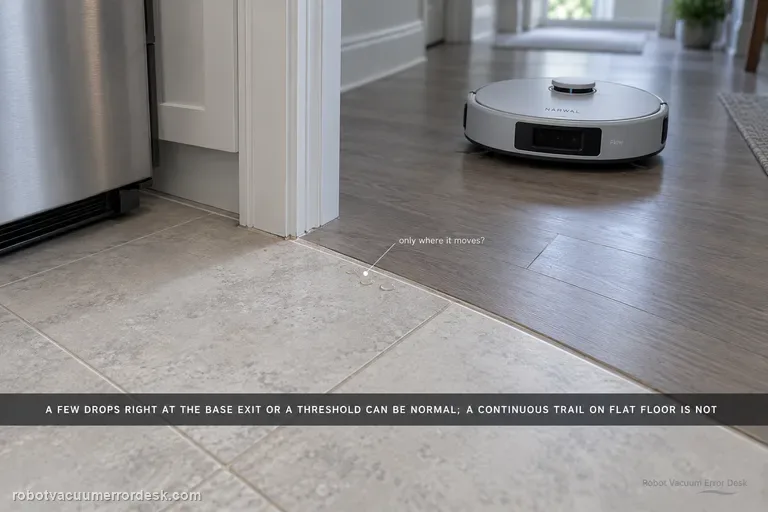
Residual water after mopping
Narwal says Flow normally leaves no water in most cases, but a few droplets can be normal after significant movement—especially when the robot exits the base station or climbs a threshold. Treat quantity and pattern as the key discriminator. Dry the floor, repeat the same short route and note whether moisture is limited to those movement events or forms a continuous trail/puddle during ordinary travel. Do not open the internal water path for a few isolated drops. If the residue is clearly noticeable or persistent, Narwal asks for the robot serial number and a video of the robot operating.
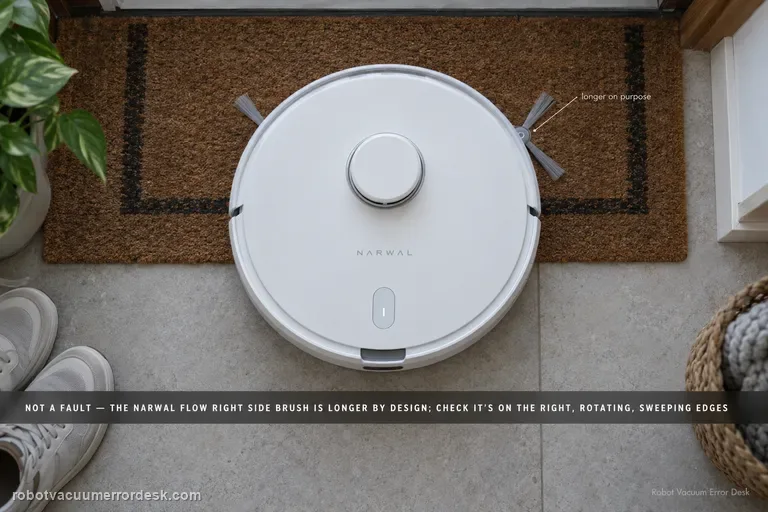
One side brush is longer
Yes—on Narwal Flow the right-hand side brush is intentionally longer. Narwal says the extra reach comes from the brush itself, not from an extend/retract actuator, so a healthy asymmetric pair should not be “fixed” or trimmed to match. Confirm the long brush is on the right, inspect for real damage or tangles, make sure any removed brush is seated correctly, and judge health by whether it rotates and sweeps edge debris normally. If the longer right brush stops rotating, repeatedly detaches or is physically damaged, that is a separate maintenance fault worth documenting for Narwal.