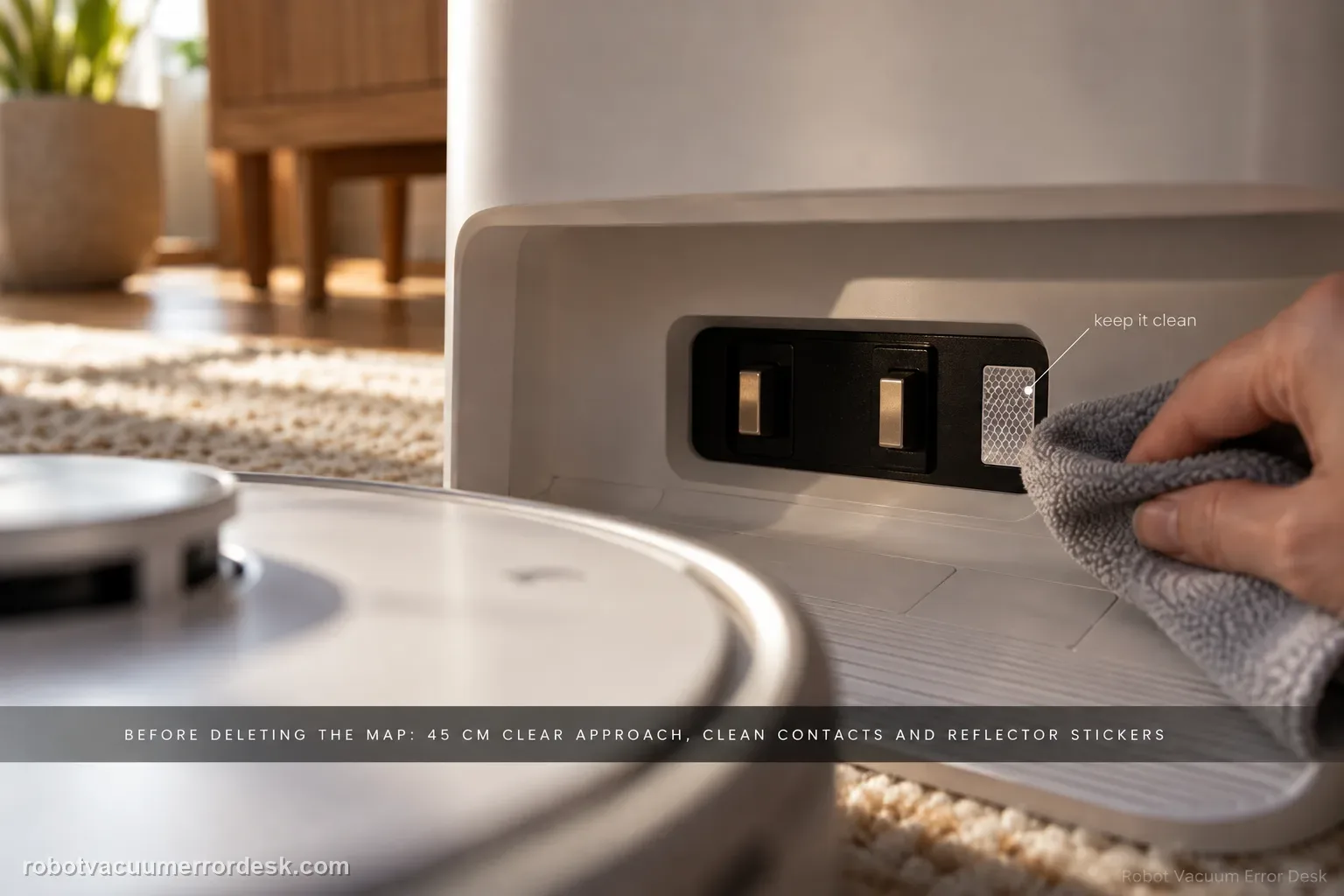
Do not start by deleting the map. First give Narwal Flow a compliant base area: hard and level, away from direct sunlight, with about 45 cm / 1.5 ft of clear approach space. Narwal’s current return-to-base troubleshooting then calls for cleaning the robot/base charging contacts and reflector stickers, checking the drive and caster wheels for oil or debris, confirming the cleaning tray and roller-brush cover are seated correctly, and remapping only if the base station was moved. A short return from near the dock can then separate final-entry trouble from whole-home localization. If Flow still cannot return, record the final approach for support instead of repeatedly remapping.
Can Flow dock from a short, clear approach?
Confirm the exact model and exact code, light pattern or symptom.
Run the lowest-risk physical or software check first.
Use each pass condition to decide what the result actually narrows down.
Confirm this is the right issue
- Flow finishes or interrupts cleaning but cannot enter the base reliably.
- The base was recently moved or the area around it changed.
- The station approach is narrow, cluttered or exposed to strong direct sunlight.
What’s most likely causing this
Base is on an unsuitable surface, in direct sunlight or lacks the documented clear approach
Charging contacts/reflector stickers are dirty and final dock detection/contact is unreliable
Drive or caster wheels are contaminated or obstructed during the final approach
Cleaning tray or roller-brush cover is not seated correctly and interferes with docking/return logic
The base was moved relative to the saved map, making remapping appropriate
Reading your test result
| What you observe | What it narrows down | Next move |
|---|---|---|
| Dock is soft-surface, sunlit, tilted or crowded | The physical installation does not meet Narwal’s placement guidance. | Correct the base location and 45 cm clear approach before any map change. |
| Contacts/reflectors are dirty or oxidized-looking | Final base detection/contact can be unreliable. | Clean the documented surfaces, let them dry and repeat a nearby return. |
| Wheel has oil/debris or does not move normally | Final alignment can fail even with a correct map. | Clean the accessible wheel surfaces/caster and retest without disassembling the drive wheel. |
| Problem began after the base was relocated | The saved map reference may no longer match the dock position. | Place the base in its final location and remap once, as Narwal instructs. |
| Nearby return still fails after all documented checks | The remaining failure is local to docking/robot-base interaction. | Record the final approach and escalate with SN and map context. |
Do not factory-reset by default. Use the exact model’s reboot/network-reset procedure only when the manufacturer path calls for it.
Work through these checks in order
Make the Flow dock area physically compliant before changing the map
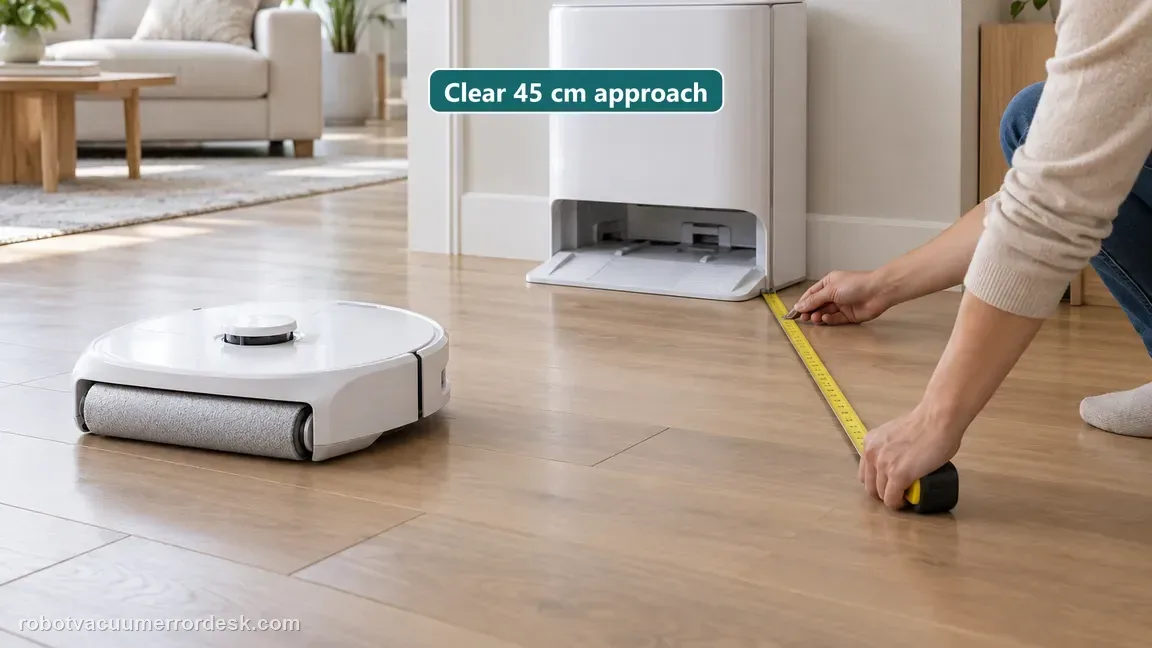
Narwal’s installation material says the unit should sit on a hard, level surface away from direct sunlight. Its Flow dimensions guidance calls for at least about 45 cm / 1.5 ft of clear space in front so the robot can enter and leave accurately. Remove cables, rug edges or loose objects from that final approach and keep the base fixed during the test. If the station is being moved while troubleshooting, every return attempt is using a changing reference and the result becomes hard to interpret.
Clean the robot/base charging contacts and reflector stickers
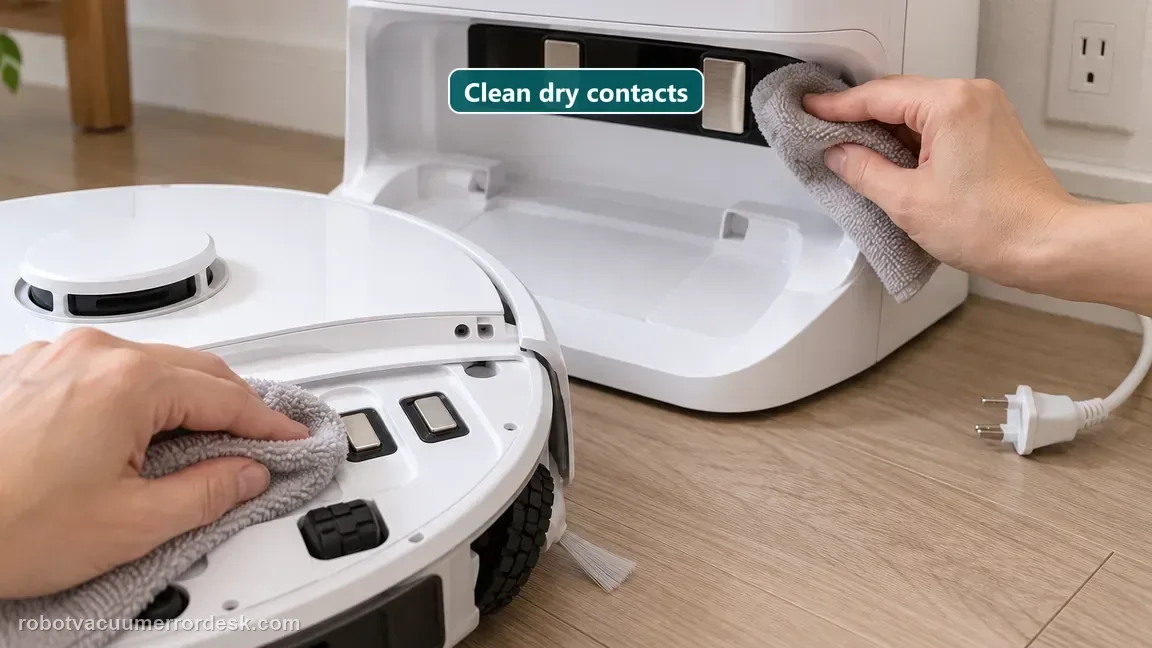
Narwal’s current return-to-base guide begins with the docking interface. Wipe the charging contacts on the robot and base with a damp soft cloth as directed, and clean the base reflector stickers that help the robot detect the station. Let the surfaces dry before the next return attempt. This is a higher-value check than remapping when Flow can navigate near the dock but fails at the last part of the approach or cannot establish reliable final contact.
Inspect the drive and caster wheels without opening the drive wheel
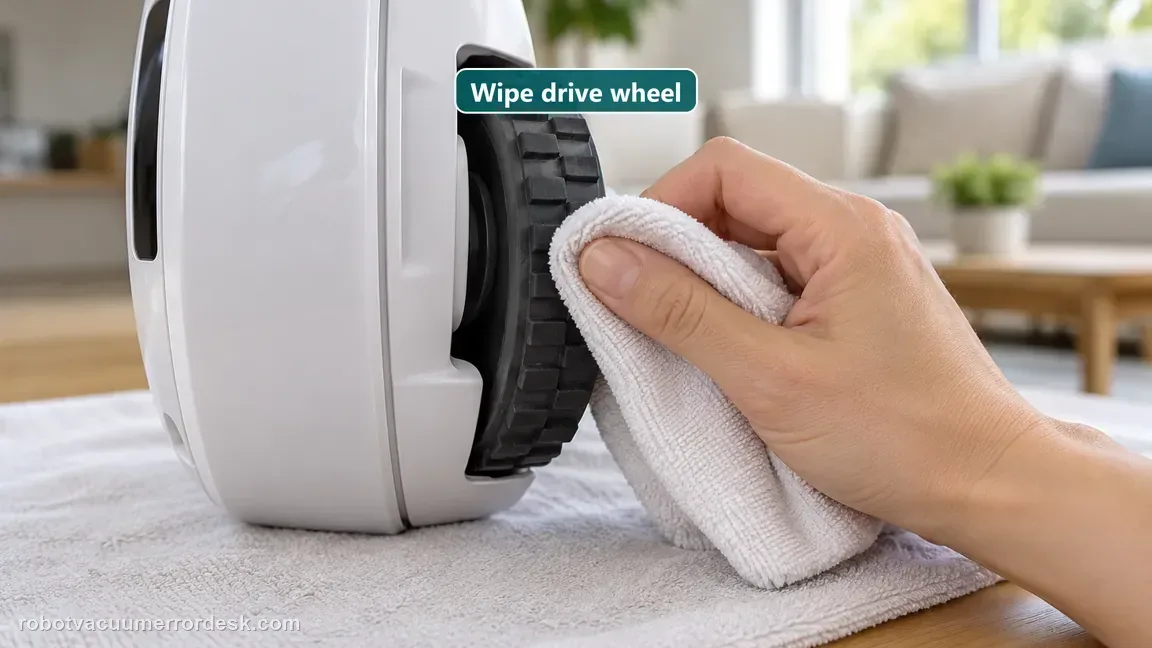
Narwal tells owners to inspect the wheels for oil stains or contamination. The drive wheel is not meant to be disassembled for this check; wipe its accessible surface. The caster can be serviced according to the maintenance guidance if debris is present. A slippery or obstructed wheel can make the robot appear to “miss” the base even when the map is correct because the final approach depends on controlled traction and alignment.
Confirm the cleaning tray and roller-brush cover are seated correctly
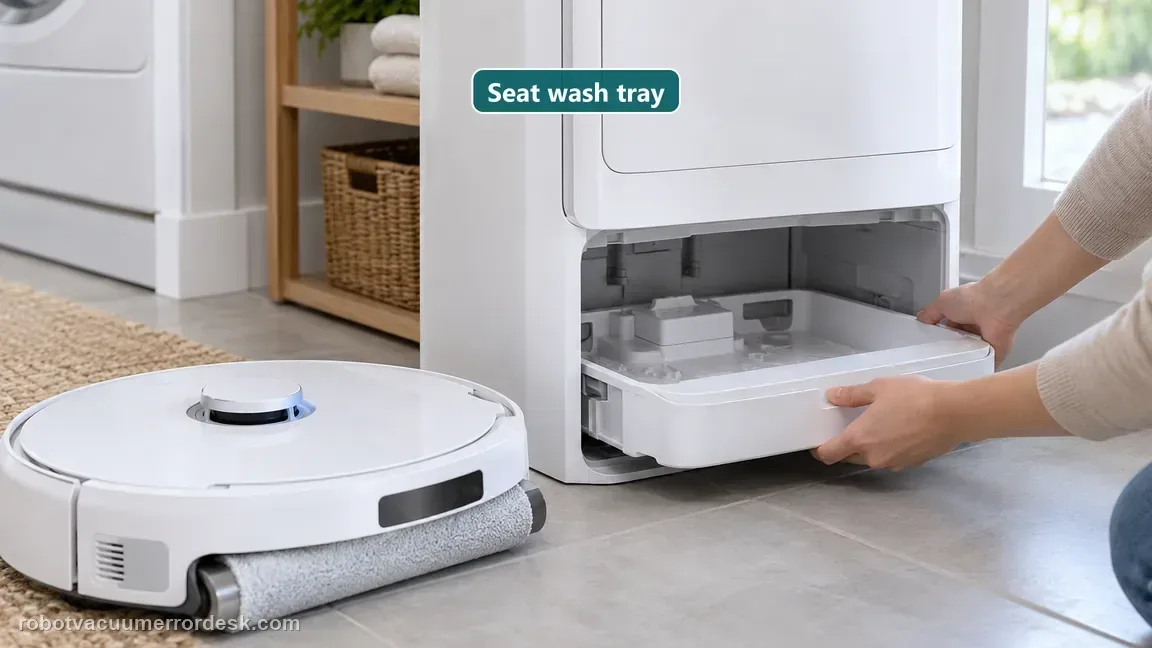
Narwal’s return guide specifically asks owners to check the cleaning tray installation and the roller-brush cover. Reinstall the tray so it sits without an irregular or large gap, and verify the roller-brush cover is fully latched. These are easy to overlook after maintenance. A recently serviced cleaning path should be restored to its normal mechanical geometry before blaming navigation or deleting a map.
Remap only if the base station was moved
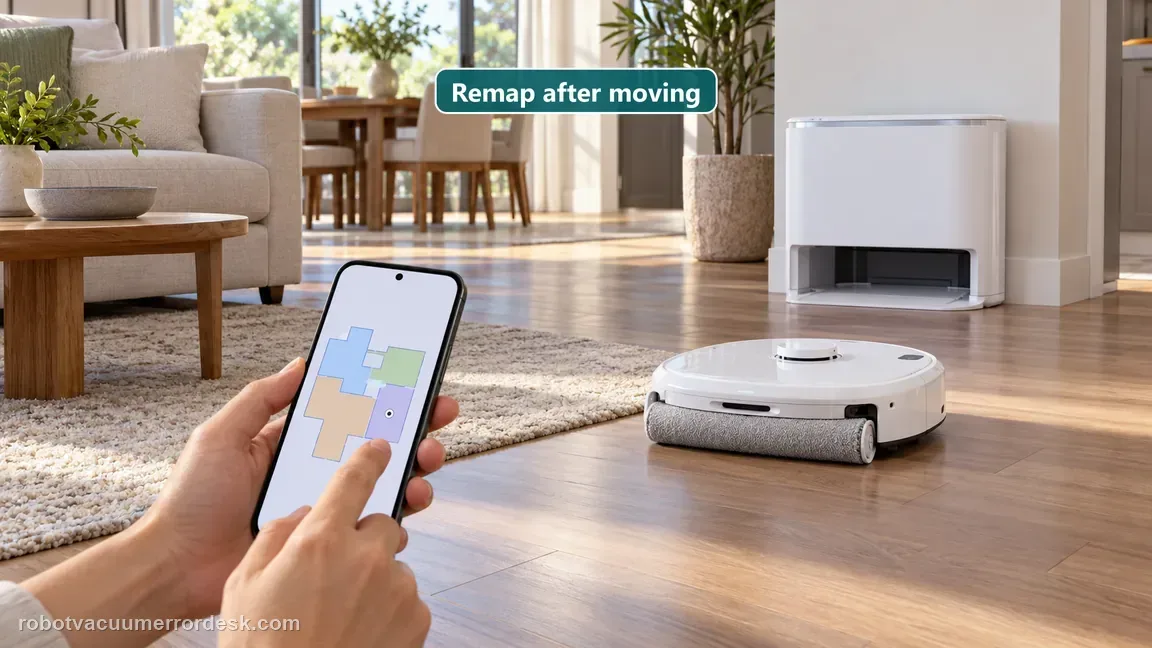
Narwal explicitly says remapping is required after the base station is relocated. If the return problem began after moving the dock, preserve a screenshot of the old map, place the station in its final compliant location, and rebuild the map from there. If the base never moved, do not use repeated remaps as a substitute for the contact, wheel, tray and final-approach checks above. Keeping remap conditional protects a good map from unnecessary churn. Check the map before the hardware. Narwal’s error index describes 1011 as a localization error and specifically asks owners to check whether a temporary map is active and mismatched with the robot’s actual position. It also lists 1022/1023 for a base station that cannot be found. Before rebuilding a stable map, compare the app’s selected map with the floor where Flow is physically running, confirm the station marker matches its real location, and note whether the base was moved. A map mismatch should be corrected as a map problem; dirty reflectors, wheel contamination or a poorly seated tray need their own physical checks. Save a screenshot and the exact displayed code before changing maps, so support can see whether this is repeatable and which condition was present.
Compare a nearby return with a normal-task return and capture the failure
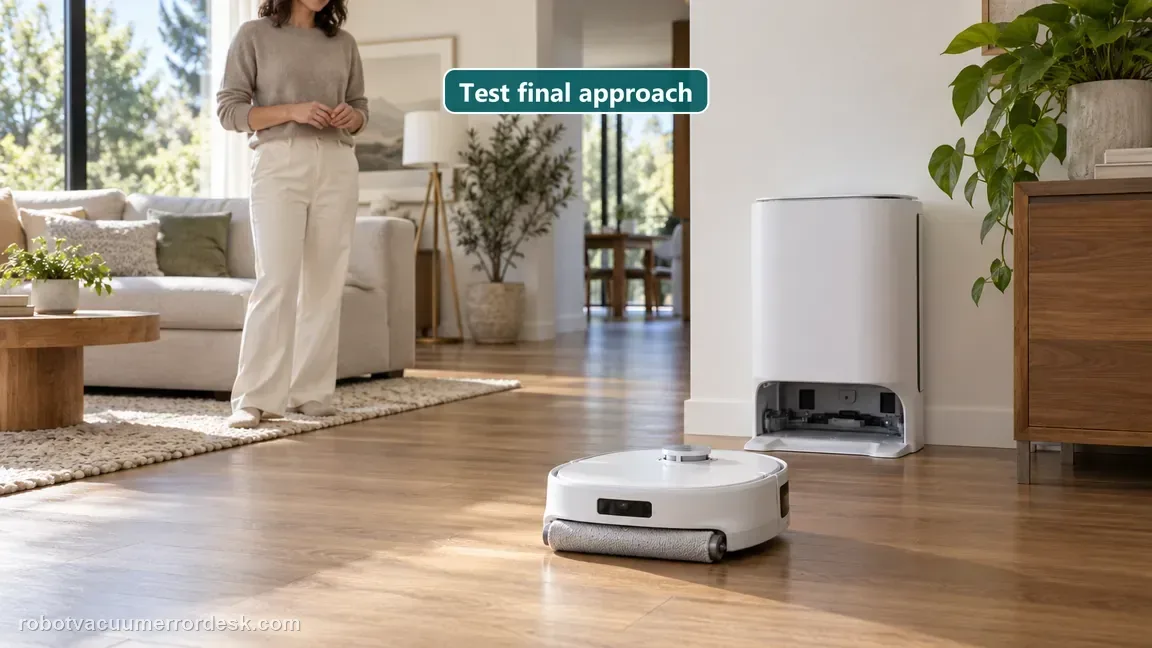
Place Flow a short distance in front of the base on the same floor and command return, then compare that result with a small normal cleaning task started from the dock. If nearby entry works but long-range return fails, map/localization becomes more relevant. If even the nearby test fails after the documented hardware and placement checks, the issue is local to the base approach or robot/base interaction. Film the final approach and note whether Flow reaches the reflector area, aligns, slips or turns away. Narwal lists 1022/1023 as Base Station Not Found. If it appears near the base, first check station power and the installed roller-brush assembly, rear drive wheels, caster, cleaning pad and ramp extension. If it happens away from the station, clean the base reflector stickers. Remap only when the base has been relocated. If the code remains, give support the robot serial number, when it occurred and a video of the failed return. This location split matters: a failure beside the dock points toward the station interface or fit, while a distant failure can point toward localization or the reflectors. Save a map screenshot before changing anything, and say whether the base position changed since that map was made.
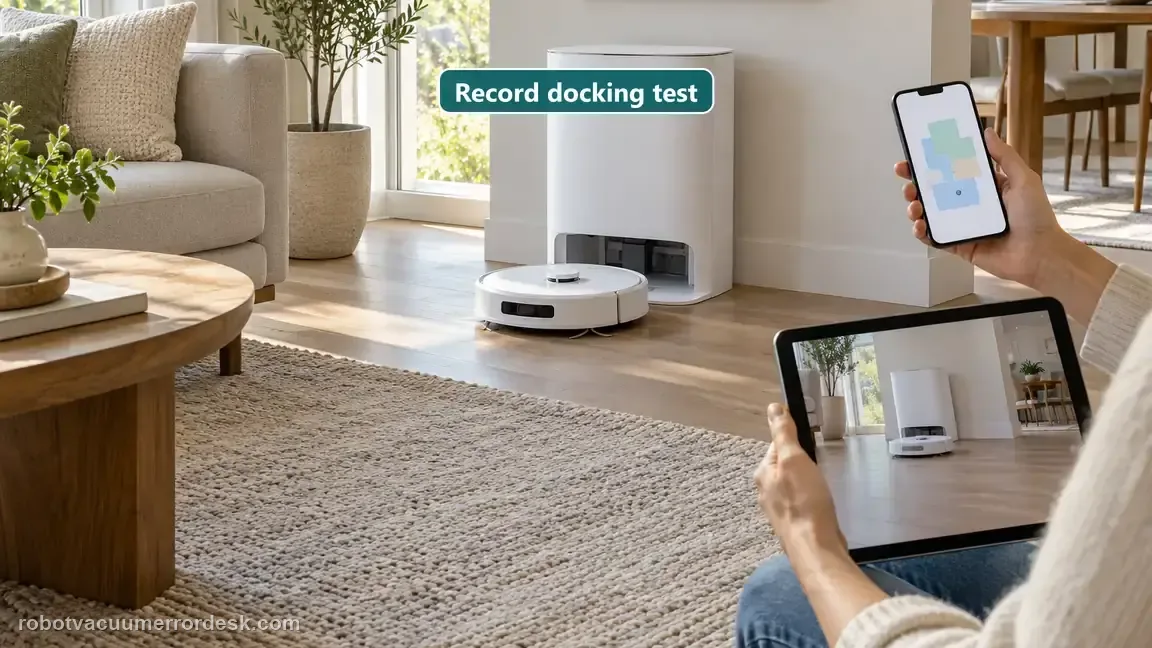
Contact Narwal when Flow still cannot return after the documented base placement, contact/reflector, wheel, cleaning-tray and roller-cover checks, with remapping used only if the base was moved. Send the robot SN, a short video of the final approach and a map screenshot, and say whether nearby recall succeeds. Do not repeatedly move the station or erase a good map while collecting evidence.
Before you contact support, gather this
A reproducible case moves a support call past the basic troubleshooting script faster than “it doesn’t work” does, and it keeps the clues from your own tests on record.
- Exact model name and the error code / voice prompt exactly as shown
- A photo or screenshot of the app error and the time it occurred
- A short list of the checks already completed and what happened after each one
- Map screenshots and robot location when the problem involves localization, zones or docking
Where this comes from
Narwal — robot won’t return to its base
Narwal’s current return-to-base guide checks charging contacts/reflector stickers, wheels, cleaning-tray seating and roller-brush-cover installation, and requires remapping when the base was moved. Flow-specific installation/dimensions guidance supplies the hard-level placement, direct-sunlight and ~45 cm clear-approach constraints.
Additional official source: Narwal — installation environment requirements ↗Additional official source: Narwal — robot vacuum dimensions and base placement ↗Last editorial review: October 11, 2026Regional note: manufacturer help centers, model suffixes, mains-power requirements and warranty procedures can differ by country. If the source redirects to a local support site, confirm that the model/hardware scope still matches before following a region-sensitive step.
This guide is rated Manufacturer-general. See what each evidence label means →
Questions people ask
How much clear space does a Narwal Flow base need?
Narwal’s Flow dimensions guidance says to leave at least about 45 cm, or 1.5 ft, of clear space in front of the base for accurate return and charging. Keep the station on a hard, level surface away from direct sunlight. Use that fixed setup for every return test so placement changes do not get confused with navigation or map problems.
What should I clean when Narwal Flow will not return to base?
Narwal’s return guide tells owners to clean the robot and base charging contacts and the base reflector stickers, then inspect the drive and caster wheels. It also says to verify the cleaning tray and roller-brush cover are installed correctly. These final-approach checks should come before repeatedly deleting a map when the dock itself has not moved.
Should I remap Narwal Flow every time it misses the dock?
No. Narwal specifically ties remapping to a relocated base station. If the dock stayed in the same place, first correct the approach space, clean the contacts and reflectors, inspect the wheels, and reseat the cleaning tray and roller-brush cover. Remapping a stable installation over and over can hide the actual final-entry problem rather than diagnose it.
Why test Narwal Flow from only a short distance in front of the base?
A nearby return removes most whole-home routing from the experiment. If Flow enters the base from nearby but fails after a longer task, localization or route history becomes more relevant. If the nearby return also fails after Narwal’s documented dock-interface checks, focus on the final approach, traction, station geometry or robot/base interaction instead of the distant map path.
What should I send Narwal for a Flow return-to-base failure?
Send a short video showing the final approach, the robot serial number and a map screenshot. Note whether the base was ever moved and whether a nearby return succeeds. Also state that contacts/reflectors, wheels, cleaning tray and roller-brush cover were checked. That evidence lets support distinguish final-entry hardware or traction trouble from a broader map/localization failure.
Did this diagnostic narrow the fault?
Use this as an editorial signal, not a popularity counter. If a feedback address is configured you can email the note; otherwise you can copy it for your own support record.