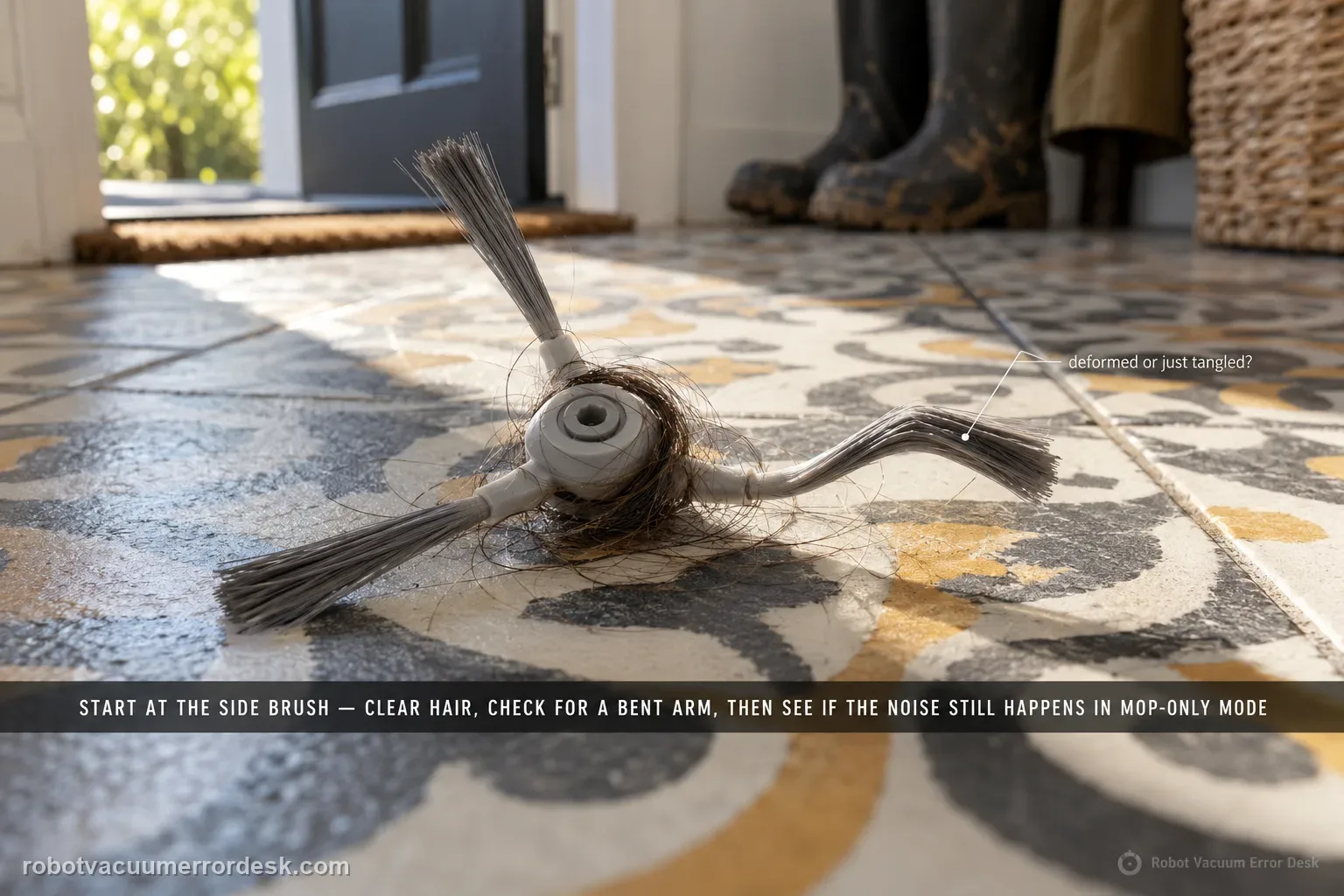
Narwal’s Flow-specific noise article starts with the side brush: clean away hair or foreign objects and check for deformation. Then compare whether the sound still occurs in mopping-only mode. Narwal’s broader robot-noise guide adds owner-safe checks for the roller brush and wheels when the source is unclear, and notes that the mopping module can make a normal motor feedback sound when fully lifted. If a clean robot still makes unfamiliar grinding, clicking or impact noise, stop speculative disassembly and record a close video showing the operating mode and moving part when the sound begins.
Confirm the exact model and exact code, light pattern or symptom.
Run the lowest-risk physical or software check first.
Use each pass condition to decide what the result actually narrows down.
Does this match your problem?
- Narwal Flow makes a new scraping, ticking or abnormal operating sound.
- The side brush may contain hair or be deformed.
- You need to know whether the sound is tied to mopping-only operation.
Most likely causes
Hair, debris or deformation at the Flow side brush
Roller-brush or wheel contamination when the source is not clearly the side brush
A sound that changes with vacuum-only versus mopping-only mode, narrowing the active subsystem
Normal mopping-module lift feedback being mistaken for a fault
A persistent internal moving-part or drive fault that requires support video after owner-serviceable checks
What your test result means
| What you observe | What it narrows down | Next move |
|---|---|---|
| Hair/debris or real deformation is found at the side brush | The exact Flow first-line cause is present. | Clean/reseat the brush and repeat the same route before broader diagnosis. |
| Noise appears mainly while turning and caster is dirty | A wheel-contact source is more plausible than an internal mop fault. | Clean the caster/nearby opening and retest the same turn. |
| Noise disappears in mopping-only mode | The changed active cleaning hardware is a useful discriminator. | Report which mode reproduces it and focus on owner-serviceable brush/roller paths. |
| Brief sound occurs only when the mopping module fully lifts | Narwal documents normal motor feedback at that action. | Compare duration and repeatability before calling it a fault. |
| Unfamiliar grinding/clicking persists with clean parts or worsens | Owner-level isolation is exhausted and continued testing may be unhelpful. | Stop if damaging, record a close video and contact Narwal. |
Do not factory-reset by default. Use the exact model’s reboot/network-reset procedure only when the manufacturer path calls for it.
Run these checks in order
Reproduce the sound on a simple open-floor test and name the operating mode
Use a short run on open hard flooring and note whether the sound happens in vacuum-only, mopping-only or both. Narwal’s broader noise guide explicitly starts with operating-mode identification because the active components change by mode. Record whether the sound appears during straight travel, turns, edge cleaning or a specific transition. Do not start by opening the robot: first create a repeatable condition that lets each maintenance check be judged against the same sound.
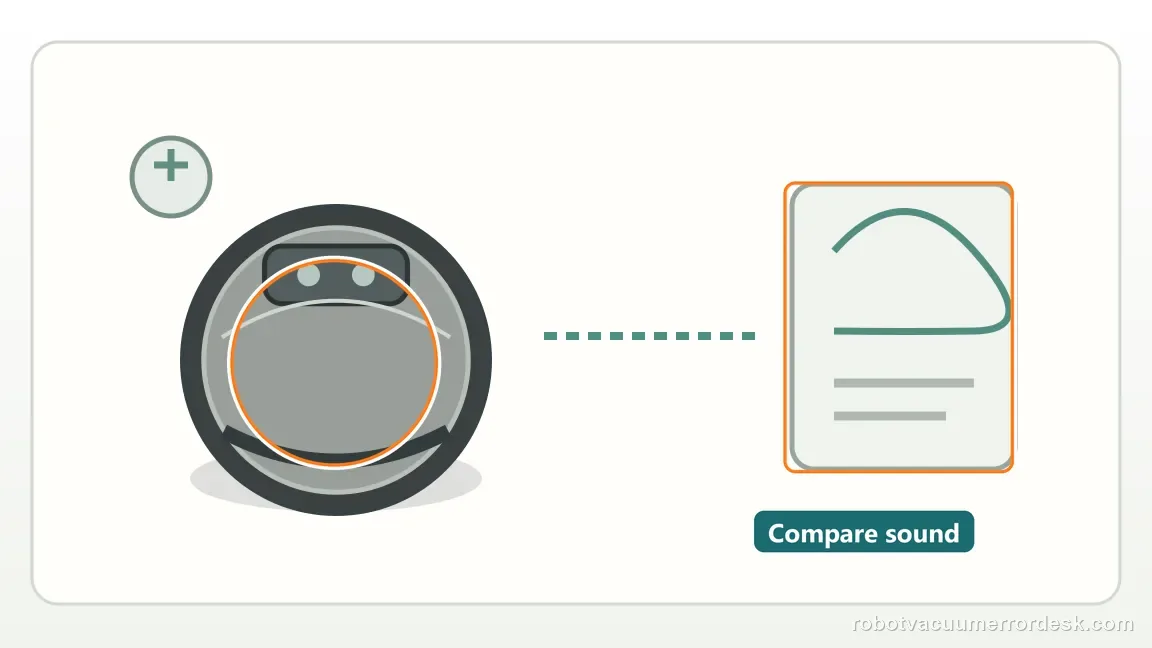
Perform the Flow-specific first check: side brush debris and deformation
Narwal’s exact Flow article tells owners to clean the side brush and inspect for foreign objects, hair tangles or deformation. Remove the accessible brush if needed, clean around the hub and reinstall it securely. Remember that Flow intentionally uses a longer right-hand side brush; unequal left/right length is normal and should not be called deformation. Retest the same route after maintenance so you can tell whether the side-brush condition actually changed the noise.
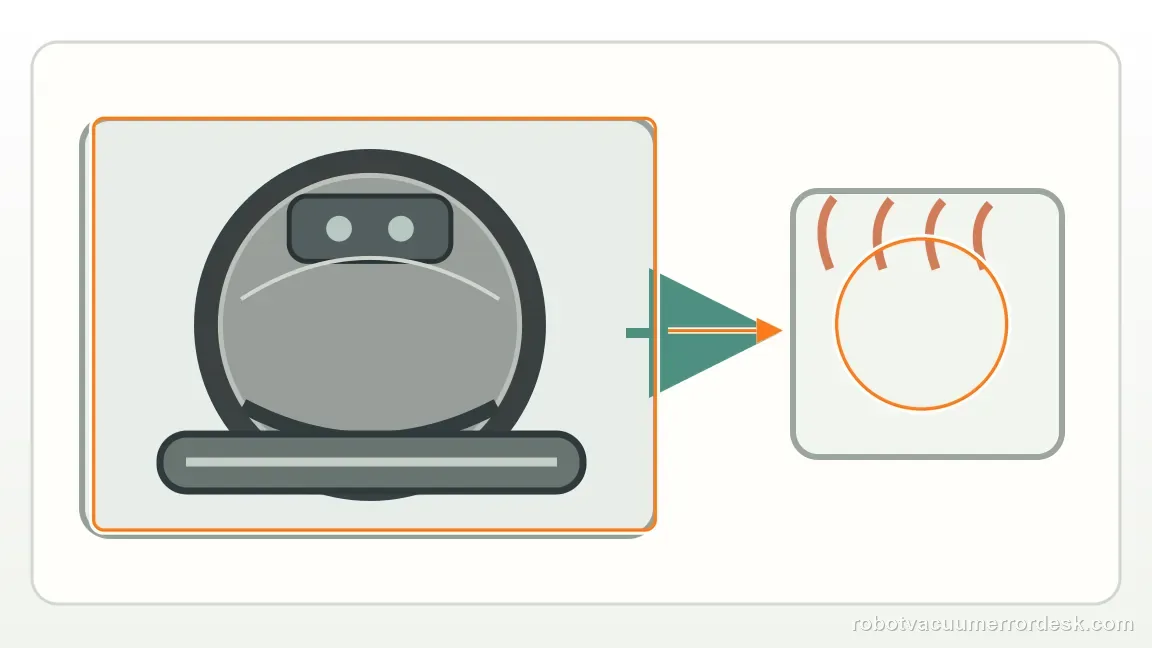
If the source is unclear, clean the roller brush and wheels too
Narwal’s general robot-noise troubleshooting says to clean the roller brush, side brush and all wheels when the source cannot be identified. Remove hair and debris from owner-serviceable openings and make sure parts are seated correctly. If the noise occurs mainly while turning, pay particular attention to the caster; if a rear wheel feels inconsistent, clear accessible debris rather than disassembling the drive unit. This broadens the check only after the Flow-specific side-brush step has been completed.
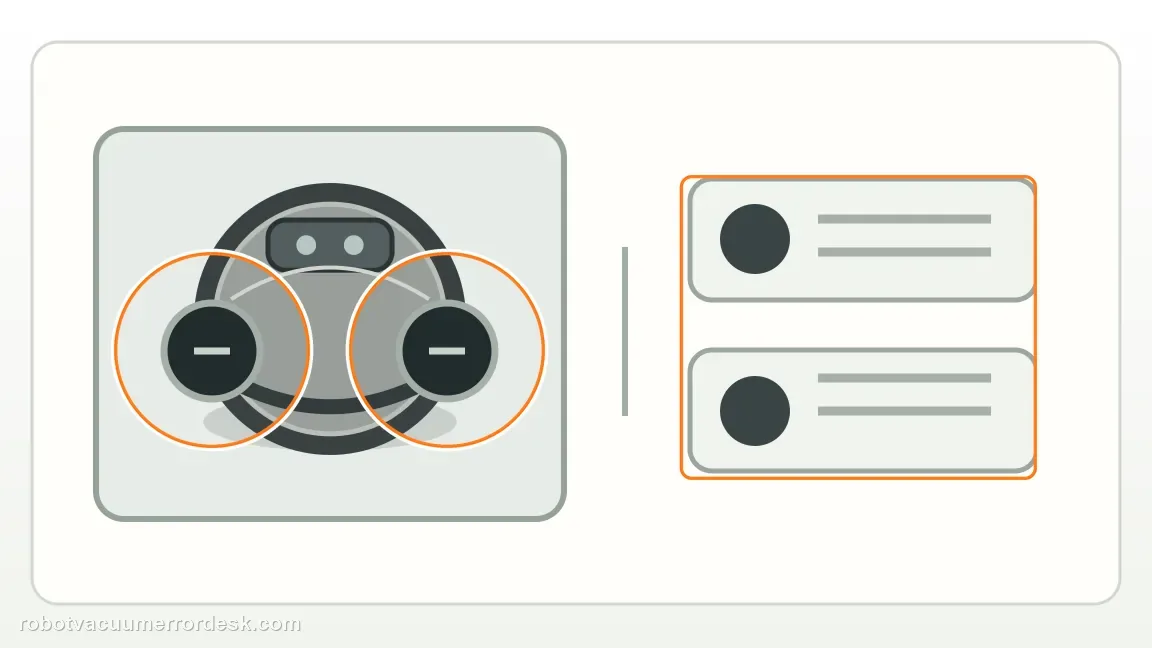
Compare mopping-only behavior and recognize the documented normal lift sound
Narwal’s Flow page specifically asks whether the abnormal noise occurs in mopping-only mode. Its broader guide also says the mopping module can produce a normal motor feedback sound when it becomes fully lifted. Compare the same short route across modes and note exactly when the sound begins. A brief known lift feedback is different from repeated grinding or unfamiliar clicking that continues through normal travel or mopping.
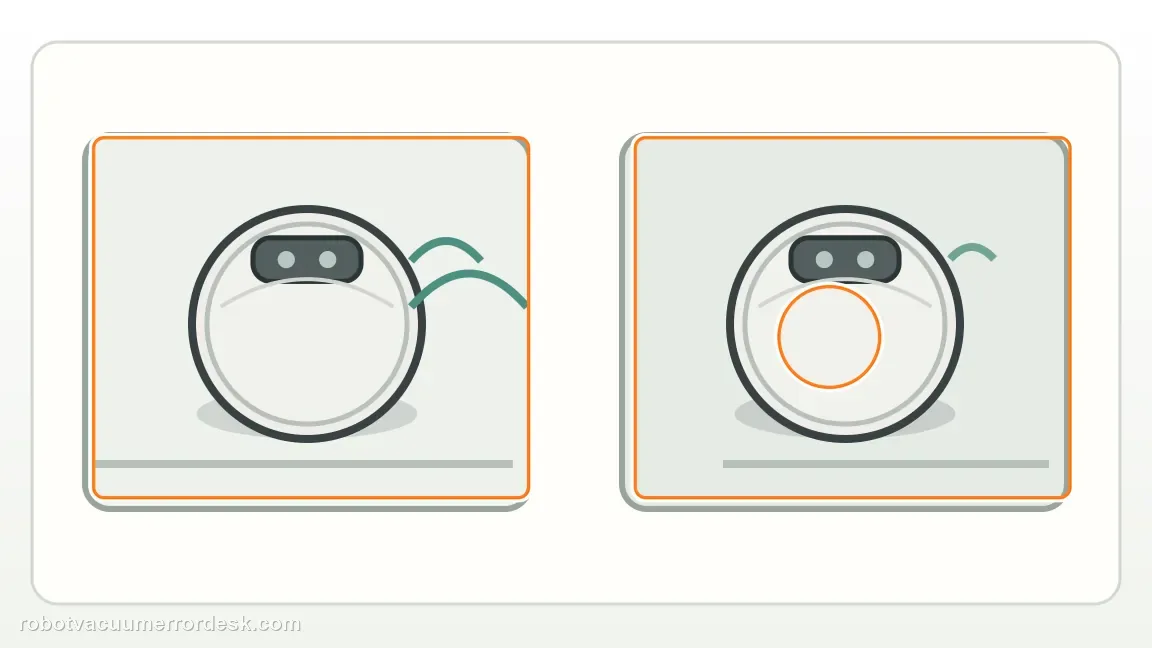
Stop a worsening grinding/impact condition instead of extending the test
If the noise is sharp, worsening, accompanied by vibration, a wheel that binds, or visible contact between a moving part and the floor, end the test. Narwal’s owner guidance focuses on cleaning and observation, not internal fan, drive or mop-module disassembly. Continuing a failing moving part can turn a diagnostic run into additional damage. Preserve the state and the sound so support can evaluate the same condition you observed.
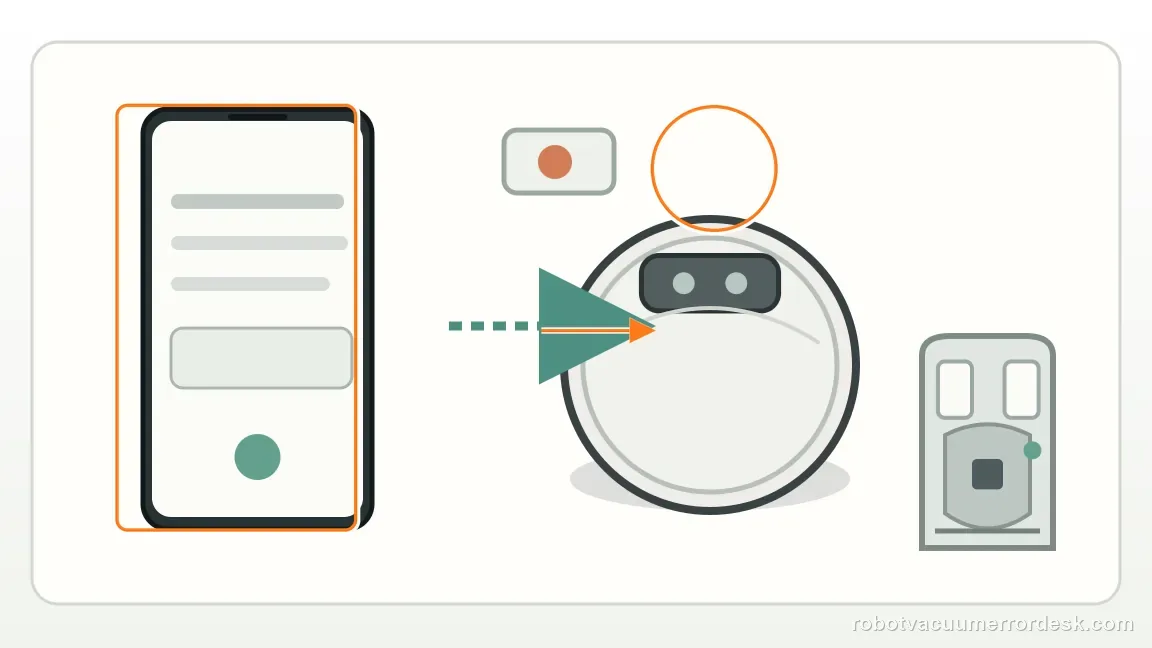
Record a close diagnostic video for Narwal when the noise survives maintenance
Narwal’s Flow-specific article asks for a video when abnormal noise remains after the side-brush check or appears during mopping-only operation. Film close enough to show the side brush, robot movement and floor while capturing the sound. State the mode, show the exact moment it begins, and include the robot serial number. A short repeatable clip is far more useful than distant audio because support can see whether the event follows a brush, wheel, turn or mopping action.
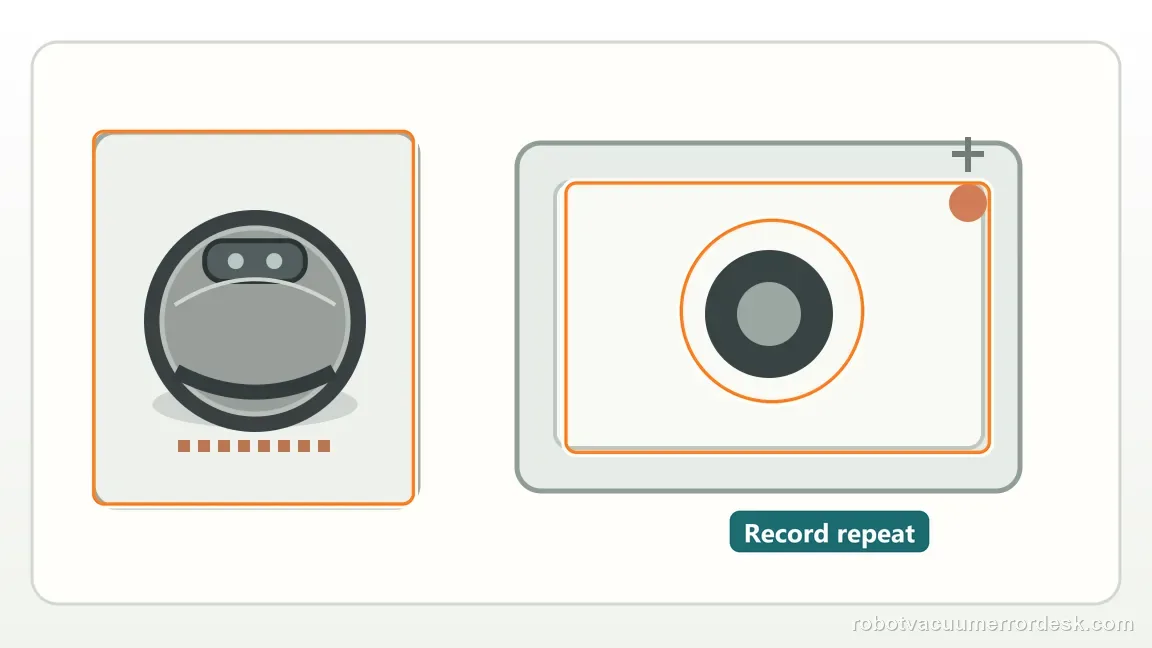
Escalate when the Flow side brush is clean and not deformed, owner-serviceable roller/wheel areas are clear, and the unfamiliar noise persists—especially in mopping-only mode. Stop testing if the sound is worsening grinding/impact or is accompanied by binding/vibration. Narwal’s Flow article asks for a video; include the robot serial number and show the operating mode and moving parts rather than sending audio alone.
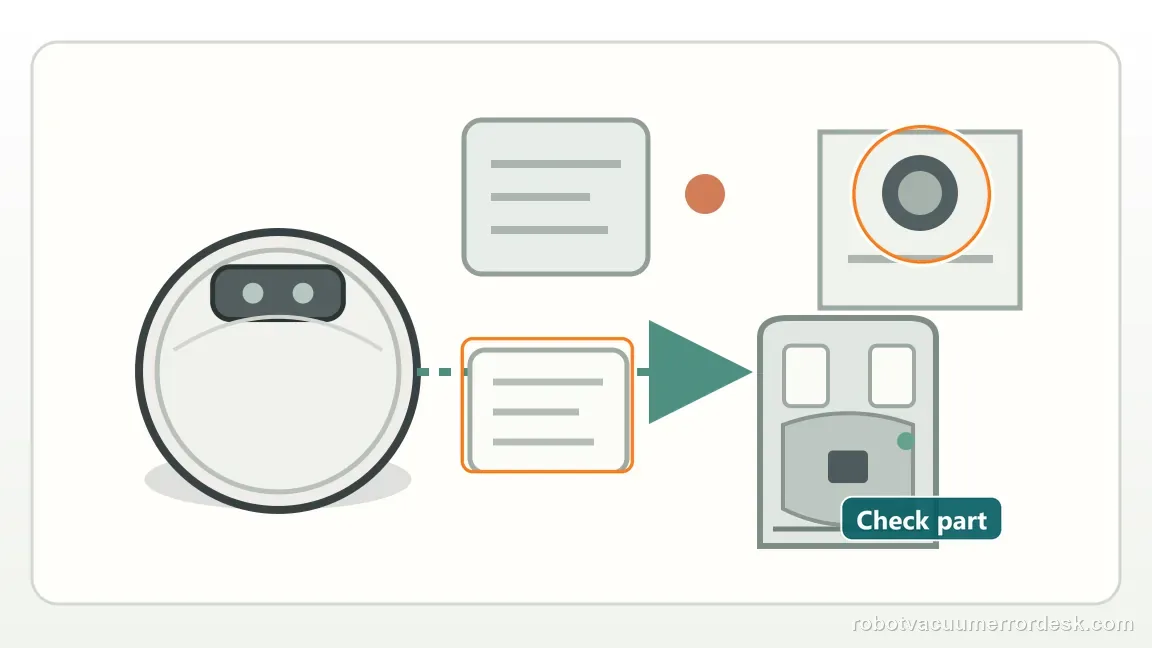
What to collect before contacting support
Give support a reproducible case instead of “it doesn’t work.” That reduces repeated basic troubleshooting and preserves the clues from your tests.
- Exact model name and the error code / voice prompt exactly as shown
- A photo or screenshot of the app error and the time it occurred
- A short list of the checks already completed and what happened after each one
- Robot serial number (SN) and a short video showing the wet-system behavior
Manufacturer evidence
Narwal Flow — sounds during operation
Narwal’s Flow-specific article checks side-brush debris/deformation, then uses mopping-only mode and video evidence for escalation.
Additional official source: Narwal — robot/base strange-noise troubleshooting ↗Additional official source: Narwal — robot vacuum accessories troubleshooting ↗Last editorial review: September 5, 2026Regional note: manufacturer help centers, model suffixes, mains-power requirements and warranty procedures can differ by country. If the source redirects to a local support site, confirm that the model/hardware scope still matches before following a region-sensitive step.
This guide is rated Official model support. See what each evidence label means →
FAQ
What should I check first when Narwal Flow makes an abnormal noise?
Narwal’s Flow-specific support starts with the side brush. Remove hair or foreign objects, check for real deformation and reinstall the brush securely, then repeat the same short route. Flow intentionally has a longer right-hand brush, so unequal brush length is normal. If the sound remains, use operating mode and other owner-serviceable moving parts to narrow it.
Why does Narwal ask whether the Flow noise happens in mopping-only mode?
The active mechanisms change by cleaning mode, so mopping-only is a useful isolation test. Narwal specifically asks Flow owners to check whether the abnormal sound remains in that mode. Its general guide also notes a normal mopping-module motor feedback sound when fully lifted. Record when the noise starts so support can distinguish normal feedback from persistent unfamiliar noise.
What else can I clean if the Narwal Flow side brush is not the source?
Narwal’s broader robot-noise guide recommends cleaning the roller brush and wheels when the source is unclear, in addition to the side brush. Remove tangles and accessible debris and make sure maintenance parts are seated correctly. If the noise appears mainly while turning, the caster is a useful comparison point. Do not disassemble sealed drive, fan or mopping assemblies.
Is every clicking or motor sound from Narwal Flow a fault?
No. Narwal documents some normal operating sounds, including motor feedback when the mopping module is fully lifted. The important distinction is whether the sound is brief and tied to a known action or is unfamiliar, repeated, worsening, accompanied by vibration or present throughout normal travel. A controlled mode comparison is more useful than judging loudness alone.
What should a useful Narwal Flow noise video show?
Film close enough to show the robot, side brush and floor while the sound is audible. State whether the robot is vacuuming, mopping or doing both, and show the movement that triggers the noise—straight travel, turning, edge cleaning or another repeat event. Narwal asks for video after simple checks fail, so include the serial number and make the clip diagnostic.
Did this diagnostic narrow the fault?
Use this as an editorial signal, not a popularity counter. If a feedback address is configured you can email the note; otherwise you can copy it for your own support record.