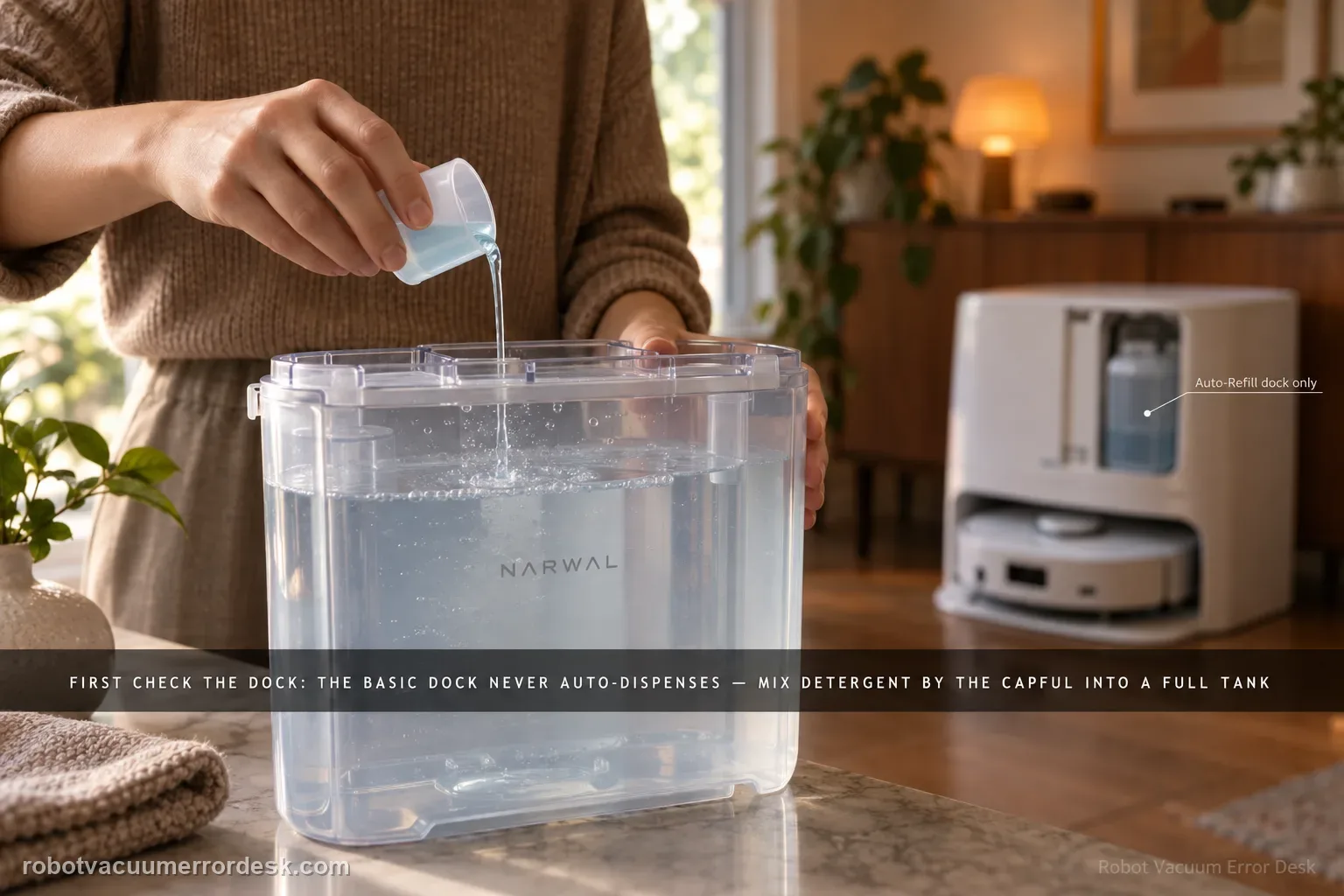
The first test is not the detergent bottle; it is the dock version. Narwal says Flow’s Basic Dock does not auto-dispense detergent at all. With that dock, detergent is mixed manually into a full clean-water tank using Narwal’s specified capful guidance. The compact/Auto Refill & Drainage version has a built-in main detergent reservoir and can auto-dispense after the cartridge is filled and reinstalled horizontally. Narwal also documents an app switch under Device Homepage → Settings → Base Station → Automatically add detergent for Flow with Auto Refill & Drainage. If you diagnose the wrong dock as if it had the other dock’s dosing system, a normal design difference looks like a failure.
Confirm the exact model and exact code, light pattern or symptom.
Run the lowest-risk physical or software check first.
Use each pass condition to decide what the result actually narrows down.
Confirm this is the right issue
- You expected a Flow Basic Dock to dose detergent automatically but see no detergent reservoir or automatic-add behavior.
- You have the compact/Auto Refill & Drainage Flow dock and the detergent cartridge is present, but detergent does not appear to be added during mopping.
- The app reports low/exhausted detergent on a compact dock, or you have just refilled the cartridge and want to confirm the installation/settings path.
- You are unsure how much detergent belongs in a Basic Dock clean-water tank and want to avoid the over-foaming Narwal warns about.
What’s most likely causing this
Normal Basic Dock design: this version requires manual detergent addition and has no auto-dosing cycle to troubleshoot.
Compact-dock cartridge is empty, not inserted horizontally, or the front-panel/cartridge installation is incomplete.
The Automatically add detergent setting is disabled on a Flow configuration that supports it.
Too much or unsupported detergent is being used, creating excessive foam that Narwal warns can clog water-tank pipes.
A correctly configured compact dock still does not draw detergent, which is the point to document the cartridge/app state and escalate.
Reading your test result
| What you observe | What it narrows down | Next move |
|---|---|---|
| Basic Dock with removable water tanks and no built-in detergent reservoir | No auto-dispense fault exists; this version uses manual dosing. | Fill the clean-water tank and use Narwal’s documented capful guidance. |
| Compact/Auto Refill & Drainage dock has cartridge but auto-add is OFF | Hardware may be fine; dosing is disabled in software. | Enable Base Station → Automatically add detergent and run one normal mopping task. |
| Compact cartridge is not seated horizontally/securely | The reservoir installation is incomplete. | Remove the front panel, reseat the cartridge horizontally and retest. |
| Correct compact dock, full cartridge and auto-add ON but no dosing | The version/settings checks are exhausted. | Save the app state and cartridge photo for Narwal instead of adding extra cleaner. |
| Excessive foam appeared after extra or unsupported detergent | Overdosing/cleaner choice can itself create a water-path problem. | Stop adding more detergent, return to Narwal’s documented concentration and contact support if the system remains abnormal. |
Do not factory-reset by default. Use the exact model’s reboot/network-reset procedure only when the manufacturer path calls for it.
Work through these checks in order
Identify whether you have the Basic Dock or Auto Refill & Drainage dock
Look at the station hardware before changing any setting. Narwal’s Flow support page describes two detergent systems. The Basic Dock uses manual detergent addition to the clean-water tank. The compact dock with Auto Refill & Drainage has a built-in main detergent reservoir that the station can dose automatically. This distinction is the highest-value discriminator in the whole problem: a Basic Dock that never auto-dispenses is operating as designed, while a compact dock with a full reservoir and no dosing behavior needs further checks.
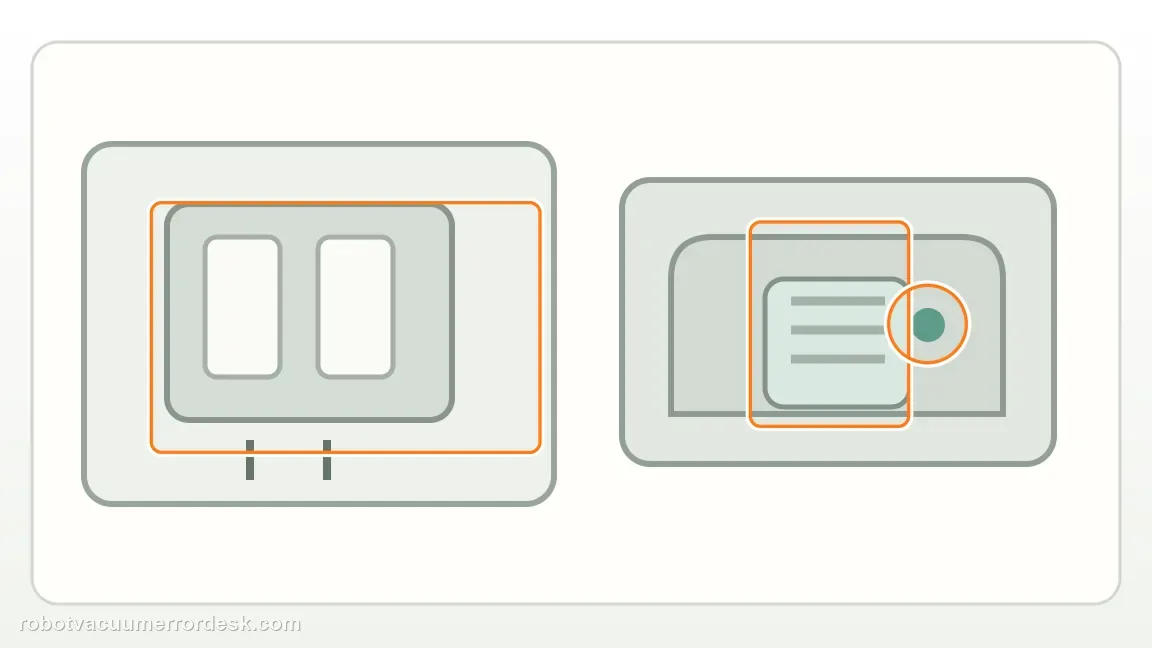
For Basic Dock, use the documented manual dose instead of waiting for auto-add
Narwal says to start with a full tank of water, then add its detergent manually. For the 200 ml small detergent bottle, the Flow article specifies 1–3 capfuls depending on floor soil; for the 930 ml large bottle, it specifies 1 capful. Narwal warns not to exceed the recommended amount or switch to other brands because excess detergent can create heavy foam and may clog the water-tank pipes. If you want a chemical-free light clean, the same article says water alone is suitable.
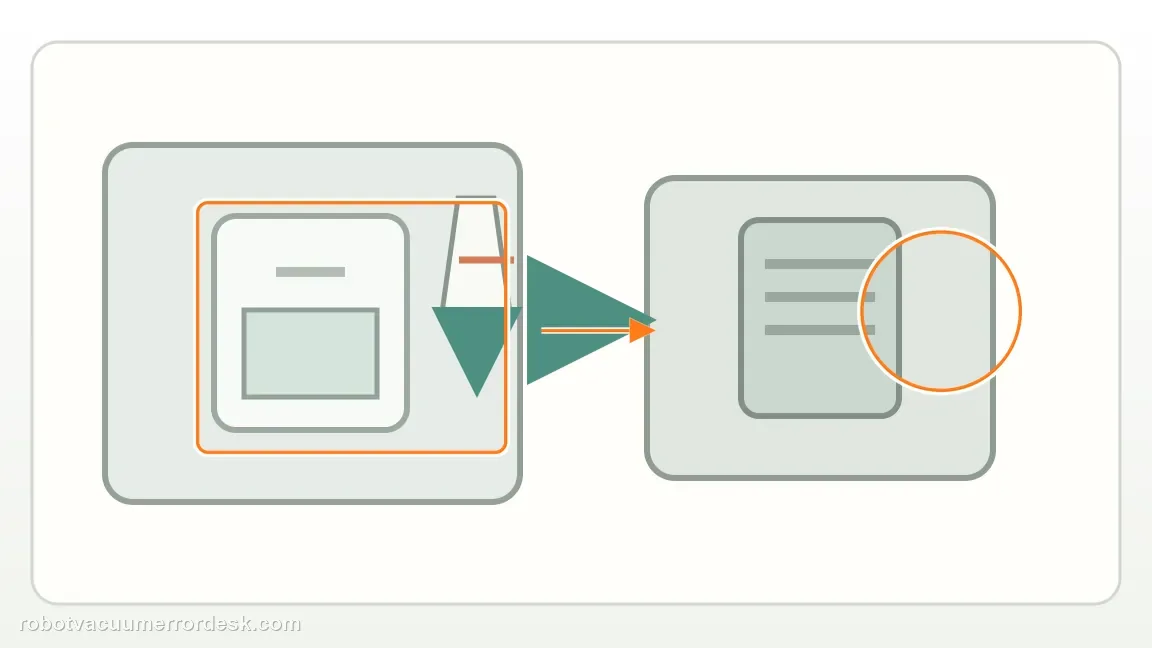
For the compact dock, refill and seat the detergent cartridge correctly
Narwal’s Flow instructions say to remove the dock’s front panel, extract the detergent cartridge, pour detergent into the cartridge, then reinsert it horizontally into the reservoir before reattaching the front panel. Do not diagnose pump behavior with a half-installed cartridge. The app will notify you when detergent is depleted, so a low/exhausted alert should be resolved by the cartridge procedure first rather than by adding detergent to an unrelated water path.
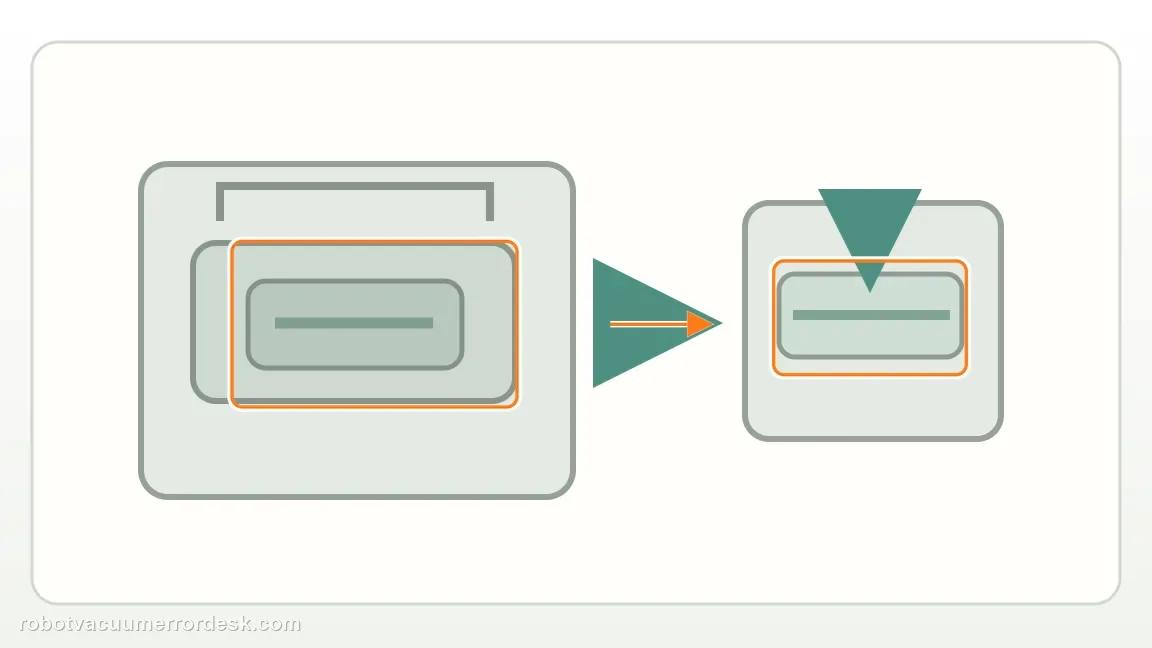
Confirm the automatic-add setting on supported Flow configurations
Narwal’s automatic-detergent setup article explicitly includes Narwal Flow with Auto Refill & Drainage System. In the Narwal Freo App, open the Device Homepage, tap Settings, choose Base Station and make sure Automatically add detergent is ON. This software check belongs only after you have confirmed a dock version that supports automatic dosing. Turning the setting on cannot add an auto-dosing pump to the Basic Dock, which is why dock identification must remain step one.
Run one mopping proof task without changing detergent concentration
After the correct hardware and app setup are confirmed, run an ordinary mopping task and watch for normal station operation and any detergent-related app alert. Do not add extra detergent to 'make the test obvious'; Narwal specifically warns that overuse can cause excessive foaming and pipe problems. If the compact dock still appears not to dose with a full, correctly seated cartridge and auto-add enabled, capture the Base Station setting screen and a photo of the installed cartridge before contacting Narwal.
Escalate only the compact/Auto Refill & Drainage configuration after the cartridge is full and correctly seated and Automatically add detergent is enabled. Do not treat the Basic Dock’s manual dosing as a defect, do not pour extra detergent into other station pathways, and do not switch to an unsupported cleaner while troubleshooting. Send Narwal the dock version, cartridge photo and app setting screenshot.
Before you contact support, gather this
A reproducible case moves a support call past the basic troubleshooting script faster than “it doesn’t work” does, and it keeps the clues from your own tests on record.
- Exact model name and the error code / voice prompt exactly as shown
- A photo or screenshot of the app error and the time it occurred
- A short list of the checks already completed and what happened after each one
- Robot serial number (SN) and a short video showing the wet-system behavior
Where this comes from
Narwal Flow — automatic detergent dispensing
Narwal’s Flow-specific article separates the Basic Dock manual-dosing procedure from the compact dock’s built-in auto-dispensing reservoir, gives Basic Dock capful guidance and warns that excessive/unsupported detergent can cause foaming and clog water-tank pipes.
Additional official source: Narwal — enable automatic floor detergent in Base Station ↗Last editorial review: September 5, 2026Regional note: manufacturer help centers, model suffixes, mains-power requirements and warranty procedures can differ by country. If the source redirects to a local support site, confirm that the model/hardware scope still matches before following a region-sensitive step.
This guide is rated Official model support. See what each evidence label means →
Questions people ask
Does the Narwal Flow Basic Dock auto-dispense detergent?
No. Narwal’s Flow-specific support page says the Basic Dock requires manual detergent addition to a full clean-water tank. Automatic detergent troubleshooting applies to the compact Auto Refill & Drainage configuration, not the Basic Dock. If your Basic Dock has no detergent cartridge or automatic-add behavior, that is expected design rather than a missing pump or failed app feature.
How much detergent does Narwal specify for the Flow Basic Dock?
For a full water tank, Narwal says to use 1–3 capfuls from the 200 ml small bottle depending on floor dirtiness, or 1 capful from the 930 ml bottle. Do not exceed that guidance or substitute other brands while troubleshooting. Narwal warns that too much detergent can create excessive foam and potentially clog the water-tank pipes.
Where is the Narwal Flow automatic detergent setting?
For Flow with the Auto Refill & Drainage System, Narwal documents Device Homepage → Settings → Base Station → Automatically add detergent. The setting applies to the compact configuration that has the built-in detergent reservoir. Confirm the dock version before looking for the switch, because enabling an app option cannot add automatic dosing hardware to the Basic Dock.
Can I add extra detergent to prove the compact dock is dispensing?
No. Narwal explicitly warns against exceeding its detergent guidance because excessive foam may clog the water-tank pipes. On the compact dock, fill and seat the cartridge correctly, enable automatic detergent in the app, and run a normal mopping task. If dosing still appears absent, document the cartridge and app state for support instead of increasing concentration.
Can Narwal Flow clean with water only?
Yes, Narwal’s Flow detergent article says water alone is suitable for light cleaning if you prefer a chemical-free approach. That is especially useful when you are trying to separate a detergent-dosing question from basic water delivery. Do not use the water-only option to hide a confirmed compact-dock dosing fault; document the correct cartridge and app state if auto-add still fails.
Did this diagnostic narrow the fault?
Use this as an editorial signal, not a popularity counter. If a feedback address is configured you can email the note; otherwise you can copy it for your own support record.