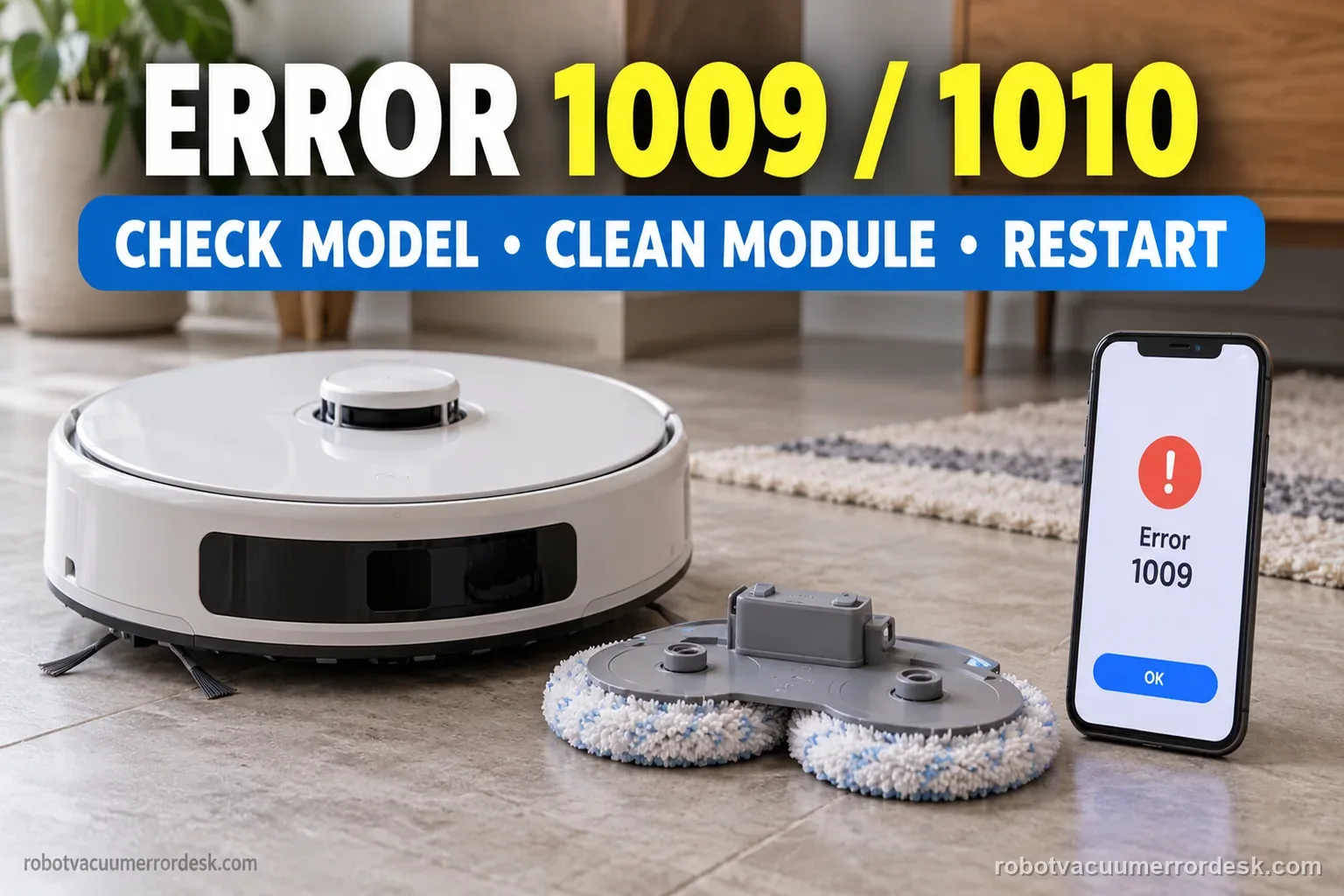
On Freo Z Ultra, Narwal’s Error 1009/1010 path is to clean the removable mopping module and restart the robot; contact support if it returns. Save the exact code and task state first. Use the separate sealing-plate instructions only for Freo Z10 models. Do not pry into the lift mechanism or factory-reset to clear this mop fault.
Confirm the exact model and exact code, light pattern or symptom.
Run the lowest-risk physical or software check first.
Use each pass condition to decide what the result actually narrows down.
Confirm this is the right issue
- The Narwal Freo Z Ultra app or voice prompt reports Error 1009 or Error 1010.
- The error appears when mopping starts, after the robot returns to wash, or when the mopping module changes state.
- You need to know whether the Z10 sealing-plate instructions apply to Freo Z Ultra.
- The mops look installed but 1009/1010 returns after a restart.
- You want a model-safe clean/reseat/test path before contacting Narwal.
Narwal codes can split by model and module. If the app instead reports a network problem or Error 2003, use that exact guide or the index: Freo Z Ultra Wi-Fi connection checks · Narwal Error 2003 overflow checks · Narwal error-code index
What’s most likely causing this
Hair, string, grit or sticky residue interferes with the removable mopping module or its normal seating.
The mopping module or pad was reinstalled unevenly after maintenance.
The error state remains latched until the robot is restarted after cleaning.
Instructions for a different Narwal model were followed and introduced an unnecessary inspection or mis-seating.
A worn/deformed user-removable mop component no longer sits normally even after cleaning.
A persistent internal mopping-module detection or drive fault remains after the official Z Ultra owner steps.
Reading your test result
| What you observe | What it narrows down | Next move |
|---|---|---|
| Error is 1009/1010 on Freo Z Ultra | Narwal has an exact Z Ultra branch for these codes. | Use the Z Ultra clean-and-restart path, not the Z10 sealing-plate branch. |
| Visible hair/grit is caught around the removable mop module | A user-serviceable obstruction can prevent normal movement/seating. | Remove debris, clean the module and reinstall it evenly. |
| Error started immediately after mop maintenance | Installation/seating is a stronger suspect than an unrelated map or Wi-Fi problem. | Remove and reinstall the module using the exact Z Ultra orientation. |
| Error clears after cleaning/reseat and one restart | The owner-level path worked. | Run one short mopping task and monitor for recurrence instead of replacing parts. |
| Error returns on a clean, correctly seated module | Narwal’s published Z Ultra steps are exhausted. | Capture code/task state and contact support; do not open the lift mechanism. |
Compare the Freo Z Ultra result after its owner-level steps
Narwal’s published path is short: clean the mopping module, restart, then contact support if the code persists. Use this table to decide what the result supports without extending the repair.
| Observed result | What it supports | Next useful action |
|---|---|---|
| Code clears after cleaning and a normal restart | The published owner-level path cleared this occurrence. | Record the task and restart; run one short, supervised mop test. |
| 1009/1010 returns with the module clean and normally seated | The published Freo Z Ultra steps are exhausted. | Stop disassembly and contact Narwal with the code, task state, and a short video. |
| A removable part is visibly damaged or will not seat normally | The part needs support evaluation; forcing it may add damage. | Photograph it in place and contact Narwal before another run. |
Two illustrative 1009/1010 records
These counts show a concise before/after record. They are examples, not Narwal pass rates, service thresholds, or a required number of runs.
Example A: code clears after cleaning and restart
- Before cleaning, the app shows Error 1009 during a mop task (1 of 1 observed run).
- The removable module is cleaned and reinstalled normally; the robot is restarted once.
- One short supervised mop test finishes without the code (1 of 1).
What it shows: The code cleared after Narwal’s published owner steps in this example. Keep the screenshot and note the task; one successful run is not a reliability guarantee.
Example B: code returns on a clean module
- The original 1009 screenshot and task state are saved.
- After cleaning, normal reinstallation, and one restart, Error 1010 returns on the next observed task (1 of 1).
- A short video shows when it returns; no internal parts are opened.
What it shows: The recurring code after the documented steps is a Narwal support case. Do not repeat module removal to reach an invented pass count.
Freo Z Ultra 1009/1010 decision flow
Keep the model branch exact. Narwal separates the Freo Z10 sealing-plate check from the Freo Pro, Freo X Ultra, and Freo Z Ultra clean-and-restart path.
- 1Is the exact model Freo Z Ultra and the code 1009 or 1010?
YESYes: use the Z Ultra clean-the-module and restart instruction.
NOStop here and look up the exact model and full code in Narwal’s error index.
- 2Have you saved the code, task state, and a before photo?
YESYes: proceed only with removable mopping components.
NOCapture the app message and note whether it happened during mopping, washing, or a mode change.
- 3Can the removable module be cleaned and reinstalled normally?
YESYes: clean accessible debris, reinstall without force, and restart once.
NODo not pry or bend it; photograph the fit and contact Narwal.
- 4Does 1009/1010 return after cleaning and restart?
YESYes: stop owner troubleshooting and send Narwal the code, serial, task state, and video.
NORecord that the code cleared and supervise one short mop test.
Ordered checks before contacting support
- Confirm Freo Z Ultra and record whether the app shows 1009 or 1010.
- Save a screenshot and note the exact activity when the code appeared.
- Photograph the installed removable mop components before cleaning.
- Clean only removable, owner-serviceable mopping parts and their accessible seating area.
- Reinstall in the normal fit without forcing, then perform one ordinary restart.
- If the code returns, stop and send Narwal the serial number, screenshots, and a short video.
Common mistakes to avoid
- Applying the Freo Z10 sealing-plate inspection to Freo Z Ultra.
- Factory-resetting maps and Wi-Fi for a mopping-module code.
- Prying into the lift shaft, bending mounts, or opening a motor housing.
- Adding lubricant, glue, tape, or third-party hardware to change module movement.
- Removing and reinstalling the module repeatedly without saving the first error state.
- Treating a single successful test as proof that the fault cannot recur.
Narwal calls for cleaning the mopping module and restarting the robot, not a factory reset. Save the exact code and task state first. Do not open the lift mechanism or apply the separate Freo Z10 sealing-plate check to Freo Z Ultra.
Work through these checks in order
Confirm the exact code and exact model branch
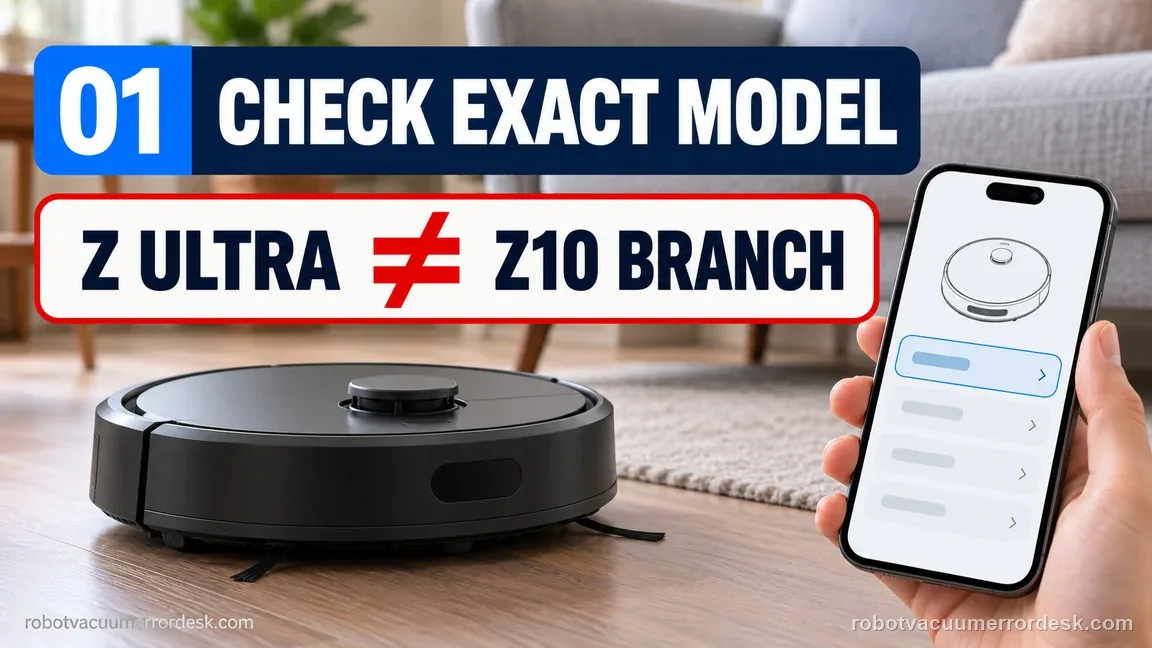
Read the app or voice prompt and confirm Error 1009 or 1010 on Freo Z Ultra. Narwal’s error index contains two separate 1009/1010 instructions: one for Freo Z10 Ultra/Z10 and another for Freo Pro, Freo X Ultra and Freo Z Ultra. The Z10 group mentions a sealing plate, while the Z Ultra group says to clean the mopping module and restart. Keeping the branch correct prevents cross-model troubleshooting from turning a simple service step into an unsupported repair.
Save the failure context before removing the mops
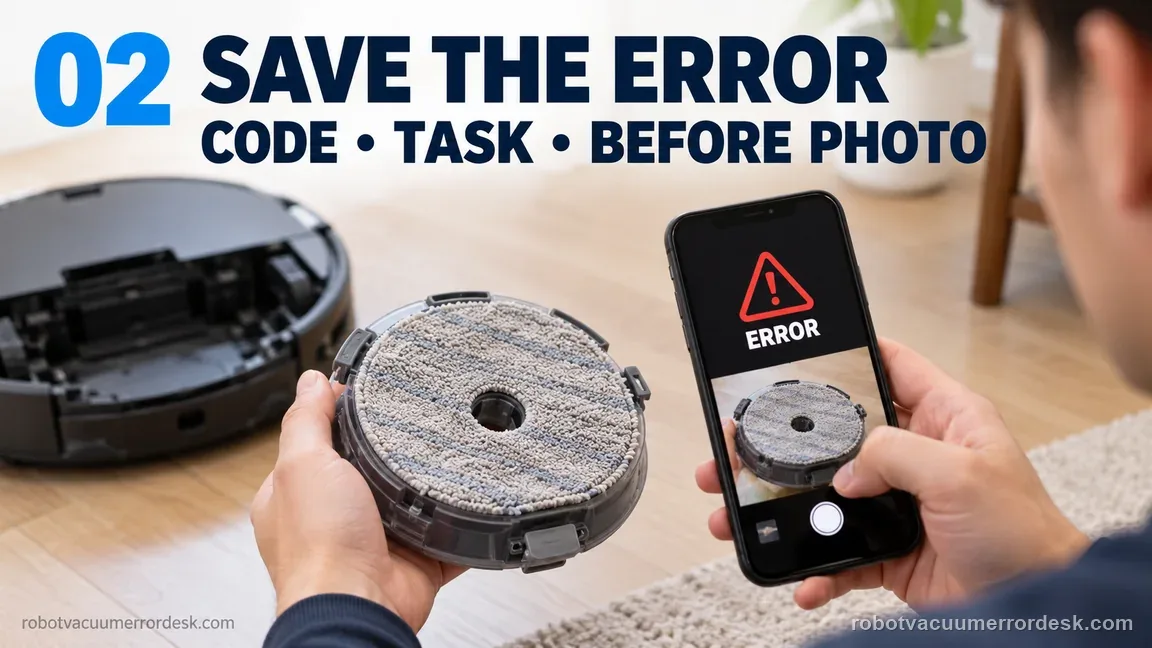
Take a screenshot of the error and note what the robot was doing: starting a mop task, washing, leaving the base, returning to the base or changing modes. If one pad looks lower, twisted or detached, photograph it before correction. This context matters if the code returns, and it also prevents you from losing a useful before/after comparison once the module is cleaned.
Remove only the user-serviceable mopping components
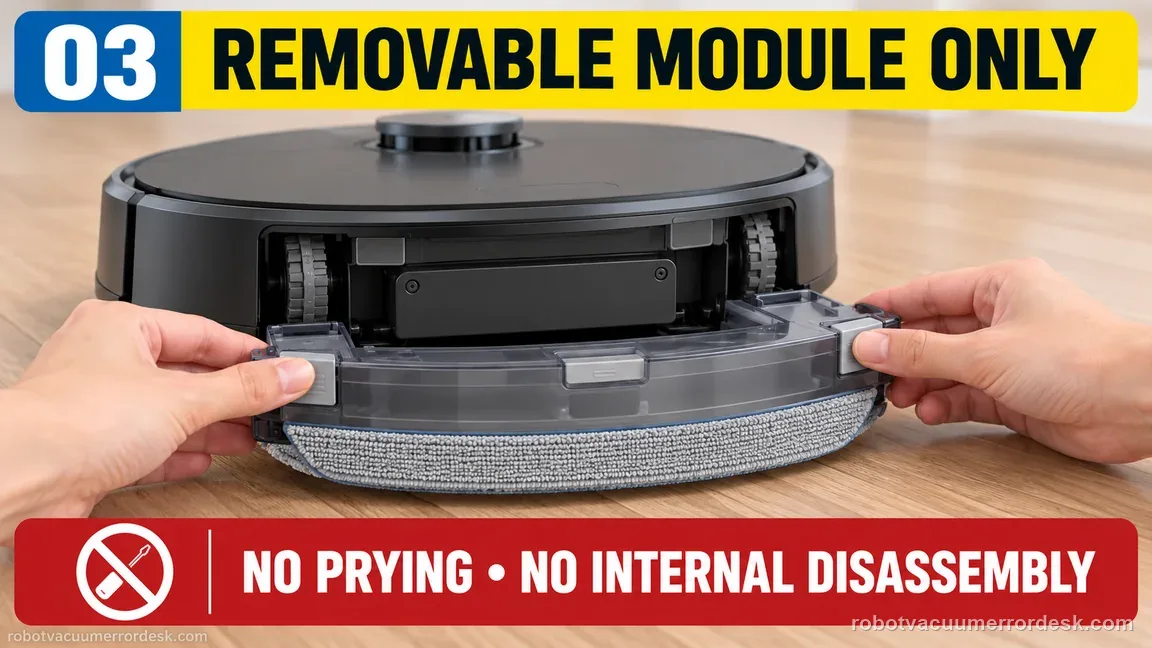
Power the robot down according to normal owner handling and remove the mop/mopping module components exactly as described for the product. Do not pry at the internal lift shaft, disassemble motor housings or bend mounting features. Inspect for hair, threads, grit and dried residue where removable pieces seat. A small hard particle can create an uneven fit even when the pad itself looks clean from above.
Clean the mopping module and contact surfaces
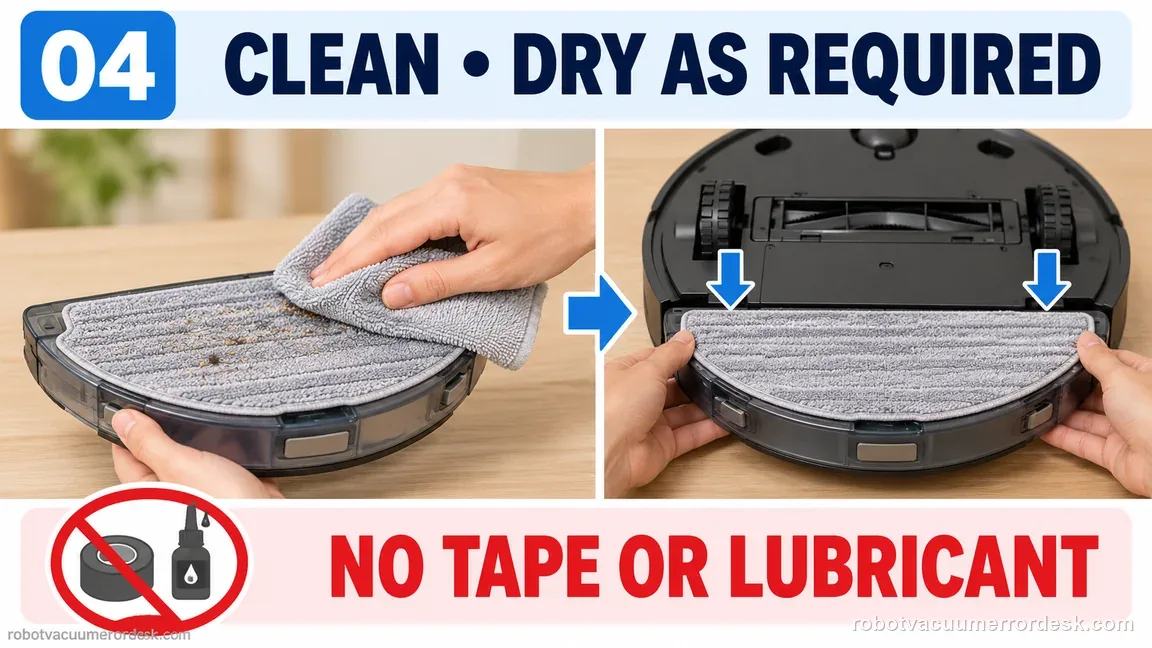
Clean loose dirt and hair from the module and its accessible seating surfaces. Use the maintenance method appropriate to the removable part and let any washable part dry as required before reinstallation. Narwal’s official Z Ultra resolution centers on cleaning the mopping module, so keep this step focused. Avoid adding lubricant, glue, tape or third-party hardware that could change the module’s movement or detection.
Reinstall evenly and verify normal fit
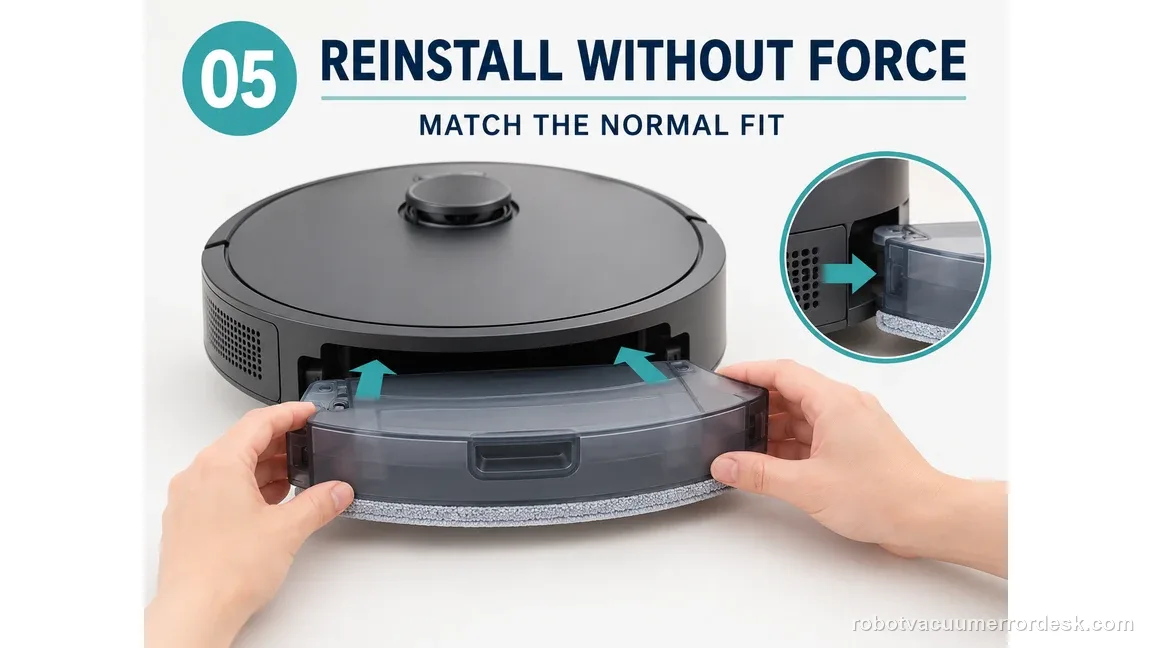
Reinstall the mop components in their intended left/right positions and press only as required for the normal fit. Compare both sides for obvious tilt, looseness or an attachment that sits higher than its mate. If a removable piece is visibly damaged or cannot seat without force, stop there and document it. Do not force the assembly merely to make the error disappear for one cycle.
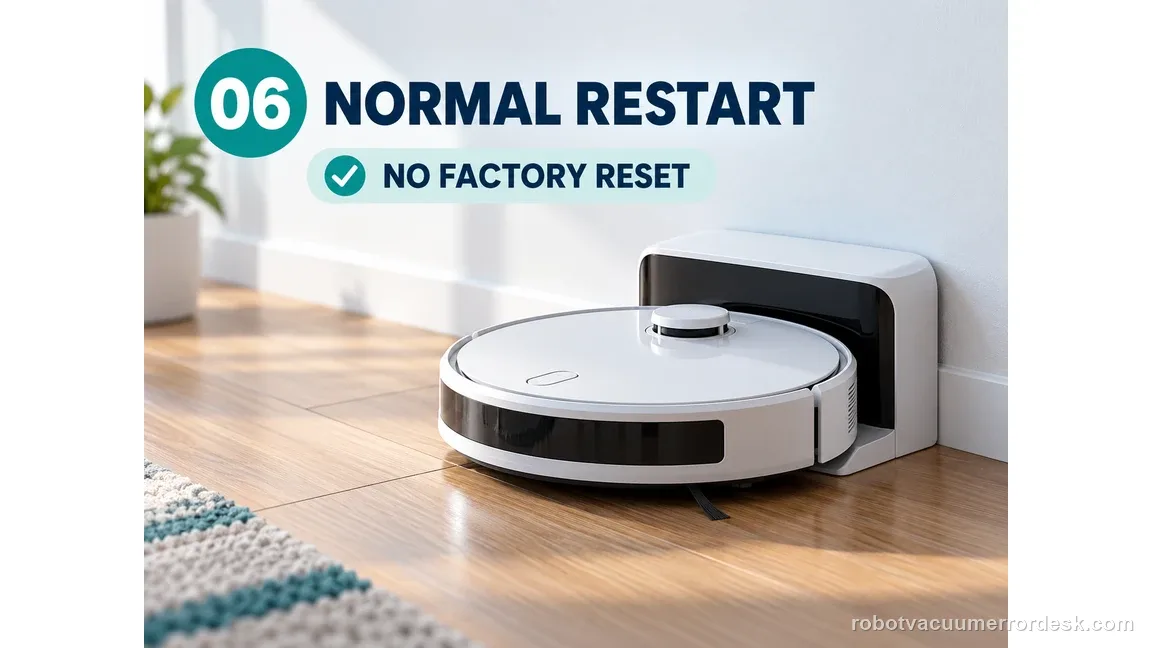
Restart the Freo Z Ultra after cleaning
Narwal tells Z Ultra owners to restart after cleaning the mopping module. Perform one normal power restart rather than a factory reset. Let the robot complete startup in or near its powered base, then check whether 1009/1010 returns immediately. A restart is part of the official error path; deleting maps, Wi-Fi and schedules is not.
Run one short controlled mopping test
If the code cleared, run a short mopping task on open hard flooring and watch the first mop movement, departure and return. The purpose is to verify that the error stays cleared under the function that triggered it. Stop if the module drags, detaches or makes an abnormal mechanical sound. If 1009/1010 returns with a clean, correctly seated module, preserve video and escalate instead of repeating removal many times.
If the Freo app also shows a numbered alert, match the complete message and exact model in the Narwal error-code index before following a code-specific step.
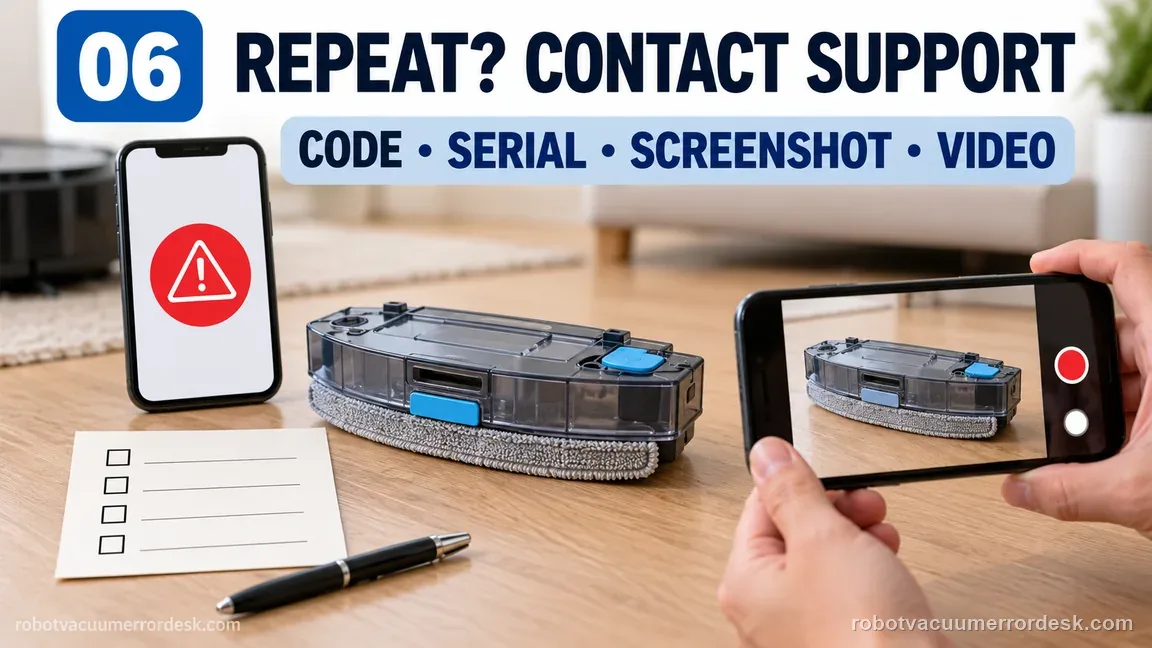
Contact Narwal if Error 1009 or 1010 returns after the Freo Z Ultra mopping module is cleaned, correctly reinstalled and the robot is restarted. Send the exact code, robot serial number, app screenshot, photos of both installed mop modules and a short video of the point where the error returns. Mention whether the fault began after maintenance or a pad replacement. Do not use the Freo Z10 sealing-plate instruction as a reason to open Z Ultra hardware that Narwal does not tell owners to inspect.
Before you contact support, gather this
A reproducible case moves a support call past the basic troubleshooting script faster than “it doesn’t work” does, and it keeps the clues from your own tests on record.
- Exact model name and the error code / voice prompt exactly as shown
- A photo or screenshot of the app error and the time it occurred
- A short list of the checks already completed and what happened after each one
- Robot serial number and exact 1009 or 1010 code
- The activity underway when it appeared and whether it began after maintenance
- Before/after photos of both mop modules and any visible damage or fit issue
- A short video of the error returning after cleaning and one normal restart
Where this comes from
Narwal Error Code Index
Narwal’s error index explicitly names Freo Z Ultra in the 1009/1010 mop-pad branch and gives a different owner path from the Freo Z10 family. This guide preserves that model boundary and adds a controlled before/after test without extending beyond owner-serviceable mop components.
Additional official source: Narwal Vacuum Accessories Troubleshooting ↗Additional official source: Narwal Freo Z Ultra Support Section ↗Last editorial review: September 5, 2026Regional note: manufacturer help centers, model suffixes, mains-power requirements and warranty procedures can differ by country. If the source redirects to a local support site, confirm that the model/hardware scope still matches before following a region-sensitive step.
This guide is rated Official model support. See what each evidence label means →
Questions people ask
What do Errors 1009 and 1010 mean on Freo Z Ultra?
Narwal groups 1009 and 1010 as mop-pad/mopping-module errors. For Freo Z Ultra specifically, the published resolution is to clean the mopping module and restart the robot, then contact support if the error persists. Capture the exact code and task state first so a repeat error can be compared after cleaning and reseating the removable mop components.
Should I inspect the sealing plate for Freo Z Ultra Error 1009?
Do not automatically copy that step from the Z10 branch. In Narwal’s own error index, the sealing-plate inspection is written for Freo Z10 Ultra/Z10, while the separate Freo Pro/X Ultra/Z Ultra branch says to clean the mopping module and restart. Model-specific boundaries matter because similar code numbers do not guarantee identical owner-service procedures.
Can I factory reset the robot to clear Error 1010?
A factory reset is not Narwal’s published first-line action for the Freo Z Ultra 1009/1010 branch. Clean and correctly reinstall the mopping module, then perform a normal restart. If the code returns, preserve the app screenshot and physical installation state for support. A factory reset would erase context while doing nothing to remove a mechanical obstruction or bad fit.
What if Error 1009 started right after I changed the mop pads?
That timing makes installation, debris or fit worth checking first. Remove the user-serviceable mop components, clear hair/grit, verify the pads and holders are installed evenly, then restart the robot. If a component will not seat normally or is visibly deformed, do not force it. Photograph the condition and include it in the Narwal support case if the code persists.
When should I stop troubleshooting Error 1009/1010 myself?
Stop after the official owner path has been reproduced cleanly: correct model/code, mopping module cleaned, components seated normally, one normal restart and a short controlled retest. If the code still returns, Narwal says to contact support. Avoid opening the lift mechanism, bending mounts or adding lubricant/adhesive, because those steps are outside the published owner procedure.
Did this diagnostic narrow the fault?
Use this as an editorial signal, not a popularity counter. If a feedback address is configured you can email the note; otherwise you can copy it for your own support record.