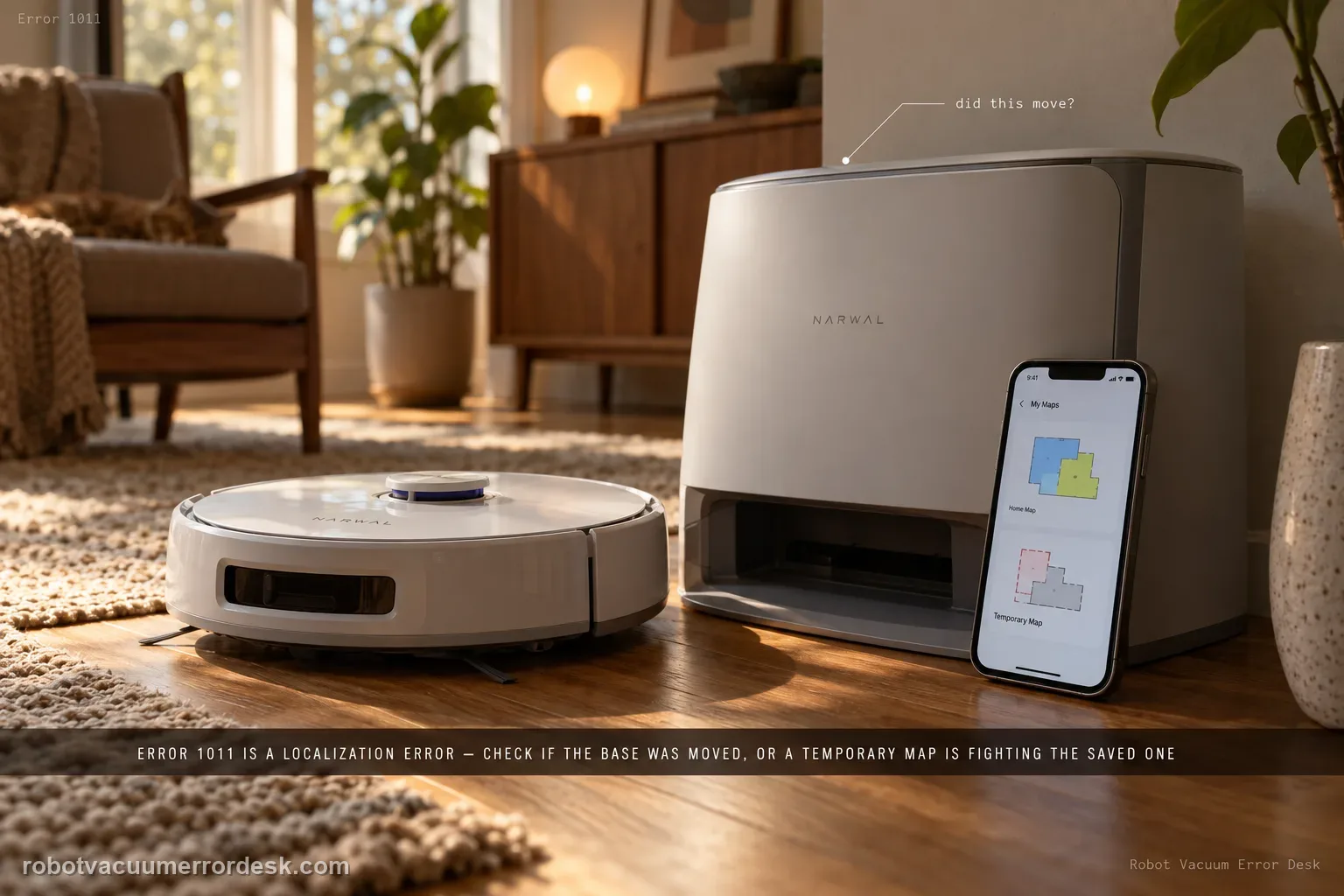
Narwal defines Error 1011 as a localization error. Check whether the base station was moved; if it was, remapping may be required. Also check whether the robot is operating on a temporary map that no longer matches its physical location.
Confirm the exact model and exact code, light pattern or symptom.
Run the lowest-risk physical or software check first.
Use each pass condition to decide what the result actually narrows down.
Is this the problem you’re seeing?
- The app reports Error 1011.
- The robot appears confused about where it is despite having a saved map.
- The base station was moved or a temporary map may be active.
Likely root causes, ranked
Base station was moved after the saved map was created
A temporary map is active and does not match the robot’s real location
The saved map and current station reference no longer agree
What the result narrows down
| What you observe | What it narrows down | Next move |
|---|---|---|
| Base station was moved | Narwal identifies relocation as an Error 1011 cause. | Fix the base in its final position and remap. |
| Temporary map is active on wrong floor/context | Background map and physical robot location do not match. | Switch to the correct map/context before deleting permanent maps. |
| Base never moved and correct map is active | The two published simple causes are not present. | Restart once and document the localization failure for support. |
| Error clears after selecting correct map | Map-context mismatch was the cause. | Retain the valid permanent map and avoid unnecessary remap. |
| Fresh map from fixed base still gives 1011 | Basic map-reference recovery is exhausted. | Send Narwal screenshots, error code and robot location. |
Reset can erase maps/settings on this path. Use lower-risk checks first and document the current state before resetting.
Checks to run, in sequence
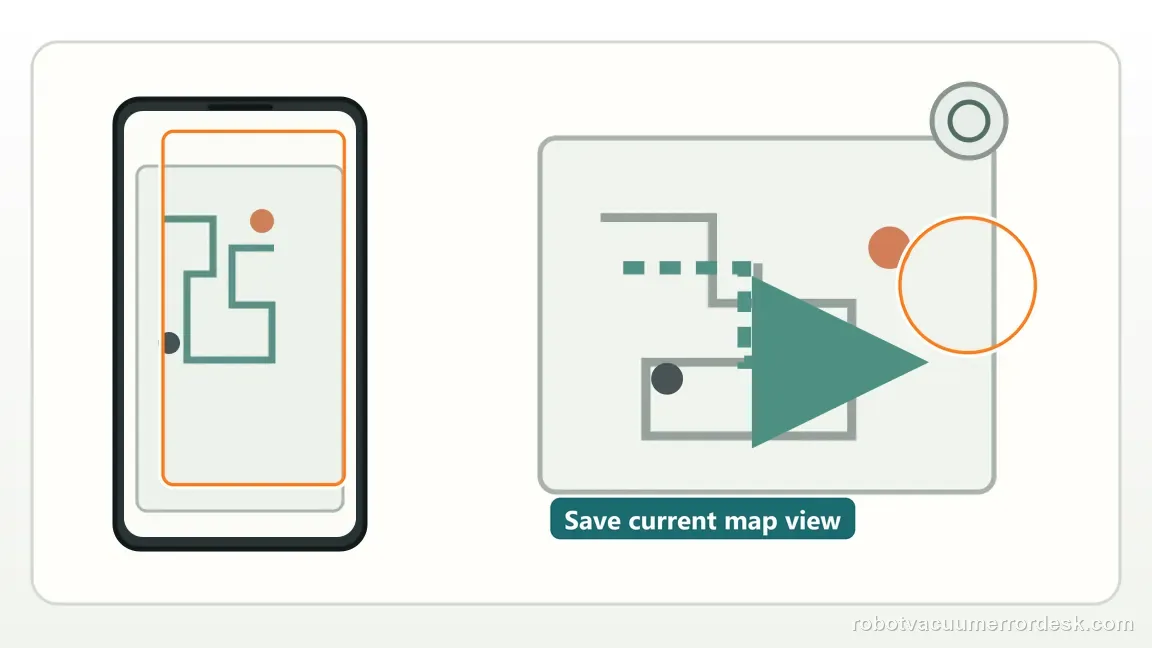
Capture the current map before changing it
Open the Narwal map and save a screenshot showing the robot and base position. This preserves the localization evidence before remapping. Treat the screenshot as a diagnostic baseline, not just a backup. Compare the robot marker, the base icon and room geometry with the real floor before touching map controls. If the base icon is correct but the robot marker is displaced, that points toward localization context rather than a simple missing-room problem. If the entire map is from the wrong floor or a temporary-map banner is active, record that state too. These distinctions tell you whether a remap is justified or would merely erase useful evidence.
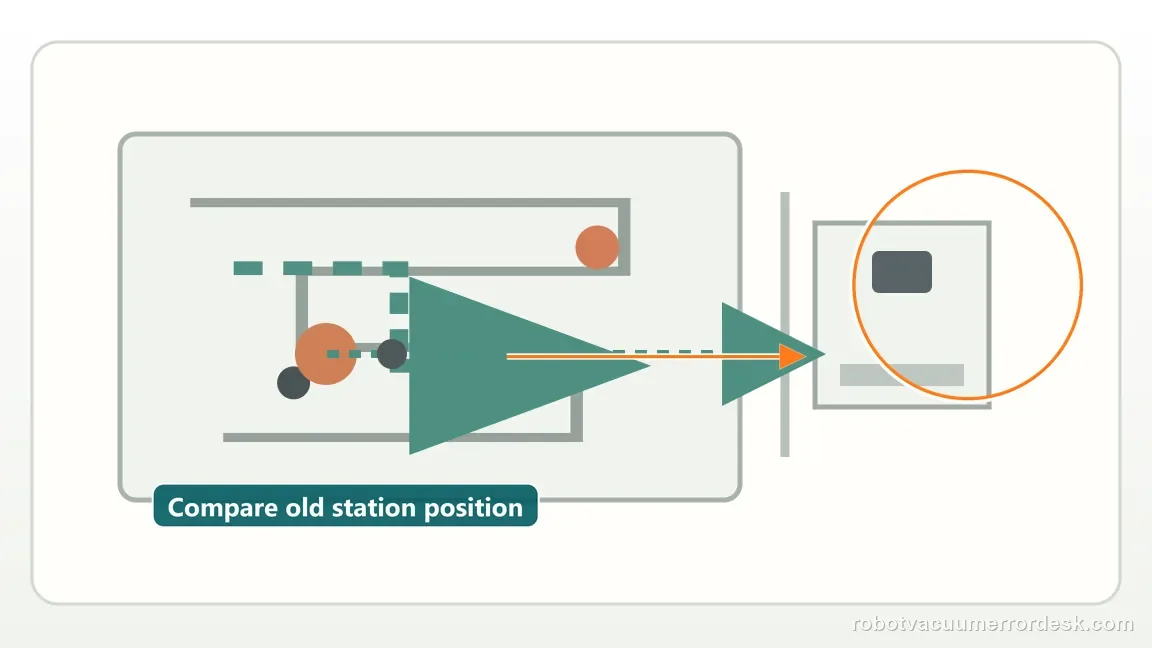
Check whether the base station moved
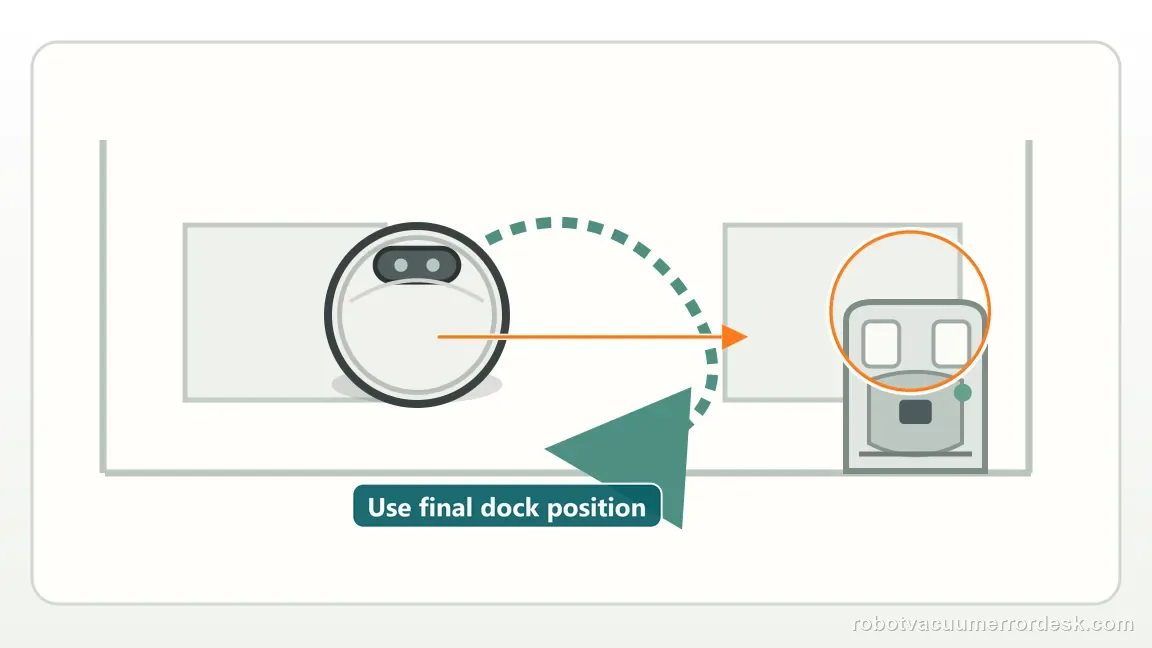
Compare the station’s current position with the position used when the map was created. Narwal explicitly lists a moved base as the first Error 1011 check. A small accidental shift matters because the saved map uses the station as a reference point. If the station was moved only temporarily, return it to the mapped location and retest before rebuilding the map. If the move is permanent, use the final station position for the remap so the new map and physical reference agree. Do not keep moving the station between tests; changing the reference while diagnosing localization makes a repeat Error 1011 much harder to interpret.
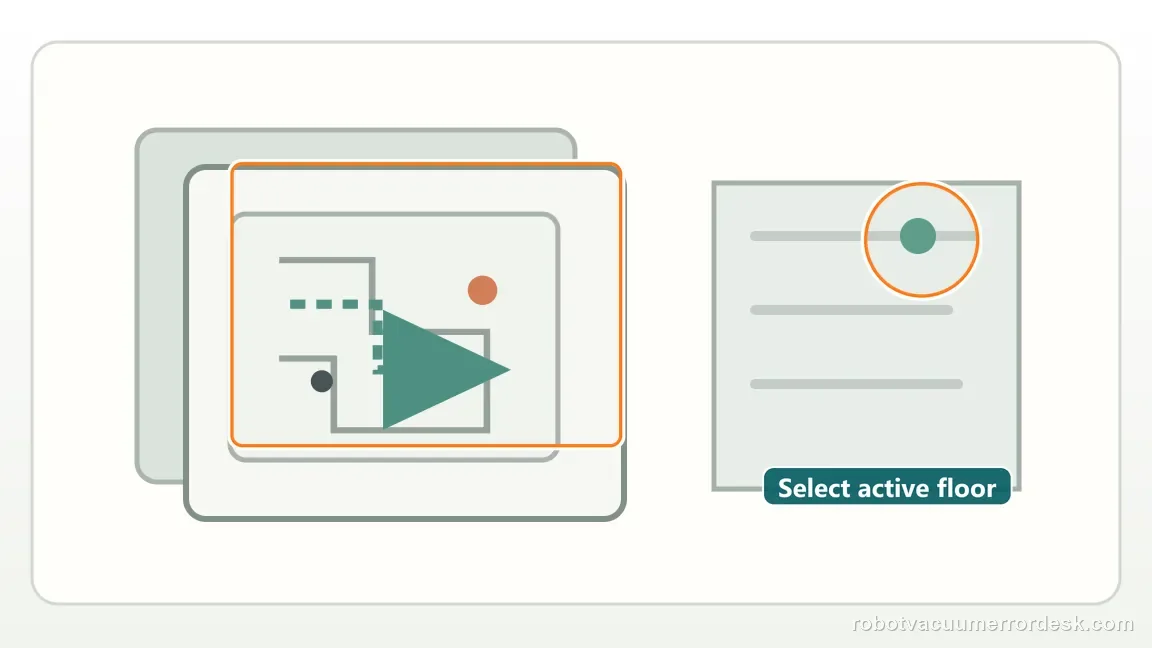
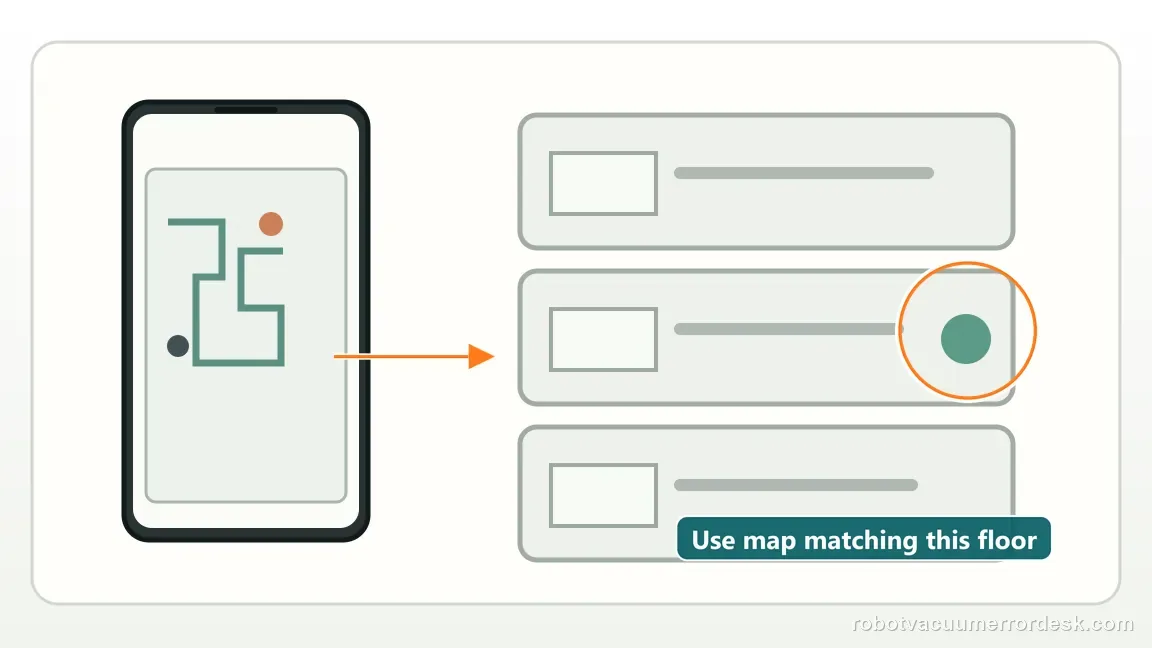
Check for a temporary-map mismatch
Verify whether a temporary map is active and whether it conflicts with the saved floor. A temporary map can place the robot against the wrong background reference.
Remap only when the reference changed
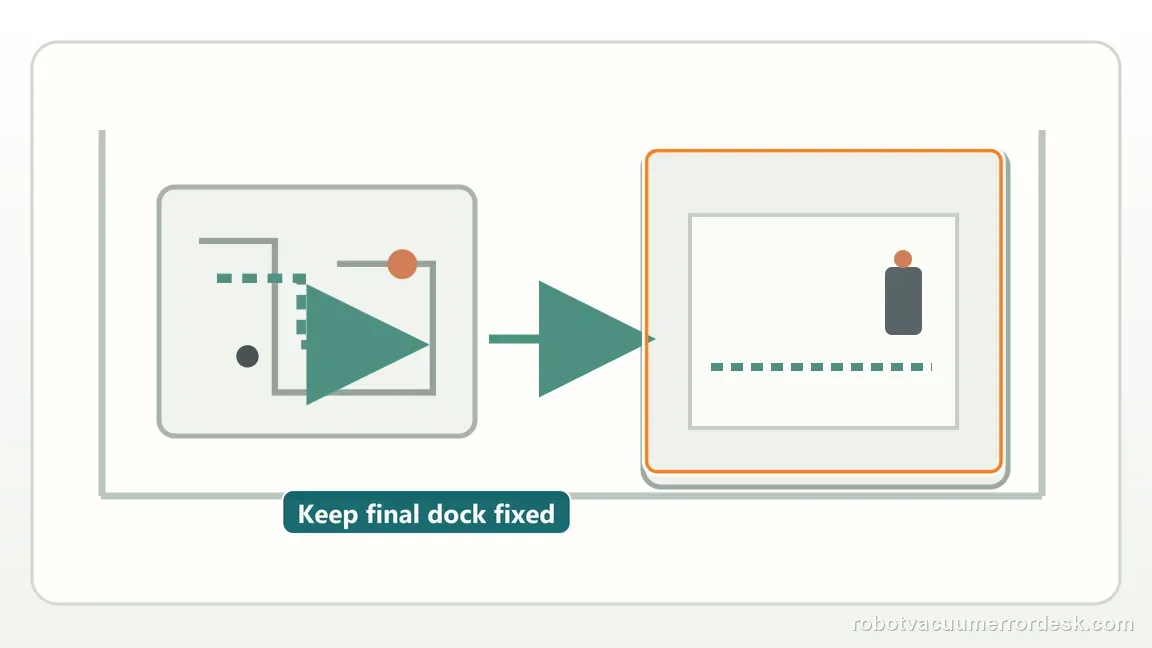
If the station genuinely moved or the map reference is no longer valid, remap the affected area/floor. Do not repeatedly erase a good map when the base never moved.
Check whether a temporary map is active before deleting the main map
Narwal explicitly lists a temporary-map mismatch as an Error 1011 cause. In the app, confirm which map is active and whether the robot’s physical floor matches that background. If a temporary map is active, correct the map context first rather than remapping a good permanent floor.
Remap only when the station reference really changed
If the base station was moved, Narwal says to remap. Put the base in its intended permanent position first, then create the new map from that reference. Preserve a screenshot of the old layout so you can explain the change if localization still fails after the rebuild.
Restart only after the map context is made consistent
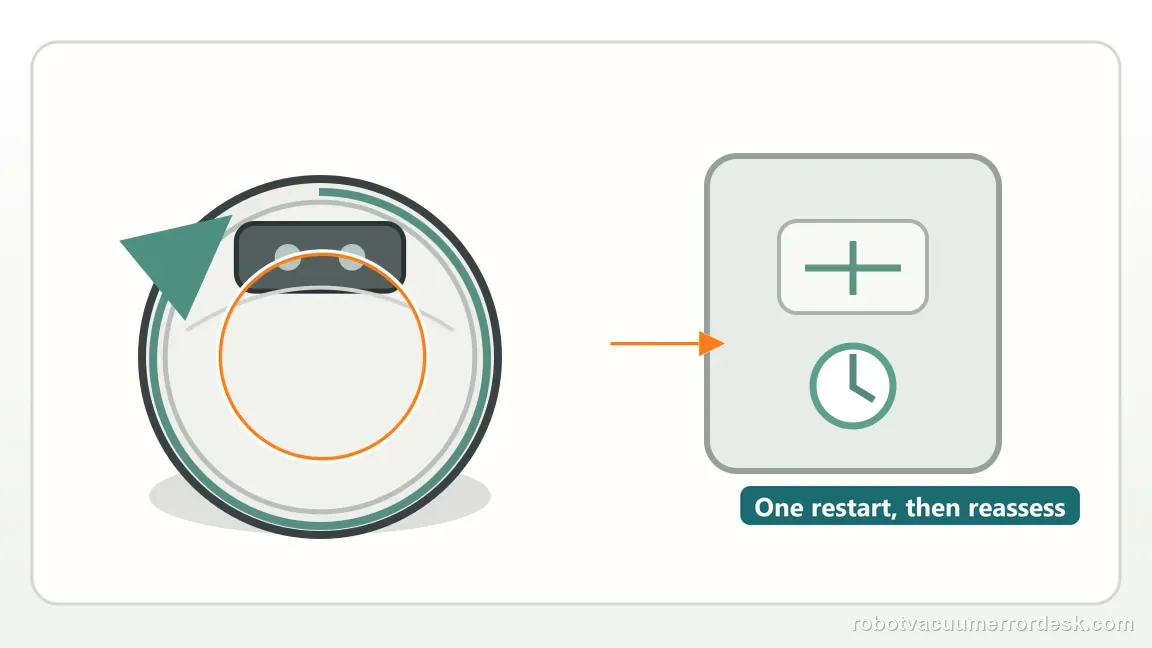
Once you have confirmed the correct permanent/temporary map and the final base position, restart the Freo Z Ultra once and let it relocalize without moving it by hand. This gives the robot a clean localization attempt after the two Narwal-documented causes have been corrected. If the same code returns immediately, save the new robot position on the map instead of cycling repeated restarts.
If the base position and active map are correct but Error 1011 persists, send Narwal the code plus the before/after map screenshots. That gives support localization evidence instead of an unexplained “navigation problem.”
Information to have ready for support
Support can skip the basic troubleshooting script when you provide a reproducible case. That keeps the results of your checks from getting lost.
- Exact model name and the error code / voice prompt exactly as shown
- A photo or screenshot of the app error and the time it occurred
- A short list of the checks already completed and what happened after each one
- Map screenshots and robot location when the problem involves localization, zones or docking
Source and evidence level
Narwal Robot Vacuum Error Code Index
Narwal identifies 1011 as Localization Error and directs users to base-station movement/remapping and temporary-map checks.
Additional official source: Narwal Freo Z Ultra User Manual ↗Additional official source: Narwal Freo Z Ultra support section ↗Last editorial review: September 5, 2026Regional note: manufacturer help centers, model suffixes, mains-power requirements and warranty procedures can differ by country. If the source redirects to a local support site, confirm that the model/hardware scope still matches before following a region-sensitive step.
This guide is rated Manufacturer-general. See what each evidence label means →
Common questions
What does Narwal Freo Z Ultra Error 1011 mean?
Narwal defines Error 1011 as a localization error. Its error-code index gives two main checks: whether the base station was moved and whether a temporary map is active that does not match the robot’s real location. Check those before deleting maps. If the base was relocated, place it permanently and remap from that final position.
Do I need to remap Freo Z Ultra for Error 1011?
Remap when the base station has been moved, because Narwal explicitly tells owners to do so in the 1011 path. If the base never moved, first check whether the app is showing or using a temporary map that mismatches the current floor. Remapping every time can erase a good permanent map without addressing the actual context error.
Can a temporary map cause Narwal Error 1011?
Yes. Narwal’s Error 1011 guidance specifically says to verify whether a temporary map is active and mismatched with the robot’s current location. Confirm the floor and active map in the app. If selecting the correct background clears the error, keep that map; there is no reason to rebuild the permanent layout just to fix a temporary-context mistake.
Why should I save a screenshot before remapping Freo Z Ultra?
A screenshot preserves the old base location, room layout and robot position, which is useful if Error 1011 remains after a controlled remap. It also helps you verify that the base truly moved rather than guessing later. Narwal’s support path is map-reference focused, so before-and-after map evidence makes escalation more specific than simply reporting “localization failed.”
When should I contact Narwal about Freo Z Ultra Error 1011?
Escalate if the correct map is active, the base is in its intended fixed location and a justified remap still does not restore localization. Send the Error 1011 screenshot, map view and note whether the base was moved or a temporary map had been active. Those facts directly answer the two causes Narwal asks owners to check first.
Did this diagnostic narrow the fault?
Use this as an editorial signal, not a popularity counter. If a feedback address is configured you can email the note; otherwise you can copy it for your own support record.