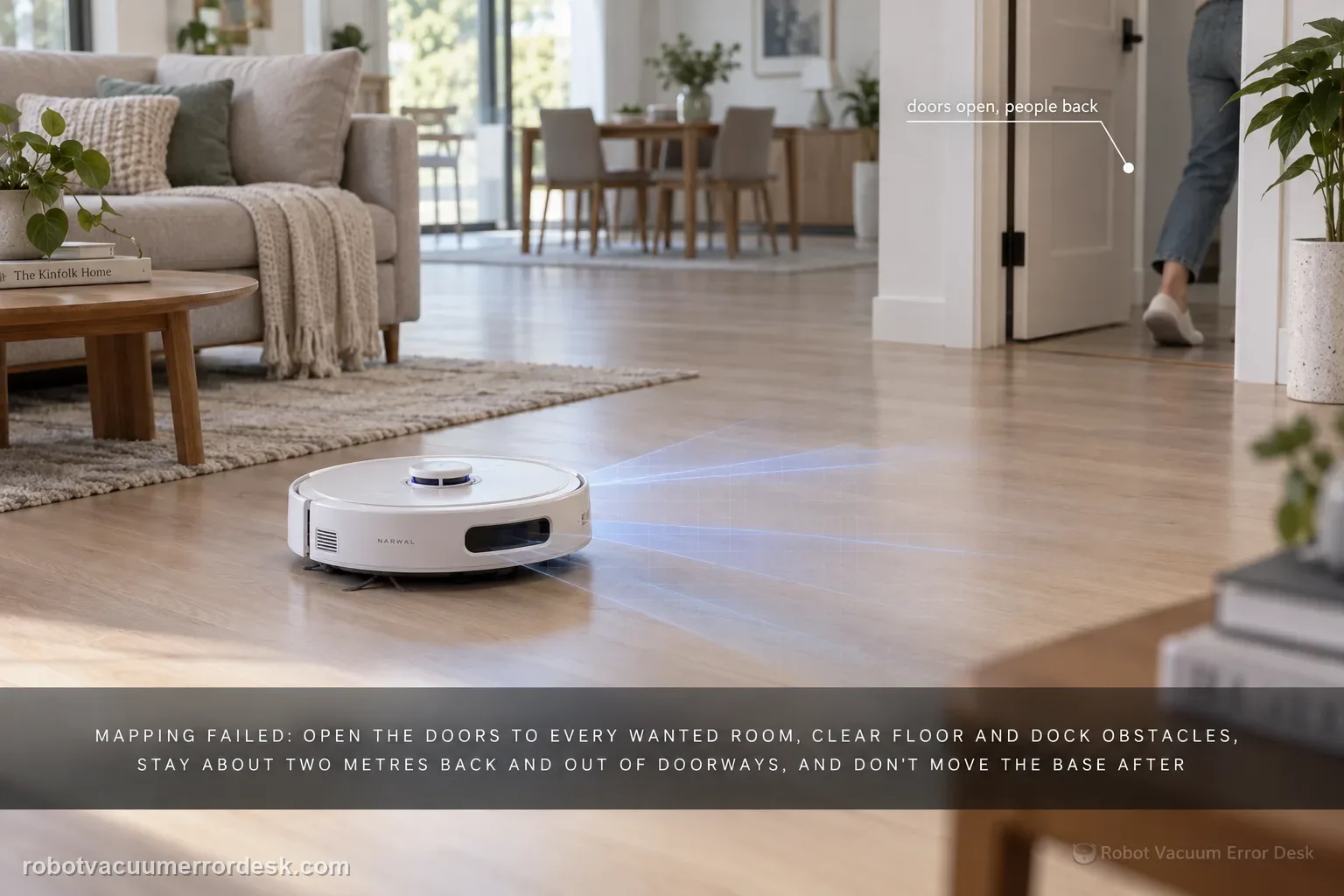
For a Freo Z Ultra that maps the home incorrectly, misses rooms, places itself in the wrong area or throws a localization-style problem, preserve the current map first and determine whether the failure happened during first mapping or after a previously good map changed. Narwal’s mapping guidance says doors to wanted rooms should be open, floor and base-station obstacles should be cleared, people should stay about two meters away and out of doorways, and the base should not be moved after mapping. For Freo Z Ultra specifically, Narwal also calls out removing the protective camera stickers before mapping. If the base was moved or the active temporary map conflicts with reality, remapping is appropriate; if only a small new area was omitted, the robot may add it during later cleaning, so immediate map deletion is not always necessary.
Confirm the exact model and exact code, light pattern or symptom.
Run the lowest-risk physical or software check first.
Use each pass condition to decide what the result actually narrows down.
Confirm this is the right issue
- Freo Z Ultra first mapping stops, misses rooms, produces an incomplete layout or places the base incorrectly.
- A previously good map becomes wrong after the base station was moved, the robot was carried, or a temporary map was used.
- The app shows the robot in the wrong room or the robot repeatedly relocalizes despite open floor space.
- One narrow passage or small area is missing and you need to know whether to remap immediately.
- You want the exact Freo Z Ultra remap path without factory-resetting the robot or deleting unrelated settings.
What’s most likely causing this
Camera protective stickers or first-use packaging still interfere with the Z Ultra visual system during mapping.
Doors are closed, floor clutter blocks exploration, or a person is standing close to the robot/doorway during map creation.
The base station moved after the saved map was built, so the robot’s reference point no longer matches reality.
A temporary or secondary map is active and conflicts with the physical floor where the robot is operating.
A narrow passage or small area was intentionally skipped during the fast mapping pass and may be added during later cleaning.
A persistent localization/sensor fault remains after the environment and map reference are corrected.
Reading your test result
| What you observe | What it narrows down | Next move |
|---|---|---|
| First map is incomplete but only a narrow/small area is missing | Narwal says some small passages can be skipped for efficiency and added during later cleaning. | Run a normal controlled clean before deleting the map. |
| Base station was moved after a good map | The saved dock reference can no longer match the physical station position. | Return it to the mapped location if possible; otherwise create a new map. |
| Temporary map is active while robot is on the main floor | The map context may not match the robot’s physical location. | Switch to the correct saved map or place the robot/base in the correct mapped context. |
| Map failed during first use with camera film still installed | The exact-model visual system is being obstructed. | Remove protective camera covering, prepare the floor again and remap. |
| Map is wrong again after a clean remap with stable base position | The failure survives the main environment/reference checks. | Save screenshots and video of relocalization and escalate rather than cycling maps repeatedly. |
Reset can erase maps/settings on this path. Use lower-risk checks first and document the current state before resetting.
Work through these checks in order
Save the bad map before changing anything
Take screenshots that show the map, the displayed robot position, base-station position and the room or passage that is wrong. Note whether this is the first map or a map that used to work. If an Error 1011 localization message is present, preserve that too. This snapshot lets you distinguish a map-building problem from a later localization regression and prevents a remap from erasing the evidence Narwal support would need.
Prepare the Freo Z Ultra for first-map vision
For Freo Z Ultra, Narwal’s mapping guide specifically says to remove the protective stickers on the camera so the complete mapping system can work. Clear cords, clothes and loose objects from the floor, open the doors to rooms you want included, and make sure the robot can leave the base without an obstacle directly in its path. Do not treat normal first-map omissions as a hardware fault before those setup conditions are correct.
Keep people and the dock from becoming moving landmarks
Narwal tells owners not to follow, crowd or block the robot during mapping and recommends staying about two meters away. Avoid standing in doorways or halls, which can be interpreted as blocked space. Most importantly, do not move the base station during or after mapping. The base is part of the robot’s location reference; moving it can create the same symptoms people often describe as a corrupted map.
Decide whether the missing area actually needs a remap
Narwal notes that a relatively small area or narrow passage may be skipped during fast mapping and later added when the robot encounters it during normal cleaning. If the main floor plan is correct and only one small accessible pocket is missing, run a normal cleaning task with the path open and watch whether the map updates. This prevents replacing a mostly valid map with another first-pass map that could omit something else.
Check the active map and temporary-map context
Open Map Editing and verify the robot is operating against the map for the floor it is physically on. Narwal’s Error 1011 guidance warns that a temporary map can conflict with the current location. If you maintain multiple maps, confirm the base and robot are in the expected floor context. A robot shown in the wrong room after being carried is not fixed by cleaning brushes; the location reference must agree first.
Use Narwal’s remap path only when the reference is truly wrong
When the map itself is wrong or the base was relocated, use the Freo App’s Map > Map Editing > Map List > Re-create Map path described by Narwal for Freo Z Ultra. Keep the base at its final intended location before starting. Avoid a factory reset: it is broader than a remap and destroys useful context. After the new map completes, verify the base icon, major rooms and one previously affected passage before editing room names or zones.
Verify stability with one real cleaning mission
Run one controlled whole-room or room cleaning task and watch the map trace. The pass condition is not merely that a pretty map appears; the robot should localize from the base, enter the previously problematic area and return without the layout shifting underneath it. If the new map becomes wrong again while the base stayed fixed and the environment was clear, capture the before/after screenshots and stop remapping repeatedly.
Escalate if the Freo Z Ultra repeatedly builds or loses a map despite removed camera protection, open rooms, a fixed base, correct active-map selection and a clean remap. Send Narwal the robot serial number, screenshots before/after the map changes, a short video of the robot failing to localize, and whether the issue began after a base move, firmware/app change or physical relocation to another floor. Repeatedly deleting maps can hide the pattern support needs to see.
Before you contact support, gather this
A reproducible case moves a support call past the basic troubleshooting script faster than “it doesn’t work” does, and it keeps the clues from your own tests on record.
- Exact model name and the error code / voice prompt exactly as shown
- A photo or screenshot of the app error and the time it occurred
- A short list of the checks already completed and what happened after each one
- Map screenshots and robot location when the problem involves localization, zones or docking
Where this comes from
Narwal Themed Mapping Guide
Narwal’s mapping guide explicitly includes Freo Z Ultra camera-protection removal and the environment rules for map creation. The error-code index adds the temporary-map/base-move discriminator, while the exact-model support section documents Freo Z Ultra mapping and remap behavior.
Additional official source: Narwal Error Code Index ↗Additional official source: Narwal Freo Z Ultra Support Section ↗Last editorial review: September 5, 2026Regional note: manufacturer help centers, model suffixes, mains-power requirements and warranty procedures can differ by country. If the source redirects to a local support site, confirm that the model/hardware scope still matches before following a region-sensitive step.
This guide is rated Official model support. See what each evidence label means →
Questions people ask
Why did my Freo Z Ultra miss a small room during mapping?
Narwal says the robot can skip relatively small areas or narrow passages during the fast mapping pass and later add them when it encounters them during normal cleaning. If the main layout is correct, open the passage and run a normal task before deleting the map. Remap when the omission persists or the wider map reference is clearly wrong.
Do I need to remove the camera sticker before Freo Z Ultra mapping?
Yes. Narwal’s mapping guidance specifically notes Freo Z Ultra among models where the protective camera covering should be removed so complete mapping functionality is available. If first mapping was performed with protection still on the camera, document the bad map, remove the covering, prepare open routes and then create a fresh map from the base’s final location.
Can moving the Narwal base station break the map?
Yes. Narwal repeatedly warns not to move the base after mapping and says remapping is required when the base has been relocated. If possible, return the base to its original mapped position before deleting anything. If the move is permanent, create a new map with the station at its final location and verify docking afterward.
Is Error 1011 the same as a general Freo Z Ultra mapping failure?
Error 1011 is Narwal’s localization error and has a specific path: check whether the base moved and whether a temporary map is causing a location mismatch. A general bad first map can instead come from blocked rooms, camera protection or mapping conditions. The two intents overlap, but the exact error code should follow the Error 1011 path first.
Should I factory reset a Freo Z Ultra because the map is wrong?
Not as the first map repair. Preserve screenshots, correct the environment, confirm the active map and base location, then use Narwal’s Re-create Map path when a new map is actually needed. A factory reset is broader, removes useful context and can make a recurring localization fault harder to document. Escalate if a clean remap fails again.
Did this diagnostic narrow the fault?
Use this as an editorial signal, not a popularity counter. If a feedback address is configured you can email the note; otherwise you can copy it for your own support record.