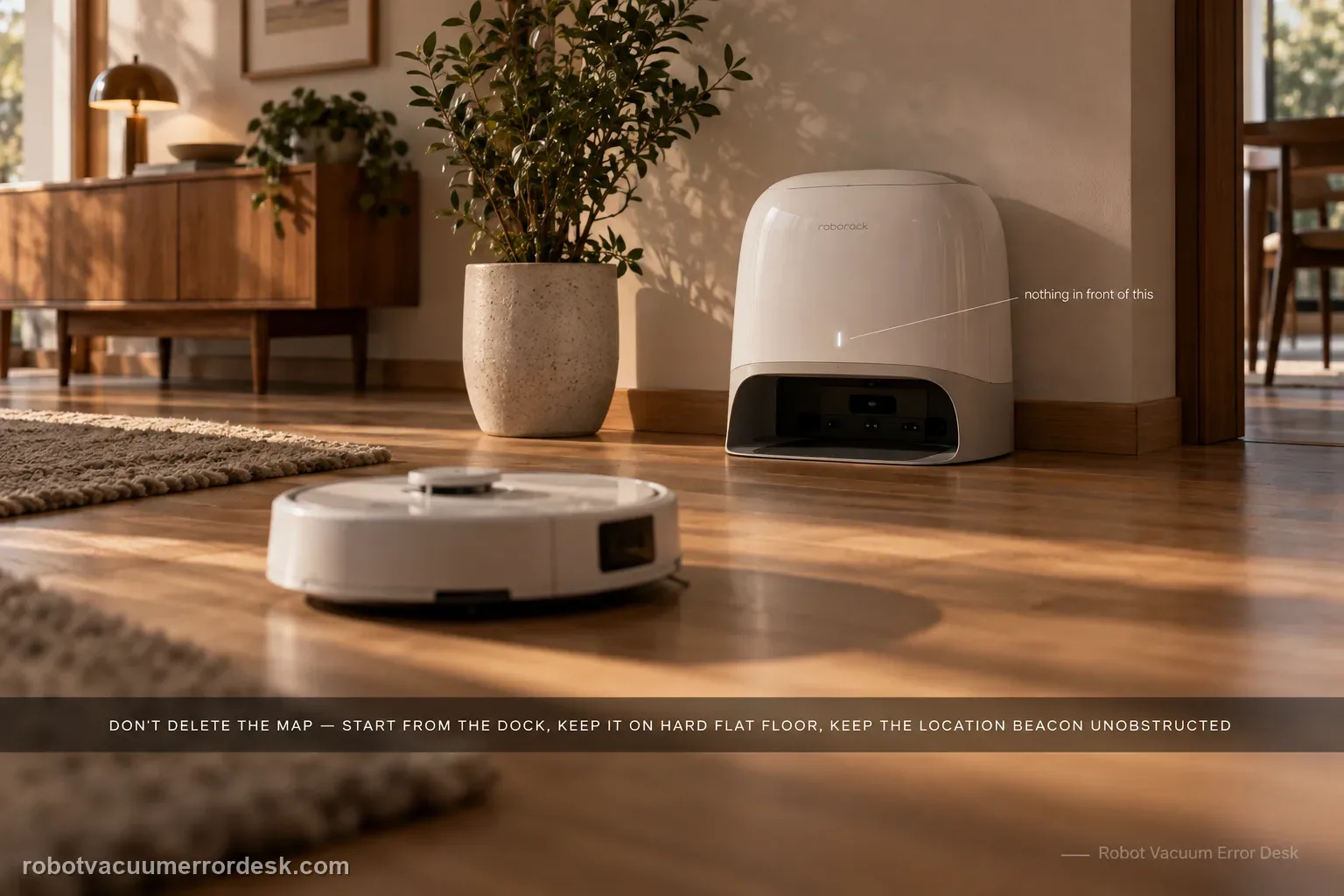
Do not delete the map first. For Qrevo Curv / CurvX, Roborock’s manual says reliable automatic return depends on starting from the dock, leaving the dock in place during the task, keeping the dock on a hard and flat surface, and keeping the dock-location beacon unobstructed. Its troubleshooting table then narrows a failed return to obstacles near the dock, excessive distance, or dirty wall/cliff/carpet sensors. A close-range return test is useful because success from nearby proves the robot can still see and physically seat on the dock, shifting the investigation toward route context or long-range localization rather than a dead dock.
Confirm the exact model and exact code, light pattern or symptom.
Run the lowest-risk physical or software check first.
Use each pass condition to decide what the result actually narrows down.
Is this the problem you’re seeing?
- The Qrevo Curv finishes or pauses a normal cleaning task but wanders, returns to the start point, or gives up before reaching the dock.
- The robot can approach the dock area but may abort the final route, especially after the dock was moved, the robot was carried, or objects accumulated around the station.
- The dock is powered and the robot can charge when manually seated, so the main question is autonomous return rather than basic charging power.
- The symptom is not limited to one blocked doorway; the robot repeatedly has trouble finding or approaching the station.
Likely root causes, ranked
Dock placement or beacon visibility is poor: soft flooring can tilt the station and direct sunlight or nearby objects can interfere with the location beacon.
The robot did not start from the dock, the dock was moved during cleaning, or the robot was manually relocated, so its route context no longer matches the station position.
Obstacles or excessive distance make the final return path unreliable even though the dock itself is powered.
Wall, cliff or carpet sensors are dirty enough to degrade navigation on the return route.
If close-range homing also fails in a clear setup, the remaining problem is more likely station signaling, robot sensing, alignment or a hardware fault that should be escalated.
What the result narrows down
| What you observe | What it narrows down | Next move |
|---|---|---|
| It docks normally when commanded from 1–2 m away. | The dock is powered and final homing/alignment can work; long-range route context is now the stronger suspect. | Keep the dock fixed, start the next proof run from the dock, and remove route obstacles instead of factory-resetting. |
| It cannot find the dock even from a clear nearby position. | This is no longer just a distance problem. | Inspect beacon/sensor cleanliness and dock placement; if those pass, preserve the evidence and escalate. |
| The issue began after the dock or robot was moved manually. | The robot may be working from a changed localization context rather than a failed charging system. | Return the dock to its mapped location if practical and run a fresh task beginning from the dock. |
| The robot reaches the station but cannot seat or repeatedly backs away. | The failure has moved from route finding toward final approach/alignment. | Clear the station approach and inspect the dock/robot sensing surfaces before treating it as a map failure. |
| Return fails only after the dock was moved or the robot was carried | The localization/dock reference changed during the task, so the failure does not yet prove a bad station. | Restore a fixed dock context and run one uninterrupted start-from-dock cleaning/return test before remapping or servicing hardware. |
Reset can erase maps/settings on this path. Use lower-risk checks first and document the current state before resetting.
Checks to run, in sequence
Recreate the intended dock context
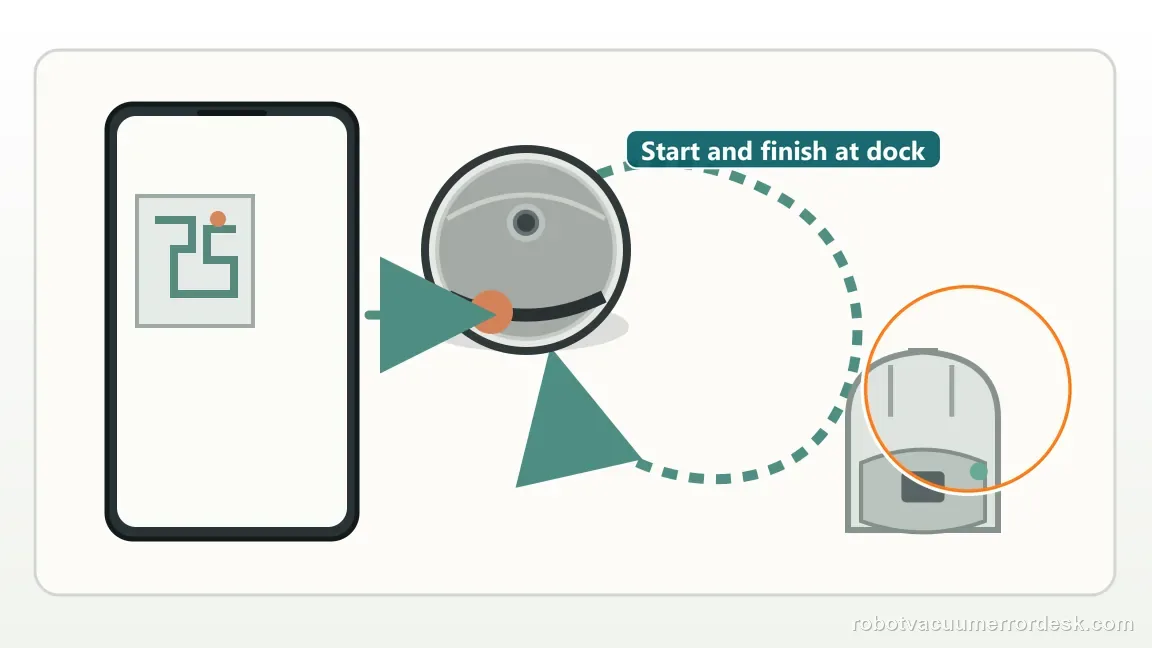
Start with the exact operating condition Roborock describes for automatic return: the dock should remain in one fixed location and the robot should begin the cleaning task from that dock. If the robot was carried to another room, the dock was moved mid-task, or the run began away from the station, do one controlled test without those changes. The manual explicitly notes that starting from the dock and not moving it during cleaning supports automatic return. Do not erase a usable map yet; first find out whether the failure disappears when localization context is stable.
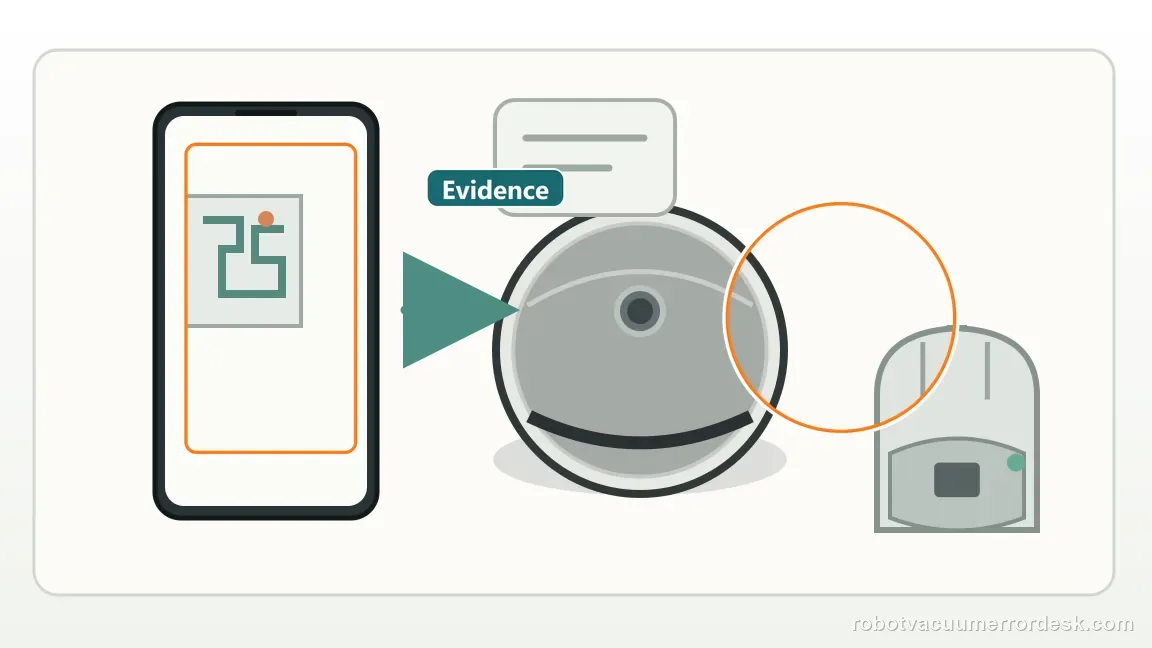
Inspect the dock surface, open area and beacon line
Place the dock on a hard, flat floor rather than carpet or a soft mat. The current Qrevo Curv Series manual reserves at least 0.9 m (2.96 ft) in height, 0.46 m (1.51 ft) in width and 1.2 m (3.94 ft) in depth around the station, and it warns that soft surfaces can tilt the dock. Keep direct sunlight and objects away from the dock-location beacon. This gives the robot a stable, visible final target before any map reset is considered.
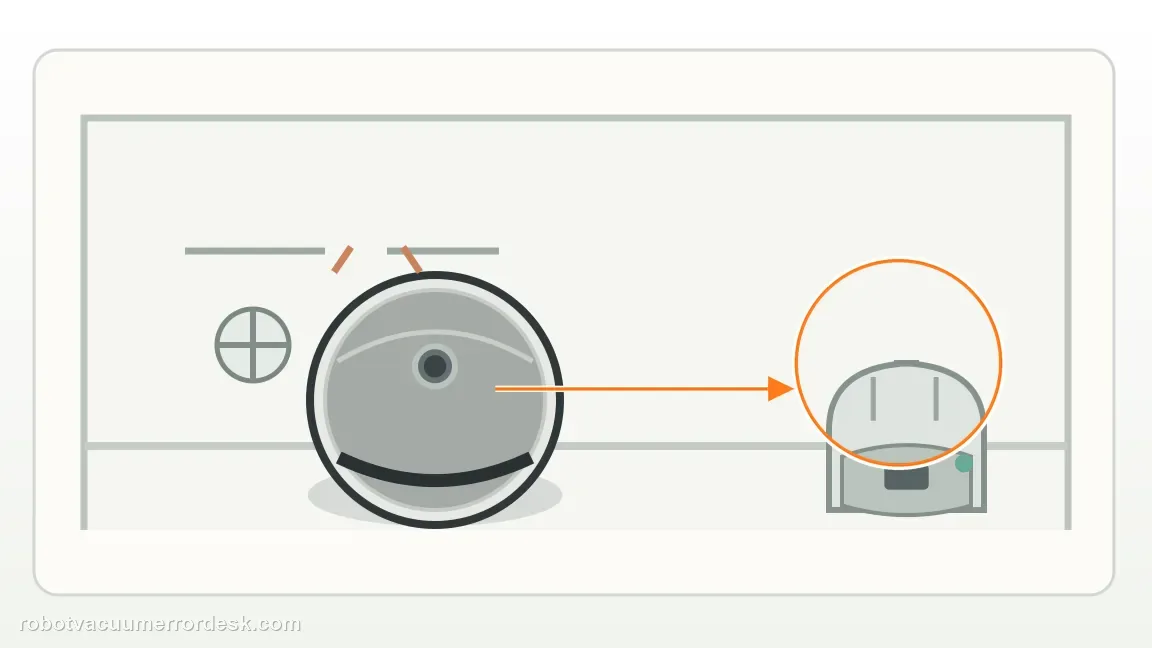
Clean the navigation-facing sensor surfaces
Roborock’s Qrevo Curv troubleshooting table lists dirty wall, cliff or carpet sensors as a cause of missed navigation behavior. Wipe the accessible sensor windows with a soft, dry cloth. Roborock’s general dock-finding guidance also calls out the dock’s front signal-transmission area and the robot’s front sensor, so clean those external surfaces as well without opening the robot or dock. This is a low-risk check: you are restoring optical/signal visibility, not bypassing any safety sensor.
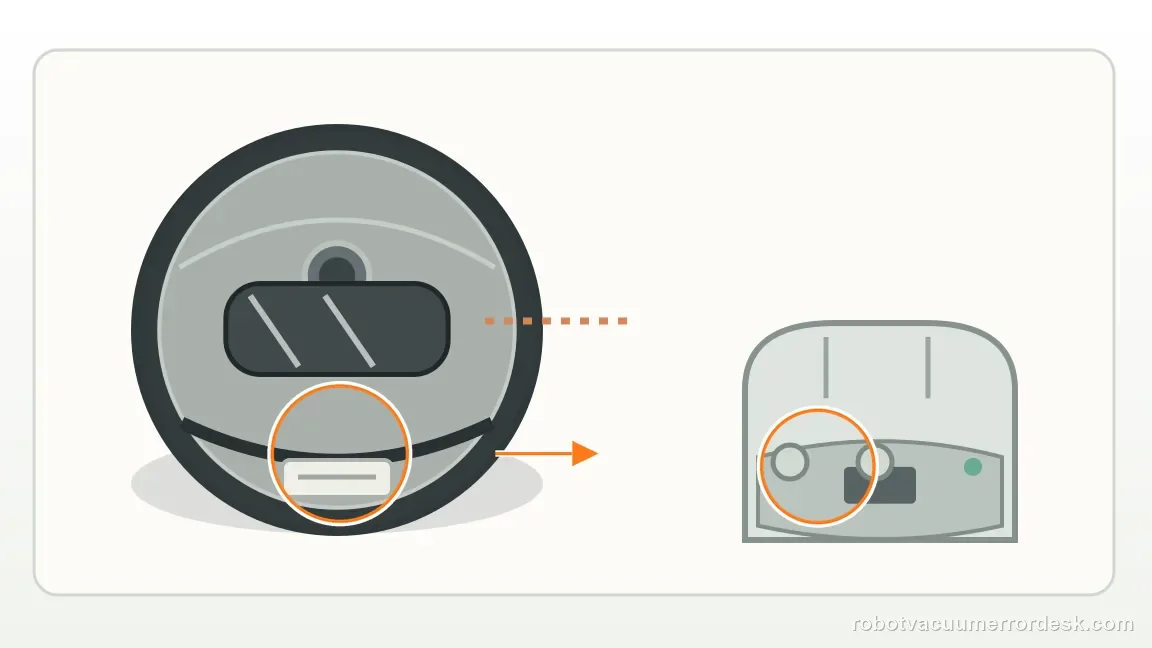
Run a close-range return test before remapping
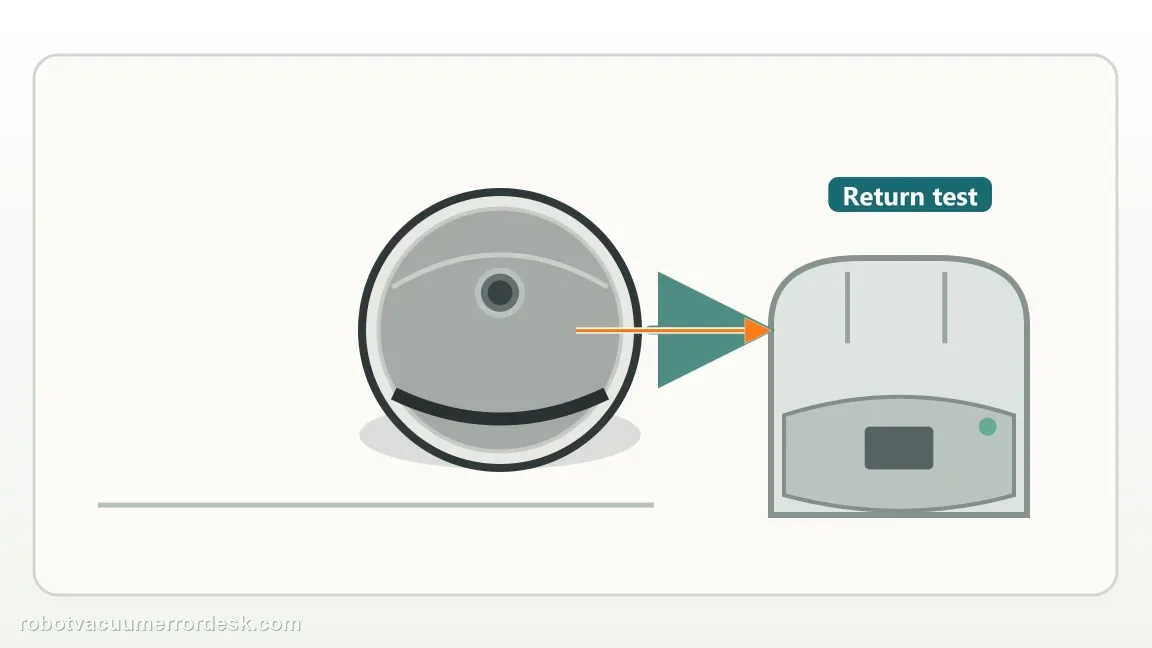
Place the robot on open floor near the dock, then command Return to Dock. The exact manual says a robot that is too far away may fail to return and recommends placing it closer and retrying. Use that as a discriminator. If it docks from nearby, final homing and physical seating are functional; focus next on route length, obstacles, relocation or map context. If it still cannot locate the station from a clear nearby position, repeated map deletion is unlikely to be the best first response because the failure is happening at short range too.
Prove the fix with one full task that begins at the dock
After the placement and cleaning checks, run one ordinary cleaning cycle beginning at the dock. Do not move the robot or station, and avoid rearranging the approach area during the test. Watch whether the robot can return after cleaning without intervention. If a close-range test passes but the full route fails, save the map screenshot and note where the return breaks down. If both tests fail, capture a short video of the final approach and the dock indicator state. This gives support a much stronger case than repeatedly rebuilding maps with no controlled comparison.
Escalate if the Qrevo Curv cannot find or seat on a powered, level dock even from a clear close-range position after external sensor/beacon cleaning. Do not open the mains-powered station, defeat cliff sensors, or repeatedly factory-reset a robot whose short-range homing already fails. Send Roborock the map, the result of the close-range test, whether the robot charges when manually seated, and a video of the final approach.
Information to have ready for support
Support can skip the basic troubleshooting script when you provide a reproducible case. That keeps the results of your checks from getting lost.
- Exact model name and the error code / voice prompt exactly as shown
- A photo or screenshot of the app error and the time it occurred
- A short list of the checks already completed and what happened after each one
- Firmware/app version if the issue began after a software change
Source and evidence level
Roborock — Qrevo Curv Series User Manual (2026)
The current Qrevo Curv Series manual says the dock should sit on a hard flat floor with good Wi-Fi, a reserved envelope of at least 0.9 m high, 0.46 m wide and 1.2 m deep, and no direct sunlight or obstruction at the dock location beacon. Its Common Issues table also separates nearby-return problems from sensor cleanliness and distance.
Additional official source: Roborock — general dock-finding guidance ↗Additional official source: Roborock — Qrevo Curv User Manual (earlier edition) ↗Last editorial review: September 5, 2026Regional note: manufacturer help centers, model suffixes, mains-power requirements and warranty procedures can differ by country. If the source redirects to a local support site, confirm that the model/hardware scope still matches before following a region-sensitive step.
This guide is rated Official manual. See what each evidence label means →
Common questions
Should I delete the Qrevo Curv map when it cannot find the dock?
Not first. Roborock’s manual makes dock placement and operating context the earlier checks: start the task from the fixed dock, keep the station on a hard flat floor, clear the beacon and avoid direct sunlight. If the robot can dock from nearby but fails only after a longer mission, then map/localization context is worth investigating after the physical homing path is proven.
How much space should I reserve around a Qrevo Curv dock?
The current Qrevo Curv Series manual specifies a dock placement envelope of at least 0.9 m (2.96 ft) in height, 0.46 m (1.51 ft) in width and 1.2 m (3.94 ft) in depth. Keep the station on hard, flat flooring with the location beacon unobstructed and away from direct sunlight so the final approach remains stable.
Why test Return to Dock from nearby first?
A close-range Home test separates final homing and physical seating from whole-home localization. If Qrevo Curv finds and seats on the station from nearby, the beacon, final approach and basic dock interaction are functioning. A failure only after a long cleaning mission then points more strongly toward obstacles, manual relocation, route context or map state instead of a dead dock.
Can direct sunlight stop Qrevo Curv from returning to its dock?
Yes. Roborock’s Qrevo Curv manual specifically warns against direct sunlight or anything that blocks the dock location beacon, because either condition can interfere with return. Run the control test under normal indoor lighting with the beacon clear. If docking becomes reliable only after removing strong light or an obstruction, preserve that environmental finding rather than deleting the map.
What if Qrevo Curv reaches the dock but will not charge?
That is no longer primarily a find-the-dock problem. If the robot reaches and seats on the station, the long-range and final homing stages have substantially succeeded. Switch to the charging path: read the dock indicator, clean the robot and dock contacts, verify the power cord and confirm whether battery percentage rises. Do not keep remapping a robot that already finds the station.
Did this diagnostic narrow the fault?
Use this as an editorial signal, not a popularity counter. If a feedback address is configured you can email the note; otherwise you can copy it for your own support record.