Roborock Qrevo Curv / CurvX troubleshooting
Current Qrevo charging, docking, Wi-Fi, auto-empty, mop-wash and auto-drying diagnostics from the official manual. We route by the exact error or symptom rather than assuming a generic robot-vacuum fix applies.
Roborock Qrevo Curv / CurvX issue index
6 guides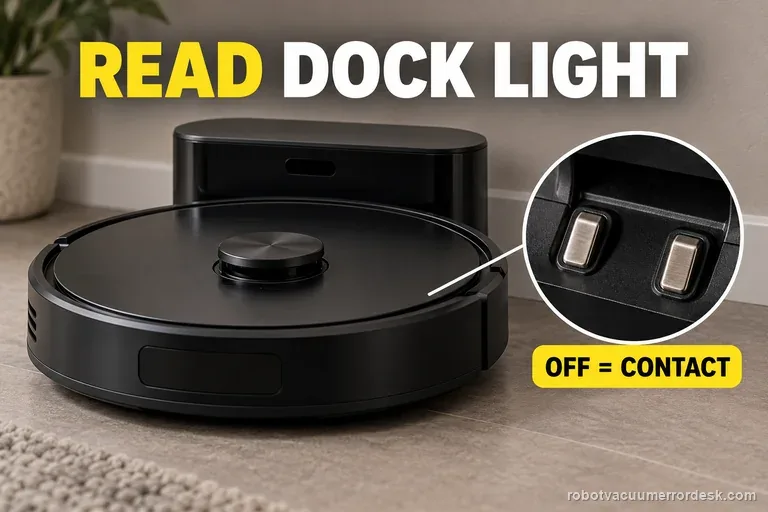
Unable to charge
Seat the Curv and read the dock light before checking the battery. Roborock says OFF means the charging contacts are connected; ON means they are not. If it stays on, reseat the robot, clean both contact sets, then verify the cable and outlet. If the light turns off but charge does not rise, record both signals for support.
Won't return to dock
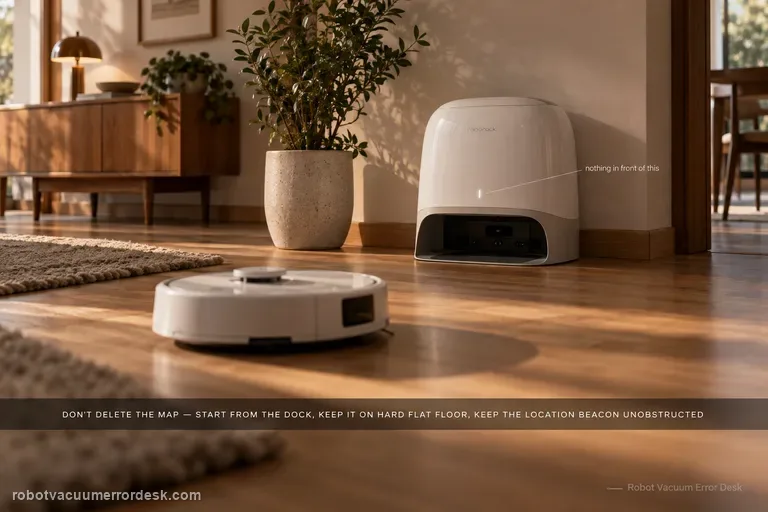
Do not delete the map first. For Qrevo Curv / CurvX, Roborock’s manual says reliable automatic return depends on starting from the dock, leaving the dock in place during the task, keeping the dock on a hard and flat surface, and keeping the dock-location beacon unobstructed. Its troubleshooting table then narrows a failed return to obstacles near the dock, excessive distance, or dirty wall/cliff/carpet sensors. A close-range return test is useful because success from nearby proves the robot can still see and physically seat on the dock, shifting the investigation toward route context or long-range localization rather than a dead dock.
Won't connect to Wi-Fi
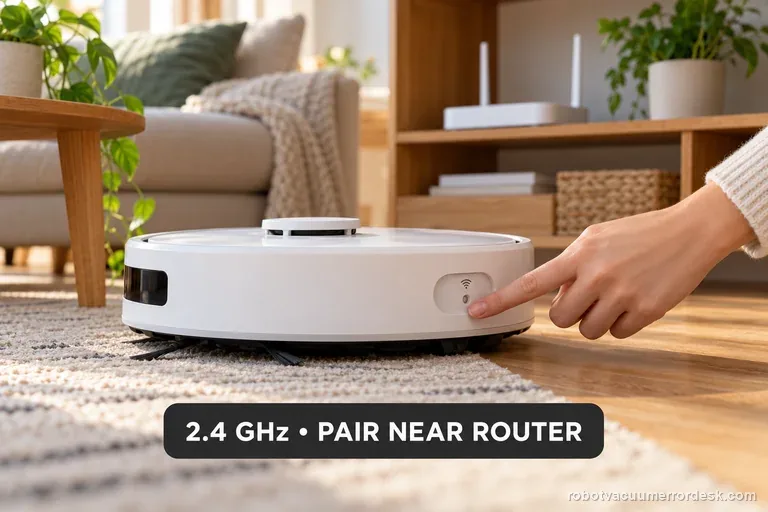
Qrevo Curv Wi-Fi trouble does not call for a map or factory reset. Roborock documents a dedicated Wi-Fi reset, 2.4 GHz support only, and a five-minute pairing window. Confirm a 2.4 GHz network, reset only Wi-Fi, and pair promptly near strong coverage. Try a combined SSID first; if setup still fails, ask the router provider to expose 2.4 GHz.
Auto-empty won't start
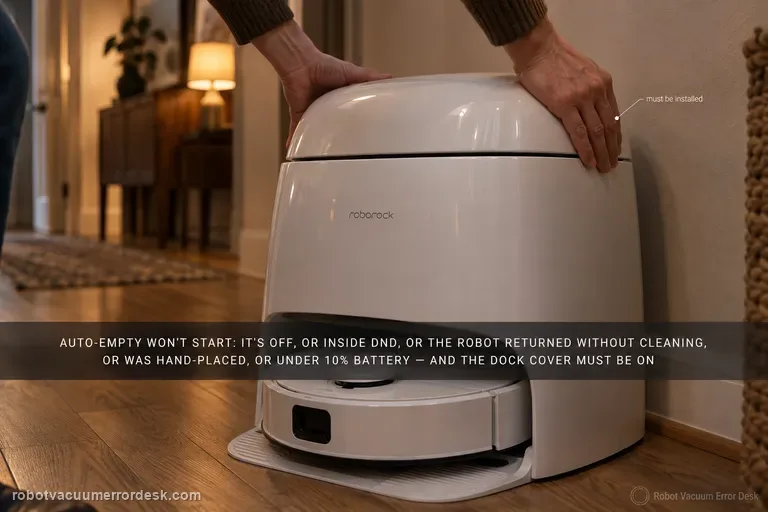
Do not treat every Qrevo Curv emptying complaint as a clogged dock. Roborock's Curv manual separates a cycle that never starts from a cycle that starts but empties poorly. Automatic emptying can be disabled, is suppressed after a return during DND, does not trigger when the robot comes back without cleaning, does not trigger when you place the robot on the dock by hand, and is blocked below 10% battery. The dock dust-container cover also has to be installed. After those trigger conditions are proven, run one manual emptying cycle. If manual emptying starts strongly, the hardware can create suction and the remaining fault is automatic trigger/state logic. If the motor starts but airflow is weak or noisy, switch branches and inspect the main brush/cover, filter, air duct, suction and air inlets, robot dustbin and disposable bag instead of repeating app resets.
Mop wash won't start
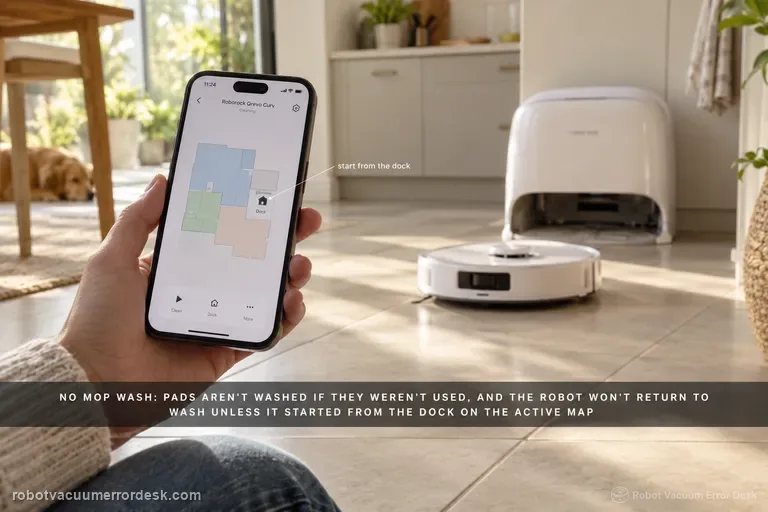
Treat 'no mop wash' as a trigger-and-water-path problem, not as the same issue as weak washing or cold wash water. Roborock's Qrevo Curv manual says mop cloths are not washed if they were not used, and the robot will not return for washing if it did not start from the dock or if the dock is not found on the active app map. For a valid wash trigger, run a small mopping task from the mapped dock and let the robot return naturally. Then check the clean-water tank is filled and seated, the dirty-water tank is emptied and seated, and the cleaning-tray module/filter is correctly installed. Finally start one manual mop-wash cycle. If manual washing works, the dock water system can operate and the remaining problem is the automatic trigger/map state. If manual washing also fails, preserve tank/tray status and any dock error for support instead of deleting the map immediately.
Auto-drying won't start
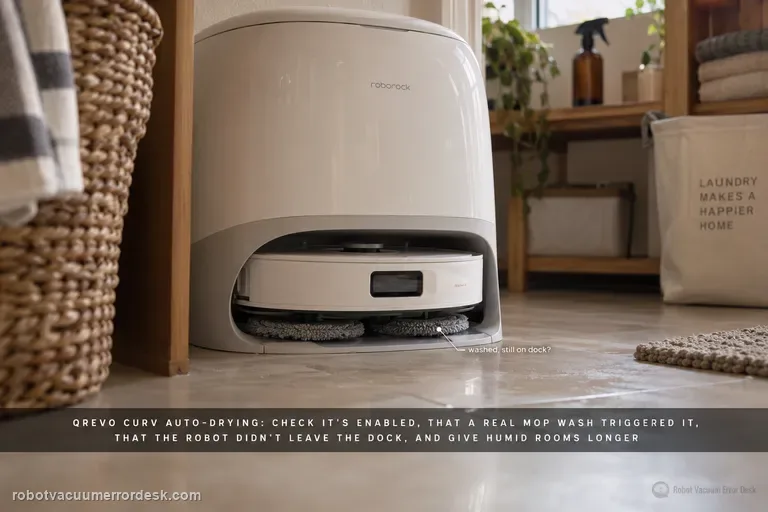
For a Qrevo Curv drying complaint, first distinguish three states: drying never starts, drying starts but ends early, or drying completes and the mop cloths still feel damp. Roborock's Qrevo Curv manual says Auto-Drying can be disabled in the app, that drying begins as needed after mop washing or cleaning, and that it can be started or stopped manually in the app. The troubleshooting table adds two key discriminators: leaving the dock during drying ends the cycle early, and high humidity may require a longer drying duration. The same Curv manual says the DND period can be configured to allow or suppress drying, so a failure that appears only overnight is a settings clue rather than immediate evidence of failed dock hardware. Therefore prove Auto-Drying, the DND drying permission and a valid post-wash trigger first, keep the robot docked for the test, then adjust duration for humidity before escalating.