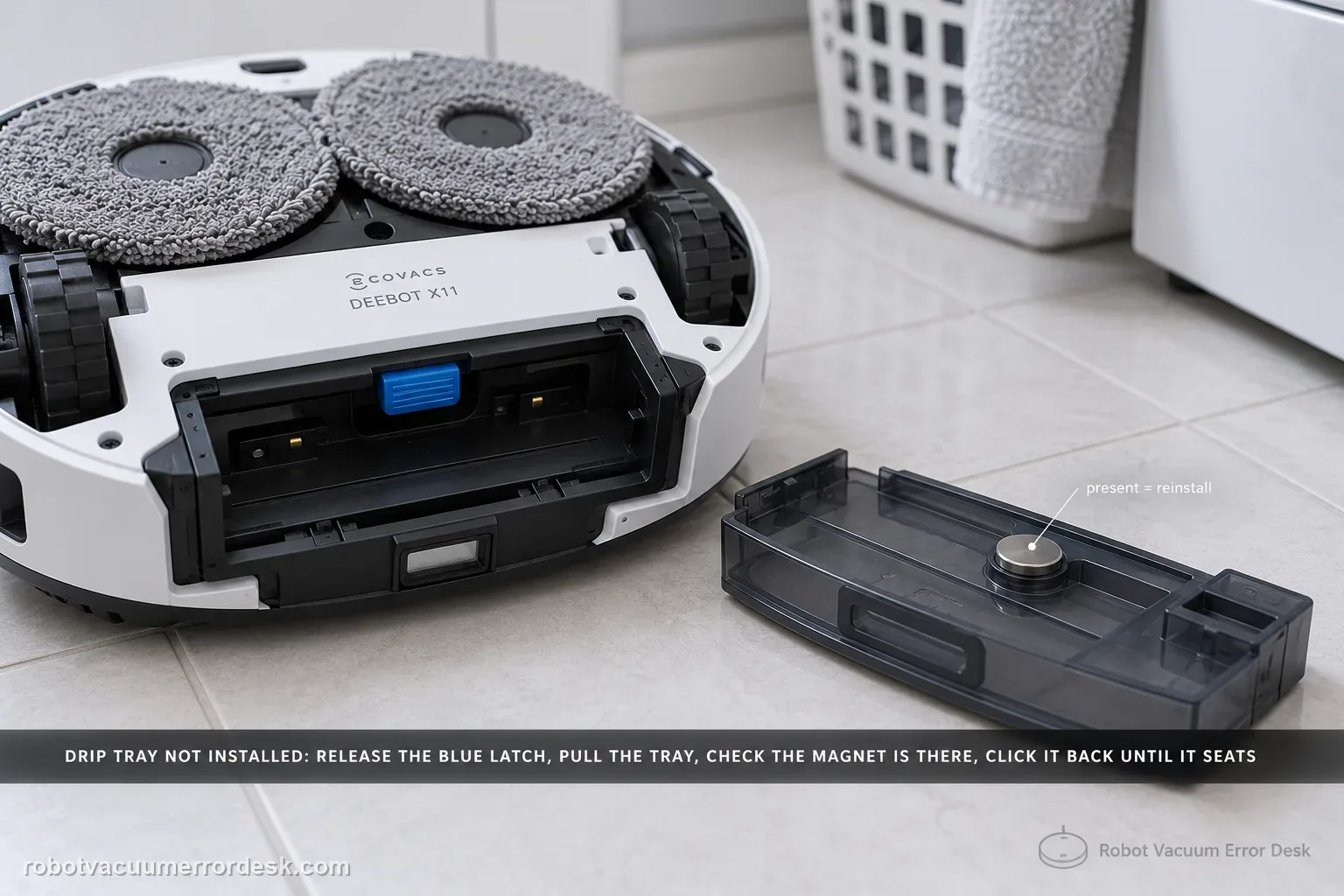
The X11 “Drip Tray Not Installed” alert has a clear hardware discriminator: ECOVACS tells owners to power the robot off, lift the roller-mop side, release the blue latch and remove the tray, then inspect whether the tray magnet is present. If the magnet is there, reinstall the tray until it clicks and restart. If the magnet is missing, contact customer service. Remove the dirty-water box first whenever you flip the robot to avoid leaks.
Confirm the exact model and exact code, light pattern or symptom.
Run the lowest-risk physical or software check first.
Use each pass condition to decide what the result actually narrows down.
Does this match your problem?
- The X11 reports Drip Tray Not Installed even though the tray appears present.
- The alert began after cleaning or removing the tray.
- You can access the tray without opening the robot housing.
- The X11 says the drip tray is missing even though the tray is physically present.
- You need to determine whether the tray is unseated, the detection magnet is missing or recognition still fails after restart.
Most likely causes
The robot-side drip tray is not clicked fully into place
The tray’s detection magnet is missing
Debris at the tray seat prevents full engagement
The tray is physically present but is still not recognized after a restart
The robot was inverted without first removing the dirty-water box, creating an avoidable leak risk during service
A tray-detection fault remains after seating and magnet checks
What your test result means
| What you observe | What it narrows down | Next move |
|---|---|---|
| Tray magnet is missing | The X11 cannot pass the manufacturer’s tray-detection check | Do not improvise a magnet repair; contact ECOVACS. |
| Magnet is present but tray does not click in | Installation or seat obstruction is still unresolved | Clear accessible debris and reseat using the blue latch path. |
| Tray clicks in and alert clears after restart | Tray detection is restored | Resume with a short wet-cleaning confirmation. |
| Alert returns with magnet present and tray fully latched | The simple installation branch is ruled out | Capture magnet/tray photos and the alert for support. |
| Robot must be flipped for access | Dirty-water leakage becomes a handling risk | Remove the dirty-water box before inversion, as ECOVACS instructs. |
Do not factory-reset by default. Use the exact model’s reboot/network-reset procedure only when the manufacturer path calls for it.
Run these checks in order
Power off and protect against leaks
Turn the robot off. If you need to flip it for access, remove the dirty-water box first as Ecovacs notes. Why it matters: Powering off before tray inspection prevents unintended movement while you handle the roller-mop side of the robot. If you need to flip it, remove the dirty-water box first as the manufacturer notes.
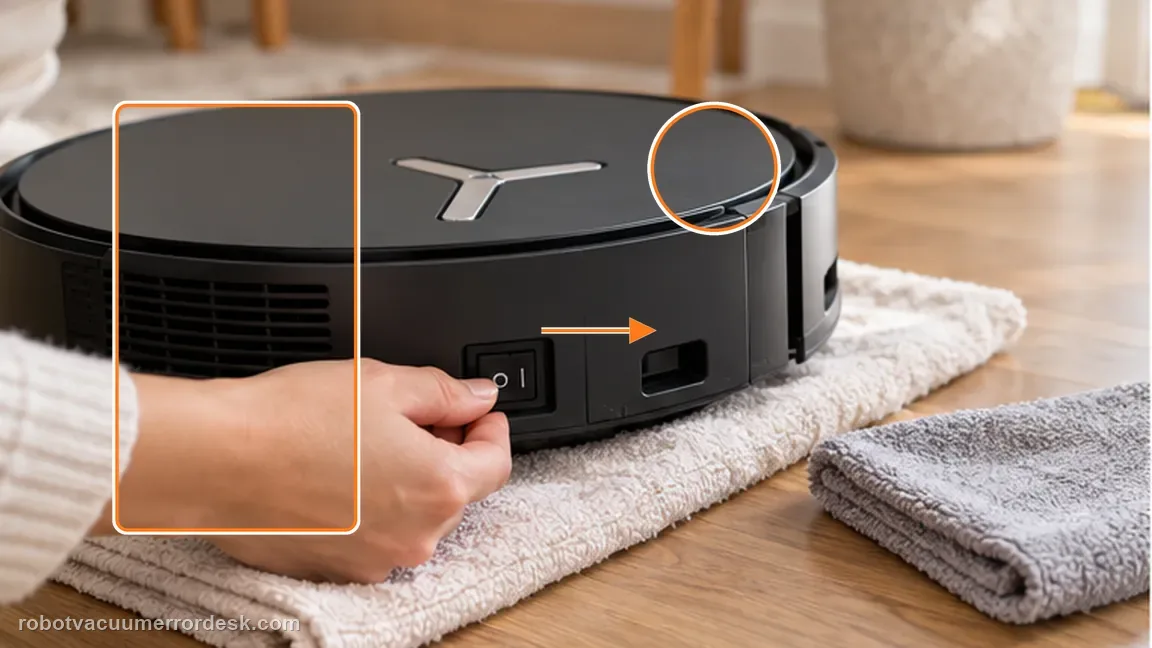
Inspect the tray and magnet
Release the tray and check whether its magnet is present. Do not improvise a replacement magnet inside the robot. The blue latch is the intended release point. Use it rather than prying on the tray edge, which can turn a detection alert into physical tray damage.
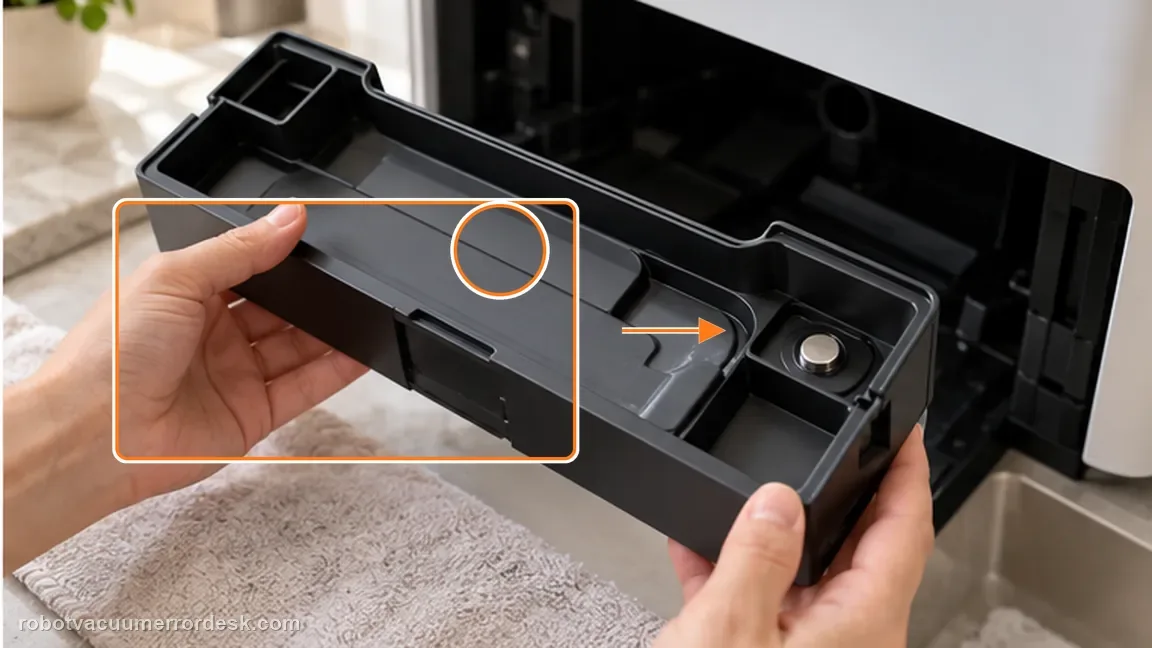
Click the tray back in and restart
Reinstall the tray until it seats with the intended click, then restart the robot. Magnet presence is the key branch in the official procedure. The tray can look complete but still be unable to provide the expected detection cue if that magnet is missing.
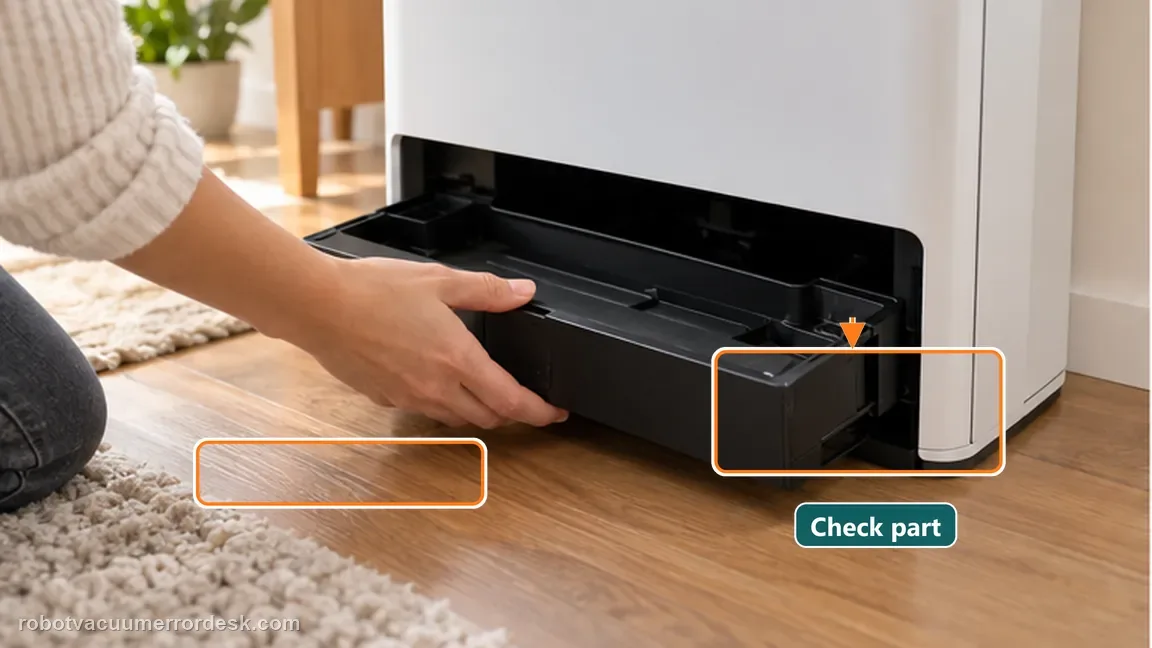
Confirm the alert clears after one normal restart
Once the tray is clicked fully back into place and the robot is reassembled upright, power it on once and check whether the station/robot now recognizes the tray. A present magnet does not finish the test; the tray must be pushed back until it audibly/physically clicks into place, then the X11 should be restarted to re-evaluate tray state.
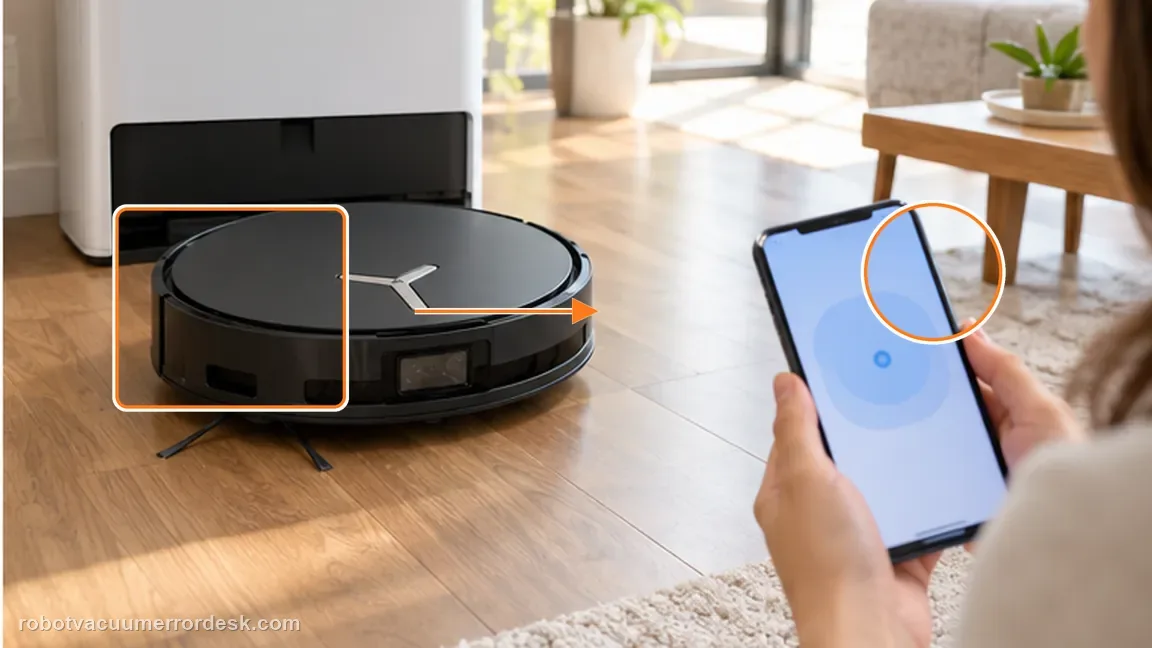
Check the tray seat without altering the magnet system
If the tray and its original magnet are present but the alert remains, inspect the visible tray seat for loose debris that prevents a full click. Remove only accessible debris. Do not add a substitute magnet, tape a magnet to the tray or modify the detector; those changes can hide the real seating/detection fault.
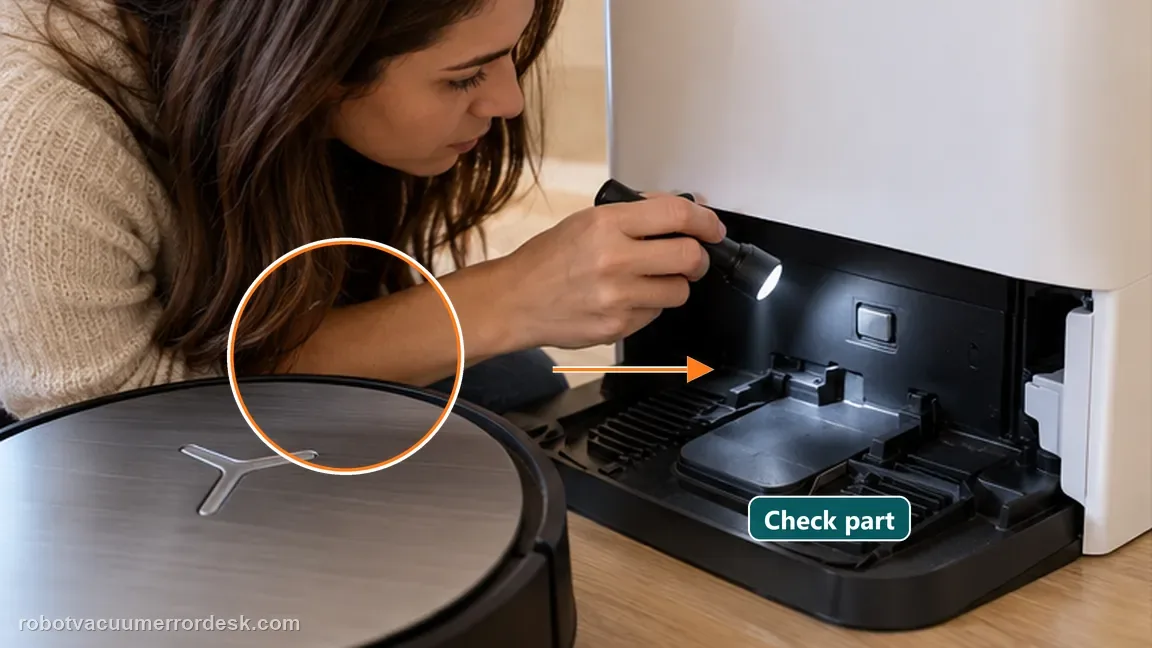
Run a restart confirmation before mopping
Restart the X11 with the tray clicked in and the dirty-water box correctly reinstalled. Confirm the alert clears before beginning a longer wet-cleaning task.
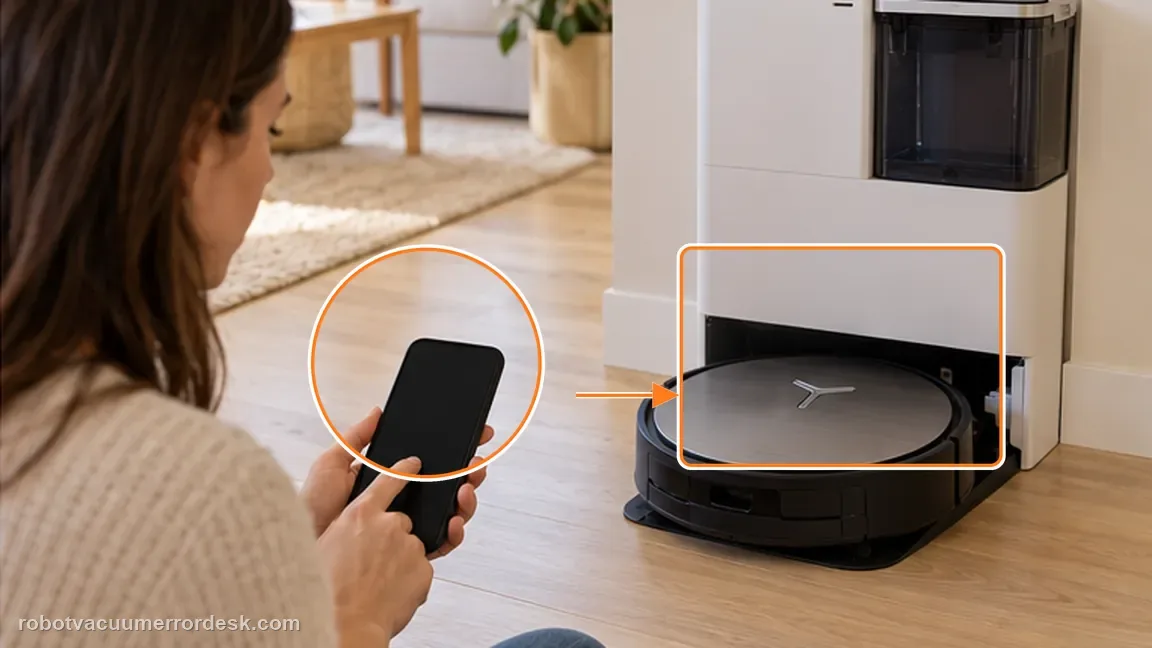
If the magnet is missing, or the alert returns with a present magnet and correctly clicked tray, contact Ecovacs. The official article sends a missing-magnet case directly to customer service. Include a photo showing the tray magnet and the tray clicked into place, plus the alert after one normal restart.
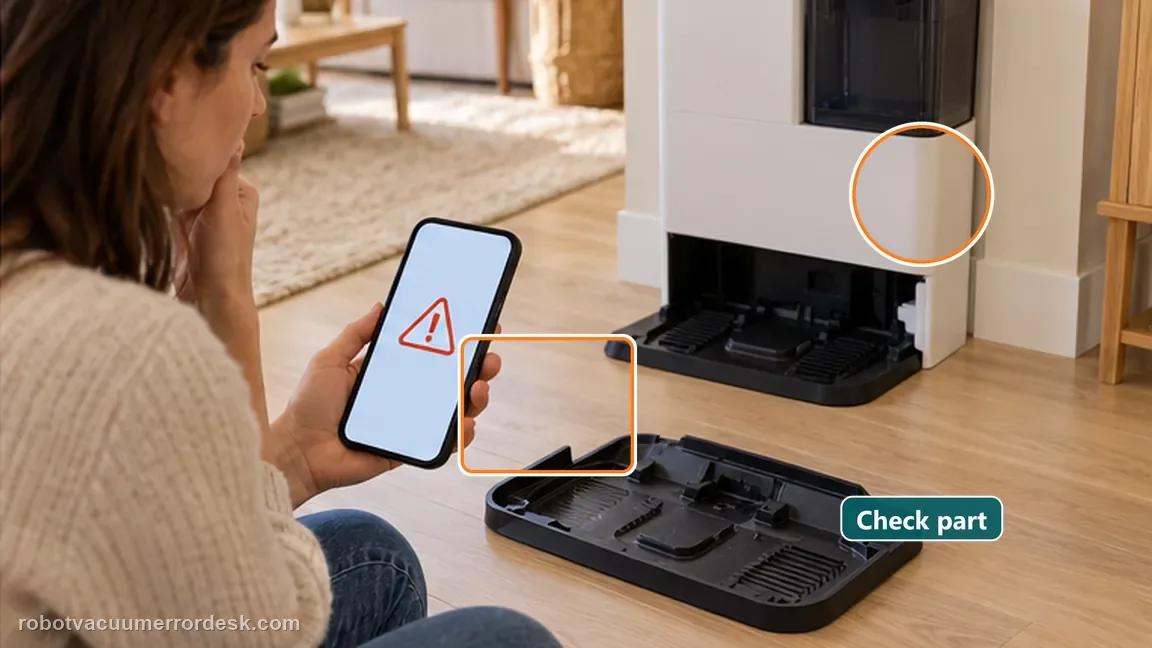
What to collect before contacting support
Give support a reproducible case instead of “it doesn’t work.” That reduces repeated basic troubleshooting and preserves the clues from your tests.
- Exact model name and the error code / voice prompt exactly as shown
- A photo or screenshot of the app error and the time it occurred
- A short list of the checks already completed and what happened after each one
- Photo or short video of the roller/tray/sensor state plus the exact app alert
Manufacturer evidence
Ecovacs X11 — Drip Tray Not Installed
ECOVACS tells owners to inspect the X11 drip tray for its original magnet, click the tray back into place and contact service if that magnet is missing. The magnet is a detection component, not an invitation to add a substitute. If the original magnet is present and the tray fully clicks in yet recognition still fails after restart, preserve that state for service rather than masking the fault with tape or another magnet. Tray recognition and water leakage are separate outcomes. Removing the dirty-water box before inversion protects against a spill, while the installed alert itself is judged by the original tray, its magnet and a positive click into the seat. A dry robot does not prove the tray detector is healthy if the alert still returns after restart.
Additional official source: ECOVACS US — DEEBOT X11 OmniCyclone Support Center ↗Last editorial review: September 5, 2026Regional note: manufacturer help centers, model suffixes, mains-power requirements and warranty procedures can differ by country. If the source redirects to a local support site, confirm that the model/hardware scope still matches before following a region-sensitive step.
This guide is rated Official model support. See what each evidence label means →
FAQ
Can I attach a random magnet to clear the alert?
No. That is not the manufacturer procedure and could interfere with the detection system. A missing tray magnet should be handled by Ecovacs support. Do not add a random magnet. The official path is to inspect whether the tray’s own magnet is present, click the tray into place and restart.
Why remove the dirty-water box before flipping the robot?
Ecovacs explicitly notes this to prevent leaks while you access the tray. Removing the dirty-water box before inversion is a leak-prevention step, not part of the sensor logic; keep that safety step even when the tray looks dry. That preserves the original detection geometry and gives support a clean, unmodified failure state.
What proves the tray is recognized again?
The alert stays cleared after the tray is clicked into place, the robot is reassembled and a normal restart is completed. If the tray clicks in and its magnet is present but recognition still fails after restart, capture the seated tray and alert for ECOVACS rather than modifying the detector.
Why does my DEEBOT X11 say the drip tray is not installed when it is there?
The tray’s presence is not judged only by appearance. ECOVACS tells X11 owners to remove the tray with the blue latch and check whether its magnet is present. If the magnet is there, reinstall the tray until it clicks and restart. If the magnet is missing, the manufacturer directs you to customer service rather than repeated reseating.
What magnet should I check for the X11 Drip Tray Not Installed alert?
Check the magnet on the removable drip tray itself during the official tray-removal procedure. ECOVACS makes magnet presence the decisive branch: present means reseat the tray until it clicks and restart; missing means contact service. If you flip the robot during installation, remove the dirty-water box first so water does not leak into the work area.
Did this diagnostic narrow the fault?
Use this as an editorial signal, not a popularity counter. If a feedback address is configured you can email the note; otherwise you can copy it for your own support record.