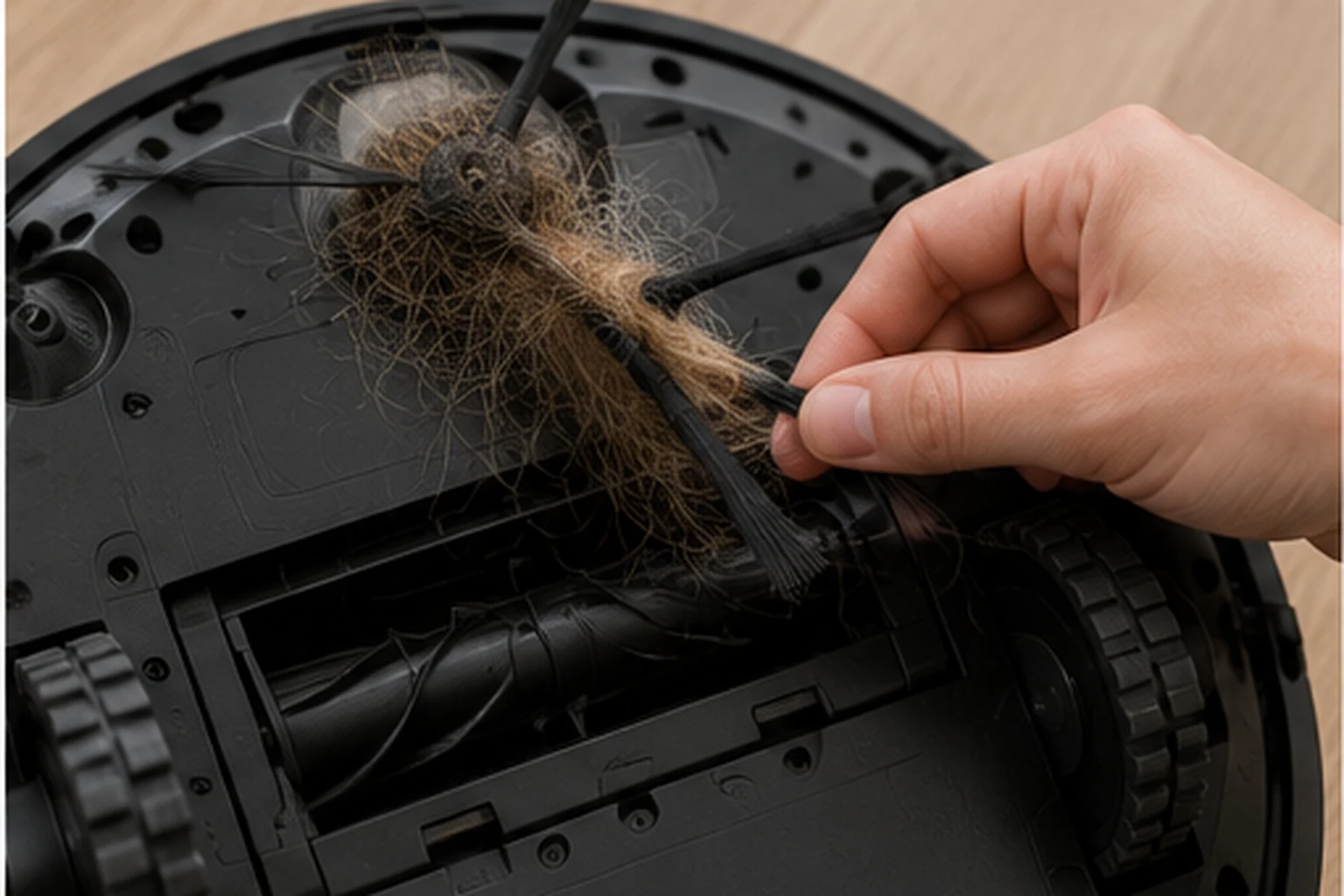
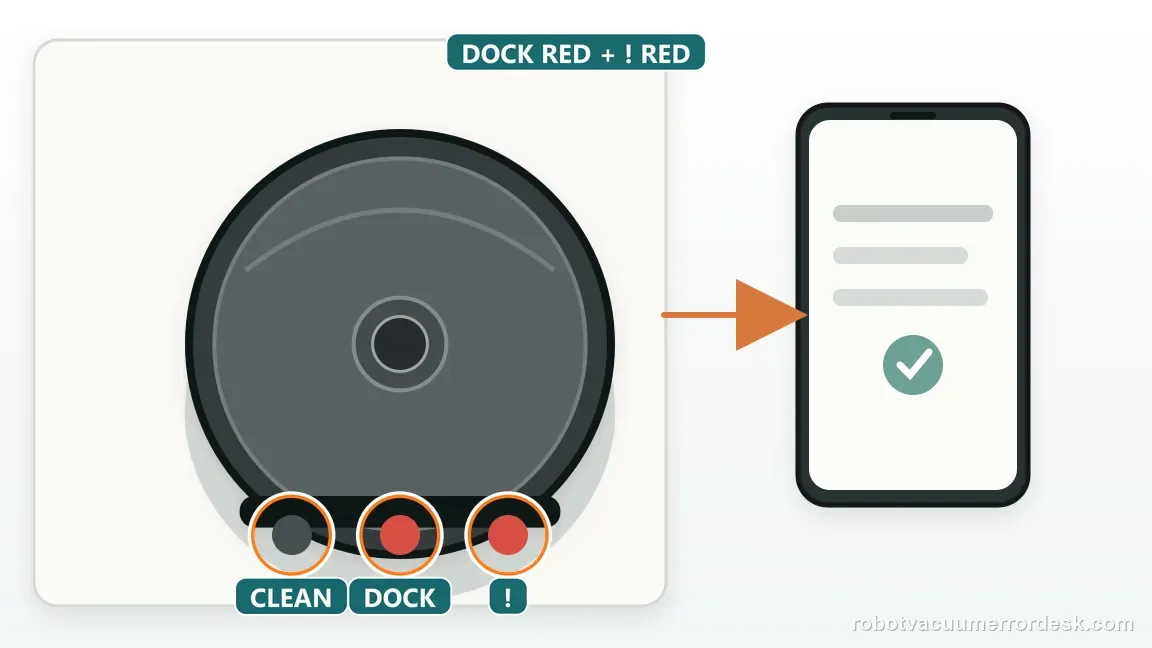
On the Shark Matrix Plus/2-in-1 chart, flashing red DOCK + red ! means the side brush is stuck. Power off, clear hair from around and beneath the hub, wipe the brush dry, reseat it, and turn it by hand. Replace a bent brush. If the code returns on open flooring with a clean, free brush, stop and contact Shark.
Confirm the exact model and exact code, light pattern or symptom.
Run the lowest-risk physical or software check first.
Use each pass condition to decide what the result actually narrows down.
Confirm this is the right issue
- DOCK is flashing red together with the red ! indicator on a Matrix Plus/2-in-1 robot.
- The side brush twitches, stops, scrapes or moves much less freely than it did before.
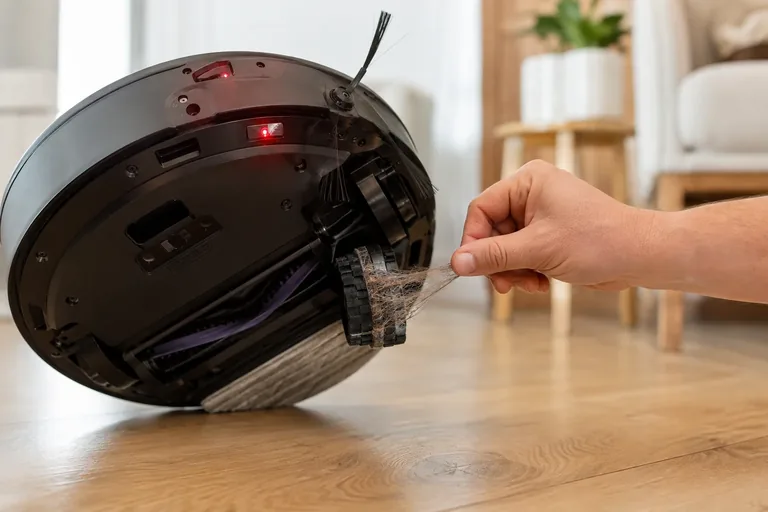
- Hair, thread, carpet fibers or pet fur are wrapped around the brush hub or hidden underneath it.
- You need to decide whether the problem is simple debris, incorrect seating, a damaged brush or a persistent drive fault.
A side brush that stops turning is not the same as a trapped robot or a retracting mop roller. Keep each mechanism on its own service path: Roborock Q7 Max Error 8 obstacle checks · ECOVACS X11 roller-mop extension checks · ECOVACS X8 return-to-station checks
What’s most likely causing this
Hair or thread wound tightly around the side-brush hub/peg
Debris trapped under the brush where it is hard to see from above
Side brush not fully snapped or seated on the peg after maintenance
Brush arms bent, cracked or worn enough to drag on the floor
Immediate recurrence with a mechanically free brush, pointing beyond a removable obstruction
Reading your test result
| What you observe | What it narrows down | Next move |
|---|---|---|
| DOCK red + ! red matches the manual and hair is visible at the hub | The documented side-brush-stuck path and a removable mechanical cause agree. | Power off, remove/unwind the fiber and inspect beneath the hub. |
| Brush is clean but does not sit flat or feels crooked on the peg | Incorrect seating can create drag even without a debris ring. | Remove and reinstall the brush on the peg, then spin it manually. |
| Brush is bent, cracked or rubs the floor despite clean seating | The consumable brush itself is no longer a reliable test part. | Replace the damaged/worn side brush with the correct Shark part. |
| Brush turns freely by hand and code clears on open hard flooring | The obstruction/seating branch was likely the cause. | Inspect the previous cleaning area for fringe, cords or threads that may recreate the jam. |
| Same DOCK red + ! red returns immediately with a clean free brush | A visible jam is no longer sufficient to explain the warning. | Stop repeated motor tests and contact Shark for side-brush drive diagnosis. |
Compare the brush, seating, and repeat-fault branches
The light pattern identifies the side-brush path, but it does not name a failed part. Use the physical check and one controlled restart to decide whether the next step is cleaning, replacing a damaged brush, or asking Shark to diagnose the drive.
| Observed result | What it supports | Next action |
|---|---|---|
| Hair or thread is wound under the brush; the hub turns freely after removal. | A removable obstruction is the leading explanation. | Reinstall the dry brush, confirm it sits flat, then make one open-floor test. |
| Brush is clean but crooked or not flat on its peg. | Seating may create drag even with a clean hub. | Remove and reseat it on the correct peg, then check the hand-turn again. |
| A sound brush turns freely by hand, and the code stays clear on open flooring. | The mechanical obstruction/seating branch is likely resolved. | Resume normal use while removing the cord or fringe that caused the snag. |
| The code returns at startup with the hub clear, brush correctly seated, and hand-turn free. | The error persists beyond the documented owner-cleaning path. | Stop repeating starts and give Shark the model, light pattern, and test observations. |
Two illustrative test logs show how to record a result
These examples show a useful record format, not a Shark performance standard. The manual does not publish an acceptable rotation count or a required test duration.
| Example log | Observed sequence | What the sequence supports |
|---|---|---|
| Illustrative case A | Before cleaning, the brush binds on 2 of 5 gentle hand-turns. After removing a fiber ring and reseating it, it completes 5 of 5 turns freely; one 3-minute open-floor run ends without the code. | A removable obstruction or seating issue is consistent with the improvement. The numbers are this example’s observations, not a pass threshold. |
| Illustrative case B | After cleaning and reseating, the brush completes 5 of 5 gentle hand-turns. The same code returns during 2 separate starts on a clear floor, each within about 1 minute. | The repeat under clean conditions makes a simple jam less likely. Stop testing and ask Shark to evaluate the side-brush drive or sensing path. |
Do not factory-reset by default. Use the exact model’s reboot/network-reset procedure only when the manufacturer path calls for it.
Work through these checks in order
Match the exact light pattern before touching the side brush
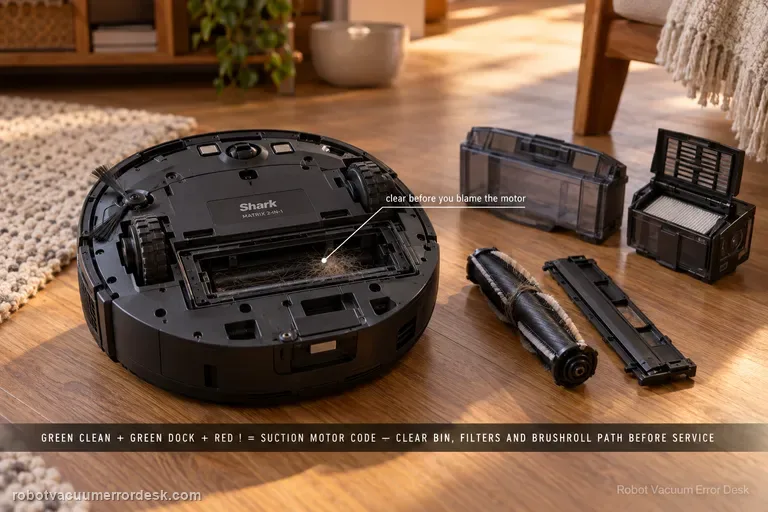
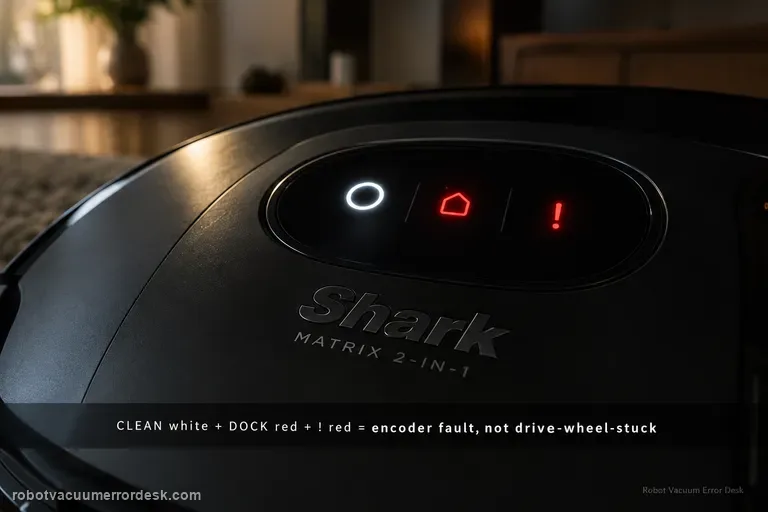
First confirm the exact Matrix or Matrix Plus 2-in-1 model and read the full light pattern, not just one red light. Shark maps flashing DOCK red plus ! red to a stuck side brush. Other combinations signal a drive wheel, encoder, brushroll, or suction fault. Photograph the lights or note whether CLEAN is lit too, then follow only the side-brush path.
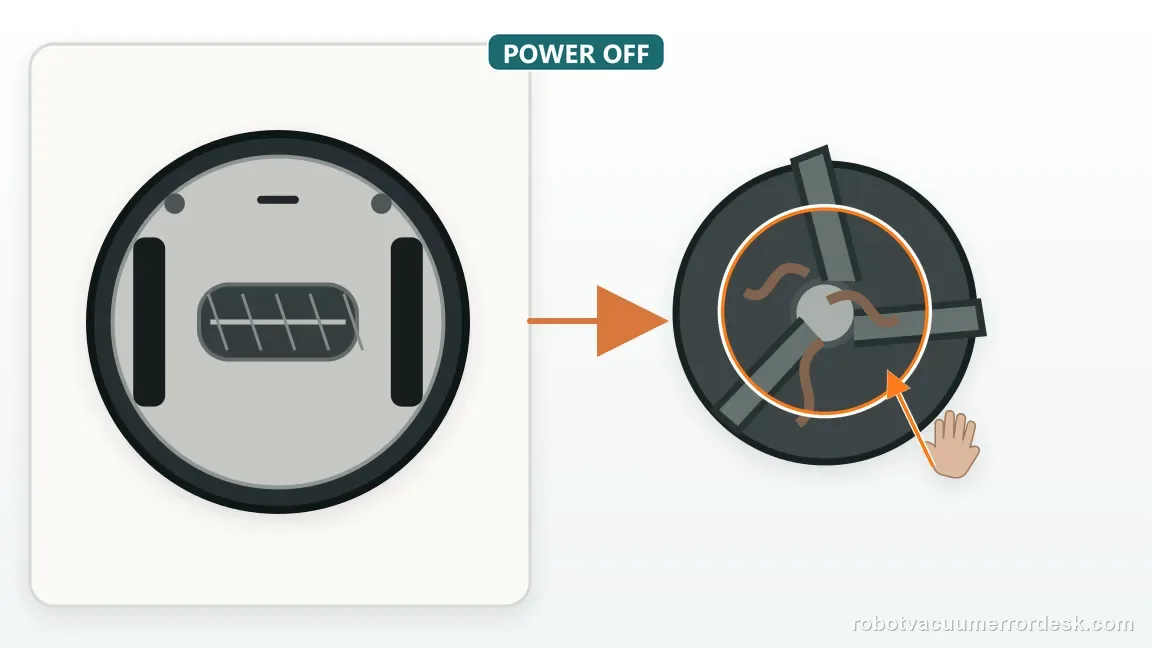
Power the robot down and inspect the hidden area beneath the hub
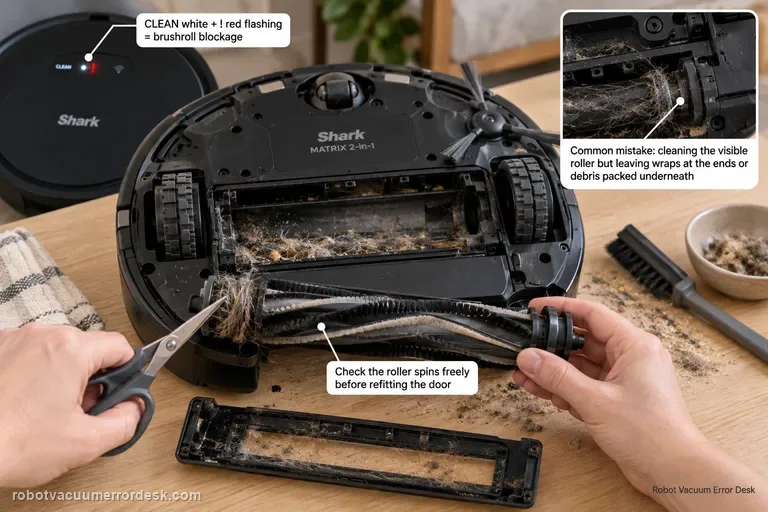
Power the robot off and detach only the user-removable side brush as the manual shows. Inspect the visible arms and the area beneath the peg; hair or thread can wrap behind the brush and stay hidden from above. Unwind fibers around the accessible hub without forcing a sharp tool into the motor housing. Stop if the part will not release normally, and inspect the full hub before reassembly.
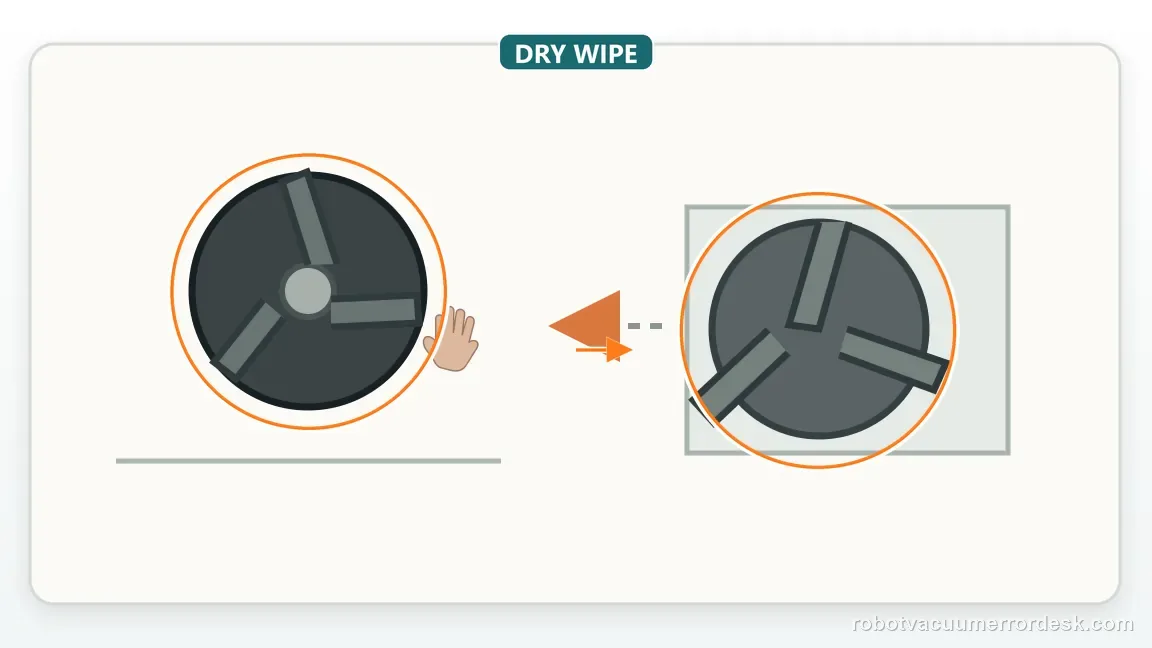
Dry-clean the brush and check whether the brush itself is damaged
Wipe the brush with a dry cloth; do not wash it or reinstall it wet. Check each arm for a crack, missing tuft, permanent bend, or visible wear. Matrix maintenance guidance says to replace a bent or damaged brush; brush styles vary by model, so match the exact part. A bent brush may turn freely in the air yet drag after it touches the floor.
Reinstall on the correct peg and prove free manual rotation
Align the brush with its supplied square peg and press it flat. Shark’s maintenance guide says to spin it by hand after installation. Turn gently through several positions and note any hard spot, scraping, or body contact. Compare the feel before and after reseating. If it still binds, remove accessible fibers, but do not pry open the housing or force the shaft.
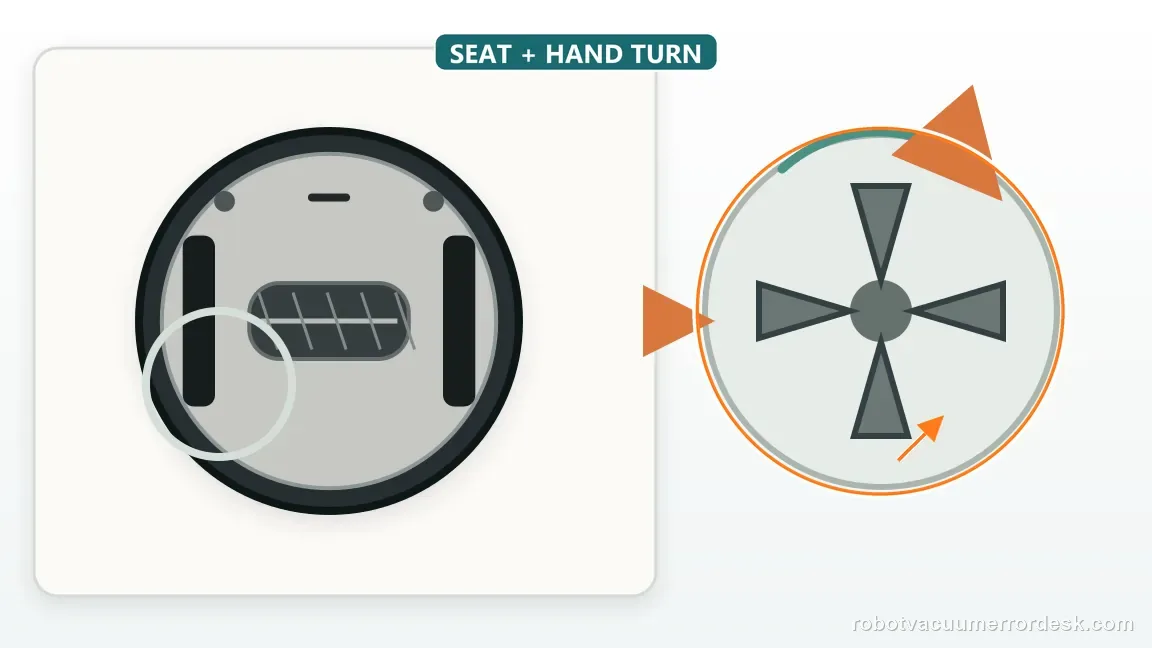
Check the floor-side cause before restarting the same room
Check the failure area for long fringe, string, sewing thread, loose cables, or a rug edge that can snag the side brush. Clear loose items and move the robot to a level, open hard floor for the first test. This helps separate a repeat fault that follows the robot from a snag tied to one location. Do not treat this short test as a reason to avoid normal flooring permanently.
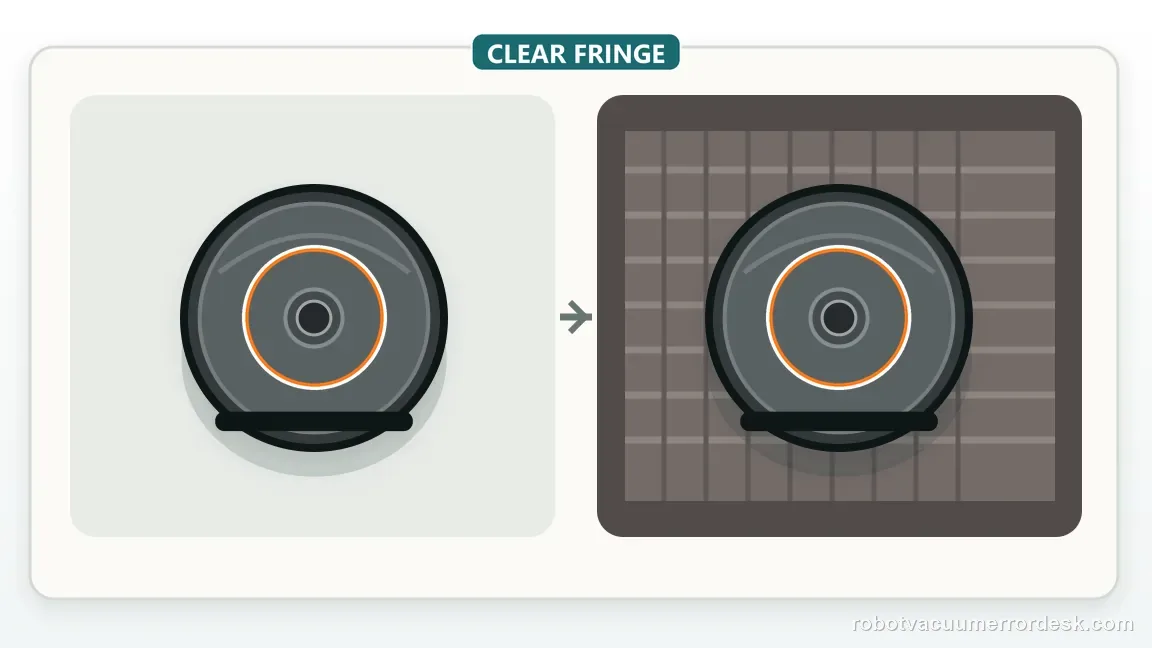
Restart once and watch the first moments of side-brush movement
Restart once and watch a short clean on the prepared floor. Confirm the brush turns without repeated twitching, scraping, or stopping; note whether the same lights return and how soon. If it runs normally, later supervise a return to the usual floor near the former snag area. A fault that reappears only at fringe may be environmental; immediate recurrence on clear flooring points beyond a simple snag.
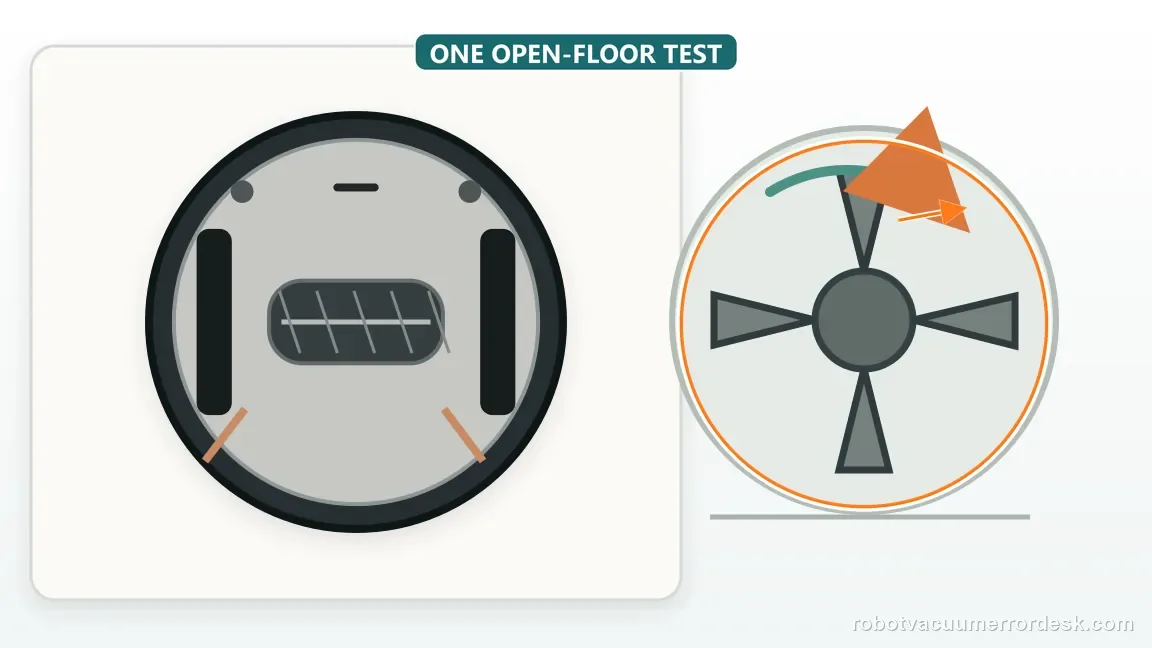
Use immediate recurrence as the stop point for motor/drive escalation
If DOCK red + ! red returns immediately after the hub is clear, the brush is seated and undamaged, and hand rotation is free, stop cycling the robot. Shark’s user repair path ends after debris removal restores free movement; it does not explain an internal repair. Save the exact light pattern and startup behavior, then ask Shark to assess the drive or sensing path. Do not pry into the housing or run the robot without its brush.
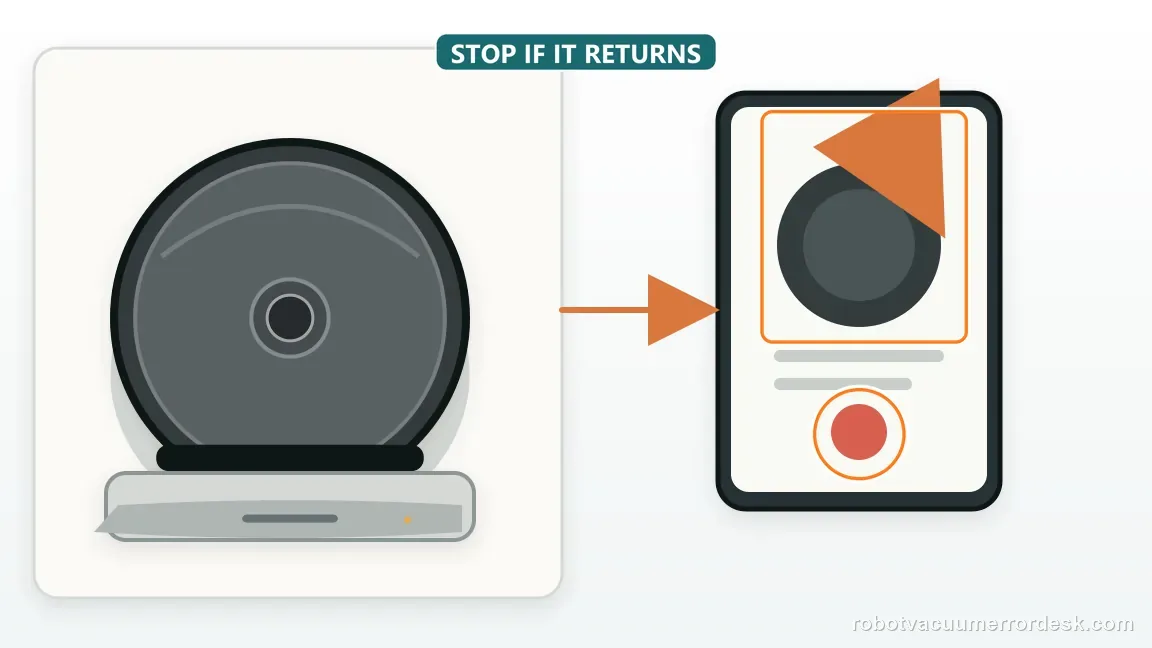
Contact Shark if DOCK red + ! red returns immediately after the side-brush area is free of hair/thread, the brush is dry and correctly seated, the brush is not bent or damaged, and it turns freely by hand. Do not continue using the robot with the side brush removed as a permanent bypass and do not pry into the drive housing. Tell support the exact Matrix model, the light combination, whether the brush twitches at startup, whether a known-good brush changes the result, and whether the fault occurs on an open hard floor as well as in the original room.
Before you contact support, gather this
A reproducible case moves a support call past the basic troubleshooting script faster than “it doesn’t work” does, and it keeps the clues from your own tests on record.
- Exact model name and the error code / voice prompt exactly as shown
- A photo or screenshot of the app error and the time it occurred
- A short list of the checks already completed and what happened after each one
- Firmware/app version if the issue began after a software change
Where this comes from
Shark Matrix Plus 2-in-1 owner manual: side-brush error and maintenance
Shark maps DOCK red + ! red flashing to a stuck side brush and tells users to remove debris so it moves freely. Matrix Plus maintenance material also instructs owners to remove wrapped hair/thread, wipe the brush dry, reinstall and spin it manually, and replace a bent or damaged brush.
Additional official source: Shark Matrix Plus 2-in-1 German manual / error-code table ↗Additional official source: Shark Matrix Plus 2-in-1 French manual / side-brush maintenance ↗Last editorial review: September 5, 2026Regional note: manufacturer help centers, model suffixes, mains-power requirements and warranty procedures can differ by country. If the source redirects to a local support site, confirm that the model/hardware scope still matches before following a region-sensitive step.
This guide is rated Official manual. See what each evidence label means →
Questions people ask
What does DOCK red plus ! red mean on a Shark Matrix robot?
On the Matrix Plus/2-in-1 error chart, flashing DOCK red together with the red ! indicator is the side-brush-stuck path. Confirm the exact light combination because other Matrix combinations identify wheel, brushroll, bumper or suction faults. Once matched, power down and inspect around and underneath the side-brush hub for wrapped debris before replacing parts.
Why does the Shark Matrix side brush still feel stuck after I remove visible hair?
Hair and thread can migrate underneath the brush and wrap tightly around the peg, where they are easy to miss from above. Remove the user-serviceable brush with power off, inspect the full accessible hub, clean it, reinstall the brush squarely and spin it manually. A hard bind after that is more meaningful than simply seeing clean bristles.
Should I replace a bent Shark Matrix side brush or try to keep straightening it?
Shark’s maintenance guidance says a bent or damaged side brush should be removed and replaced; recent Matrix Plus instructions also use visible wear or a maintenance interval as replacement cues. A deformed brush can drag on flooring even if the hub is clean, so use a sound correctly seated brush before deciding the side-brush motor itself has failed.
Can I run the Shark Matrix without the side brush if the error keeps returning?
Do not use removing the side brush as a permanent bypass. The brush is part of the designed cleaning system, and the error should be diagnosed with the robot assembled in a supported configuration. If a clean, correctly seated and mechanically free brush immediately triggers the same light code, stop repeated tests and contact Shark about the drive path.
When is a Shark Matrix side-brush warning more likely to be a drive fault than a jam?
The threshold is a repeatable warning after the removable causes are gone: no wrapped hair/thread, clean hub, correct seating, an undamaged brush, free manual rotation and an open hard-floor retest. If DOCK red + ! red returns immediately under those conditions, the simple obstruction explanation is weak and Shark should evaluate the drive or sensing hardware.
Did this diagnostic narrow the fault?
Use this as an editorial signal, not a popularity counter. If a feedback address is configured you can email the note; otherwise you can copy it for your own support record.