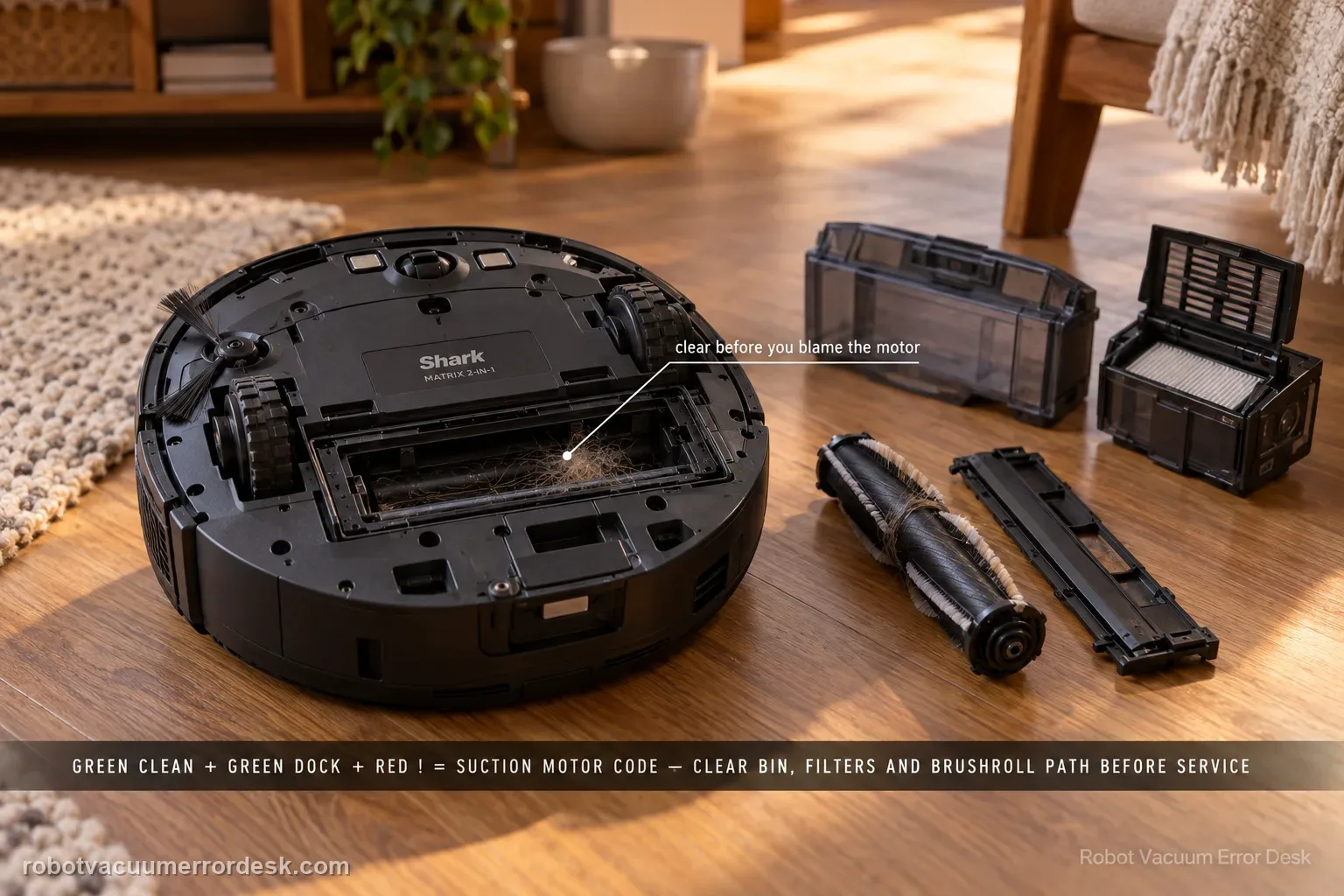
The Shark Matrix 2-in-1 manual maps CLEAN green + DOCK green + ! red flashing together to suction motor failure, but Shark's first remedy is an airflow-path cleanup: empty the dust bin, clean the filters, remove the brushroll and brushroll door, and clear blockages. Follow that order before concluding the motor itself is defective. A loaded filter or packed inlet can make the suction system work abnormally even though the LED chart uses a motor-oriented label. After maintenance, reinstall every airflow component correctly and run a short hard-floor test. If the same green/green/red pattern returns with a clean bin, serviced filters and clear brushroll chamber, stop opening more parts and contact Shark.
Confirm the exact model and exact code, light pattern or symptom.
Run the lowest-risk physical or software check first.
Use each pass condition to decide what the result actually narrows down.
Does this match your problem?
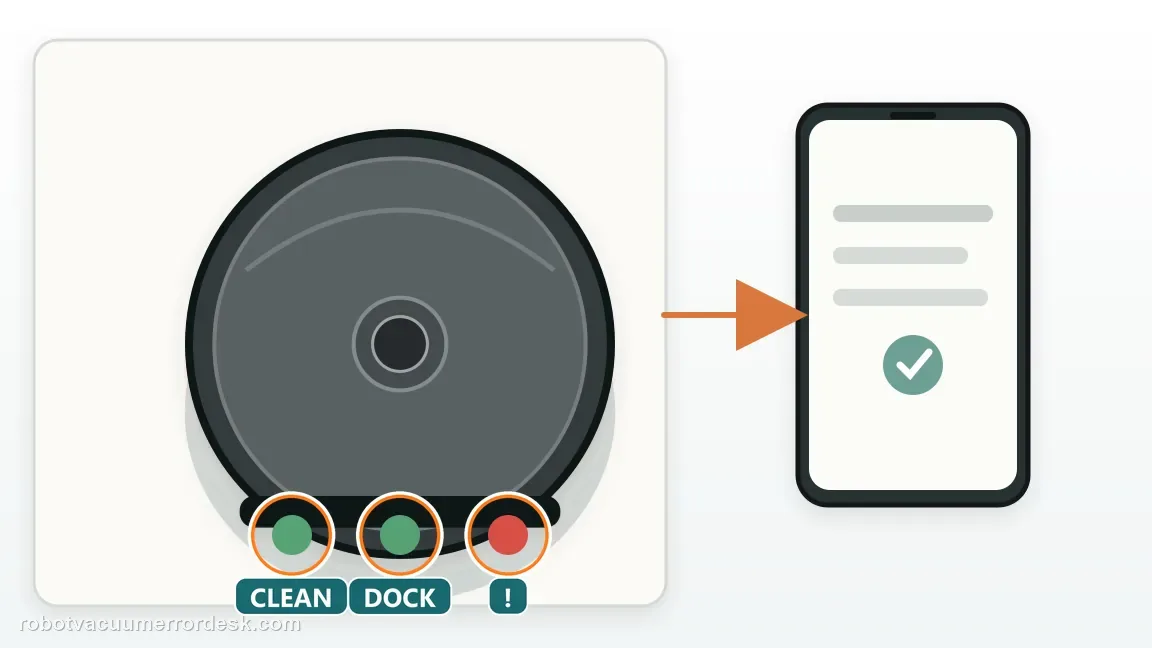
- CLEAN and DOCK flash green while ! flashes red.
- Suction becomes weak or the robot stops with the manual’s suction-motor code.
- The bin/filter path is visibly dusty or the brushroll chamber contains packed debris.
- The same motor pattern returns after a full owner-level airflow cleanup.
Most likely causes
Dust bin is full or the bin inlet is restricted
Filters are loaded with fine dust and reducing airflow
Brushroll chamber or suction inlet contains packed debris
A filter, bin or brushroll-door component is not reinstalled correctly
Suction motor or control hardware remains faulty after the airflow path is clean
What your test result means
| What you observe | What it narrows down | Next move |
|---|---|---|
| CLEAN green + DOCK green + ! red | The manual identifies suction motor failure. | Begin with the airflow cleanup Shark specifies before motor service. |
| Bin/filter is heavily loaded | Air restriction is a plausible first cause. | Empty bin, service filters and retest after correct reassembly. |
| Brushroll chamber is packed with debris | The suction path is obstructed upstream of the bin. | Remove roller/door, clear chamber and visible passage, then reinstall fully. |
| Code clears after airflow maintenance | The stop was consistent with restriction or assembly. | Resume use and shorten maintenance intervals if loading recurs quickly. |
| Code returns immediately with clean airflow path | A persistent motor/control fault is more credible. | Contact Shark; do not open the suction-motor housing. |
Do not factory-reset by default. Use the exact model’s reboot/network-reset procedure only when the manufacturer path calls for it.
Run these checks in order
Identify the green/green/red suction pattern
Confirm CLEAN green + DOCK green + ! red flashing together. The Matrix 2-in-1 chart assigns that specific combination to suction motor failure. Do not confuse it with CLEAN white + ! red, which is the brushroll blockage entry, because the first maintenance path is different. Take a photo of the pattern, then power the robot off before opening the bin or brushroll area. The code photo becomes your reference if several indicators disappear after shutdown.
Empty the dust bin and inspect the airflow openings
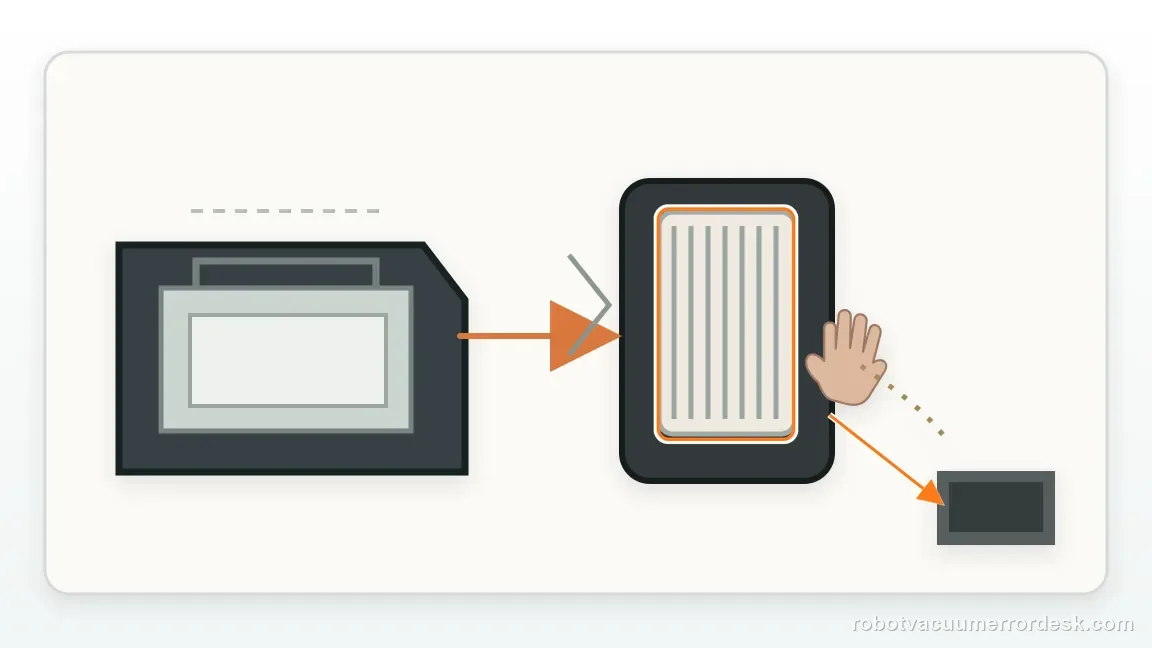
Remove the dust bin, empty it completely and look through the visible inlet/outlet areas for packed material. Fine debris can form a dense layer that is less obvious than a full bin but still restricts airflow. Clean the bin according to the owner-maintenance instructions and make sure nothing blocks the path where dirt enters. Do not run the robot with the bin removed; this step is about restoring the sealed airflow path before the next controlled test.
Service the filters as the suction-specific first line
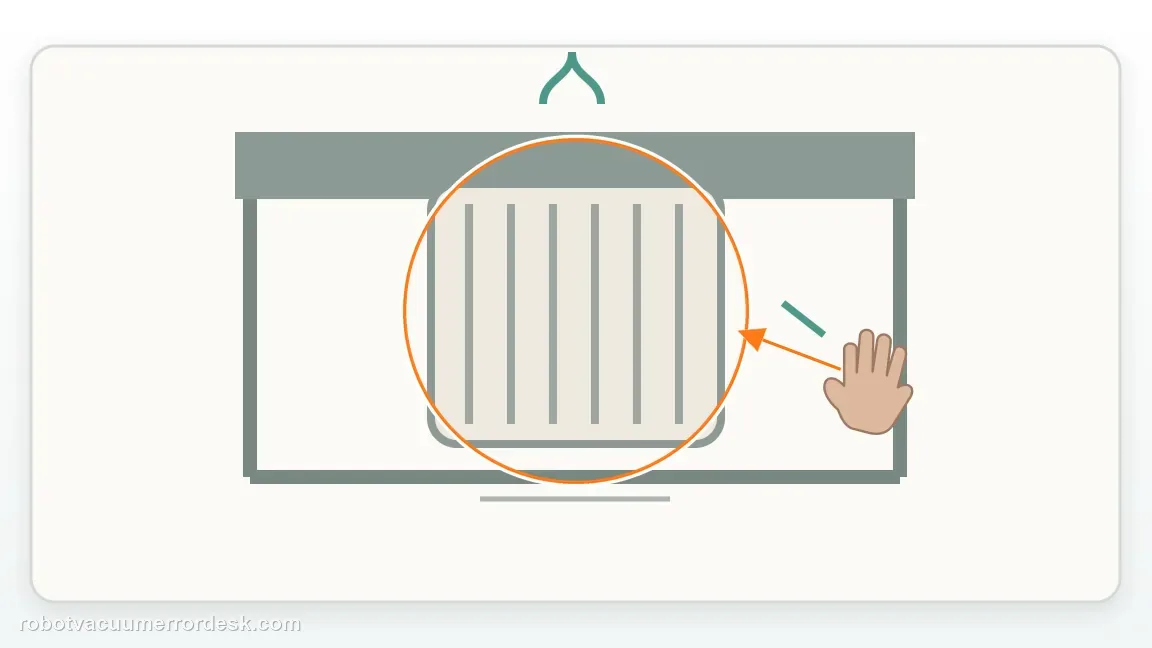
Clean the filters using the Matrix owner-maintenance method and inspect them for caked fine dust. A filter can look only moderately dirty on the surface while still restricting air through the media. Make sure every filter is fully dry if the manual's cleaning method involved moisture, and reinstall it in the correct orientation. Testing with a missing or badly seated filter changes the airflow and does not provide a valid comparison.
Open the brushroll door and clear the chamber
Shark explicitly includes removing the brushroll and brushroll door in the suction-motor remedy. Lift out the roller using the owner-serviceable procedure, remove wrapped hair and packed debris from the chamber, and check the visible path between the brushroll area and bin. This is not merely a brushroll-jam check: the chamber is part of the suction route. Reinstall the roller and door completely so the air path can seal normally.
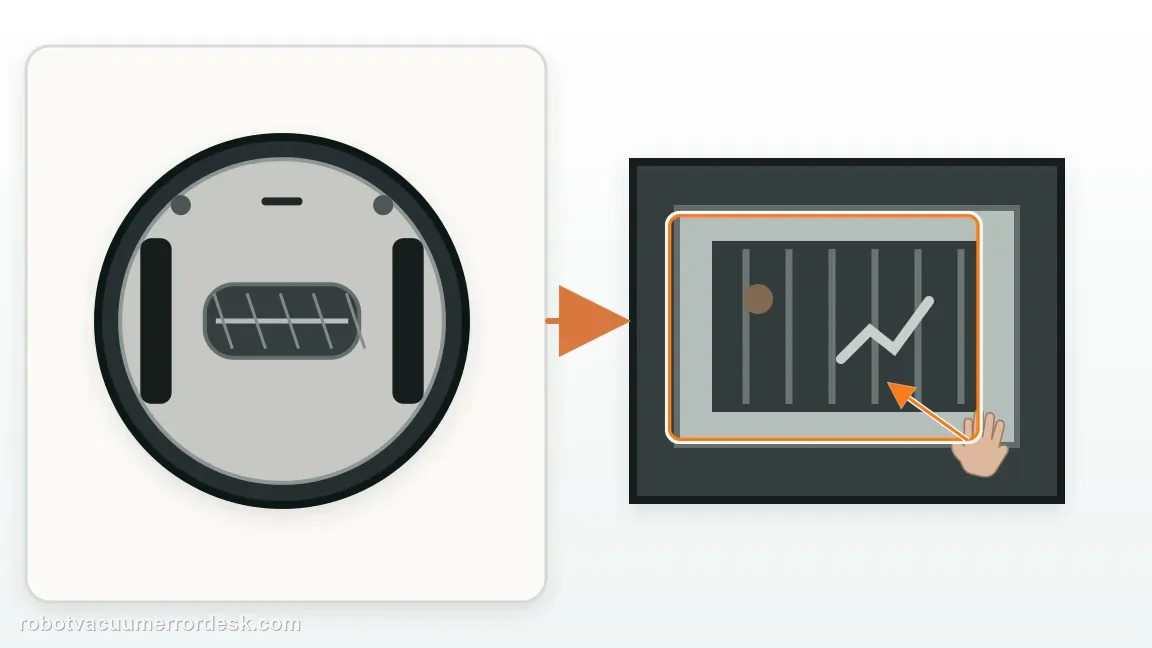
Reassemble the whole airflow chain before testing
Reinstall the bin and filters and confirm that no cover is sitting proud. A suction system depends on the full path being assembled correctly; a loose bin or filter can produce poor airflow even after every part was individually cleaned. With the robot on level hard flooring, start a short cleaning run and listen for normal suction. Avoid carpet or large debris for this first test so the load stays simple and the result can be compared cleanly.
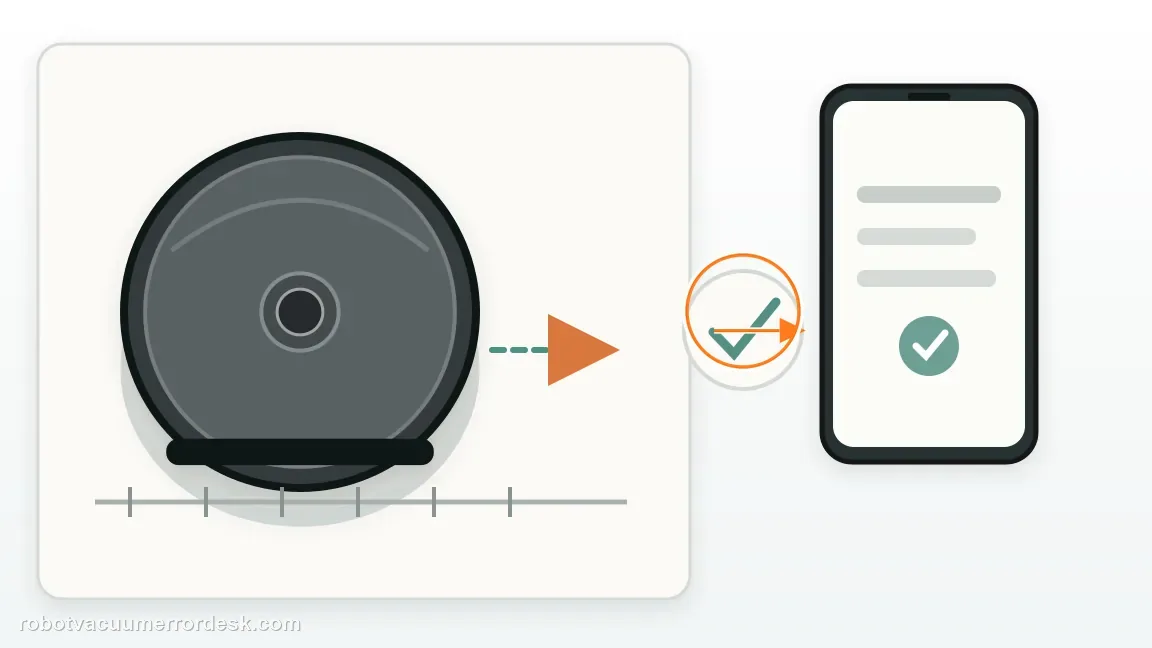
Use the return timing to judge blockage versus service
If the green/green/red code clears and suction sounds normal, the failure was consistent with a removable airflow restriction or assembly issue. If the same pattern returns almost immediately with the bin, filters and brushroll path confirmed clean, another round of generic filter cleaning is unlikely to add information. Note whether the motor ever starts, whether sound is abnormal, and how quickly the code returns. Those details point support toward the remaining motor/control path.
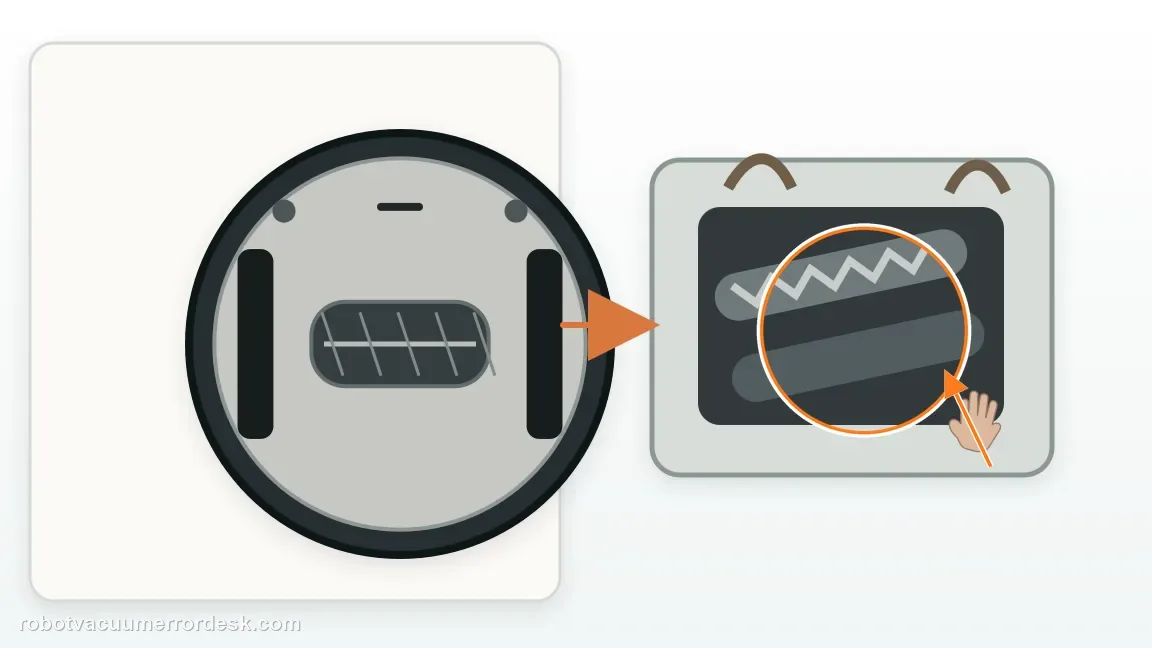
Escalate without opening the suction motor
For a repeatable suction-motor code after the full owner-level airflow service, contact Shark with the code photo, serial number, filter condition and short-test timing. State that the bin was emptied, filters serviced, brushroll/door removed and visible blockages cleared. Do not open the suction motor or bypass the filters to 'see if it runs'; both actions change the system Shark expects to diagnose and can create damage unrelated to the original error.
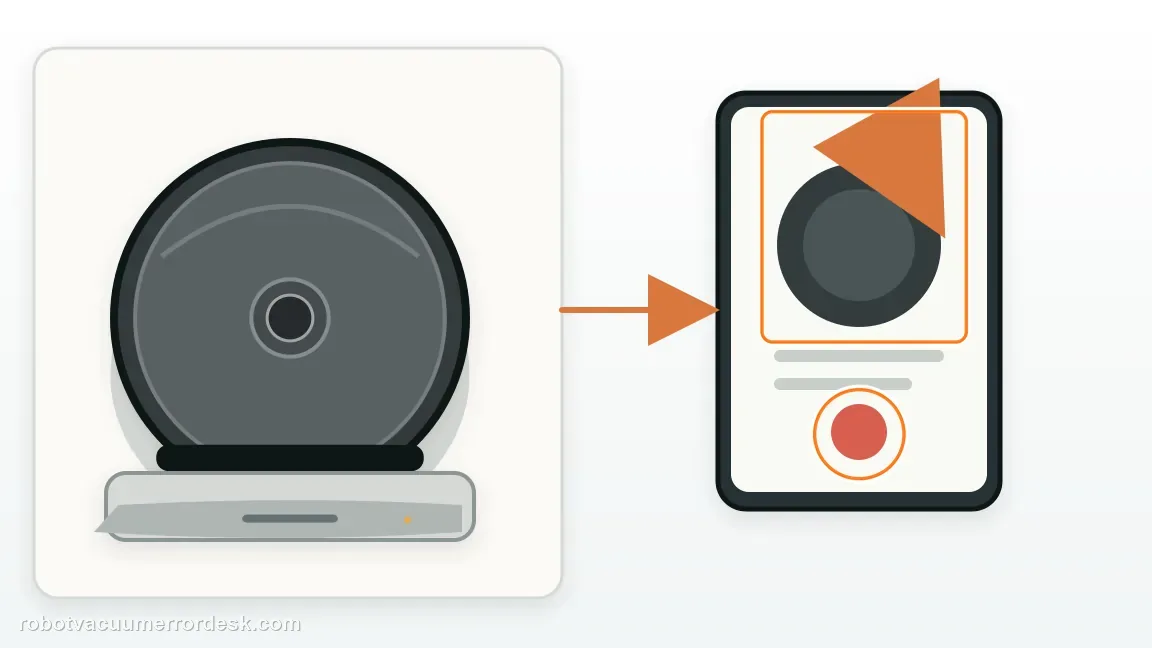
Escalate when CLEAN green + DOCK green + ! red returns after the bin is emptied, filters are serviced, the brushroll and door have been removed/reinstalled correctly, and visible blockages are cleared. Send Shark a photo of the LEDs, the serial number, whether suction starts at all and how quickly the code returns on a hard-floor test. Do not open the suction motor or run the robot without its required filtration; the owner manual's supported path stops at airflow maintenance and Customer Service.
What to collect before contacting support
Give support a reproducible case instead of “it doesn’t work.” That reduces repeated basic troubleshooting and preserves the clues from your tests.
- Exact model name and the error code / voice prompt exactly as shown
- A photo or screenshot of the app error and the time it occurred
- A short list of the checks already completed and what happened after each one
- Firmware/app version if the issue began after a software change
Manufacturer evidence
Shark Matrix 2-in-1 owner manual — suction motor failure
The Matrix 2-in-1 error chart maps CLEAN green + DOCK green + ! red to suction motor failure and tells owners to empty the bin, clean filters, remove the brushroll/door and clear blockages.
Additional official source: Shark Matrix Plus 2-in-1 German owner manual / troubleshooting table ↗Last editorial review: September 5, 2026Regional note: manufacturer help centers, model suffixes, mains-power requirements and warranty procedures can differ by country. If the source redirects to a local support site, confirm that the model/hardware scope still matches before following a region-sensitive step.
This guide is rated Official manual. See what each evidence label means →
FAQ
What does CLEAN green + DOCK green + ! red mean on Shark Matrix?
On the Matrix 2-in-1, Shark maps that combination to suction motor failure. The manual still tells owners to restore airflow before assuming the motor itself is dead: empty the bin, clean the filters, remove the brushroll and brushroll door, and clear blockages. Photograph the LEDs first, then do that complete airflow service and retest with everything reinstalled correctly.
Can a dirty filter trigger the Shark Matrix suction motor code?
Yes, a loaded filter can restrict the airflow path that the suction system depends on, which is why Shark includes filter cleaning in the first remedy for this code. Service the filter using the owner-maintenance method, make sure it is correctly seated, and also inspect the bin and brushroll chamber. If the exact green/green/red pattern returns with the entire airflow chain clean, motor or control service becomes more plausible.
Why does Shark tell me to remove the brushroll for a suction motor error?
The brushroll chamber is part of the air path feeding debris toward the bin. Packed hair or debris there can restrict airflow even if the roller is not showing the separate brushroll-blockage code. Shark therefore includes removing the brushroll and door in the suction-motor remedy. Clear the chamber and visible passage, then reinstall the door completely so the next test has a properly sealed airflow path.
Should I run the Shark Matrix without the filter to test suction?
No. Bypassing the required filter changes the airflow system and can expose the motor to debris. The useful diagnostic is a clean, correctly installed filter—not no filter. Empty the bin, clean the approved airflow components, reinstall everything and run a short hard-floor test. If the suction-motor LED pattern returns immediately under that normal configuration, document it and move to Shark support rather than improvising a bypass.
When is the Shark Matrix suction motor error ready for service?
It is ready for Shark support when the exact CLEAN green + DOCK green + ! red pattern returns after the bin, filters, brushroll and visible suction path have all been serviced and correctly reassembled. Provide the code photo, serial number, whether suction starts and how quickly the error returns. That shows the manufacturer that the first-line airflow restrictions have already been ruled out without opening the motor housing.
Did this diagnostic narrow the fault?
Use this as an editorial signal, not a popularity counter. If a feedback address is configured you can email the note; otherwise you can copy it for your own support record.