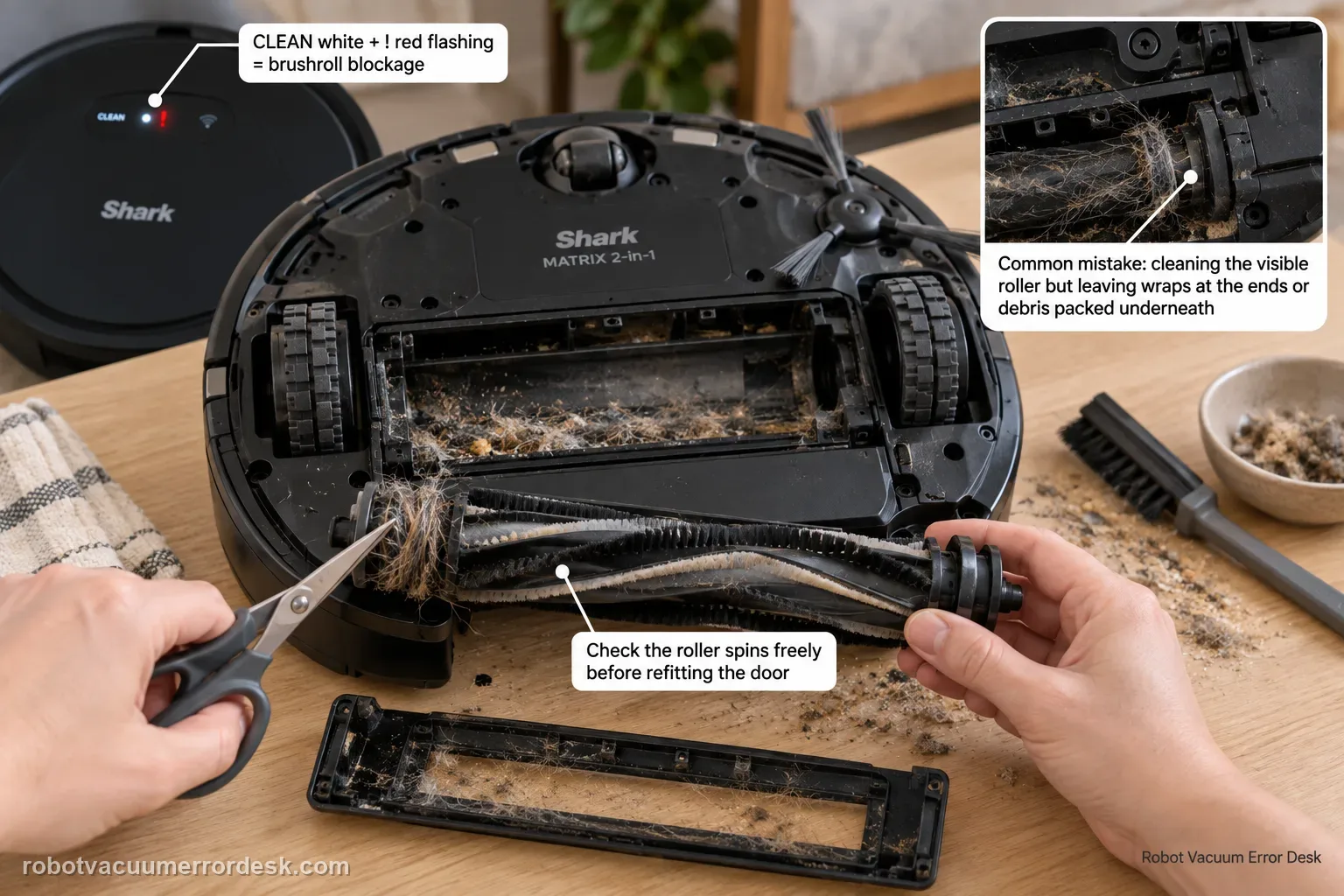
On the Shark Matrix 2-in-1, CLEAN white + ! red flashing is the brushroll-blockage pattern. Power the robot off, remove the owner-serviceable brushroll and door, cut or pull away hair and thread from the roller and end areas, clear debris from the chamber, then make sure the brushroll can move normally before reinstalling the door. A common diagnostic mistake is to clean the visible roller surface but leave wrapped material at an end or packed debris under the roller. After reassembly, test on open hard flooring. If the roller is mechanically free, the door is fully latched and the same white/red pattern returns immediately, stop forcing the brushroll and contact Shark for the drive/service path.
Confirm the exact model and exact code, light pattern or symptom.
Run the lowest-risk physical or software check first.
Use each pass condition to decide what the result actually narrows down.
Confirm this is the right issue
- CLEAN flashes white while ! flashes red on the Matrix 2-in-1.
- The brushroll stops or will not turn because hair or string is wrapped around it.
- The roller was cleaned but the error returns because debris remains at an end or in the chamber.
- The brushroll turns freely by hand after cleaning yet the same code returns during a short run.
What’s most likely causing this
Hair, thread or fibers are wrapped around the brushroll body or end areas
Hard debris is wedged between the roller and brushroll chamber
Brushroll or brushroll door is not fully seated after maintenance
The brushroll drive remains faulty after the roller is mechanically free
Reading your test result
| What you observe | What it narrows down | Next move |
|---|---|---|
| CLEAN white + ! red | The manual identifies a brushroll blockage. | Power off and remove the brushroll/door for inspection. |
| Hair is wrapped around an end | End drag can keep the roller from turning normally. | Unwind/cut the wrap and recheck the roller by hand. |
| Roller is clean but chamber contains hard debris | The obstruction will return as soon as the roller is installed. | Clear the chamber and door seating surfaces before retesting. |
| Code clears after correct reassembly | A removable blockage or seating issue was responsible. | Resume use and monitor the roller ends for recurring wraps. |
| Roller turns freely but code returns immediately | Owner-level blockage has been largely ruled out. | Contact Shark for brushroll-drive/service evaluation. |
Do not factory-reset by default. Use the exact model’s reboot/network-reset procedure only when the manufacturer path calls for it.
Work through these checks in order
Confirm the brushroll-specific white/red pattern
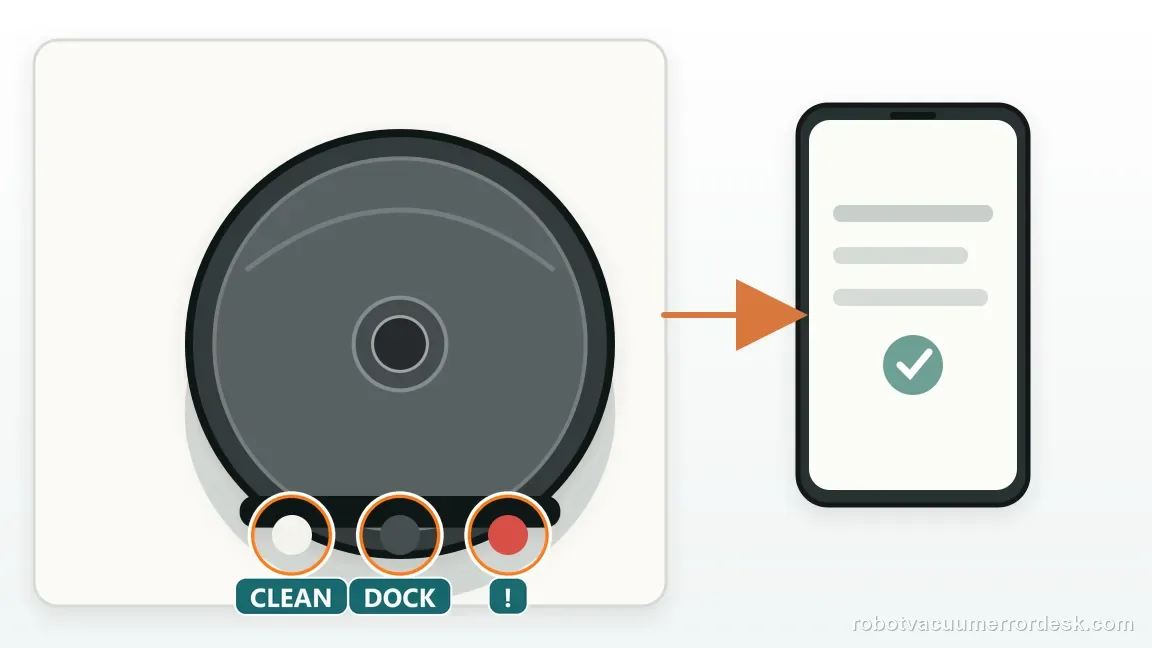
The Matrix 2-in-1 owner manual assigns CLEAN white + ! red flashing to a blockage in the brushroll. Confirm that DOCK is not part of the pattern, because adding a DOCK light can point to another fault. Photograph the lights, power the robot off and remove it from the base. Starting with the exact pattern prevents a side-brush, wheel or encoder code from being turned into unnecessary brushroll disassembly.
Remove the brushroll and door using the owner procedure
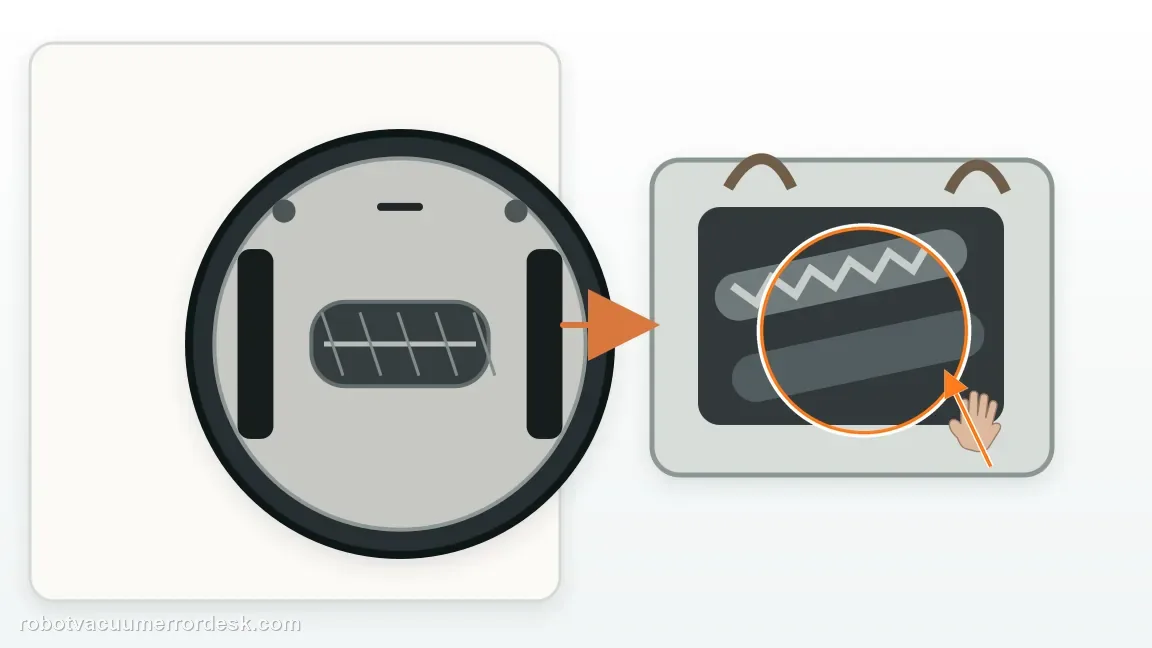
Open the brushroll door and lift out the roller according to the manual. Put the door and roller where you can inspect both ends clearly. Do not pull on the roller while the robot is powered. The goal is to expose the areas that surface cleaning cannot reach: the roller ends, chamber floor and edges where long hair can pack tightly. Note how the brushroll sits before removal so it can be returned in the same orientation.
Clear wraps from the roller body and ends
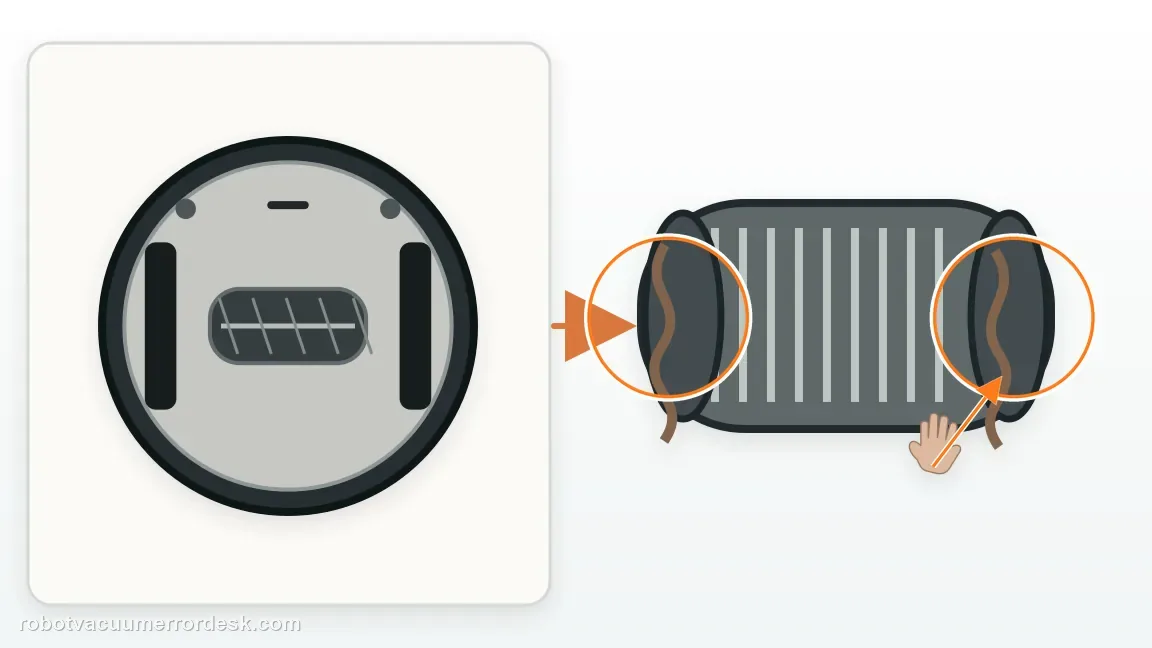
Cut or unwind hair, thread and fibers rather than trying to spin them through the mechanism. Pay particular attention to material that has migrated toward the ends of the roller, where it can create drag without being obvious from above. Remove only accessible material and avoid prying apart fixed end components. After cleaning, rotate the brushroll by hand while it is out of the robot and feel for rough binding or a hard stop.
Vacuum or wipe packed debris from the chamber
Inspect the brushroll cavity for stones, pet litter, compacted dust or objects that would rub the roller after reinstallation. Clean the visible chamber and the intake opening without pushing debris deeper into the robot. This step is separate from cleaning the roller itself; a perfectly clean brushroll can jam again immediately if the chamber still contains a hard object. Also inspect the door for debris that prevents it from closing flush.
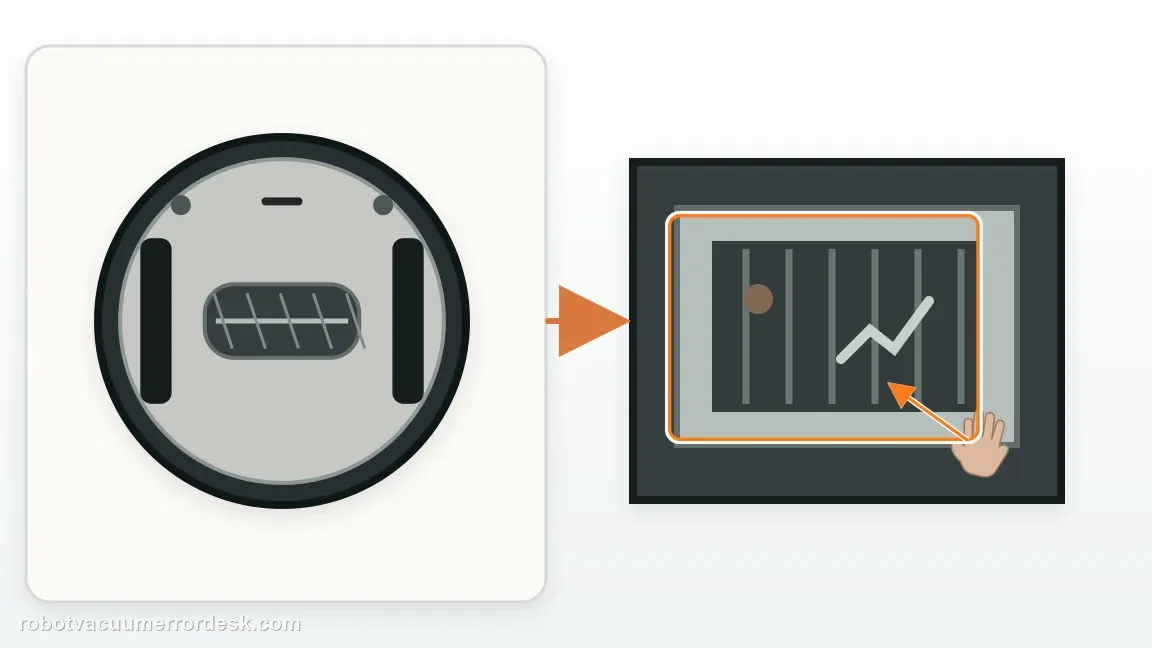
Reinstall the roller and verify the door is fully seated
Return the brushroll to its correct position and close the door completely. An incompletely seated roller or door can create drag and reproduce a blockage symptom even after the hair is gone. With the robot still off, check that the roller is not visibly pinched and that the door sits flush. Do not use the robot with the door loose simply to test whether the motor turns; the normal assembly is part of the diagnostic condition.
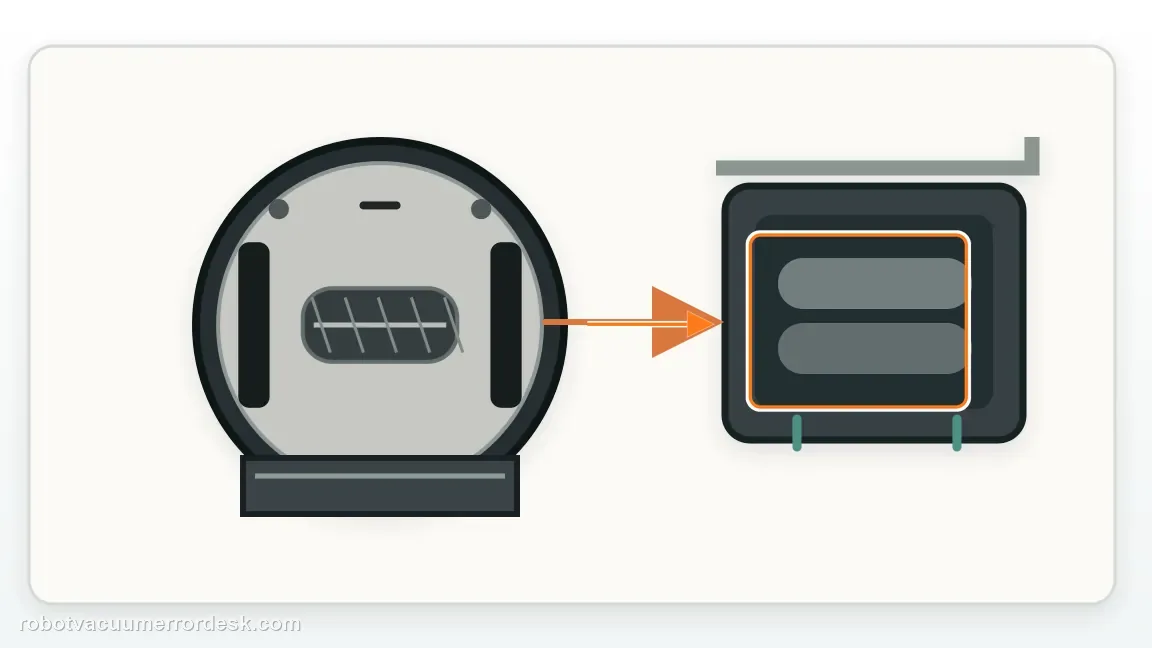
Run a short test on hard floor without heavy debris
Move the Matrix to level hard flooring and start a brief clean. Listen for the brushroll starting and watch whether CLEAN white + ! red returns. Avoid thick rugs, cords and large debris during this proof test. If the code clears, the blockage was likely removable. If it returns within seconds despite smooth hand movement and correct assembly, capture the sound and timing rather than opening the brushroll drive deeper.
Escalate a free-roller repeat instead of forcing the mechanism
When the brushroll is clear, chamber empty and door correctly latched but the same code repeatedly returns, contact Shark. State whether the roller turned smoothly by hand outside the robot and whether the motor appeared to start during the test. Do not add lubricant to the brushroll drive or open the motor housing. The useful diagnostic boundary is that all owner-serviceable sources of physical blockage have been removed and the code persists.
Contact Shark when CLEAN white + ! red repeatedly returns after the brushroll is removed and cleared, both end areas are free of hair, the chamber is empty, the door is fully latched and the roller feels mechanically free. Provide a photo of the LED pattern and note whether the roller motor starts before the code appears. Do not force the roller, add lubricant or open the drive housing. The service case should begin from a proven free-roller condition rather than another generic cleaning cycle.
Before you contact support, gather this
A reproducible case moves a support call past the basic troubleshooting script faster than “it doesn’t work” does, and it keeps the clues from your own tests on record.
- Exact model name and the error code / voice prompt exactly as shown
- A photo or screenshot of the app error and the time it occurred
- A short list of the checks already completed and what happened after each one
- Firmware/app version if the issue began after a software change
Where this comes from
Shark Matrix 2-in-1 owner manual — brushroll blockage
The Matrix 2-in-1 error table maps CLEAN white + ! red flashing to a brushroll blockage and directs owners to remove debris from around and inside the brushroll so it can spin freely.
Additional official source: Shark Matrix Plus 2-in-1 French owner manual / troubleshooting table ↗Last editorial review: September 5, 2026Regional note: manufacturer help centers, model suffixes, mains-power requirements and warranty procedures can differ by country. If the source redirects to a local support site, confirm that the model/hardware scope still matches before following a region-sensitive step.
This guide is rated Official manual. See what each evidence label means →
Questions people ask
What does CLEAN white + ! red mean on Shark Matrix 2-in-1?
That exact combination is the brushroll-blockage entry in the Shark Matrix 2-in-1 owner manual. Power the robot off, remove the brushroll and door, and clean hair or debris from the roller, its ends and the chamber. Confirm the door is fully seated before testing again. If DOCK is also illuminated, recheck the code chart because you may be dealing with a different fault.
Why does the Shark Matrix brushroll code return after I remove visible hair?
Hair can remain tightly wrapped at the roller ends, and debris can be packed inside the brushroll chamber even when the exposed roller surface looks clean. Remove the brushroll completely, inspect both ends and clear the chamber plus door seating surfaces. Then verify the roller moves freely before reinstalling it. A partial surface cleaning may therefore leave the actual source of drag untouched.
Can I test the Shark Matrix with the brushroll door removed?
No. Reinstall the brushroll and door correctly before the powered retest. The normal assembly affects roller alignment and airflow, so running with the door loose or absent creates a different condition and may damage the robot. The useful test is a correctly assembled brushroll that is mechanically free on open hard flooring. If the same blockage code returns there, the drive/service path becomes more plausible.
Should a Shark Matrix brushroll spin freely by hand after cleaning?
With the brushroll removed and the robot powered off, it should not have a hard bind caused by hair or debris. Use hand movement only as a basic mechanical check; do not force fixed parts or pry apart the roller ends. If the roller feels free outside the robot, the chamber is clear and the code still returns immediately after correct installation, document the result for Shark support.
When should I stop cleaning and call Shark for a brushroll blockage?
Escalate when CLEAN white + ! red repeatedly returns after the roller and end areas are clear, the chamber contains no obstruction, the door is fully latched and the brushroll feels mechanically free. Send Shark the LED photo and whether the motor starts before the error. At that point, further generic cleaning or internal disassembly adds less value than a service evaluation of the brushroll-drive path.
Did this diagnostic narrow the fault?
Use this as an editorial signal, not a popularity counter. If a feedback address is configured you can email the note; otherwise you can copy it for your own support record.