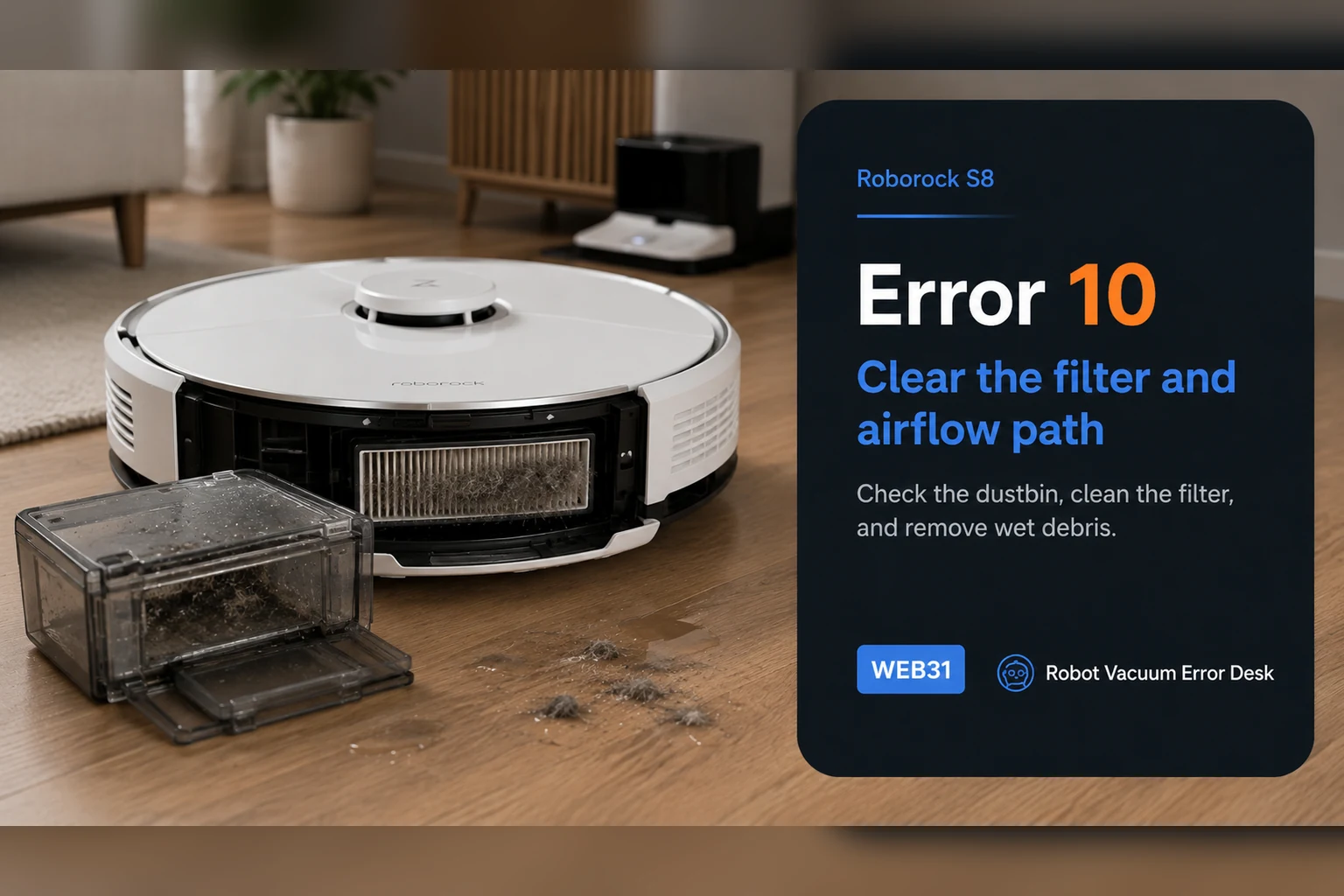
Roborock S8 Error 10 is the blocked-or-wet filter path, not the same fault as Error 18. Empty the dustbin, clean the filter, let it dry completely and reinstall it correctly before testing again. Inspect the accessible inlet for compacted debris while the bin is out. If a clean, genuinely dry, known-good filter still triggers Error 10, stop repeatedly washing the same filter and escalate; a persistent airflow or sensing fault needs a different branch.
Confirm the exact model and exact code, light pattern or symptom.
Run the lowest-risk physical or software check first.
Use each pass condition to decide what the result actually narrows down.
Confirm this is the right issue
- The S8 reports Error 10 or says the filter is blocked/wet.
- Suction is reduced or sounds strained.
- The error appeared after washing the filter, fine-dust pickup or a very full bin.
What’s most likely causing this
Fine dust loading the filter media
Filter was washed and reinstalled before fully drying
Dustbin inlet or accessible airflow opening is packed with debris
Filter is aged, damaged or has high airflow resistance despite looking clean
Airflow/sensing fault if Error 10 survives a known-good dry filter
Reading your test result
| What you observe | What it narrows down | Next move |
|---|---|---|
| Error 10 appeared just after filter washing | Residual moisture is the leading explanation. | Remove the filter and allow complete drying before another run. |
| Filter is dry but visibly dust-loaded | Airflow resistance is still plausible. | Clean the media and empty the bin before retesting. |
| Filter looks clean but Error 10 persists | Visual appearance does not prove normal airflow. | Try a known-good dry replacement filter if available. |
| Error changes from 10 to 18 | The fault has moved from filter blocked/wet to the fan-error branch. | Use the separate S8 Error 18 workflow instead of repeating filter-wet troubleshooting. |
| Known-good dry filter still gives Error 10 | Routine owner maintenance is exhausted. | Contact Roborock with the filter tests and symptom timing. |
Do not factory-reset by default. Use the exact model’s reboot/network-reset procedure only when the manufacturer path calls for it.
Work through these checks in order
Confirm the displayed message is Error 10
Roborock distinguishes the blocked-or-wet filter message from Error 18. Read the code before disassembling anything: Error 10 sends you to filter condition first, whereas Error 18 is the fan-error path even though its official routine also checks the filter.
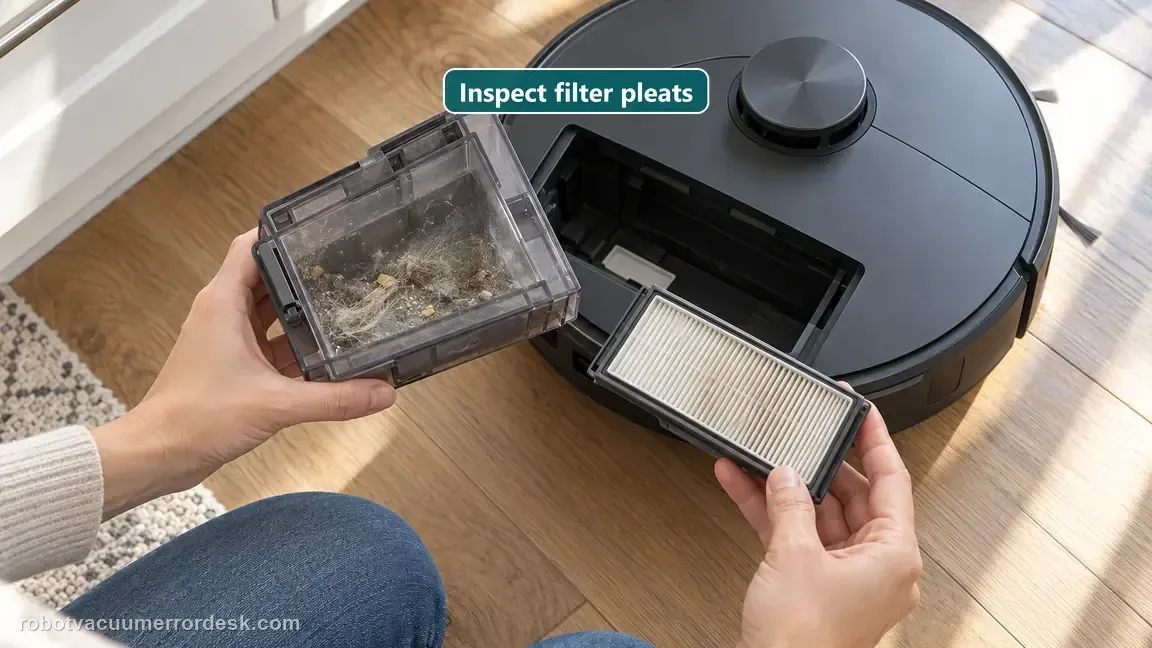
Empty the bin and inspect the filter under good light
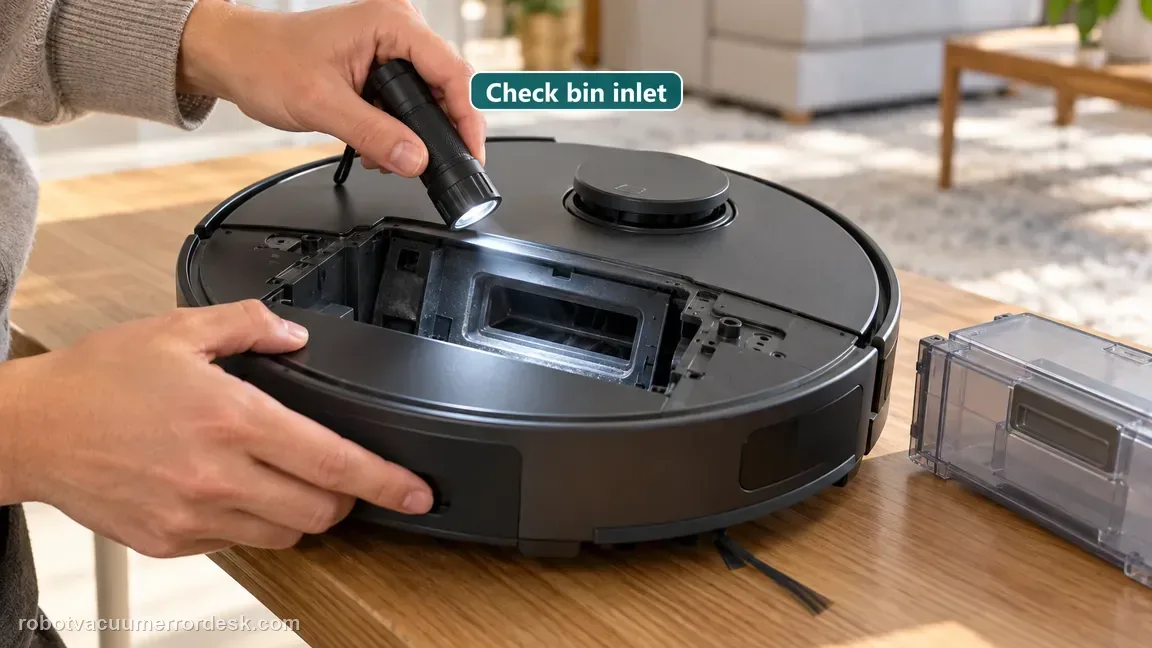
Remove the dustbin, empty compacted debris and examine the whole filter surface and pleats. Fine dust can load the media without producing a dramatic visible blockage. Also inspect the bin inlet while everything is accessible instead of treating the filter as the only possible restriction.
Clean the filter using the model instructions
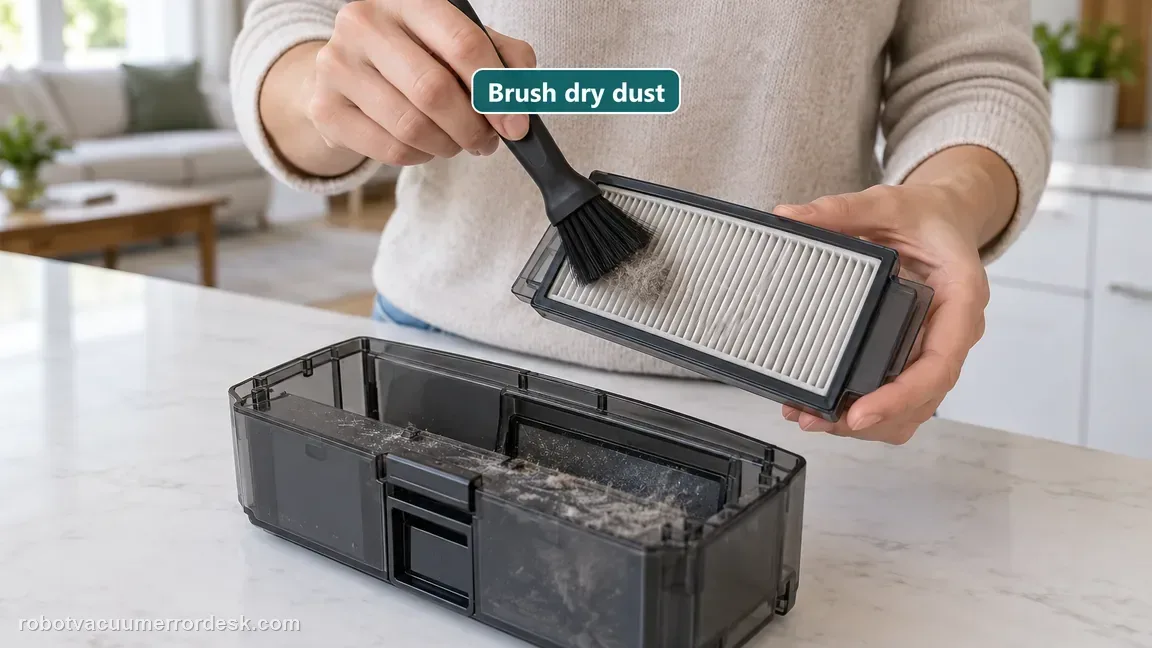
Service the filter according to Roborock’s S8 guidance. Avoid adding household cleaners or oils that can leave residue in the media. If the filter is physically damaged, deformed or cannot be restored, use a compatible replacement rather than forcing repeated wash cycles.
Let a washed filter dry completely before reinstalling
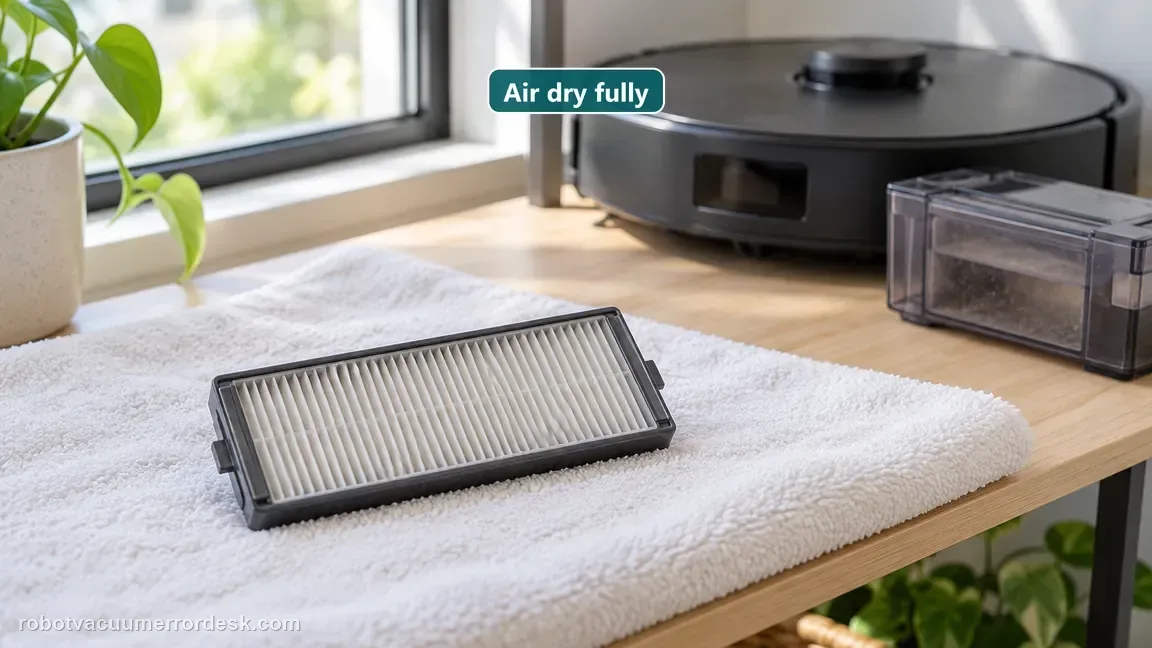
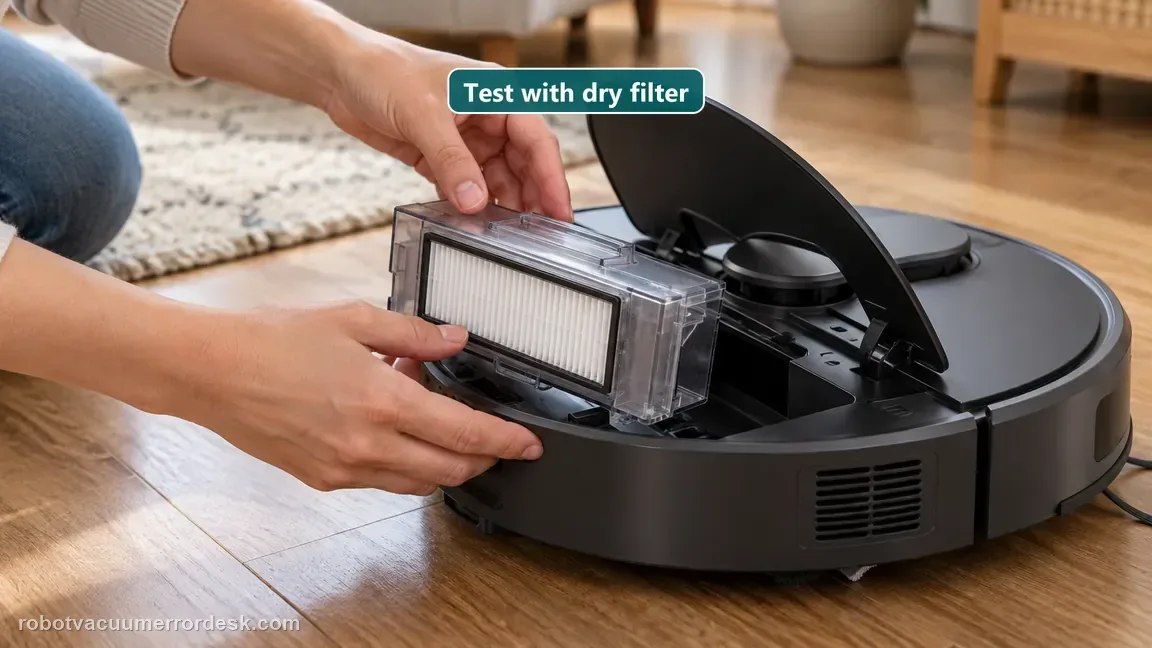
Roborock explicitly tells owners to dry the filter thoroughly. Surface dryness is not enough if moisture remains inside the media, because a damp filter still restricts airflow. Use a second dry filter if you need to test sooner; do not heat the filter aggressively to speed the process.
Inspect the accessible airflow path before closing the bin
With the dustbin removed, look for lint or compacted debris where air enters and leaves the bin area. Clear only owner-accessible material; do not open sealed fan assemblies. This ensures the next result is not being distorted by a blockage that remained after the filter was cleaned.
Run a short test with a dry known-good filter
Reinstall the dustbin and run a brief cleaning cycle. If Error 10 returns immediately with a clean, fully dry, correctly seated filter, try a known-good replacement if available. A repeat with two dry filters is strong evidence that routine filter maintenance is no longer the complete explanation.
Contact Roborock if Error 10 persists with an empty bin, clear accessible airflow path and a clean, fully dry, correctly seated known-good filter. Report whether the code appears immediately or after suction runs for a while, and whether any abnormal fan sound accompanies it. Do not open the sealed fan module merely to chase a filter code.
Before you contact support, gather this
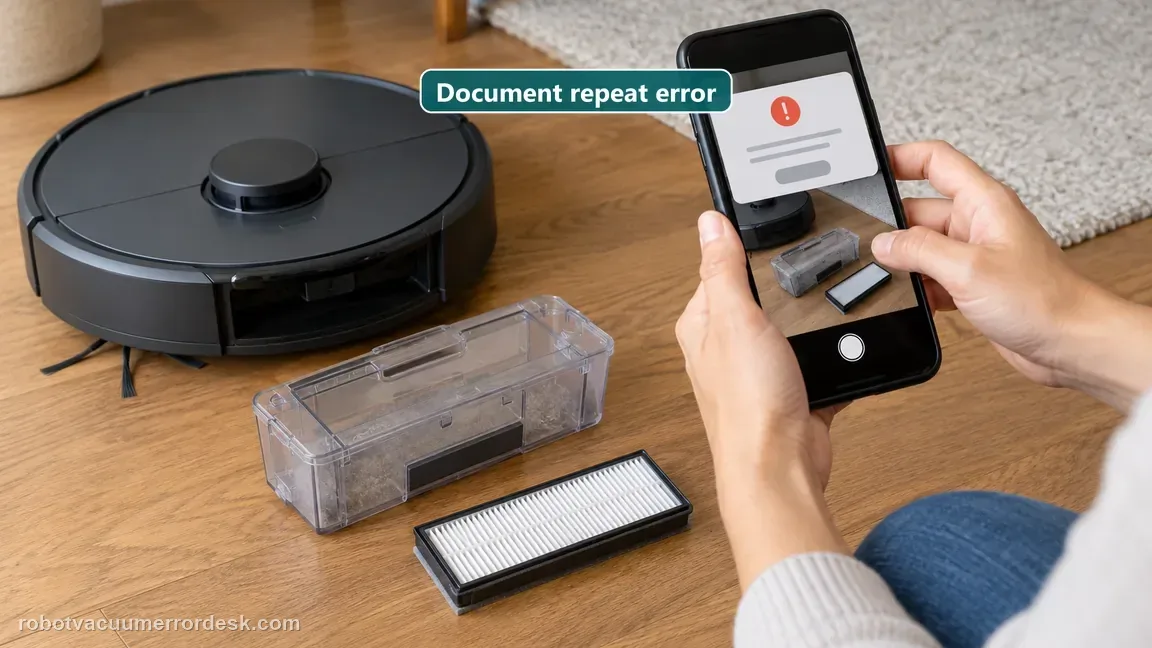
A reproducible case moves a support call past the basic troubleshooting script faster than “it doesn’t work” does, and it keeps the clues from your own tests on record.
- Exact model name and the error code / voice prompt exactly as shown
- A photo or screenshot of the app error and the time it occurred
- A short list of the checks already completed and what happened after each one
- Firmware/app version if the issue began after a software change
Where this comes from
Roborock S8 troubleshooting
Roborock’s S8 troubleshooting identifies Error 10 as the blocked-or-wet filter condition and instructs owners to clean the filter, dry it thoroughly and reinstall it. The S8 support desk separately labels Error 18 as a fan error. This page keeps those codes distinct and uses a dry known-good filter as the practical isolation step when routine cleaning does not hold.
Additional official source: Roborock S8 product support and manuals ↗Last editorial review: October 13, 2026Regional note: manufacturer help centers, model suffixes, mains-power requirements and warranty procedures can differ by country. If the source redirects to a local support site, confirm that the model/hardware scope still matches before following a region-sensitive step.
This guide is rated Official model support. See what each evidence label means →
Questions people ask
What is the difference between Roborock S8 Error 10 and Error 18?
Error 10 is Roborock’s blocked-or-wet filter path, while Error 18 is the fan-error path. The two can overlap in symptoms such as weak suction, but the diagnostic starting point differs. For Error 10, prove the filter is clean and completely dry first. If the robot actually reports Error 18, use the fan-error workflow.
Why does my S8 show Error 10 after I wash the filter?
Roborock specifically includes a wet filter in the Error 10 condition. Moisture trapped deeper in the filter media can restrict airflow even when the outer surface feels dry. Remove it and allow complete drying before reinstalling. If you have a compatible dry spare, using that for the test avoids guessing whether moisture remains inside the washed filter.
Can a Roborock S8 filter look clean and still cause Error 10?
Yes. Fine dust or age can increase airflow resistance without leaving a dramatic visible layer. After normal cleaning and full drying, a known-good replacement filter is a useful comparison if Error 10 continues. If two clean dry filters produce the same code, the evidence shifts away from simple filter maintenance and toward another airflow or sensing issue.
Should I run the S8 without a filter to test Error 10?
No. Normal operation without the filter can send dust into parts of the airflow system that the filter is meant to protect. Use a clean, fully dry and correctly installed compatible filter as the diagnostic state. If you need a comparison, test with a known-good spare rather than removing filtration from the robot.
When should I stop cleaning the filter and contact Roborock for Error 10?
Escalate when an empty bin, clear accessible inlet and a known-good fully dry filter still reproduce Error 10. Record whether the message appears immediately or after suction starts and note any unusual fan sound. Repeatedly washing an already-clean filter is unlikely to add useful evidence once the dry replacement test has failed too.
Could a missing filter magnet cause S8 Error 10?
Error 9 and Error 10 are separate branches. Roborock says Error 9 may mean the filter magnet is missing; check it and replace the filter if absent. For Error 10, the S8 guide points to a blocked or wet filter. Read the exact code before ordering parts, then clean and fully dry or replace the filter only when the matching message supports it.
What if my S8 changes from Error 10 to Error 18 after filter service?
If the S8 now shows Error 18, stop repeating the Error 10 filter steps. Roborock's fan-path routine checks the dustbin, cleans and dries the filter outside the robot, tests a new filter, and updates firmware; contact support if it persists. Note whether it starts immediately or only when suction begins. Do not reach into the filter opening or dismantle the fan.
Did this diagnostic narrow the fault?
Use this as an editorial signal, not a popularity counter. If a feedback address is configured you can email the note; otherwise you can copy it for your own support record.