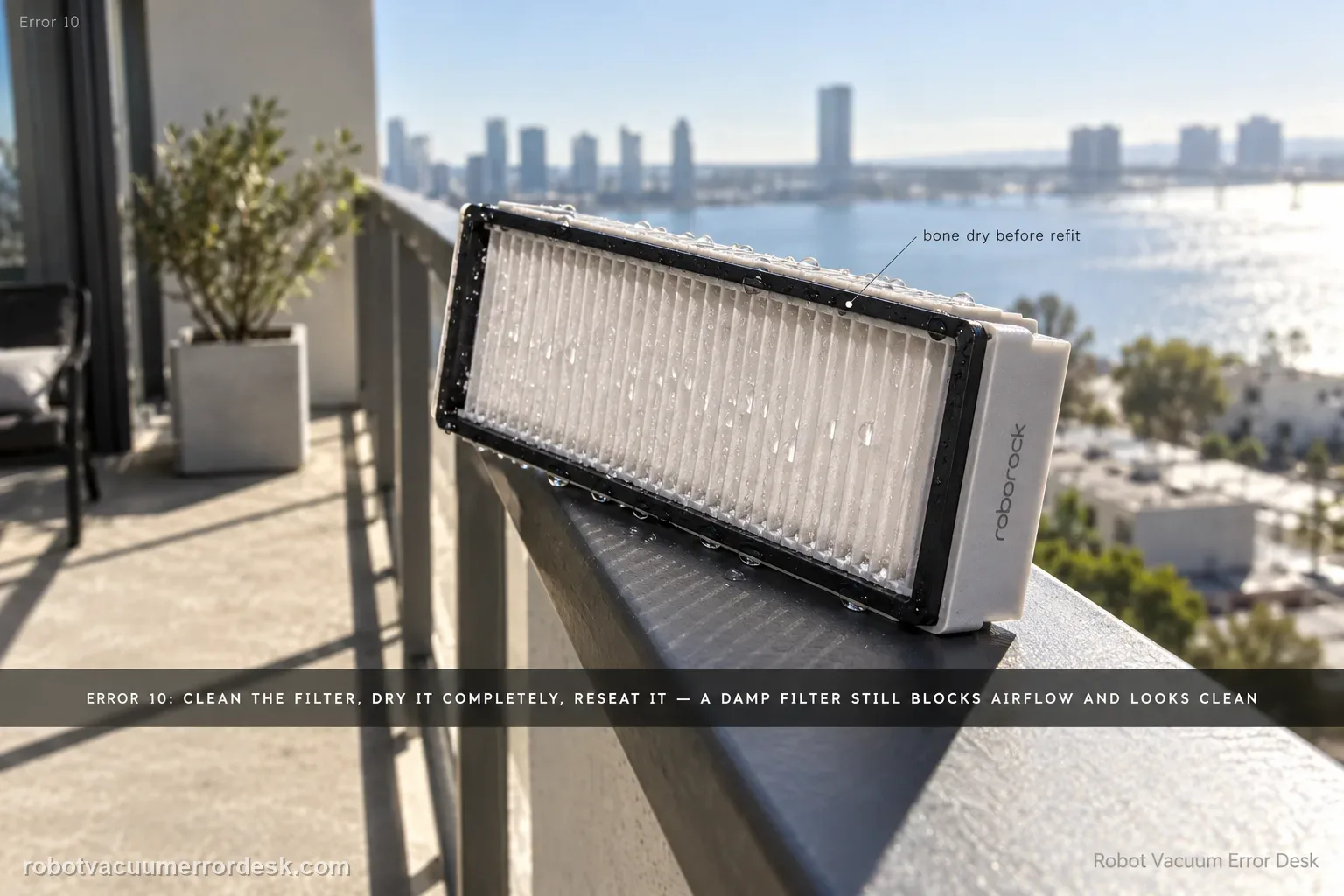
Roborock’s exact Saros 20 Sonic Error 10 instruction is deliberately simple: clean the filter, dry it thoroughly, reinstall it and try again. The important diagnostic work is proving those words rather than doing them approximately. A damp filter can look clean while still restricting airflow; a dusty bin/filter seal or poorly seated assembly can produce the same practical symptom. Use a known-dry filter and a short controlled suction test before treating Error 10 as a fan failure.
Confirm the exact model and exact code, light pattern or symptom.
Run the lowest-risk physical or software check first.
Use each pass condition to decide what the result actually narrows down.
Does this match your problem?
- The Saros 20 Sonic displays Error 10 during or shortly after cleaning.
- Suction weakened, sounded strained or the run stopped with a filter/airflow-related message.
- The filter was recently washed and may have been reinstalled before it was fully dry.
- The error returns even though the visible filter surface looks clean.
Most likely causes
Filter loaded with fine dust and restricting airflow
Filter reinstalled while still damp after washing
Filter/dustbin not seated correctly, compromising the intended airflow path
Dust or debris remaining in owner-serviceable bin/intake areas even after the filter face looks clean
Persistent airflow/fan/sensing fault after a confirmed clean, fully dry, correctly installed filter fails the retest
What your test result means
| What you observe | What it narrows down | Next move |
|---|---|---|
| Error started soon after a washed filter was reinstalled | Residual moisture is a high-value suspect because Roborock explicitly requires thorough drying. | Remove the filter and wait until it is unquestionably dry, or compare with a known-dry compatible filter. |
| Filter is visibly caked with fine dust | Airflow restriction is directly observable. | Clean the filter using the approved method, clear loose dust from the bin and retest only after full drying. |
| Known-dry filter clears Error 10 | The original filter condition/moisture was the likely cause; fan failure is not proven. | Service or replace the original filter as appropriate and keep a dry-filter rotation if you wash filters. |
| Clean, dry, correctly seated filter still triggers Error 10 | The manufacturer’s primary filter explanation has been tested rather than assumed. | Document the short test and escalate to Roborock instead of disassembling the fan path. |
| Error 10 repeats after the documented Saros 20 Sonic checks | The owner-level error 10 path is exhausted | Preserve the failed pass condition and contact Roborock with the error 10 evidence. |
Do not factory-reset by default. Use the exact model’s reboot/network-reset procedure only when the manufacturer path calls for it.
Run these checks in order
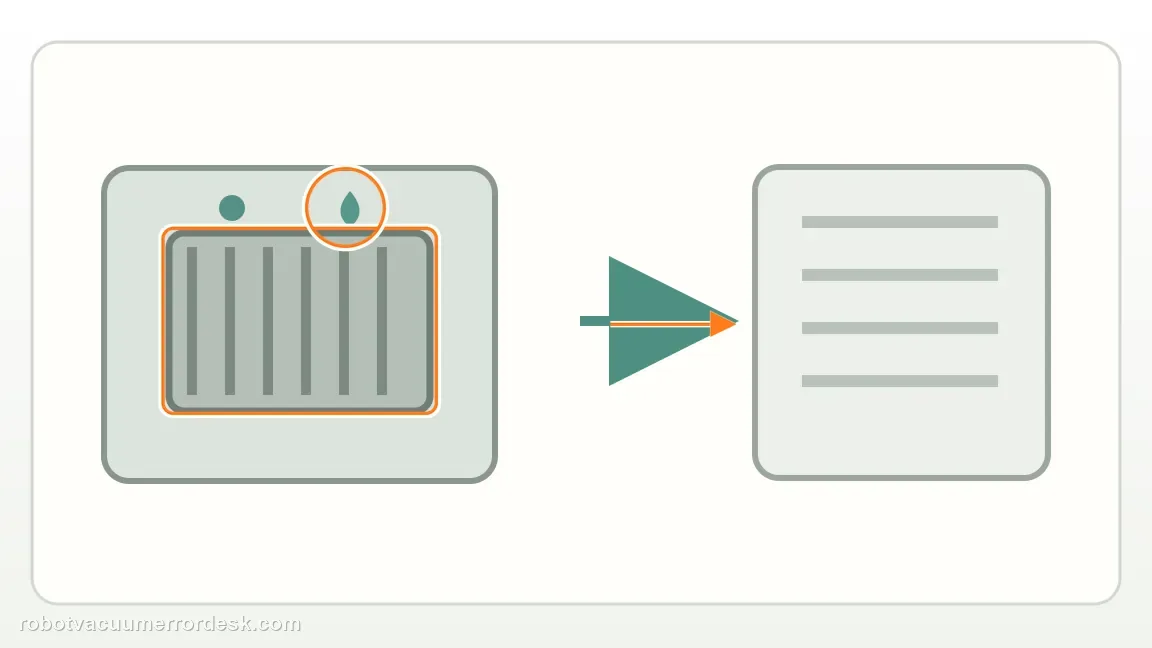
Remove the filter and classify dust versus moisture
Stop the robot and remove the dustbin/filter assembly. Inspect the filter in bright light for a dense fine-dust layer, dampness, dark wet patches or a recently washed condition. Roborock’s exact Error 10 instruction is to clean the filter and dry it thoroughly before trying again, so moisture status is not a minor detail. A filter can feel almost dry on the surface while deeper media remains damp enough to restrict airflow. If you washed it recently and cannot confidently call it fully dry, treat it as unproven and do not reinstall it just to see whether the message changes.
Clean the filter and owner-serviceable dust path without overreaching
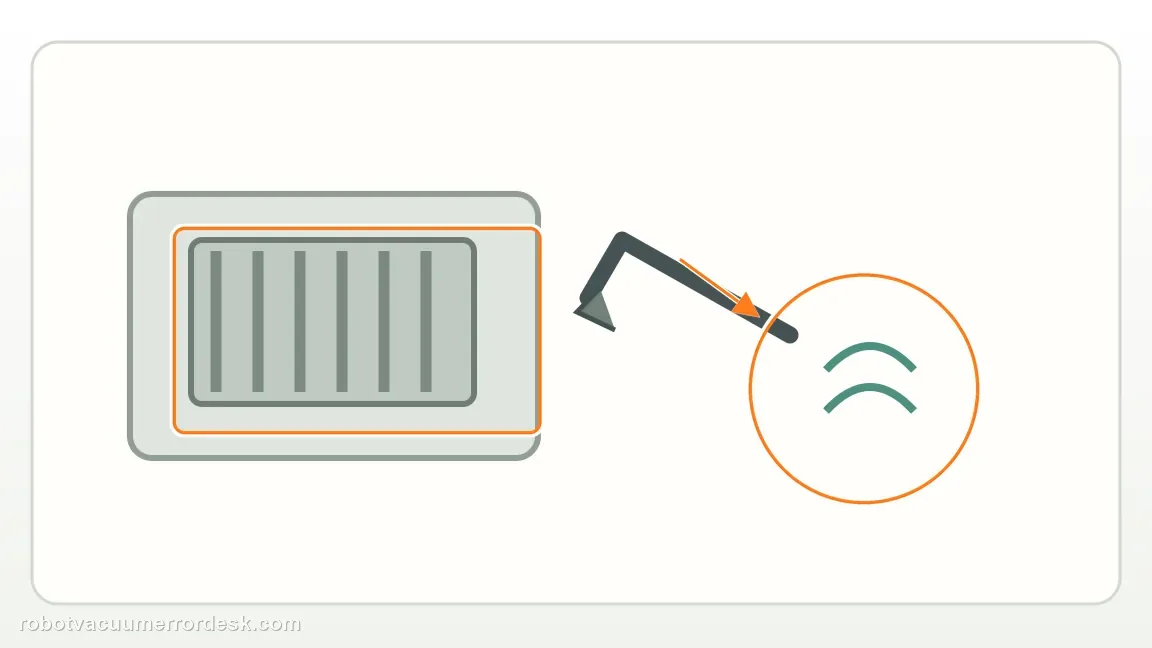
Clean the filter using the maintenance method appropriate for the product, remove loose debris from the dustbin and inspect the accessible intake/bin openings for obvious clumps. Do not use this Error 10 page as permission to open the fan module or blow debris deeper into internal electronics. The purpose is to restore the normal user-serviceable airflow path while keeping the test attributable to filter/bin condition. Reassemble only once the parts that must be dry are actually dry. If the bin or filter does not seat squarely, correct that before restarting; a ‘clean filter’ is not a valid test if the assembly itself is mis-seated.
Use a known-dry filter as the decisive comparison
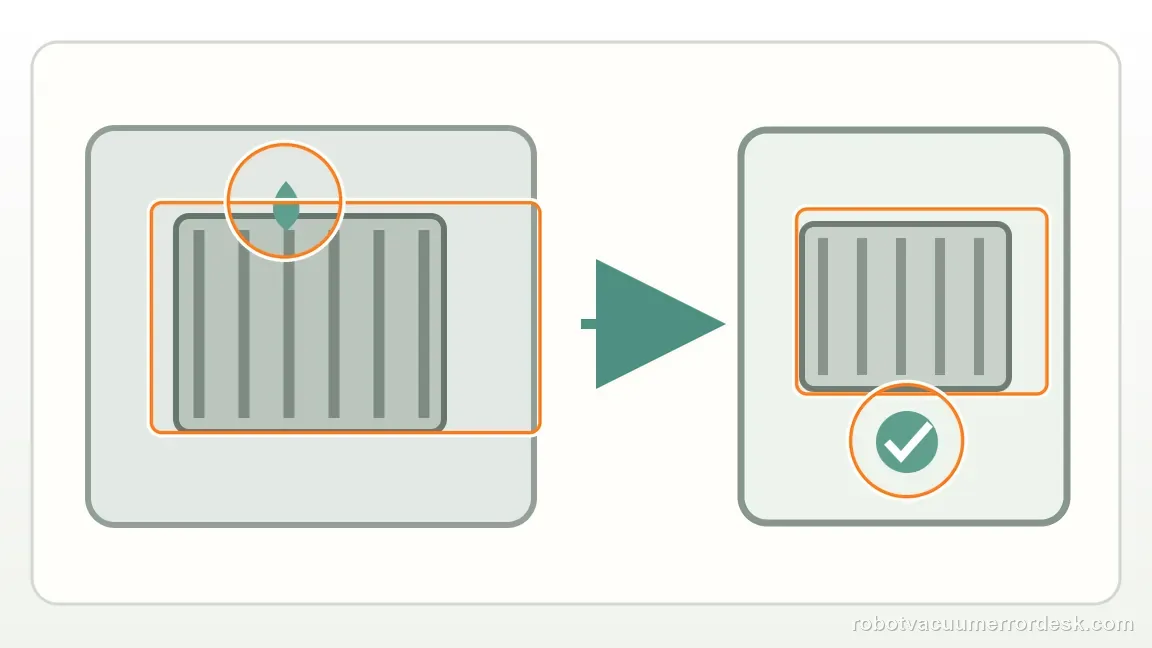
If there is any uncertainty about the washed filter, compare with a correct known-dry filter rather than waiting through repeated Error 10 cycles. This is a stronger diagnostic than repeatedly cleaning the same piece because it changes the exact variable Roborock calls out. Install the dry filter and dustbin correctly, then run a short hard-floor cleaning at a normal suction setting. Listen for stable airflow and watch whether Error 10 returns. If the error disappears with the known-dry filter, do not jump to a fan diagnosis — the result points back to the original filter’s restriction, moisture or condition.
Separate Error 10 from broader weak-suction maintenance
If Error 10 is gone but pickup still seems poor, handle that as a broader cleaning-performance issue: brush condition, dustbin loading and other maintenance can affect debris pickup without proving Error 10 is still active. Conversely, if Error 10 returns quickly with a known-dry filter, stop expanding the owner diagnosis into speculative fan disassembly. Internal ducts and fan areas are outside Roborock’s published owner procedure for this error. Keep the diagnosis at filter service and controlled retesting; if Error 10 persists with a known-dry filter, move to support rather than presenting invasive repair as the next manufacturer-backed step.
Escalate with filter state, timing and a controlled-test result
If the error persists, record which filter was used, whether it had been washed, how you established that it was fully dry and how quickly Error 10 returned during the short test. A brief video of the error plus the correctly installed bin/filter is enough; you do not need to dismantle the robot. Roborock’s generic blocked-or-wet-filter article and exact Saros page both end with support escalation when cleaning/drying does not resolve the fault. That is the right point to let the manufacturer evaluate fan, sensor or internal airflow causes that are not safely proven from the outside.
Escalate when Error 10 returns with a clean, fully dry, correctly seated filter/dustbin during a short controlled test. Do not present compressed-air fan cleaning or robot disassembly from community posts as an official Roborock step; those may be third-party repair ideas, not the manufacturer’s owner procedure for Saros 20 Sonic.
What to collect before contacting support
Give support a reproducible case instead of “it doesn’t work.” That reduces repeated basic troubleshooting and preserves the clues from your tests.
- Exact model name and the error code / voice prompt exactly as shown
- A photo or screenshot of the app error and the time it occurred
- A short list of the checks already completed and what happened after each one
- Firmware/app version if the issue began after a software change
Manufacturer evidence
Roborock Saros 20 Sonic — Error 10
The exact Saros 20 Sonic page says to clean the filter, dry it thoroughly, reinstall and retry, then contact support if the error persists. Roborock’s generic blocked/wet-filter support repeats the same boundary. This guide’s main added value is a known-dry comparison and explicit separation between official owner checks and deeper third-party fan/duct repair claims.
Additional official source: Roborock — Filter Blocked or Wet ↗Additional official source: Roborock Saros 20 Sonic — Product Support and Manuals ↗Additional official source: Roborock Support Center — Help & Manuals ↗Last editorial review: September 5, 2026Regional note: manufacturer help centers, model suffixes, mains-power requirements and warranty procedures can differ by country. If the source redirects to a local support site, confirm that the model/hardware scope still matches before following a region-sensitive step.
This guide is rated Official model support. See what each evidence label means →
FAQ
How dry does the Saros 20 Sonic filter need to be before I reinstall it?
Completely dry. Roborock’s Error 10 instruction specifically says to dry the filter thoroughly. If you washed it recently and there is any doubt, keep it out of the robot until it is unquestionably dry or use a separate known-dry compatible filter for the comparison. Reinstalling a damp filter makes the test invalid.
Does Error 10 mean the vacuum fan has failed?
No. The official first explanation is the filter condition, not a confirmed fan failure. A fan or internal airflow fault becomes more plausible only after a clean, fully dry, correctly seated filter still reproduces Error 10. That is why the known-dry comparison is the key branch before escalation.
Should I use compressed air in the rear vent because other guides recommend it?
Treat that as third-party repair advice, not the official Saros 20 Sonic Error 10 procedure. Roborock’s owner guidance is to clean and thoroughly dry the filter and contact support if the problem persists. Blowing debris into internal areas or opening the fan path can create damage and makes the support diagnosis less clean.
What if Error 10 disappears but suction still feels weak?
Then Error 10 and weak pickup should be separated. General pickup can be affected by brush condition, bin loading, filter age and cleaning mode even when the error no longer triggers. Use the site’s broader weak-suction/maintenance guidance rather than continuing to treat every performance issue as the same Error 10 fault.
Why must the Saros 20 Sonic Error 10 filter be completely dry?
Roborock’s Error 10 instruction is to clean the filter, dry it thoroughly and reinstall it. A damp filter has much higher airflow resistance and can keep the robot in an abnormal airflow state. If a fully dry, correctly seated filter still triggers Error 10, test a known-good replacement if available and preserve the alert rather than repeatedly washing the same filter.
Did this diagnostic narrow the fault?
Use this as an editorial signal, not a popularity counter. If a feedback address is configured you can email the note; otherwise you can copy it for your own support record.