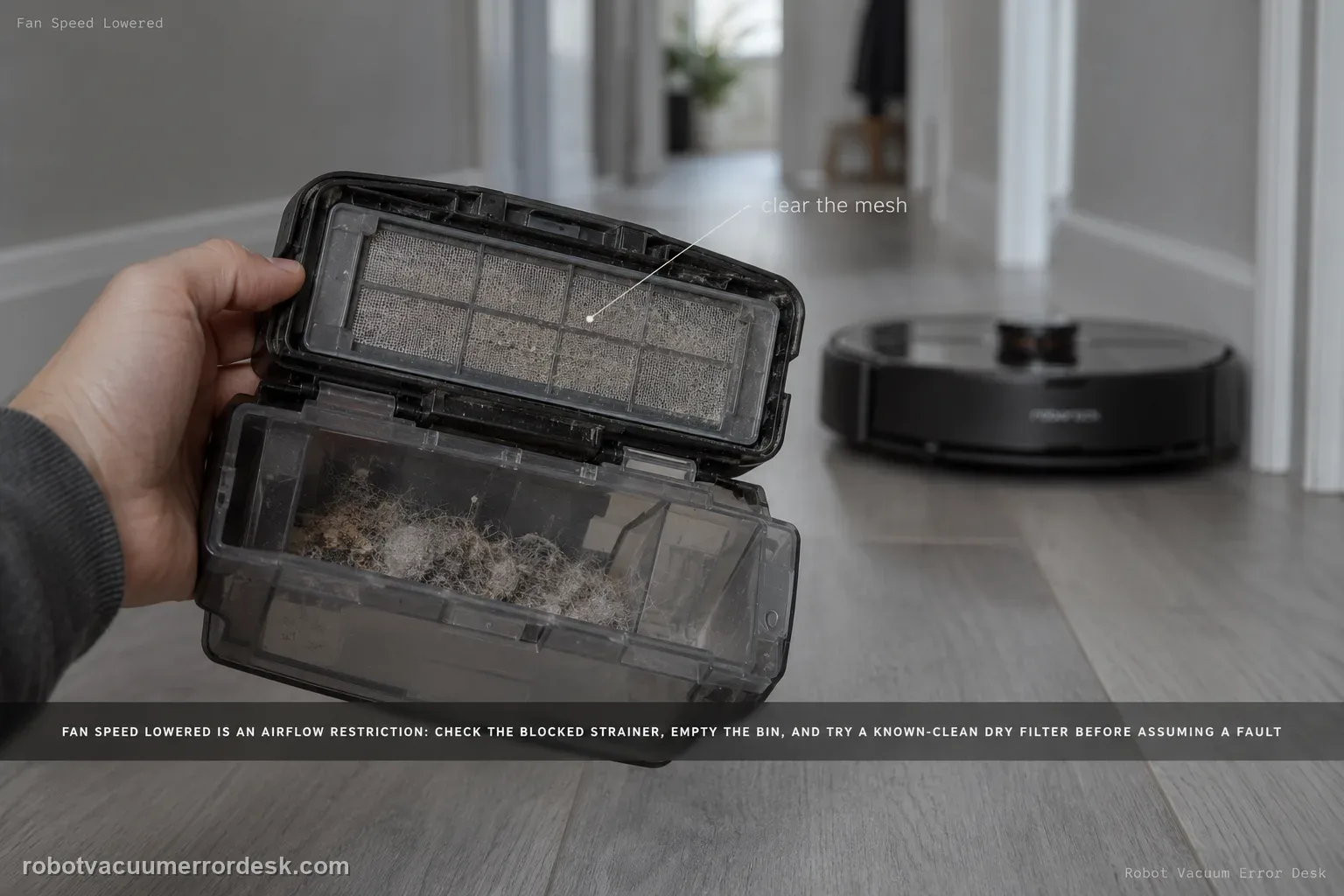
The Saros 20 Sonic “fan speed lowered” message is an airflow restriction check. Roborock says to inspect the blocked strainer and replace the filter to see whether the problem is solved. Empty the dustbin, clean accessible airflow surfaces, use a known-clean dry filter, then run the same suction mode again. If suction remains lowered with a clear bin/strainer and known-good filter, record the message and actual airflow behavior for support.
Confirm the exact model and exact code, light pattern or symptom.
Run the lowest-risk physical or software check first.
Use each pass condition to decide what the result actually narrows down.
Confirm this is the right issue
- The app or robot reports that fan speed was lowered.
- Suction sounds weaker than expected.
- The warning persists across a normal cleaning start.
- You are diagnosing fan speed lowered error on a Roborock Saros 20 Sonic and want the exact model support path rather than a generic reset list.
What’s most likely causing this
Blocked strainer or restricted airflow
Filter that remains too restrictive after maintenance
Persistent fan/airflow hardware fault
A clean open strainer plus a correct fresh dry filter creates the useful baseline: if the same lowered-fan message returns in the same suction mode, ordinary airflow restriction is no longer proven.
Compare the same suction mode before and after the filter change. A quieter mode setting can sound like reduced fan speed, so changing modes during the test would invalidate the airflow comparison.
Reading your test result
| What you observe | What it narrows down | Next move |
|---|---|---|
| Strainer has visible blockage | Airflow restriction is present | Clear the strainer and retest. |
| Filter is dirty/damp/unknown | Filter resistance is unproven | Install a clean, fully dry known-good filter. |
| Dustbin is full | Normal airflow is restricted | Empty bin before comparison. |
| Message clears with replacement filter | Filter restriction was the likely cause | Maintain/replace the filter as needed. |
| Message persists with clear airflow path | Owner restriction checks failed | Escalate with message and suction comparison. |
Do not factory-reset by default. Use the exact model’s reboot/network-reset procedure only when the manufacturer path calls for it.
Work through these checks in order
Keep the suction mode fixed for the whole comparison
Note the suction setting when the “fan speed lowered” warning appears and use that same mode after maintenance. Changing modes can sound like recovery even when the underlying airflow restriction is unchanged.
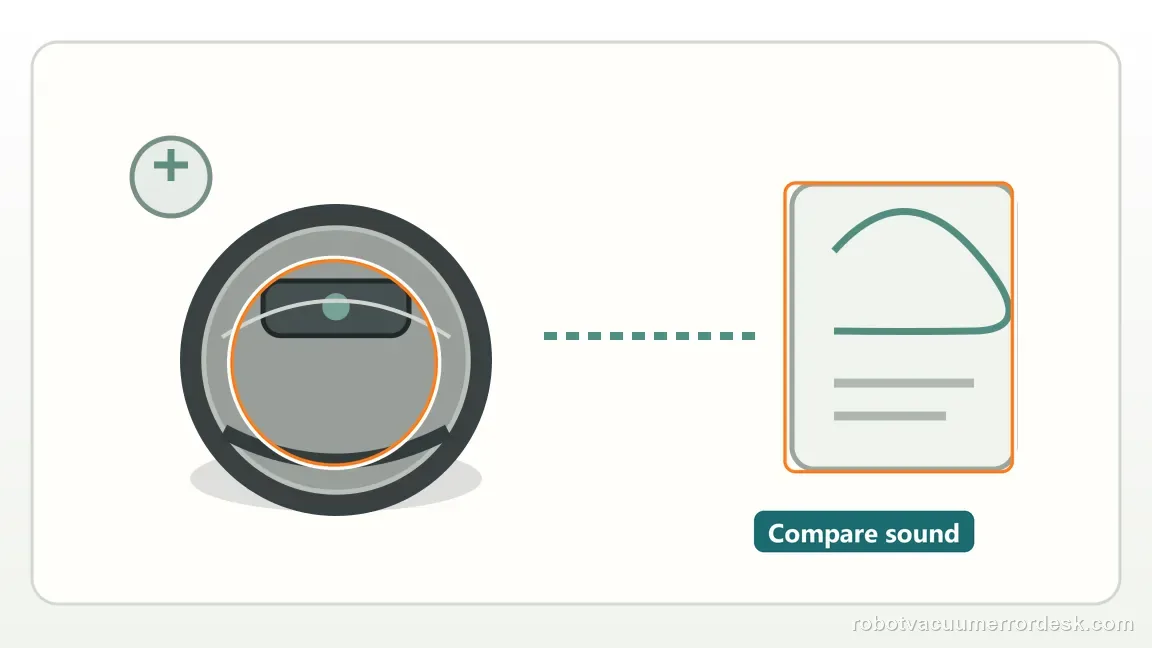
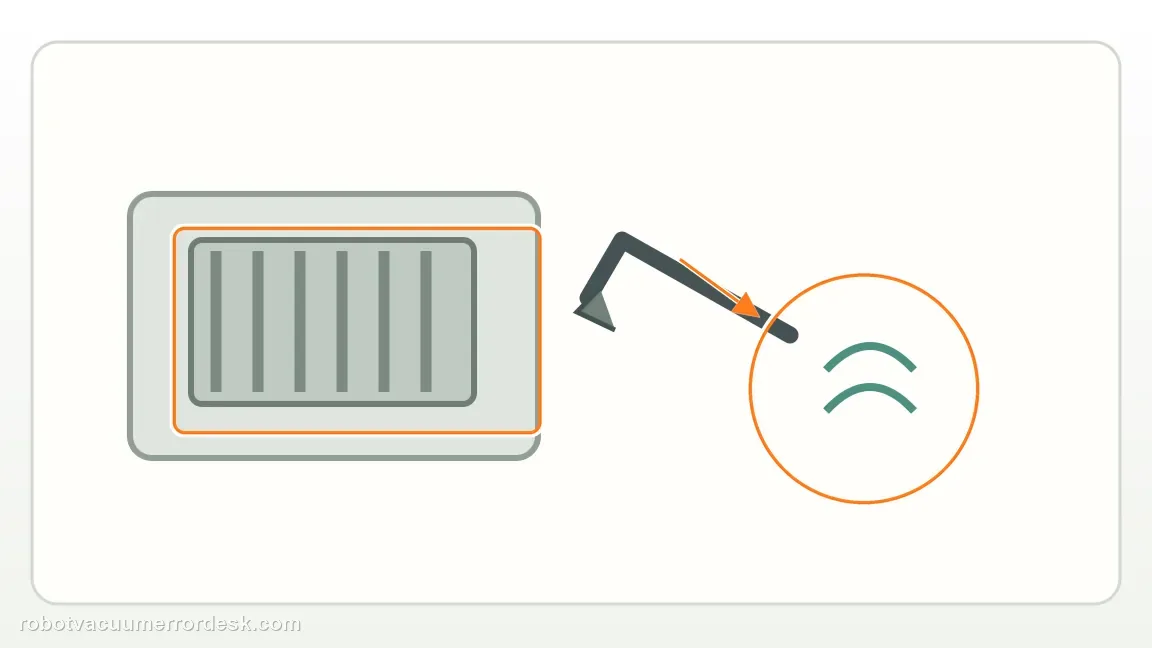
Empty the dustbin and clear the accessible strainer path
Remove visible debris from the user-serviceable strainer/airflow area without inserting tools into the fan. Roborock points first to a blocked strainer for this warning.
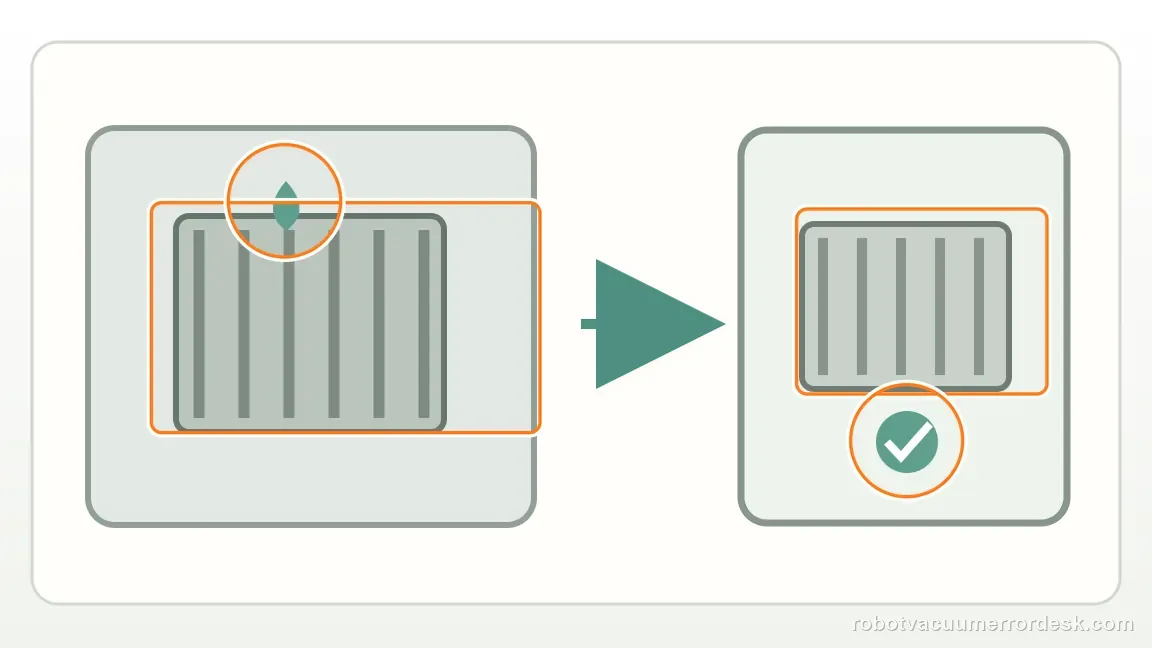
Install a correct known-good dry filter
Inspect the current filter and replace it with a correct fresh/dry filter for the comparison, because Roborock explicitly includes filter replacement in the warning path. Do not run unsupported filter configurations.
Run one short same-mode airflow proof
Restart on hard flooring at the original suction mode and listen for normal airflow while watching whether the warning returns. This makes the before/after result attributable to the strainer/filter work.
Escalate if the warning survives a clear strainer and good filter
If the same lowered-fan message returns with the dust path clear and known-good dry filter installed, record the exact warning plus a short audio/video sample. Do not open the fan housing as a first DIY response.
Escalate when the fan-speed-lowered warning survives an empty dustbin, clear accessible strainer and a correct known-good fully dry filter tested at the same suction mode. Send the warning screenshot and note whether airflow or sound changed during the comparison. Stop before fan-housing disassembly because Roborock’s published owner path ends after the accessible airflow checks.
Before you contact support, gather this
A reproducible case moves a support call past the basic troubleshooting script faster than “it doesn’t work” does, and it keeps the clues from your own tests on record.
- Exact model name and the error code / voice prompt exactly as shown
- A photo or screenshot of the app error and the time it occurred
- A short list of the checks already completed and what happened after each one
- Firmware/app version if the issue began after a software change
Where this comes from
Roborock Saros 20 Sonic — fan speed lowered
Roborock’s Saros 20 Sonic page directs owners to check the blocked strainer and replace the filter for the fan-speed-lowered warning. This review treats “fan speed lowered” as an airflow comparison, not a motor-replacement diagnosis: clear the strainer, establish a known-good dry filter and retest without changing suction mode.
Additional official source: Roborock Support Center — Help & Manuals ↗Last editorial review: September 5, 2026Regional note: manufacturer help centers, model suffixes, mains-power requirements and warranty procedures can differ by country. If the source redirects to a local support site, confirm that the model/hardware scope still matches before following a region-sensitive step.
This guide is rated Official model support. See what each evidence label means →
Questions people ask
Is this the same as Error 18?
No. Roborock gives “fan speed lowered” its own Saros 20 Sonic path: check the strainer and replace the filter. Error 18 is published separately as a fan-related fault with a debris-clearing action. Keep the two alerts distinct so a known-good filter/strainer comparison is not replaced by a different procedure simply because both symptoms involve airflow.
Should I open the fan housing?
No. The manufacturer’s owner-level path stays with the accessible strainer, dustbin and filter, followed by support if the warning persists. Use a clean, fully dry known-good filter and keep the suction mode fixed during the comparison. If the message remains, opening the fan housing would add risk without giving you a manufacturer-backed next diagnostic step.
Why replace the filter if it looks clean?
Because appearance alone does not prove low airflow resistance. A filter can be damp, loaded with fine dust or degraded without looking dramatically clogged. Roborock explicitly includes filter replacement in this warning path. A correct known-good dry filter is therefore a useful comparison: if the warning clears, the original filter condition was a much stronger explanation than an internal fan fault.
Why does my Saros 20 Sonic say fan speed lowered?
Roborock’s model troubleshooting points first to airflow restriction: check the strainer for blockage and replace the filter to see whether normal fan speed returns. Empty the dustbin at the same time and make sure the test filter is fully dry. Repeat the same suction mode after maintenance so you can tell whether airflow work actually changed the result.
Is “fan speed lowered” the same as Error 18 on the Saros 20 Sonic?
They are related to airflow/fan behavior but are not identical messages. The model page handles “fan speed lowered” with a blocked-strainer and filter-replacement check, while Error 18 has its own fan-debris path. Start with the wording shown by the robot/app. If a clean strainer and known-good dry filter do not restore normal behavior, record the exact message for support.
Did this diagnostic narrow the fault?
Use this as an editorial signal, not a popularity counter. If a feedback address is configured you can email the note; otherwise you can copy it for your own support record.