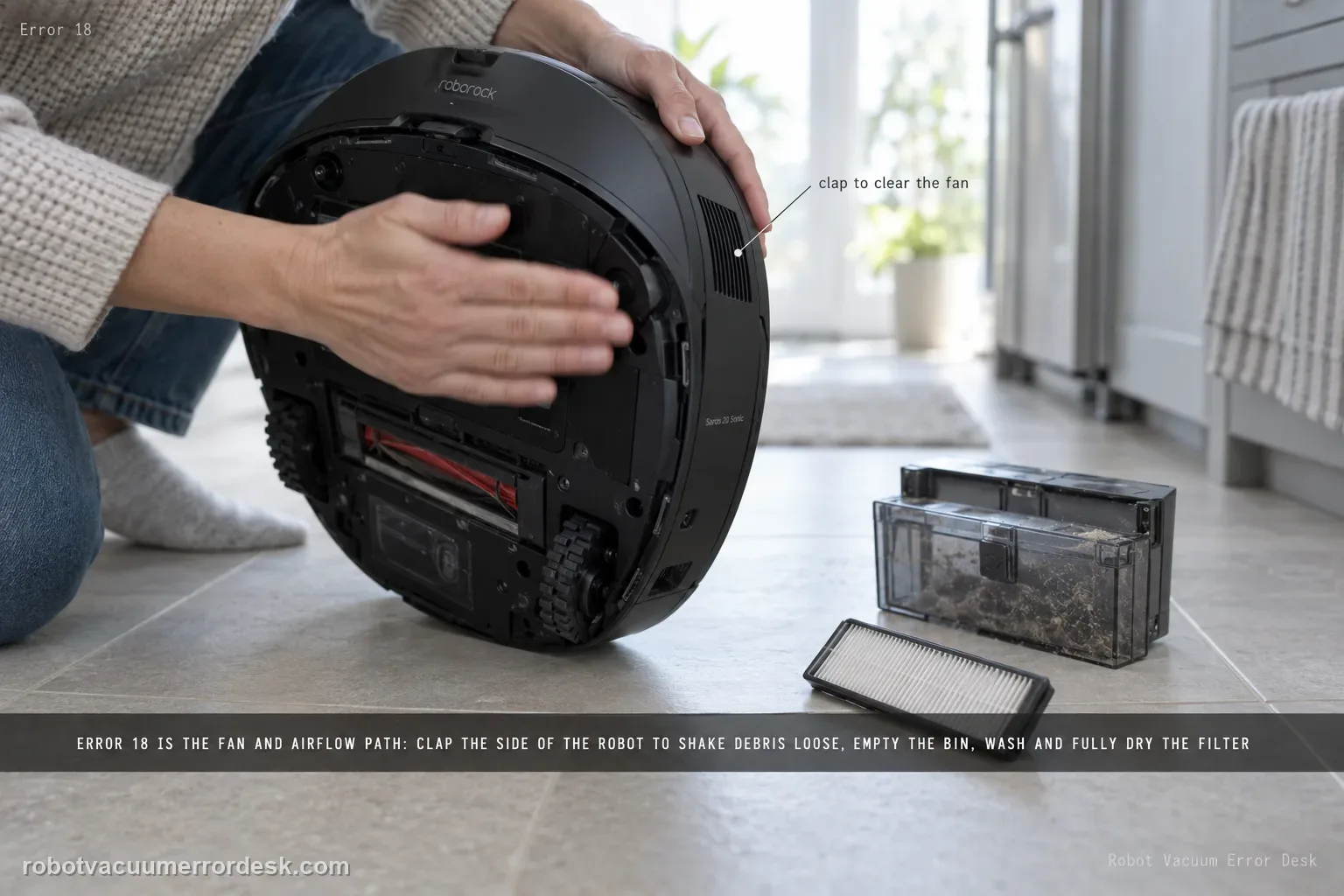
Saros 20 Sonic Error 18 points to the fan/airflow path. The exact model page tells owners to clap the side of the robot several times to try to clear debris from the fan. Roborock’s broader Error 18 support also advises emptying the dustbin, cleaning and fully drying the filter, trying a new filter, and updating firmware. Use those owner-safe airflow checks before assuming the suction motor itself has failed.
Confirm the exact model and exact code, light pattern or symptom.
Run the lowest-risk physical or software check first.
Use each pass condition to decide what the result actually narrows down.
Is this the problem you’re seeing?
- The Saros 20 Sonic reports Error 18.
- Suction stops or the fan does not sound normal.
- The error returns soon after a cleaning task begins.
- You are diagnosing error 18 on a Roborock Saros 20 Sonic and want the exact model support path rather than a generic reset list.
Likely root causes, ranked
Loose debris affecting the fan path
Airflow restriction around the dust path
Persistent fan hardware fault
A fan warning that remains after the dustbin and filter path are clean, dry and correctly seated is stronger evidence of a fan-side fault than repeated filter washing.
What the result narrows down
| What you observe | What it narrows down | Next move |
|---|---|---|
| Error appears with full dustbin/dirty filter | Airflow restriction is plausible | Empty bin and clean/dry filter. |
| Error changes after side taps | Loose debris near fan was likely contributing | Clean airflow path and monitor. |
| Known-good dry filter clears error | Filter restriction was the cause | Replace/maintain filter. |
| Latest firmware and clean airflow path still show Error 18 | Common owner branches are ruled out | Stop before fan disassembly. |
| Fan makes abnormal sound or no suction with persistent Error 18 | Deeper fan fault is possible | Escalate with sound/video and maintenance history. |
Do not factory-reset by default. Use the exact model’s reboot/network-reset procedure only when the manufacturer path calls for it.
Checks to run, in sequence
Confirm the robot is reporting Error 18
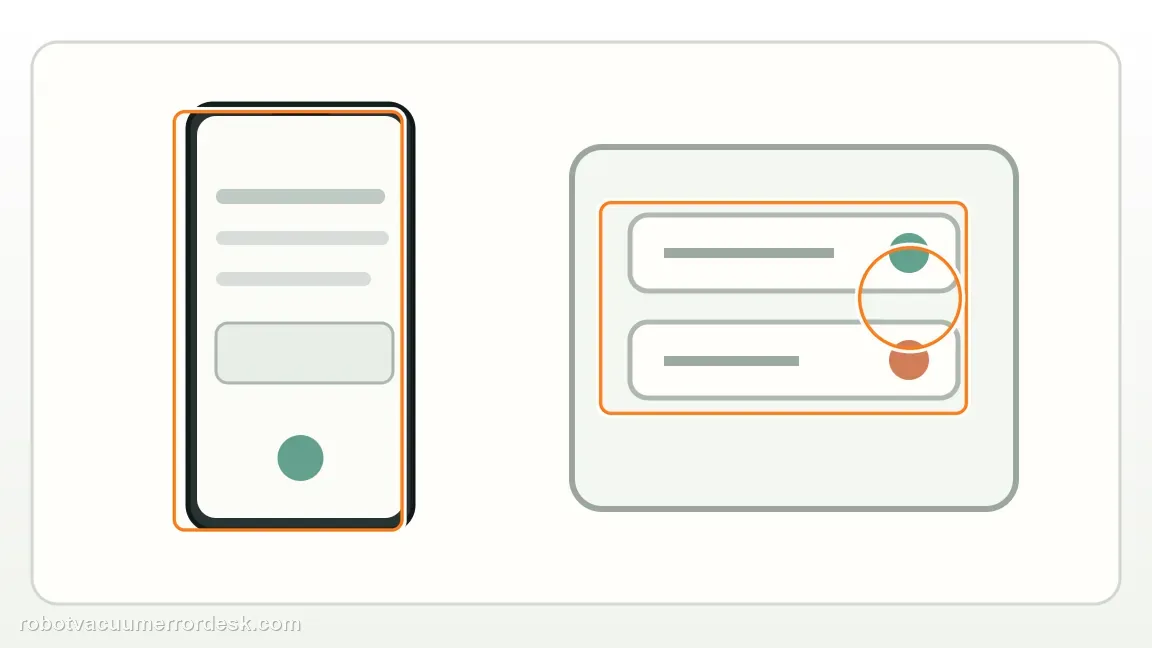
Read the exact alert before changing parts. Saros 20 Sonic Error 18 is the fan branch; Error 10 is the filter blocked/wet branch. The owner-safe paths overlap around airflow, but the displayed code determines which support procedure you are following.
Use the model-specific debris-clearing action once
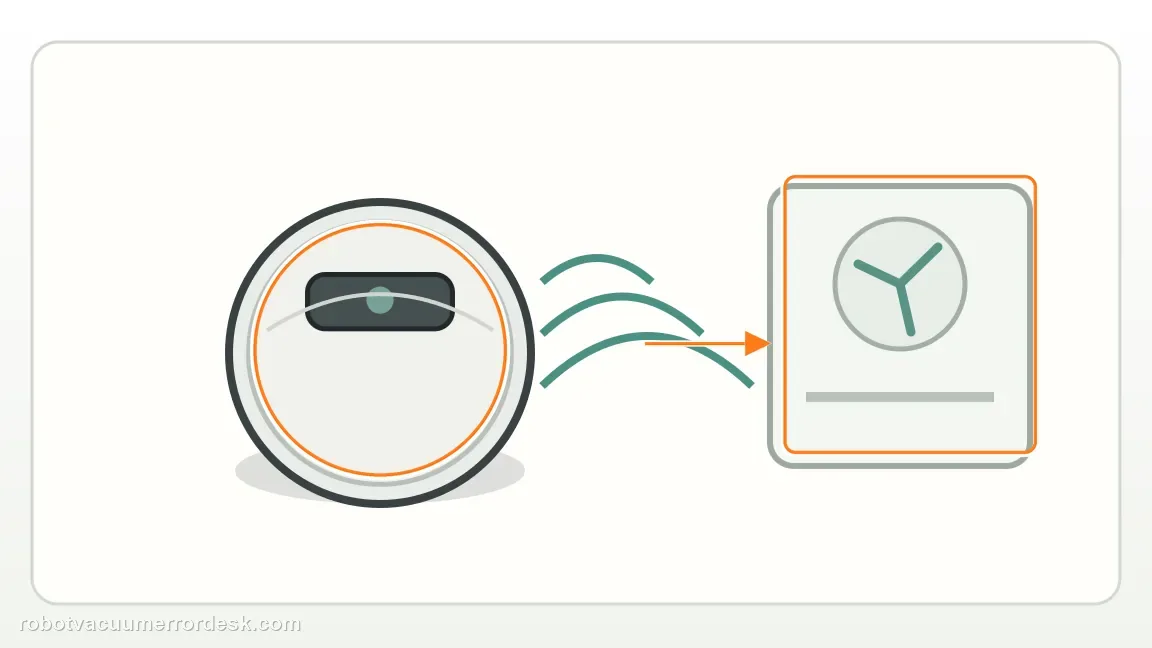
Roborock’s Saros 20 Sonic page says to clap the side of the robot several times to try to clear debris from the fan. Use only a moderate hand action; do not strike hard, insert tools or open the fan housing.
Clear the dustbin/filter airflow load
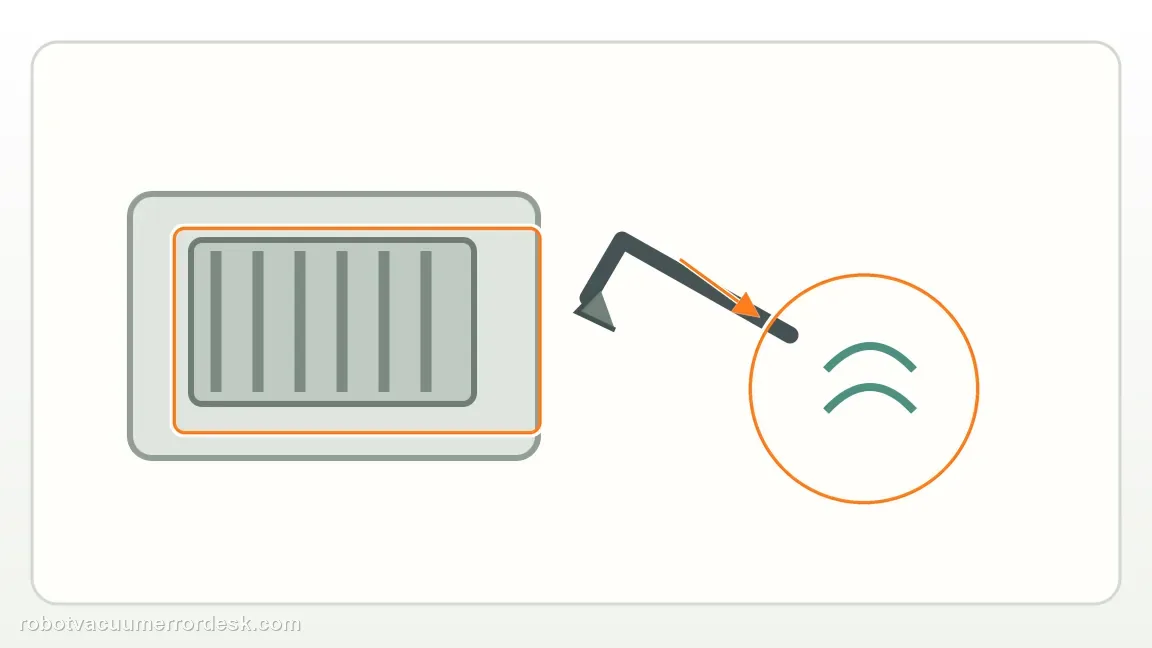
If the error persists, follow Roborock’s broader current Error 18 support: empty the dustbin, clean the filter and let it dry fully outside the robot before reinstalling. A damp or restricted filter can load the fan path.
Compare a brand-new filter and current firmware
Roborock’s broader Error 18 article also tells owners to try a brand-new filter and update the robot to the latest firmware. Change these variables deliberately and keep the robot on stable power/network during any update.
Run one short proof and escalate a prompt repeat
Start a brief vacuum test and note whether suction develops normally before the code. If Error 18 returns promptly after the exact model action plus the broader bin/filter/firmware checks, preserve the sound/video and contact Roborock instead of repeatedly cycling the fan.
Escalate when Error 18 returns after the limited manufacturer debris-clearing action and a clean retest with the dustbin empty and accessible filter path in good condition. Include the alert, suction behavior and any abnormal fan sound. Do not open the fan housing or repeatedly strike the robot in an attempt to force the error away.
Information to have ready for support
Support can skip the basic troubleshooting script when you provide a reproducible case. That keeps the results of your checks from getting lost.
- Exact model name and the error code / voice prompt exactly as shown
- A photo or screenshot of the app error and the time it occurred
- A short list of the checks already completed and what happened after each one
- Firmware/app version if the issue began after a software change
Source and evidence level
Roborock Saros 20 Sonic — Error 18
Roborock’s Saros 20 Sonic troubleshooting page recommends a limited fan-debris clearing action, followed by support if Error 18 persists. This review reconciles Roborock’s Saros-specific fan check with current airflow guidance by proving the bin/filter path first and recording whether the fan behavior changes.
Additional official source: Roborock Support Center — Help & Manuals ↗Additional official source: Roborock Support — Error 18 ↗Last editorial review: September 5, 2026Regional note: manufacturer help centers, model suffixes, mains-power requirements and warranty procedures can differ by country. If the source redirects to a local support site, confirm that the model/hardware scope still matches before following a region-sensitive step.
This guide is rated Official model support. See what each evidence label means →
Common questions
Should I open the fan housing for Error 18?
No. Roborock’s published Saros 20 Sonic owner path for Error 18 uses a limited debris-clearing action and then support if the fault persists. You can also make sure the dustbin and accessible filter path are clean and dry, but opening the fan housing is a different level of repair. Preserve the repeatable fault rather than turning it into an internal disassembly case.
Is this the same as Error 10?
No. Roborock publishes them as separate paths. Error 10 starts with cleaning and thoroughly drying the filter, while Error 18 is a fan-related alert with a debris-clearing action. A dirty or wet filter can still affect airflow, so maintaining it is sensible, but do not assume that clearing Error 10 automatically proves the Error 18 fan path is healthy.
How many times should I repeat the debris-clearing action?
Treat Roborock’s side-tap instruction as one limited owner-level attempt, not something to repeat forcefully until the message disappears. After that, make one clean retest with the dustbin empty and filter path in good condition. If Error 18 returns promptly, record the sound and suction behavior and move to support rather than escalating the force of the tapping.
What does Error 18 mean on a Roborock Saros 20 Sonic?
Error 18 is the fan/airflow branch. The Saros 20 Sonic support page first says to clap the side of the robot several times to try to clear debris from the fan. Roborock’s general Error 18 guidance also supports emptying the dustbin, cleaning and fully drying the filter, trying a new filter and updating firmware before service.
Should I open the fan to fix Saros 20 Sonic Error 18?
No. The owner-level Roborock path does not require fan disassembly. Start with the model-page side-tap step, then clear airflow restrictions by emptying the dustbin and using a clean, fully dry filter. A known-good filter and current firmware are useful discriminators. If Error 18 persists or the fan sounds mechanically abnormal, stop and contact Roborock.
Did this diagnostic narrow the fault?
Use this as an editorial signal, not a popularity counter. If a feedback address is configured you can email the note; otherwise you can copy it for your own support record.