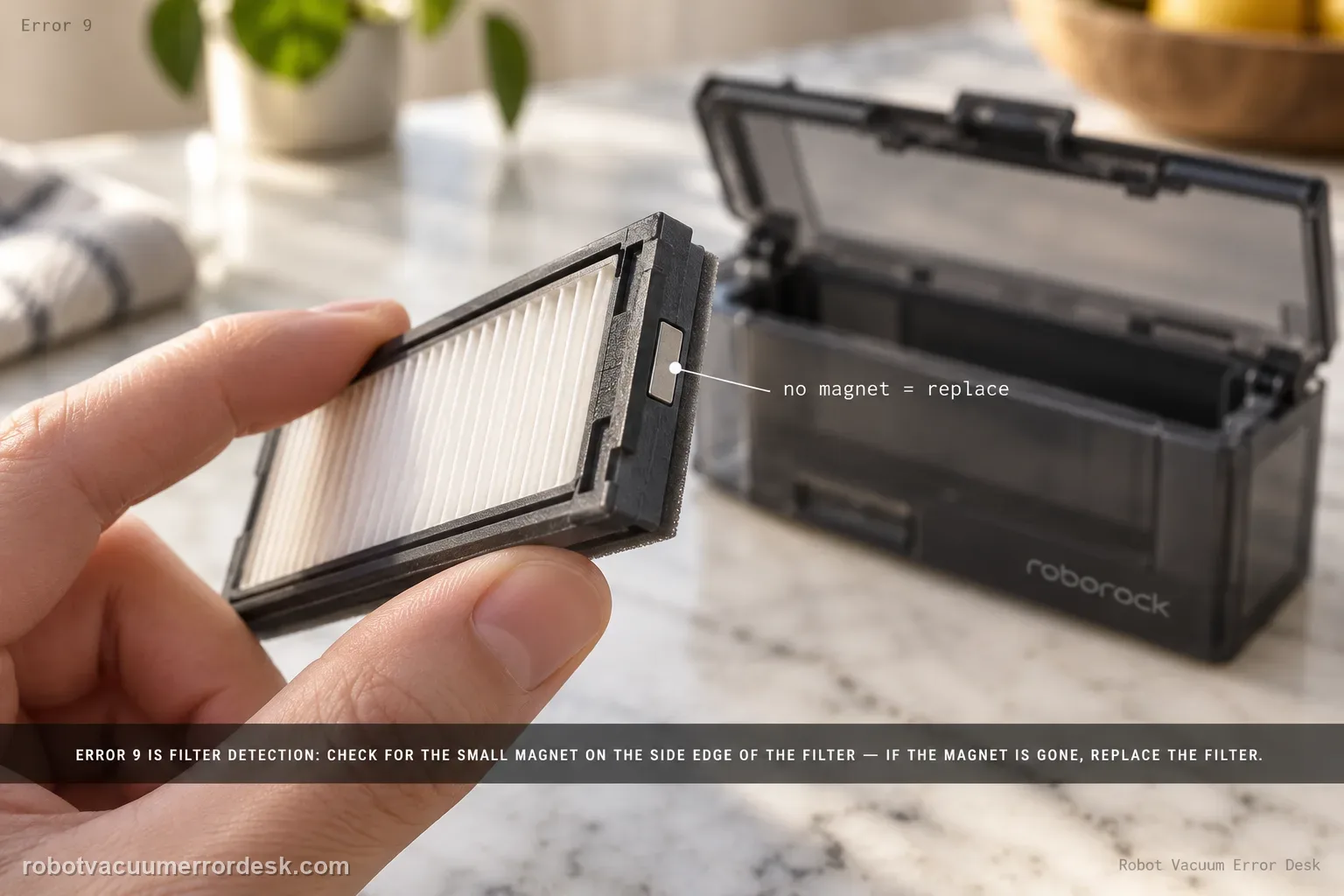
Roborock Error 9 on the Saros 20 Sonic is a filter-detection check. The model support page says to look for the magnet on the side of the filter; if the magnet is missing, replace the filter and try again. First remove and inspect the filter carefully, clean its seating area, and reinstall it correctly. A present magnet plus correct seating but immediate Error 9 points beyond a simple missing-filter-magnet case.
Confirm the exact model and exact code, light pattern or symptom.
Run the lowest-risk physical or software check first.
Use each pass condition to decide what the result actually narrows down.
Is this the problem you’re seeing?
- The Saros 20 Sonic reports Error 9.
- The error appears after filter cleaning, removal or replacement.
- The robot will not continue normally even though the dustbin is installed.
- You are diagnosing error 9 on a Roborock Saros 20 Sonic and want the exact model support path rather than a generic reset list.
Likely root causes, ranked
Filter magnet missing from the installed filter
Incorrect or damaged filter assembly
Persistent filter-detection fault after the correct filter is installed
When the filter-side magnet is missing or displaced, replacing the correct filter is the documented fix path; repeated Error 9 with the magnet present needs a support check rather than improvised magnets.
What the result narrows down
| What you observe | What it narrows down | Next move |
|---|---|---|
| Magnet is missing from filter side | Filter cannot pass the documented detection check | Replace the filter. |
| Magnet is present but filter is loose | Installation may be preventing detection | Reseat filter correctly. |
| Wrong/unknown filter is fitted | Compatibility/detection is unproven | Use a correct Roborock filter. |
| Error clears after filter replacement/reseat | Filter detection was the cause | Resume and monitor. |
| Error persists with intact magnet and correct seating | Simple filter branch is ruled out | Escalate with filter/magnet photos. |
Do not factory-reset by default. Use the exact model’s reboot/network-reset procedure only when the manufacturer path calls for it.
Checks to run, in sequence
Remove the filter and inspect the side magnet
Power the robot down for normal maintenance, remove the filter and physically verify the magnet Roborock references on the filter side. Do not assume a compatible-looking filter has the required detection feature.
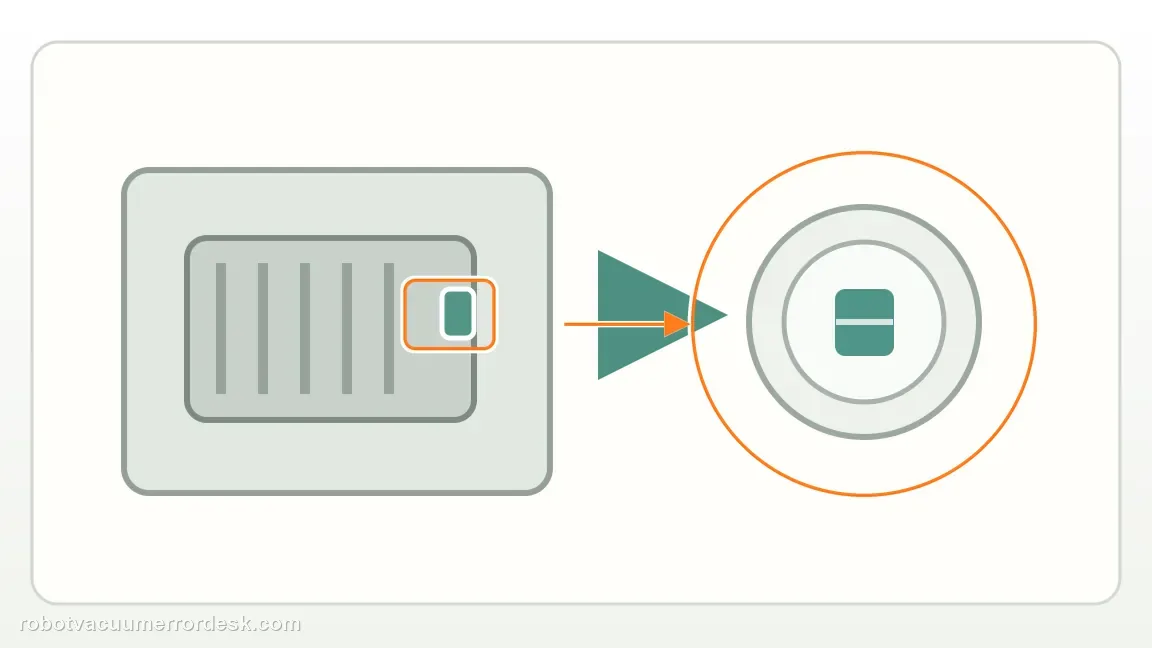
Replace the filter only when the magnet is missing or the filter is damaged
If the magnet is absent, use the correct replacement filter. Do not glue on an improvised magnet; that is not the manufacturer procedure and can create fit/detection problems.
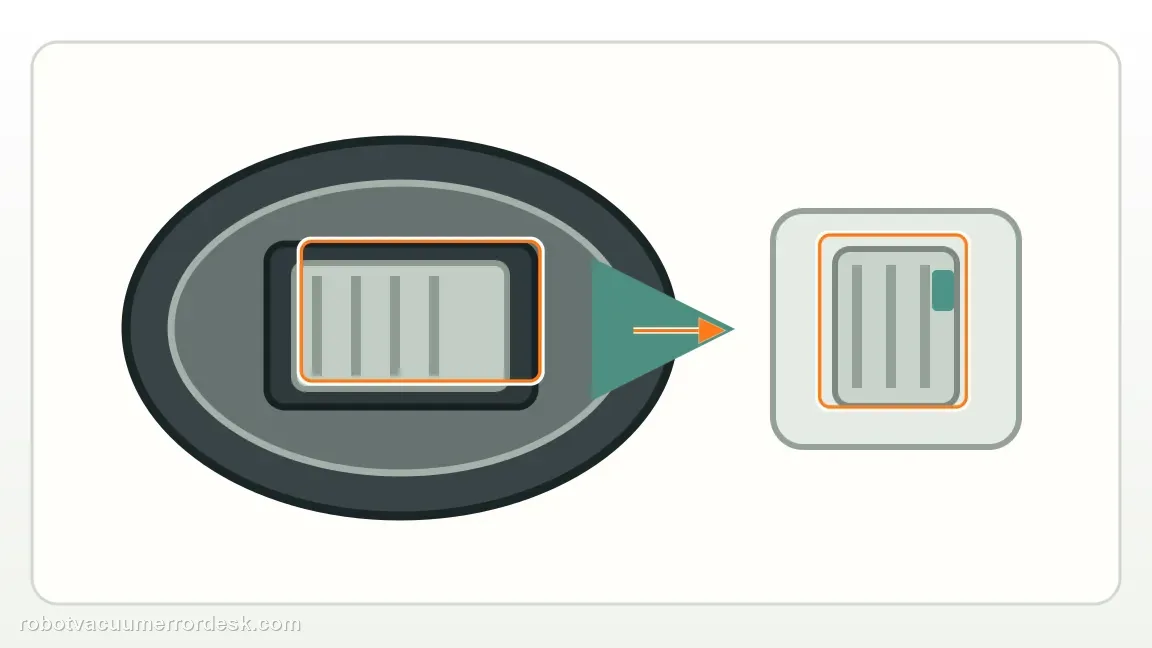
If the magnet is present, clean the seat and reinstall fully
Remove loose debris from the filter seating area and reinstall the correct filter squarely. A present magnet with poor seating is a different state from a missing magnet, so prove installation before buying another filter.
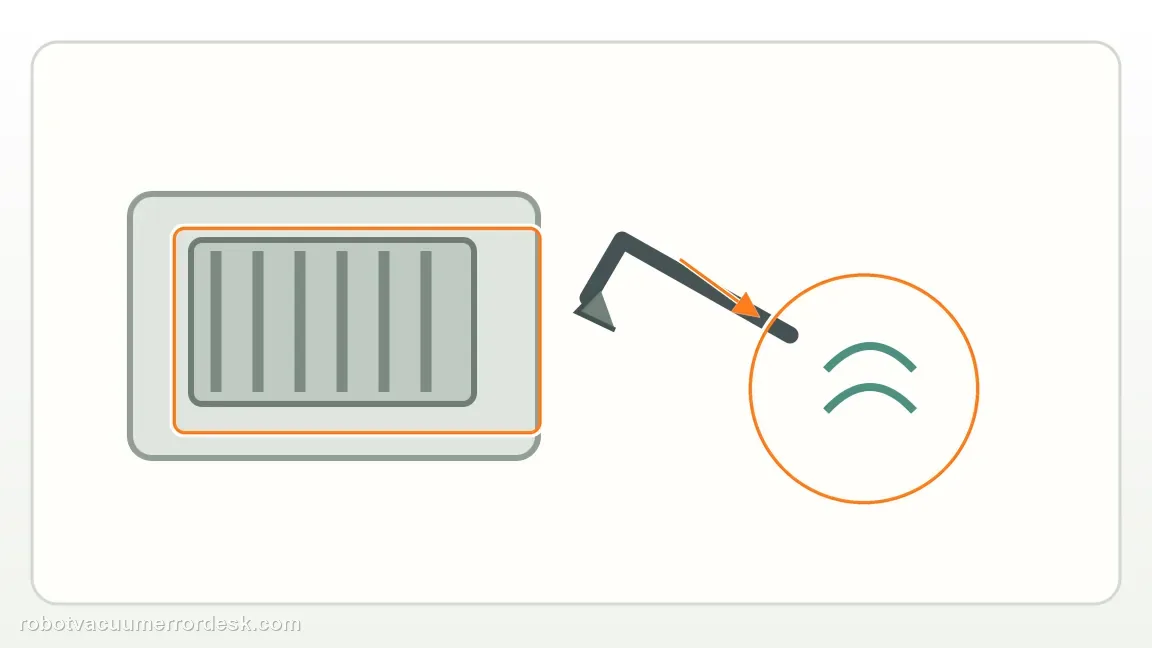
Run one short controlled retry
Start a brief cleaning cycle and note whether Error 9 clears or returns immediately. If a known-correct, fully seated filter with intact magnet passes, the detection path is restored.
Escalate an immediate repeat with an intact magnet
If Error 9 returns with the correct filter installed and magnet visibly present, photograph the filter/magnet and alert for support. Do not add loose magnets or open the robot to chase an undocumented sensor fault.
Escalate when Error 9 persists with the correct filter fully seated and its original side magnet visibly intact. Send clear photos of the filter, magnet and installed position. Do not glue on an improvised magnet or alter the filter-detection area; the useful owner-level evidence is that the documented magnet and seating checks already pass.
Information to have ready for support
Support can skip the basic troubleshooting script when you provide a reproducible case. That keeps the results of your checks from getting lost.
- Exact model name and the error code / voice prompt exactly as shown
- A photo or screenshot of the app error and the time it occurred
- A short list of the checks already completed and what happened after each one
- Firmware/app version if the issue began after a software change
Source and evidence level
Roborock Saros 20 Sonic — Error 9
Roborock’s exact-model troubleshooting page says to check for the magnet on the side of the filter and replace the filter if the magnet is missing. This review keeps Error 9 tied to the filter magnet that the Saros 20 Sonic uses for detection, avoiding unsafe magnet substitutions or unrelated airflow troubleshooting.
Additional official source: Roborock Support Center — Help & Manuals ↗Last editorial review: September 5, 2026Regional note: manufacturer help centers, model suffixes, mains-power requirements and warranty procedures can differ by country. If the source redirects to a local support site, confirm that the model/hardware scope still matches before following a region-sensitive step.
This guide is rated Official model support. See what each evidence label means →
Common questions
Does Error 9 mean the filter is dirty?
Not on Roborock’s exact Saros 20 Sonic path. Error 9 points first to the magnet on the side of the filter, so inspect that physical feature before treating the message as a generic clogged-filter warning. If the magnet is missing, replace the filter. If it is present, clean the seat, reinstall the correct filter fully and run one controlled retry.
Can I add my own magnet?
No. An improvised magnet is not Roborock’s repair procedure and can create a new fit or detection problem. Use the correct filter assembly with its original magnet intact. If the proper filter is seated correctly and Error 9 still returns, photograph the magnet and installed filter and contact Roborock instead of modifying the detection feature yourself.
If the magnet is present, should I still replace the filter immediately?
Not necessarily. Roborock’s specific replacement trigger in this path is a missing magnet. When the magnet is intact, first check that the filter is the correct part, the seat is clean and the assembly is fully installed. One short retry after reseating tells you more than replacing a visibly intact filter before installation has been ruled out.
Why does my Roborock Saros 20 Sonic show Error 9?
Roborock Error 9 on this model is tied to filter detection. Remove the filter and look for the magnet on its side. If the magnet is missing, Roborock says to replace the filter and try again. If the magnet is present, reinstall the correct filter carefully. An immediate Error 9 with an intact magnet and proper seating should be documented for support.
Can I keep using a Saros 20 Sonic filter if its magnet is missing?
Roborock’s Error 9 instruction says to replace the filter when the side magnet is missing. The magnet is part of the detection path, so a filter can look physically clean yet still trigger the error. Use the correct replacement rather than improvising a magnet attachment. If a proper filter with an intact magnet still gives Error 9, contact support.
Did this diagnostic narrow the fault?
Use this as an editorial signal, not a popularity counter. If a feedback address is configured you can email the note; otherwise you can copy it for your own support record.