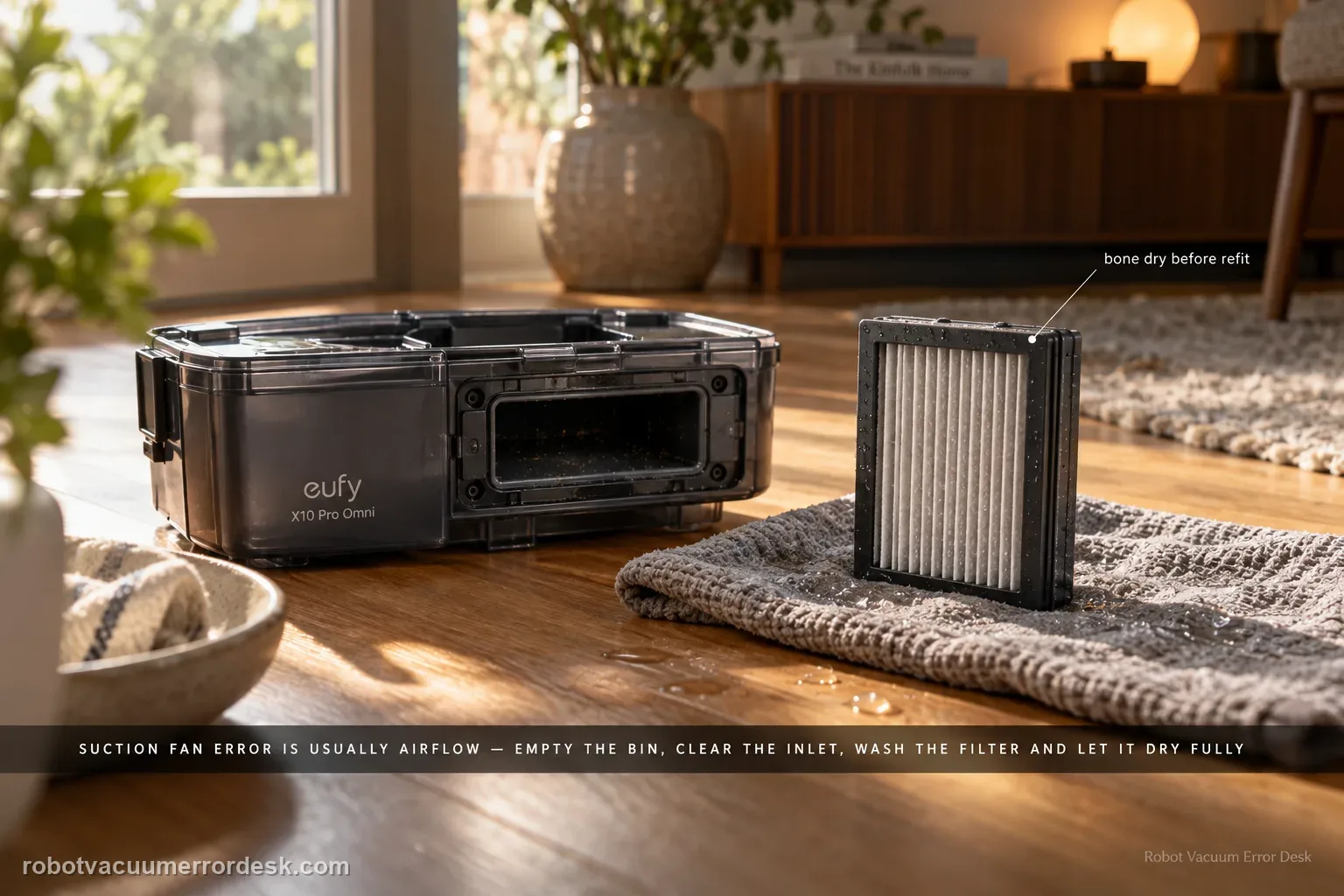
For an X10 Pro Omni suction fan error, prove the airflow path is open before assuming the fan motor has failed. Empty the dustbin, clear the bin inlet, clean the filter, and if the filter is washed with cold water let it dry completely before reinstalling it. Then run one short suction test; an immediate repeat with a clean, dry airflow path is the point to escalate.
Confirm the exact model and exact code, light pattern or symptom.
Run the lowest-risk physical or software check first.
Use each pass condition to decide what the result actually narrows down.
Is this the problem you’re seeing?
- The app/voice prompt reports suction fan error.
- Suction is weak or absent.
- The dustbin is full or the filter has a heavy dust layer.
- A useful discriminator is observed: dustbin is full or inlet is packed.
- A useful discriminator is observed: filter is visibly dust-loaded.
Likely root causes, ranked
Dustbin packed full or its inlet obstructed
Filter severely dust-loaded or reinstalled damp after washing
Airflow path still restricted after bin/filter service
A true suction-fan hardware fault when the exact fan-error prompt persists with a clean, dry airflow path
What the result narrows down
| What you observe | What it narrows down | Next move |
|---|---|---|
| Dustbin is full or inlet is packed | The fan is being asked to work through a restricted intake. | Empty the bin completely and remove compacted debris from the inlet before judging the fan. |
| Filter is visibly dust-loaded | Airflow restriction remains even if the bin looks clean. | Clean the filter; if washed with cold water, allow it to dry completely before reinstalling. |
| Error appears with a damp filter | Moisture is an invalid test condition and can further restrict airflow. | Remove the filter and let it dry fully; do not run the suction system with a wet filter. |
| Clean dry bin/filter path restores normal suction | The symptom was airflow restriction rather than proven fan hardware failure. | Resume normal use and maintain the filter/bin before they become heavily loaded. |
| Fan error repeats immediately with open clean dry airflow path | eufy’s owner maintenance branch is exhausted and the separate voice-alert table describes fan failure as a support case. | Capture the prompt and contact eufy instead of repeatedly restarting a stalled fan. |
Do not factory-reset by default. Use the exact model’s reboot/network-reset procedure only when the manufacturer path calls for it.
Checks to run, in sequence
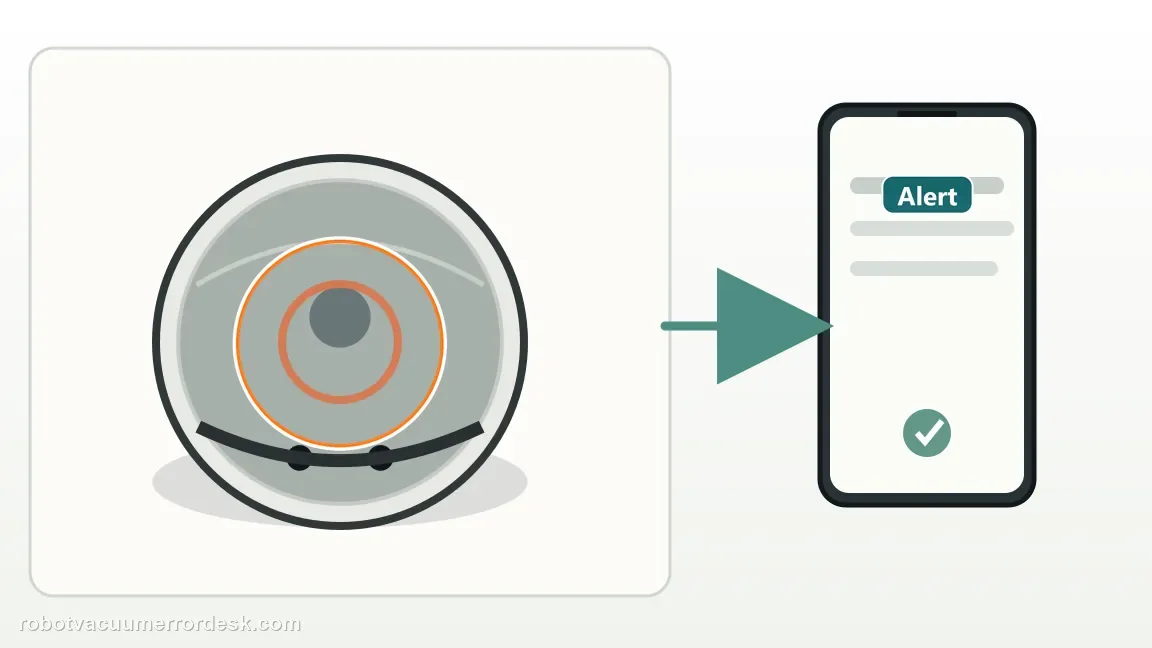
Record whether this is the exact suction-fan error or only weak pickup
Capture the app or voice wording before cleaning. eufy’s X10 alert table treats “Error: Suction fan error” as a fan-failure state, while ordinary weak pickup has a separate maintenance path. This distinction matters: a robot that merely leaves crumbs behind should not be escalated as a fan failure, and an explicit fan error that instantly returns after airflow checks should not be buried under endless cleaning steps.
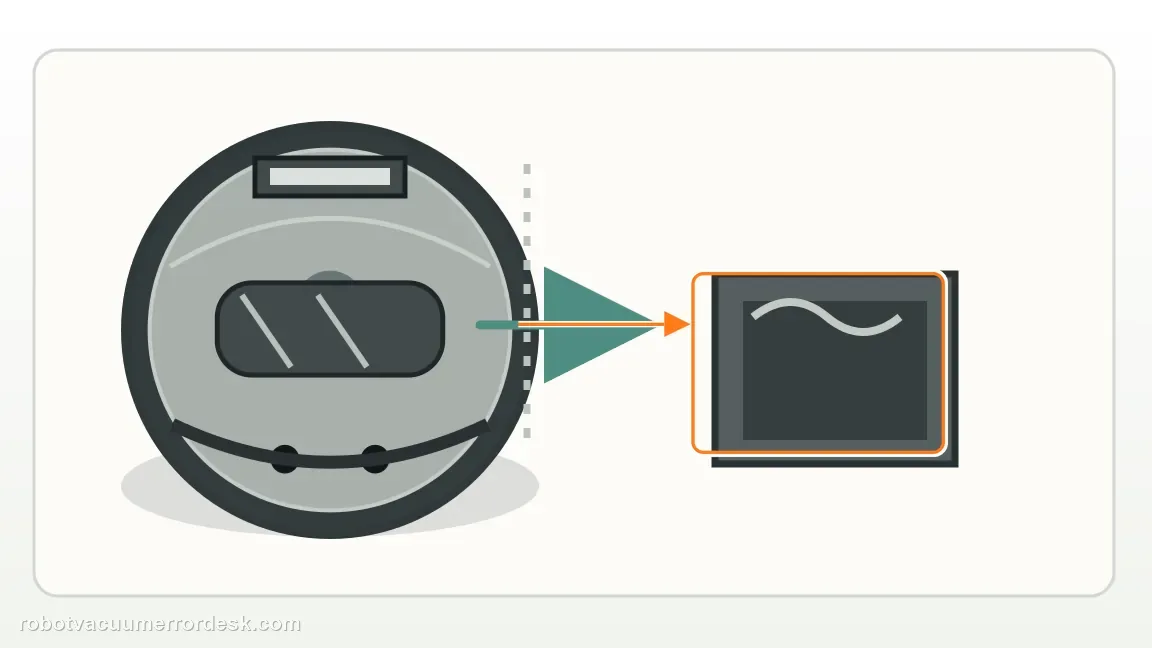
Empty the dustbin completely and clear its inlet
Remove the dustbin, empty it fully and inspect the inlet/opening for compacted hair or debris. eufy puts the bin first because a packed bin can sharply restrict airflow and can coexist with an alarming fan message. Wipe accessible dust from the bin without pushing tools deep into the robot. Reinstall only after the inlet and bin cavity are visibly open.
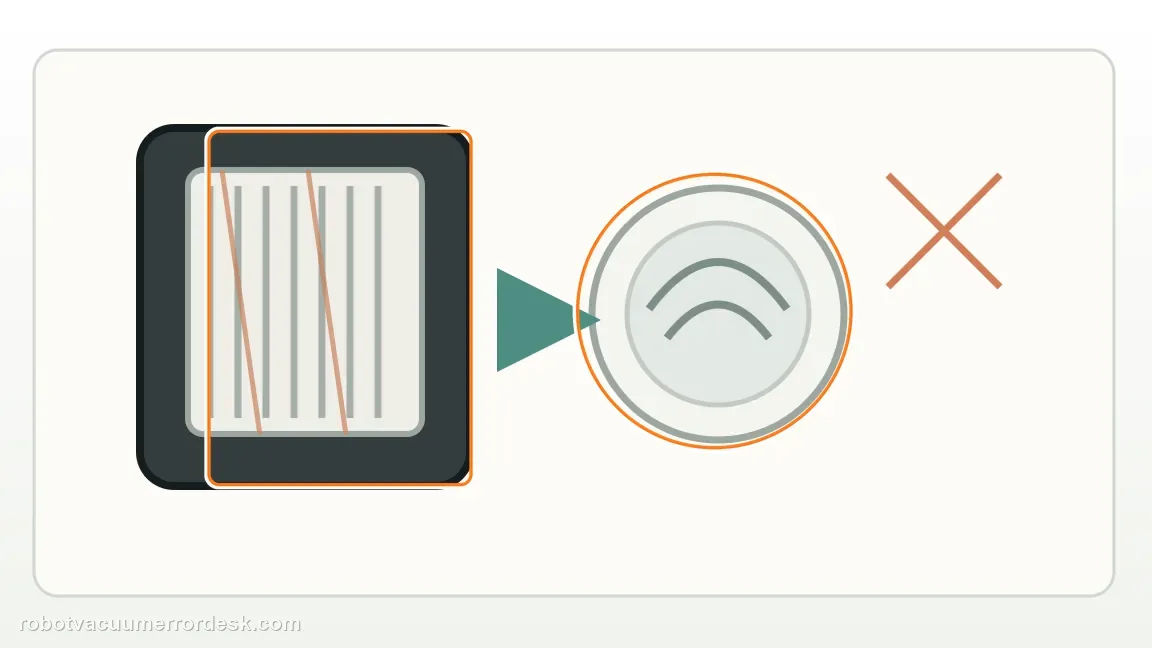
Inspect the filter for severe restriction
Remove the filter and look for a dense dust layer that blocks airflow. Tap off loose dust as appropriate and inspect the seating surfaces. The goal is to restore a clear air path, not to run the robot without a filter. If the filter is damaged, deformed or will not seat correctly, replace that consumable rather than bypassing it; eufy’s alert table also warns that an incorrectly installed filter can allow dust into the fan.
If you wash the filter, let it dry completely before any fan test
The X10 manual permits rinsing the filter, but it must air-dry completely before reinstallation. Do not shorten this by putting a damp filter back in for a “quick test,” because moisture changes airflow and can expose the fan to water. If you need an immediate diagnostic, use a known-clean, fully dry compatible filter rather than the wet one.
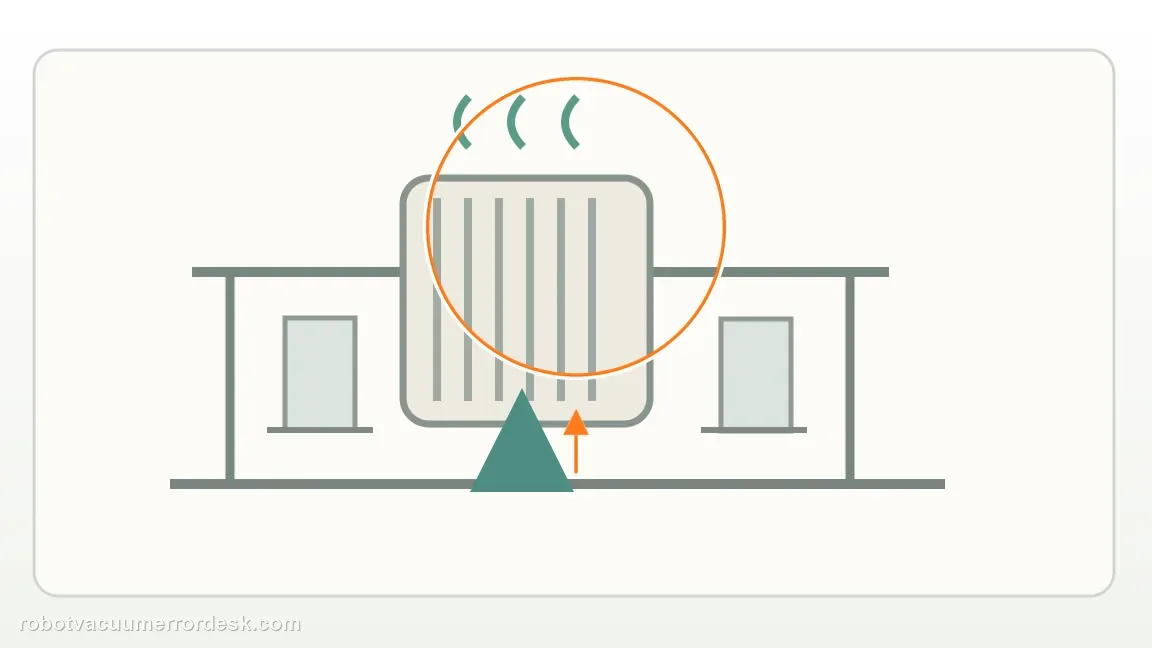
Reassemble and run one short controlled suction test
With the dry filter and empty bin installed, place the robot on open hard flooring and start one short vacuum run. Listen for normal fan spin-up and watch whether the same exact fan error appears immediately. One clean controlled retest is enough; repeatedly restarting a persistent hardware alert adds no diagnostic value after the airflow path is proven open.
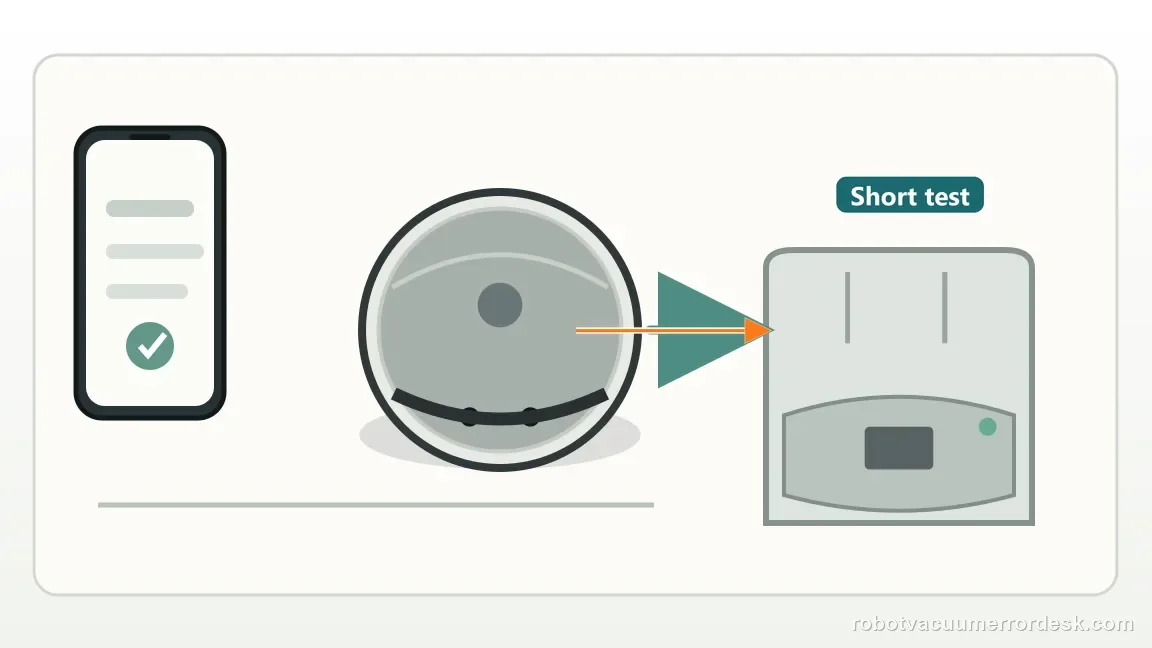
Escalate a repeat exact fan error instead of treating it as weak-suction maintenance
If the exact suction-fan error repeats with an empty bin, clear inlet and clean dry filter, follow eufy’s alert-table boundary and contact support. Send the exact prompt, a photo of the serviced bin/filter and a short video or app screenshot from the controlled retest. Do not open the fan housing or run the robot with the filter removed. For a robot that has no fan-error prompt but simply cleans poorly, switch to the separate weak-suction guide because that branch includes suction settings, BoostIQ, brushes and wear items.
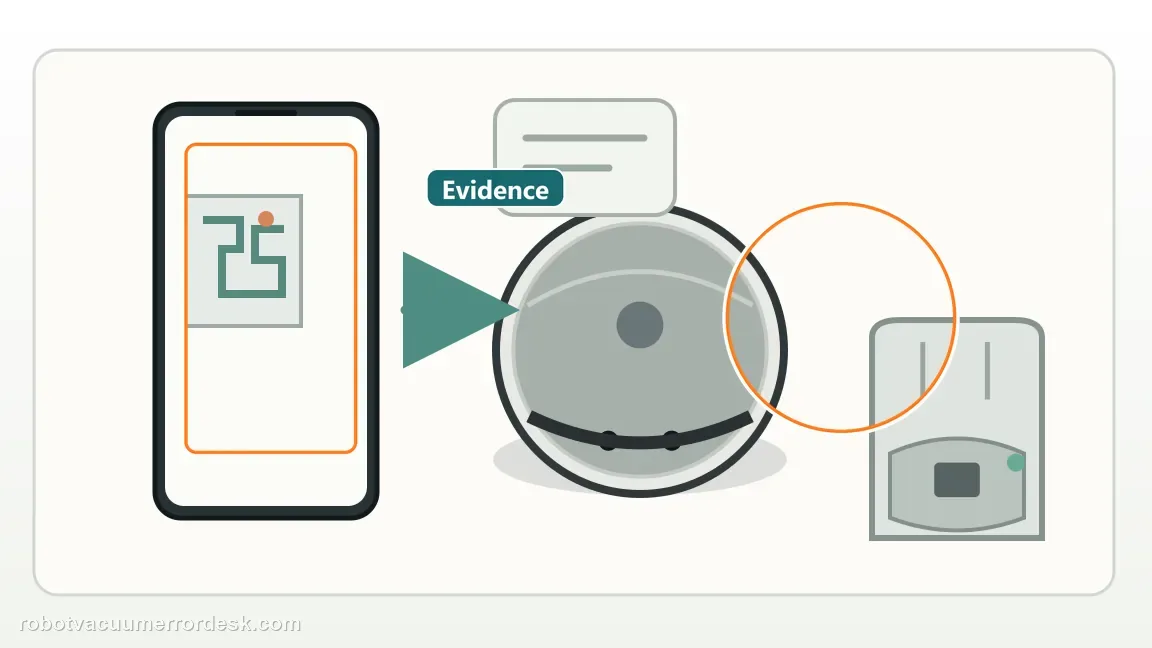
If the explicit suction-fan error repeats with an empty clean bin, open accessible inlet and completely dry clean filter, contact eufy. Save the voice/app message and the result of one hard-floor retest. Do not keep cycling a fan that immediately faults, and do not open the suction motor housing. If there is no fan error and pickup is merely weak, move to the separate weak-suction performance guide instead.
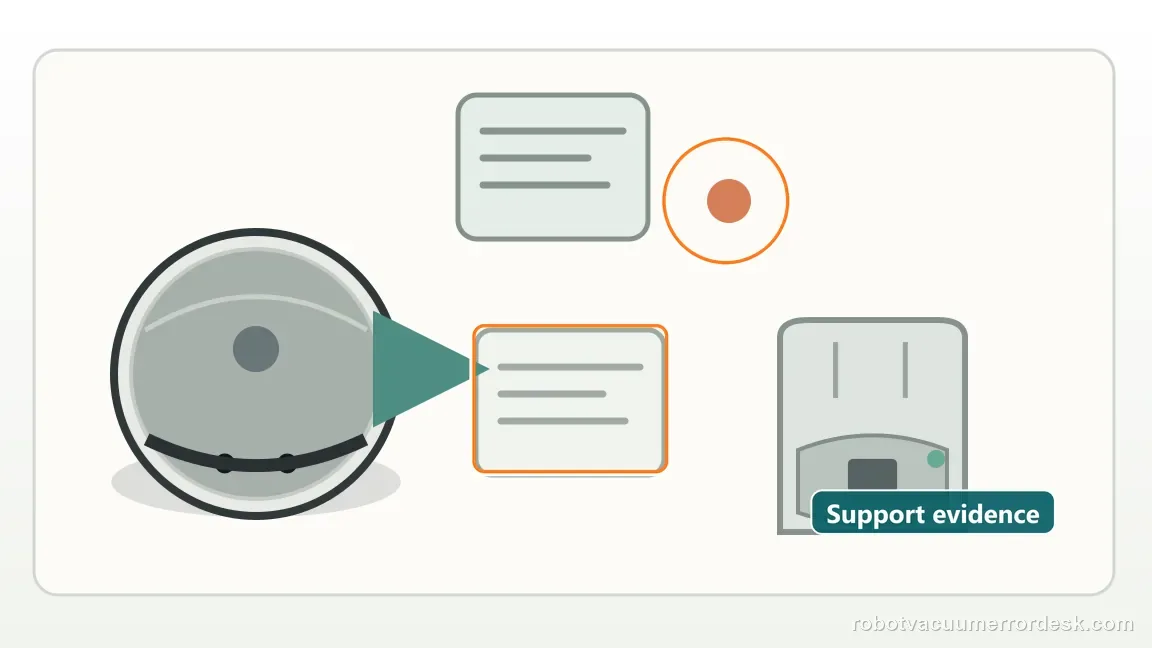
Information to have ready for support
Support can skip the basic troubleshooting script when you provide a reproducible case. That keeps the results of your checks from getting lost.
- Exact model name and the error code / voice prompt exactly as shown
- A photo or screenshot of the app error and the time it occurred
- A short list of the checks already completed and what happened after each one
- Device information / activity-log details from eufy Clean when the issue is mapping or routing related
Source and evidence level
eufy X10 Pro Omni suction fan support
eufy’s exact X10 Pro Omni suction-fan article starts with the dustbin and filter because an airflow restriction can mimic or contribute to the symptom. The X10 manual confirms that the filter may be rinsed but must be fully air-dried before reinstalling it. The model-specific voice-alert table provides the hardware boundary: an explicit “suction fan error” is treated as fan failure/customer-service territory once the owner-safe airflow checks are complete. This guide therefore does not turn a persistent hardware prompt into an endless maintenance loop.
Additional official source: eufy — X10 Pro Omni T2351 English manual ↗Additional official source: eufy X10 Pro Omni — voice alerts and quick solutions ↗Last editorial review: September 5, 2026Regional note: manufacturer help centers, model suffixes, mains-power requirements and warranty procedures can differ by country. If the source redirects to a local support site, confirm that the model/hardware scope still matches before following a region-sensitive step.
This guide is rated Official model support. See what each evidence label means →
Common questions
What should I check first for an eufy X10 Pro Omni suction fan error?
Start with the airflow path: empty and clean the dustbin, inspect the inlet, and check the filter for heavy dust. eufy’s exact X10 support begins with the bin and filter before treating the fan as failed. If you wash the filter with cold water, let it dry completely before reinstalling it. Then run one short test; an immediate repeat with clean dry airflow is the escalation point.
Can I wash the X10 Pro Omni filter after a suction fan error?
eufy says a clogged X10 filter can be washed with cold water, but it must dry completely before being put back into the robot. Reinstalling a damp filter creates a restricted and moisture-laden airflow path, so it is not a valid fan test. If you need the robot sooner, use a clean dry compatible filter rather than operating with the just-washed one.
Is weak suction the same as the X10 suction fan error?
No. Weak pickup without an explicit fan error has a broader performance path: filter age/blockage, dustbin condition, suction setting, BoostIQ on carpet and roller cleanliness. The suction-fan error is a specific fault prompt. First clear the bin/filter airflow path; if the explicit fan error still returns immediately, eufy’s voice-alert guidance treats that as a fan failure/support branch rather than ordinary cleaning optimization.
Should I keep restarting the X10 if the suction fan error returns?
No. One controlled retest after the bin, inlet and filter are clean and the filter is fully dry is enough to learn whether restriction caused the fault. If the fan error returns immediately, repeated stalled-fan starts add little diagnostic value. Save the exact voice/app prompt and contact eufy. Do not open the fan housing, lubricate it or run the robot without its intended filtration.
When should I contact eufy about an X10 Pro Omni fan error?
Contact eufy when the dustbin is empty, the inlet is unobstructed, the filter is clean and completely dry, and the explicit suction-fan error still repeats on a short hard-floor test. The manufacturer’s owner procedure does not continue into fan disassembly. Include the exact prompt and note that airflow maintenance was completed so support can distinguish a persistent fan fault from a clogged-bin/filter condition.
Did this diagnostic narrow the fault?
Use this as an editorial signal, not a popularity counter. If a feedback address is configured you can email the note; otherwise you can copy it for your own support record.