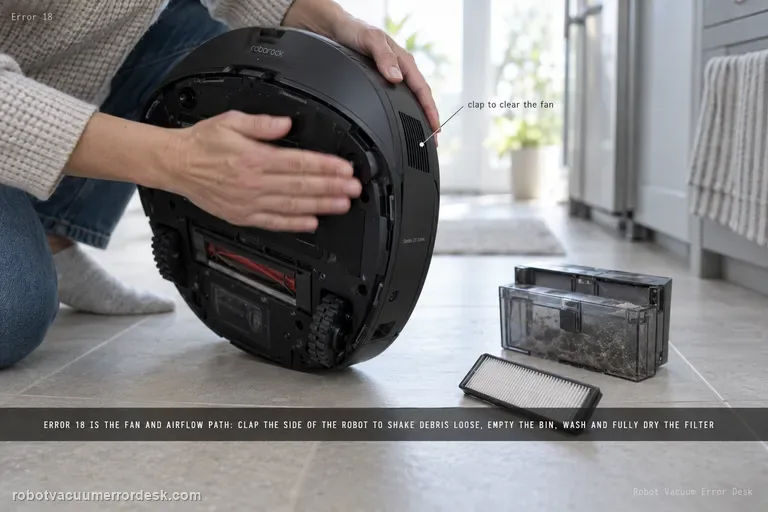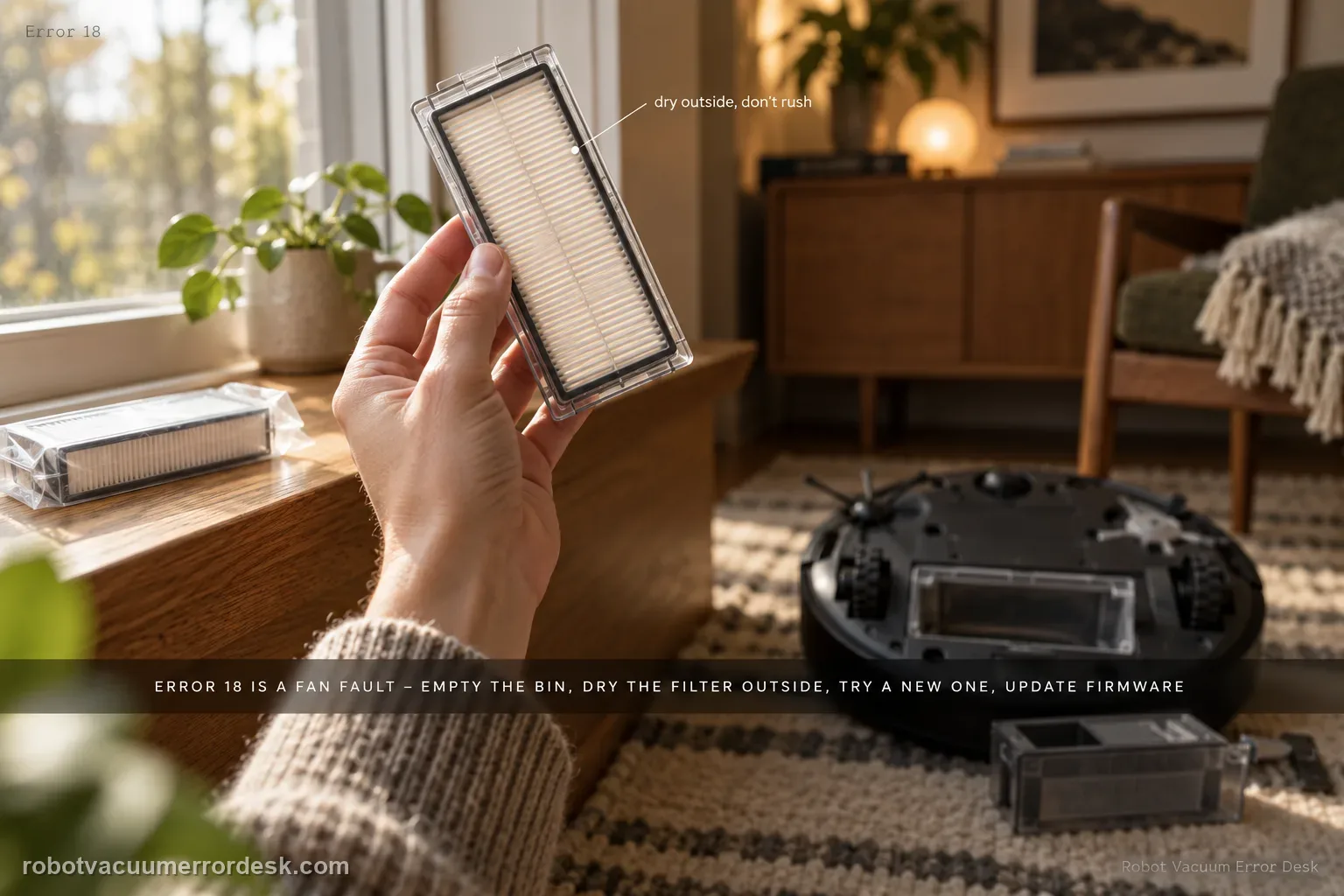
S8 Error 18 is Roborock’s fan-error path. The official S8/S8+ support sequence is to empty the dustbin, clean the filter and dry it outside, replace it with a brand-new filter if necessary, and update the robot to the latest firmware. That sequence deliberately rules out airflow load before you conclude the fan itself has failed. Run only a short proof test after those checks; if Error 18 promptly returns or the fan sounds stalled, stop cycling the robot and escalate.
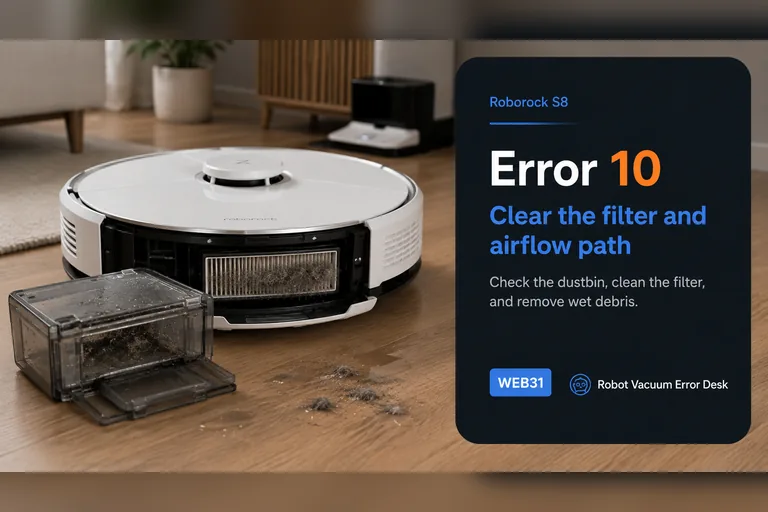
This guide covers Roborock S8 Error 18, which Roborock identifies as a vacuum fan error. Keep it separate from Error 10 filter alerts and follow the S8-relevant official steps before assuming an internal fan failure.
Follow the documented Error 18 sequence before escalating
| Observation | What it separates | Next action |
|---|---|---|
| Error 18 appears | Roborock labels it a vacuum fan error | Verify the full code and exact S8 model |
| Bin is full or filter is dirty | The documented owner checks remain | Empty bin and clean, fully dry filter |
| Error remains after filter care | Replacement and firmware are next | Try a brand-new filter and current firmware |
| Error repeats after those steps | The published owner checks are exhausted | Stop and contact Roborock support |
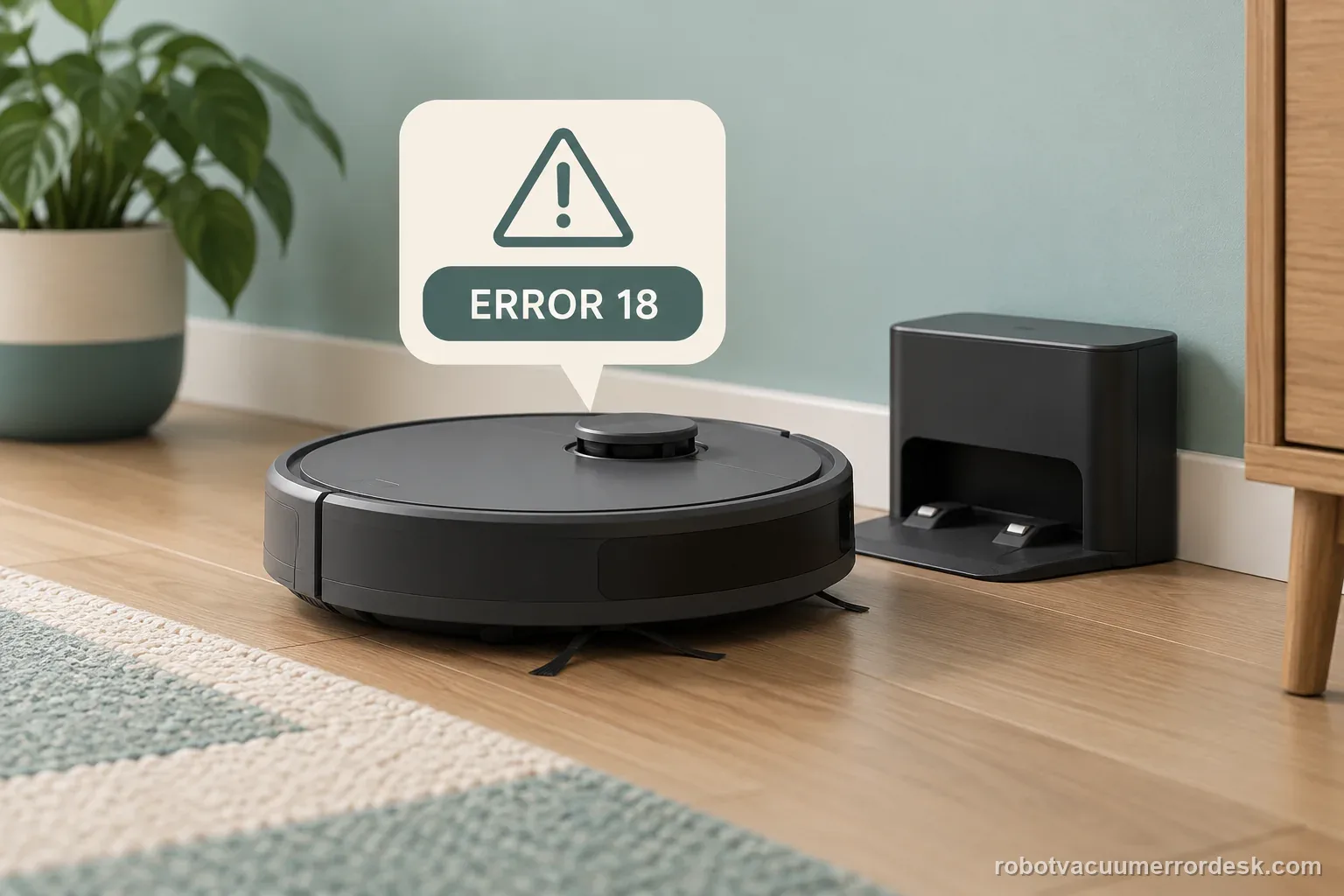
Confirm the exact model and exact code, light pattern or symptom.
Run the lowest-risk physical or software check first.
Use each pass condition to decide what the result actually narrows down.
Does this match your problem?
- The S8 reports Error 18.
- Suction stops, pulses or sounds abnormal.
- The code remains after ordinary bin emptying or appears together with weak airflow.
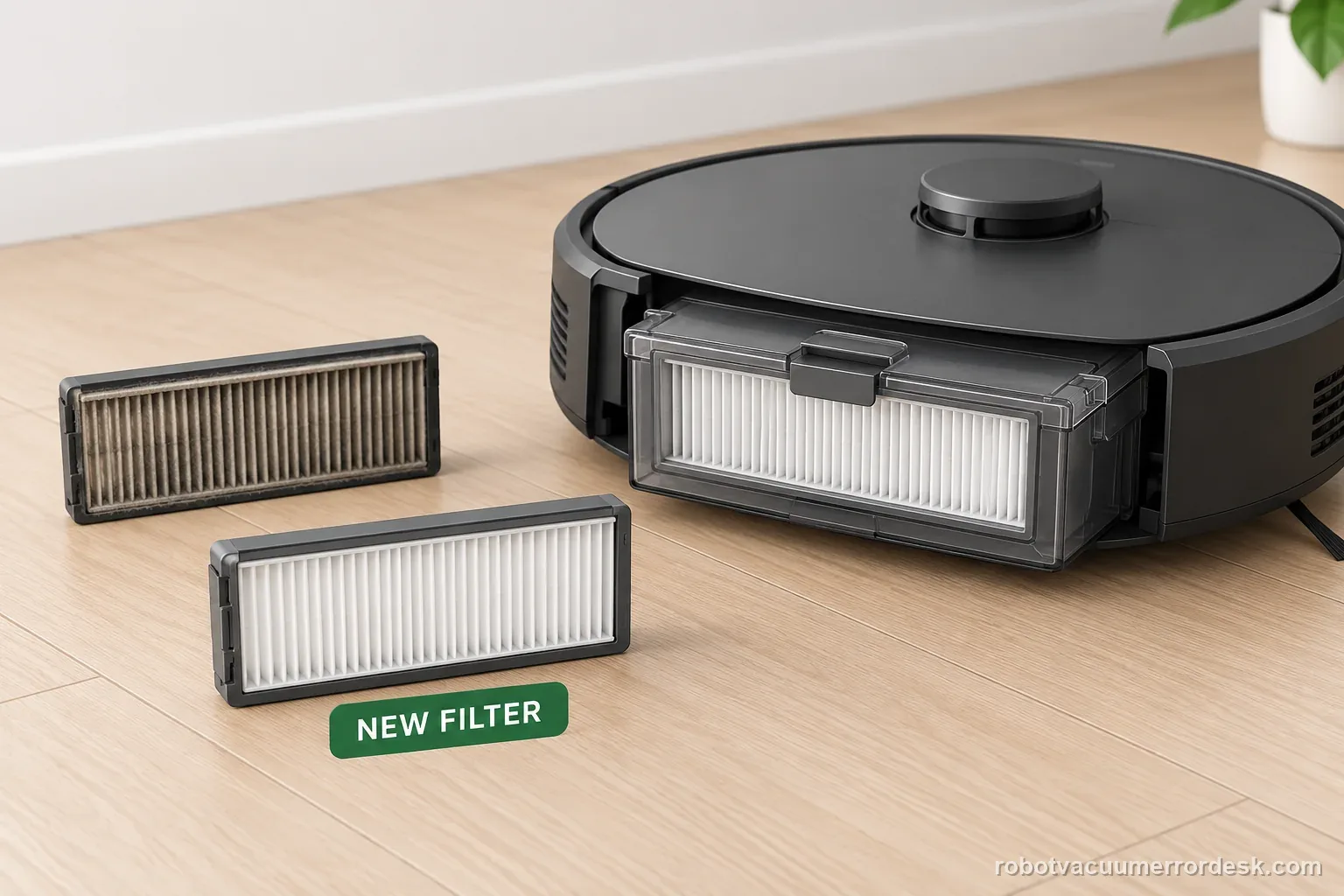
Most likely causes
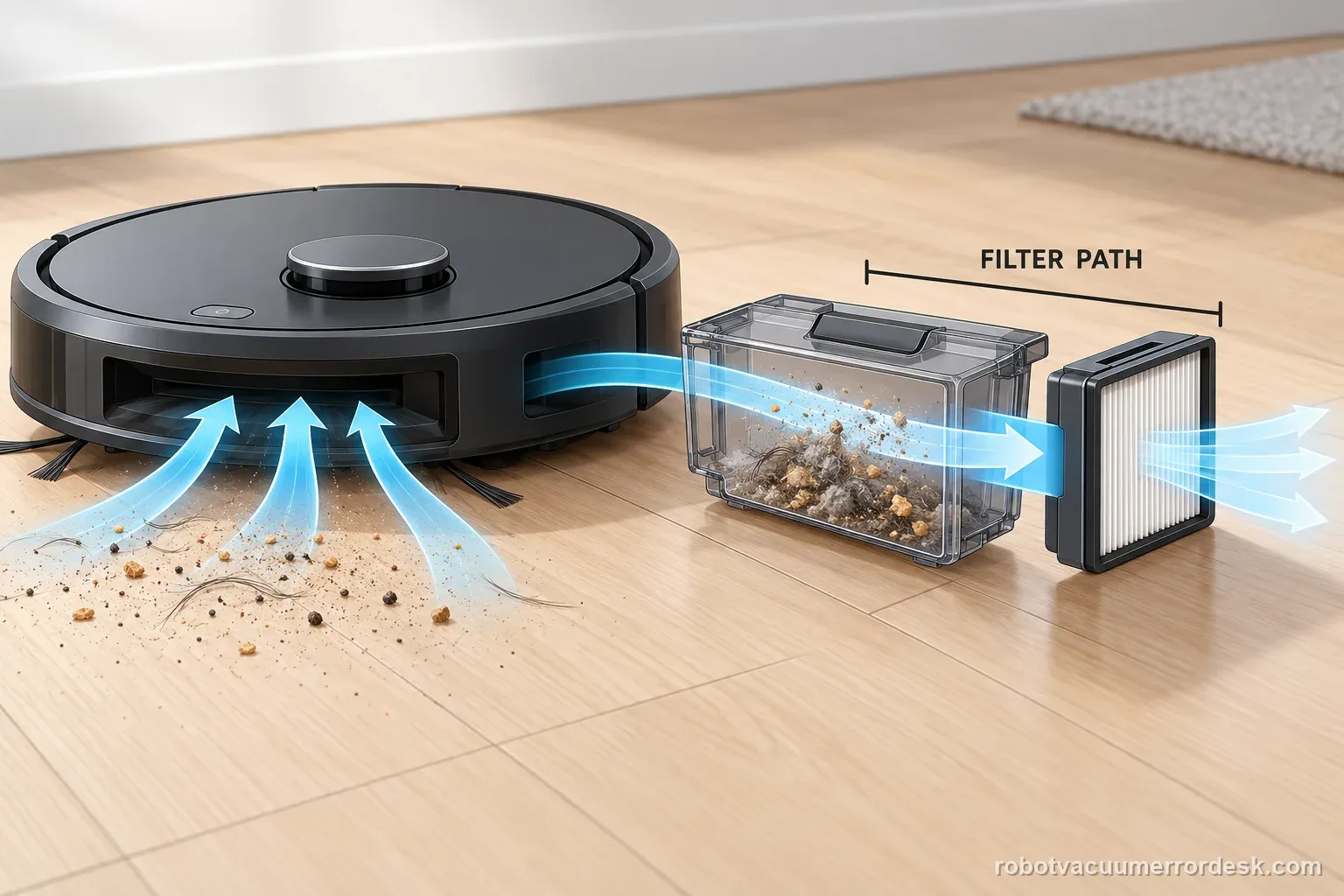
Dustbin or filter restriction loading the suction fan
Filter has high resistance even after surface cleaning
Firmware/control issue addressed by a current robot update
Debris in an owner-accessible airflow path
Fan motor, driver or internal airflow fault after filter and firmware tests are exhausted
What your test result means
| What you observe | What it narrows down | Next move |
|---|---|---|
| Error 18 clears after emptying bin/cleaning filter | Airflow load was the likely trigger. | Resume use and keep the filter/bin maintenance interval under review. |
| Original clean filter fails but brand-new filter passes | The old filter had excessive resistance despite appearance. | Keep the known-good filter and replace the old one. |
| New filter passes but error returns after firmware state changes | Control/firmware context matters. | Verify the current exact-model firmware and document the version. |
| Fan sounds stalled or no suction develops | An internal fan-path fault is more plausible than routine dust loading. | Stop repeated starts and contact Roborock. |
| New dry filter + current firmware still give Error 18 | Manufacturer owner-level sequence is exhausted. | Escalate with filter, firmware and sound/video evidence. |
Two S8 Error 18 outcomes that change the next step
A dirty filter clears after cleaning and drying
The S8 displays Error 18, the dustbin is full, and the removable filter is dirty. Empty the bin, clean the filter, and let it dry outside the robot before reinstalling it. Run a short normal test only after it is fully dry. Record whether the exact alert returns; a single clear does not establish why it first appeared.
Error 18 repeats with a new filter and current firmware
The bin is empty, a brand-new filter has been fitted, and the robot is on current firmware, yet the same error returns. Roborock’s support guidance is now the next step. Provide the S8 variant, code screenshot, and the completed checks. Do not open the fan housing based on a general online repair video.
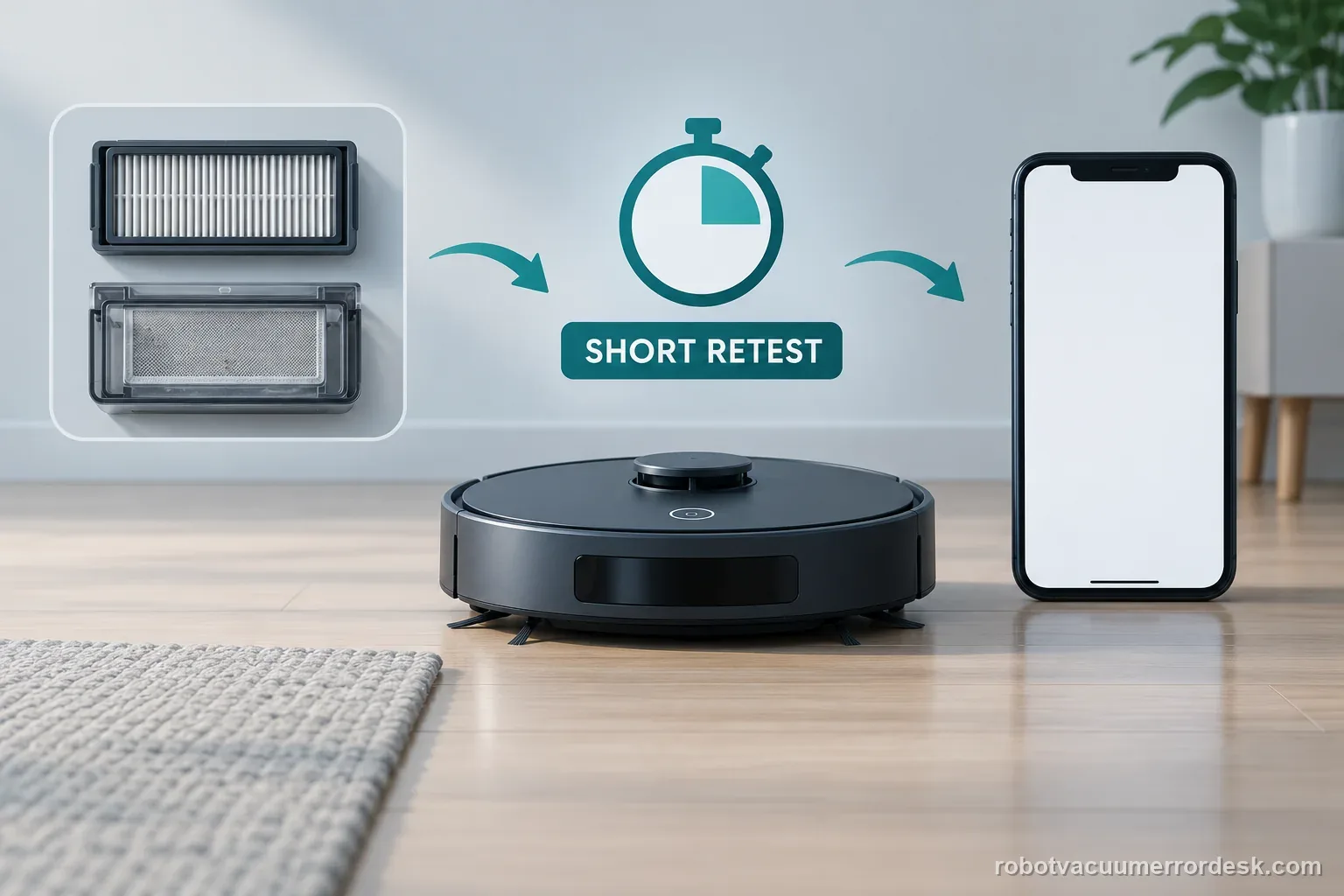
Illustrative decision sequence. These are observations, not measured repair success rates.
- Confirm Error 18 and model
- Empty bin; clean and dry filter
- Try new filter and firmware, then contact support
Do not factory-reset by default. Use the exact model’s reboot/network-reset procedure only when the manufacturer path calls for it.
Run these checks in order
Verify that the S8 reports Error 18 rather than Error 10
Read the code in the app or robot message. Error 18 is the fan-error branch; Error 10 is the blocked-or-wet filter branch. Roborock still starts Error 18 with bin/filter checks, but keeping the codes distinct prevents you from treating every airflow symptom as the same fault.
Empty the dustbin and inspect for a heavy airflow load
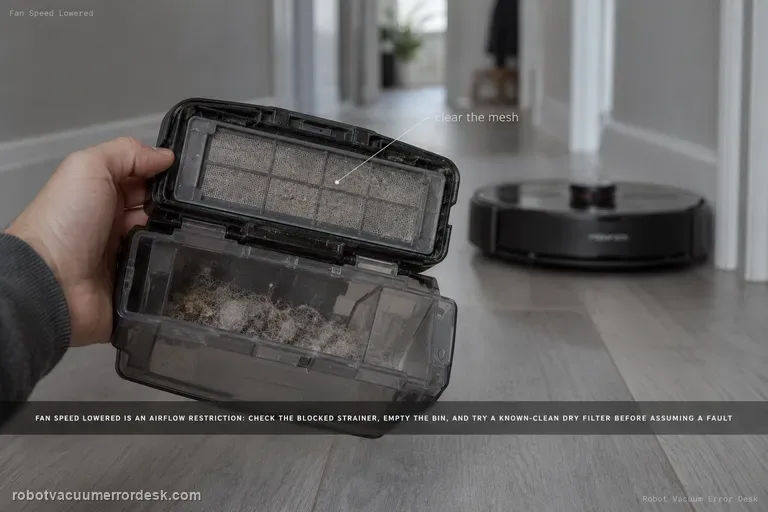
Remove and empty the bin completely. Check for compacted debris at the inlet and around the filter seating area. This is the first part of Roborock’s current Error 18 sequence and removes the simplest cause of excessive load on the suction fan.
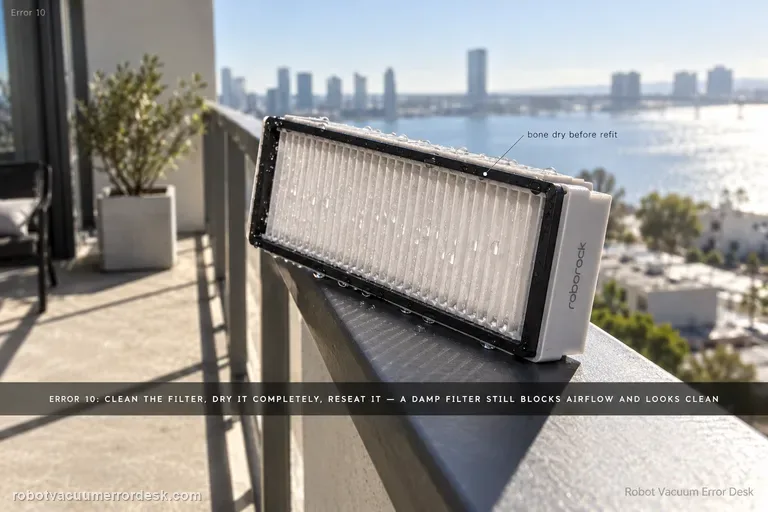
Clean the filter and let it dry completely
Roborock tells S8 owners to clean the filter and dry it outside. If it has been washed, do not reinstall it damp. Moist filter media can increase resistance and make a fan-error symptom persist even after the visible dust has been removed.
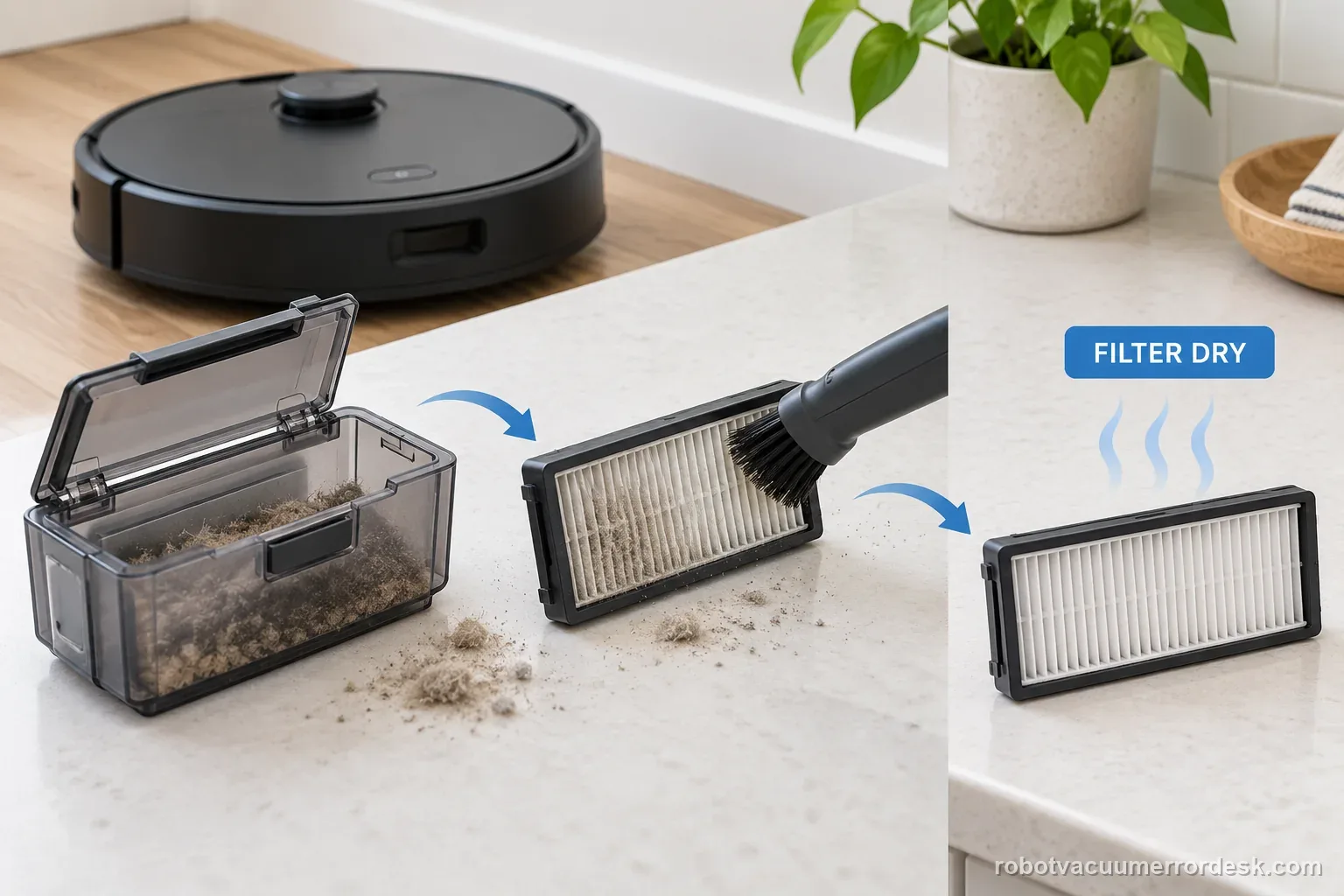
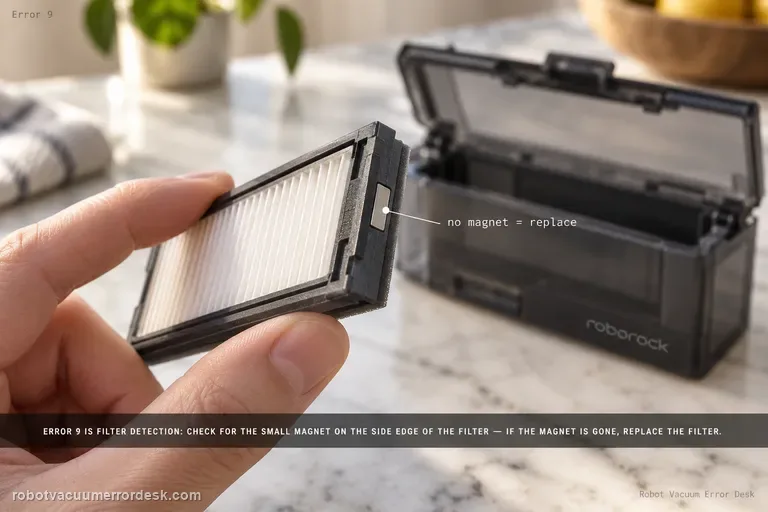
Test with a brand-new filter
The manufacturer explicitly recommends replacing the filter with a brand-new one for Error 18. This is more diagnostic than repeatedly cleaning the same element because a filter may have high resistance despite looking acceptable. Seat the replacement correctly before powering the robot for the next step.
Install the latest available robot firmware
Roborock’s Error 18 workflow includes updating firmware. Check the app for the exact S8 model/region and complete the update only with stable power and connectivity. Do this after airflow maintenance so the physical and control-side variables are both covered.
Run one short fan proof and stop on a prompt repeat
Start a brief cleaning cycle and listen to how suction starts. If the fan sounds normal and Error 18 stays away, extend the test. If the code returns immediately, suction never develops or the fan makes a stalled/grinding sound, end the test rather than forcing repeated fan starts.
Escalate if Error 18 remains after the bin is empty, airflow path is clear, a brand-new dry filter is installed and the S8 is on current firmware. Include a short video with the startup/fan sound, the firmware version and whether suction develops before the code. Do not repeatedly run a fan that sounds stalled or open sealed fan electronics as a first-line fix.
Keep the S8 Error 18 service record
| Stage | Question to answer | Evidence to keep |
|---|---|---|
| Code | Error 18 or different message? | App screenshot and model |
| Filter path | Bin empty; clean and fully dry? | Date and test result |
| Final branch | New filter and firmware checked? | Exact repeat message for support |
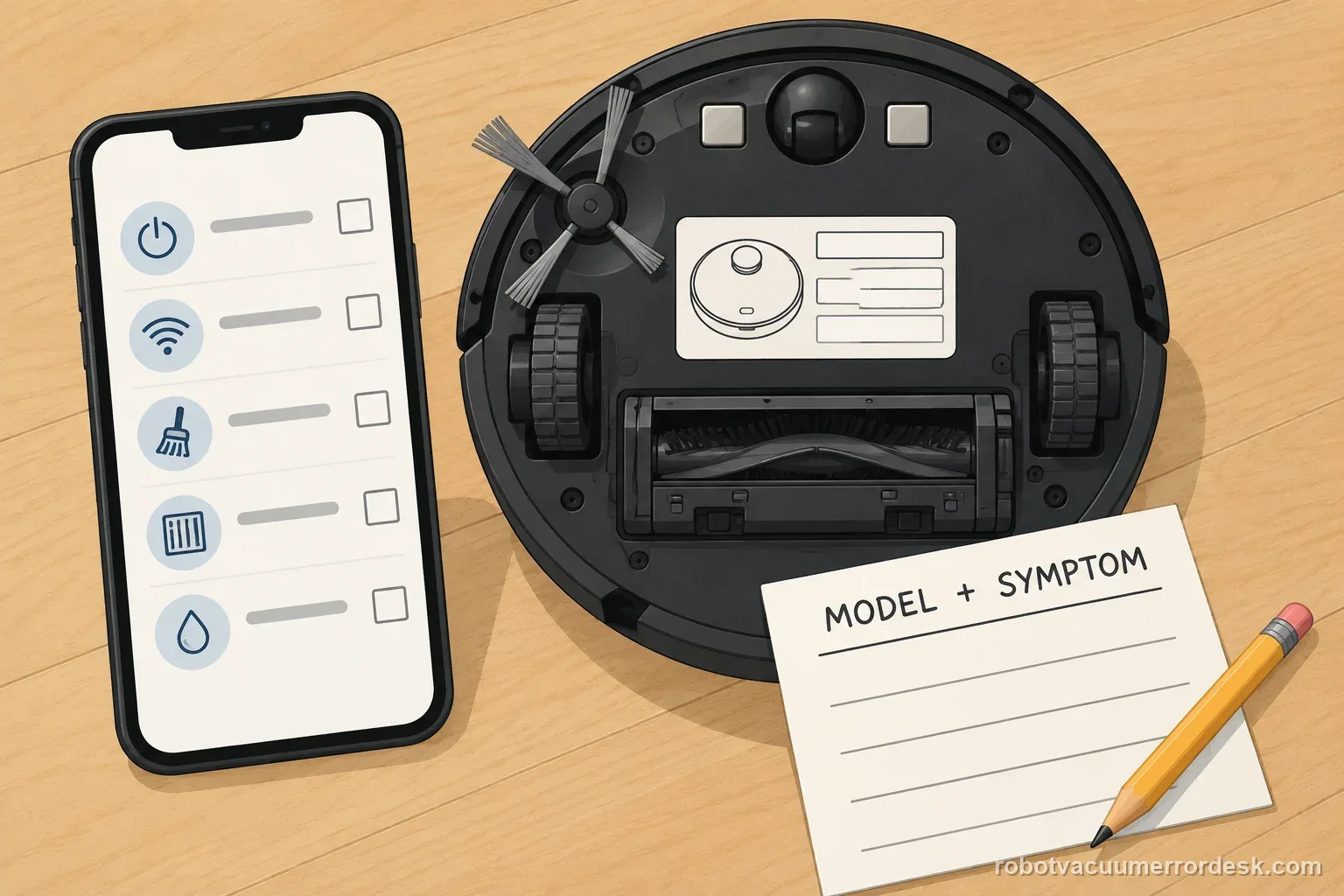
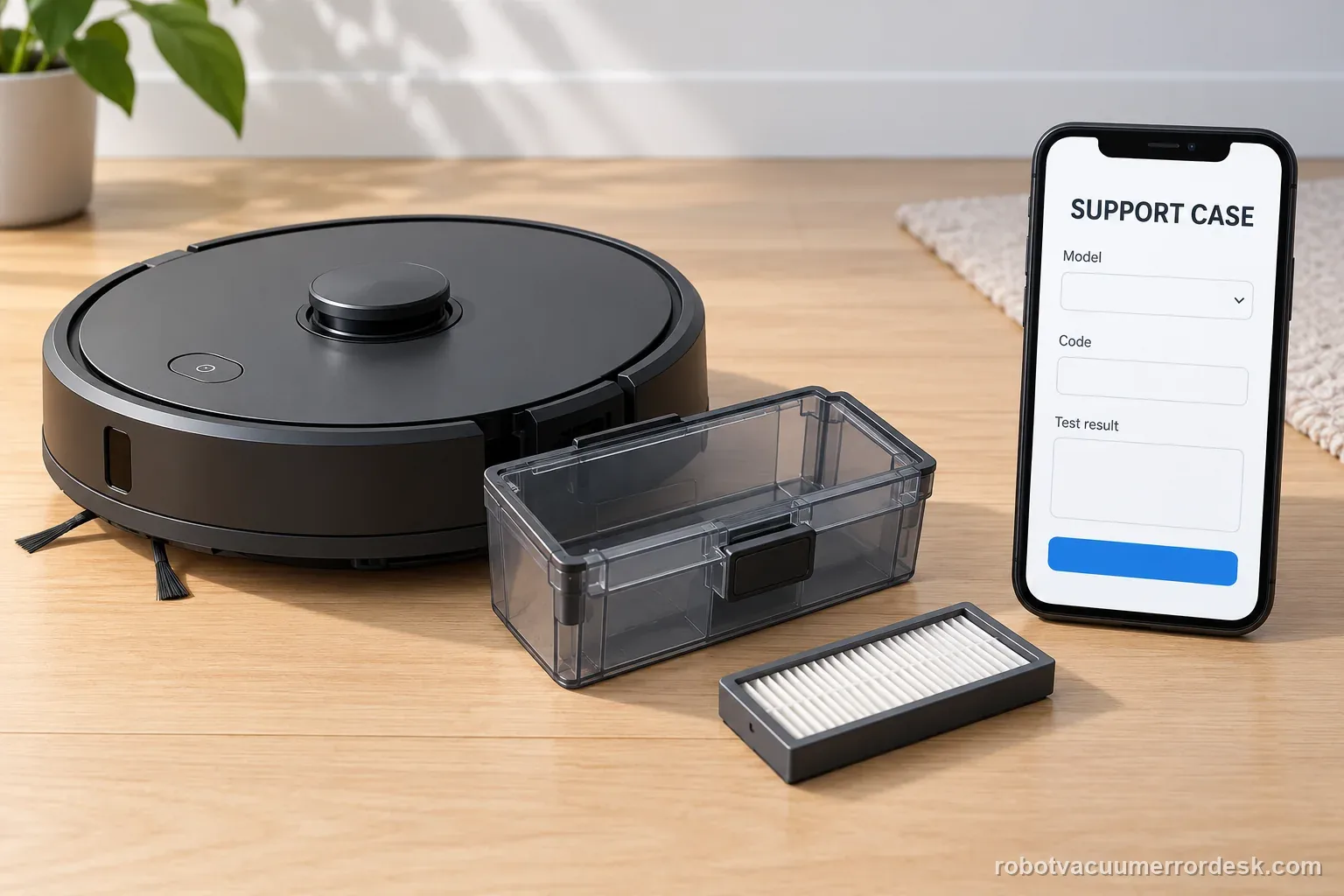
What to collect before contacting support
Give support a reproducible case instead of “it doesn’t work.” That reduces repeated basic troubleshooting and preserves the clues from your tests.
- Exact model name and the error code / voice prompt exactly as shown
- A photo or screenshot of the app error and the time it occurred
- A short list of the checks already completed and what happened after each one
- Firmware/app version if the issue began after a software change
Manufacturer evidence
Roborock S8 troubleshooting
Roborock’s current S8/S8+ troubleshooting for Error 18 instructs owners to empty the dustbin, clean and fully dry the filter, replace the filter with a brand-new one, update firmware and contact support if the issue persists. That is stronger evidence than generic fan-cleaning advice, so the guide follows this exact sequence and reserves internal fan diagnosis for escalation.
Additional official source: Roborock S8 product support and manuals ↗Additional official source: Roborock S8+ Error 18 troubleshooting ↗Last editorial review: September 5, 2026Regional note: manufacturer help centers, model suffixes, mains-power requirements and warranty procedures can differ by country. If the source redirects to a local support site, confirm that the model/hardware scope still matches before following a region-sensitive step.
This guide is rated Official model support. See what each evidence label means →
FAQ
Is Roborock S8 Error 18 the same as a blocked filter warning?
No. Roborock treats Error 18 as the fan-error path and Error 10 as the blocked-or-wet filter path. Filter condition still matters because the manufacturer’s Error 18 sequence starts by emptying the bin and cleaning/drying the filter. If that does not hold, Roborock specifically asks you to try a brand-new filter and current firmware.
Why does Roborock recommend a new filter for S8 Error 18?
A filter can look clean while still imposing too much airflow resistance. Roborock therefore includes a brand-new filter as an explicit isolation step for Error 18, not merely as routine maintenance. If the new filter makes the error disappear, the old media was a better explanation than a failed fan; if it does not, escalation becomes more justified.
Can outdated firmware cause or contribute to S8 Error 18?
Roborock includes updating the robot to the latest firmware in its official Error 18 sequence, so firmware is part of the manufacturer’s diagnostic path. Perform the update after the bin/filter checks with stable dock power and network access. If the error persists on current firmware and a new filter, record the version when contacting support.
Should I keep restarting the S8 when Error 18 comes back?
No. One short proof test after the official bin, filter, replacement-filter and firmware checks is enough to see whether the condition cleared. If the fan does not develop normal suction, sounds stalled or Error 18 promptly returns, repeated starts add heat and wear without isolating another variable. Stop and provide the repeat behavior to support.
When is S8 Error 18 likely to need service?
Service becomes the stronger next step when an empty bin, clear accessible airflow path, brand-new dry filter and current firmware still produce Error 18. The case is especially strong if suction never starts or the fan sound is clearly abnormal. Send Roborock the firmware version, filter test and a short recording rather than opening the internal fan assembly yourself.
Roborock publishes a short owner-level sequence for this code. If the alert remains after those steps, stop troubleshooting and send the documented evidence to support rather than treating Error 18 as a verified internal repair diagnosis.
Choose the matching model before using another guide's procedure:
S8 Error 10: a different filter alert →S8 Error 13: charging fault path →S7 Error 13: a different model →Q7 Max brush jam: separate brush issue →Compare Error 8 trapped status with Error 18 fan checks →A docked Curv that will not charge needs a charging check →Did this diagnostic narrow the fault?
Use this as an editorial signal, not a popularity counter. If a feedback address is configured you can email the note; otherwise you can copy it for your own support record.