Roborock S8 / S8 Pro Ultra troubleshooting
Filter, fan, charging and dock diagnostics. We route by the exact error or symptom rather than assuming a generic robot-vacuum fix applies.
Roborock S8 / S8 Pro Ultra issue index
4 guides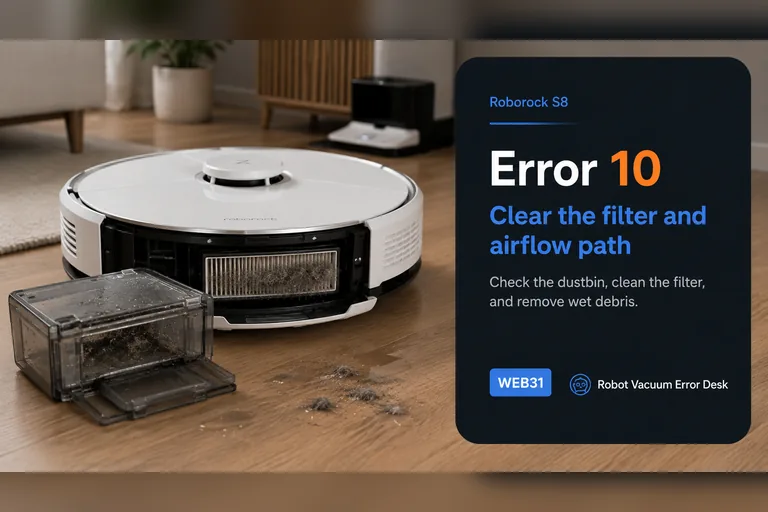
Error 10
Roborock S8 Error 10 is the blocked-or-wet filter path, not the same fault as Error 18. Empty the dustbin, clean the filter, let it dry completely and reinstall it correctly before testing again. Inspect the accessible inlet for compacted debris while the bin is out. If a clean, genuinely dry, known-good filter still triggers Error 10, stop repeatedly washing the same filter and escalate; a persistent airflow or sensing fault needs a different branch.
Error 18
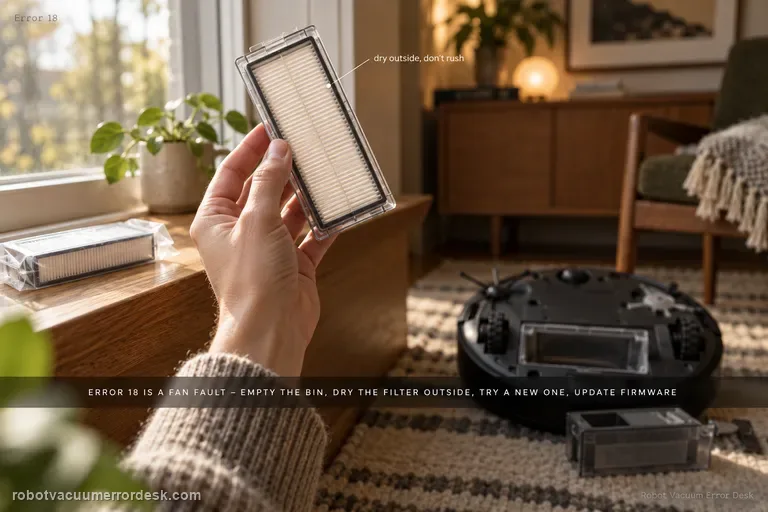
S8 Error 18 is Roborock’s fan-error path. The official S8/S8+ support sequence is to empty the dustbin, clean the filter and dry it outside, replace it with a brand-new filter if necessary, and update the robot to the latest firmware. That sequence deliberately rules out airflow load before you conclude the fan itself has failed. Run only a short proof test after those checks; if Error 18 promptly returns or the fan sounds stalled, stop cycling the robot and escalate.
Error 13 charging
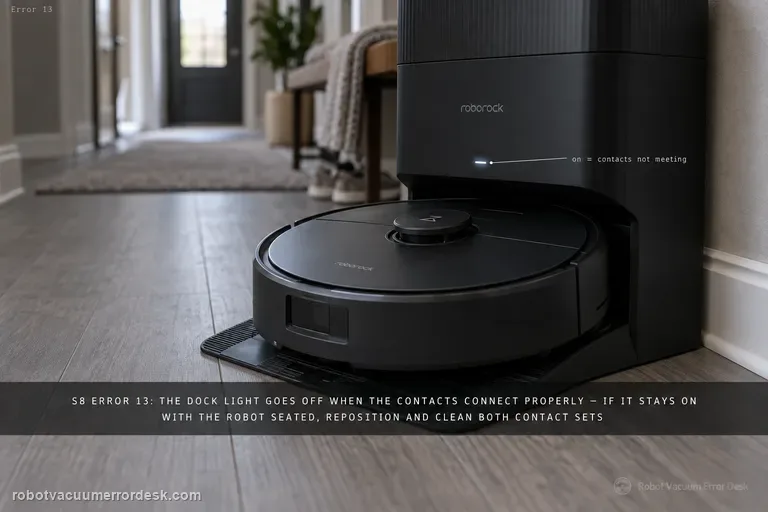
For S8 Error 13, use the dock indicator as the first electrical clue. Roborock says the dock light is off when the robot/dock charging contacts are properly connected; if it remains on with the S8 seated, reposition and clean both contact sets. Then verify the dock cable and wall outlet, power-cycle the dock if needed, and watch for sustained battery increase. This is a charging-contact diagnosis, so do not delete maps or start with battery replacement.
Cannot find dock
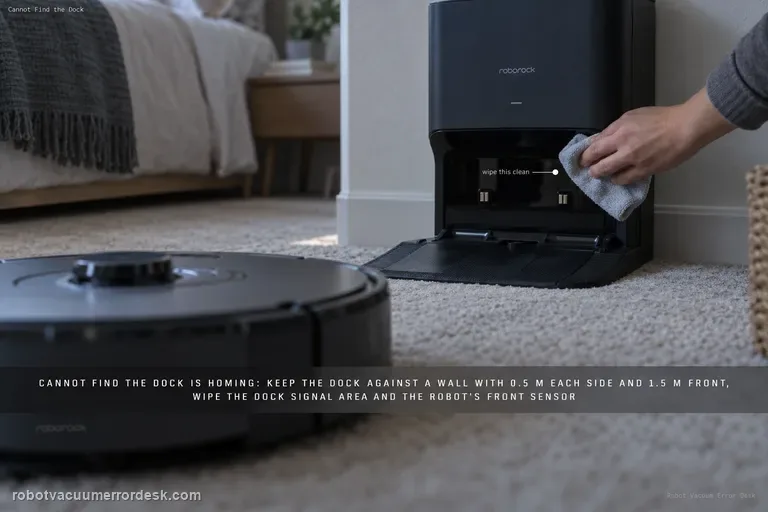
Treat 'cannot find the dock' as a homing problem until the S8 actually reaches the station. Roborock says return failures can follow a different starting location, manual movement, obstacles, poor dock placement or dirty homing surfaces. Keep the dock against a wall with about 0.5 m clear on each side and 1.5 m in front, clean the dock signal-transmission area and the robot’s front sensor, then compare a nearby Home test with a full cleaning return started from the dock. If nearby docking works but whole-room return fails, map/localization becomes stronger. If the S8 reaches the dock but will not charge, stop using this guide and switch to charging/Error 13 diagnostics.