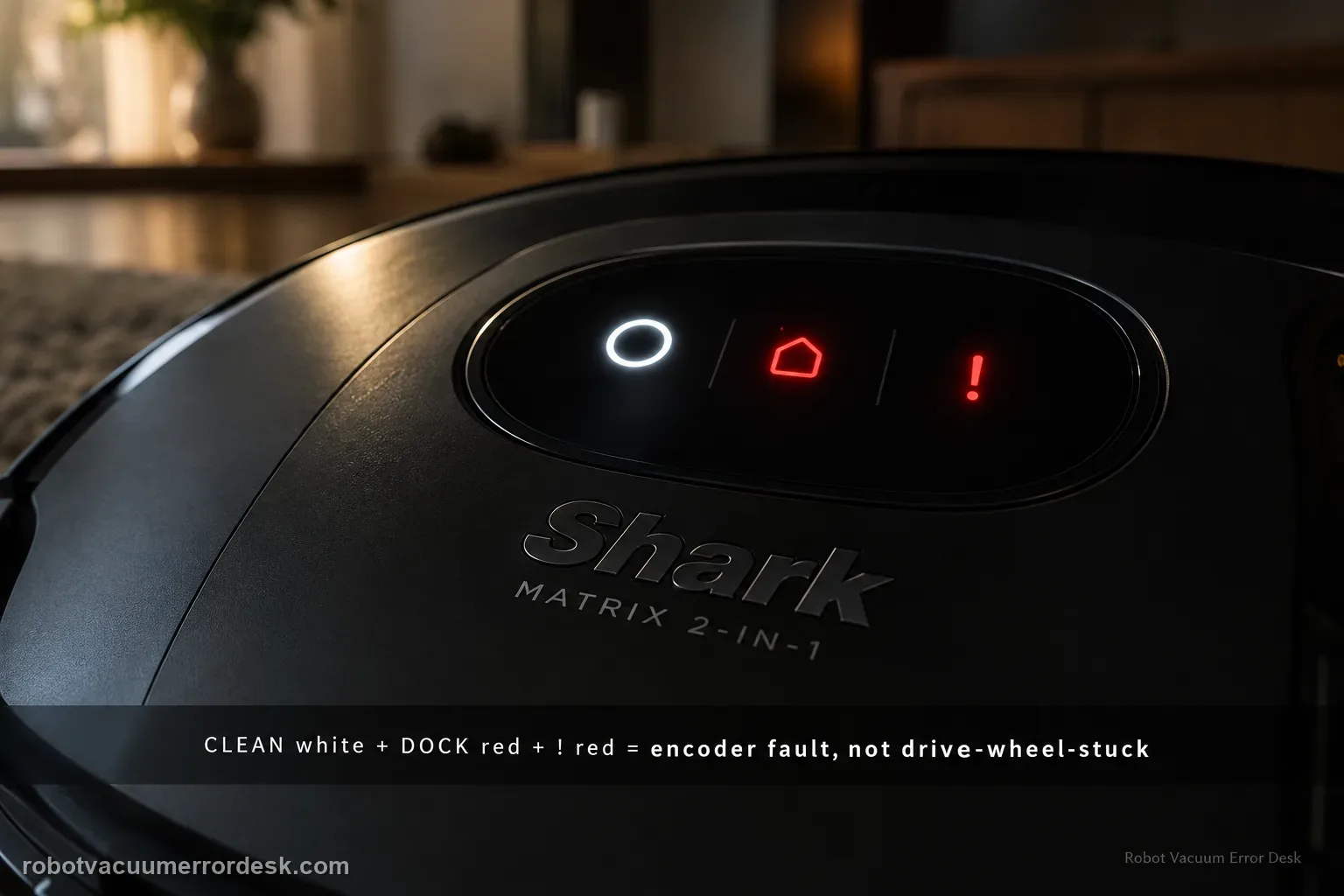
On the Shark Matrix 2-in-1, CLEAN white + DOCK red + ! red flashing is the wheel motor encoder failure pattern. That is deliberately different from the drive-wheel-stuck pattern, which uses CLEAN red + DOCK red + ! red. Use that distinction before cleaning anything. With power off, compare the two drive wheels for obvious external hair, trapped debris, unequal spring travel or one wheel that will not turn normally. If the wheels are externally clear and move similarly yet the encoder pattern returns on a level open-floor restart, the owner manual does not give an internal encoder repair; it directs you to Shark Customer Service. Treat the external wheel check as a way to rule out a simple bind, not as permission to open the drive module.
Confirm the exact model and exact code, light pattern or symptom.
Run the lowest-risk physical or software check first.
Use each pass condition to decide what the result actually narrows down.
Confirm this is the right issue
- CLEAN flashes white while DOCK and ! flash red together.
- The robot stops even though no obvious threshold or object is trapping a wheel.
- Both drive wheels appear externally clear but the same encoder pattern returns.
- You need to distinguish wheel encoder failure from the separate drive-wheel-stuck LED code.
What’s most likely causing this
External hair/debris is disturbing one drive wheel enough to confuse motion feedback
One wheel has abnormal suspension travel or mechanical resistance
Wheel-motor encoder feedback is missing or implausible
Drive-wheel module/electronics remain faulty after external motion checks
Reading your test result
| What you observe | What it narrows down | Next move |
|---|---|---|
| CLEAN is red, not white | The robot is showing the separate drive-wheel-stuck pattern. | Use the stuck-wheel cleaning path instead of encoder service. |
| CLEAN white + DOCK red + ! red | The manual identifies wheel motor encoder failure. | Power off and compare both wheels for external bind before escalation. |
| One wheel binds or lacks normal spring travel | A mechanical wheel abnormality is visible. | Remove accessible debris; do not force or open the module. |
| Both wheels move normally but code returns on open floor | Simple external drag is largely ruled out. | Contact Shark with the code photo and short retest video. |
| Code appears only on a threshold/obstacle | External loading may be contributing. | Remove the obstacle and confirm behavior on level hard flooring. |
Do not factory-reset by default. Use the exact model’s reboot/network-reset procedure only when the manufacturer path calls for it.
Work through these checks in order
Match the encoder pattern against the nearby wheel code
Look at all three indicators. The manual assigns CLEAN white + DOCK red + ! red flashing to wheel motor encoder failure. A stuck drive wheel uses CLEAN red instead, so the CLEAN color is the fastest discriminator. Photograph the lights before powering down. If the colors do not match exactly, stop here and use the code that actually appears; treating every wheel-related stop as an encoder failure can send a simple debris jam straight to unnecessary service.
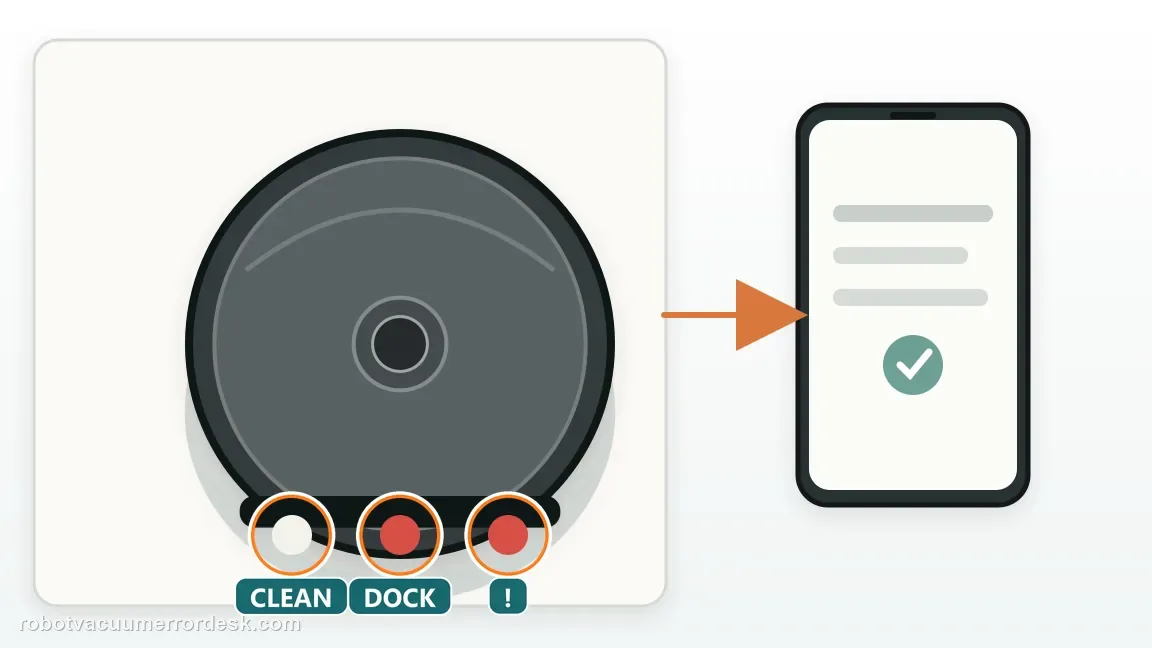
Power off and compare left-versus-right wheel behavior
Remove the robot from the base and switch it off. Press each drive wheel gently through its normal suspension travel and compare how the two sides feel. Look for a side that does not spring back, binds early or feels markedly different. This comparison is useful because an encoder complaint is about the robot's interpretation of wheel movement; a grossly abnormal wheel may still have an external mechanical cause. Do not force either wheel beyond its normal travel.
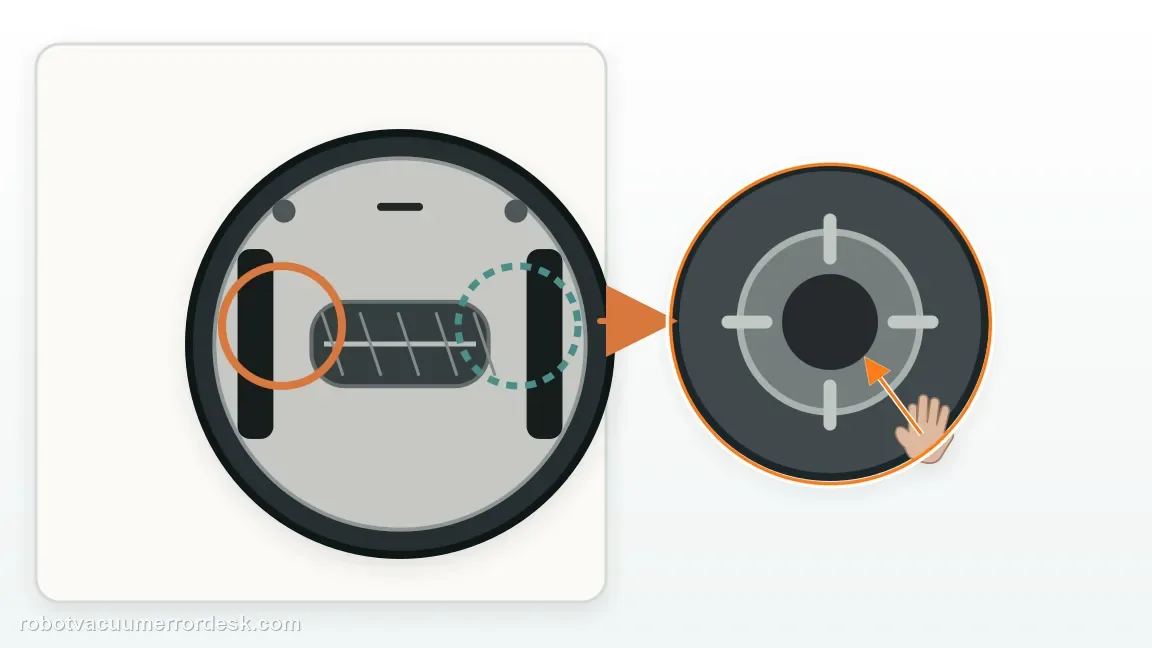
Clear only debris reachable from the wheel openings
Remove hair, thread and grit that can be reached around the wheel openings and visible axle area. Do not remove the drive-wheel module or open the encoder housing. If one wheel had obvious wrapping, clean it until movement matches the opposite side as closely as possible. The purpose is to exclude an external drag condition that could accompany the code. Once the wheel is clear, stop cleaning; repeated probing deeper into the module is not an owner-level encoder diagnostic.
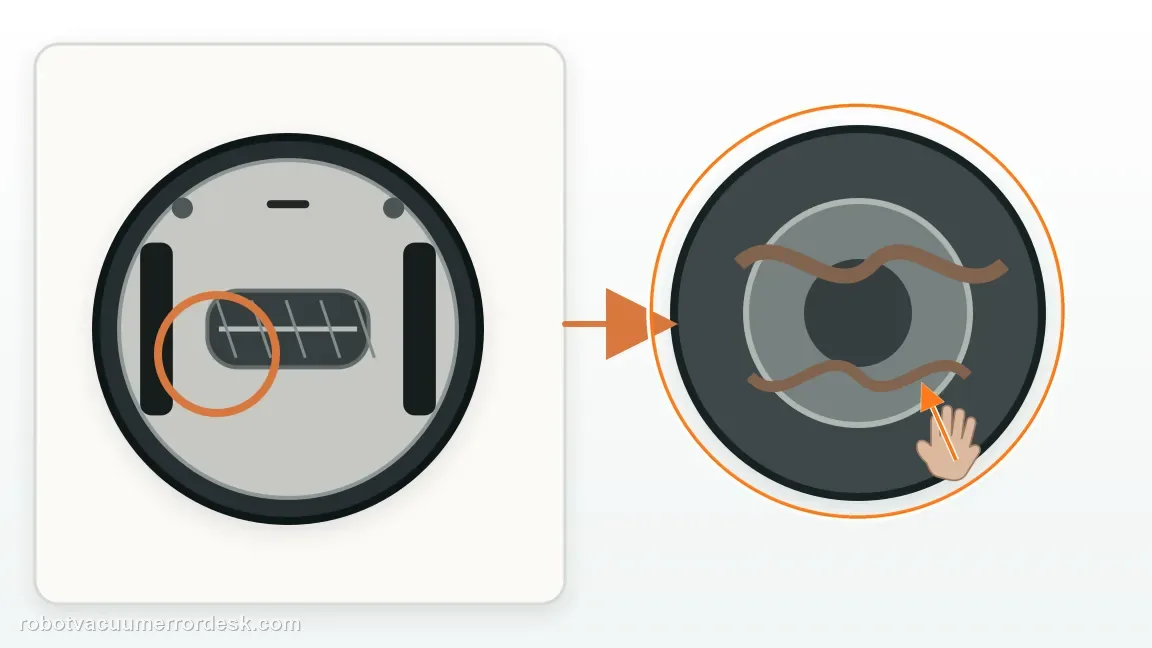
Check whether the robot was physically trapped when the code appeared
Recall the surface where the failure started. A high threshold, chair base, cord bundle or drop can load a wheel in an unusual way. Move the Matrix to flat open hard flooring for the next test. This does not prove the encoder is healthy, but it removes external load from the experiment. A code that disappears on open flooring deserves a second look at the original obstacle; a code that returns immediately on the simple surface is much more compelling.
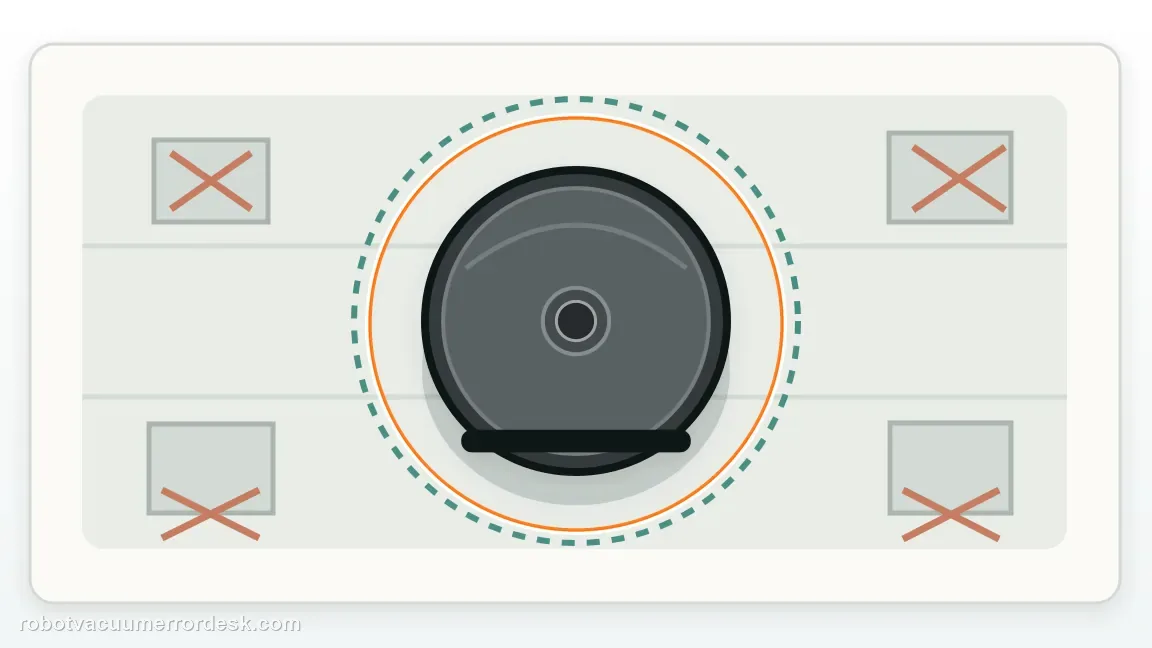
Restart once and observe the first meter of travel
Power the robot back on and start a short clean on the open floor. Watch whether both wheels begin moving smoothly and whether the robot tracks straight before the error appears. Do not run a full mission. If the encoder pattern returns within seconds despite visually normal wheel motion, capture the timing. If the robot visibly drags one side before the code, capture that too. The sequence—mechanical symptom first or code first—helps support understand the failure.
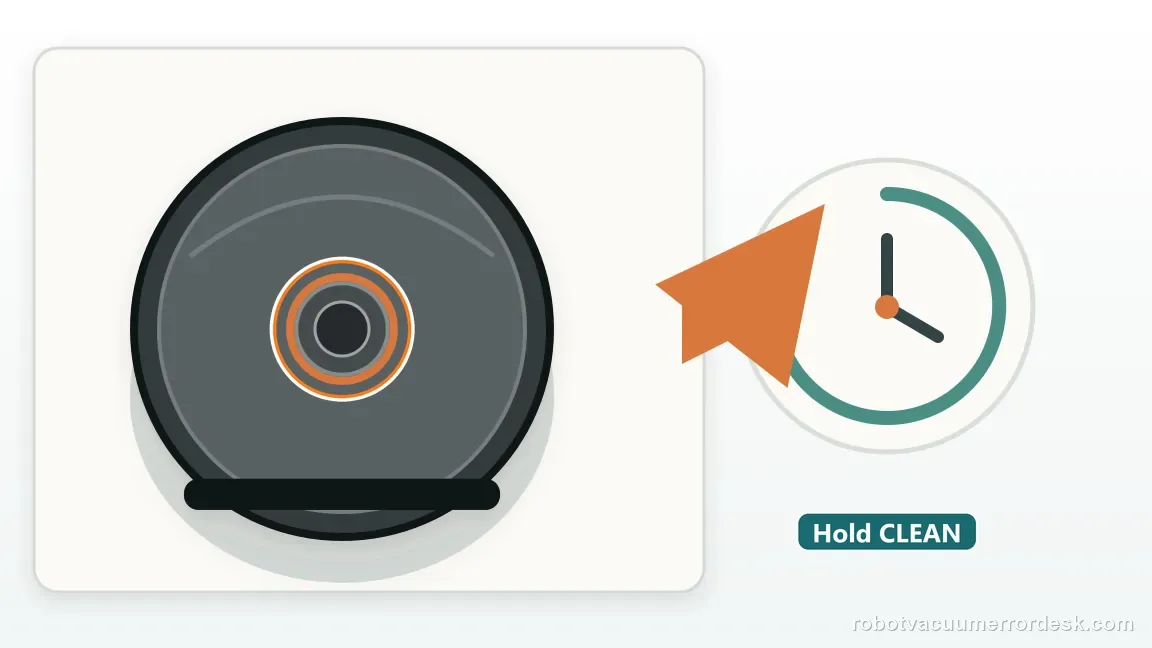
Do not substitute the stuck-wheel cleaning loop for an encoder code
If the exact white-CLEAN encoder pattern returns with both wheels externally free, repeating the stuck-wheel cleaning routine is unlikely to add information. The owner manual's remedy for wheel motor encoder failure is to contact Shark Customer Service. Preserve the distinction you proved at the start: this is not the red-CLEAN stuck-wheel entry. Avoid lubricants, electrical sprays or internal disassembly, because they can alter the module and complicate service.
Send Shark the code comparison and wheel-motion evidence
Provide the model/serial number, photo of CLEAN white + DOCK red + ! red, whether the alternate stuck-wheel code ever appeared, and what you found when comparing both wheels. Include the short open-floor video if possible. State whether one wheel was mechanically abnormal or both looked normal before the code. That package gives support the two facts that matter most for an encoder case: exact code identity and whether an obvious external wheel bind has already been ruled out.
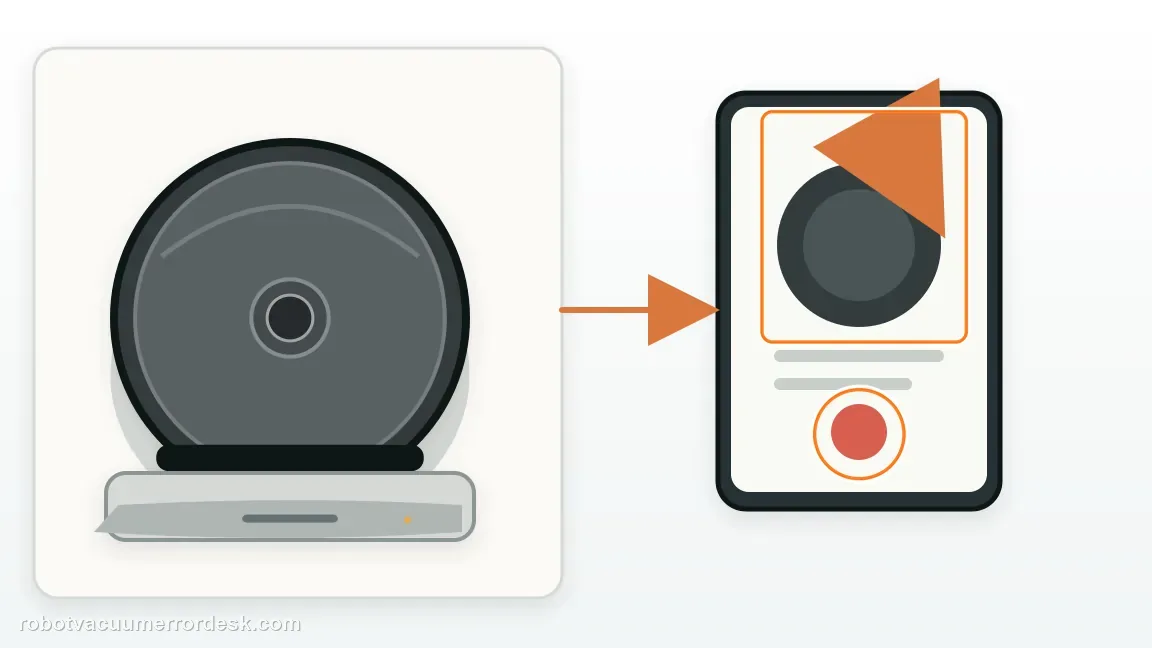
Contact Shark when the exact CLEAN white + DOCK red + ! red encoder pattern returns after the robot has been moved to open level flooring and both drive wheels are externally clear. Send the code photo, serial number, left/right wheel comparison and a short video of the first movement before the error. If one wheel remains mechanically abnormal, document that without forcing it. Do not open the drive module or encoder housing; Shark's owner manual directs this persistent encoder condition to Customer Service.
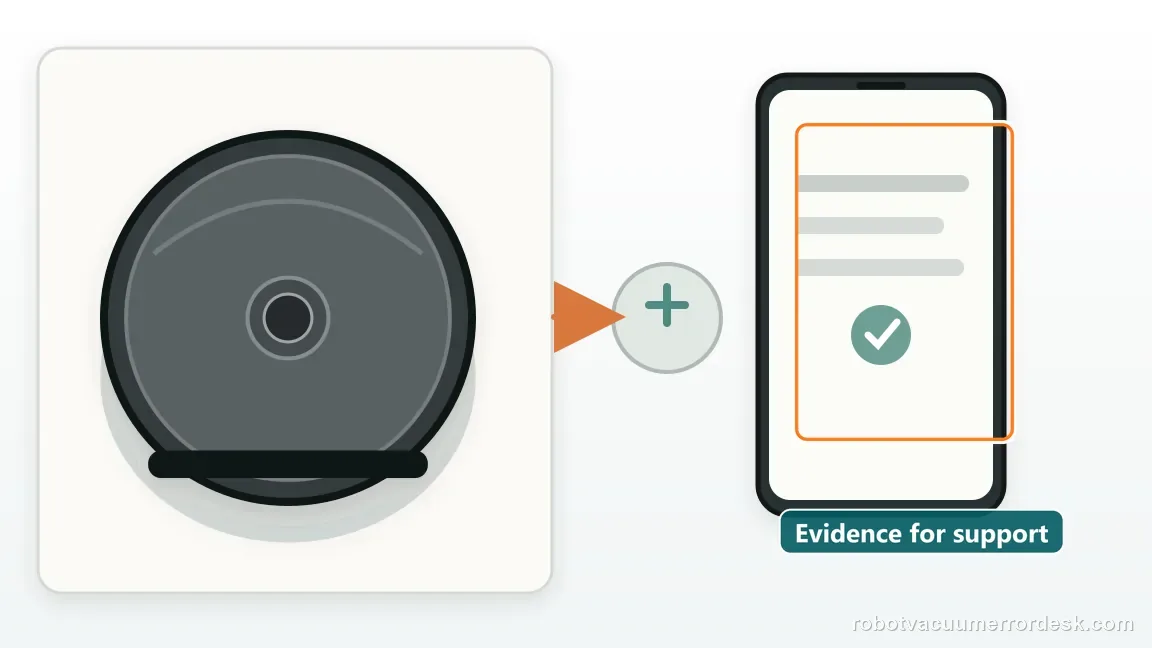
Before you contact support, gather this
A reproducible case moves a support call past the basic troubleshooting script faster than “it doesn’t work” does, and it keeps the clues from your own tests on record.
- Exact model name and the error code / voice prompt exactly as shown
- A photo or screenshot of the app error and the time it occurred
- A short list of the checks already completed and what happened after each one
- Firmware/app version if the issue began after a software change
Where this comes from
Shark Matrix 2-in-1 owner manual — wheel encoder error
The Matrix 2-in-1 chart maps CLEAN white + DOCK red + ! red flashing to wheel motor encoder failure and directs owners to Shark Customer Service.
Additional official source: Shark Matrix Plus 2-in-1 French owner manual / troubleshooting table ↗Last editorial review: September 5, 2026Regional note: manufacturer help centers, model suffixes, mains-power requirements and warranty procedures can differ by country. If the source redirects to a local support site, confirm that the model/hardware scope still matches before following a region-sensitive step.
This guide is rated Official manual. See what each evidence label means →
Questions people ask
What lights mean wheel encoder failure on a Shark Matrix 2-in-1?
The owner manual uses CLEAN white + DOCK red + ! red flashing for wheel motor encoder failure. The CLEAN color is important because a stuck drive wheel uses CLEAN red with DOCK red and ! red. Photograph the complete combination before powering off, then compare both wheels for external drag. If the white-CLEAN encoder pattern returns with the wheels clear, the manual points to Shark Customer Service.
Is Shark Matrix wheel encoder failure the same as a stuck drive wheel?
No. Shark gives them separate LED combinations. A drive-wheel-stuck condition uses CLEAN red + DOCK red + ! red, while wheel motor encoder failure uses CLEAN white + DOCK red + ! red. You can still check the wheels externally for hair or abnormal movement, but do not keep treating a persistent white-CLEAN encoder pattern as ordinary debris after both wheels are clear.
Can I replace the Shark Matrix wheel encoder myself?
The owner manual does not provide an internal encoder-replacement procedure for this code. It directs the wheel motor encoder failure to Shark Customer Service. Owner troubleshooting should stop at external wheel comparison and removal of accessible debris. Do not open the drive module, spray lubricant inside it or force the wheel. A photo of the exact LED code and a short open-floor retest are safer and more useful for service.
Why should I compare both drive wheels for an encoder error?
The comparison helps rule out an obvious mechanical problem that can disturb normal wheel movement. With the robot powered off, look for one side that binds, lacks normal spring travel or contains visible wrapping. If both sides move similarly and the encoder code still returns on a flat open floor, the evidence shifts away from a simple jam and toward the service-level encoder/drive-module condition named by the manual.
When should I stop cleaning and call Shark for the encoder code?
Stop when the exact CLEAN white + DOCK red + ! red pattern repeats after accessible wheel debris is removed and both wheels have been compared on a level open-floor retest. Send Shark the code photo, serial number and whether one wheel moved differently. That is the point where more generic cleaning adds little diagnostic value and internal disassembly is not supported by the owner manual.
Did this diagnostic narrow the fault?
Use this as an editorial signal, not a popularity counter. If a feedback address is configured you can email the note; otherwise you can copy it for your own support record.