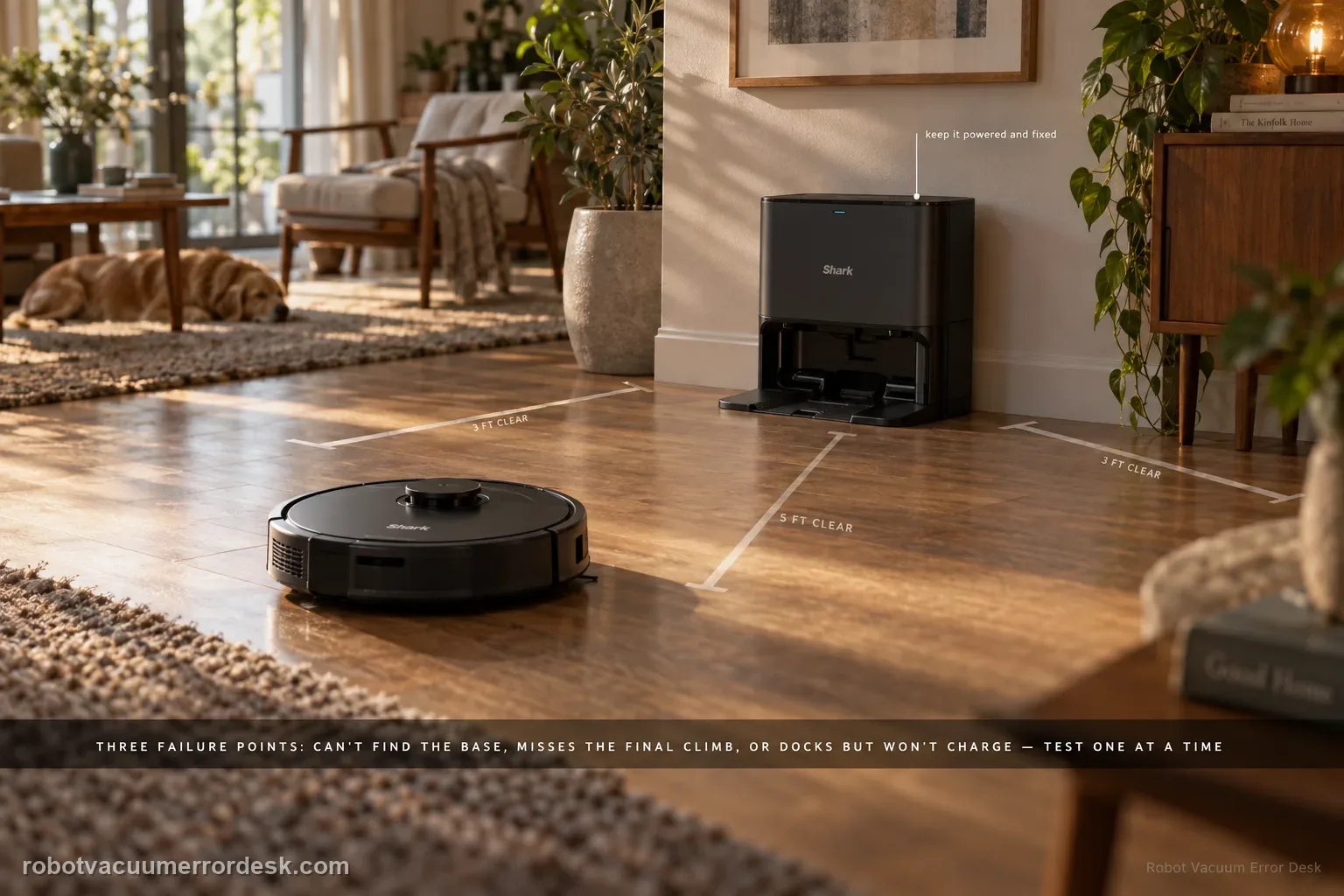
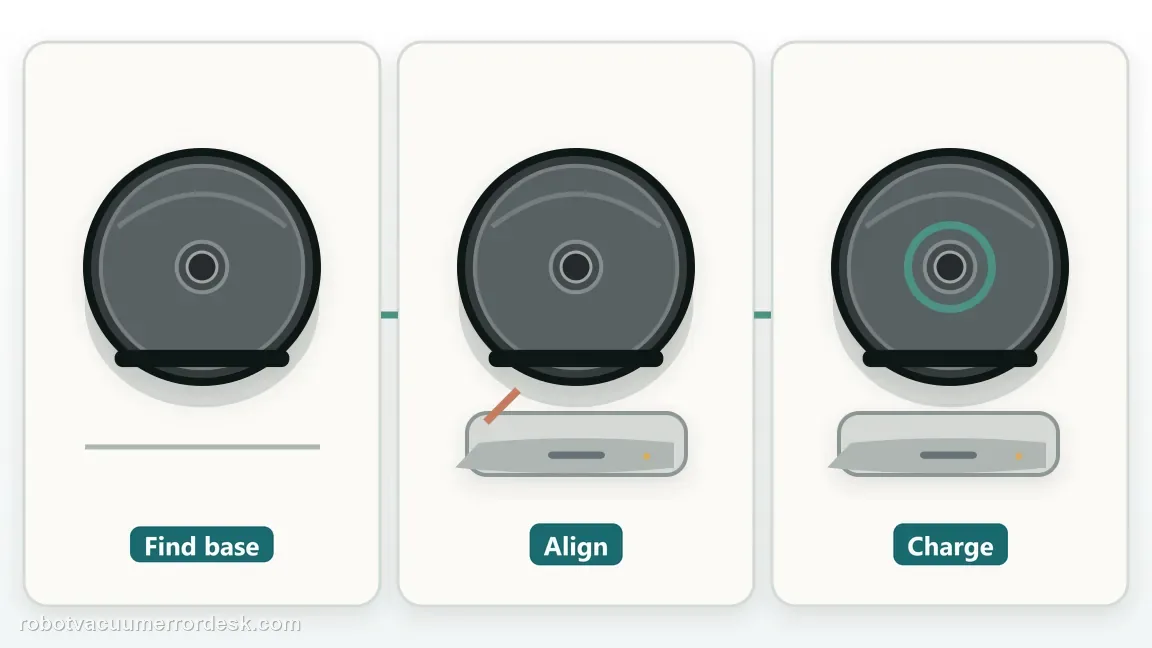
A Shark Matrix that 'won't dock' can fail at three different stages: it may not find the Self-Empty Base at all, it may find the base but miss the final climb/alignment, or it may park correctly and still fail to charge. The RV2300-series manual gives Error 23 for the first case. Start by proving base power and restoring about 3 ft of side clearance and 5 ft in front, keep the base fixed, then run a short Dock test. If the robot reaches the base, inspect wheel movement and dry-clean contacts before blaming navigation. If it docks squarely but does not charge, use the charging guide. This staged approach prevents remapping a robot whose actual problem is contact alignment or battery charging.
Confirm the exact model and exact code, light pattern or symptom.
Run the lowest-risk physical or software check first.
Use each pass condition to decide what the result actually narrows down.
Confirm this is the right issue
- The Matrix fails to return to the Self-Empty Base reliably.
- The robot reaches the base area but backs away or parks crooked.
- Error 23 sometimes appears during the failed return.
- The robot physically docks but does not always enter charging.
What’s most likely causing this
Self-Empty Base is not powered or has moved
Approach clearance is restricted and Error 23/base acquisition fails
Wheel drag or debris distorts the final climb onto the base
Charging contacts are dirty or the robot is not seated squarely
A separate charging fault exists after successful navigation to the base
Reading your test result
| What you observe | What it narrows down | Next move |
|---|---|---|
| Error 23 before reaching base | The robot is failing base acquisition. | Use the Error 23 power/clearance/short-return path. |
| Finds base but parks crooked | Navigation target is acquired; final mechanical alignment is failing. | Check wheel movement, base stability and contact geometry. |
| Manual seating charges | Electrical charging can work. | Focus on autonomous final alignment rather than battery replacement. |
| Manual seating also fails to charge | The failure is now post-dock electrical/contact related. | Use the Shark Matrix not-charging guide. |
| Close Dock test passes but long missions fail | Local docking works under simplified conditions. | Investigate base permanence and whole-home navigation context. |
Do not factory-reset by default. Use the exact model’s reboot/network-reset procedure only when the manufacturer path calls for it.
Work through these checks in order
Identify the failed docking stage
Watch the Matrix through one return. If it never acquires the base and Error 23 appears, the failure is base-finding. If it reaches the base but climbs crooked or repeatedly backs away, the failure is final alignment. If it settles on the base and still does not charge, navigation already succeeded and the issue is electrical/contact related. Write down the stage before resetting anything; the same word 'dock' covers three different systems on this robot.
Prove base power and restore Shark clearance
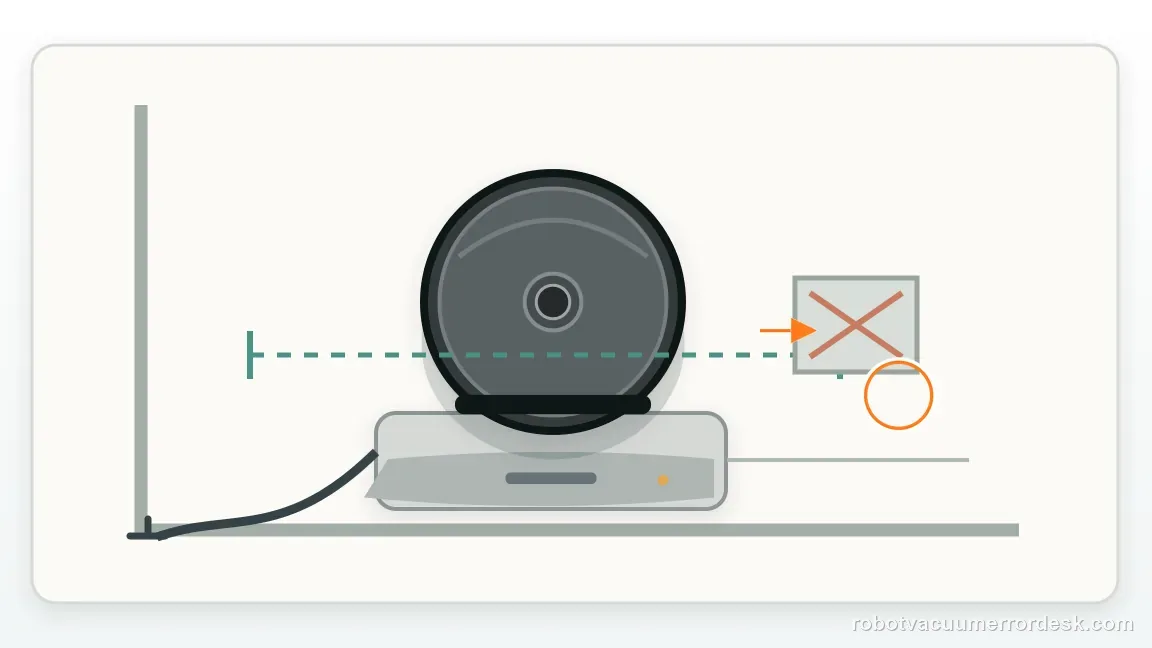
Check that the Self-Empty Base is powered and fixed on a level bare floor. For RV2300-series placement, restore roughly 3 ft of open space on both sides and 5 ft in front. Remove rug edges, cords and furniture legs from the final approach. If the base was moved after mapping, return it to a stable permanent location before testing. These are prerequisites for interpreting any result from the robot's navigation.
If Error 23 appears, use the cannot-find-base branch
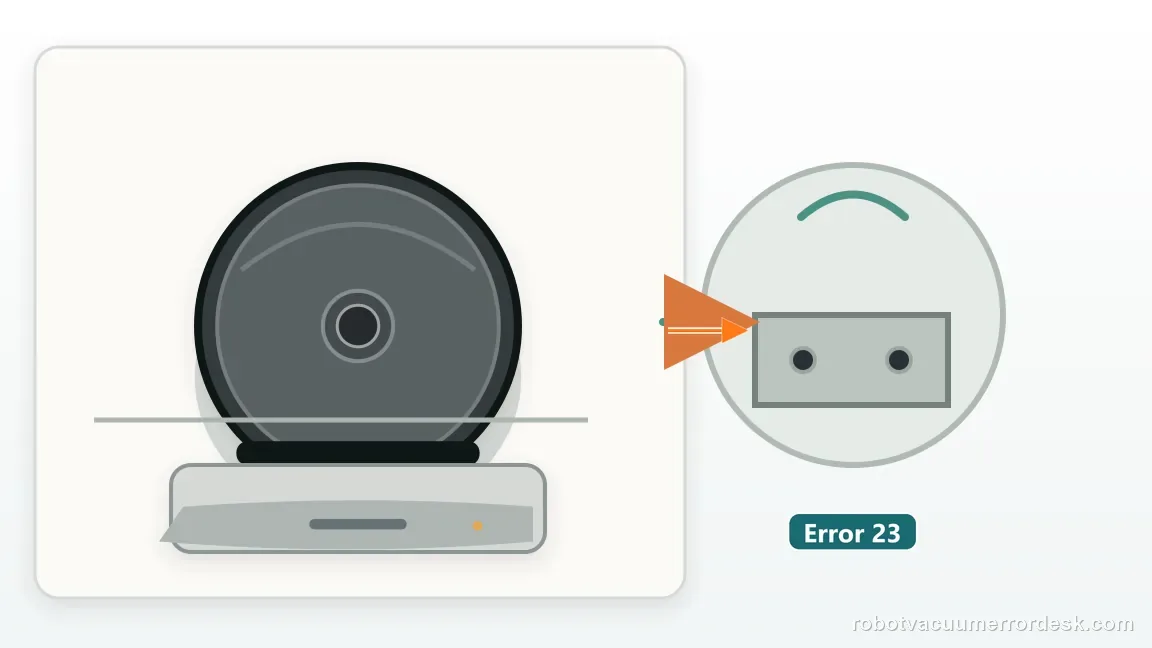
Error 23 specifically means the robot cannot find the Self-Empty Base. Clean the relevant sensors, confirm wheel movement and run a short straight Dock test. Do not start with charging contacts if the robot never reaches the base. A short-range pass shows base detection works and moves attention toward long-route navigation; a short-range Error 23 failure is much stronger evidence of a localization/base-detection issue.
If the robot reaches the base, inspect the mechanical approach
Check the front wheel and both drive wheels for hair, debris or uneven movement that can skew the final climb. Make sure the base cannot slide when the robot pushes against it. Observe whether one side of the robot reaches the contacts before the other. A Matrix that finds the target but cannot settle squarely has already passed the base-acquisition stage, so remapping is less useful than correcting the mechanical approach.
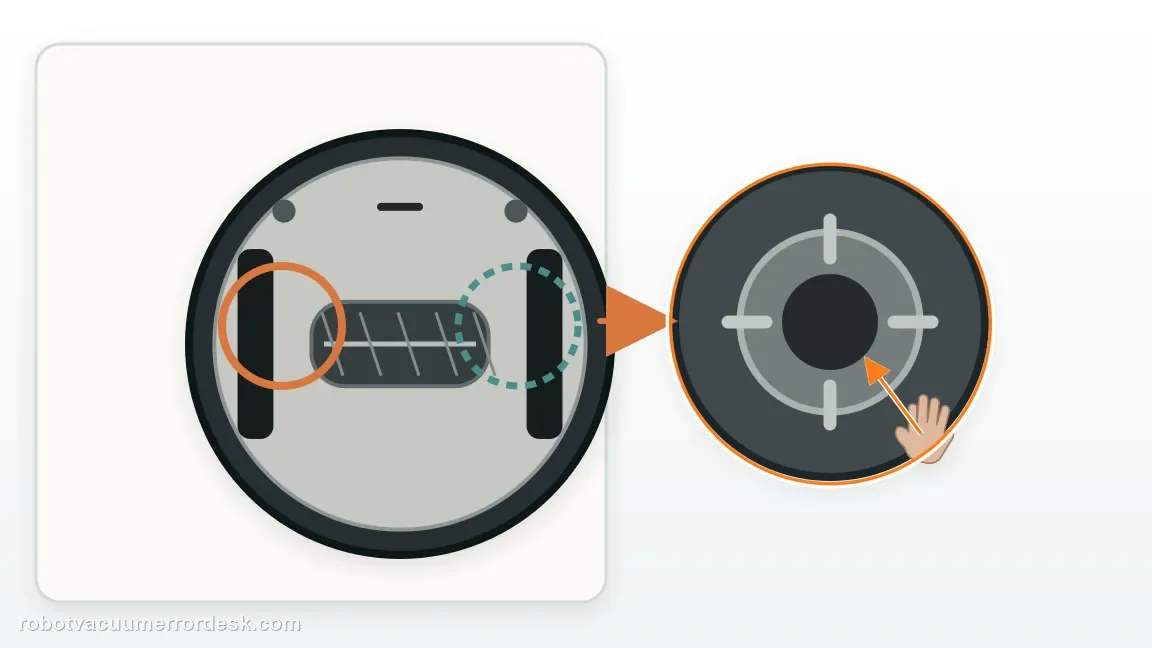
Dry-clean the contacts and test manual seating
Use a dry cloth on the charging contacts on the robot and base, then place the Matrix squarely by hand. Note whether the base/robot enters the charging state. If manual seating charges but autonomous docking does not, the battery can accept charge and final alignment is the stronger problem. If manual seating also fails, move into the charging path rather than continuing to change maps or base location.
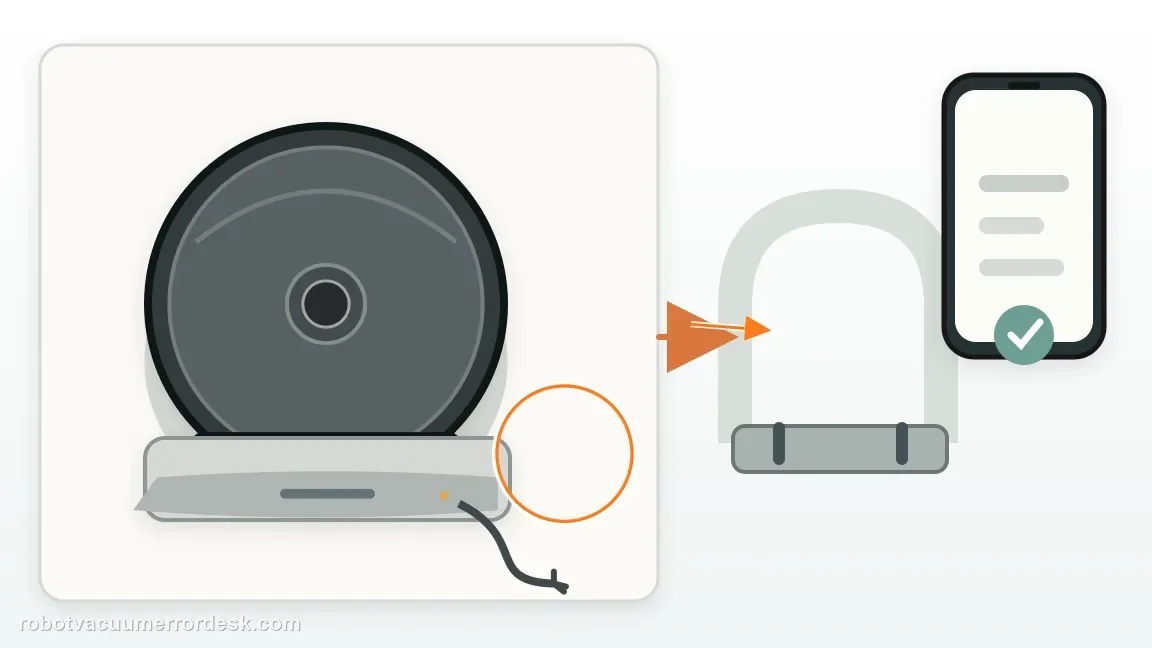
Repeat the same short Dock test after one change
Make only one corrective change at a time—clearance, wheel cleaning, contact cleaning or base stabilization—then repeat the same short return. This keeps the result interpretable. If the Matrix consistently docks from nearby but fails only after full missions, whole-home navigation or a moved base is more likely. If it cannot complete the final approach even nearby, capture that repeatable behavior for Shark rather than cycling through multiple remaps.
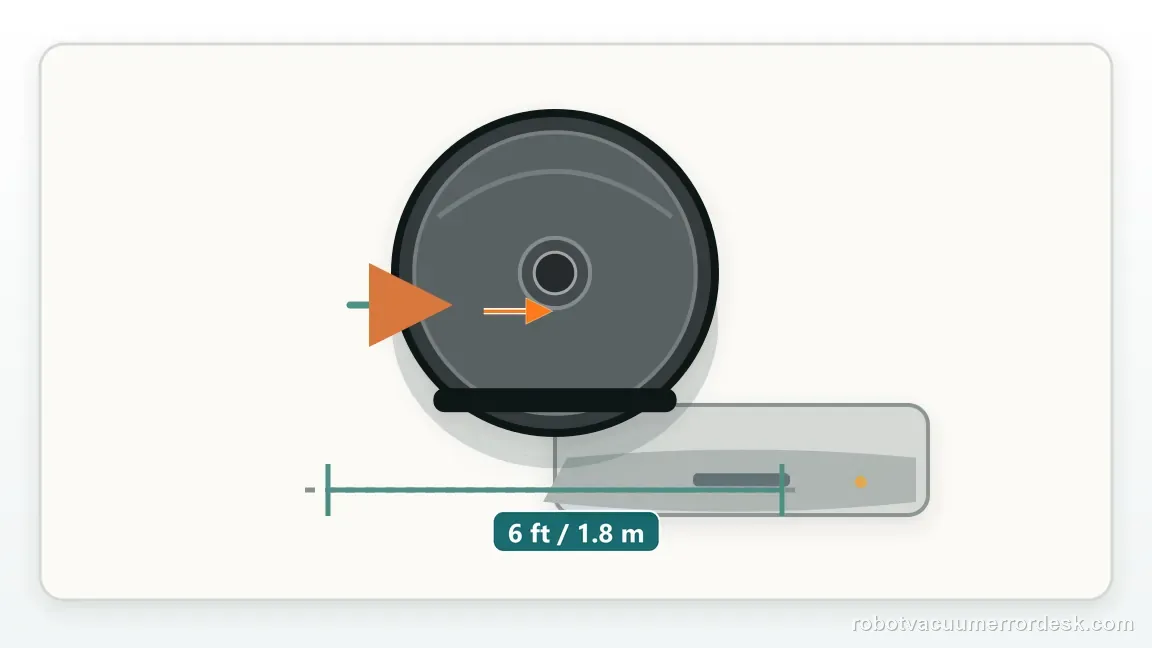
Escalate with the failed stage clearly labeled
Send Shark a video that begins before the robot reaches the base and continues until the failure. State whether Error 23 appears, whether manual seating charges, and whether the wheels/contacts were cleaned. A support ticket that says 'cannot find base,' 'finds base but parks crooked,' or 'docks but will not charge' is far more actionable than 'won't dock.' Avoid opening the base or robot drive system; the staged test has already isolated the next service branch.
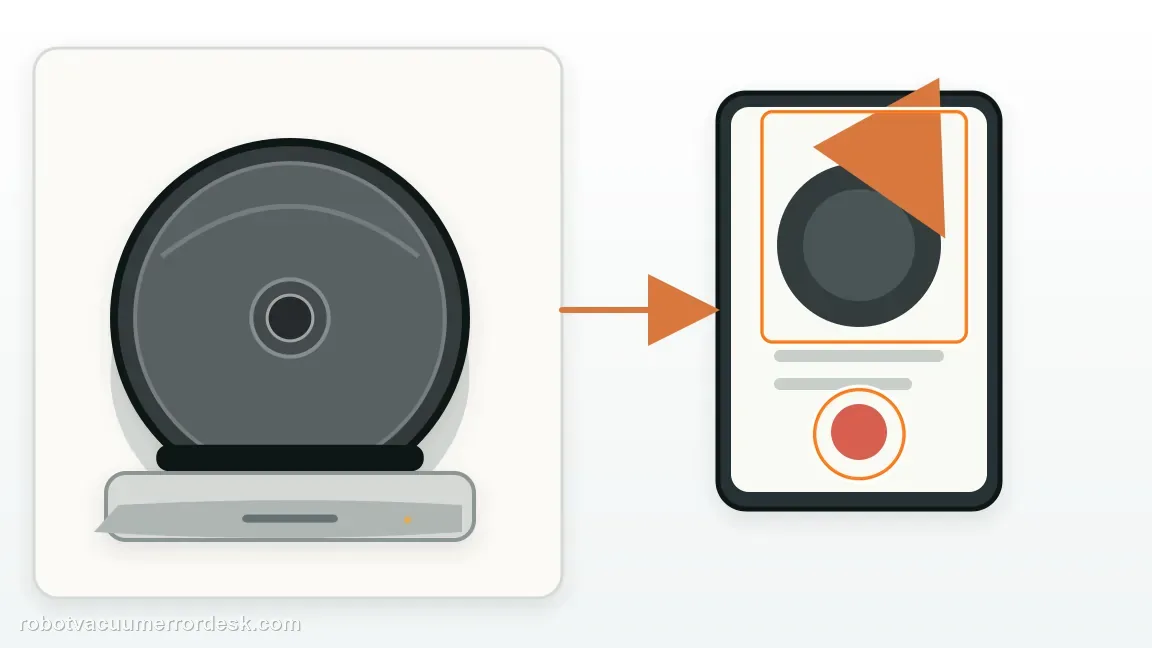
Escalate after you can name the failed docking stage. For Error 23, provide base power/clearance and short-return results. For final alignment, show whether wheels are free and whether the base slides. For post-dock charging, state whether manual seating establishes charge. Send a video that captures the approach and indicator state. Do not keep deleting maps if the robot already finds the base, and do not replace the battery if manual seating charges normally.
Before you contact support, gather this
A reproducible case moves a support call past the basic troubleshooting script faster than “it doesn’t work” does, and it keeps the clues from your own tests on record.
- Exact model name and the error code / voice prompt exactly as shown
- A photo or screenshot of the app error and the time it occurred
- A short list of the checks already completed and what happened after each one
- Firmware/app version if the issue began after a software change
Where this comes from
Shark RV2300 Series Matrix owner guide
The RV2300 guide defines Error 23, documents base placement/clearance and charging/contact behavior, allowing cannot-find-base, alignment and charging stages to be separated.
Additional official source: Shark RV2300S/RV2300AE Matrix troubleshooting guide ↗Last editorial review: September 5, 2026Regional note: manufacturer help centers, model suffixes, mains-power requirements and warranty procedures can differ by country. If the source redirects to a local support site, confirm that the model/hardware scope still matches before following a region-sensitive step.
This guide is rated Official series support. See what each evidence label means →
Questions people ask
Why won't my Shark Matrix dock even though it finds the base?
If the Matrix reaches the Self-Empty Base, base acquisition has already worked. Watch the final climb: wheel drag, a sliding base, crooked alignment or dirty contacts can prevent the robot from settling correctly. Manually seat the robot after dry-cleaning the contacts. If it charges by hand, focus on final approach and alignment rather than remapping or replacing the battery.
Is Shark Matrix Error 23 the same as not charging?
No. Error 23 is defined by Shark as the robot being unable to find the Self-Empty Base. A charging problem happens later, after the robot is physically on the base or making contact. Keep those stages separate. If Error 23 appears, prove base power, clearance and short-range detection. If the robot parks correctly but does not charge, move to the charging diagnostic.
How do I test Shark Matrix docking without running a full cleaning job?
Place the robot a short straight distance in front of a powered, stationary base with the approach cleared, then command Dock. A successful short test proves the robot can detect and use the base under simple conditions. If long missions still fail, investigate base movement and navigation context. If the short test also fails, record whether Error 23 appears or whether the robot reaches the base and misaligns.
Can dirty charging contacts make a Shark Matrix back away from the base?
They can contribute to a failed final docking/charging transition because the robot may not establish the expected charging state when it reaches the base. Dry-clean the robot and base contacts, then test manual seating. If hand placement charges immediately but autonomous returns end crooked or with repeated backing away, the stronger problem is alignment or approach geometry, not a completely dead battery or powerless base.
When should I contact Shark for a Matrix docking problem?
Contact Shark after you have isolated the failed stage with a short test. Provide whether Error 23 appears, whether the robot reaches the base, whether manual seating charges, and whether wheels/contacts were cleaned. A short video of the approach is especially useful. That evidence tells support whether to treat the case as base detection, mechanical alignment or post-dock charging instead of repeating a generic docking checklist.
Did this diagnostic narrow the fault?
Use this as an editorial signal, not a popularity counter. If a feedback address is configured you can email the note; otherwise you can copy it for your own support record.