Shark Matrix troubleshooting
Light-code, wheel, brushroll and suction diagnostics. We route by the exact error or symptom rather than assuming a generic robot-vacuum fix applies.
Shark Matrix issue index
3 guides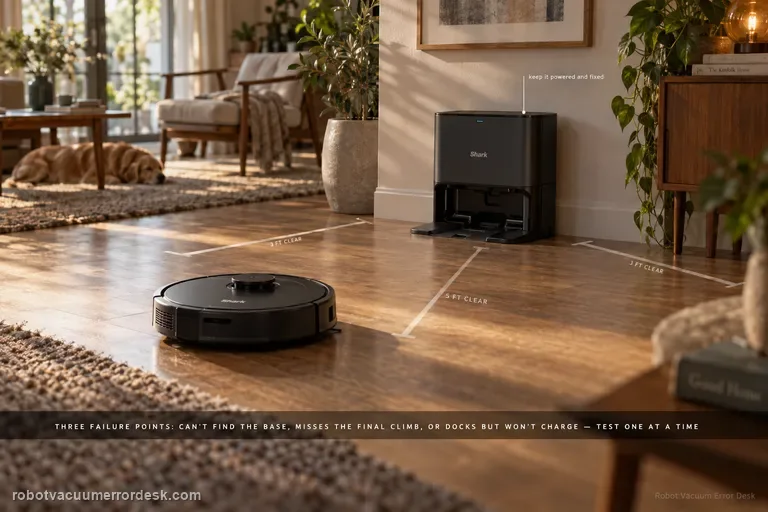
Won't dock
A Shark Matrix that 'won't dock' can fail at three different stages: it may not find the Self-Empty Base at all, it may find the base but miss the final climb/alignment, or it may park correctly and still fail to charge. The RV2300-series manual gives Error 23 for the first case. Start by proving base power and restoring about 3 ft of side clearance and 5 ft in front, keep the base fixed, then run a short Dock test. If the robot reaches the base, inspect wheel movement and dry-clean contacts before blaming navigation. If it docks squarely but does not charge, use the charging guide. This staged approach prevents remapping a robot whose actual problem is contact alignment or battery charging.
Error 23
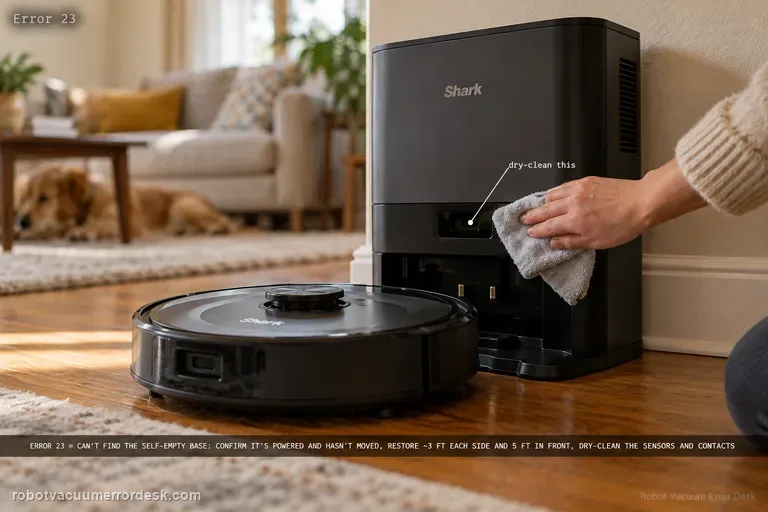
On the RV2300-series Shark Matrix, Error 23 means the robot cannot find the Self-Empty Base. Treat that as a localization/base-acquisition problem before treating it as a battery problem. Confirm the base is powered and has not moved, restore the owner-guide clearance of roughly 3 ft (1 m) on each side and 5 ft (1.5 m) in front, clear the approach, dry-clean sensors and charging contacts, and make sure the wheels are not dragging. Then place the robot a short distance directly in front of the powered base and command Dock. If that short test passes, long-route mapping or base permanence is the stronger suspect. If it fails with the base clearly powered and visible, the base-detection path is ready for Shark support.
Not charging
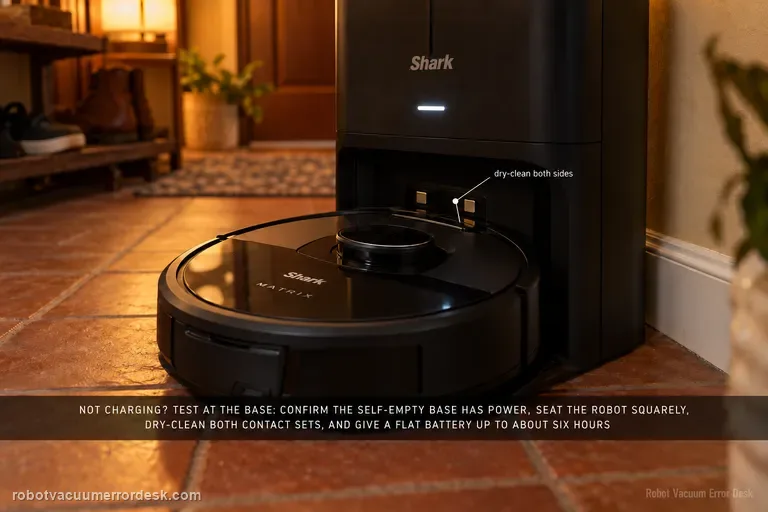
A Shark Matrix that will not charge should be tested at the base before you blame the battery. The RV2300-series owner guide distinguishes the base's powered/not-charging state from its charging state and describes the robot's charging indicators. Confirm the Self-Empty Base has power, manually seat the robot squarely, dry-clean the charging contacts on both sides, and allow a very low battery enough time to recover; the guide notes that a full charge can take up to about six hours. If the robot charges only after repositioning, treat alignment and docking as the stronger issue. If the base is powered and the robot never acknowledges charge even when hand-seated, charging hardware or battery service becomes more credible.