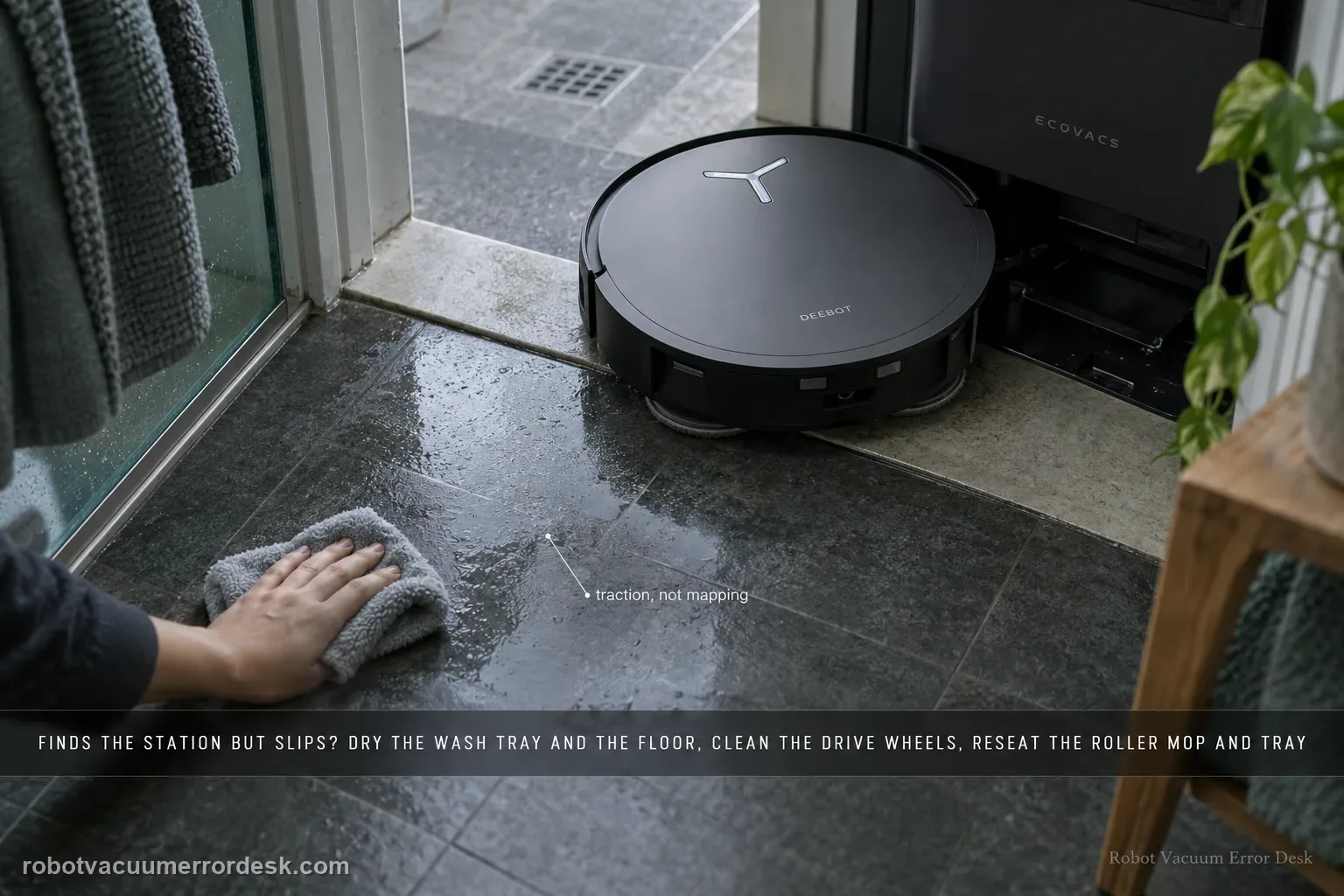
Treat “finds the station but slips” as a different fault from “cannot find the station.” ECOVACS’ X11 procedure starts at the last meter: remove excess water from the mop-washing tray and nearby floor, clean and dry the drive wheels, confirm the roller mop is seated, confirm the mop-washing tray is fully installed, then place the robot directly in front of the station and request Auto return. That sequence isolates traction and station-entry geometry before you blame mapping, charging electronics or the battery.
Does the robot find the station before it slips?
Confirm the exact model and exact code, light pattern or symptom.
Run the lowest-risk physical or software check first.
Use each pass condition to decide what the result actually narrows down.
Does this match your problem?
- The robot reaches the station but slips or backs away during entry.
- The floor or washing-tray area is wet.
- The failure happens on the final ramp/entry, not while locating the station from another room.
- The robot clearly locates the station but spins, slides or backs away during the final ramp entry.
- The same return works better after the tray/floor and wheel tread are dried, suggesting a traction rather than localization problem.
Most likely causes
Excess water in the mop-washing tray or on the floor reduces traction during final entry
Drive-wheel tread is dirty, damp or slick
The roller mop is not fully installed and changes the robot’s final-entry geometry
The mop-washing tray is not fully seated
The robot can find the station but still cannot complete the direct-front traction test
A mechanical docking/traction fault remains after the documented owner checks
What your test result means
| What you observe | What it narrows down | Next move |
|---|---|---|
| Station is found but wheels spin on a wet-looking approach | Localization is working; available traction is the first suspect | Dry the washing tray and surrounding floor before another return attempt. |
| Approach is dry but wheel tread is dirty or damp | Wheel friction is still unproven | Clean with a wrung cloth, dry the wheels, then retest. |
| Robot tilts or catches near the roller-mop side | Roller/tray installation may be changing entry clearance | Reseat the roller mop and mop-washing tray. |
| Direct-front Auto return succeeds | The station-entry hardware can work under controlled conditions | Look for intermittent wet-floor or approach-environment causes rather than charging parts. |
| Direct-front return still slips after all physical checks | Owner-level traction/setup checks are exhausted | Send ECOVACS a close video of wheels, ramp and tray during the failed entry. |
Do not factory-reset by default. Use the exact model’s reboot/network-reset procedure only when the manufacturer path calls for it.
Run these checks in order
Dry the final approach
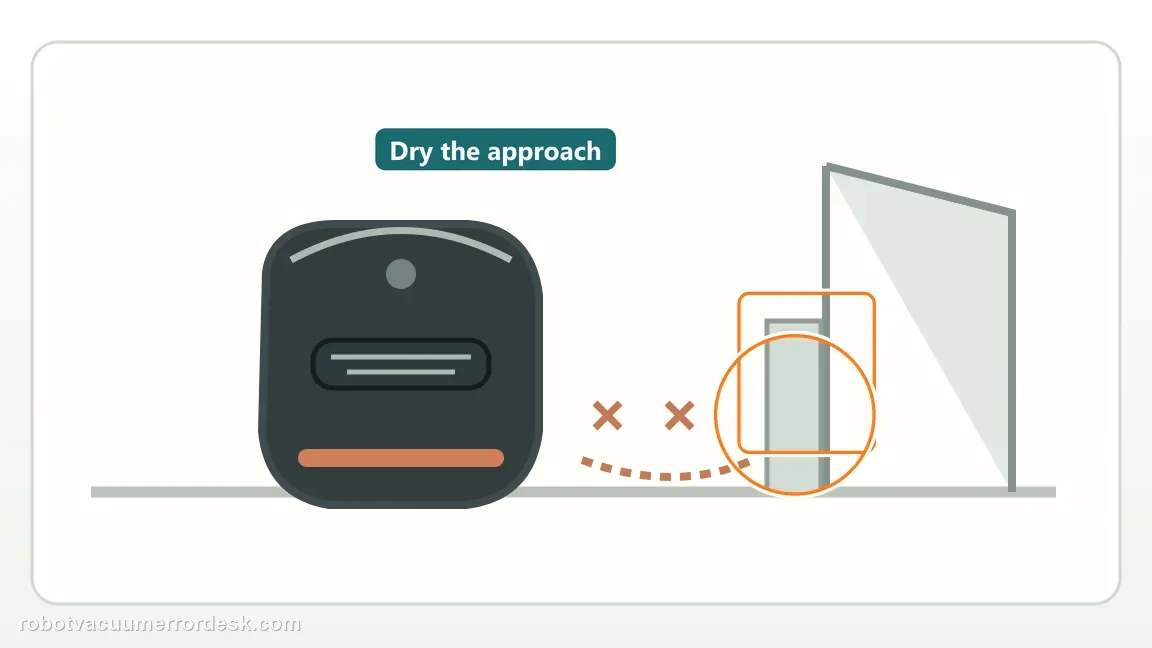
Inspect the mop washing tray and floor immediately around the station. Wipe away excess water and make sure the approach surface is dry before another test. Why it matters: Standing water or a thin detergent film can reduce wheel traction exactly where the X11 must climb and align. Drying the approach creates a repeatable surface for the next test and prevents a wet tray from masking whether the drive system can actually complete the ramp.
Clean and dry the drive wheels
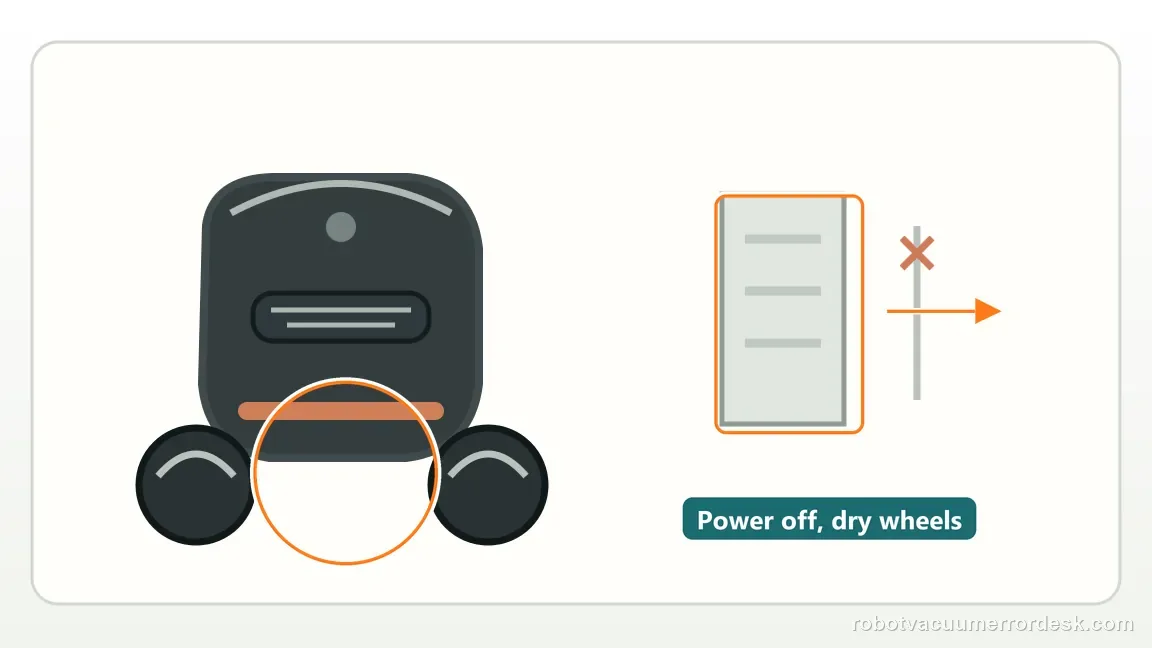
Power the robot off, turn it over safely, wipe the drive wheels with a damp wrung-out cloth and then dry them with a clean cloth. The drive wheels need both clean tread and a dry surface. Hair, fine dust and damp residue change friction differently, so clean first and dry afterward instead of judging the wheel by appearance alone.
Re-seat roller and tray hardware
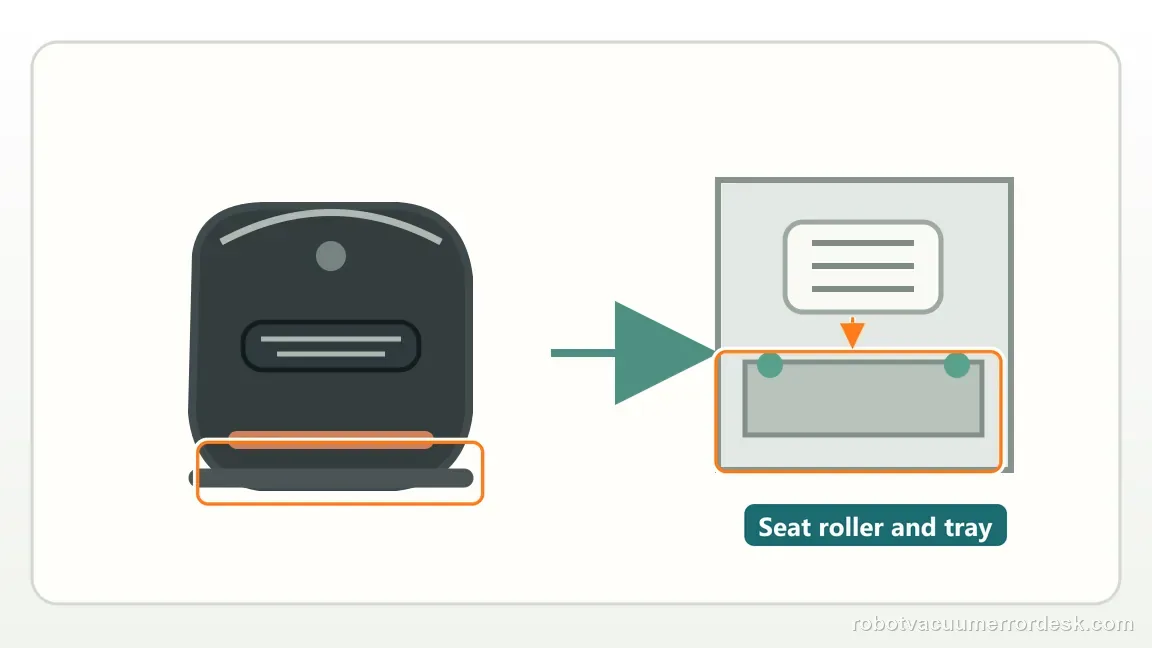
Check the roller mop installation and reinstall it, then verify the mop washing tray is fully installed. Place the robot directly in front of the station and run the Auto return test. A roller mop that is not fully seated can alter clearance on the roller side during final station entry. Reinstalling it is a geometry check, not just a mopping-maintenance step.
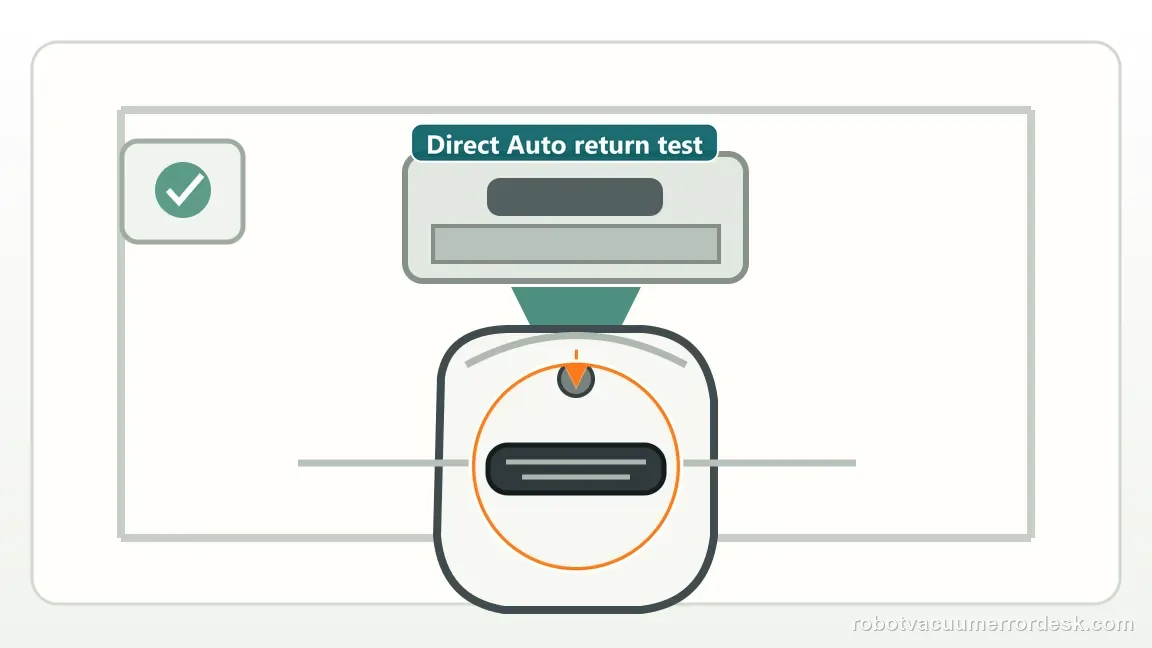
Run a direct-front return test
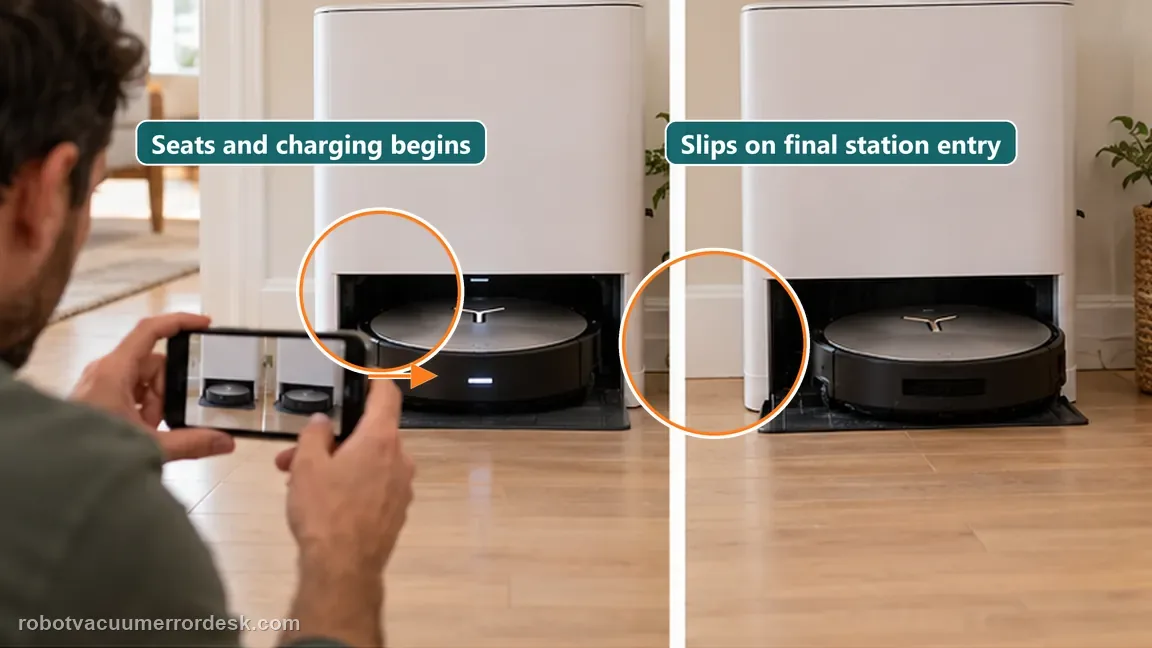
Place the X11 on a dry, level floor directly in front of the OmniCyclone station and press Auto to request return. Do not carry it onto the contacts for this test; the point is to watch the final approach with long-range navigation largely removed. Note whether it slips before the ramp, on the ramp, or only at final seating.
Separate traction failure from charging failure
If the X11 reaches and seats but does not charge, stop calling the symptom a slipping problem and move to the charging diagnostic. If it physically spins or slides while the approach surface is dry, keep the video focused on the wheel/ramp interface for support.
Preserve the exact X11 failure state for support
If a final-entry traction problem after the robot has already found the station still repeats after the preceding checks, stop changing unrelated settings. Capture the exact app/voice wording, the relevant component or setting, and one short repeatable test. This makes the escalation specific to the X11 symptom instead of a generic complaint and prevents an intermittent result from being lost during further experimentation.
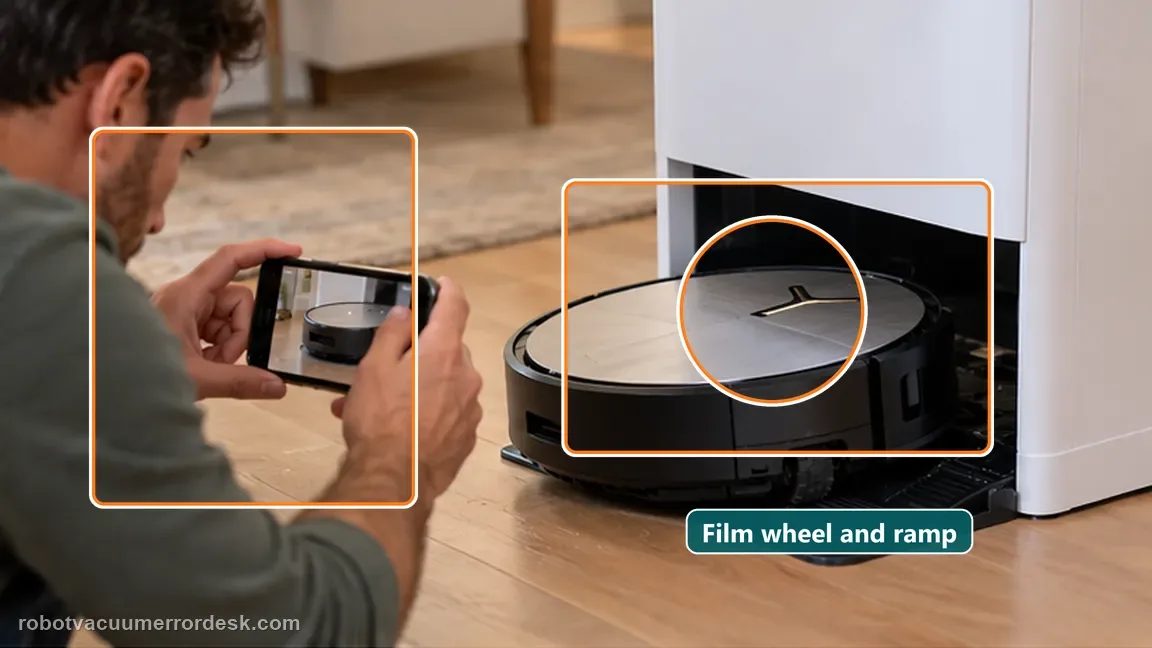
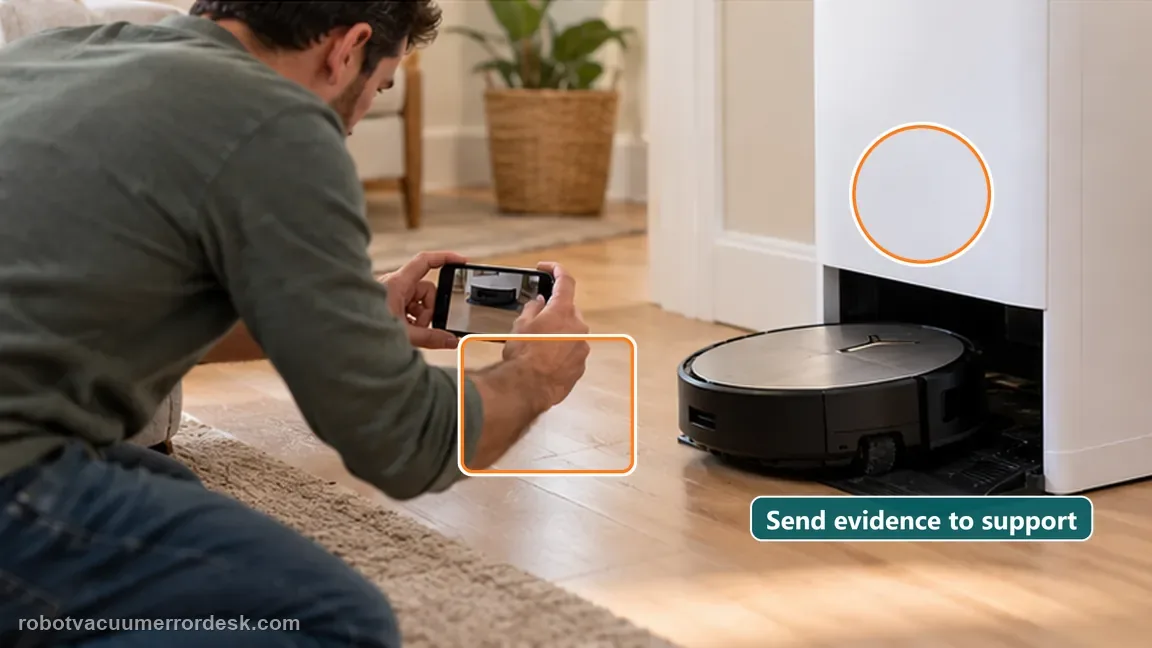
If a dry approach, clean wheels and correctly seated roller/tray still cannot complete the final entry, send Ecovacs a close video of the wheels and ramp during the attempt. The robot already found the station, so preserve that distinction. Include a direct-front return video showing that the robot already found the station, plus the dry approach, wheel condition, roller seating and tray seating.
What to collect before contacting support
Give support a reproducible case instead of “it doesn’t work.” That reduces repeated basic troubleshooting and preserves the clues from your tests.
- Exact model name and the error code / voice prompt exactly as shown
- A photo or screenshot of the app error and the time it occurred
- A short list of the checks already completed and what happened after each one
- Map/station screenshot when the problem involves return-to-station or mapping
Manufacturer evidence
Ecovacs DEEBOT X11 OmniCyclone — slipping on return
Ecovacs’ X11 support article treats this as a final-entry traction/setup issue and checks water, drive wheels, roller mop and washing-tray installation.
Additional official source: ECOVACS US — DEEBOT X11 OmniCyclone Support Center ↗Last editorial review: September 5, 2026Regional note: manufacturer help centers, model suffixes, mains-power requirements and warranty procedures can differ by country. If the source redirects to a local support site, confirm that the model/hardware scope still matches before following a region-sensitive step.
This guide is rated Official model support. See what each evidence label means →
FAQ
Is this the same as “cannot find station”?
No. In this case the robot already reaches the station. That points the diagnosis toward traction and final-entry hardware rather than long-range localization. Because the robot already found the base, a dry direct-front entry test is more informative than rebuilding the map. That keeps the diagnosis on final-entry grip during the last part of docking, where the symptom actually occurs.
Why dry the wheels after wiping them?
The official sequence uses a damp cloth followed by a dry cloth so cleaning does not leave the wheel surface slippery for the next docking test. Dry tread gives the next return test a clean traction baseline; leaving the wheel damp can recreate the same slip you are trying to diagnose.
Why does my DEEBOT X11 find the station but keep slipping on the way in?
When the X11 already reaches the station, ECOVACS treats the problem as final-entry traction or installation rather than a lost-station problem. Dry water around the washing tray, clean and dry both drive wheels, reseat the roller mop and washing tray, then test Auto return from directly in front of the base. Persistent slipping after those checks is a support case.
Can a wet mop-washing tray make the X11 look like it has a docking error?
Yes. Water on the tray or nearby floor can reduce traction during the short climb into the station even though the map and station location are correct. ECOVACS specifically tells X11 owners to wipe excess water first. If the floor is dry and the robot still slips, move next to wheel cleanliness and roller/tray seating rather than remapping the house.
Should I remap the X11 when it reaches the base but slides backward?
Not as the first move. A robot that finds the station has already demonstrated that long-range localization can work. For this X11 symptom, the manufacturer starts with the wet approach, drive wheels, roller mop and washing tray. Remapping can erase useful map state without addressing the physical slip that occurs only during the final entry.
Did this diagnostic narrow the fault?
Use this as an editorial signal, not a popularity counter. If a feedback address is configured you can email the note; otherwise you can copy it for your own support record.