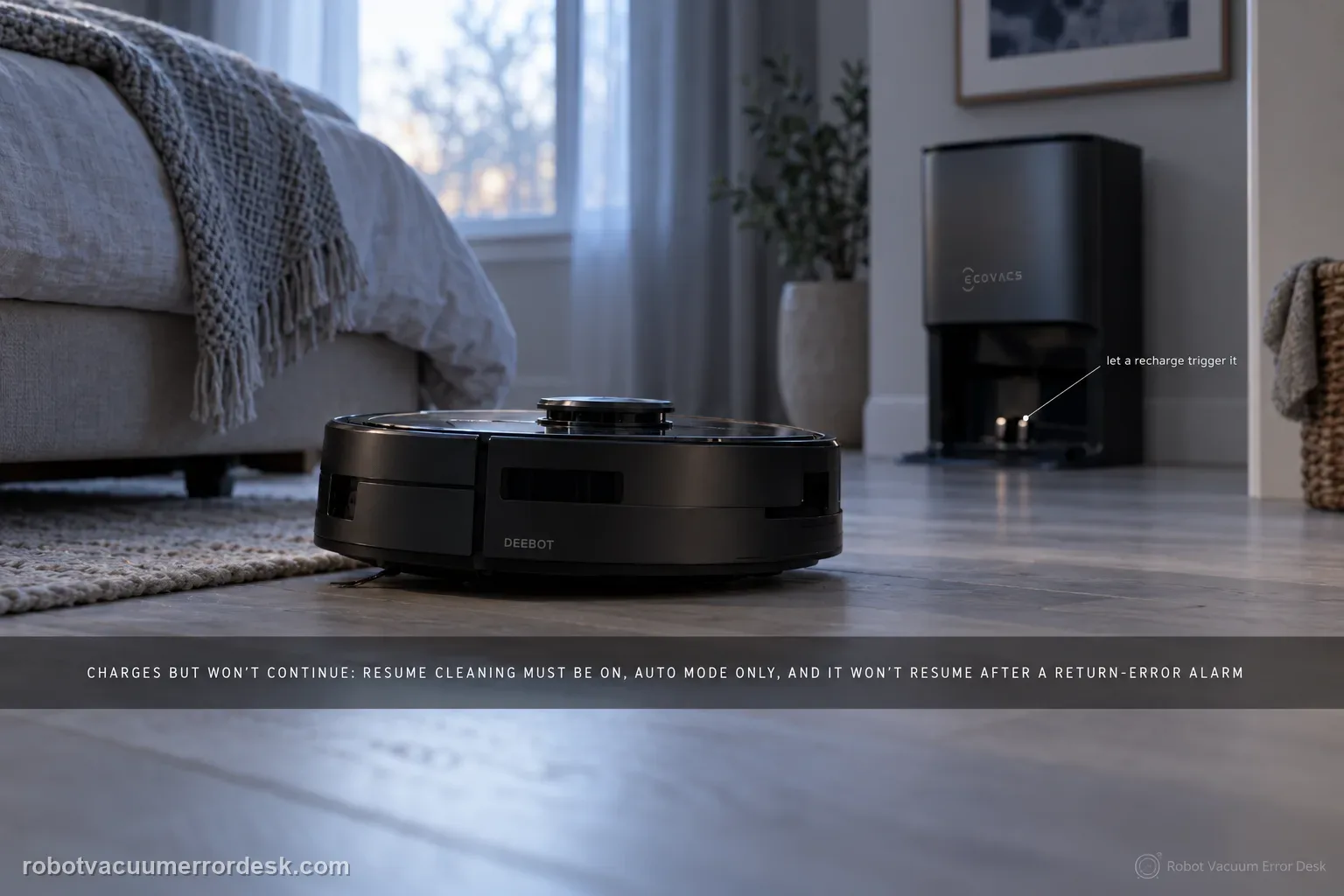
A T80 OMNI that charges but never continues an unfinished cleaning job should be diagnosed as mission-state logic before it is treated as a charging failure. ECOVACS says Resume Cleaning must be enabled, only works in Auto mode, will not activate during Do Not Disturb, will not resume after the return-to-charge sequence produced an error alarm, and can be interrupted by restarting or resetting the robot. Build one controlled Auto-mode test that intentionally requires a recharge, leave the robot and map alone during that break, and observe whether it resumes after enough charge is available.
Does the T80 charge normally but close the unfinished job?
Confirm the exact model and exact code, light pattern or symptom.
Run the lowest-risk physical or software check first.
Use each pass condition to decide what the result actually narrows down.
Does this match your problem?
- The T80 returns to its station, charges, but the unfinished area is never resumed automatically.
- Charging itself is healthy, so the problem begins after the robot has already reached the station.
- The original task may have been started outside Auto mode or during a Do Not Disturb period.
- The robot was restarted/reset while charging, which can destroy the mission state needed for automatic continuation.
- An error alarm occurred during the return or charging phase and you need to know whether that blocks Resume Cleaning.
Most likely causes
Resume Cleaning is disabled in ECOVACS HOME
The original cleaning task was not an Auto-mode mission eligible for this behavior
The recharge period falls inside configured Do Not Disturb hours
An error alarm during return/charging prevents the mission from continuing automatically
A restart or reset during the charging break clears the mission state needed to resume
The robot never reaches a usable charge level because the real fault is charging, not resume logic
What your test result means
| What you observe | What it narrows down | Next move |
|---|---|---|
| Robot does not charge normally | Resume behavior cannot be tested until charging is healthy. | Use the T80 not-charging guide first and return here only after charging is proven. |
| Resume Cleaning toggle is off | The expected automation is disabled by configuration. | Enable it, then start a new Auto-mode test rather than waiting for an old mission. |
| Recharge occurs during Do Not Disturb | ECOVACS says resume will not activate during that period. | Repeat outside DND or adjust the schedule for the controlled test. |
| Robot was restarted/reset while charging | The mission context may have been interrupted by the user action. | Run a new Auto mission and leave the robot untouched through the recharge break. |
| Eligible Auto mission charges cleanly but never resumes | Settings and common blockers are exhausted. | Save the mission timeline/app screens and escalate to ECOVACS. |
Do not factory-reset by default. Use the exact model’s reboot/network-reset procedure only when the manufacturer path calls for it.
Run these checks in order
Prove this is a resume problem, not a charging problem
Before changing app settings, verify that the T80 reaches the station, shows a normal charging state and actually gains battery. If the robot struggles to dock, slips on the tray or never establishes charge, fix that first. Resume Cleaning depends on a successful return/recharge cycle, so testing it on top of a charging error mixes two independent failures. Note the battery percentage at arrival and after charging so you know the robot is capable of continuing a task once the required level is reached.
Enable Resume Cleaning and confirm the original job is Auto mode
Open the robot settings in ECOVACS HOME and verify Resume Cleaning is enabled. Then make sure the controlled test is an Auto-mode cleaning job because ECOVACS says the feature only works in Auto mode. Do not use a custom sequence, one-off spot behavior or another mode and then conclude Resume Cleaning is broken. Start a fresh Auto task from the station so the mission state, map and station location all begin in the expected context.
Check Do Not Disturb before waiting for a resume
Review the Do Not Disturb schedule and compare it with the expected recharge period. ECOVACS states that Resume Cleaning will not activate during DND hours. If the robot reaches the station just before DND starts, a long pause can be expected even though charging is normal. For the diagnostic, run outside that window or temporarily choose a test period where DND will not overlap. Record the times so you can distinguish a configuration block from a robot that simply never resumes.
Look for an error alarm during return or charging
Review the app notifications and the robot/station behavior from the moment it leaves the unfinished area through docking and charging. ECOVACS says Resume Cleaning will not activate if the robot returns to charge and triggers an error alarm. That means a wheel, tank, roller or charging alert can look like a resume failure even though the feature is correctly configured. Fix the specific error first, then repeat the Auto mission; do not keep toggling Resume Cleaning around an unresolved hardware/maintenance alert.
Do not restart or reset the robot during the recharge break
For one clean test, leave the T80, station and map alone from the moment it returns to charge until it either resumes or clearly fails to do so after adequate charging. ECOVACS specifically warns that restarting or resetting the robot after Resume Cleaning is activated can prevent the behavior. Avoid moving the robot, moving the station, deleting the map or force-closing the mission in the app. The point is to preserve the task state so the result tells you something about Resume Cleaning rather than about an interruption you introduced.
Record the mission timeline if a valid test still does not resume
If the T80 completes the eligible sequence—Auto mode, Resume Cleaning enabled, outside DND, no errors, no restart/reset, successful charging—but still does not continue, capture the app screens and timestamps. Record start time, return-to-charge time, battery on arrival, battery after charging and the point where you expected resumption. Also save any notification history. This timeline gives ECOVACS an app/firmware behavior case rather than a vague complaint and avoids another round of unrelated contact or map cleaning.
Escalate only after charging/docking is healthy and you have reproduced the failure in a fresh Auto-mode mission with Resume Cleaning enabled, outside Do Not Disturb, with no return/charging error and no restart/reset or manual movement during the break. Send ECOVACS the mission timestamps, battery percentages and app screenshots. Do not factory-reset first; a reset can erase the very mission-state evidence needed to distinguish configuration, firmware/app behavior and a hidden error condition.
What to collect before contacting support
Give support a reproducible case instead of “it doesn’t work.” That reduces repeated basic troubleshooting and preserves the clues from your tests.
- Exact model name and the error code / voice prompt exactly as shown
- A photo or screenshot of the app error and the time it occurred
- A short list of the checks already completed and what happened after each one
- Map/station screenshot when the problem involves return-to-station or mapping
Manufacturer evidence
ECOVACS T80 OMNI — Resume Cleaning
ECOVACS' T80 resume article states that Resume Cleaning must be enabled, works only in Auto mode, does not run during Do Not Disturb, is blocked by a return/charging error and can be interrupted by a restart/reset. The T80 charging article supplies the companion check that charging itself is healthy before the mission-state logic is judged.
Additional official source: ECOVACS T80 OMNI — proper and energy-saving charging ↗Additional official source: ECOVACS T80 OMNI product support hub ↗Last editorial review: September 5, 2026Regional note: manufacturer help centers, model suffixes, mains-power requirements and warranty procedures can differ by country. If the source redirects to a local support site, confirm that the model/hardware scope still matches before following a region-sensitive step.
This guide is rated Official model support. See what each evidence label means →
FAQ
Why does my DEEBOT T80 not resume cleaning after it recharges?
Check the eligibility conditions before assuming a fault. ECOVACS says Resume Cleaning must be enabled, only works in Auto mode, does not activate during Do Not Disturb, will not continue after a charging/return error, and can be interrupted by restarting or resetting the robot. Reproduce the behavior in one fresh Auto mission with all of those conditions controlled.
Does DEEBOT T80 Resume Cleaning work in every cleaning mode?
No. ECOVACS states that Resume Cleaning only works in Auto mode. If your test began as another task type, the absence of automatic continuation does not prove the feature is broken. Start a new Auto-mode job from the station, let it return for charging naturally and leave the robot untouched through the recharge interval before judging the result.
Can Do Not Disturb stop the T80 from resuming after charging?
Yes. ECOVACS explicitly says Resume Cleaning will not activate during Do Not Disturb hours. Compare the recharge/resume timing with your DND schedule. If they overlap, repeat the diagnostic outside that period or change the schedule temporarily. That is a configuration result, not evidence that the station, battery or map is failing.
Why should I avoid restarting the T80 while it is charging mid-job?
Because the robot needs to preserve the unfinished mission state in order to continue it. ECOVACS warns that restarting or resetting after Resume Cleaning is activated can prevent the feature from running. For a clean test, do not move the robot/station, delete the map, restart, reset or manually cancel the task during the recharge break.
What evidence helps ECOVACS diagnose a T80 that never resumes?
Send a timeline: Auto mission start, return-to-charge time, battery percentage on arrival, battery percentage after charging and the point where the robot failed to continue. Add screenshots showing Resume Cleaning enabled, DND timing and any notification/error history. That proves the eligibility conditions and lets support investigate app/firmware behavior instead of repeating basic charging advice.
Did this diagnostic narrow the fault?
Use this as an editorial signal, not a popularity counter. If a feedback address is configured you can email the note; otherwise you can copy it for your own support record.