When a Roomba i5 simply 'won't return home' without a clear Error 18 message, first determine which stage fails. If it cannot dock from a short clear approach, troubleshoot the Home Base, RCON/bumper area, contacts and wheels. If it docks perfectly from about 6 ft but fails after a long cleaning mission, focus on whole-home context: whether the robot or base was moved, how far the return begins from the dock, remaining battery and environmental interference. iRobot notes that physically moving a Roomba during a mission can make Home Base recovery harder and publishes range guidance for the i3/i4/i5 family. This symptom-first page therefore starts with a close test before map deletion or battery replacement.
Confirm the exact model and exact code, light pattern or symptom.
Run the lowest-risk physical or software check first.
Use each pass condition to decide what the result actually narrows down.
Is this the problem you’re seeing?
- The i5 finishes or pauses cleaning but does not make it back to Home Base.
- There is no consistent Error 18 message even though return behavior is unreliable.
- The robot docks from nearby but gets lost or stops on longer missions.
- The i5 was moved by hand, the Home Base was relocated, or the home layout changed.
Likely root causes, ranked
Return route or mission localization was disrupted after the robot was moved
Home Base placement or approach interference makes reacquisition difficult
Low remaining battery at long range prevents successful return
Wheel/caster drag degrades navigation over longer distances
A true final-docking fault exists and will also fail the short return test
What the result narrows down
| What you observe | What it narrows down | Next move |
|---|---|---|
| Never heads toward dock after being carried | Mission localization may have been disrupted. | Start from the dock and run one uninterrupted mission without moving the robot. |
| Docks successfully from 6 ft | Final docking can work. | Investigate route distance, remaining battery and whole-home context. |
| Fails from 6 ft too | This is not merely a long-range navigation problem. | Use Error 18 checks for dock power, RCON/bumper area, wheels and contacts. |
| Reaches dock but does not charge | Navigation succeeded; electrical contact is the next failure stage. | Switch to the i5 charging guide. |
| Return failures correlate with very long missions | Range and remaining battery are plausible constraints. | Record return-start battery and simplify the mission to compare behavior. |
Do not factory-reset by default. Use the exact model’s reboot/network-reset procedure only when the manufacturer path calls for it.
Checks to run, in sequence
Classify where the return actually breaks
Watch one failed return and note whether the i5 never heads toward Home Base, approaches the correct area but searches, reaches the base and backs away, or docks but fails to charge. These are different stages. A navigation problem that begins several rooms away should not be diagnosed from the charging contacts first, while a robot that reaches the base but will not settle should. This observation keeps the symptom-first guide from becoming an unfocused list of every possible dock issue.
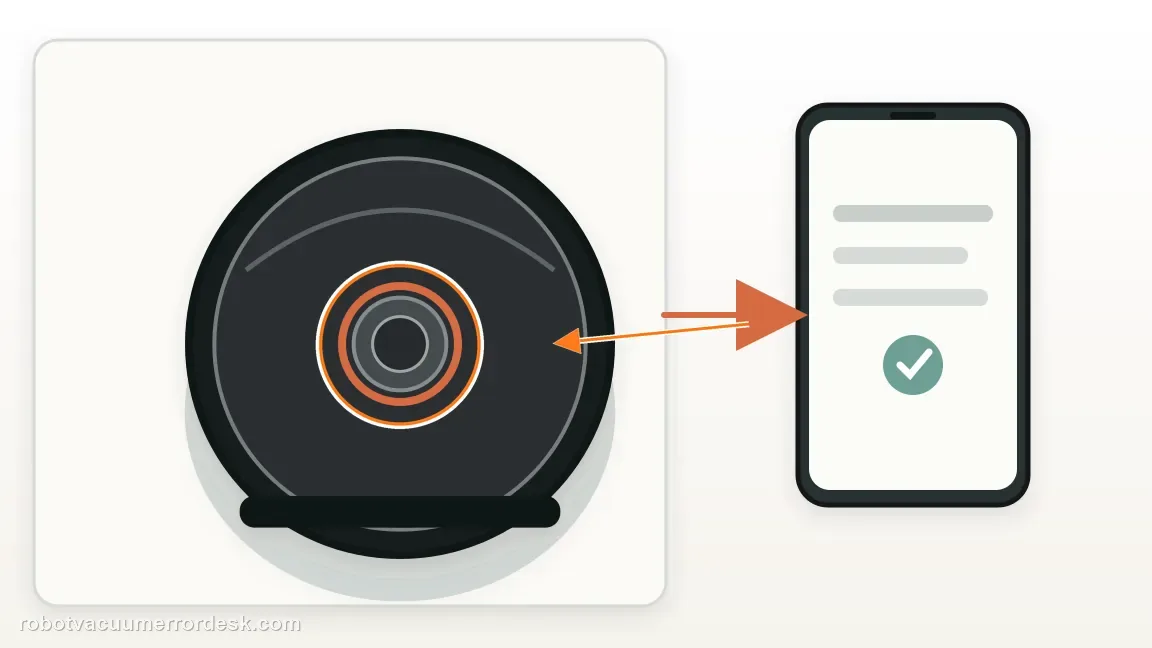
Stabilize Home Base and remove approach interference
Confirm the dock is powered, remains against a wall on a hard level surface and has not been moved or rotated. Keep the area in front uncluttered and remove nearby interference sources identified by iRobot. A robot can maintain a useful map yet still struggle when the physical target moves. Avoid changing the map at this stage; first restore a stable real-world reference and see whether the behavior changes under otherwise identical conditions.
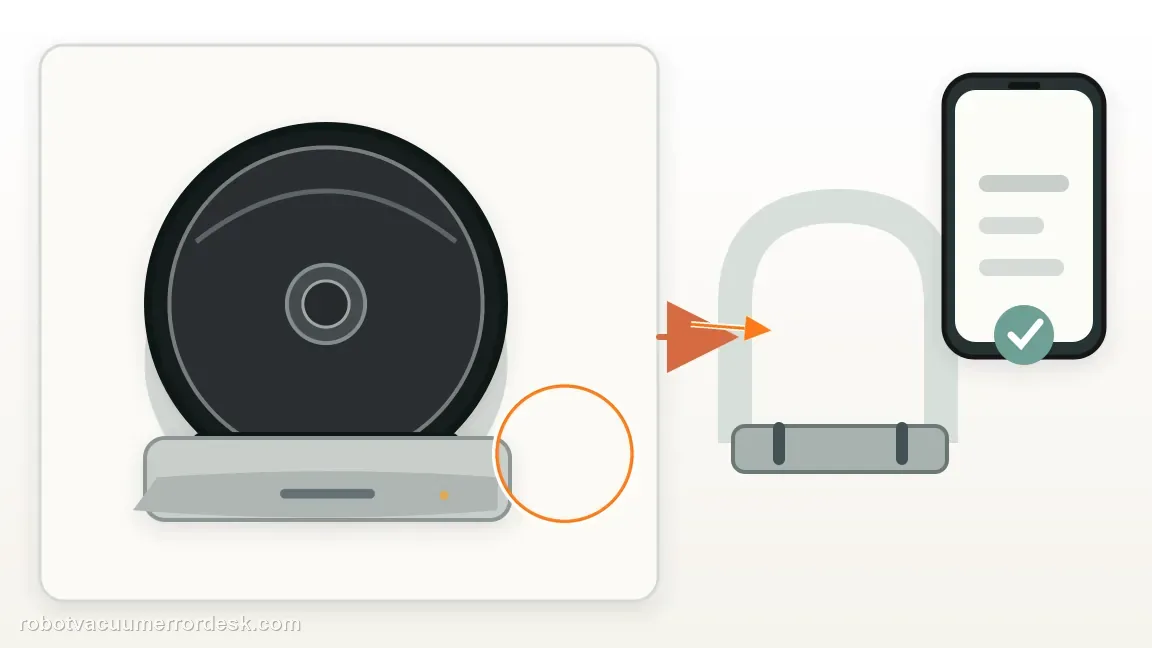
Undo the effect of carrying the robot during a mission
iRobot specifically warns that picking up and moving Roomba during a cleaning job can make it harder for the robot to find Home Base. If that happened, do not use the resulting failed return as evidence of hardware damage. Place the i5 on the dock, let it establish a normal starting state, then run an uninterrupted job without carrying it. The comparison tells you whether the failure depends on disrupted mission context rather than a persistent dock or sensor fault.
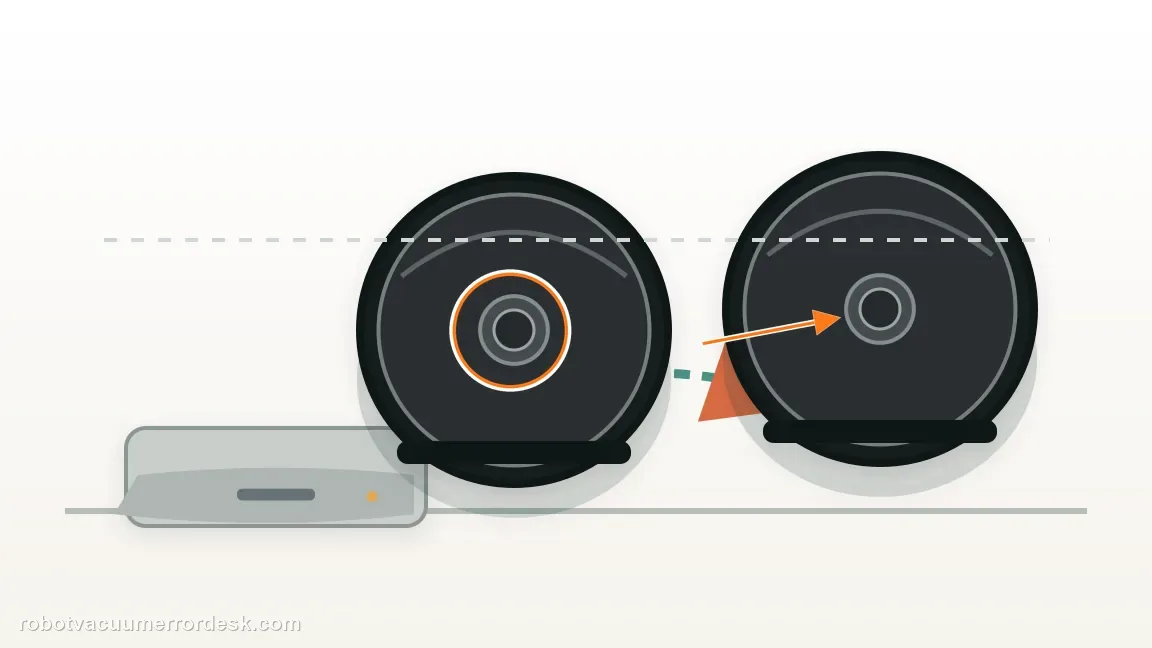
Prove final docking from about 6 ft
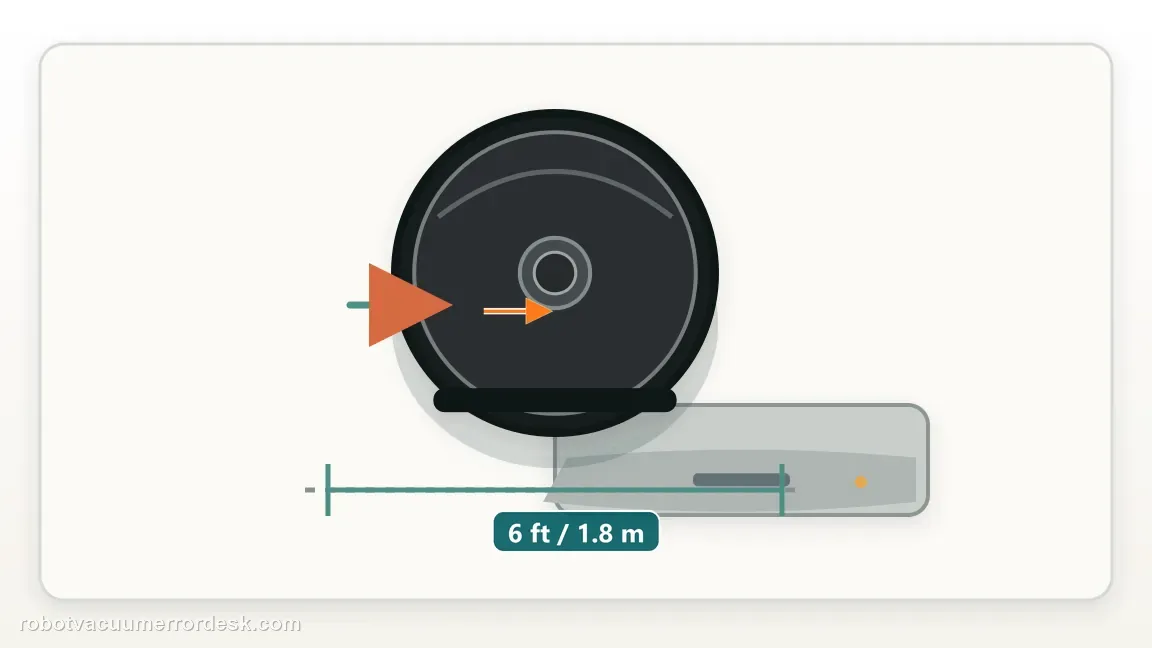
Face the i5 toward the Home Base from within about 6 ft (1.8 m) and command it Home. This is the most useful discriminator on the page. A pass shows the dock-detection and final approach can work when route complexity is removed. A fail means you should move into the Error 18-style checks for RCON/bumper visibility, wheels, contacts and dock power. Do not infer long-range navigation weakness until this short interaction is known to be healthy.
If close range passes, check mission distance and battery
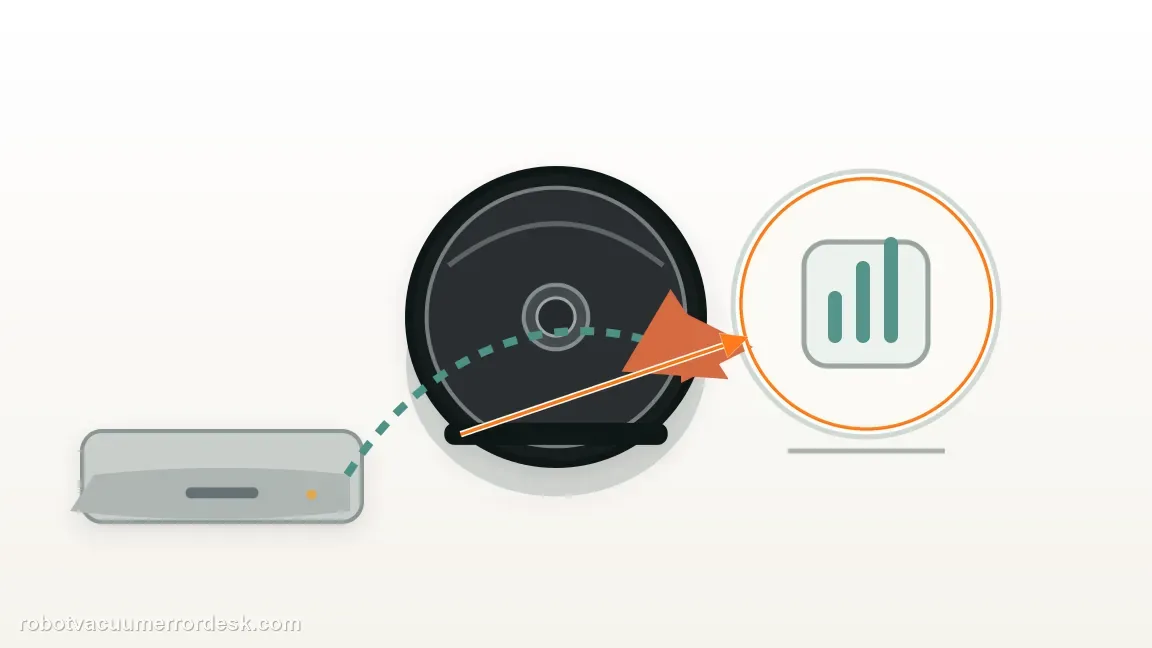
For failures only after long cleaning cycles, note the room or distance where the i5 starts returning and the battery state at that moment. iRobot publishes an approximate 1,600 ft² coverage reference for i3/i4/i5-family robots in its Error 18 guidance, while also noting that a robot too far from the dock with low battery may not make it back. The number is not a guarantee, but it is a useful clue when a home is much larger or routes are unusually complex.
Inspect mobility if navigation drifts over distance
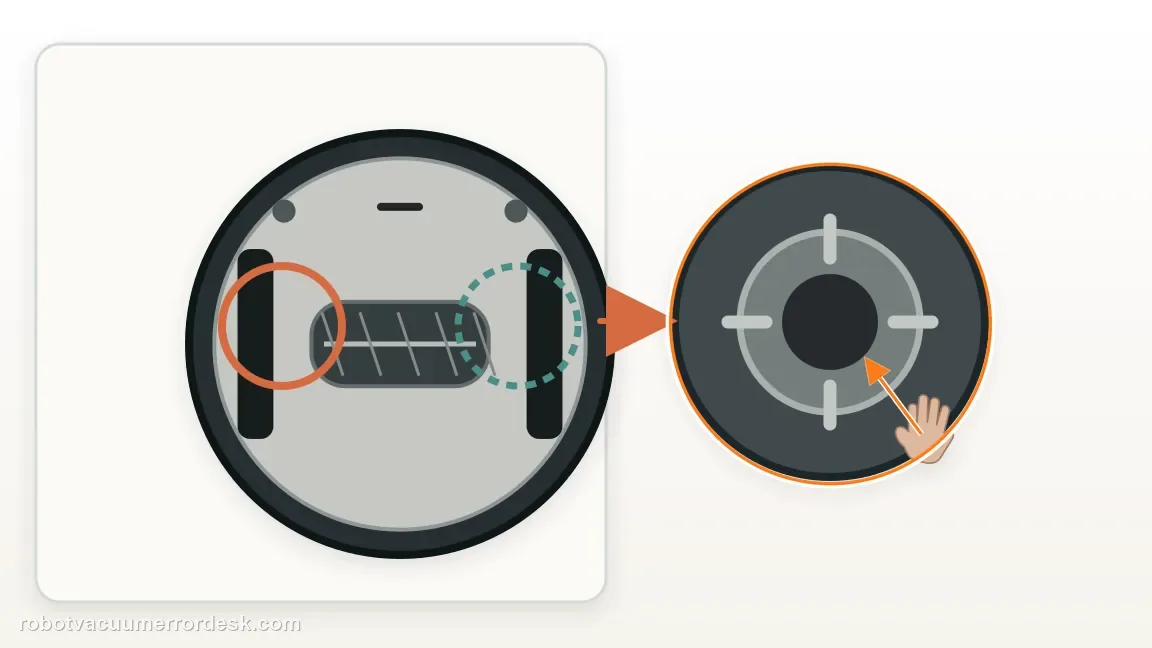
Clean the front caster and check both drive wheels for hair, debris and unequal movement. Small steering bias may not be obvious on a short straight path but can accumulate across rooms and make the robot's return route less reliable. After maintenance, repeat the same mission rather than changing map, base and battery variables simultaneously. A navigation symptom that improves after wheel/caster service points to mobility, not software.
Escalate with the failure stage and distance
If the i5 still will not return, tell iRobot whether the controlled 6 ft dock test passes, whether the robot was carried, where the return begins and what battery level remains. Include whether the robot reaches the base but fails to charge. Those details map the problem to navigation, final docking or charging. A vague report that it 'never comes home' forces support to repeat all three diagnostic branches from the beginning.
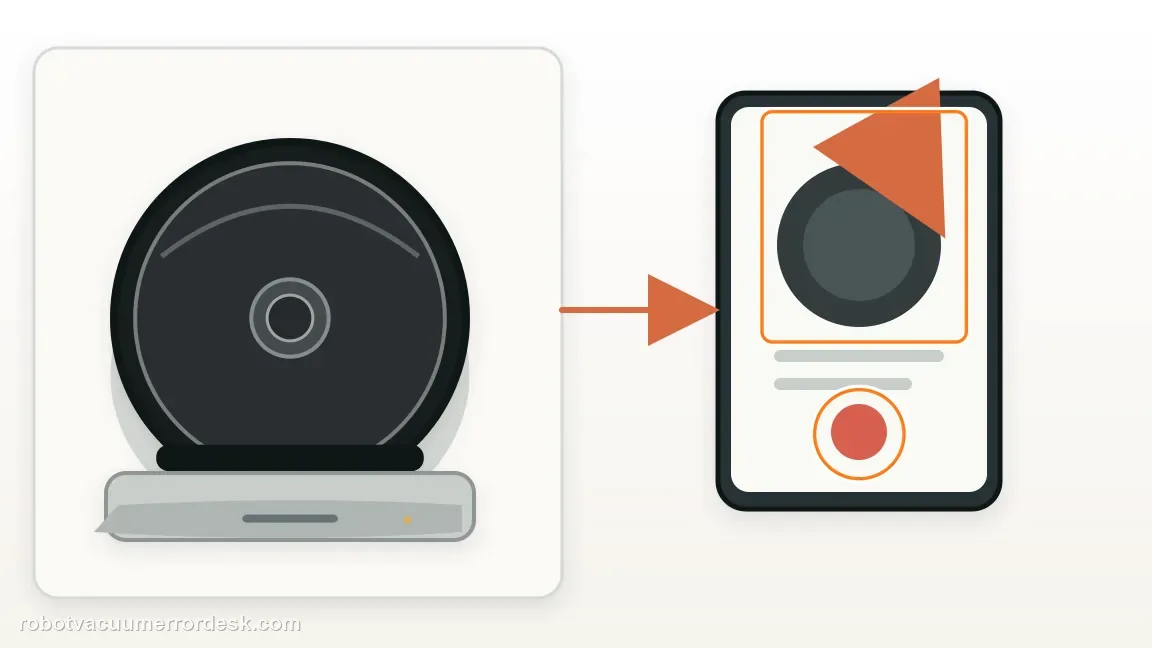
Escalate when the i5 still fails after a stable powered Home Base, an uninterrupted mission, a controlled close-range Home test and basic wheel/caster maintenance. Tell support whether the 6 ft test passes, whether the robot was moved during the failed job, approximate return distance and battery state, and whether the robot reaches the base but fails to charge. Those details distinguish navigation-range trouble from Error 18-style final docking or a separate charging problem.
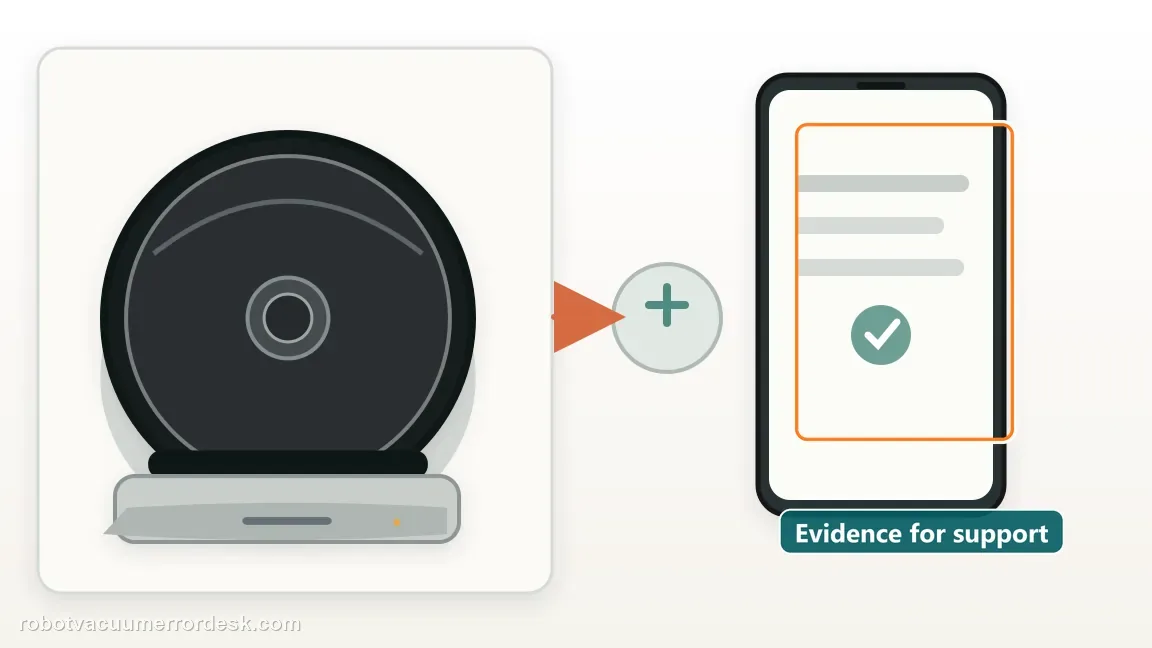
Information to have ready for support
Support can skip the basic troubleshooting script when you provide a reproducible case. That keeps the results of your checks from getting lost.
- Exact model name and the error code / voice prompt exactly as shown
- A photo or screenshot of the app error and the time it occurred
- A short list of the checks already completed and what happened after each one
- Robot serial number and proof of purchase if warranty may apply
Source and evidence level
iRobot — Error 18 / return-to-dock guidance
iRobot documents close-range return testing, dock placement, the effect of moving the robot, environmental interference and approximate coverage guidance for i3/i4/i5-family robots.
Additional official source: iRobot — i Series charging and Home Base behavior ↗Additional official source: iRobot — i/j Series setup and Home Base placement ↗Last editorial review: October 11, 2026Regional note: manufacturer help centers, model suffixes, mains-power requirements and warranty procedures can differ by country. If the source redirects to a local support site, confirm that the model/hardware scope still matches before following a region-sensitive step.
This guide is rated Official series support. See what each evidence label means →
Common questions
Why won't my Roomba i5 return Home after a long cleaning job?
If the i5 docks normally from a short clear approach, the final dock interaction is working and long-mission context becomes more important. Check whether the robot was carried, how far it starts returning from the dock, remaining battery and route complexity. iRobot notes that low battery at long distance can prevent a successful return and that moving the robot during cleaning can confuse Home Base recovery.
Can picking up a Roomba i5 make it lose the Home Base?
Yes. iRobot warns that manually moving a Roomba during a cleaning job can make it harder for the robot to find its Home Base. To test that variable, start the i5 from the dock and let one mission run without carrying either the robot or base. If return behavior improves, the earlier failure was more consistent with disrupted mission context than a permanent dock hardware fault.
What does a successful 6 ft Home test prove on a Roomba i5?
It proves that the i5 can detect and complete the final approach to the Home Base under simplified conditions. That makes a broken dock-detection path less likely and shifts attention toward long-range navigation, mission distance, remaining battery or the robot having been moved. It does not guarantee every whole-home return will succeed, but it prevents unnecessary work on contacts when close docking is healthy.
Is a large home enough to make a Roomba i5 fail to return?
It can contribute, especially if the robot begins its return far from the dock with little battery remaining. iRobot publishes an approximate coverage reference for the i3/i4/i5 family and separately notes that low battery at long range can prevent a return. Treat that as diagnostic context rather than a strict square-foot guarantee. Compare a shorter mission with the same dock placement to see whether distance changes the result.
When should I use the Error 18 guide instead of this return-home guide?
Use the Error 18 path when the robot explicitly reports Error 18 or when it also fails the controlled close-range dock test. This symptom-first page is most useful when the i5 returns unreliably after normal missions without a consistent code. If it reaches the dock but will not charge, switch again to the charging guide because navigation has already succeeded and the failure is now electrical/contact related.
Did this diagnostic narrow the fault?
Use this as an editorial signal, not a popularity counter. If a feedback address is configured you can email the note; otherwise you can copy it for your own support record.