Dreame X40 Ultra troubleshooting
Charging, resume cleaning, carpet side-brush and auto-empty diagnostics. We route by the exact error or symptom rather than assuming a generic robot-vacuum fix applies.
Dreame X40 Ultra issue index
4 guides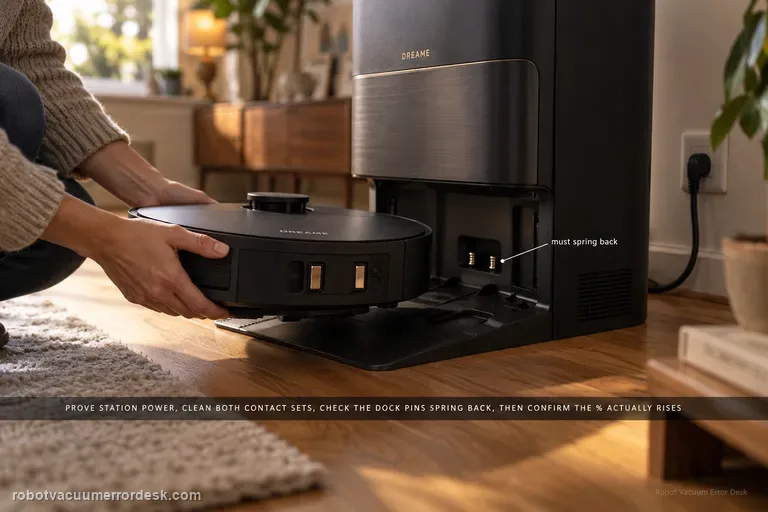
Not charging
Use the X40 Ultra’s current charging and docking pages before blaming the battery. First prove the station has power and both ends of its cable are fully seated. Clean the robot and station charging contacts, then check that the station’s exposed charging pins are not stuck and spring back normally. Put the X40 directly into the dock and listen for the “Start charging” prompt; then confirm the battery percentage actually rises. If manual docking charges but an autonomous return does not, move to the separate docking/return path. If a correctly seated X40 still will not acknowledge charge, Dreame’s current X40 support allows a robot restart; a factory reset is a later step and erases maps, so preserve evidence before using it.
Resume cleaning off
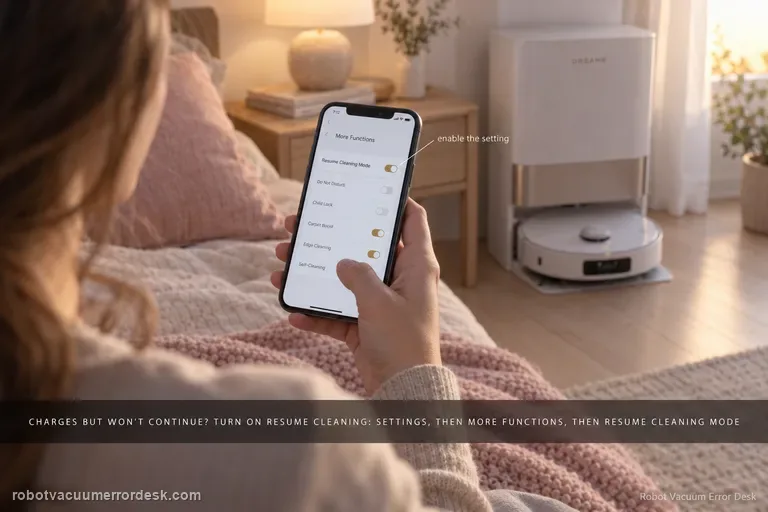
If the X40 Ultra returns to the base and charges normally but never continues unfinished work, stop troubleshooting charging contacts and prove the resume feature itself. Dreame’s X40-specific setup path is Device home → Settings → More Functions → Resume Cleaning Mode. Dreame’s general recharge-and-resume guidance explains the intended behavior: a low-battery cleaning task returns to charge and later continues the unfinished area. Enable the exact X40 setting, start a sufficiently large normal cleaning job, let the robot create the recharge breakpoint by itself, and avoid cancelling or replacing the mission while it charges.
Side brush stops on carpet
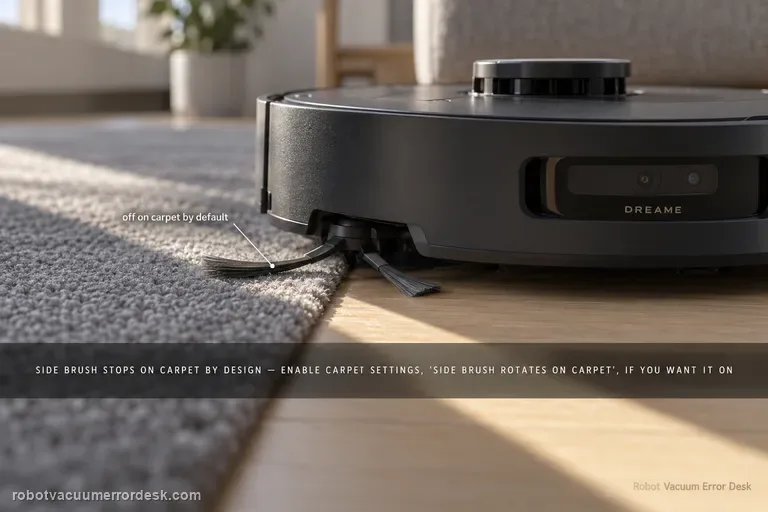
On X40 Ultra, a side brush that lifts and stops on carpet can be normal behavior, not a failed motor. Dreame’s exact X40 carpet-setting page says side-brush cleaning on carpet is disabled by default to reduce secondary contamination, and you can enable Settings → Carpet Settings → “side brush rotates on carpet.” Dreame’s newer X40-series support adds that the brush may also lift during positioning, recharging, cross-zone navigation and voice calls. First prove the brush rotates on hard floor, then reproduce the same carpet transition before and after changing only the carpet setting.
Auto-empty not working
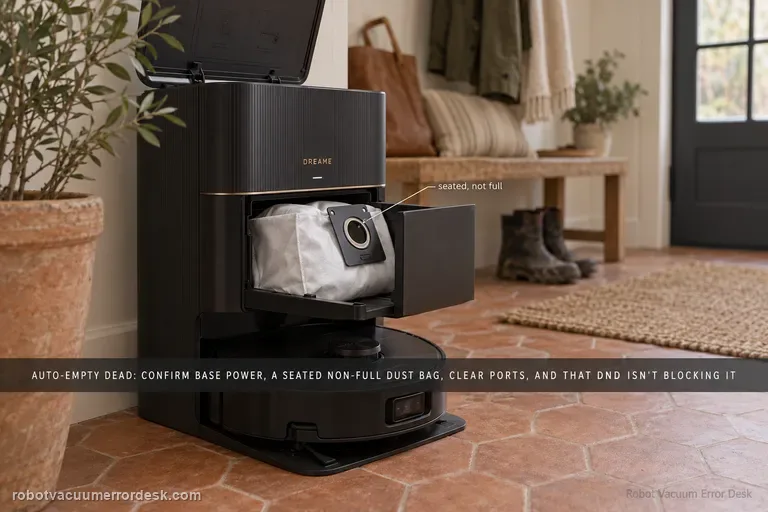
Dreame’s current X40 Ultra dust-collection page separates a cycle that never starts from one that runs but moves little debris. Confirm the station is powered, the dust bag is correctly installed and not full, and the robot/base/dust-box collection ports are clear. In Dreamehome, make sure Dust Collection is enabled and remember that DND blocks dust-collection commands. Clean the charging-contact window that carries station communication, then run one controlled empty cycle and inspect whether debris actually moved.