eufy Robot Vacuum Omni E28 troubleshooting
Exact-model Wi-Fi, return-to-station, HydroJet injection, wastewater extraction, dirty-water leak and roller-mop drying diagnostics from eufy support. We route by the exact error or symptom rather than assuming a generic robot-vacuum fix applies.
eufy maintains an E28 product/support desk and exact app troubleshooting. No firmware version is hard-coded here; record the installed robot/app versions before resets or updates.
eufy Robot Vacuum Omni E28 issue index
6 guides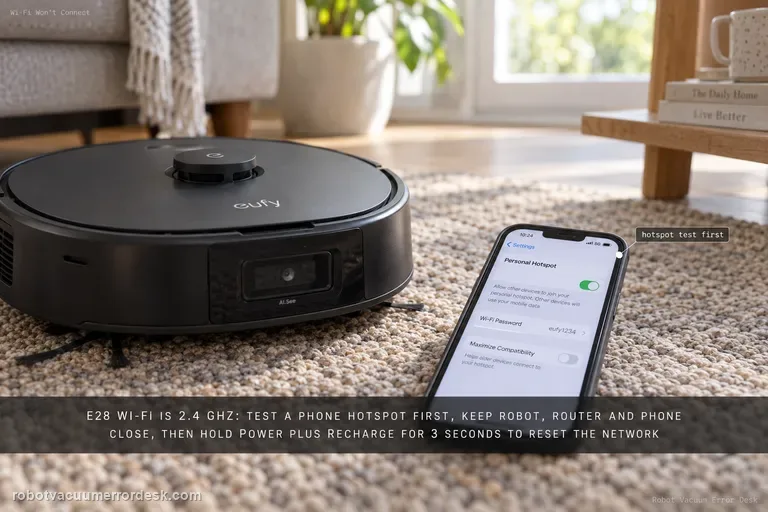
Wi-Fi setup
The Omni E28 uses a 2.4 GHz Wi-Fi connection. Before resetting anything, confirm the password and test whether the robot can join a phone hotspot. For a clean pairing test, keep the robot, router and phone close together. If setup still fails, eufy says to hold the Power and Recharge buttons together for 3 seconds until the network-reset voice prompt, then reconnect. A hotspot that works while home Wi-Fi fails points away from a dead robot radio and toward the home network or credentials.
Failed to return to station
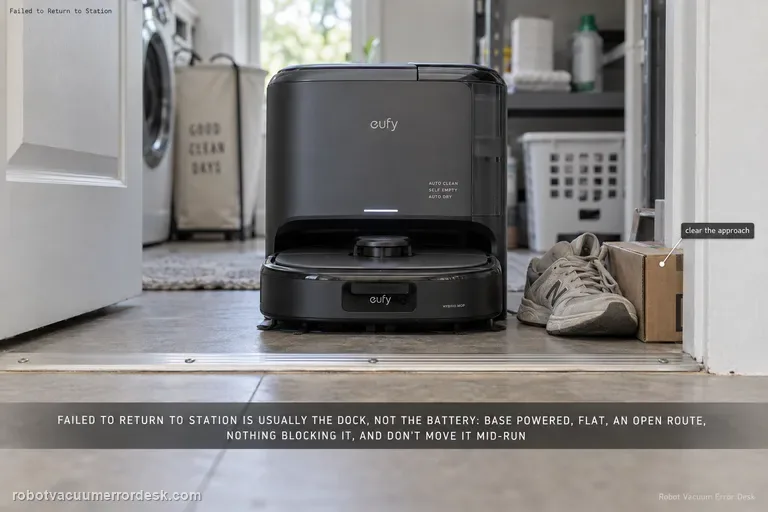
For the E28 message “Failed to return to station or dock,” eufy starts with the station environment rather than the battery: make sure the base is powered, sitting flat, reachable through an open doorway and not blocked by nearby objects. eufy also says not to power off or move the station while the robot is operating. If the robot charges normally when manually seated but cannot return autonomously, keep the diagnosis on dock visibility/placement and navigation rather than replacing charging hardware.
Water Injection Error
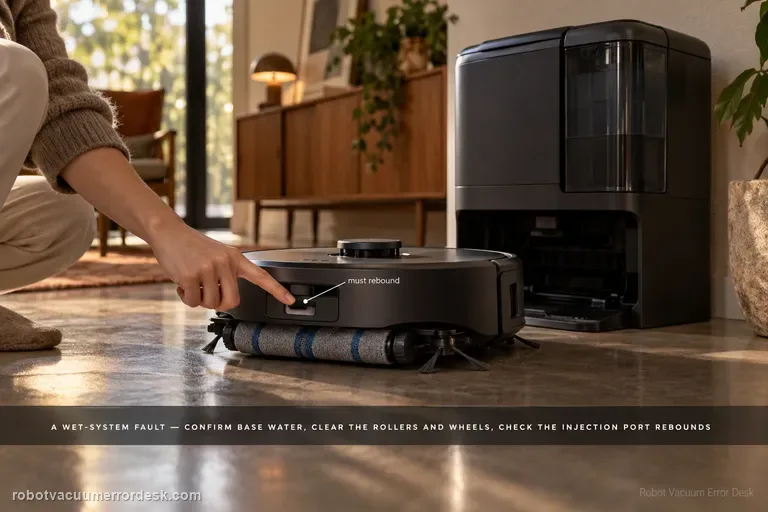
The E28 “Water Injection Error: Please check the app for troubleshooting” is a wet-system fault, not a generic low-water warning. eufy says to confirm water in the base tank, inspect the robot wheels/side brushes/roller brush/roller mop for obstruction and correct seating, check the Portable Deep Cleaner and cleaning tray, and keep the station on a hard level surface. The manufacturer also calls for checking water-injection-port rebound and sewage-outlet security, then using one Roller Self-Cleaning test to see whether water leaks into the tray.
Wastewater Extraction Error
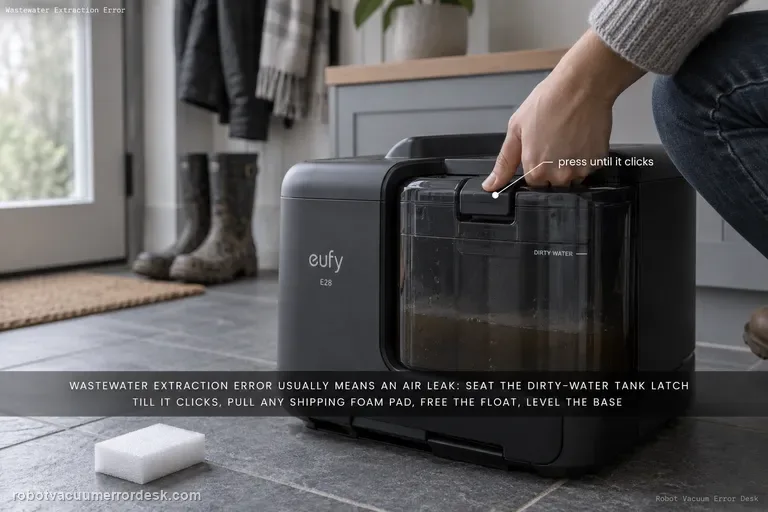
eufy says the E28 “Wastewater Extraction Error” usually means an air leak is preventing dirty water from being extracted into the tank. Start with the dirty-water tank latch and the foam shipping pad around the Portable Deep Cleaner, then inspect the robot/PDC/tray, free the dirty-water-tank float, place the base on a hard level surface, and check the exposed extraction/sewage interfaces. Finish with one Roller Self-Cleaning observation; persistent murky water or leakage in the tray is evidence to stop repeated wet cycles and escalate.
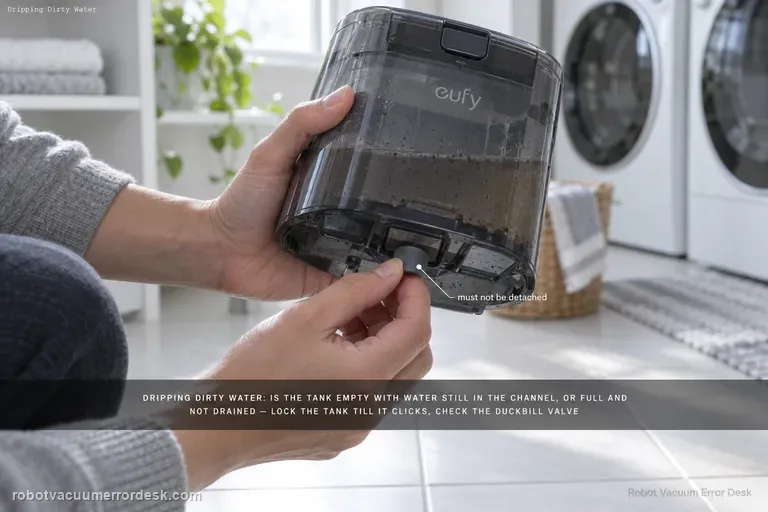
Dripping dirty water
For an E28 that drips dirty water, eufy first separates an empty dirty-water tank with water still in the drain channel from a full tank that the station failed to drain. Then lock the tank until it clicks, remove any Portable Deep Cleaner foam pad, inspect the dirty-water-tank duckbill valve for detachment, and check the tank-to-roller-mop contact area. If water flows correctly down the tank base, eufy says a worn roller mop or excessive water-output setting becomes the next discriminator.
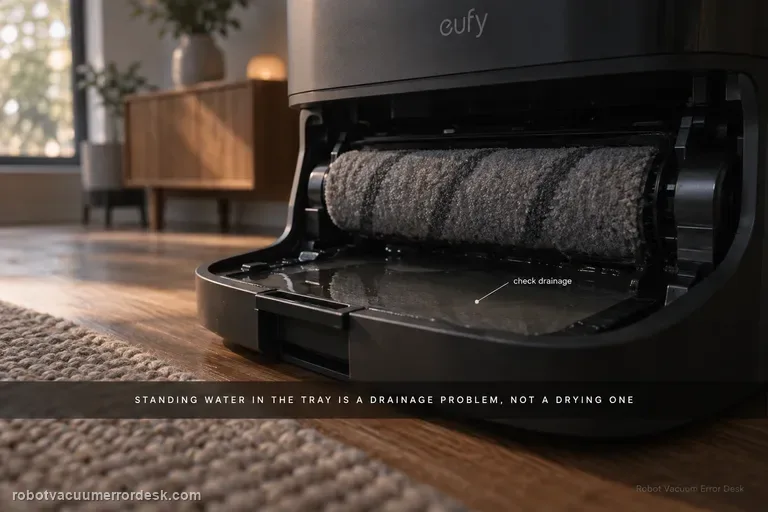
Roller mop not drying
For an eufy E28 roller mop that stays damp, first separate a wet-tray/drainage problem from a true drying problem. eufy says standing water in the cleaning tray can indicate a drainage issue that leaves excessive moisture in the roller. If the tray is draining normally, identify the selected drying mode: the station defaults to Adaptive Drying, while eufy recommends Standard Drying when high humidity prevents complete drying. The exact E25/E28 guidance also gives useful timing baselines—Standard Dry is 5 hours and Quick Dry is 3.5 hours. Run a complete cycle without interruption and evaluate the roller only at the end. A roller that remains clearly wet after a full 5-hour Standard Dry cycle with a normally drained tray is much stronger evidence of a station drying problem than dampness after an abbreviated Quick Dry cycle.