Dreame robot vacuum error codes and alerts
Use this page as a routing table, not a universal code chart. The same number can change meaning across brands and generations, so every row keeps the exact model attached to the fault.
Look up a Dreame code by model before using a fix
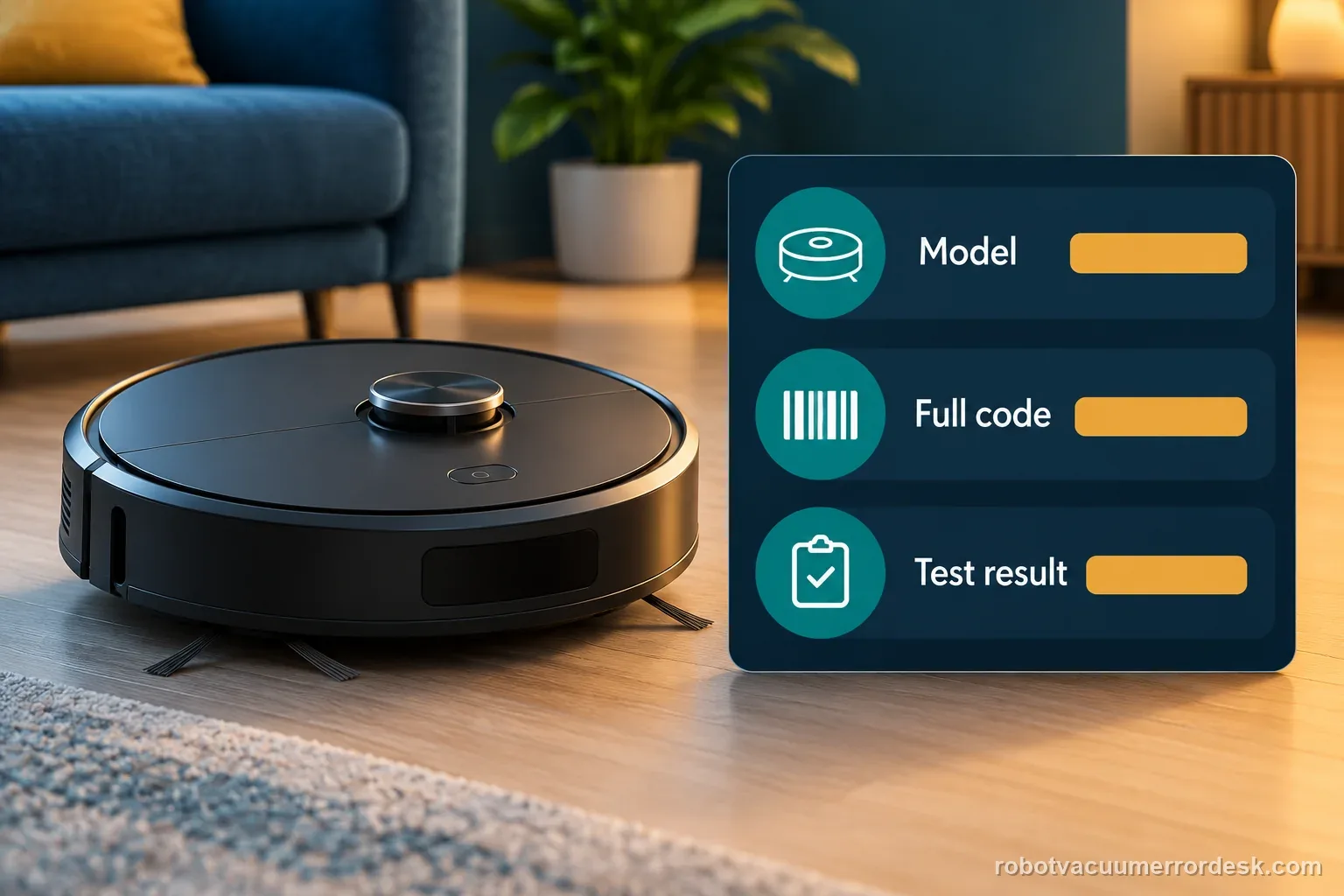
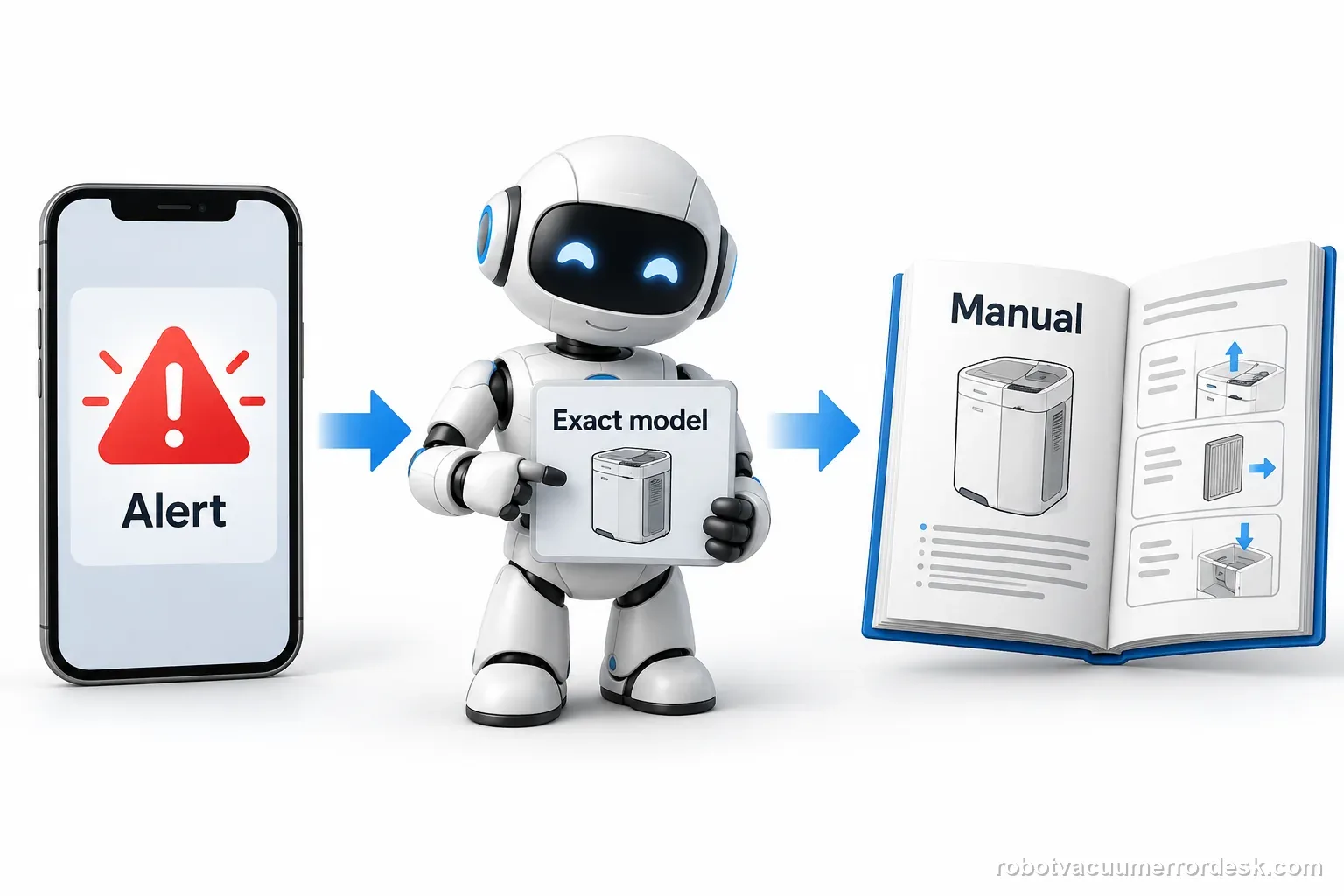
A Dreame robot vacuum error code is useful only when it matches the exact robot and the full app or voice alert. Start with the model label, then open a manufacturer page that names that model. Do not copy a code meaning from another Dreame product family.
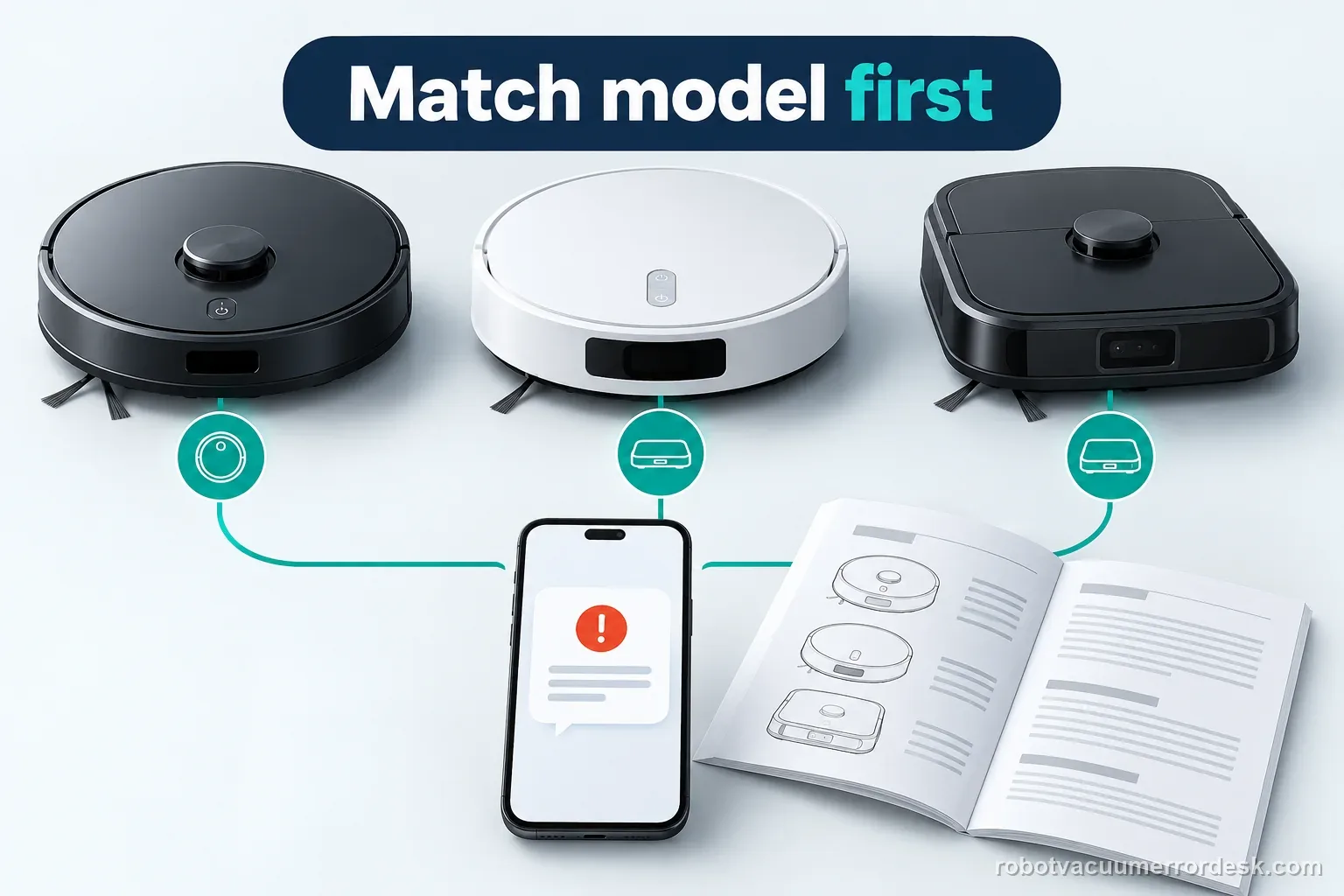
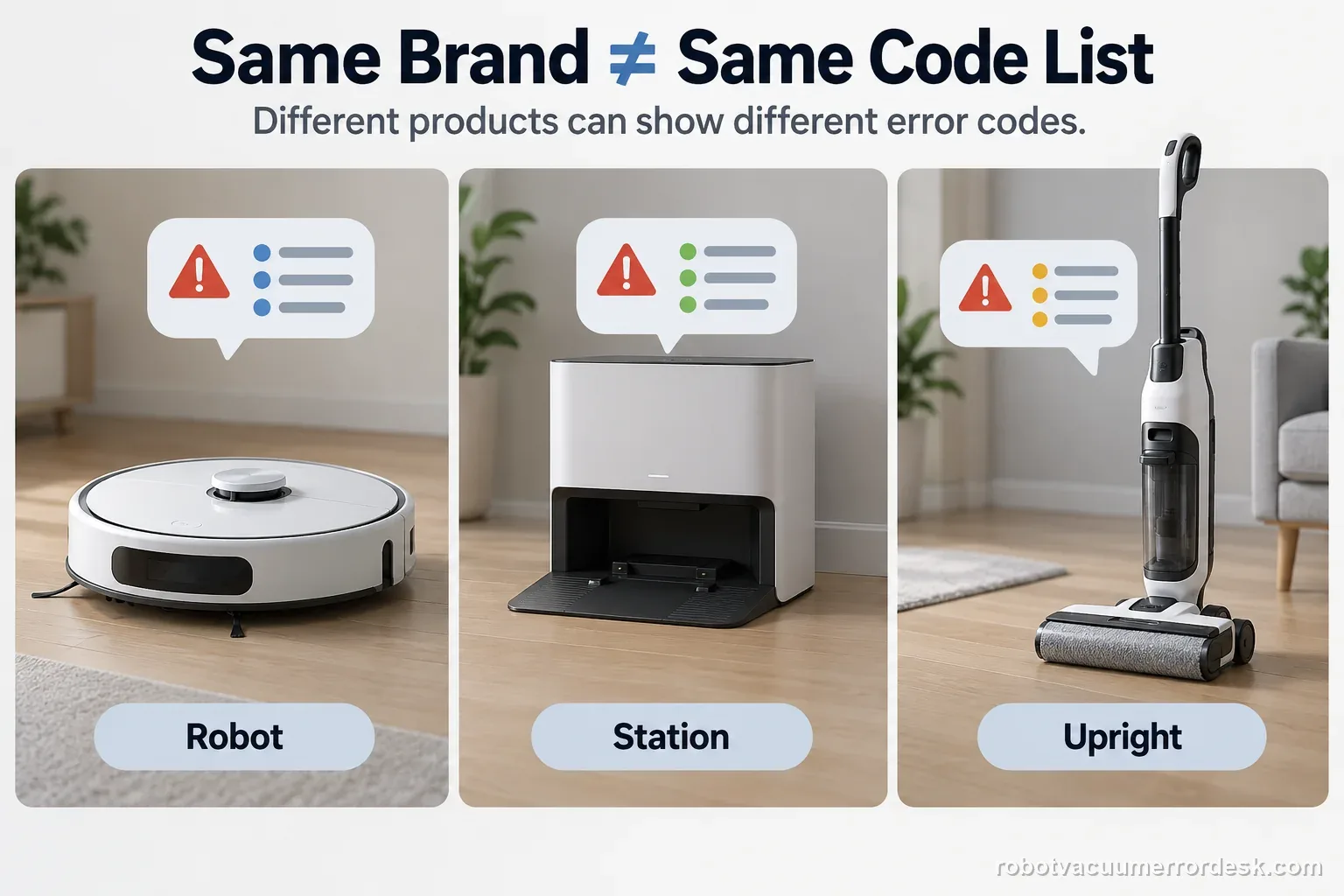
Dreame support also covers upright wet-and-dry cleaners and other appliances. A code on one of those products may have nothing to do with a robot vacuum. If you cannot find your exact model in this index, use the symptom library or contact support with a photo of the complete message.
Use the source that names your product
| Check | What to match | Why it matters |
|---|---|---|
| Product | Robot vacuum, not upright cleaner | Code systems differ |
| Model | Full model and regional variant | Parts and steps can change |
| Alert | Complete wording or code | Nearby numbers are not proof |
| Source | Model title and manual | Avoid family-wide assumptions |
This page routes to guides that identify a model and cite the support material used. It is not a claim that every Dreame code has one universal meaning. The official Dreame appliance error-code article is broader than the robot-only guides here, so check its product scope before transferring a row.
Choose an exact-model path or a symptom guide
If you have an X50, use the Dreame X50 Ultra Complete model desk to select the matching issue. The X50 docking guide covers a robot that repeatedly approaches or misses the base. It does not diagnose an unrelated alert by number.
If the robot has no code, route by the failed stage instead. A mop that will not extend has a different branch from a robot that cannot start, find its base, or connect to the app. The mop and base-station problem hub helps separate water-system symptoms from code lookups.
| Observation | Open next | Do not assume |
|---|---|---|
| Exact code and model guide | Follow that guide's source | Another model's button sequence |
| No code; mop behavior changed | Water or mop symptom route | A code from another family |
| Model is not listed | Official support or manual | Meaning from a nearby number |
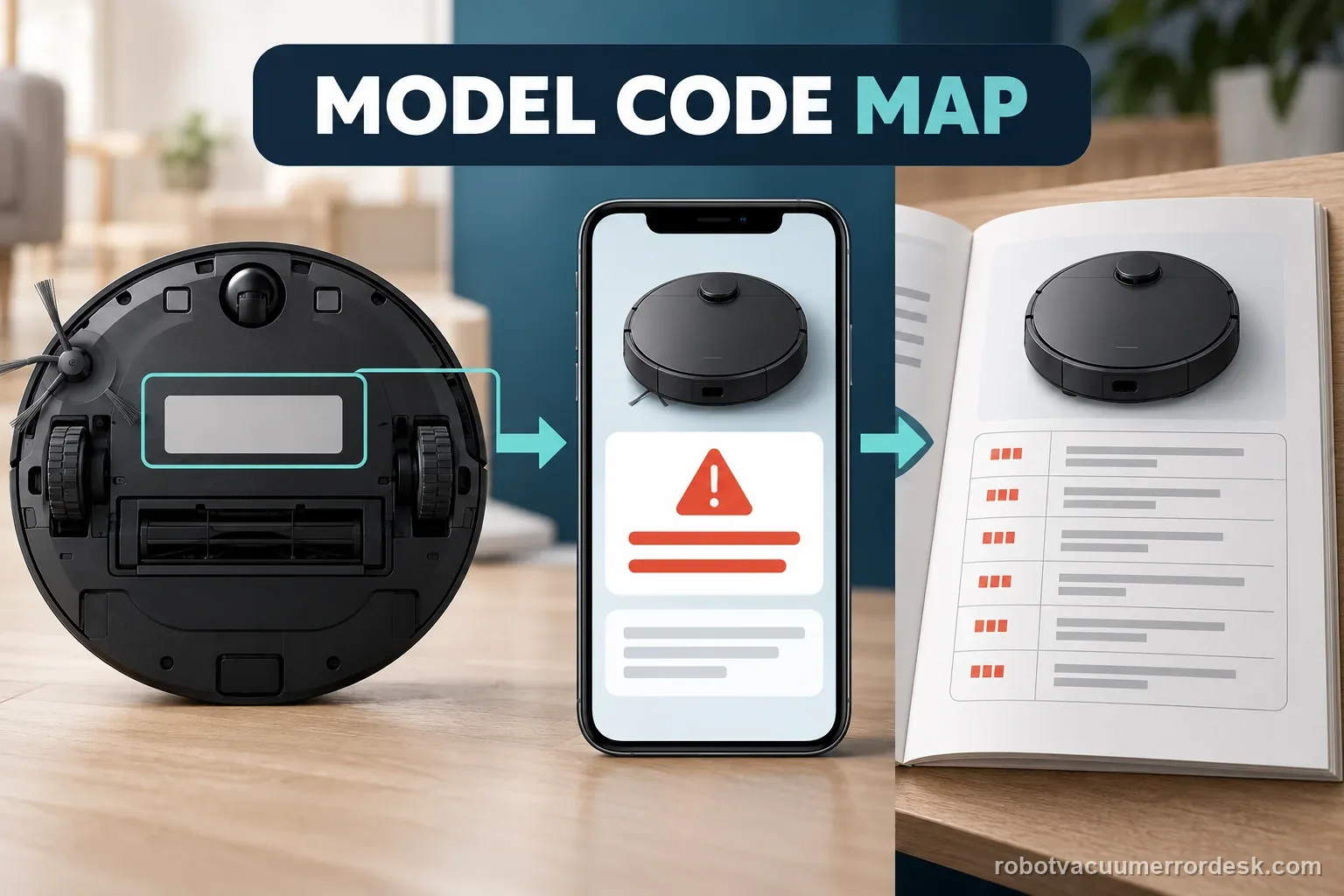
Send Dreame the complete alert and one test result
Before contacting support, save the exact model, region, complete alert, app version if visible, and the stage where it appeared. Describe one owner-level check and its result. Do not open a sealed battery, bypass a sensor, or dismantle a powered dock to identify a code.
For a cross-brand symptom, compare the robot vacuum troubleshooting library. For a brand-level question, open the Dreame troubleshooting hub, which separates robot models and failure stages.
Dreame Aqua 10 Ultra Roller Complete
4 code / alert pathsDreame X50 Ultra Complete
2 code / alert pathsBroad “complete code” tables can collapse multiple generations into one meaning. This index only links to existing source-backed diagnostics and keeps model scope visible so a code number is never treated as universal.