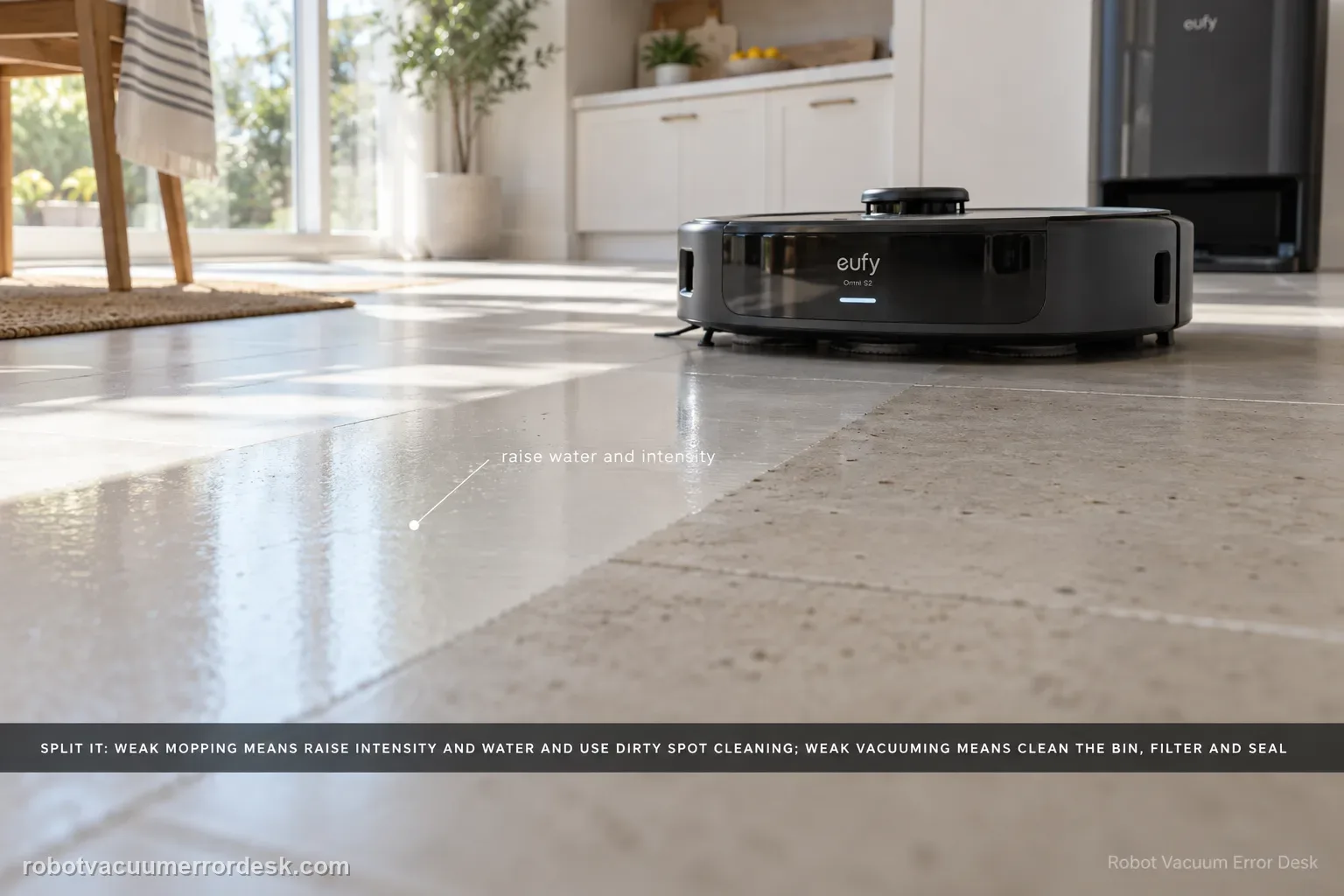
Split the symptom before changing parts. For weak mopping, eufy says to raise cleaning intensity and water level, enable Dirty Spot Cleaning for heavily soiled areas, and accept that hardened oil, glue or paint may still need manual cleaning. For weak vacuuming, clean the dustbin/filter, inspect the dustbin air-outlet silicone seal, replace worn brushes, then verify coverage and run a controlled second pass. Carpet results should be judged separately with higher suction if needed.
Is the weak result primarily mopping, vacuuming, or missed coverage?
Confirm the exact model and exact code, light pattern or symptom.
Run the lowest-risk physical or software check first.
Use each pass condition to decide what the result actually narrows down.
Is this the problem you’re seeing?
- The Omni S2 completes jobs but leaves ordinary dirt, crumbs or dust behind.
- Mopping leaves routine soil behind even though water delivery and the roller are operating.
- Cleaning performance is weak across a surface, not simply a single room that the robot never entered.
Likely root causes, ranked
Cleaning intensity or water level is too conservative for the floor/soil load
Dirty Spot Cleaning is disabled for concentrated spills or stains
Dustbin/filter or the air-outlet silicone seal is restricting airflow
Side brushes or roller brush are worn, deformed or overdue for replacement
Coverage, carpet suction or a one-pass task is insufficient for the test condition
What the result narrows down
| What you observe | What it narrows down | Next move |
|---|---|---|
| Mopping is active but light soil remains | Settings/roller condition should be tested before treating the wet system as failed. | Raise cleaning intensity and water level, then compare the same small zone. |
| Heavy spill or concentrated dirty patch remains | The normal pass may not be using the S2’s targeted intensive behavior. | Enable Settings → Cleaning Preference → Dirty Spot Cleaning and retest the marked area. |
| Hardened oil, glue or paint remains | The residue is outside the daily-maintenance use case eufy describes. | Clean that residue manually rather than escalating normal robot behavior as a defect. |
| Vacuum pickup is weak while mopping itself looks normal | The problem belongs to the dry collection/airflow branch. | Clean dustbin/filter/brush path and compare pickup separately from wet finish. |
| Poor results remain after settings, maintenance and realistic soil comparison | Simple configuration and consumable-condition causes have been controlled. | Document the test floor/soil/settings and contact eufy rather than changing several parts at once. |
Do not factory-reset by default. Use the exact model’s reboot/network-reset procedure only when the manufacturer path calls for it.
Checks to run, in sequence
Separate mopping weakness from vacuuming weakness
Run a small controlled area and decide what is actually being left behind. If dry debris remains, stay on the airflow/brush path. If the floor is being wetted but ordinary soil remains, stay on mopping settings and roller performance. This prevents changing suction parts for a water/settings problem or raising water for a blocked filter.
For weak mopping, raise intensity and water and enable Dirty Spot Cleaning
In the eufy app, increase Cleaning Intensity and the water-usage level. eufy specifically recommends the highest settings when stronger mopping is needed. For concentrated soil such as a coffee spill, go to Settings → Cleaning Preference → Dirty Spot Cleaning and enable the feature so S2 can apply a more intensive scrub to the detected dirty area.
For weak vacuuming, restore the dustbin/filter and silicone airflow seal
Clean the dustbin and filter using the S2 maintenance path. Then inspect the silicone seal at the dustbin air outlet: it should be seated fully, sealed and free of debris. eufy calls out this seal because poor seating can leak airflow even when the fan itself sounds normal.
Inspect wear parts and prove the robot actually covered the dirty area
Check the side brushes and roller brush for wear, deformation or overdue replacement; eufy recommends replacing worn parts rather than diagnosing around them. Then review the cleaning record to confirm the target area was actually covered. If furniture, pets or moved objects blocked it, redraw/reselect the area and repeat the run after the path is stable.
Use a second-pass and carpet-specific test before escalation
Run one additional cycle at High cleaning intensity. For carpet, raise suction and judge the result separately from hard-floor mopping because eufy notes carpet performance can differ and bent side brushes or reduced suction matter more there. If ordinary accessible hard-floor dirt still remains after settings, airflow, brushes and coverage are proven, preserve before/after photos and the cleaning record for support.
Run separate vacuum and mop tests so one weak function does not contaminate the diagnosis
Use two small controlled areas. On the first, place a modest amount of dry debris and evaluate pickup without judging water marks. On the second, use ordinary removable soil and evaluate the wet pass with the roller active. The S2 article has separate mopping and vacuuming branches; keeping those tests separate prevents a dirty filter from being blamed for water distribution or a stubborn stain from being mislabeled as weak suction.
Reset expectations with the soil type before escalating hardware
eufy explicitly says hardened or adhesive residues such as dried oil, glue or paint may require manual cleaning. Use a normal maintenance-cleaning test patch after setting intensity/water appropriately. If the S2 handles ordinary soil but not hardened residue, the robot is not demonstrating the same failure as a machine that leaves easy debris or fresh soil untouched. Preserve that distinction when deciding whether service is justified.
Escalate only after an ordinary-soil test still performs poorly with suitable intensity/water settings, Dirty Spot Cleaning when appropriate, a clean dustbin/filter and air-outlet seal, serviceable brushes and confirmed coverage. Send before/after photos, floor type, app settings, cleaning-history screenshot and copied Device Information. If mopping never activates or the robot never reaches the area, use those dedicated fault paths instead because they are different failures.
Information to have ready for support
Support can skip the basic troubleshooting script when you provide a reproducible case. That keeps the results of your checks from getting lost.
- Exact model name and the error code / voice prompt exactly as shown
- A photo or screenshot of the app error and the time it occurred
- A short list of the checks already completed and what happened after each one
- Device information / activity-log details from eufy Clean when the issue is mapping or routing related
Source and evidence level
eufy Omni S2 — Poor Mopping or Cleaning Performance
eufy’s exact S2 performance article separates mopping from vacuuming. For weak mopping it recommends higher cleaning intensity/water, Dirty Spot Cleaning for concentrated soil and manual treatment for hardened oil, glue or paint. For weak vacuuming it calls out the dustbin/filter, air-outlet silicone seal, worn brushes, coverage records, extra passes and carpet-specific suction. The S2 user guide/model desk and support-information checklist provide companion controls and escalation context.
Additional official source: eufy — Omni S2 User Guide (T2081) ↗Additional official source: eufy — Omni S2 model support desk ↗Additional official source: eufy — What support needs for S2 technical issues ↗Last editorial review: September 5, 2026Regional note: manufacturer help centers, model suffixes, mains-power requirements and warranty procedures can differ by country. If the source redirects to a local support site, confirm that the model/hardware scope still matches before following a region-sensitive step.
This guide is rated Official model support. See what each evidence label means →
Common questions
Why is my eufy Omni S2 mopping but still leaving dirt behind?
First increase cleaning intensity and water level for a controlled comparison, because eufy lists both as first-line S2 mopping adjustments. For concentrated soiling, enable Dirty Spot Cleaning under Settings → Cleaning Preference. If the residue is hardened oil, glue or paint, eufy warns that manual cleaning may still be required, so do not use that type of stain alone to diagnose a wet-system failure.
What does Dirty Spot Cleaning do on the eufy Omni S2?
eufy describes Dirty Spot Cleaning as an intensive cleaning option for heavily soiled areas such as a spill. It is under Settings → Cleaning Preference. Use it after proving the S2 is actually mopping and the problem is insufficient cleaning strength on a localized dirty patch. It is not a fix for a robot that never activates the mop or cannot reach the area.
Should I use maximum water and cleaning intensity all the time on the Omni S2?
Use higher settings as a diagnostic comparison rather than assuming one setting is best for every floor. eufy recommends increasing intensity and water when mopping performance is weak. Test a small safe area and judge soil removal and finish. If higher water improves cleaning but creates excess marks on your floor, tune the setting instead of treating that tradeoff as a hardware defect.
Why does my Omni S2 vacuum poorly even though the mop looks fine?
Treat weak dry pickup as a separate branch. Inspect the dustbin, filter and brush path and confirm the chosen suction behavior before blaming the mop system. A robot can have good water delivery but poor debris pickup when airflow or agitation is restricted. Use a repeatable dry-debris test so you can tell whether maintenance restores pickup without changing unrelated wet settings.
When should I contact eufy about poor Omni S2 cleaning performance?
Contact eufy when ordinary soil remains after you have separated vacuum from mop performance, used appropriate intensity/water settings, enabled Dirty Spot Cleaning where relevant, and cleaned the accessible collection/brush components. Send the floor type, settings and before/after photos or video. Do not base escalation solely on hardened glue, paint or similar residue that eufy says may need manual removal.
Did this diagnostic narrow the fault?
Use this as an editorial signal, not a popularity counter. If a feedback address is configured you can email the note; otherwise you can copy it for your own support record.