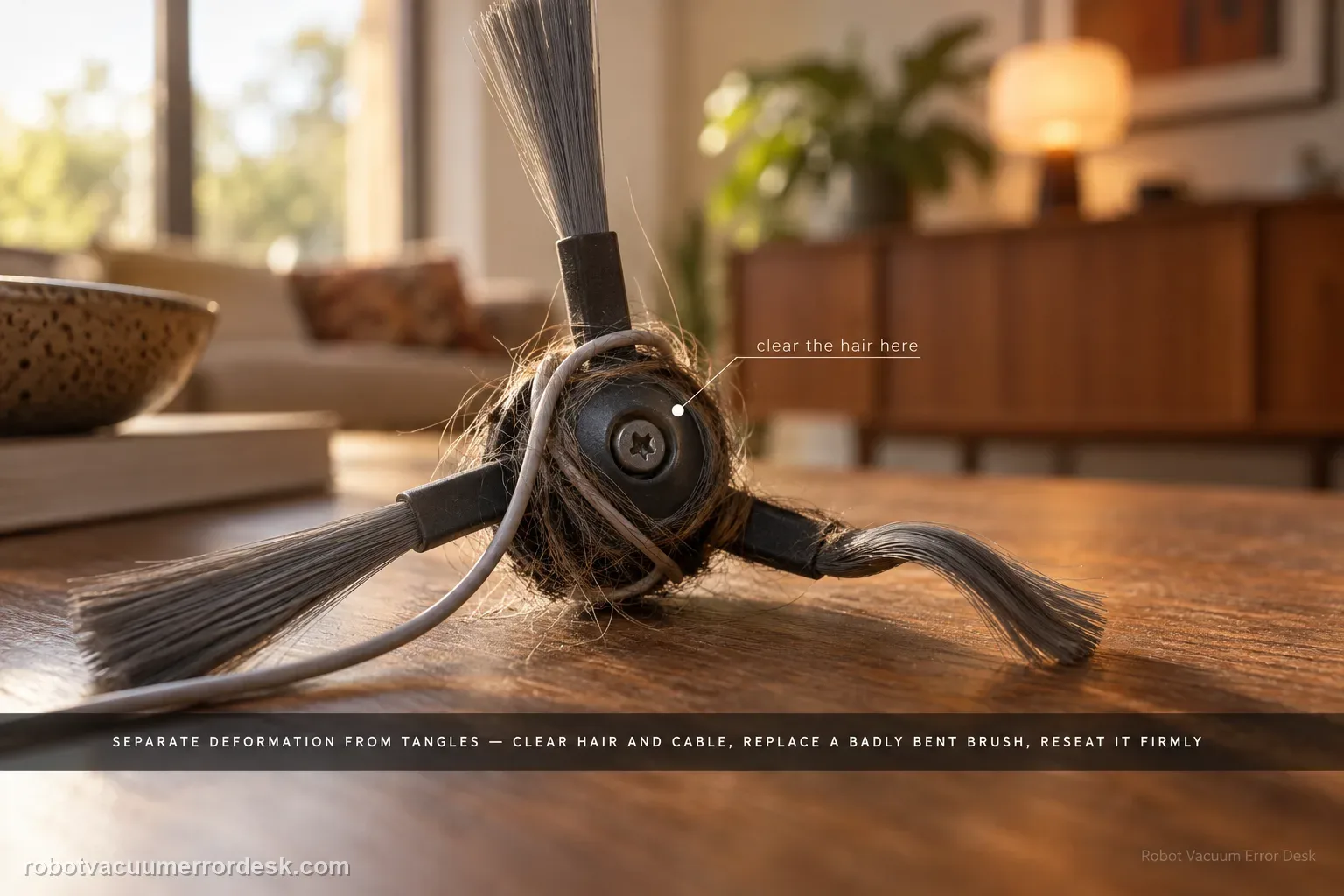
For a side brush that will not rotate, makes abnormal noise or falls off, Dreame first separates deformation from entanglement. Remove hair, thread or cable debris, replace a badly deformed brush for the rotation test, reinstall it securely and continue cleaning near the same area. The Aqua10 also has a separate exact-model article for curled nylon bristles; use that shape-only path when the motor still rotates and the problem is simply deformation. If a clean, correctly shaped and securely mounted brush still will not rotate, stop at support rather than opening the brush drive.
Confirm the exact model and exact code, light pattern or symptom.
Run the lowest-risk physical or software check first.
Use each pass condition to decide what the result actually narrows down.
Confirm this is the right issue
- The side brush does not rotate during cleaning.
- The side brush makes abnormal noise or falls off.
- Hair, power cords or fibers may have wrapped around the brush.
What’s most likely causing this
Hair, thread, power cord or charging cable tangled around the side brush or accessible hub.
Side brush visibly deformed enough that it cannot serve as a reliable rotation test part.
Brush not securely reinstalled after cleaning, causing wobble, noise or detachment.
Persistent side-brush drive fault when a clean, correctly shaped and securely mounted brush still does not rotate.
A shape-only complaint being mixed with the separate non-rotation/falling-off symptom.
Reading your test result
| What you observe | What it narrows down | Next move |
|---|---|---|
| Hair/cord is wrapped around brush | Mechanical entanglement is proven | Remove brush and clear foreign material. |
| Brush is visibly deformed | A damaged or badly curled consumable is not a reliable motor test part. | Use a correctly shaped brush for the rotation test; use the separate deformation guide when shape is the only symptom. |
| Brush rotates after cleaning/reinstall | Obstruction was the likely cause | Resume cleaning after tidying floor cables. |
| New correct brush also fails to rotate | Consumable shape is ruled out | Record behavior on clear hard floor. |
| No obstruction and repeated non-rotation | Owner-level path is exhausted | Contact Dreame rather than opening motor housing. |
Do not factory-reset by default. Use the exact model’s reboot/network-reset procedure only when the manufacturer path calls for it.
Work through these checks in order
Classify rotation failure versus shape-only deformation
Watch the side brush during an ordinary cleaning pass. If it rotates but the bristles are merely curled, use the separate Aqua10 deformation guide. Continue here when the brush does not rotate, makes abnormal noise or falls off. This boundary matters because Dreame’s generic rotation article recommends replacement for a deformed brush, while the exact Aqua10 shape article describes a hot-water straightening method for deformation alone.
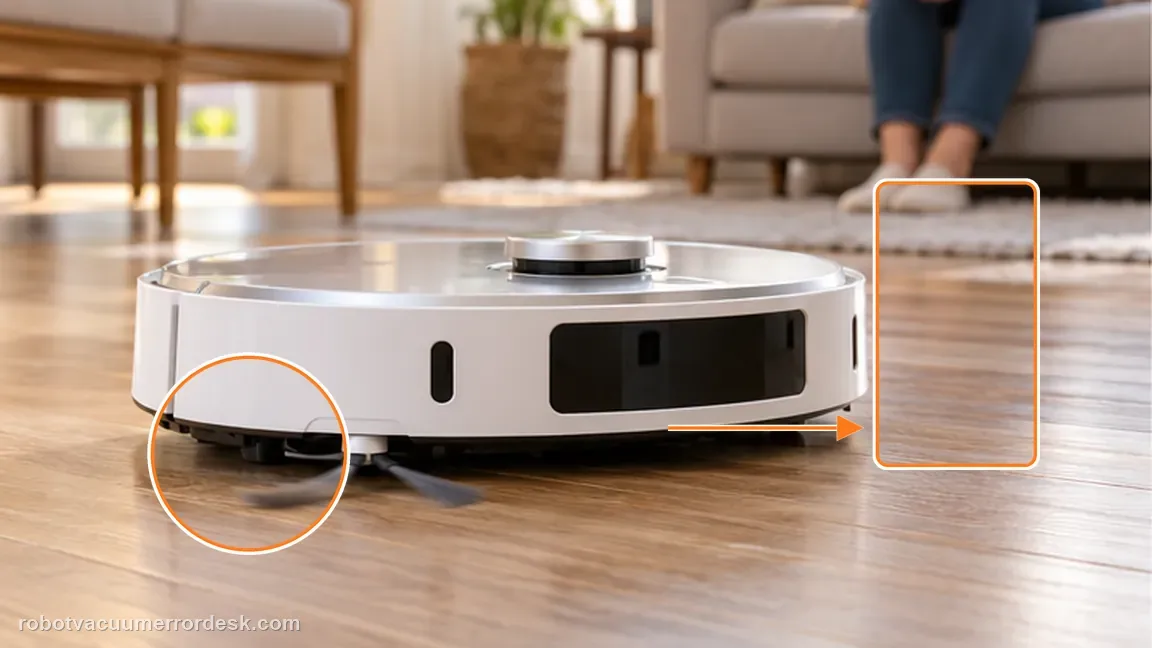
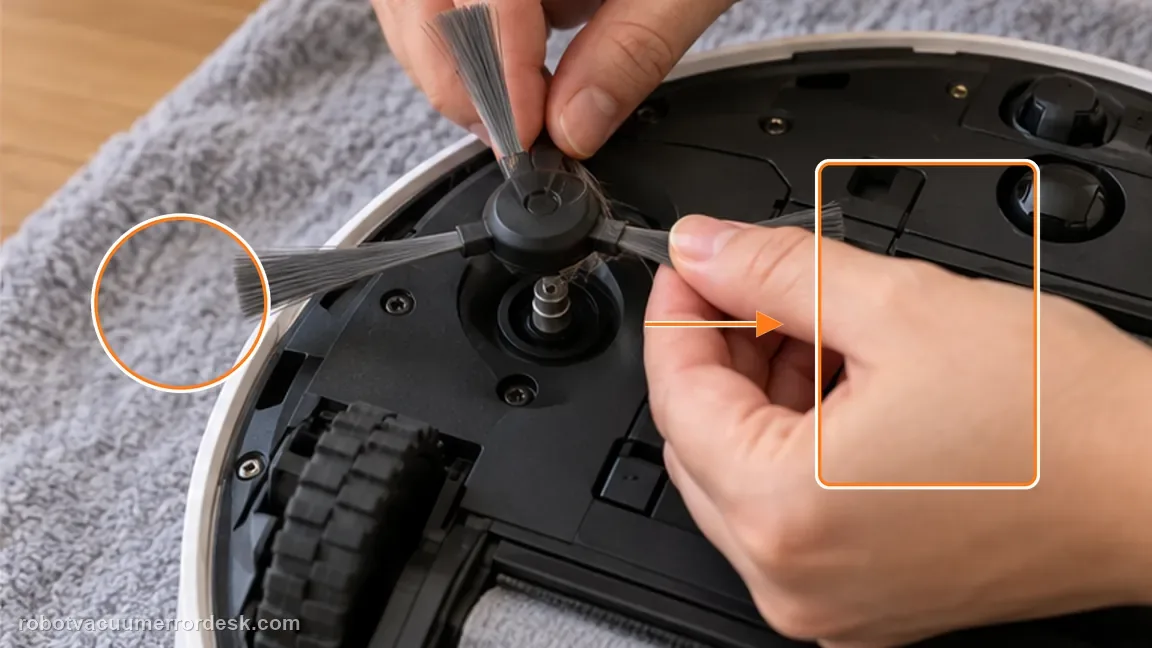
Power off, remove the side brush and clear entanglement
Remove the user-serviceable side brush and clear hair, thread and other foreign objects from the brush and accessible hub. Dreame specifically warns that power cords and charging cables can entangle the side and roller brushes, so remove loose cables from the test route as well.
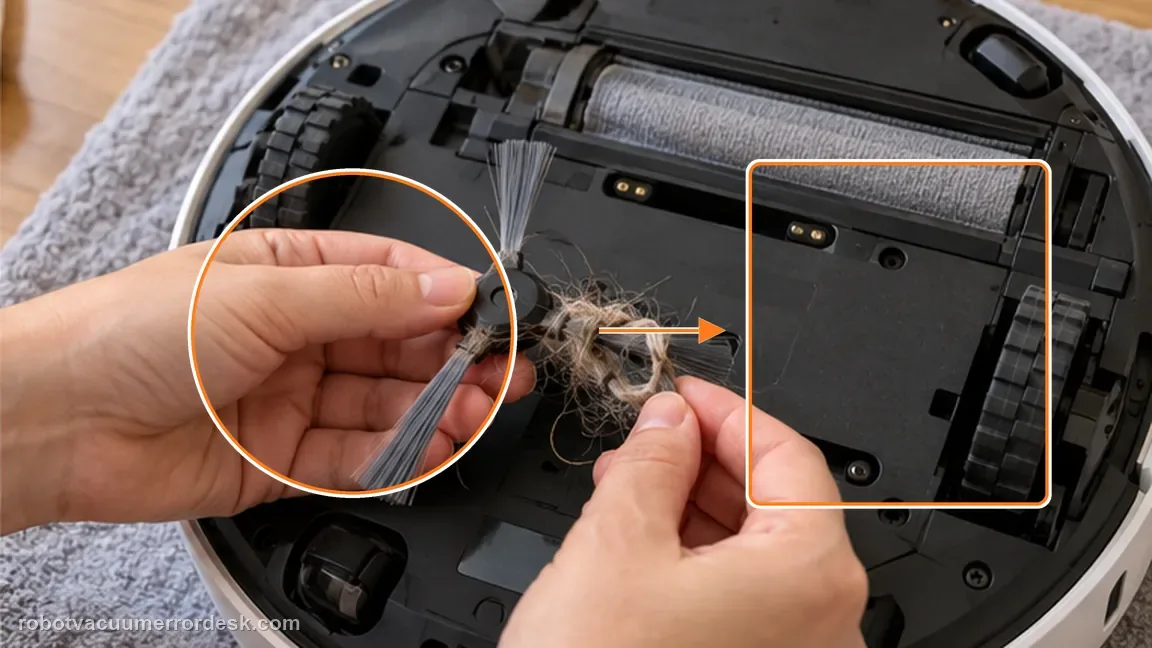
Use a correctly shaped brush for the motor test
Inspect the removed brush. For this rotation diagnosis, do not judge the drive with a badly deformed consumable. Replace it if needed so the test brush is clean and correctly shaped. The separate deformation article can be used when bristle shape is the only problem and the brush drive itself works.
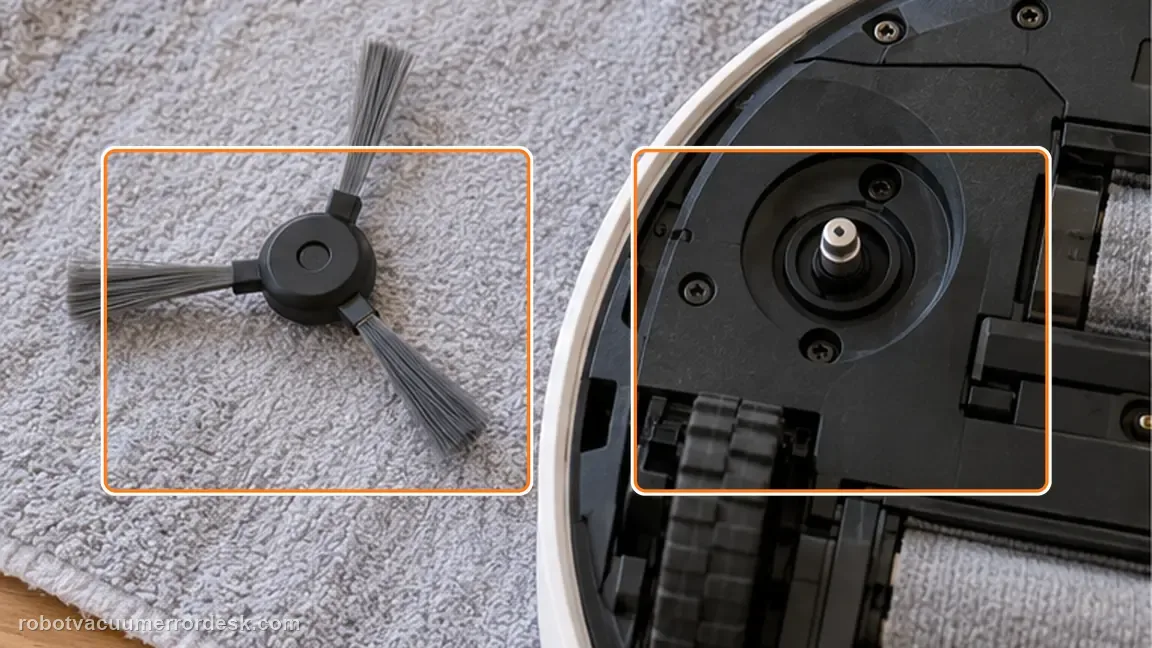
Reinstall the brush securely
Seat and fasten the side brush through the normal owner-maintenance path. The Aqua10 manual shows the side brush is screw-mounted, so a loose reinstall can produce wobble, noise or detachment that looks like a motor problem. Do not leave the screw loose for a “quick” test.
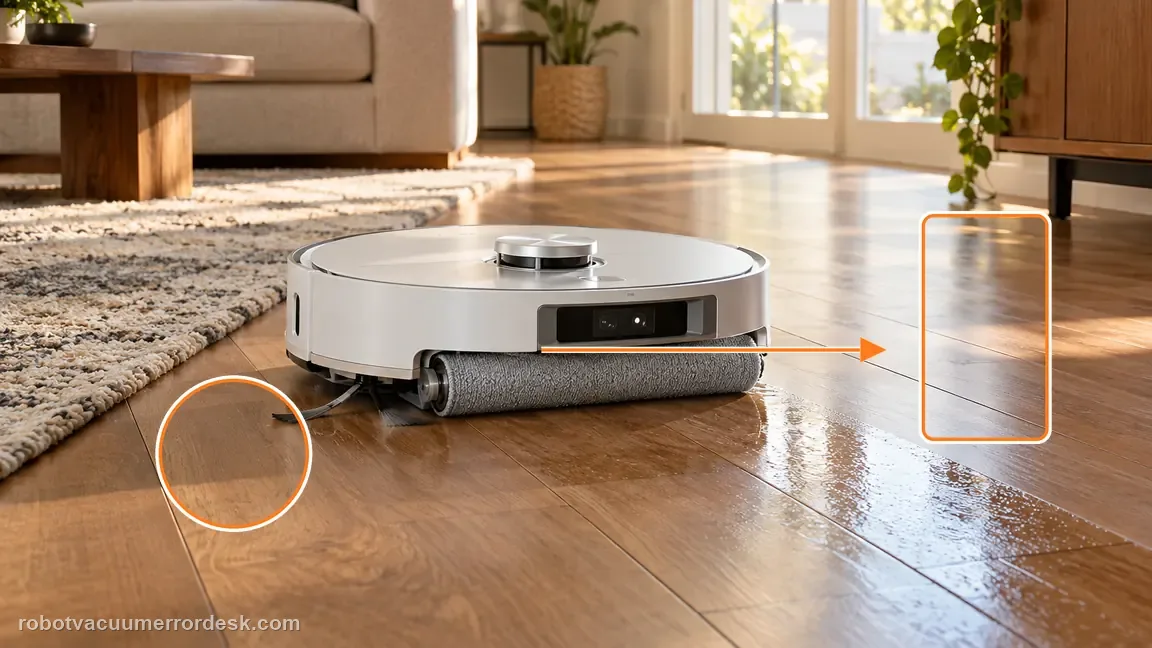
Continue a short cleaning task near the same area
Follow Dreame’s instruction to place the robot near the cleaned area and continue the task. Use clear hard flooring so a rug fringe or cable does not immediately recreate the obstruction. Observe whether the brush rotates and stays attached under normal load.
Contact Dreame if a clean, correctly shaped side brush is securely mounted, the floor is clear of cords and the brush still will not rotate or repeatedly falls off. Send a short video of the controlled hard-floor test. Do not open the side-brush motor housing. If the brush rotates normally and only the bristles are curled, use the separate Aqua10 side-brush-deformation path instead.
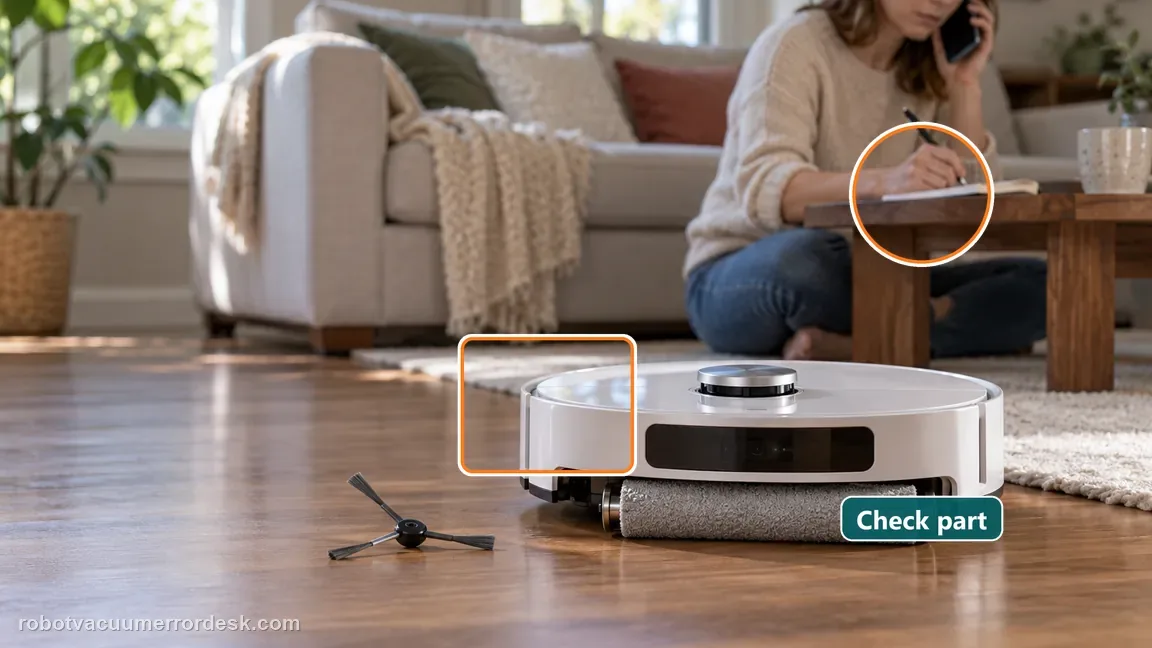
Before you contact support, gather this
A reproducible case moves a support call past the basic troubleshooting script faster than “it doesn’t work” does, and it keeps the clues from your own tests on record.
- Exact model name and the error code / voice prompt exactly as shown
- A photo or screenshot of the app error and the time it occurred
- A short list of the checks already completed and what happened after each one
- Short video showing the failed docking, mapping or base-station behavior
- Firmware version shown in Dreamehome
Where this comes from
Dreame — Robot Vacuum and Mop: Side Brush Not Rotating
Current Dreame manufacturer support covers side-brush non-rotation/noise/falling-off by separating deformation from foreign-object entanglement, cleaning and retesting. The Aqua10 manual confirms the side brush is screw-mounted; the exact Aqua10 deformation article is kept as a separate adjacent-intent source rather than conflated with a drive fault.
Additional official source: Dreame Aqua 10 Ultra Roller Complete — Support Hub ↗Additional official source: Dreame Aqua 10 Ultra Roller Complete — User Manual ↗Additional official source: Dreame Aqua 10 Ultra Roller Complete — Side Brush Deformed ↗Last editorial review: October 8, 2026Regional note: manufacturer help centers, model suffixes, mains-power requirements and warranty procedures can differ by country. If the source redirects to a local support site, confirm that the model/hardware scope still matches before following a region-sensitive step.
This guide is rated Manufacturer-general. See what each evidence label means →
Questions people ask
Can a power cord stop the Aqua10 side brush from rotating?
Yes. Dreame explicitly warns that the side brush and roller brush can become entangled with power cords or charging cables. Power the robot off, remove the side brush, clear wrapped material and tidy loose cables from the proof-test route. Reinstall the brush securely and retest on clear floor. A repeated failure with no entanglement is more meaningful than a failure reproduced next to the same loose cable.
Should I replace a deformed side brush before testing the drive?
For a non-rotation diagnosis, use a clean and correctly shaped brush so a damaged consumable does not confuse the motor test. Dreame’s general non-rotation article says a deformed brush should be replaced. The Aqua10 also has a separate exact-model bristle-deformation article with a straightening method, but that path is best kept for shape-only complaints where the brush still rotates normally.
Why does secure reinstallation matter on the Aqua10?
The Aqua10 manual shows the side brush is fastened with a screw. If the brush is not properly mounted after cleaning, it can wobble, make noise or fall off and mimic a drive problem. Reinstall it through the normal owner-maintenance path before the controlled test. Do not run the robot with the brush deliberately loose just to see whether the motor turns.
What if the side brush rotates but the bristles are curled?
That is a different intent. Use the Aqua10 side-brush-deformation guide, which is grounded in Dreame’s exact-model article about curled nylon bristles. This page is for a brush that does not rotate, makes abnormal noise or falls off. Keeping the two symptoms separate prevents a shape treatment from being mistaken for a repair of a failed drive or mounting problem.
When should I contact Dreame for a side-brush problem?
Escalate when the brush and accessible hub are clean, loose cords are removed, a correctly shaped brush is securely mounted and non-rotation or repeated detachment still occurs during a short hard-floor task. Record that test on video. At that point the consumable and obvious entanglement branches have been controlled, and opening the side-brush motor is not the next owner-level step.
Did this diagnostic narrow the fault?
Use this as an editorial signal, not a popularity counter. If a feedback address is configured you can email the note; otherwise you can copy it for your own support record.